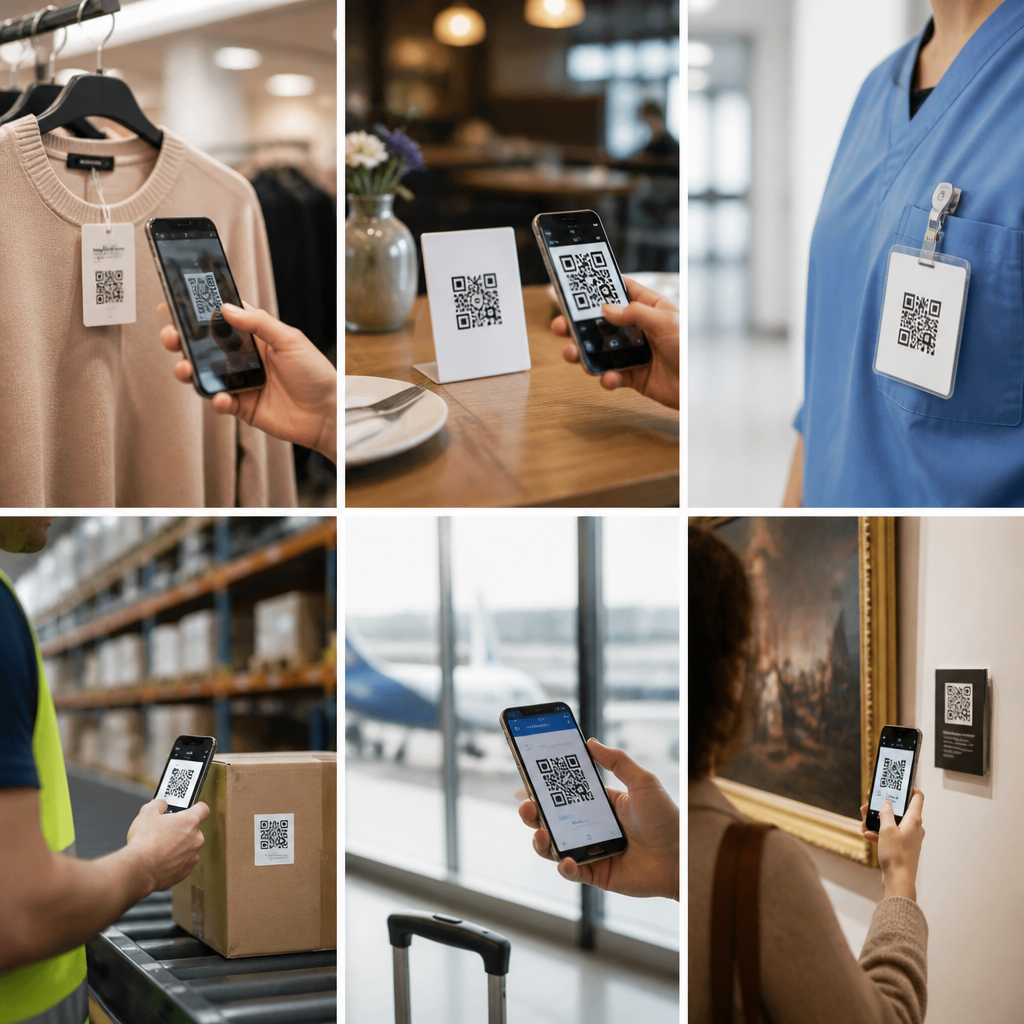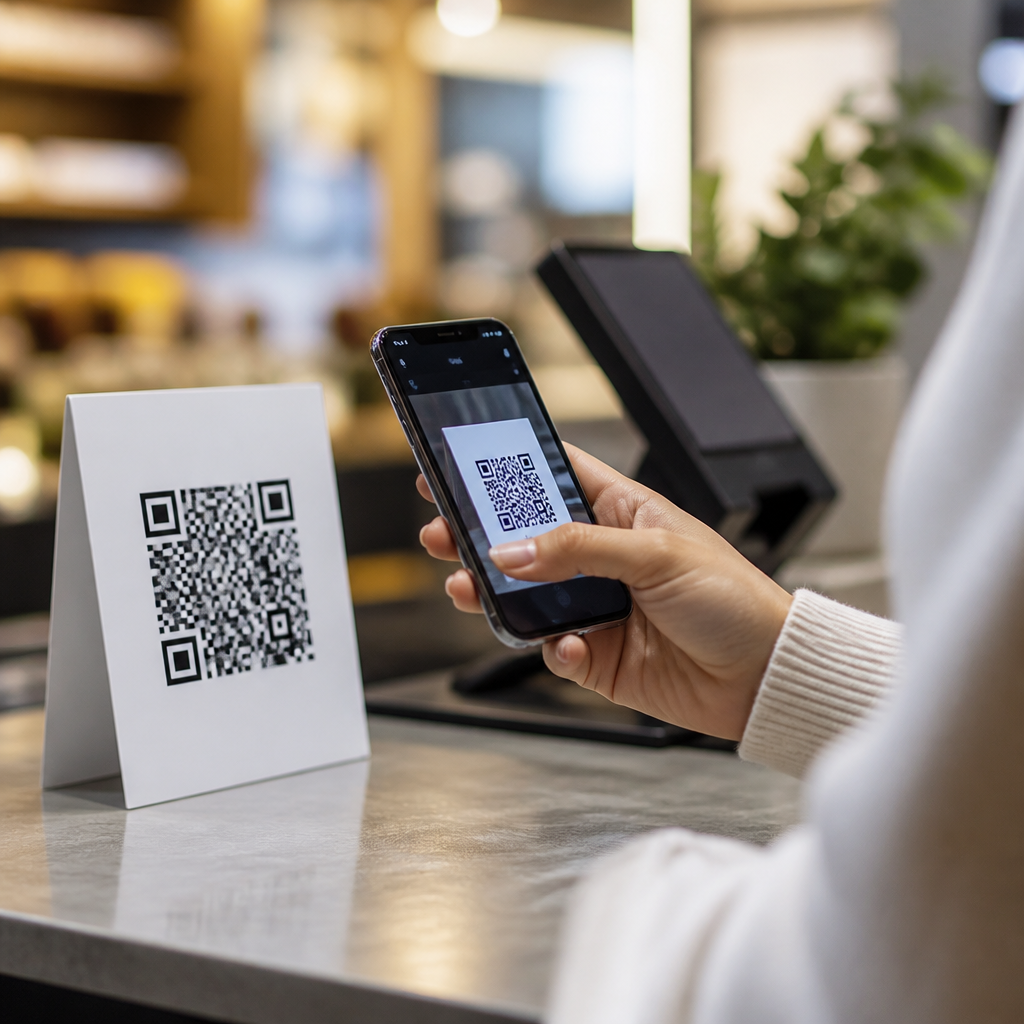
QR codes and barcodes both encode information for fast scanning, but they solve different problems, use different technical structures, and fit different customer experiences. A barcode usually stores a short numeric or alphanumeric identifier in a one-dimensional pattern of vertical lines, while a QR code stores much more data in a two-dimensional grid of squares that can be scanned from multiple angles. For businesses comparing QR codes vs barcodes, or weighing QR codes vs NFC and other contactless tools, the practical question is not which technology is newer. The real question is which technology matches the job, the device, the environment, and the user behavior you need to support.
I have worked with retailers, event teams, restaurants, and operations managers choosing between these systems, and the wrong choice usually creates friction in places that matter most: checkout speed, inventory accuracy, customer adoption, and analytics. A warehouse labeling project has very different requirements from a mobile payment flow or a product package that links to care instructions, warranty registration, and video setup guides. This is why understanding the difference between QR codes and barcodes matters. It shapes printing costs, scanner compatibility, data capacity, error tolerance, security controls, and the kind of digital journey a customer can complete in one scan or tap.
At a high level, barcodes dominate point-of-sale retail and inventory systems because they are standardized, cheap to print, and optimized for identifying products quickly. QR codes excel when you need a smartphone-friendly bridge between physical objects and digital content. NFC, RFID, and newer vision-based systems push the comparison further by adding tap interactions, bulk reading, or camera recognition without a printed code. Each option has strengths and limits. The best strategy is rarely replacing everything with one tool; it is matching each touchpoint to the technology that performs reliably at scale.
How barcodes and QR codes actually differ
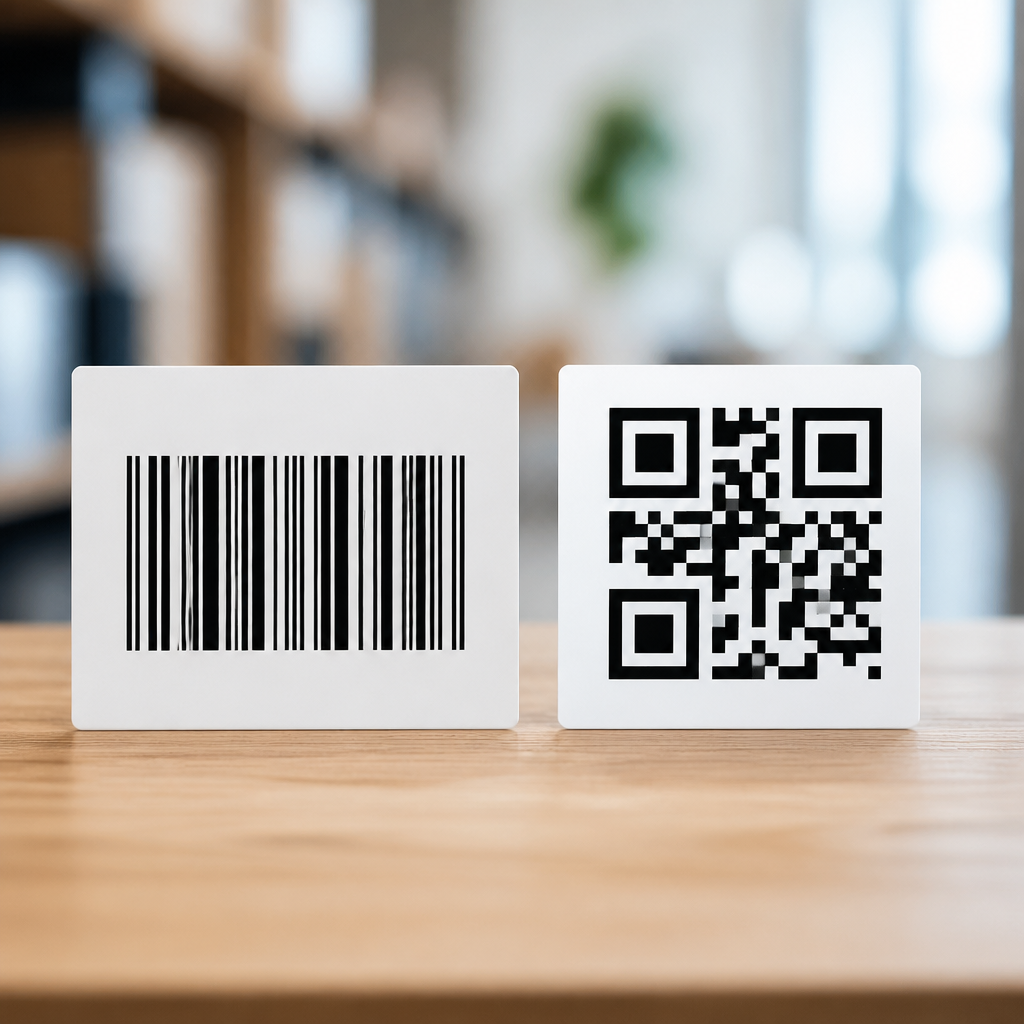
The core technical difference is dimensionality. Traditional barcodes such as UPC and EAN are one-dimensional symbols read horizontally. They encode data through varying widths and spacing of parallel lines. In most retail uses, the barcode does not contain rich information about the item itself; it contains an identifier that points to a database record in the POS or inventory system. That is why a grocery scanner can read a UPC instantly and retrieve the product name, price, tax status, and promotional rules from the retailer’s system. The printed symbol is compact because the intelligence lives in the backend.
A QR code is a two-dimensional matrix code standardized under ISO/IEC 18004. It stores data both horizontally and vertically, allowing far greater capacity than a linear barcode. Depending on the version and character set, a QR code can hold thousands of numeric digits or over a thousand alphanumeric characters. It also includes Reed-Solomon error correction, which means it can still scan even if part of the code is smudged, scratched, or partly covered. That resilience explains why QR codes work well on posters, packaging, menus, receipts, and industrial labels where wear and uneven scanning angles are common.
The scanning model differs too. Barcodes often rely on dedicated laser or imaging scanners in controlled settings such as checkout lanes and warehouse stations. QR codes are designed for camera-based scanning, especially on smartphones. That change matters because it removes hardware friction. If a customer already has a phone camera, a QR experience can launch without a specialized reader. Apple integrated native QR recognition into the Camera app in iOS 11, and Android devices broadly followed, helping drive mainstream adoption. This smartphone compatibility is one reason QR code usage accelerated in payments, ticketing, authentication, and connected packaging after 2020.
When barcodes are still the better choice
Despite the excitement around QR codes, barcodes remain the default for many business-critical workflows because they are fast, inexpensive, and deeply embedded in global commerce. UPC, EAN, and Code 128 labels are supported by nearly every POS, warehouse management system, and shipping operation. GS1 standards give companies a common language for identifying trade items, cartons, locations, and logistics units. In a supermarket or pharmacy, that consistency matters more than data richness. Cashiers need first-pass read rates, suppliers need standardized product identifiers, and packaging designers need symbols that are small, familiar, and accepted everywhere.
Linear barcodes also perform well when the only requirement is identification. If a manufacturer just needs a serial-linked part number on an assembly component, a simple Code 39 or Code 128 label may be enough. The system can store all supporting data in the ERP or MES platform, keeping the symbol clean and easy to print on thermal labels. In environments with legacy scanners, dusty floors, and high-speed throughput, simplicity often wins. I have seen organizations over-engineer labels with QR codes when their operators never needed on-label instructions, mobile scans, or consumer interactions. They added complexity without adding value.
Barcodes do have limits. They hold less data, they are more sensitive to orientation depending on scanner type, and they are not naturally consumer engaging. A barcode on product packaging does not invite a shopper to explore recipes, setup steps, or loyalty content. It supports operations, not storytelling. That is why many brands now use both: a GS1 retail barcode for commerce and a QR code for consumer engagement, product transparency, or traceability experiences.
Where QR codes outperform barcodes in modern use cases
QR codes are stronger when one scan needs to trigger an action, not just identify an item. A restaurant menu QR can open a mobile menu instantly. A medical device package QR can link to updated instructions for use. A product label QR can connect buyers to authenticity checks, recycling details, multilingual content, or a dynamic landing page that changes by region or campaign date. Dynamic QR platforms such as Bitly, QR Code Generator PRO, Beaconstac, and Flowcode let teams change the destination URL without reprinting the code, which is a major operational advantage over static printed links.
They also support richer analytics than traditional barcodes in customer-facing scenarios. With the right platform, a business can measure scans by time, device type, campaign source, and geography. That visibility helps marketers test packaging calls to action, event organizers measure attendee engagement, and support teams reduce service calls by surfacing setup videos at the moment of need. In manufacturing and field service, QR codes can place machine history, maintenance checklists, and spare-parts ordering behind a scan, reducing search time for technicians. Because cameras are everywhere, deployment costs stay relatively low.
Security requires nuance. QR codes are not inherently secure or insecure; the risk depends on the workflow. A phishing QR that hides a malicious URL is a real threat, especially in public spaces. The answer is governance: branded domains, HTTPS destinations, mobile threat awareness, and managed code creation rather than ad hoc generation. For login, payments, or identity workflows, secure backend controls matter more than the printed symbol itself.
QR codes vs NFC vs other contactless technologies
Comparing QR codes vs NFC starts with user action. QR requires a camera scan; NFC requires a close-range tap between a compatible phone and chip. NFC often feels smoother because it removes the need to open a camera and frame a code. That is why it is widely used in contactless payments, access badges, transit cards, and smart posters. However, NFC tags cost more than printed QR codes, require physical chips, and can be harder to deploy at large scale on low-margin packaging. QR wins on cost and reach; NFC wins on seamlessness and, in many cases, perceived premium experience.
Other technologies serve different purposes. RFID can read multiple tagged items without line of sight, making it powerful for apparel inventory counts, asset tracking, and supply chain visibility. Bluetooth Low Energy supports proximity-based experiences and device pairing. Visual recognition and computer vision can identify products or equipment without any code at all, but those systems usually demand stronger software, cleaner image conditions, and more training data. In practice, these tools are complements, not universal replacements.
| Technology | Best use cases | Main advantage | Main limitation |
|---|---|---|---|
| Barcode | Retail checkout, inventory, shipping | Standardized and fast | Low data capacity |
| QR code | Consumer engagement, tickets, menus, support | High capacity and smartphone scanning | Requires visible code and user scan |
| NFC | Payments, access control, tap experiences | Very low-friction interaction | Higher tag cost |
| RFID | Bulk inventory, asset tracking | No line-of-sight reading | Infrastructure complexity |
For a sub-pillar view of QR codes vs NFC vs other tech, the best framework is simple. If you need universal accessibility, low printing cost, and web-style interactions, use QR. If you need tap convenience and controlled short-range interactions, evaluate NFC. If you need bulk reading or non-line-of-sight tracking, assess RFID. If you only need product identification in existing retail infrastructure, barcodes remain essential.
How to choose the right technology for your business
Selection should start with workflow requirements, not trend pressure. Ask five questions. First, who is scanning: trained staff, customers, or both? Second, what action must happen after the scan: identify an item, open content, authenticate a product, complete a payment, or log an event? Third, what devices are already in the field? Fourth, what are the cost constraints for labels, tags, scanners, and software? Fifth, what standards or compliance rules apply? These questions quickly narrow the options.
For example, a DTC skincare brand may keep a barcode for retail distribution, add a QR code for ingredient sourcing and tutorials, and test NFC on premium limited editions where margin supports the added tag cost. A hospital may use barcodes for medication administration because of established workflows and scanner reliability, while also using QR codes on discharge paperwork to reduce call-center load with multilingual video instructions. An apparel retailer may combine UPC at POS with RFID for stock accuracy and cycle counts. Mixed-technology environments are common because business problems are mixed.
The most future-ready decision is usually interoperability. Use recognized standards, maintain clean data governance, and map physical identifiers to flexible digital records. That approach lets you evolve from simple barcodes to QR, NFC, or RFID without rebuilding your entire information architecture.
QR codes vs barcodes is not a winner-take-all debate. Barcodes remain the backbone of retail and logistics because they are standardized, efficient, and proven. QR codes extend what a scan can do by connecting physical items to digital experiences, support content, analytics, and dynamic destinations. NFC, RFID, and related technologies add tap convenience or bulk-reading capabilities where the workflow justifies the added cost and infrastructure.
The key takeaway is to choose based on function. Use barcodes for fast identification in established operational systems. Use QR codes when you want smartphones to unlock information or actions. Use NFC or RFID when frictionless taps or non-line-of-sight tracking create measurable value. The strongest programs often combine these tools rather than forcing one technology into every touchpoint.
If you are building a roadmap under QR code trends, statistics, and future planning, start by auditing each customer and operational interaction, then match the right code or contactless technology to that moment. A clear technology map now will save money, improve adoption, and create better digital experiences later.
Frequently Asked Questions
What is the main difference between a QR code and a barcode?
The main difference is how the information is structured and how much data each format can hold. A traditional barcode is one-dimensional, which means it stores data in a horizontal series of vertical lines and spaces. In most business use cases, that data is a short identifier such as a product number, SKU, or serial reference that points to information stored elsewhere in a database. A QR code, by contrast, is two-dimensional. It stores data both horizontally and vertically in a square grid of black and white modules, allowing it to hold far more information in a much smaller space.
That structural difference affects how each code is used. Barcodes are ideal for fast, standardized identification in retail, warehousing, manufacturing, and logistics. They are simple, highly reliable, and designed for systems where the scanner reads the code and then looks up the associated record. QR codes are more flexible. They can store URLs, contact details, app download links, authentication data, menu information, payment instructions, and more. Because of that, QR codes are commonly used in customer-facing experiences as well as internal operations.
Scanning behavior is also different. A barcode generally needs to be aligned with the scanner in a specific way because the reader is interpreting a single row of encoded information. A QR code can usually be scanned from multiple angles, making it easier for smartphones and camera-based scanners to capture quickly. In practical terms, barcodes are excellent for identification and inventory workflows, while QR codes are better when a business needs more data capacity, easier mobile scanning, or a direct bridge between physical items and digital experiences.
Do QR codes store more information than barcodes?
Yes, QR codes can store significantly more information than standard barcodes. A barcode usually contains a short string of numbers or alphanumeric characters, often just enough to act as a lookup key in a larger system. For example, a retail barcode on packaging typically does not contain the full product description, price, inventory level, or marketing content. Instead, it contains an identifier that tells the system which database entry to retrieve.
A QR code is built to hold a much larger amount of data directly inside the symbol itself. Depending on the encoding type and the size of the code, a QR code can store website links, text, email addresses, phone numbers, Wi-Fi credentials, geolocation data, event details, and other structured information. This makes QR codes useful when the goal is not just identification, but also interaction. A customer can scan a QR code and immediately open a landing page, access product instructions, register a warranty, view a digital menu, or complete a payment without needing a separate search step.
It is important to remember, though, that more capacity does not always mean better. In many operational environments, storing only a compact identifier is exactly what a business wants. That keeps labels simpler, scanning faster, and data management centralized. The right choice depends on the use case. If the task is product tracking at scale, a barcode may be sufficient and more efficient. If the task involves richer information, mobile engagement, or a direct digital action, a QR code offers a clear advantage.
When should a business use a barcode instead of a QR code?
A business should usually use a barcode when the primary need is simple, fast, standardized identification within operational systems. Barcodes have long been the default choice in retail checkout, inventory management, warehouse tracking, shipping, and manufacturing because they are lightweight, dependable, and supported by a vast ecosystem of scanners, printers, software platforms, and global standards. If an organization only needs to encode a product ID, serial number, or asset reference, a barcode is often the most practical solution.
Barcodes are especially useful in environments where scanning speed and process consistency matter more than data richness. For example, cashiers scanning packaged goods, warehouse teams picking stock, or production lines tracking components benefit from barcode simplicity. These workflows usually rely on backend databases that already contain the full information associated with each code, so there is little value in embedding extra data directly on the label.
Another reason to choose barcodes is compatibility. Many businesses operate with legacy systems or industry-specific standards that are already built around one-dimensional barcode formats such as UPC, EAN, or Code 128. Replacing those systems with QR-based processes may add unnecessary complexity if the current workflow is working well. Barcodes can also be easier to print clearly on certain types of packaging, labels, or small surfaces where only a narrow code area is available.
In short, a barcode is often the better choice when the goal is operational efficiency, low-cost implementation, standard retail or logistics support, and quick database lookup. QR codes become more attractive when the use case expands beyond identification into customer engagement, richer data storage, or mobile-first interaction.
Why are QR codes often better for customer experience and marketing?
QR codes are often better for customer experience and marketing because they create a direct and low-friction path from a physical object to a digital destination. A customer can point a smartphone camera at a QR code and instantly open a webpage, product video, support page, promotional offer, event registration form, restaurant menu, or payment screen. That immediacy is powerful because it removes the extra steps of typing a URL, searching for a product, or downloading information manually.
From a marketing perspective, QR codes are versatile and measurable. Businesses can place them on product packaging, in-store signage, mailers, posters, receipts, business cards, and event materials to connect offline touchpoints with online campaigns. A QR code can lead customers to personalized landing pages, loyalty sign-ups, reviews, instructional content, limited-time promotions, or social media experiences. When dynamic QR codes are used, the destination can often be updated without changing the printed code itself, which adds flexibility for ongoing campaigns.
They also improve the customer experience by supporting self-service interactions. Instead of waiting for printed instructions, customers can scan for setup guides, troubleshooting help, FAQs, or authenticity verification. In hospitality and food service, QR codes can power touchless menus and ordering flows. In product packaging, they can provide ingredient transparency, sustainability information, or multilingual support content that would not fit on a traditional label.
Perhaps most importantly, QR codes align well with how people already use their phones. Since modern smartphones can scan QR codes natively, adoption friction is much lower than it once was. That makes QR codes a practical tool for bridging physical and digital channels in a way that feels natural, fast, and convenient for customers.
How do QR codes compare with barcodes and NFC for business use?
QR codes, barcodes, and NFC all help businesses connect physical items with digital information, but they do so in different ways and are best suited to different situations. Barcodes are strongest in structured operational environments where the objective is quick identification and database lookup. They are inexpensive, standardized, and deeply integrated into retail, logistics, and inventory systems. If a company simply needs to identify products or assets efficiently, barcodes remain one of the best tools available.
QR codes sit in the middle between pure identification and richer interaction. Like barcodes, they are relatively low-cost to produce and easy to print on labels, packaging, or signage. Unlike barcodes, they can store more information and are designed for flexible camera-based scanning, especially with smartphones. That makes them highly effective for customer engagement, product education, digital payments, ticketing, authentication, and omnichannel marketing. For many businesses, QR codes offer one of the best combinations of affordability, flexibility, and consumer accessibility.
NFC, or near-field communication, works differently from both printed codes. Instead of scanning a visible symbol, a user taps or brings a compatible phone or device close to an embedded chip. This can create a smoother and more seamless experience in some contexts, such as contactless payments, secure access control, smart product interactions, or high-end connected packaging. NFC can feel more elegant because no camera alignment is required, but it is usually more expensive to deploy because it depends on physical chips rather than printed graphics.
For most businesses, the decision comes down to cost, use case, and user behavior. Barcodes are usually best for internal tracking and standardized retail operations. QR codes are often best for broad, scalable engagement and easy smartphone access. NFC is valuable when a business wants tap-based convenience, stronger security potential, or a more premium interactive experience. In many cases, the smartest strategy is not choosing just one technology, but using each where it performs best.