Choosing between QR codes and Bluetooth beacons is not a simple hardware decision; it is a strategic choice about how people discover, access, and act on information in physical spaces. In this sub-pillar guide, I will compare QR codes vs Bluetooth beacons while also placing NFC, RFID, geofencing, and app-based location tools in context, because most organizations are not really choosing one technology in isolation. They are choosing a customer journey, a deployment model, and a data strategy.
QR codes are two-dimensional barcodes that a phone camera can scan to open a link, display text, trigger a download, start a payment flow, or launch an in-app action. Bluetooth beacons are small transmitters, usually based on Bluetooth Low Energy, that broadcast identifiers to nearby devices so an app or operating system can trigger a location-aware experience. NFC, or Near Field Communication, uses short-range wireless communication, typically within a few centimeters, to exchange data or authorize actions when a phone is tapped against a tag or terminal.
This comparison matters because the wrong choice creates friction, wastes budget, and limits measurable results. I have seen retailers install beacons without a strong app adoption base and get little value, while simple dynamic QR codes on signage produced immediate scans, better attribution, and lower maintenance. Yet I have also used beacon deployments in venues and airports where passive proximity triggers solved problems QR codes could not. The best solution depends on range, user intent, operating system behavior, privacy constraints, connectivity, and whether the interaction must be explicit, passive, or secure.
How QR codes and Bluetooth beacons work in practice
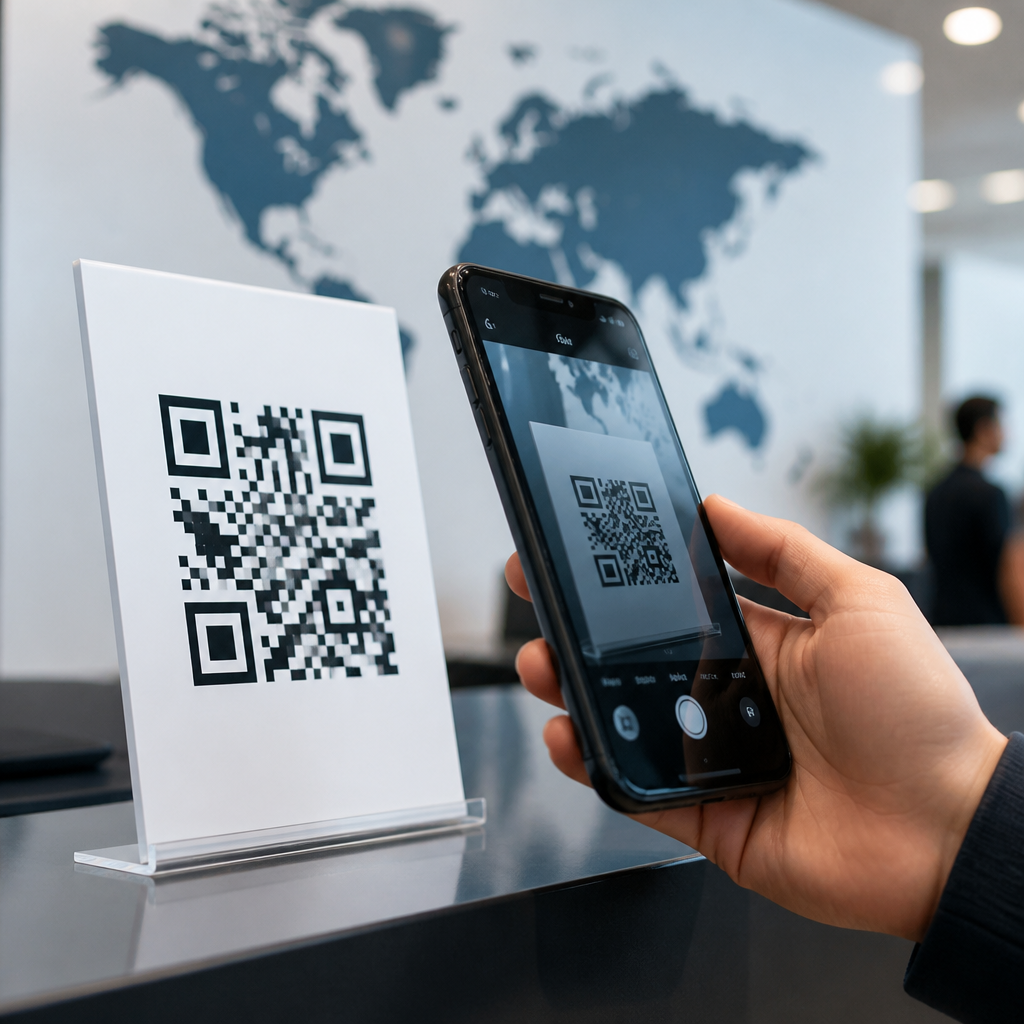
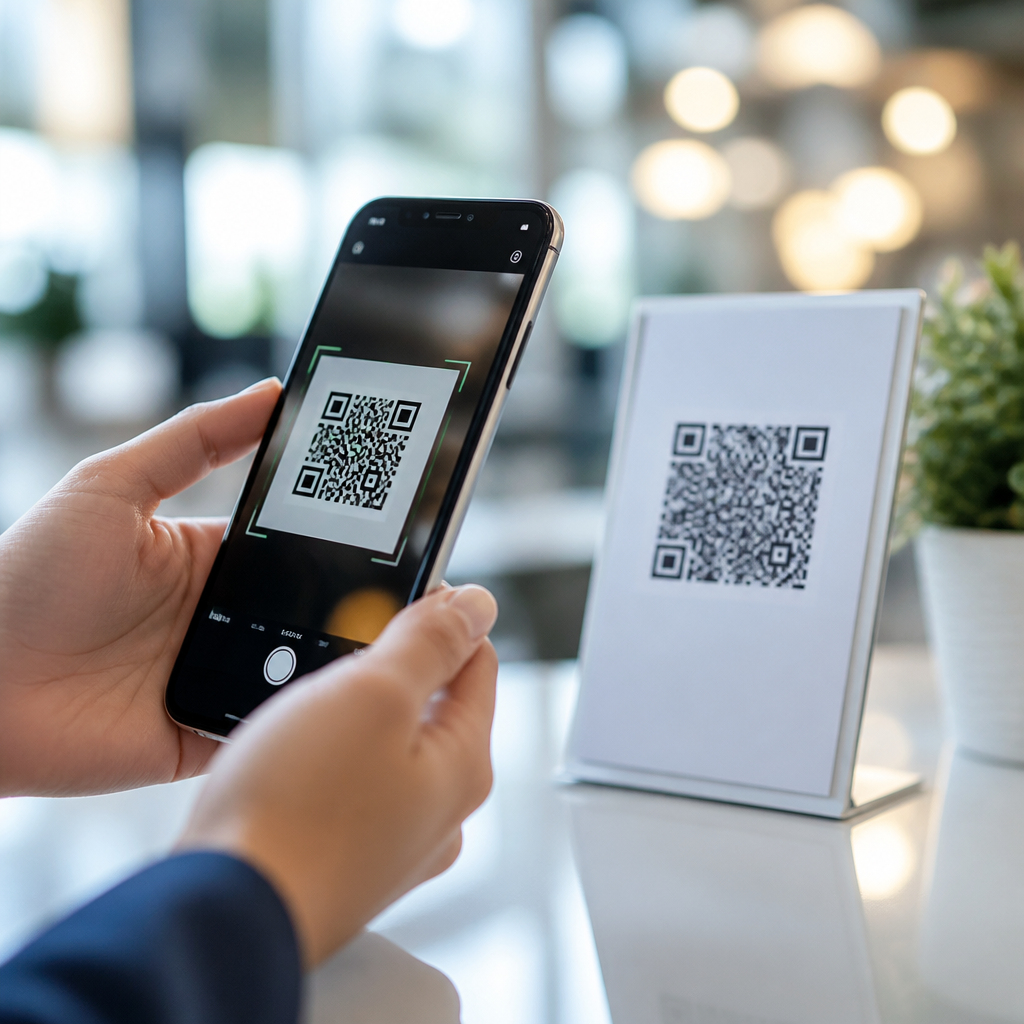
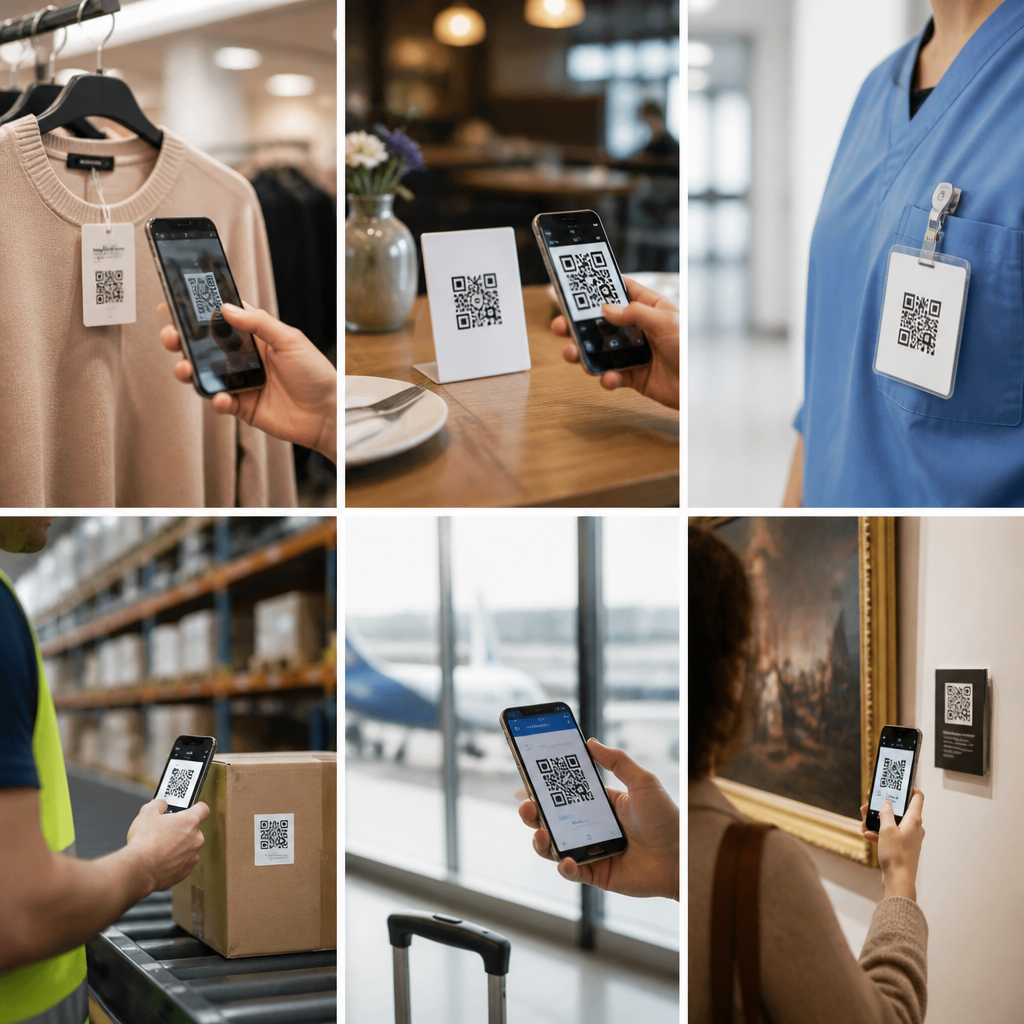
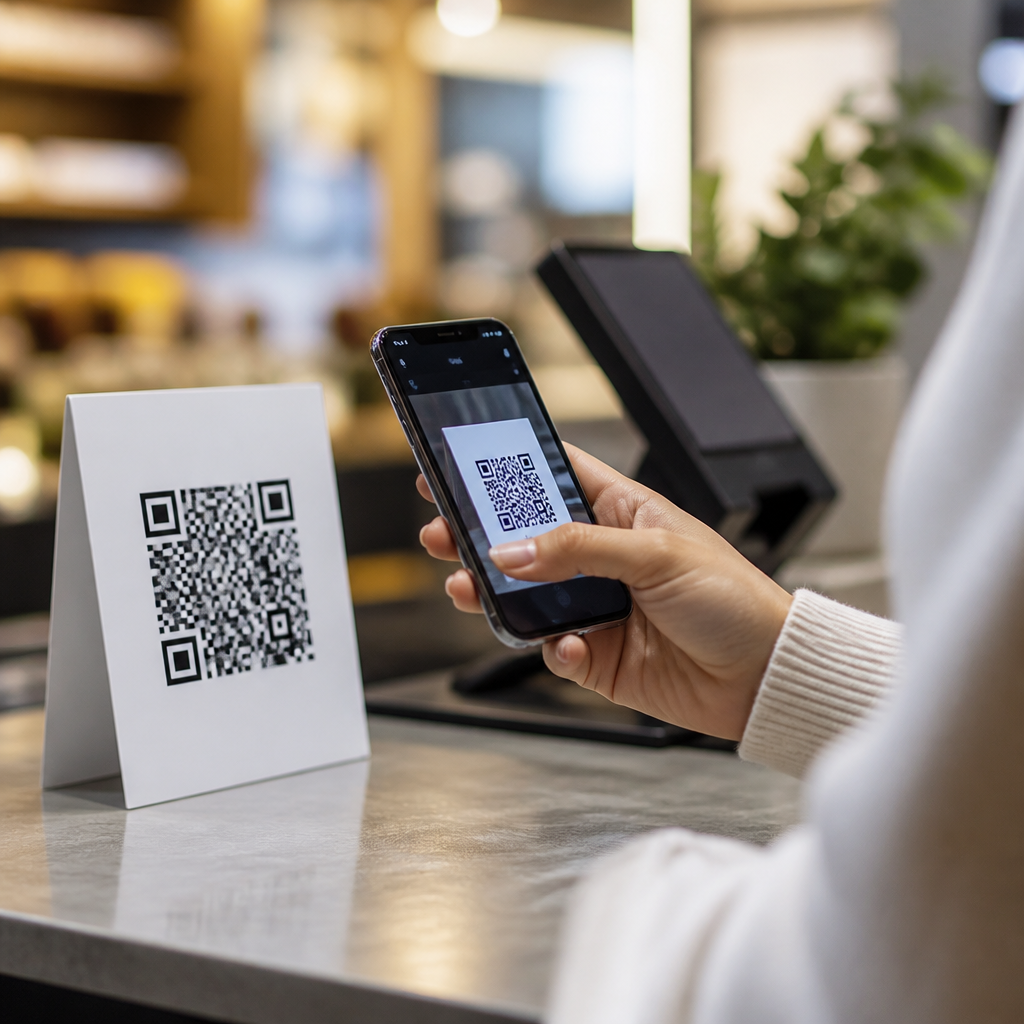
QR codes work through visible intent. A person sees a code, opens a camera, scans it, and chooses whether to continue. Modern smartphones on iOS and Android recognize codes natively, which is one reason adoption accelerated after 2020 across payments, menus, authentication, packaging, and ticketing. Static QR codes store fixed data, while dynamic QR codes point to a short URL managed through a platform, allowing destination updates, scan analytics, A/B testing, and campaign controls without reprinting the code.
Bluetooth beacons work through proximity broadcasting. A beacon emits a signal packet containing an identifier. A mobile app, software development kit, or operating system service listens for that signal and then interprets it based on rules such as distance bands, dwell time, or entry into a zone. Common formats have included iBeacon and Eddystone. In real deployments, beacons usually need configuration, battery monitoring, placement calibration, and an app or wallet integration. Walls, shelving, human bodies, and radio noise can all affect signal behavior, so planned testing is essential.
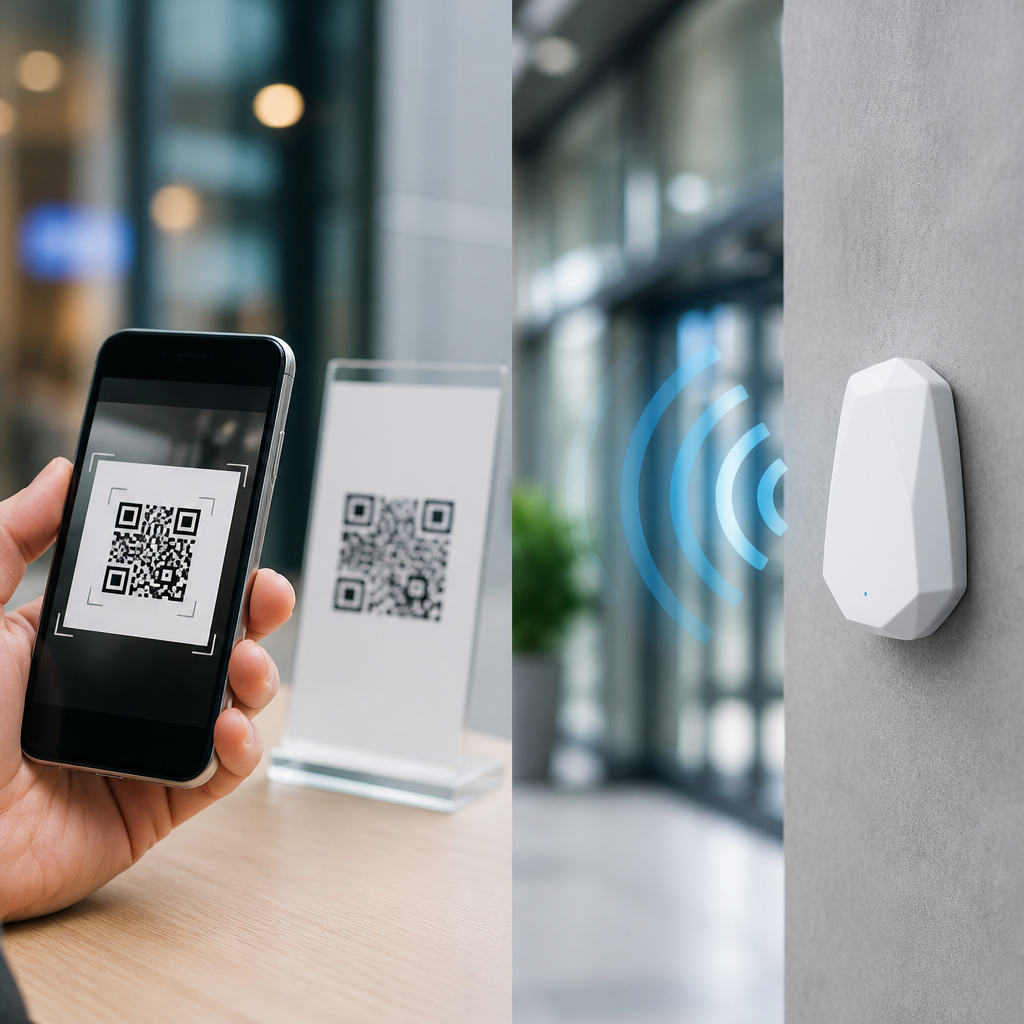
The core difference is user initiation versus ambient detection. QR codes require a visible prompt and a deliberate scan. Beacons can act passively once the right app permissions are in place. That distinction shapes everything from privacy expectations to conversion rates. If the goal is to let a shopper pull up product information, a QR code is direct and transparent. If the goal is to detect that someone has entered gate B12 or reached museum room three, beacons can deliver location awareness without requiring them to stop and scan.
Pros and cons of QR codes
The biggest advantage of QR codes is accessibility. They are cheap to create, easy to print, and compatible with nearly every smartphone. A brand can add codes to packaging, posters, receipts, displays, direct mail, manuals, and event badges with almost no hardware cost. Dynamic code platforms such as Bitly, QR Code Generator Pro, Uniqode, and Scanova also provide redirects, UTM tagging, expiration rules, and scan dashboards. For teams focused on measurable offline-to-online conversion, QR codes are usually the fastest route from physical media to a digital destination.
QR codes also perform well because they are explicit. Users know they are taking an action, which reduces privacy concerns and improves consent. They work without a dedicated app in most cases. In restaurants, table codes replaced printed menus at scale. In manufacturing and field service, equipment labels can link to maintenance logs or training videos. In payments, standards such as EMVCo QR support merchant-presented and consumer-presented flows. In authentication, login QR codes can move a desktop session to a verified mobile device.
The main drawbacks are environmental and behavioral. A code must be visible, scannable, and trusted. Poor contrast, reflective surfaces, tiny print, cluttered design, or weak calls to action reduce scan rates. A QR code cannot detect presence by itself, and it does not inherently know precise indoor location. It also depends on enough user motivation to scan. In crowded transit settings, for example, many people will not pause to scan a poster. Fraud is another issue: malicious actors can place sticker overlays that redirect to phishing pages, so controlled environments and branded landing pages matter.
Pros and cons of Bluetooth beacons
Bluetooth beacons excel when hands-free awareness is valuable. Retailers have used them for aisle-level messaging, airports for wayfinding, hospitals for asset tracking support, conferences for check-in flows, and museums for room-based content delivery. Because beacons do not need line of sight, they can trigger interactions when a code is hidden or impractical. Battery-powered devices can run for months or years depending on interval and power settings, making them flexible for temporary and permanent installations.
However, beacon success depends on prerequisites that many organizations underestimate. A user usually needs an installed app, relevant permissions, Bluetooth enabled, and trust in the brand. Mobile operating systems have tightened background access and notification rules over time, which has reduced the easy push-message use cases that once drove beacon hype. Deployment also requires physical installation, mapping, firmware management, and signal tuning. In stores with metal shelving or dense traffic, distance estimation from RSSI can be inconsistent, so teams must design for zones rather than exact positions.
Beacons also raise sharper privacy questions because they can support passive detection. Even when identifiers are pseudonymous, organizations need clear consent language, retention limits, and a legitimate reason to collect location-linked behavior. For this reason, beacon projects often work best in controlled ecosystems such as enterprise facilities, loyalty apps, stadiums, or transportation hubs where users expect a location-aware service and where the business can support long-term maintenance.
QR codes vs NFC vs other tech: where each fits best
NFC sits between QR codes and beacons in terms of friction and control. A tap is faster than a scan and often feels more seamless, which is why contactless payments rely on NFC through Apple Pay, Google Pay, and EMV contactless cards. NFC tags can also launch URLs, pair devices, or trigger app actions. The limitation is hardware access and range. Not every environment can rely on consistent user tapping behavior, and tags usually cost more than printing a QR code. For high-value interactions such as secure access, payments, identity checks, and authenticated device actions, NFC often beats QR codes and beacons.
| Technology | Best for | Main advantage | Main limitation |
|---|---|---|---|
| QR codes | Packaging, signage, menus, onboarding | Low cost and universal smartphone access | Requires deliberate scan and visible placement |
| Bluetooth beacons | Indoor proximity, wayfinding, app experiences | Passive location-aware triggering | Needs app support, permissions, and calibration |
| NFC | Payments, access, authenticated actions | Fast tap interaction with strong security options | Very short range and higher tag or terminal cost |
| RFID | Inventory, supply chain, asset management | Bulk reading without line of sight | Not ideal for broad consumer phone interactions |
| Geofencing | Large outdoor zones and app engagement | No physical marker required | Low indoor precision and battery tradeoffs |
RFID and geofencing are often part of the same evaluation. RFID is dominant in logistics, warehousing, and retail inventory because readers can detect tagged items in bulk without direct line of sight. Geofencing uses GPS, Wi-Fi, and cell signals to create virtual perimeters, useful for store arrival campaigns or fleet workflows, but indoor accuracy is limited compared with beacon-based zoning. In practice, the strongest programs combine technologies: QR codes for user-initiated information, NFC for payment or access, RFID for operations, and beacons or geofencing for contextual location awareness.
How to choose the right technology for your use case
Start with the interaction you need. If the user must knowingly open content, verify a product, redeem a coupon, or land on a campaign page, choose QR codes first. If the experience must react to location without requiring visual scanning, evaluate beacons. If the action involves secure tap-to-pay, badge replacement, or trusted device pairing, consider NFC. This sequence prevents a common mistake I see in planning workshops: selecting a technology because it sounds advanced rather than because it reduces friction for the exact task.
Next, assess operational constraints. QR code programs need design standards, link governance, analytics tagging, and destination maintenance. Beacon programs need hardware procurement, placement plans, app integration, monitoring, and battery replacement schedules. NFC needs compatible tags or terminals plus security architecture. Also ask what happens when connectivity is weak, signage changes, staff rotate, or a campaign ends. The total cost of ownership is rarely the sticker price; it is the burden of updates, support, and measurement over time.
Finally, match the technology to audience readiness. A tourist at a landmark will scan a code if the value proposition is obvious. A loyalty member with a retail app may accept beacon-enabled in-store features. A commuter already using a mobile wallet expects an NFC tap. The winning decision is the one that aligns technical capability with natural user behavior. If you are building out this QR Code Trends, Statistics & Future hub, the next step is to map each use case, compare friction honestly, and pilot the simplest option before scaling.
Frequently Asked Questions
What is the main difference between QR codes and Bluetooth beacons?
The biggest difference is how the interaction begins. QR codes require a deliberate user action: someone sees the code, opens a camera or scanning app, and scans it to access content. Bluetooth beacons work passively in the background by broadcasting a signal to nearby devices, usually through an app or operating system capability that can detect proximity. In simple terms, QR codes are user-initiated, while beacons are proximity-triggered.
That difference affects the entire customer journey. QR codes are highly visible and intuitive in environments where people expect to scan for menus, product details, payments, tickets, or instructions. They are inexpensive to deploy, easy to update when linked to dynamic URLs, and work across most smartphones without specialized hardware on the user’s side. Bluetooth beacons, by contrast, are better suited to experiences where automatic detection adds value, such as indoor navigation, proximity-based notifications, asset tracking, or location-aware app experiences.
From a strategy perspective, the choice is less about which tool is “better” and more about which interaction model matches your goals. If you want low-friction deployment and broad accessibility, QR codes often win. If you need continuous proximity awareness or more context-sensitive triggers, beacons can offer capabilities QR codes cannot. The right answer depends on whether your organization is optimizing for visibility, automation, analytics depth, app engagement, or operational control.
When are QR codes a better choice than Bluetooth beacons?
QR codes are usually the better choice when you need fast rollout, low cost, minimal technical complexity, and universal smartphone compatibility. They are ideal for use cases where users are already primed to take an action, such as scanning a restaurant menu, accessing event information, claiming a promotion, downloading a brochure, viewing a product page, or completing a payment. Because the interaction is explicit, QR codes also tend to work well in moments where trust and transparency matter. People can see the code, understand they are about to scan it, and make a conscious decision to engage.
They are also especially strong in environments where app adoption is low. Most modern smartphones can scan QR codes directly through the native camera, so you do not need to persuade users to install and enable a dedicated app. That makes QR codes attractive for public-facing campaigns, retail displays, packaging, print media, transit signage, and temporary activations. Operationally, they are easier to produce, replace, and scale than beacon hardware, especially across many locations.
Another important advantage is deployment flexibility. A static QR code can point to fixed content, while a dynamic QR code can redirect to different destinations over time without changing the printed asset. That gives marketers and operations teams room to test, personalize, and optimize campaigns. In many cases, QR codes offer the best balance of affordability, speed, measurability, and user familiarity, particularly when the experience starts with intentional discovery rather than automatic proximity detection.
What are the main advantages of Bluetooth beacons over QR codes?
Bluetooth beacons have a clear advantage when proximity itself is valuable data or when the experience should happen without requiring users to stop and scan. A beacon can signal that a person or device is near a specific location, shelf, entrance, exhibit, room, or zone. That makes beacons useful for indoor positioning, location-aware app features, contextual messaging, queue management, attendance workflows, and certain forms of asset or equipment monitoring. QR codes cannot provide passive proximity awareness in the same way because they rely on a visible code and a manual scan.
Beacons can also support a more seamless experience in environments where repeated interactions matter. For example, in a museum, hospital, airport, warehouse, or large retail store, users may move through many micro-locations. Scanning a QR code at every step can become cumbersome. A beacon-based system can trigger content, guidance, or operational events as a person moves through space. That can improve convenience, especially when paired with an app that already plays a central role in the customer or employee journey.
From a data strategy perspective, beacons can generate richer location-based insights, though that advantage depends heavily on app permissions, device settings, and privacy compliance. Organizations considering beacons should be realistic: the technology can be powerful, but it usually requires more planning, more maintenance, and a stronger software ecosystem than QR codes. When those foundations are in place, beacons can create more responsive, context-aware experiences than scan-based tools alone.
What are the biggest limitations or challenges of each technology?
QR codes are simple, but their biggest limitation is that they depend on visible placement and user initiative. If people do not notice the code, do not trust it, or do not feel motivated to scan, nothing happens. They also perform poorly in scenarios where hands-free, continuous, or invisible interaction is needed. In addition, poorly designed QR experiences can create friction if they lead to non-mobile-friendly pages, irrelevant content, broken links, or unclear calls to action. The technology is easy to deploy, but success still depends on thoughtful design, placement, and content relevance.
Bluetooth beacons face a different set of challenges. They typically require physical hardware installation, battery management or maintenance, calibration, and software integration. More importantly, they often depend on users having Bluetooth enabled and, in many cases, a compatible mobile app installed with appropriate permissions granted. That is a significant adoption hurdle in many public-facing contexts. Privacy expectations are another important factor, because passive location-triggered experiences can feel intrusive if they are not clearly explained and permission-based.
There are also strategic limitations to consider. Beacons can be more powerful technically, but they are not automatically more effective commercially. If the audience is infrequent, anonymous, or unlikely to download an app, beacon deployment may underperform despite higher complexity and cost. Conversely, QR codes may be less sophisticated, but they can deliver stronger results when simplicity aligns with user behavior. In practice, the “better” technology is often the one with fewer adoption barriers in your specific environment.
How do QR codes, Bluetooth beacons, NFC, RFID, geofencing, and app-based location tools fit together in a real strategy?
In real-world deployments, organizations rarely choose one technology in complete isolation. They are building a discovery and interaction system. QR codes are excellent for visible, intentional access to information. Bluetooth beacons are useful for proximity-aware experiences indoors. NFC works well for short-range tap interactions such as access control, payments, authentication, and quick information retrieval. RFID is often stronger in operational and inventory contexts where many items or assets need to be identified efficiently, sometimes without line-of-sight scanning. Geofencing is broader and less precise, typically used to trigger actions when a user enters or exits a larger geographic area. App-based location tools tie many of these signals together into a more controlled software experience.
The right strategic framework starts with the journey you want to create. If you need a lightweight public interaction, QR codes may handle most of the job. If you need room-level awareness or recurring in-app engagement, beacons may play a larger role. If you need tap-based convenience, NFC can be a better fit than scanning. If your priority is operations, logistics, or inventory visibility, RFID may matter more than either QR or beacons. If you want to reach users before they arrive or after they leave, geofencing can complement on-site technologies.
For many organizations, the smartest approach is not either-or but layered. A retailer might use geofencing for broad campaign timing, beacons for in-store app experiences, QR codes for product education, and RFID for stock visibility. A venue might use QR codes for ticketing, NFC for entry, and app-based location tools for navigation. The best technology stack is the one that aligns customer behavior, operational realities, privacy requirements, and measurement goals into a coherent system rather than forcing one tool to solve every problem.