
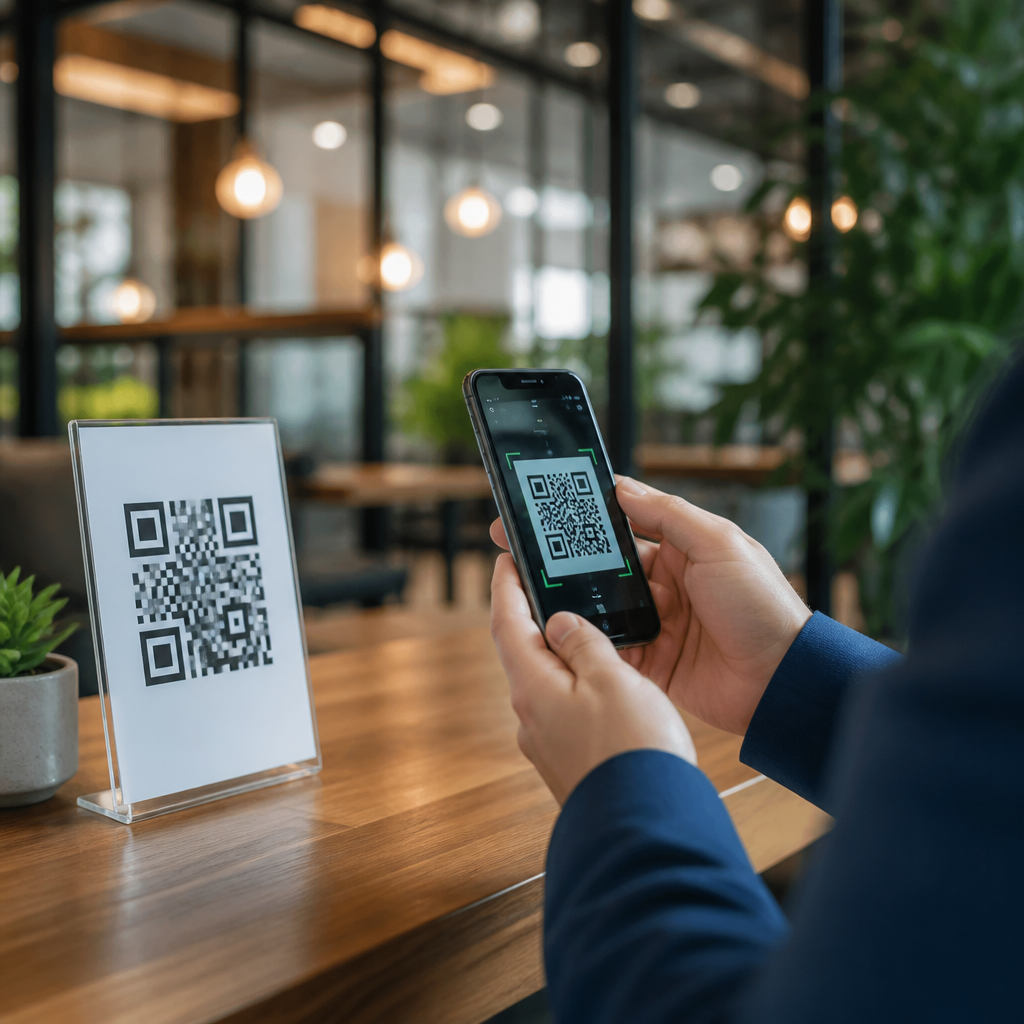
QR codes have become a routine part of business operations, from restaurant menus and payment links to product authentication, logistics tracking, and customer support. A QR code is simply a machine-readable matrix barcode that stores data such as a URL, contact card, app link, payment address, or inventory identifier. The convenience is undeniable: a customer points a phone camera, taps a prompt, and reaches the intended destination in seconds. That same speed, however, creates risk. In my work reviewing mobile user journeys and digital trust controls, I have seen safe campaigns perform brilliantly and poorly governed codes send users to broken pages, misleading offers, or outright malicious sites.
QR code security matters because the code itself is visually opaque to most people. Unlike a printed web address, a square pattern does not reveal whether it leads to a legitimate domain, a typo-squatted clone, a malware download, or a phishing form. Attackers exploit that ambiguity through techniques such as sticker replacement on public signage, domain spoofing, malicious redirects, and tampered packaging. Businesses also create avoidable risk when they use unsecured dynamic QR platforms, forget link ownership controls, or print codes without testing scanner behavior across iOS and Android devices.
For businesses, QR code safety is not a narrow IT concern. It affects brand reputation, customer trust, compliance posture, and revenue. A compromised code on a storefront poster can redirect a customer to a fake payment page. A mislabeled code in a warehouse can trigger shipping errors. A code on product packaging can undermine anti-counterfeit programs if the landing page lacks authentication logic. Safe deployment requires governance across marketing, security, operations, and customer support. The goal is simple: make QR code interactions fast, useful, and verifiably trustworthy at every touchpoint.
Understand the main QR code threats
The first safety step is understanding how QR code attacks actually happen. The most common threat is phishing. A criminal places a fraudulent QR code over a real one on a parking meter, table tent, flyer, or package insert. The victim scans it and lands on a lookalike site that asks for card data, login credentials, or account verification. Because mobile screens show limited context and users act quickly, conversion on these scams can be high. The U.S. Federal Trade Commission and multiple banking groups have warned specifically about QR payment fraud because it blends physical and digital deception.
Another major threat is redirection abuse. Many businesses use dynamic QR codes that point first to a management platform, then redirect to the final URL. Dynamic systems are useful for editing destinations after print, measuring scans, and localizing content. They also introduce a control point that must be secured. If an attacker gains access to the QR platform account, changes DNS records, or compromises an API key, every printed code can silently start sending users somewhere else. I have seen teams focus heavily on creative design while overlooking role-based access, MFA, and change logs for the redirect layer.
There are also operational risks that do not involve a sophisticated attacker. Expired domains, broken TLS certificates, unsupported app deep links, and mobile pages that fail Core Web Vitals can all make a code feel suspicious, even when it is technically safe. If users see browser warnings, mismatched branding, or forms requesting unusual permissions, they abandon the interaction. Security and usability are tightly linked with QR campaigns. A safe code is one that resolves predictably, loads quickly over HTTPS, and matches the customer’s expectation set by the physical context around it.
Build a secure QR code program from creation to retirement
Businesses should treat QR codes like managed digital assets, not one-off graphics. Start with clear ownership. Every production QR code needs an internal owner, a purpose, a destination inventory record, and a review date. This is especially important for distributed organizations where marketing, field teams, agencies, and franchisees may all print materials independently. A centralized asset register prevents duplicate codes, tracks expiration dates, and documents where each code appears in the real world.
Use trusted generation and management tools with strong administrative controls. The platform should support HTTPS destinations, custom domains, role-based access control, MFA, audit logs, and exportable scan analytics. If you use dynamic QR codes, protect the redirect account as carefully as you protect a content management system. Restrict who can change destinations, require approval for edits to high-traffic codes, and review logs for unauthorized modifications. Named tools vary by business size, but the required controls do not. A small retailer and a global manufacturer both need change accountability.
Destination design is equally important. Whenever possible, point codes to short, readable branded URLs rather than generic link shorteners. A branded domain gives users a recognizable trust signal and reduces the success rate of domain spoofing. Keep landing pages mobile optimized, certificate valid, and brand consistent with the printed material. If a poster advertises warranty registration, the landing page should clearly state the product name, company identity, and why information is requested. Unexpected form fields are a red flag and should be avoided unless they are absolutely necessary.
| Control Area | Best Practice | Business Benefit |
|---|---|---|
| QR generation | Use a managed platform with MFA and audit logs | Prevents unauthorized edits and supports investigations |
| Destination URL | Use HTTPS and a branded custom domain | Improves trust and reduces spoofing risk |
| Printing and placement | Test scan distance, lighting, and tamper visibility | Reduces user errors and helps spot sticker replacement |
| Monitoring | Review analytics for traffic spikes, odd geographies, and failures | Detects abuse and technical issues quickly |
| Lifecycle management | Assign owners and set review or retirement dates | Avoids dead links and unmanaged legacy codes |
Protect physical placements and customer interactions
Many QR incidents begin in the physical world, so placement controls matter. Public-facing codes on windows, counters, fuel pumps, event booths, and product displays should be inspected regularly for tampering. Sticker overlays remain one of the easiest attacks because they require little skill and exploit busy environments. Use materials and mounting methods that make replacement obvious, such as tamper-evident labels, branded backgrounds, unique serial references, or protective laminates that are difficult to lift and reseal cleanly.
Context is a strong security signal. Do not present a naked QR code without explanatory text. Tell the user exactly what the code does, where it should lead, and what information, if any, will be requested. For example, “Scan to pay at pay.brandname.com” is safer than “Scan here.” If the destination is a support form, say so. If the code opens an app store listing, identify the app by name. These small cues help customers detect mismatches before they interact with a fake code.
Staff training closes the gap between policy and real-world execution. Frontline employees should know how official codes look, where they are placed, and what customer complaints may indicate abuse. If several customers report a strange payment page, that is not just a service issue; it may signal tampering. Train staff to remove suspicious materials, escalate incidents quickly, and verify current campaigns through an internal knowledge base. In retail, hospitality, and field service environments, that simple operational awareness often prevents widespread harm.
Monitor, respond, and improve continuously
QR code safety is not finished when the poster is printed or the package ships. Ongoing monitoring is essential. Review scan analytics for sudden volume spikes, high bounce rates, unusual countries, and off-hours activity that does not match your audience profile. Pair this with web analytics and server logs to identify redirect loops, phishing complaints, or referral anomalies. If a code that should be used locally starts receiving traffic from unrelated regions, investigate immediately.
Incident response should be documented before a problem occurs. Define who can disable or reroute a dynamic code, who validates reports, who communicates with customers, and how legal, security, and marketing teams coordinate. For static printed codes, prepare a containment plan that may include signage removal, social updates, customer outreach, and replacement materials. If payment fraud is possible, work with the payment processor and fraud team quickly. Time matters because malicious QR campaigns often rely on brief exposure before detection.
Finally, audit your QR code ecosystem on a schedule. Test representative codes across major phone models, confirm TLS and redirects, review access permissions, and retire codes that no longer serve a business purpose. Build internal links from your broader mobile scanning resources to detailed guidance on dynamic versus static codes, secure landing page design, mobile phishing prevention, and QR code analytics governance. A hub page works best when it sets policy clearly and directs readers to deeper implementation topics.
QR code safety for businesses comes down to disciplined execution. Understand the threat landscape, secure the management platform, use branded HTTPS destinations, protect physical placements, train staff, and monitor performance continuously. These practices reduce phishing risk, prevent unauthorized redirects, and preserve customer confidence during mobile interactions.
The strongest programs treat every QR code as both a marketing asset and a trust asset. That perspective changes decisions about ownership, testing, placement, and incident response. It also improves results. When customers recognize the brand, understand the purpose of the scan, and reach a fast secure landing page, completion rates rise while support issues fall. Safety is not separate from conversion; it is a prerequisite for conversion.
If your organization relies on QR codes anywhere in the customer journey, audit your current deployments this week. Inventory every active code, verify every destination, inspect public placements, and close any gaps in access control or monitoring. A short review now can prevent a costly security incident later.
Frequently Asked Questions
What are the biggest QR code security risks businesses should watch for?
The most common risk is that a QR code hides its destination. Unlike a printed web address, a QR code does not let a user immediately see where it will send them. That creates an opportunity for attackers to replace a legitimate code with a malicious one, redirecting customers or employees to phishing pages, fake payment portals, malware downloads, or fraudulent login forms. In a business setting, this can affect everything from in-store signage and restaurant tables to invoices, product packaging, shipping labels, and customer service materials.
Another major issue is physical tampering. Criminals may place a sticker with a fake QR code over a real one, especially in public-facing environments where codes are left unattended. Payment scams are especially dangerous here because a customer may believe they are paying the business when they are actually sending money to a fraudulent account. Businesses should also consider digital tampering, such as unauthorized edits to files before printing, compromised marketing assets, or changes made by vendors with weak access controls.
There is also a data privacy angle. Some QR codes are used to trigger downloads, collect form submissions, initiate support sessions, or connect users to account areas. If the linked destination is not properly secured, the business may unintentionally expose customer data, login credentials, or internal systems. For that reason, QR code safety is not just about the code image itself. It is about the full workflow behind it, including who creates it, where it points, how it is monitored, and how quickly problems can be detected and corrected.
How can a business make sure its QR codes are safe before sharing them with customers or employees?
Start by controlling the creation process. Businesses should generate QR codes only from trusted internal tools or reputable providers, and they should document exactly what each code is supposed to do. Before publication, verify the destination manually on multiple devices. Confirm that the code opens the correct URL, payment page, support portal, app listing, or file, and make sure the destination uses HTTPS where appropriate. It is also wise to review the final design proof before printing or posting, since simple layout changes or file mix-ups can send users to the wrong place.
Use a clear naming and inventory system for QR codes, especially if your organization uses them across departments. Marketing, operations, logistics, retail, and customer support may all deploy codes for different reasons. Keeping a record of each code’s purpose, destination, launch date, owner, and physical placement makes it much easier to audit and respond if something looks suspicious. Businesses that rely heavily on QR codes should also create an approval workflow so that no code goes live without review by the right team.
Testing should go beyond “does it scan.” Check for user safety and brand trust. When scanned, the destination should match customer expectations, display your brand clearly, and avoid confusing redirects. If the code leads to a payment page, verify that the payment recipient details are accurate. If it opens a login page, make sure the domain is unmistakably legitimate. A safe QR code program combines technical validation, access control, documentation, and routine review, not just one-time scanning tests.
What are the best ways to prevent QR code tampering in physical business locations?
The first step is placement and inspection. Put QR codes in locations that staff can easily see and check, rather than in isolated areas where sticker replacement can go unnoticed. Train employees to look for signs of tampering such as layered stickers, differences in print quality, alignment issues, bubbling, damage around the edges, or branding that does not match the original display. In high-traffic environments like restaurants, self-checkout areas, parking facilities, hotel lobbies, and event venues, regular visual inspection should become part of standard operating procedure.
Design can also improve security. Include your business name, logo, or a short printed URL near the QR code so customers have a reference point before scanning. If possible, print the destination domain in readable text below the code. That gives users a chance to recognize whether the result matches what they expect. Some businesses also use tamper-evident materials, sealed signage, branded table cards, or protected display holders to make unauthorized replacement more obvious.
Finally, give customers a safe fallback. If a QR code is meant for ordering, paying, checking in, or accessing support, provide an alternate method such as a short URL, a staffed counter, or app navigation instructions. That reduces business disruption if a code has to be removed and also helps users who are cautious about scanning. Physical QR code safety is strongest when prevention, fast detection, and practical backup options all work together.
Should businesses use dynamic QR codes, and are they safer than static ones?
Dynamic QR codes can be very useful because they allow the destination to be updated without reprinting the code. For businesses, that is valuable in marketing campaigns, product packaging, logistics workflows, digital menus, and customer support materials. From a security standpoint, dynamic codes can improve control because they let you correct a destination quickly, disable a compromised link, rotate landing pages, and monitor scan activity. If an issue is discovered, the business can often respond immediately instead of recalling or replacing printed materials.
That said, dynamic QR codes are not automatically safer. Their security depends on how well the management platform is protected. If attackers gain access to the dashboard that controls the destination, they may be able to redirect every scan to a malicious site. For that reason, businesses should choose providers carefully, use strong passwords, require multi-factor authentication, limit administrative access, and keep an internal record of who can change destinations. Audit logs and alerting are especially helpful because they make unauthorized changes easier to detect.
Static QR codes can still be appropriate when the destination will never change and the use case is simple. However, they are less flexible if a link breaks, a page moves, or a security concern appears after distribution. In practice, the safer option is the one backed by stronger governance. Dynamic codes often provide better incident response and visibility, but only when paired with secure account management, documented ownership, and ongoing monitoring.
How should businesses train employees and customers to use QR codes more safely?
Employee training should focus on both creation and everyday use. Staff members who produce or manage QR codes need to understand approval procedures, destination verification, branding consistency, and access control. Frontline employees should know how to inspect codes for tampering, how to answer customer questions, and what to do if they spot suspicious signage or reports of strange scan behavior. This is particularly important in environments where QR codes are tied to payments, account access, deliveries, inventory systems, or support requests.
Customer education should be simple and practical. Encourage users to preview links before opening them when their device allows it, and remind them to look for trusted domains, secure payment pages, and familiar branding. Businesses can reinforce this by placing short safety messages near public QR codes, such as instructions to verify the company name or warnings not to enter credentials on unexpected pages. If the scan experience involves payment, it helps to tell customers what they should expect to see, including the correct recipient name or website domain.
It is also important to have a clear incident response path. Employees and customers should know how to report a suspicious QR code, broken destination, or unusual payment request. Once a report comes in, the business should be able to investigate quickly, remove or disable affected materials, and communicate corrective steps. Training works best when it is not treated as a one-time reminder but as part of a broader security culture that values convenience without ignoring risk.





