
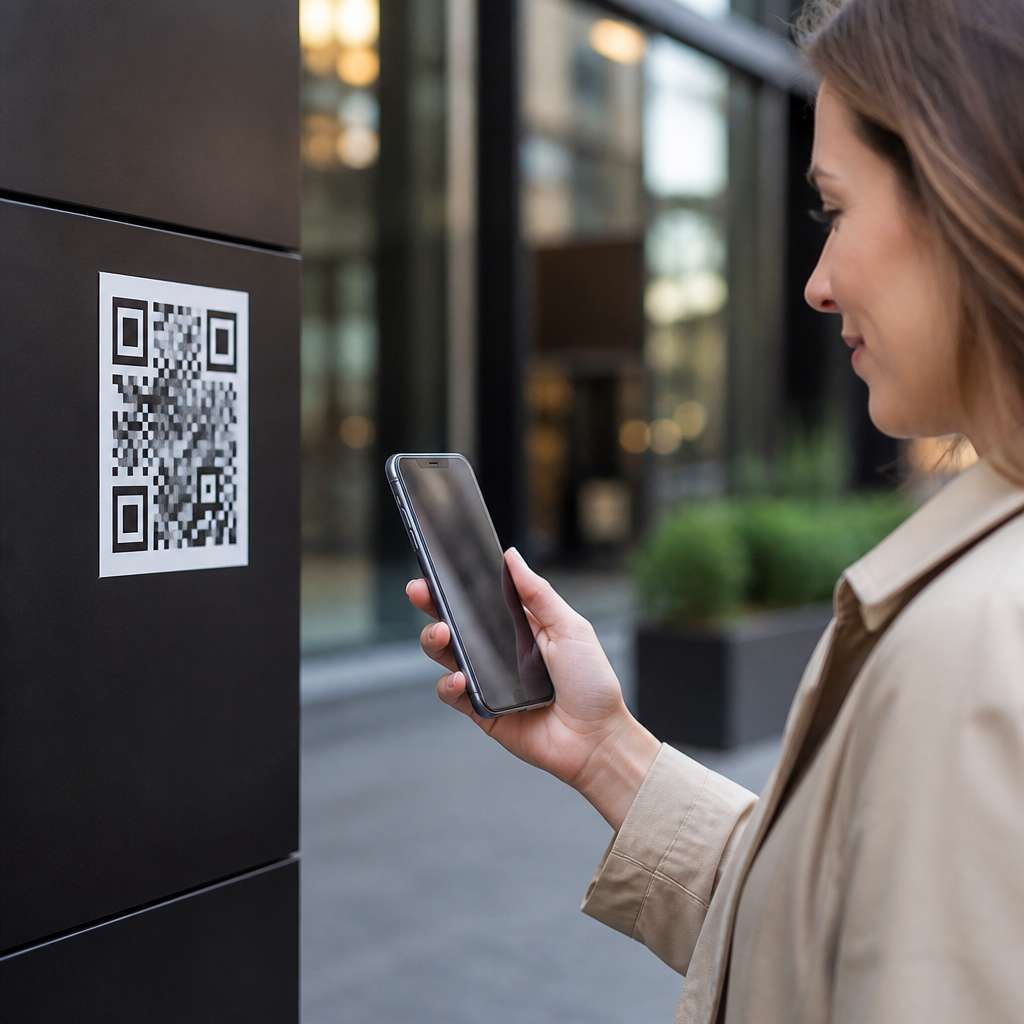
Public QR codes are convenient, fast, and everywhere, but they are not automatically safe to use. A QR code is simply a machine-readable pattern that stores information, usually a website address, payment request, contact card, Wi-Fi credential, or app deep link. The safety question is not about the square image itself; it is about the destination it opens and what happens after your phone processes it. In practical terms, public QR code safety means judging whether a code posted in a restaurant, transit station, parking meter, package locker, poster, or payment stand can be trusted before and after you scan it.
I have worked on mobile rollout projects where QR codes handled payments, authentication, and customer support, and the pattern is consistent: the codes that look harmless create risk when users assume the printed sign has been vetted. Attackers exploit that assumption. They place fraudulent stickers over legitimate codes, redirect scans to phishing pages, trigger fake payment flows, or push users toward malicious downloads. Because a QR code hides the full destination until a device reads it, it removes the normal visual cue people use to judge a link. That single design trait explains why public QR codes deserve a stronger security mindset than a typed web address.
This topic matters because QR usage has expanded beyond marketing into payments, tickets, menus, identity verification, logistics, and multifactor authentication. Consumers now scan codes in high-pressure contexts such as parking lots, airport kiosks, and checkout counters where speed matters more than scrutiny. Criminals know this. Federal agencies including the FBI and cybersecurity groups such as CISA have warned about QR phishing, often called quishing, because it bypasses email filters and relies on phones, where users inspect URLs less carefully. The result is a modern security problem: familiar technology, low user friction, and high trust in physical environments.
What makes a public QR code risky
A public QR code becomes risky when the source, destination, or action cannot be verified. The most common threat is redirection to a phishing site that imitates a bank, delivery company, parking portal, utility provider, or corporate login page. I have seen fake parking codes ask for card numbers, billing addresses, and one-time passcodes within a minute of scanning. The user believes they are paying for parking; in reality, they are handing account access to an attacker. Public placement increases exposure because anyone can view, copy, replace, or cover the original code.
Another risk is malicious intent embedded in the workflow rather than the code. A QR code may open a legitimate-looking page that asks you to install an app, enroll a mobile wallet, join a Wi-Fi network, or sign in with a Microsoft or Google account. The payload is social engineering. Modern phones usually do not execute malware just by scanning, but they can open browsers, app stores, map actions, SMS drafts, and payment intents. If the prompted action leads to credential theft or a fake subscription, the harm is real even without a technical exploit. Safety therefore depends on the entire chain, not just the scan itself.
Common QR code scams in public places
The best-known public QR scam is sticker replacement. An attacker prints a convincing code and places it over a real one on a parking meter, restaurant table, EV charger, vending machine, or event poster. People scan the visible code, pay through a fake site, and assume the transaction succeeded until they receive a fine or missing-order notice. This works because users trust the physical setting. A code attached to a city asset or branded display feels official, even when the sticker edges, mismatched logo, or damaged surface suggest tampering.
Another common tactic is payment diversion. Instead of copying card details, the attacker sends the victim to a direct wallet transfer or instant-payment page. These transactions can be harder to reverse than credit card charges. I have also seen account takeover flows where a QR code on a “package delivery update” poster leads to a cloud login page, captures credentials, and then requests a multifactor code. Because the page appears on mobile and often uses a shortened domain, many users miss the warning signs. QR scams also appear in emails and paper mailers, but public displays are especially effective because they combine urgency, convenience, and implied legitimacy.
How to evaluate a QR code before and after scanning
You can reduce most QR code risk by using a simple verification routine. Before scanning, inspect the physical code. Look for stickers over stickers, misaligned branding, poor print quality, or placement that seems temporary. If the code is used for payment, compare it with official signage, app instructions, or the business website. After scanning, pause before tapping through. Most camera apps display a preview link or action. Read the domain carefully. A legitimate parking service might use a clear branded domain, while a fake page may rely on misspellings, added words, or unrelated country-code endings. If the destination is shortened, type the company name into a browser instead of proceeding.
| Situation | Safer action | Why it helps |
|---|---|---|
| Parking meter payment | Use the city or operator app from the app store | Avoids sticker-replacement scams |
| Restaurant menu | Ask staff for the printed URL if uncertain | Confirms the code matches the venue |
| Login request | Open the service manually in your browser | Prevents credential theft on fake pages |
| App download prompt | Search the official app store listing yourself | Reduces sideloading and copycat app risk |
Once the page opens, apply the same checks you would use for any sensitive mobile transaction. Confirm HTTPS, verify the exact domain, and review the requested data. A payment page that asks for a Social Security number, email password, or multifactor code is not legitimate. On iPhone and Android, keep system software updated so browser and WebView protections are current. If the flow requests an app install, inspect publisher name, review count, and permissions. Public QR code safety is not about avoiding every scan; it is about refusing unverified payment, login, and download actions.
Are QR codes safe for payments, logins, and Wi-Fi
QR code payments can be safe when they rely on trusted rails, strong merchant controls, and user verification. Static codes at small businesses are efficient, but they are more exposed to replacement because the same image remains in public view for long periods. Dynamic codes generated per transaction are safer because the payment amount, merchant reference, and expiry can be tied to a live backend record. If you are paying from a code, confirm the merchant name and amount before authorizing. Use a credit card or protected wallet when possible, since chargeback rights and fraud monitoring are stronger than direct bank transfer protections.
Login QR codes are common for device pairing and desktop sign-in, but they should be treated carefully in public. A secure login QR code usually works only inside an official app or on the service’s own domain and often expires quickly. If a random poster asks you to “scan to verify your account,” do not do it. Wi-Fi QR codes are generally low risk when displayed by the venue and when they only preload the network name and password, but they still deserve scrutiny. Joining a rogue network can expose traffic to interception if your device connects automatically and the network is not properly secured.
Best practices for consumers and organizations
For consumers, the rule set is straightforward. Prefer first-party apps over public payment codes. Use a password manager so fake domains are easier to spot when autofill does not appear. Enable multifactor authentication, but never enter a one-time code after reaching a page from an unexpected scan. Review card and bank alerts quickly, because fast reporting improves recovery chances. If you scanned a suspicious code, close the page, do not submit data, run a mobile security check, and change any exposed passwords from a known-safe device.
Organizations that deploy public QR codes need controls, not just design. In field programs I have supported, the most effective safeguards were tamper-evident labels, regular physical inspections, dynamic codes for payments, and short branded domains owned by the organization. Printed instructions should tell users what domain to expect and what the code will do before they scan. For high-risk uses such as billing, ticketing, and identity verification, link the code to an authenticated app session rather than a generic browser form. Analytics also help: sudden location mismatches, abnormal scan volume, or conversion drops can indicate code replacement or fraud. Public QR codes are safe only when the surrounding process is designed for abuse resistance.
How this security topic connects to the wider QR ecosystem
QR code security sits at the center of mobile scanning technology because every use case inherits the same core question: can the user trust the destination and action? That applies to menu QR codes, parking payments, retail checkout, app login, contactless tickets, and smart packaging. It also connects to adjacent issues such as mobile browser security, NFC versus QR tradeoffs, URL shortener risk, payment tokenization, and physical tamper detection. As a hub topic, QR code safety should guide how readers evaluate every other article in the category, from scanning accuracy to enterprise deployment policy.
The key takeaway is simple: public QR codes are useful, but trust must be earned, not assumed. Most harm comes from phishing, payment diversion, and fake login flows, not from the code image itself. Inspect the physical label, verify the previewed domain, avoid unexpected installs and credential prompts, and choose official apps or typed URLs for sensitive actions. If your organization publishes QR codes, harden the full workflow with dynamic links, branded domains, inspections, and clear user guidance. Treat each scan like any other untrusted link, and you can keep the convenience while sharply reducing the risk. Review your current scanning habits and update them today.
Frequently Asked Questions
Are public QR codes safe to use?
Public QR codes can be safe to use, but they are not automatically trustworthy just because they are common or convenient. A QR code itself is only a scannable pattern that tells your phone to open something, such as a website, payment link, app page, digital menu, contact card, or Wi-Fi setup. The real safety issue is what the code points to and what happens after you scan it. If the destination is legitimate and you do not give away sensitive information, the risk may be low. If the code leads to a fake site, prompts an unexpected payment, asks for login credentials, or triggers a malicious app download, the risk becomes much higher.
That is why public QR codes should be treated the same way you would treat any unknown link on the internet. A code posted in a restaurant, parking meter, bus stop, storefront, flyer, or public kiosk might be genuine, but it could also be replaced, covered with a sticker, or created by a scammer to imitate the original. The safest mindset is to assume that the code is unverified until you confirm where it goes. Check the preview URL before opening it, be cautious with requests for personal or payment information, and avoid scanning codes that appear tampered with or out of place. Convenience should never replace basic digital caution.
What are the main risks of scanning a QR code in public?
The biggest risk is being sent to a malicious destination without realizing it. Because a QR code hides the underlying link until your phone reads it, scammers use them to direct people to fake websites that look real. These pages may imitate banks, delivery services, parking payment portals, ticket sites, restaurant menus, or account login pages. Once there, a person may be tricked into entering a password, credit card number, phone number, or other personal details. This is often called QR phishing, or “quishing,” and it works because people tend to trust the physical setting where the code appears.
Other risks include fraudulent payments, malicious downloads, and misleading device actions. A public QR code might open a payment request for the wrong amount or to the wrong recipient, especially in places like parking lots, vending areas, charity collection signs, or pop-up markets. Some codes may attempt to get users to install an app from an untrusted source or visit a page that abuses browser permissions. In less common cases, a QR code can also encode Wi-Fi credentials, contact data, or actions that encourage a user to save harmful information or connect to an unsafe network. While modern phones often add security prompts, those prompts only help if the user slows down and reads them carefully.
How can I tell whether a public QR code is legitimate before I scan it?
Start by looking at the physical context. A legitimate QR code usually fits naturally with the business, sign, or service around it. If you are in a restaurant, for example, the code should appear professionally printed on the menu, table card, receipt, or official signage and often include the restaurant name or branding. Be cautious if the code is on a random sticker, looks newly pasted over another code, appears poorly printed, or is located somewhere that does not make sense. A common scam tactic is to place fake QR stickers on top of real ones in public areas such as parking meters, gas pumps, payment stations, and shared bulletin boards.
After that, use your phone’s preview feature. Most smartphones show the destination link before you fully open it. Read the web address carefully, not just the page title or branding. Look for misspellings, strange subdomains, extra characters, shortened links, or domains that do not match the business you expect. For example, if a code in a cafe claims to open the menu, but the URL goes to an unrelated or suspicious domain, do not proceed. If you are unsure, ask a staff member, visit the company’s official website manually, or use a known app rather than the code. Verification is especially important when the code involves payments, account logins, software downloads, or personal information.
What should I do after scanning a QR code to stay safe?
Once you scan a QR code, pause before tapping through. Review the preview and confirm that the destination matches what you expected. If it opens a website, examine the domain name closely and make sure the page looks professionally maintained and relevant to the location or service. If the site immediately asks for a password, payment details, or personal information, treat that as a signal to double-check its legitimacy. Public QR codes are often used for harmless tasks like opening menus or event details, so aggressive prompts for sensitive information should raise suspicion.
You should also watch for device prompts and permission requests. If the code leads to an app install, asks to join a Wi-Fi network, requests access to your camera, contacts, files, or location, or generates a payment request, review every prompt carefully. Do not approve anything you do not understand. For payments, verify the payee name, amount, and purpose before confirming. For logins, it is usually safer to open the official app or type the website address yourself rather than signing in through a scanned link. If anything feels off, close the page immediately, do not enter information, and if necessary clear the browser tab. A few seconds of caution after the scan can prevent fraud, account theft, and unnecessary exposure.
What should I do if I think I scanned a malicious QR code?
If you scanned a suspicious QR code but did not interact with the page, your risk may be limited, especially on a fully updated phone. Still, close the page right away and avoid tapping anything further. If you entered login credentials, payment details, or personal information, act quickly. Change the affected password immediately, especially if you reuse it elsewhere, and enable two-factor authentication if it is available. If you submitted payment information, contact your bank or card issuer, explain that you may have responded to a fraudulent QR-linked page, and ask about monitoring, freezing, or replacing the card as needed.
You should also review your device and accounts for signs of misuse. Check recent account activity, banking transactions, saved browser permissions, downloaded apps, and connected Wi-Fi networks. Remove anything unfamiliar. Run a mobile security scan if you use a reputable security app, and make sure your operating system and apps are fully updated. If the QR code was posted in a real business or public location, report it to the staff, property manager, or local authority so others are not exposed. In more serious cases involving identity theft, unauthorized charges, or compromised business accounts, document what happened and contact the relevant service providers immediately. Quick action can significantly reduce the impact of a bad scan.





