
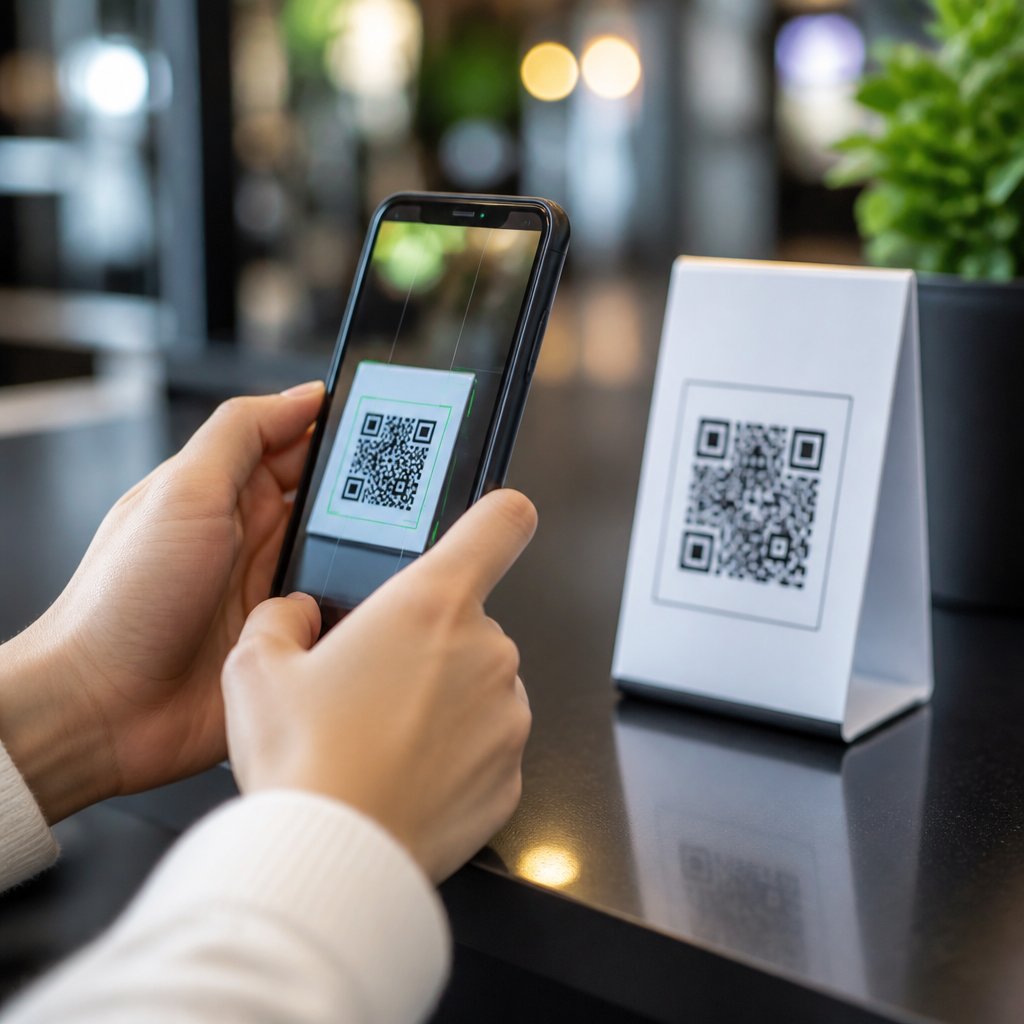
QR codes have become a routine bridge between the physical and digital worlds, but they also create a fast path for scams, malware, and data theft if you scan without caution. A QR code, or Quick Response code, is a two-dimensional barcode that stores information such as a website address, payment request, contact card, app link, Wi-Fi credential, or authentication token. Because phone cameras now read them instantly, most people act before they think. That convenience is exactly why attackers use malicious QR codes in parking meters, restaurant tables, phishing emails, package labels, and fake payment screens.
Protecting your phone when scanning QR codes means understanding the risks behind the code, verifying what will happen before you tap, and hardening your device so a bad scan does less damage. In my own mobile security work, the dangerous cases are rarely technically advanced. They rely on speed, trust, and distraction. Someone scans a code at a train station, lands on a cloned login page, enters credentials, and loses an email account or banking access within minutes. Another user scans a code promising a coupon, approves a malicious mobile configuration profile, and unknowingly reroutes traffic through an attacker-controlled service.
This matters because QR code security is no longer a niche issue. Businesses use codes for payments, menus, support portals, app downloads, and device pairing. Schools use them for attendance and file sharing. Consumers use them for peer-to-peer payments, account sign-ins, and event tickets. The more common they become, the more valuable they are to criminals. Good QR code safety is therefore part of basic mobile security, alongside strong passwords, software updates, multifactor authentication, and cautious browsing. If you learn a few practical checks, you can keep the convenience and avoid most of the risk.
Understand the real risks behind a QR code scan
A QR code is not dangerous by itself. The risk comes from the action it triggers after the scan. The most common threat is phishing: the code opens a fraudulent website designed to capture passwords, payment card details, or one-time passcodes. Attackers often shorten or obscure the destination so the victim sees only a brand logo and a polished page. Another threat is malicious app distribution. A code can push users toward sideloaded Android packages or fake app store listings that imitate banking, delivery, or messaging apps.
Payment fraud is another major category. Criminals place sticker overlays on legitimate payment QR codes in cafes, parking kiosks, donation points, and vending machines. The victim believes they are paying a merchant, but the funds go to a criminal wallet or account. I have also seen support scams where the code opens a prefilled message, a fake tech support page, or a call prompt that pressures the user into granting remote access. Less common but still important are malicious Wi-Fi QR codes, which connect a phone to an unsafe network, and device enrollment links that install mobile configuration profiles or management settings.
Context is your first defense. Ask where the code came from, who benefits from the action, and whether the request is urgent, financial, or account-related. Threat actors routinely exploit urgency and convenience. A code on an official poster inside a trusted store may still be fake if a sticker was added later. A code in an email from a known brand may still be malicious if the message was spoofed. Treat every scan as the start of a web interaction, not a harmless camera function.
Check before you tap: the safest scanning habits
The safest QR code habit is simple: preview the destination and inspect it before opening anything. On iPhone and Android, the built-in camera typically shows the link or action prompt before launching. Read the full domain name carefully. Attackers rely on lookalike domains such as paypaI.com with a capital I, secure-bank-login.co instead of the real bank domain, or misspellings hidden inside longer URLs. If the destination looks shortened, generic, or unrelated to the place where you found the code, do not proceed.
Physical inspection matters too. Look for tampering, especially at payment terminals, public signs, restaurant tables, or shared office spaces. Sticker overlays, mismatched branding, poor print quality, and placement that covers an existing code are classic warning signs. If the code is supposed to take you to a menu, use the business website or search listing instead. If it is for payment, ask staff to confirm the payment name that should appear. A legitimate merchant should have no issue verifying the destination.
When a code requests a download, login, payment, or device setting change, slow down. High-risk actions deserve a second verification step. Open your browser manually and navigate to the official site yourself. Open your payment app directly rather than paying through an unfamiliar browser page. Install apps only through Apple App Store or Google Play, and verify the publisher name, review history, and permission requests. If a code tries to add a calendar subscription, Wi-Fi network, profile, or mobile device management setting, decline unless you expected it and trust the source.
| QR Code Scenario | Main Risk | Safe Action |
|---|---|---|
| Parking meter payment code | Redirected payment to scam account | Use the city parking app or verify the payment name before paying |
| Restaurant menu code | Phishing site or malware link | Compare the domain with the restaurant website or ask staff |
| Email QR code for account login | Credential theft | Open the service app directly and sign in there instead |
| Code prompting app installation | Fake app or sideloaded malware | Search the official app store manually for the app |
Secure your phone so one bad scan causes less harm
Good scanning habits are essential, but device hardening is what limits damage when something slips through. Start with operating system updates. Apple and Google regularly patch browser, WebView, camera, and permission vulnerabilities that can affect QR-initiated actions. Enable automatic updates for the operating system and apps. Next, use a screen lock with a strong passcode or biometric protection. If your phone is stolen after a phishing event or payment scam, a locked device still protects stored data and account sessions.
Turn on multifactor authentication for email, banking, cloud storage, and password managers. In incident response, the account most worth defending is email because it resets everything else. If a malicious QR code steals your password but MFA is enabled, the attacker’s next step becomes much harder. A reputable password manager also helps because it will not autofill credentials on a lookalike domain that does not match the saved login. That mismatch often alerts users faster than visual inspection alone.
Review permissions and app installation settings. On Android, avoid enabling installation from unknown sources unless absolutely necessary, and disable it again immediately if you must use it. On iPhone, be cautious about installing configuration profiles, VPN settings, or enterprise certificates from links. Use built-in browser protections such as Google Safe Browsing and Apple’s fraudulent website warnings. If you handle corporate or regulated data, a mobile threat defense tool such as Microsoft Defender, Lookout, or Zimperium can add phishing detection, app risk scoring, and network threat monitoring.
Recognize red flags in payments, logins, and public places
Some QR situations deserve heightened skepticism because they are repeatedly abused in the real world. Public payment points are at the top of the list. The Federal Trade Commission and law enforcement agencies have warned about fraudulent QR codes placed on parking meters and utility payment notices. A criminal needs only a printed sticker and a convincing design to reroute dozens of small payments a day. Always confirm the merchant or recipient name before finalizing payment, and prefer known apps or saved merchants where possible.
Login-related QR codes are also risky. Many services now use QR sign-in to link devices or authenticate sessions, which is convenient but attractive to phishers. If a code asks you to sign in, approve a passkey, or enter a one-time code, make sure you initiated the process yourself from the official app or website. Never scan a login QR code sent unexpectedly by text, social media message, or email. Real companies do use QR codes in customer support and onboarding, but they should never pressure you to ignore browser warnings or share authentication codes.
Public spaces create extra uncertainty because you cannot verify who placed the code or when it was last checked. Trade shows, transit hubs, hotel lobbies, and bulletin boards often mix legitimate promotions with unmonitored materials. In those environments, assume every code is untrusted until proven otherwise. If the information matters, search for the company manually, use a known app, or type the short branded URL yourself. Convenience should never outrank source verification.
What to do if you scanned a suspicious QR code
If you scanned a suspicious QR code, act quickly but methodically. First, do not enter any information, approve any downloads, or grant new permissions. Close the page and disconnect from any network the code may have joined automatically. If you submitted credentials, change the password immediately from the official site or app, then update any reused passwords elsewhere. Revoke active sessions if the service allows it. For email, banking, and primary cloud accounts, enable or recheck MFA right away.
Next, inspect your device for changes. Review recently installed apps, browser downloads, VPN profiles, calendar subscriptions, and device management settings. Run a mobile security scan if you use a trusted security app. Check your payment cards and banking apps for unauthorized transactions. If the code involved a business device, report it to IT or security immediately so they can review mobile device management logs, conditional access alerts, and sign-in records. Finally, document where you found the code and report it to the venue, merchant, or platform. Fast reporting helps protect the next person who might scan it.
QR code safety comes down to a disciplined routine: inspect the source, preview the destination, avoid high-risk actions through unknown links, and keep your phone hardened against phishing and malicious installs. Most QR code attacks succeed because people move too quickly, not because the technology is impossible to secure. If you treat every scan like opening an untrusted link, you will avoid the common traps. Review your phone’s update settings, authentication methods, and app permissions today, then apply the same care to every QR code you scan tomorrow.
Frequently Asked Questions
1. Why can scanning a QR code be risky for my phone?
Scanning a QR code feels harmless because it looks like a simple square image, but the real risk comes from what that code tells your phone to do next. A QR code can instantly open a website, trigger a download, start a payment request, connect to a Wi-Fi network, launch an app store page, or prefill a message or contact record. That speed is convenient, but it also removes the pause people usually take before clicking a suspicious link. Attackers take advantage of that split-second behavior by placing malicious QR codes on posters, parking meters, restaurant tables, payment terminals, emails, and text messages. In many scams, the code leads to a fake login page designed to steal passwords, a fraudulent payment portal, or a site that tries to install unwanted software.
Your phone itself is not infected simply by seeing a QR code, but it can be exposed the moment you follow the action behind it. For example, if the code opens a phishing website that looks like your bank, delivery service, or workplace login page, entering your details can lead to account takeover. If it points to a fake app download or a malicious configuration profile, your device security can also be weakened. The main danger is not the code image itself, but the hidden destination and the trust people give it. Protecting your phone starts with treating QR codes the same way you would treat shortened links or unexpected attachments: convenient, useful, but never automatically safe.
2. How can I check whether a QR code is safe before I scan it?
The safest habit is to inspect the situation before you ever point your camera at the code. Ask yourself where the QR code came from and whether it makes sense in that context. A code printed by a trusted business inside its official app, on its verified website, or on professionally produced in-store material is generally more trustworthy than a code sent unexpectedly in a text message, email, social media post, or flyer. Be especially cautious if the message creates urgency, promises a prize, asks you to confirm account details, or pressures you to make a payment. Those are classic warning signs of a scam regardless of whether the link arrives as text or inside a QR code.
Once you do scan, do not tap immediately. Most phones show a preview of the destination first. Read that preview carefully and look for misspellings, odd domains, extra words, or unfamiliar URL shorteners. A legitimate company should send you to its real domain, not a lookalike version with swapped letters, extra hyphens, or unrelated country extensions. If the code is physically posted in public, check whether a sticker has been placed over the original code, since scammers often replace real payment or menu codes with fake ones. If the code claims to be for a payment, login, software update, or package issue, it is often safer to avoid scanning altogether and instead open the official app or manually type the company’s web address yourself. That extra step gives you control over where your phone goes next.
3. What should I do after scanning a QR code to avoid scams, malware, or data theft?
After scanning, pause before approving anything. If the QR code opens a website, review the full address and make sure the page matches the organization you expected. Do not enter passwords, payment information, one-time passcodes, or personal details unless you are certain the site is authentic and secure. If your phone offers options such as opening a browser, connecting to Wi-Fi, adding a contact, downloading an app, or making a payment, choose carefully rather than tapping through by reflex. A malicious QR code often succeeds because users assume the next prompt must be legitimate.
You should also avoid downloading apps from QR code links unless you independently confirm the app publisher in your phone’s official app store. If the code tries to make you install an app from outside the official marketplace, that is a major red flag. The same caution applies to QR codes that prompt you to install profiles, certificates, remote access tools, or “security updates.” Those requests deserve skepticism because they can change device settings or give attackers more access. If something feels off, close the page, clear the browser tab, and do not continue. As a good baseline, keep your phone’s operating system updated, use built-in safe browsing protections, and consider mobile security software if you regularly handle payments or business accounts on your device. Safe scanning is mostly about slowing down and verifying before you act.
4. Are QR codes in emails, texts, and public places more dangerous than ones from trusted sources?
Yes, in many cases they are. QR codes delivered through email, text messages, messaging apps, or social media should be treated with the same caution as suspicious links because they are often used to bypass people’s normal defenses. Many users have learned to distrust clickable links in messages, so attackers now send QR codes instead, hoping the format feels safer or more modern. This tactic is sometimes called “quishing,” or QR phishing. A scammer might claim your package cannot be delivered, your bank account needs verification, or your workplace password has expired, then include a QR code that leads to a fake login page. Because the action begins with your phone’s camera rather than a standard link, users may let their guard down.
Publicly posted QR codes also carry special risks because they are easy to tamper with. A criminal can cover a real code with a fake sticker that redirects you to a payment scam, credential theft page, or malware site. This is especially dangerous in places where people expect to scan quickly, such as parking meters, restaurant menus, event check-in tables, and transit kiosks. By contrast, QR codes from trusted sources are safer when you can verify the source independently, such as scanning a code displayed inside your own bank’s official app or on a page you reached by manually typing the company’s web address. The key difference is not whether the code looks professional, but whether you can confirm who controls the destination. If verification is weak, the risk goes up significantly.
5. What are the best long-term habits for protecting my phone when using QR codes regularly?
The best long-term protection comes from building a consistent routine rather than relying on instinct in the moment. First, keep your phone updated so security patches are installed promptly. Modern iPhone and Android devices include important protections against malicious websites, unsafe app behavior, and known threats, but those protections work best when the device is current. Second, use only official app stores for downloads, and be very wary of QR codes that try to push files, APKs, configuration profiles, or browser-based “security checks.” Third, enable built-in protections such as safe browsing, app permission controls, biometric authentication, and two-factor authentication on important accounts. If a scam site steals your password, two-factor authentication can still help stop an attacker from getting in.
It also helps to separate scanning from acting. In other words, scan only to see what the code does, then verify before you proceed. If the code is related to banking, payments, account access, or package tracking, open the official app yourself instead of following the QR code path. Avoid scanning codes from unknown senders, random flyers, or high-pressure messages. In public places, inspect the code for tampering and be suspicious of stickers placed over existing signs. Finally, monitor your accounts and device behavior. If you ever scan a questionable code and then notice unusual pop-ups, new apps, browser redirects, login alerts, or unauthorized charges, change your passwords immediately, review installed apps, run a security scan if available, and contact the affected service provider. Strong QR safety is really a mindset: verify first, approve second, and never let convenience outrun caution.





