
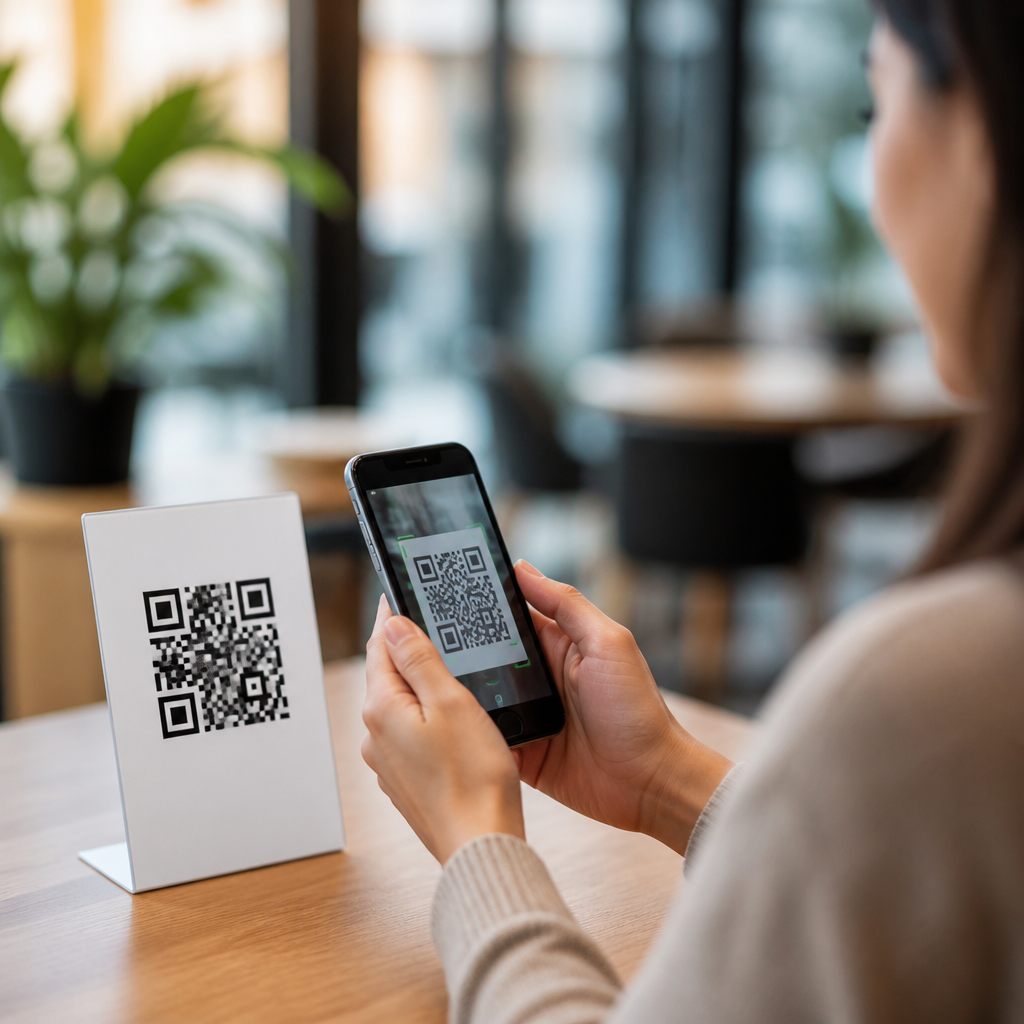
QR codes have become a routine part of daily life, appearing on parking meters, restaurant tables, utility bills, package labels, event tickets, and login screens. A QR code, or quick response code, is a two-dimensional barcode that stores information such as a website address, payment request, contact card, Wi-Fi credential, or app action. Safe QR code practices matter because scanning is frictionless: a phone camera can open a link, trigger a download, or launch a payment flow in seconds, often before a user stops to evaluate risk.
That convenience has made QR codes useful for businesses and public services, but it has also made them attractive to criminals. In security investigations I have handled, the same pattern appears repeatedly: attackers rely less on technical complexity and more on speed, trust, and distraction. A fake sticker placed over a legitimate code on a parking kiosk can redirect a driver to a convincing payment page. A phishing email can embed a QR code that bypasses link-filtering tools because the destination is hidden in an image. A printed flyer can push users to install a malicious app or reveal credentials on a cloned sign-in page.
For everyday users, QR code security and safety comes down to understanding what a code can do, recognizing common attack methods, and following a short set of verification habits before scanning or submitting information. The key terms are simple. “Quishing” is phishing delivered through QR codes. A “redirect” sends you from one web address to another, sometimes masking the final destination. A “dynamic QR code” points to a short link controlled by a service, so the destination can change over time. That flexibility is useful for marketers, but it also means trust must be placed in both the brand and the redirect chain.
This guide explains practical, safe QR code practices for everyday users across payments, public spaces, email, retail, and workplace settings. It also serves as a hub for broader mobile QR code scanning and technology topics, including how phone scanners preview links, how mobile operating systems handle web intents, and why app permissions matter when a scan prompts installation or login. If you use a smartphone, knowing how to assess QR code safety is now a basic digital hygiene skill, similar to checking a sender address before opening an email attachment.
How QR code scams work in real life
Most QR code scams succeed because the user sees a familiar context and assumes legitimacy. Attackers rarely need to break encryption or compromise a phone directly. Instead, they manipulate the environment around the scan. Common examples include fraudulent parking payment codes placed on meters, fake restaurant menu codes in tourist areas, counterfeit package tracking labels, and emailed codes claiming to support multi-factor authentication resets. In each case, the scam works by replacing a trusted starting point with an attacker-controlled destination.
The most common technical paths are phishing pages, malicious downloads, payment diversion, and data collection forms. A phishing page may imitate Microsoft 365, Google, or a bank login and ask for credentials. A malicious download may prompt installation of a profile, APK, or “security update.” Payment diversion sends money to a criminal instead of the real merchant. Data collection forms gather names, addresses, card details, or one-time passcodes. According to the FBI, complaints involving QR code misuse have included redirected payments and credential theft, especially in public payment scenarios.
Context is the strongest clue. A QR code asking you to log in, install software, disable security settings, or enter payment details deserves more scrutiny than one that simply opens a static menu or event program. Codes in uncontrolled public spaces are riskier than codes inside an official app, on a verified invoice, or on a company website. Attackers prefer surfaces where stickers can be added unnoticed and where users are rushed, such as parking lots, transit stations, and checkout counters.
How to evaluate a QR code before and after you scan
The safest habit is to treat every QR code as an untrusted shortcut until proven otherwise. Before scanning, look at the source. Is the code printed professionally, integrated into the sign design, and placed where the organization normally communicates with customers? Or is it a sticker layered over another sticker, slightly crooked, or disconnected from the surrounding branding? Tampering is often visible. I advise users to examine the physical surface first, because this catches many opportunistic public scams before the phone is even involved.
After scanning, pause at the link preview. Both iPhone and Android devices commonly show the destination before opening it, either through the camera app or a browser handoff. Read the domain carefully. Legitimate brands use recognizable domains, while scams often use misspellings, extra words, unusual country-code endings, or generic link shorteners. A payment page for city parking should usually resolve to a domain clearly associated with the city or its contracted payment provider, not a random string on an unfamiliar site.
| Situation | Safer action | Red flag |
|---|---|---|
| Parking meter payment | Use the city app or meter number on the official site | Sticker placed over existing code |
| Restaurant menu | Ask staff if the code is official | Code requests card details to view menu |
| Email with QR login | Open the service directly in your browser or app | Urgent message about account suspension |
| Package pickup or delivery | Verify in the retailer or courier app | Code asks for payment to release parcel |
| Wi-Fi access | Confirm the network name with staff | Prompt to install a certificate or profile |
If the scan leads to a website, inspect the page before interacting. Look for HTTPS, but do not treat the padlock as proof of legitimacy; free TLS certificates are easy to obtain. Check whether the page design, spelling, footer links, privacy notice, and support details match the real organization. If a code launches an app store page, verify the developer name, reviews, and permission requests. If it starts a payment flow, confirm the payee and amount before approving. If anything feels off, stop and navigate to the service manually.
Safe QR code practices for payments, logins, and downloads
Payment QR codes deserve the highest caution because money transfer is immediate and often irreversible. Whenever possible, initiate payment from the merchant’s official app, your banking app, or a saved bookmark instead of from a code in a public place. If you must scan, confirm the recipient name, merchant ID, and amount. Many mobile payment systems display this data before final confirmation. Do not approve a transfer to a personal account when you expected a business payment, and avoid entering card details on a page opened only by a code.
Login QR codes can be safe when they are generated within a trusted service for device pairing or sign-in, such as web sessions that display a code on your own computer screen. The risk is much higher when the login code arrives by email, text, poster, or printed handout. Never scan a code to resolve an “account problem” unless you independently opened the provider’s official site or app first. This single habit blocks a large share of credential theft attempts tied to QR phishing.
Downloads triggered by QR codes should be rare for everyday users. Mobile operating systems, app stores, and enterprise mobility tools are designed to provide safer distribution paths. If a code asks you to install an app, device profile, browser extension, or certificate, assume elevated risk. On Android, avoid sideloading APK files from QR-linked sites unless you fully understand the source and signature verification process. On iPhone, be wary of configuration profiles that can alter network trust or device management settings. In normal consumer use, official app stores should be the default source.
Device settings and habits that reduce QR code risk
Your phone already includes defenses, but they work best when combined with simple habits. Keep iOS or Android updated, because browser, WebView, and camera-related vulnerabilities are fixed through regular patches. Use a modern browser with safe browsing protection enabled. Turn on multi-factor authentication for important accounts, preferably with an authenticator app or hardware key rather than SMS where stronger options exist. If a QR scam captures your password, strong second-factor controls can still stop account takeover.
Limit app permissions and avoid granting unnecessary access after a scan. A QR code should not need your contacts, microphone, SMS messages, or device administration rights just to show a menu or process a payment. Review app store reputation signals, including publisher history and update frequency. Consider using a password manager that autofills only on matching domains; this is one of the most effective phishing defenses because it quietly refuses lookalike sites. Also enable transaction alerts from your bank so unauthorized charges are spotted quickly.
For families and less technical users, create defaults that remove decision pressure. Save official payment apps to the home screen, bookmark common service portals, and teach children or older relatives to ask before scanning codes in public. In business settings, report suspicious labels to staff immediately. A culture of verification matters. The goal is not to avoid QR codes entirely, but to use them through trusted channels whenever possible and to pause whenever a scan asks for money, credentials, software installation, or sensitive personal information.
What to do if you scanned a suspicious QR code
If you scanned a suspicious QR code, your response should match what happened next. If you only opened a page and entered nothing, close it and clear the tab. If you typed a password, change it immediately on the legitimate site and rotate any reused passwords. If you submitted a one-time code, contact the account provider at once because the attacker may still be in the login flow. If you approved a payment, notify your bank, card issuer, or payment platform without delay and dispute the transaction if appropriate.
If you downloaded an app, installed a profile, or changed device settings, remove the item, review permissions, and run a mobile security scan from a reputable vendor if available. Check for unknown VPNs, management profiles, accessibility services, or default browser changes. Monitor accounts tied to the incident for unusual activity. Preserve evidence by taking screenshots of the code, the surrounding sign, the destination page, and any receipts or messages. This helps when reporting to a merchant, employer, payment provider, platform, or law enforcement.
Safe QR code practices for everyday users are straightforward: verify the source, inspect the destination, avoid rushed payments and surprise logins, and use official apps and bookmarks whenever possible. QR technology itself is neutral; the risk comes from where a code leads and what it asks you to do. With a few disciplined habits, you can keep the speed and convenience of mobile scanning without giving up control. Review your phone’s security settings today, and make QR verification part of your normal routine.
Frequently Asked Questions
1. Why can QR codes be risky if they are so common and easy to use?
QR codes are convenient because they remove friction. You point your phone camera at the code, tap once, and a website, payment page, download prompt, login request, or app action can open immediately. That same convenience is what creates risk. A QR code does not show its destination in a human-readable way, so you often cannot tell where it will lead until after your phone interprets it. Criminals take advantage of this by placing malicious QR code stickers over legitimate ones, printing fake codes on flyers or invoices, or sending codes through email and text messages that lead to phishing pages, fake payment portals, malware downloads, or account takeover attempts.
In everyday settings, this matters because QR codes now appear in places people instinctively trust, such as restaurant tables, parking meters, public notices, package labels, event check-in points, and utility bills. When users are in a hurry, they may scan first and evaluate later. That creates ideal conditions for scams. A fake parking payment code, for example, may direct you to a site that looks official and captures card details before you realize anything is wrong. A malicious login QR code might connect your account to an attacker’s session. The biggest risk is not the QR image itself, but the action it triggers and the trust users place in it.
2. How can I tell whether a QR code is safe before I scan it?
The safest approach is to treat every QR code like an unknown link. Start with the context. Ask yourself where the code came from, why it is there, and whether it makes sense for that situation. A QR code on an official utility bill from a provider you already use may be reasonable, while a code taped over a meter, stuck on a sign, or sent unexpectedly in a text message deserves extra skepticism. Physical tampering is a major warning sign. Look for stickers placed on top of other stickers, misaligned labels, poor print quality, or codes that seem newly added to a surface where branding and instructions do not match.
Whenever possible, use your phone’s preview feature before opening the destination. Many devices display the URL or action associated with a QR code before you tap it. Check the web address carefully. Look for misspellings, extra words, unusual domains, random strings, or deceptive subdomains designed to mimic a trusted brand. For example, a legitimate organization should usually use its official domain, not a lookalike variation. If the code claims to be for payment, account access, software installation, or password reset, take an extra step and navigate manually through the official app or website instead of scanning. In short, verify the source, inspect the environment, preview the destination, and avoid acting on pressure or urgency.
3. What should I do after scanning a QR code to stay safe?
After scanning, pause before interacting with anything on the screen. The most important habit is to review what your phone is about to do. If a browser opens, check the full website address before entering any information. If a payment page loads, verify that the merchant name, amount, and branding match the real business or service you intended to pay. If the code tries to launch a download, open an app store listing, add a contact, join a Wi-Fi network, or trigger a login flow, stop and confirm that the action is expected and necessary. Legitimate codes usually support a known task; suspicious codes often rush you into a decision.
Be especially cautious about entering passwords, payment card data, one-time passcodes, or personal information on pages opened from a QR scan. If the action involves anything sensitive, it is usually safer to close the page and access the service directly through the official app, a saved bookmark, or a web address you type yourself. Also pay attention to your device’s security prompts. Do not approve app permissions, profile installations, or system changes unless you clearly understand why they are being requested. Good security after the scan is really about slowing down the process: verify the destination, confirm the requested action, and only proceed when the request matches a trusted and expected interaction.
4. Are QR codes safe for payments, logins, and public Wi-Fi access?
They can be safe, but only when used through trusted channels and with verification. For payments, QR codes are commonly used at parking kiosks, retail counters, and digital invoices. The danger comes when attackers replace or imitate those codes. Before paying, confirm that the payee, amount, and website or app are legitimate. If a parking meter has a QR code, compare it with the city or operator’s official payment method. If a bill includes a code, cross-check the account details against your known provider. Whenever possible, use an official app you already trust rather than a browser page opened from an unfamiliar scan.
For logins, QR codes are often used to connect devices or sign in to web sessions, and that can be secure when the request originates inside an official app or website you intentionally opened. Problems arise when users scan random login codes from unsolicited emails, chat messages, or fake support prompts. An attacker may be trying to get you to authorize their session. Public Wi-Fi QR codes also require care because they may connect you to a rogue network or send you to a fake captive portal. Before joining, verify the network name with venue staff or posted official information. In all three cases, QR codes are best viewed as shortcuts, not proof of legitimacy. The trust should come from the verified source, not from the code itself.
5. What are the best everyday habits for using QR codes safely on a phone?
The best habits are simple, repeatable, and practical. First, keep your phone’s operating system, browser, and security features up to date so you benefit from the latest protections against malicious sites and unsafe downloads. Second, scan QR codes only when there is a clear reason to do so. If you can reach the same service through a known app or by typing the official website yourself, that is often safer. Third, preview links before opening them and inspect the domain closely. Fourth, never let urgency override judgment. Messages claiming you must scan immediately to avoid a fine, claim a package, confirm an account, or receive a refund are common social engineering tactics.
It also helps to separate low-risk scans from high-risk actions. Looking at a restaurant menu is different from entering payment details, logging into an account, or installing software. The more sensitive the action, the more verification you should require. Use multi-factor authentication on important accounts so that even if a phishing page captures a password, additional barriers exist. Monitor financial statements and account activity for signs of unauthorized use after any suspicious interaction. Finally, trust your instincts. If a code is out of place, looks tampered with, comes from an unexpected message, or leads to a site that feels wrong, back out immediately. Safe QR code use is mostly about combining convenience with a brief moment of verification before you tap.





