
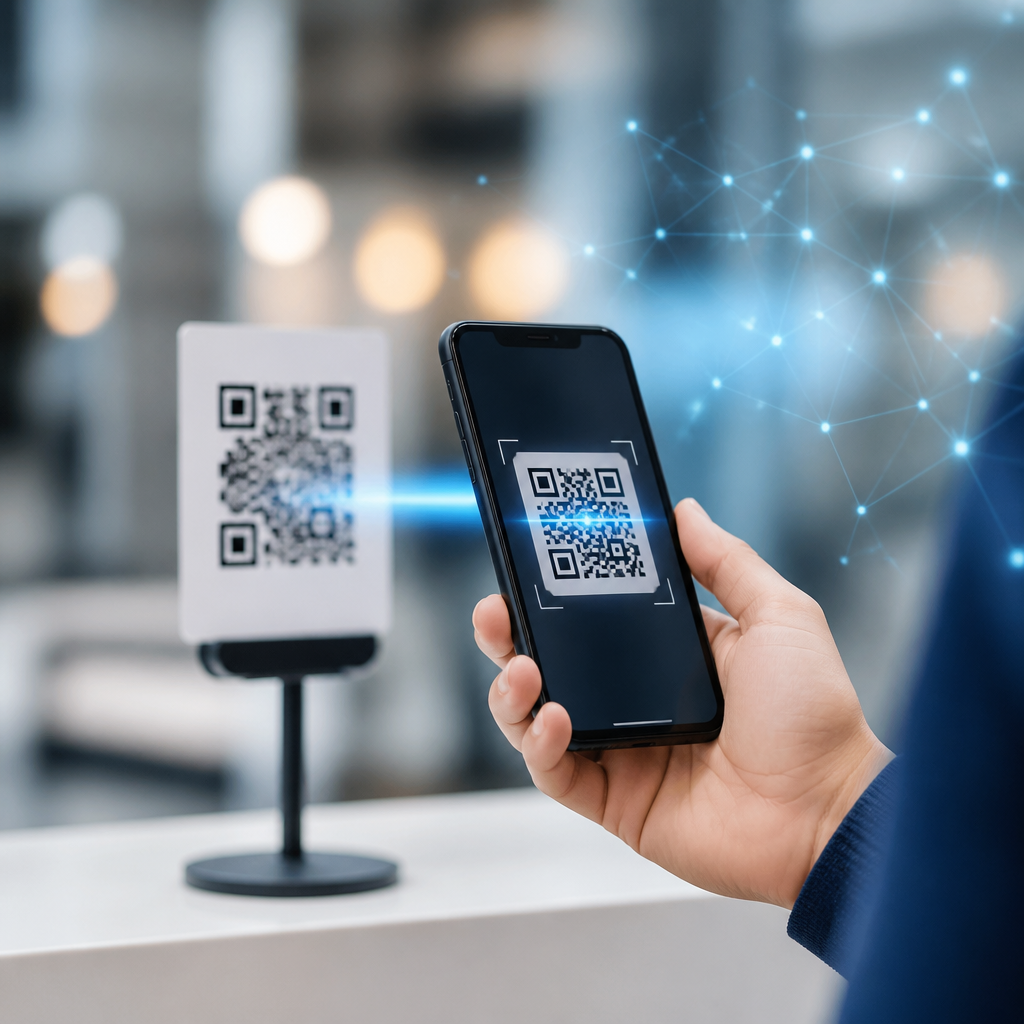
QR codes look simple, but reliable scanning depends on a complicated chain of optics, software, and operating system behavior. In mobile products, “camera integration” means how the scanning engine accesses autofocus, exposure, image buffers, frame rates, torch control, and device-specific camera APIs. “OS support” covers the frameworks and permissions that Android and iOS expose for live preview, image analysis, and background processing. AI improves QR code scanning accuracy by strengthening every step in that chain, from detecting the code in poor lighting to decoding damaged symbols on low-cost phones. I have worked on mobile scanning flows where the same QR code read instantly on one handset and failed repeatedly on another, and the cause was rarely the code alone. It was usually a mix of lens quality, motion blur, focus distance, preview resolution, or aggressive battery management. That is why this topic matters for product teams, developers, and operations leaders managing QR-driven check-in, payments, authentication, and inventory. Better accuracy reduces abandonment, support tickets, and fraud risk while making scanning faster for real users in real environments.
How AI changes the scanning pipeline
Traditional QR scanning engines follow a deterministic process: capture a frame, convert it to grayscale, find square finder patterns, correct perspective, then decode the binary grid using Reed-Solomon error correction. That still matters, and mature libraries such as ZXing, ML Kit, and Apple Vision rely on strong classical computer vision foundations. AI improves QR code scanning accuracy by adding learned models before and around decoding. In practice, this means neural networks can identify likely code regions even when finder patterns are partially occluded, sharpen blurred edges, separate the code from a cluttered background, and estimate whether another frame is likely to decode better. On-device inference is especially valuable because latency affects scan success. If a model can reject unusable frames in 10 to 20 milliseconds and prioritize clearer ones, users spend less time waving a phone around.
One of the biggest gains comes from image quality enhancement. Modern phone cameras apply denoising, HDR, and multi-frame fusion intended for photography, but those same pipelines can distort high-contrast edges that decoders need. AI-based scanning stacks compensate by training on noisy, underexposed, reflective, and angled QR images. The model learns to preserve module boundaries, the tiny black and white squares that carry data. I have seen this matter in warehouse apps where glossy labels under LED lighting created specular highlights. A classical detector missed many labels; a learned detector trained on reflective surfaces recovered enough geometry for successful decoding. The result was not magic. It was targeted robustness built from examples of failure modes that deterministic thresholding handled poorly.
Camera integration on mobile devices
Camera integration is where many scanning projects succeed or fail. On Android, serious implementations usually rely on CameraX or, in advanced cases, Camera2 for finer control over autofocus regions, exposure compensation, zoom ratio, and image analysis streams. On iOS, AVFoundation remains the core framework for camera capture, while Vision or a custom decoder consumes frames. AI improves QR code scanning accuracy only when the app feeds the model frames with enough detail and stable timing. If the preview stream is capped at a low resolution, if autofocus hunts continuously, or if the analysis pipeline blocks the UI thread, even an excellent model underperforms.
Autofocus behavior deserves special attention. QR codes often appear at arm’s length, but retail, logistics, and payment scenarios vary widely. AI can estimate code distance and trigger macro mode or digital zoom when the symbol occupies too little of the frame. Newer smartphones with larger sensors and dedicated macro capabilities benefit from this guidance. Older devices may not support macro control directly, so the app has to balance focus requests against user motion. Exposure is equally important. In low light, longer shutter times introduce blur; raising ISO adds noise. AI-based frame scoring can choose the least blurry frame rather than the brightest one, which often produces better decode rates.
Fragmentation is the hard truth of Android support. Two phones running the same OS version can produce different YUV buffers, rolling-shutter artifacts, and stabilization behavior. Vendors also tune sharpening and noise reduction differently. A robust hub strategy for camera integration should include device labs, telemetry on failed scans, and fallback paths. For example, if live scanning struggles on a budget handset, capturing a still image at full sensor resolution may outperform continuous preview analysis. That tradeoff costs speed but can improve reliability for small or damaged codes.
OS support, permissions, and processing constraints
Operating systems determine what a scanner can do in the foreground and, increasingly, what it cannot do in the background. On iOS, camera access requires explicit permission, and background camera use is tightly restricted for privacy. On Android, permissions are also mandatory, and manufacturers may add battery optimizations that throttle background work. AI improves QR code scanning accuracy best when the app respects these constraints and keeps the core loop efficient: request camera permission clearly, initialize capture quickly, process frames on-device, and release resources when scanning ends.
OS support also affects hardware acceleration. Apple’s Neural Engine and Android’s NNAPI, GPU delegates, or vendor NPUs can run lightweight detection models with lower latency and power draw than CPU-only pipelines. That matters because thermal throttling can quietly reduce performance during long scanning sessions. In field operations apps used for hours at a time, I have seen sustained decode rates decline as devices heated up. Choosing quantized models, limiting analysis to a reasonable frame rate, and batching noncritical analytics outside the scan loop kept performance stable.
Security and privacy influence architecture as well. For regulated environments, on-device scanning avoids transmitting camera frames to a server, reducing exposure of surrounding visual data. This is not just a compliance preference; it usually improves speed because network round trips are eliminated. Cloud-assisted decoding still has a place when devices are extremely weak or when centralized model updates are required, but for most mobile QR use cases, local inference plus local decoding is the correct default.
Where AI delivers measurable accuracy gains
Accuracy is not one number. Teams should measure time to first successful scan, first-pass success rate, decode success by device tier, and failure reasons such as blur, glare, low contrast, truncation, or unsupported content. AI improves QR code scanning accuracy most clearly in difficult conditions: skewed angles, damaged print, curved packaging, low-end cameras, and inconsistent lighting. In consumer settings, this often shows up as fewer retries. In industrial settings, it appears as lower task time and fewer manual entries.
| Challenge | Classical issue | AI-assisted improvement | Typical mobile example |
|---|---|---|---|
| Motion blur | Finder patterns smear and fail detection | Frame quality scoring selects sharper images | Walking user scans event ticket |
| Low light | Noise breaks thresholding | Denoising preserves module edges | Restaurant table menu scan |
| Glare | Highlights hide code regions | Region detection infers partially obscured geometry | Glossy warehouse label |
| Small code in frame | Insufficient pixels per module | Distance estimation triggers zoom or still capture | Package tracking label |
| Curved surface | Perspective correction is incomplete | Learned localization improves warp estimation | Bottle or tube packaging |
Named standards still anchor the process. QR Code Model 2 remains the mainstream format, and its four error correction levels—L, M, Q, and H—define how much damage the code can tolerate. AI does not replace error correction; it helps the decoder reach the point where error correction can succeed. That distinction matters when setting expectations. A heavily damaged code with too few recoverable modules will still fail, and teams should improve print size, quiet zone, and contrast alongside software.
Best practices for building the subtopic hub
As the hub page for camera integration and OS support, this article should connect product decisions to implementation details. Start with a compatibility matrix covering Android API levels, iOS versions, camera frameworks, and preferred scanning libraries. Then branch into focused articles on autofocus strategy, torch behavior, low-light optimization, permission UX, and device testing. Internal links should point readers from this hub to those deeper guides because scanning accuracy depends on system design, not a single algorithm choice.
For implementation, keep the analysis loop simple. Use the highest preview resolution that preserves real-time performance. Lock focus briefly after the scene stabilizes. Prefer YUV analysis buffers over repeatedly converting full-color frames. Score frames before decoding to avoid wasting cycles. Cache camera capabilities so startup remains fast. Log failure causes with privacy-safe metadata such as lux estimate, zoom ratio, and device model. Those signals reveal whether your issue is optical, computational, or platform-specific. When benchmarking, compare flagship phones, midrange devices, and low-cost handsets separately; aggregate averages hide the truth. A scanner that performs brilliantly on a premium iPhone but poorly on a common budget Android phone is not production ready for a broad audience.
The core lesson is straightforward: AI improves QR code scanning accuracy when it is tightly integrated with mobile cameras and operating systems, not bolted on as a generic add-on. Better detection models, smarter frame selection, and on-device acceleration help users scan faster in bad lighting, at awkward angles, and on inconsistent hardware. But the gains only hold when camera controls, OS permissions, thermal limits, and device fragmentation are handled deliberately. For teams building under the broader mobile QR code scanning and technology topic, this hub should guide both strategy and implementation. Start by auditing your current scan failures by device, lighting condition, and code size. Then prioritize the camera and OS bottlenecks that AI can realistically solve. That approach produces measurable improvements, better user trust, and a scanning experience that works reliably where it counts: in the hands of everyday users.
Frequently Asked Questions
How does AI actually improve QR code scanning accuracy?
AI improves QR code scanning accuracy by making the entire detection and decoding process more adaptive to real-world conditions. Traditional QR scanning often relies on fixed image-processing rules such as contrast thresholds, edge detection, and geometric alignment. Those methods can work well in ideal lighting with a sharp camera image, but performance drops when the code is blurry, tilted, partially obscured, printed poorly, shown on a reflective screen, or captured in low light. AI helps by recognizing QR patterns more intelligently, even when the input image is imperfect.
In practice, AI models can enhance several steps in the scanning pipeline. They can identify the likely location of a QR code within a frame, separate it from background clutter, improve readability through denoising or sharpening, and estimate orientation or distortion before decoding begins. Some systems also use AI to determine which frames in a live camera stream are most promising, reducing wasted processing on poor-quality images. This is especially valuable on mobile devices, where movement, focus shifts, and inconsistent lighting are common.
Another major benefit is resilience. AI-based scanners can learn from large datasets that include damaged, low-contrast, curved, distant, or partially visible QR codes. That means the scanner is not limited to a narrow definition of what a “good” code looks like. Instead, it becomes better at recognizing valid patterns across a wide range of environments and devices. The result is faster first-time scans, fewer failed reads, and a smoother user experience in consumer apps, retail tools, logistics systems, and industrial workflows.
Why do camera integration and mobile device hardware matter so much for QR code scanning?
Camera integration is one of the biggest factors behind reliable QR code scanning because the scanning engine can only work with the image data it receives. If the app has poor access to autofocus, exposure control, frame timing, image resolution, or torch settings, even the best decoding software will struggle. On mobile devices, “camera integration” refers to how the scanner connects to platform camera frameworks and device-specific APIs in order to manage live preview, capture image buffers, and react to changing scene conditions in real time.
AI improves scanning, but it depends heavily on the quality and consistency of incoming frames. For example, if autofocus hunts too slowly, the code may remain blurry across multiple frames. If exposure is too low, dark modules in the QR code can merge together and become unreadable. If frame rates drop or image buffers arrive with too much latency, the scanner may miss the moment when the code is actually clear. Good integration allows AI systems to request better focus behavior, evaluate brightness, trigger the torch in low light, and prioritize image streams suited for analysis rather than just visual display.
Hardware differences also matter. Smartphone cameras vary widely in sensor quality, lens sharpness, low-light performance, and support for advanced capture controls. AI can compensate for some weaknesses, such as motion blur or noise, but it cannot fully replace a clean source image. That is why robust scanning products usually combine AI-based image understanding with careful device-level optimization. The strongest implementations treat the camera, the operating system, and the scanning model as one coordinated system rather than separate components.
What role does Android and iOS support play in AI-powered QR code scanning?
Operating system support is essential because Android and iOS control how apps access the camera, process frames, manage permissions, and run real-time analysis. AI-powered QR scanning is not just about having a smart model; it also depends on whether the OS allows efficient delivery of preview frames, hardware acceleration, background processing, and low-latency access to camera controls. If those building blocks are limited or inconsistent, scanning accuracy and speed can suffer.
On Android, developers often work across a fragmented device ecosystem with varying camera implementations and manufacturer-specific behavior. Even when the same app uses modern camera frameworks, image format handling, autofocus reliability, and exposure behavior can differ from one device to another. AI helps absorb some of that variability by adapting to noisier or less predictable inputs, but strong Android support still requires thoughtful integration with platform APIs, permission handling, lifecycle management, and performance tuning across many hardware profiles.
On iOS, the environment is generally more standardized, which can make it easier to achieve consistent scanning performance. However, developers still need to manage camera sessions, image pipelines, privacy permissions, and CPU or GPU usage carefully. AI models used for detection or enhancement must be optimized so they do not add too much delay to live scanning. In both ecosystems, the operating system influences whether the scanner can analyze frames continuously, how quickly it can respond to camera changes, and how efficiently it can run on-device intelligence. In other words, strong OS support is what allows AI improvements to show up in the actual user experience rather than staying theoretical.
Can AI help scan damaged, blurry, or poorly lit QR codes better than traditional methods?
Yes, this is one of the clearest advantages of AI in QR code scanning. Traditional scanners often depend on a fairly clean image with recognizable edges, good contrast, and limited distortion. Once the code becomes too blurry, too dim, too reflective, or partially damaged, those conventional methods may fail because their assumptions break down. AI is more flexible because it can be trained to recognize meaningful QR structures even when the image quality is far from ideal.
For blurry codes, AI can help estimate the most useful regions of the image, improve local clarity, or identify frames in a video stream that are temporarily sharper than others. In low light, it can distinguish signal from sensor noise more effectively than basic thresholding alone. When a QR code is rotated, skewed, wrapped around curved packaging, or partially blocked by glare, AI can assist with perspective correction and pattern recovery before decoding. Some systems also combine AI-based detection with classic error-correction features built into the QR standard, creating a more robust overall pipeline.
That said, AI is not magic. Extremely damaged or tiny QR codes can still be unreadable if the image lacks enough usable information. Success depends on the quality of the model, the training data, the camera feed, and the speed of the implementation. But in practical mobile use, where users scan codes at awkward angles, in moving conditions, and under inconsistent lighting, AI usually delivers a meaningful improvement in both accuracy and scan success rate. It reduces false negatives, shortens the time needed to lock onto a code, and makes scanning feel more reliable across a wider range of everyday scenarios.
Does AI make QR code scanning faster as well as more accurate?
In many cases, yes. AI can improve speed indirectly by helping the scanner find and validate QR codes earlier in the camera stream. A conventional system may need several frames before the code is aligned, contrasted, and sharp enough to decode. An AI-assisted system can prioritize likely code regions, reject irrelevant background content faster, and identify the best candidate frames for decoding. That often leads to quicker first-pass success, which users experience as a faster scan.
AI can also reduce repeated failures. When a scanner misreads the scene or spends too much time processing unusable frames, the overall interaction feels slow even if individual decoding attempts are technically fast. By improving detection confidence and frame selection, AI helps the system avoid wasted work. In mobile products, that matters because camera input is continuous and dynamic. The faster the software can decide where the QR code is and whether a frame is worth decoding, the more responsive the scanning experience becomes.
There is an important tradeoff, however. AI models add computation, and poorly optimized models can introduce latency, drain battery, or overuse CPU, GPU, or neural processing hardware. The best scanning solutions balance lightweight AI detection with efficient camera integration and platform-specific optimization. When done correctly, AI improves both accuracy and speed because it reduces uncertainty in the pipeline. Instead of brute-forcing every frame equally, the scanner becomes smarter about when, where, and how to decode. That is why modern AI-enhanced QR scanning often feels both quicker and more dependable, especially on diverse mobile devices and in difficult scanning environments.





