
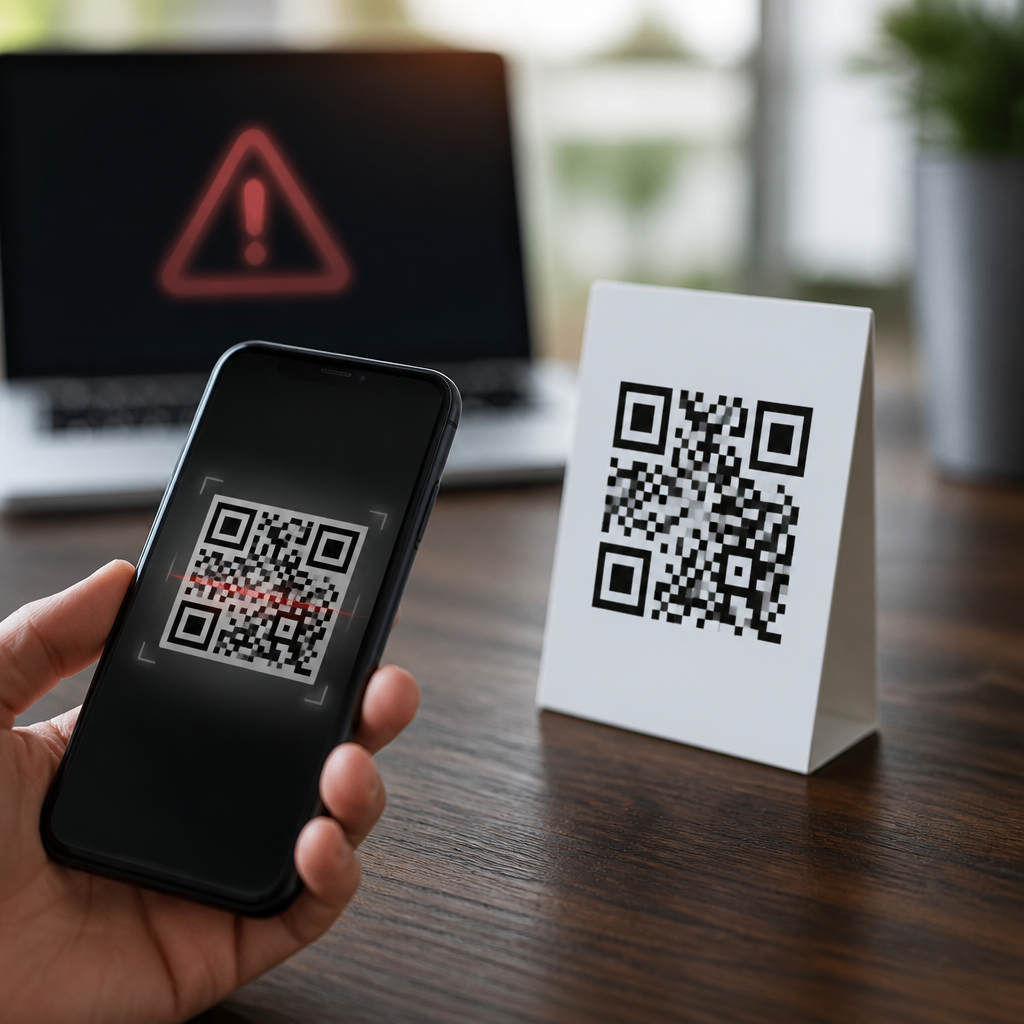
QR codes seem simple: point a phone camera, tap the banner, and land on the intended page. In practice, many scans do not behave that cleanly. A QR code can open the wrong link, route to an outdated page, trigger a search result instead of a destination, or launch an app that handles the content incorrectly. I have seen this happen in retail stores, on shipping labels, on restaurant tables, and inside enterprise asset tracking systems, where one misdirected scan can waste time or expose users to risk.
Understanding why some QR codes open the wrong link starts with a basic definition. A QR code is a two-dimensional barcode that encodes data, usually a URL but sometimes plain text, Wi-Fi credentials, contact details, app links, or payment instructions. “Wrong link” can mean several different failures: the printed code contains the wrong URL, the destination redirects unexpectedly, the scanning app misreads the data, the phone opens a cached or app-routed version of the link, or the code has been tampered with after printing. This matters because QR codes now sit at the intersection of marketing, payments, support, logistics, and authentication. When they fail, conversion rates drop, support tickets rise, and users lose trust fast.
This guide serves as a hub for troubleshooting QR code scans across the full chain: code creation, printing, scanning, device behavior, redirects, analytics, and security. The goal is not just to list causes, but to show how to diagnose them in a repeatable way. If a QR code opens the wrong link, the problem usually falls into one of four buckets: the encoded data is wrong, the symbol is damaged or misread, the scanning environment changes what opens, or the destination infrastructure sends users somewhere else. Once you separate those causes, the fix becomes much more straightforward.
Start by verifying the data encoded in the QR code
The first step is to inspect what the QR code actually contains, independent of any browser or app behavior. I always test with at least three readers: the native iPhone Camera app, Android’s built-in scanner or Google Lens, and a desktop decoding tool such as ZXing Decoder Online or a generator platform that can read uploaded images. If all three readers reveal the same URL, the code itself is probably correct. If one reader shows a different destination, you may be dealing with a decoding issue caused by low image quality, visual interference, or a nonstandard scanner.
This check matters because many organizations assume the printed QR code must be correct if it came from a trusted generator. That assumption fails more often than people expect. Teams sometimes export a proof image, then place the wrong asset into print. A designer may duplicate a layout and forget to replace the code. In dynamic QR platforms, a destination can be edited after printing, so the symbol still scans perfectly while the linked content has changed. I have also seen spreadsheet merges create mismatches, where the label text references one product page but the encoded URL points to another.
For static QR codes, the encoded string is permanent. For dynamic QR codes, the symbol usually contains a short tracking URL that redirects to the final destination. That distinction is central to troubleshooting. If the short URL inside the code is wrong, the issue traces back to code generation. If the short URL is right but the landing page is wrong, the redirect rules or campaign settings need review. Many problems blamed on scanning are actually redirect management errors.
Check for print, design, and physical placement problems
A QR code can open the wrong link when the scanner does not read the symbol cleanly and substitutes nearby patterns or partial data. True decoding errors are less common than bad redirects, but they happen, especially when print standards are ignored. ISO/IEC 18004 defines QR code structure and error correction behavior, yet real-world performance depends heavily on contrast, quiet zone, size, and distortion. The quiet zone is the blank margin around the code; if it is trimmed, crowded by text, or overlaid on a busy background, scanners struggle.
In packaging audits, I look for predictable design mistakes: reversed colors with low contrast, glossy finishes that create glare, curved placement around bottles or cups, and oversized logos that cover too much of the code. Error correction can recover some damage, but it is not magic. A code printed at small size on corrugated cardboard may decode on one flagship phone and fail on a lower-end device with weaker autofocus. When that happens, users often report that the code “went to the wrong site” because they scanned quickly and tapped the first banner that appeared, even if the camera had only partially resolved the target.
Placement also affects trust and clarity. If two QR codes sit close together on a poster, users may not know which one they captured. On restaurant tables, a payment code placed beside a menu code can create expensive confusion. Good practice is simple: maintain a generous quiet zone, use dark foreground on a light matte background, size for expected scan distance, and keep one clear code per action.
Understand how phones, apps, and redirects change the destination
Many wrong-link reports originate after a correct scan. The QR code decodes properly, but the device opens something other than what the publisher expected. This usually happens because of deep linking, in-app browsers, universal links on iOS, Android app links, captive portals, or redirect chains controlled by marketing tools. For example, a QR code may encode https://brand.example/menu, but a user with the brand’s app installed is routed into an outdated in-app screen instead of the mobile web page. The scan was correct; the link handling was not.
Redirects are another common culprit. URL shorteners, campaign trackers, consent managers, geolocation rules, and A/B testing tools can all alter the final destination. I have traced issues to expired Bitly links, misconfigured Branch deep links, Cloudflare redirect rules, and UTM templates that accidentally inserted duplicate parameters and broke landing pages. A code can also appear wrong if a content management system forces a locale redirect, sending Canadian users to a French page or logged-in users to an account area rather than a public offer page.
| Failure point | What happens | How to test it | Typical fix |
|---|---|---|---|
| Encoded URL | Code contains the wrong destination from the start | Decode image with multiple tools | Regenerate and replace the asset |
| Print quality | Scanner struggles and reads inconsistently | Test across devices in different lighting | Increase size, contrast, and quiet zone |
| App or OS handling | Phone opens an app or cached route | Scan on devices with and without the app installed | Adjust deep-link settings or offer web fallback |
| Redirect infrastructure | Short link resolves to the wrong landing page | Use redirect checkers and server logs | Correct routing rules and campaign mappings |
| Tampering | Sticker or overlay sends users elsewhere | Inspect physical code and compare decoded URL to records | Replace material and add anti-tamper controls |
To diagnose these cases, test the decoded URL directly in Safari, Chrome, and an in-app browser. Then test on a clean device or private browsing session. Follow the full redirect chain with tools such as Redirect Checker, Chrome DevTools Network, or server logs. If the code opens the wrong link only on certain phones, the problem is almost always in app association, cached state, or conditional redirects.
Look for tampering, stale assets, and operational mistakes
Not every wrong-link incident is technical. Some are operational, and some are malicious. QR code tampering is well documented in parking meters, public posters, and tabletop payments, where attackers place a sticker over the original code. The user scans a valid QR code, but it belongs to someone else. In business settings, a less dramatic version happens when old signage remains in circulation after a campaign ends. Warehouses, trade shows, and franchise locations are especially prone to stale assets because local teams print replacements without central version control.
I recommend keeping a registry of production QR codes with the human-readable destination, owner, creation date, and approved placement. That single control solves many support problems because teams can compare a scanned result with the official record immediately. For higher-risk uses, add visible URL text near the code, use branded short domains, and inspect installed materials on a schedule. Branded domains are particularly helpful because users can spot obvious fraud more easily than they can with random shortener strings.
Operational discipline also includes retirement rules. If a campaign ends, the old code should either redirect to a relevant evergreen page or be removed. Letting it fall into a 404, a reused short link, or an unrelated promotion creates the exact “wrong link” experience users complain about. This is why dynamic QR governance matters as much as symbol quality.
Build a repeatable troubleshooting workflow
The fastest way to fix QR code scan problems is to use a consistent sequence. First, decode the image with multiple readers and record the exact string. Second, compare that string with the approved source record. Third, test the link directly on desktop and mobile, logged in and logged out. Fourth, inspect redirect hops, app-opening behavior, and analytics tags. Fifth, test the physical code under realistic conditions: distance, glare, movement, and lower-end devices. Sixth, check for environmental or placement confusion, including nearby codes and overlays.
When teams skip steps, they patch symptoms instead of causes. A marketer may replace the QR image when the real issue is a mobile redirect rule. A designer may enlarge the code when the actual problem is a mislabeled asset. A support team may blame customer error when a universal link is forcing users into an outdated app screen. Good troubleshooting separates symbol decoding from link resolution and from content delivery.
For organizations managing QR codes at scale, document ownership and monitoring. Use link checkers, analytics anomaly alerts, and periodic physical audits. Test before launch with both iOS and Android, including current and older devices. Most important, treat QR codes as part of a live mobile system, not as static artwork. That mindset prevents the majority of wrong-link incidents before customers ever see them.
Some QR codes open the wrong link because the data is wrong, the print is hard to read, the phone or app rewrites the destination, or the redirect path has been changed. Less commonly, the code has been tampered with or an outdated asset remains in use. The practical lesson is that QR troubleshooting works best when you isolate each layer: encoded content, physical symbol, scanning device, and destination infrastructure.
If you manage QR codes for marketing, support, payments, or operations, build controls around each of those layers. Verify the encoded URL before publishing. Print for reliable scanning, not just visual style. Test deep links and redirects across devices. Keep a registry of live codes and retire stale assets intentionally. These habits reduce user friction, protect trust, and make scan performance measurable instead of mysterious.
Use this hub as your starting point for troubleshooting QR code scans across your mobile program. Review your current codes, test your highest-traffic placements, and fix the weak links now before they turn into lost conversions or preventable support issues.
Frequently Asked Questions
Why does a QR code sometimes open the wrong link even when it was created correctly?
A QR code can be technically correct and still send people to the wrong place because scanning is not just about the image itself. The code only stores data, usually a URL, but what happens next depends on the phone camera, the operating system, the browser, installed apps, redirects, and the current state of the destination website. If the original URL now forwards somewhere else, if the domain was changed, if a link shortener was updated, or if a dynamic QR code was reconfigured, the scan may lead to a different page than the one the user expects.
Another common cause is context confusion on the device. Some phones try to be helpful by opening certain links in specific apps, such as maps, retail apps, food delivery apps, or social platforms. That automatic handoff can produce a completely different experience from opening the same URL in a browser. In enterprise settings, the problem can be even more noticeable because internal systems often rely on redirects, login gateways, mobile device management rules, or region-specific URLs. The result is that the QR code itself is not always the true point of failure. Often, the incorrect destination is caused by the software path that interprets and launches the link after the scan.
Can poor print quality or damage make a QR code open the wrong destination?
Yes, although this is less intuitive than most people think. QR codes include error correction, which allows many scans to succeed even if part of the code is smudged, scratched, folded, or printed on a curved surface. That resilience is useful, but it also means a damaged code may still scan when conditions are imperfect. In rare cases, severe distortion, low contrast, glare, overlaid graphics, or poor reproduction can cause a scanner to misread some of the encoded data. Instead of failing outright, the device may interpret a slightly altered string that points somewhere unintended.
This issue is more likely when the QR code was already borderline in quality before it was deployed. Examples include tiny codes on packaging, stretched artwork, low-resolution screenshots reused in print, inverted colors with insufficient contrast, or labels exposed to wear in warehouses, restaurants, and retail displays. Placement matters too. A code printed across a seam, wrapped around a bottle, or stuck onto textured material can be harder for scanners to decode consistently. Best practice is to test the exact final printed version under real-world conditions, using multiple phones and scanning apps, not just the original digital file. If a code is important for payments, support, asset tracking, or product authentication, high contrast, adequate quiet space, proper sizing, and durable materials are essential.
What role do redirects, short URLs, and dynamic QR codes play in wrong-link issues?
They play a major role. Many QR codes do not point directly to the final destination. Instead, they use a short URL, a tracking URL, or a dynamic QR code service that redirects the visitor to another page. That structure is convenient because it allows marketers, operations teams, or IT administrators to update the destination without reprinting the QR code. It also enables analytics, campaign attribution, localization, and device-based routing. However, every extra redirect creates another opportunity for configuration mistakes, expired settings, broken rules, or ownership changes.
For example, a dynamic QR code might be updated from a seasonal promotion to a new campaign, but old printed materials remain in circulation and users now land on an irrelevant page. A short domain could expire or be reassigned. Redirect logic might send iPhone users to one destination and Android users to another, but one branch may be outdated. In larger organizations, multiple teams may touch the same routing infrastructure over time, increasing the chance of mismatches. The safest approach is to maintain a documented redirect chain, monitor destination URLs regularly, keep ownership of all related domains and link shorteners, and audit dynamic QR code rules whenever a product, menu, campaign, or internal workflow changes.
Why do some phones open a search result, app page, or broken in-app view instead of the intended website?
This usually happens because different devices handle scanned content differently. Modern smartphone cameras are not just QR readers; they are decision engines. After recognizing the encoded text, the phone may try to determine whether it is a web address, app deep link, contact record, payment request, or search query. If the URL is incomplete, malformed, missing the protocol, or wrapped in tracking parameters that confuse the scanner, the device may pass it to a browser as a search instead of opening it directly. That is why a user may suddenly see search results rather than the correct landing page.
Apps can complicate the experience further. If a QR code points to a link associated with an installed app, the operating system may open that app instead of the mobile browser. In ideal cases, that is seamless. In real life, the app may be outdated, logged into the wrong account, limited by region, or unable to handle the deep link properly. The user might be dumped on a generic home screen, a product page for the wrong store, or an error message. This is especially common with restaurant ordering systems, delivery platforms, retail loyalty apps, and enterprise asset management tools. To reduce this risk, use fully qualified URLs, test with and without the related app installed, verify universal links and app links, and make sure there is a reliable browser fallback when app routing fails.
How can businesses prevent QR codes from opening the wrong link in stores, labels, menus, or internal systems?
The most effective prevention strategy is to treat QR codes as part of a full delivery system, not as isolated graphics. Start by using direct, stable URLs whenever possible, and only introduce redirects or dynamic routing when there is a clear operational reason. Maintain control of the destination domain, SSL certificate, redirect service, and analytics configuration. If a dynamic QR code platform is used, establish change controls so updates cannot be made casually or without documentation. This is particularly important in retail, logistics, and enterprise environments, where one wrong scan can waste labor, confuse customers, or expose sensitive workflows.
Testing should be rigorous and ongoing. Scan each code on multiple devices, including iPhone and Android models, with different browsers and with relevant apps installed. Test the actual printed code in its final environment: under store lighting, on reflective packaging, on shipping labels after handling, on restaurant tables after cleaning, or on industrial equipment in the field. Review where each code ultimately resolves, not just whether it scans. It is also wise to monitor live codes over time because the most common failures happen after deployment, when pages move, redirects change, vendors switch platforms, or old materials remain in circulation. Finally, add operational safeguards: clear human-readable text near the code, visible destination branding, periodic audits, and a documented inventory of where each QR code is used. Those steps dramatically reduce the chance that a simple scan turns into a wrong-link problem.





