
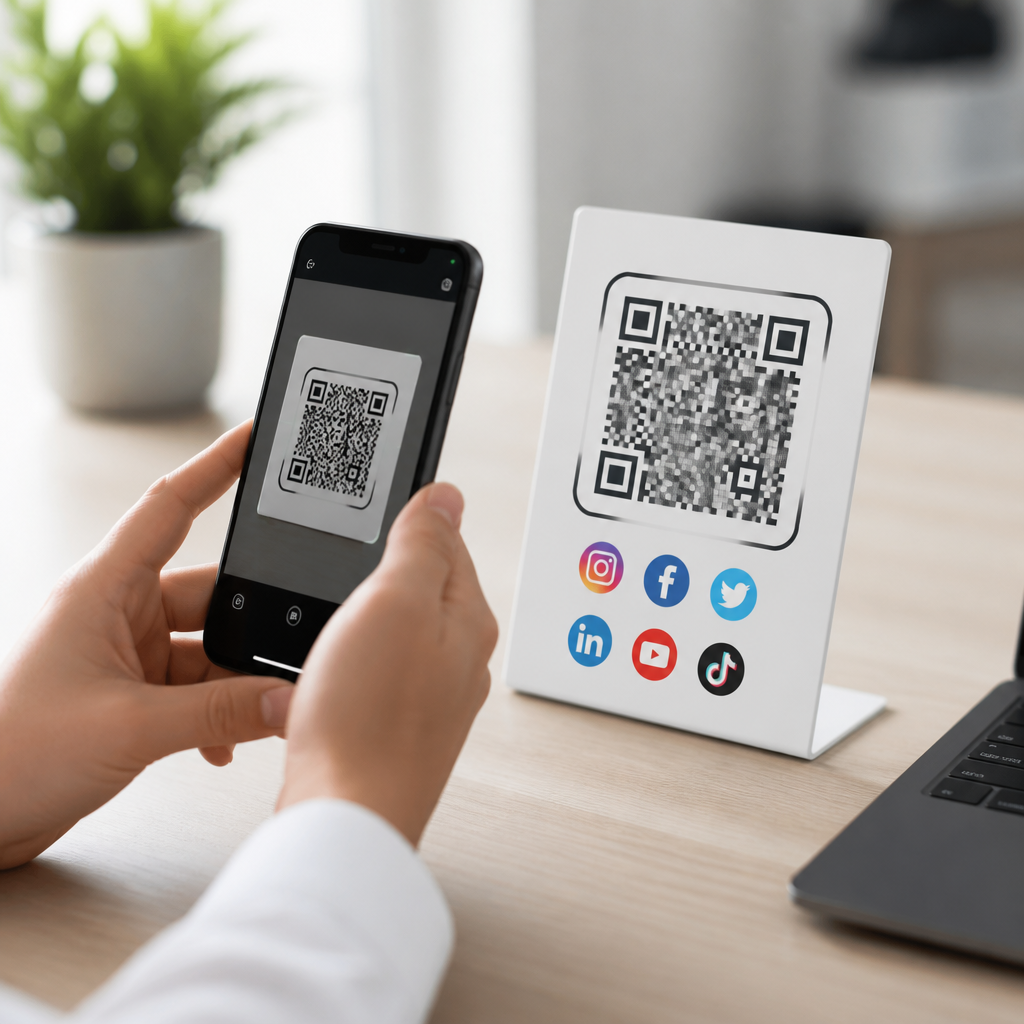
Social media QR codes let people open a profile, follow an account, or view a creator’s social hub with one camera scan, removing the friction of typing usernames, searching platforms, or clicking through crowded landing pages. In mobile marketing, that small reduction in effort matters because every extra tap lowers conversion. A social media QR code is a scannable code that sends a user to one social destination, such as an Instagram profile, or to a consolidated page listing several profiles like TikTok, YouTube, LinkedIn, Facebook, and X. Within the broader topic of mobile QR code basics, this format sits at the intersection of identity, discovery, and cross-platform audience growth. It is one of the most practical types of mobile QR codes because the intent is clear: connect instantly on the channels where people already spend time.
I have used social media QR codes in retail displays, trade show booths, packaging inserts, restaurant table tents, and speaker badges, and the pattern is consistent: performance improves when the scan destination matches the context. A code on product packaging might work best when it opens a branded social hub with tutorials and customer stories. A code on an event badge usually performs better when it opens a LinkedIn profile or a compact profile page with multiple social links. Understanding these distinctions is essential if this page is your hub for types of mobile QR codes. Social media QR codes are not a single tactic. They include direct profile codes, multi-link social landing page codes, app-store-assisted links, campaign-specific dynamic codes, and branded codes designed for offline promotion.
Why does this matter? Because mobile attention is short, platform behavior differs, and attribution can be messy unless the QR format fits the use case. The best social media QR code strategy balances ease of scanning, strong branding, clear destination logic, and measurable outcomes. If you are building a content ecosystem under mobile QR code basics, this article provides the framework for understanding how social media QR codes work, when to use each variation, and how to choose the right setup for customer acquisition, follower growth, and engagement.
What social media QR codes are and how they fit into mobile QR code types
Social media QR codes are QR codes that connect a scanner to a social profile, post, channel, or a mobile-friendly page aggregating several social profiles. They belong to the broader family of mobile QR code types that prioritize fast access on smartphones. Other common types in this family include website QR codes, app download QR codes, vCard QR codes, menu QR codes, payment QR codes, Wi-Fi QR codes, SMS QR codes, and location QR codes. What makes social media QR codes distinct is their job: they reduce the gap between real-world attention and digital follow-through.
There are two primary structures. First, single-destination social QR codes send users to one platform, such as an Instagram profile, LinkedIn page, YouTube channel, TikTok profile, Facebook page, Pinterest board, WhatsApp chat, or Telegram channel. These are ideal when one platform is the main conversion point. Second, social hub QR codes send users to a landing page that lists multiple platforms in one place. This is often the better option for creators, multi-location brands, public speakers, artists, and service businesses that want users to choose their preferred platform.
Static and dynamic behavior is another important distinction. A static social media QR code permanently stores the destination and cannot be edited after printing. A dynamic social media QR code uses a short redirect URL, so the destination can be updated later and scan analytics can be tracked. In practical campaigns, dynamic codes are usually the better long-term choice because social platforms change URLs, seasonal promotions shift, and brands need reporting by location, date, or campaign source.
Main types of social media QR codes and when to use each one
The most useful way to understand this subtopic is by mapping each social QR code type to the moment in which it performs best. A direct profile QR code is the simplest format. It sends the user straight to a single account. I use this when the audience intent is obvious, such as a QR on a conference slide that leads only to the presenter’s LinkedIn profile. A social landing page QR code, by contrast, is better when user preference is unknown. On packaging, for example, some customers want Instagram for visual inspiration, others want YouTube for tutorials, and others want Facebook Messenger for support.
Another type is the campaign social QR code, a dynamic code that routes users to different social destinations depending on the promotion. A retailer can keep the same printed code on store signage while changing the destination from an Instagram giveaway in spring to a TikTok creator challenge in summer. There are also app-aware social QR codes that attempt to open the installed social app first and fall back to a mobile web page if the app is unavailable. This matters because deep linking often improves engagement, though behavior varies by platform and device permissions.
| Type | Best use case | Main advantage | Main limitation |
|---|---|---|---|
| Direct profile QR code | Events, badges, posters | Fastest path to one account | No choice if user prefers another platform |
| Social landing page QR code | Packaging, storefronts, print ads | Supports multiple platforms | Adds one extra tap after scan |
| Dynamic campaign QR code | Seasonal promotions, reusable signage | Editable destination with analytics | Requires a QR platform subscription |
| App-aware social QR code | High-volume consumer campaigns | Can improve mobile experience | Deep-link behavior differs by platform |
Branded social media QR codes are not a separate destination type, but they are an important execution type. These codes use brand colors, a logo, and a customized frame with a call to action such as “Scan to follow” or “Scan for tutorials.” In testing, branded frames consistently improve scan confidence in physical environments because users understand what the code does before they point a camera at it.
Platform-specific examples: Instagram, TikTok, LinkedIn, YouTube, and more
Different platforms reward different QR strategies. Instagram QR codes work well for restaurants, retail, beauty, fitness, and travel because the platform is visually led and easy to browse from a mobile device. A salon can place an Instagram QR code at the front desk to drive follows, then use Stories Highlights to show before-and-after work, booking links, and customer reviews. TikTok QR codes suit brands that rely on short-form video and creator partnerships. A beverage company can print a TikTok QR code on in-store displays that leads directly to a challenge page or profile featuring user-generated videos.
LinkedIn QR codes are especially effective in B2B settings. I have seen them outperform printed contact details at trade shows because attendees can connect in seconds without manually entering a name later. The highest-converting setup is usually a QR code on booth signage plus a concise promise near it, such as “Scan to connect and get the post-event checklist.” YouTube QR codes are strong when the value is instructional. Consumer electronics brands often use them on packaging inserts to route buyers to setup videos, troubleshooting playlists, and accessories demos.
Facebook, X, Pinterest, WhatsApp, and Telegram each fill narrower but still useful roles. Facebook page QR codes remain common for local businesses with active community updates. Pinterest QR codes fit home decor, recipes, crafts, and fashion catalogs because users save content for later planning. WhatsApp QR codes can start a chat for support or appointment booking, while Telegram QR codes can join a broadcast channel or community. The right answer depends less on what is fashionable and more on where your audience already engages.
Best practices for design, tracking, and scan performance
A social media QR code should scan quickly, communicate intent clearly, and send users to a page that loads well on mobile data. Start with error correction and quiet zone standards that reliable QR generators enforce automatically. Keep contrast high, typically dark modules on a light background. If you add a logo, do not over-customize to the point that low-end cameras struggle. I recommend testing with both iPhone and Android devices, under indoor light, outdoor glare, and varying distances. Real-world testing catches failures that desktop previews miss.
Placement is just as important as design. Put the code where a person can comfortably stop and scan, not where foot traffic forces awkward angles. On printed materials, pair the code with a short instruction and a reason to act: “Scan to follow our setup videos,” “Scan for daily specials,” or “Scan to connect on LinkedIn.” Generic placement without context depresses scans because users are cautious about unknown destinations.
Tracking should be planned before launch. Dynamic QR platforms such as Bitly, QR Code Generator Pro, Beaconstac, Flowcode, and Uniqode can report scans by time, approximate location, and device type. Add UTM parameters to the destination URL so analytics tools can separate scans from other traffic. Use platform-native metrics too. For example, compare follower growth, profile visits, watch time, or message starts against the period before the code went live. The metric that matters most is not scan volume alone but completed engagement after the scan.
Common mistakes and how to choose the right social QR code
The most common mistake is sending every audience to the same social profile regardless of context. If the user is standing in a store aisle deciding whether to buy, a YouTube demo or Instagram proof page may work better than a general corporate LinkedIn account. Another mistake is relying on static codes for campaigns that will change. Reprinting is expensive and avoidable. A third is ignoring page speed. If the social landing page is cluttered, heavy, or poorly formatted, the convenience of the scan disappears.
Choose the right type by asking four questions. What action do you want after the scan: follow, watch, message, save, or join? Which platform best matches that action? Does the audience need one destination or several choices? And do you need analytics or future editing? For a musician poster, a social hub QR code may be ideal because fans may prefer Spotify, YouTube, Instagram, or TikTok. For a recruiter at a career fair, a direct LinkedIn QR code is usually better because the action is unambiguous.
Social media QR codes work because they connect offline attention to mobile engagement with almost no friction. As part of mobile QR code basics, they also serve as the gateway to understanding broader types of mobile QR codes: single-purpose codes, multi-destination codes, static versus dynamic formats, and platform-aware experiences. The practical lesson is simple. Match the QR code type to user intent, platform behavior, and campaign context. Use dynamic codes when flexibility and measurement matter. Use direct profile codes when the goal is speed. Use social landing page codes when audience preference varies. Test design, placement, and destination quality before scaling. If you are building your QR strategy, start with one high-intent use case, measure post-scan engagement, and expand from there.
Frequently Asked Questions
What is a social media QR code and how does it work?
A social media QR code is a scannable code that instantly sends someone to a social destination on their phone. That destination might be a single profile, such as an Instagram, TikTok, LinkedIn, or Facebook account, or it could be a centralized social hub that displays multiple platforms in one place. When a user opens their phone camera or a QR scanning app and scans the code, the device reads the embedded link and launches the intended page without requiring the user to manually type a username, search inside an app, or navigate through several menus.
That convenience is what makes social media QR codes so effective. In mobile marketing, every extra step creates friction, and friction reduces the chance that someone will actually follow, engage, or convert. A QR code simplifies that journey into one action: scan. This is especially useful when usernames are long, easy to misspell, or inconsistent across platforms. Instead of asking people to remember account names, marketers, creators, and businesses can provide a direct path that works in seconds.
Social media QR codes also help bridge offline and online experiences. They can be placed on packaging, signage, business cards, menus, event booths, flyers, print ads, and product inserts. Someone interacting with a physical item can immediately connect with a digital profile, which makes the code a practical tool for audience growth, customer engagement, and brand visibility.
What is the difference between linking to one social profile and using a social hub QR code?
The main difference is the destination and the level of choice you give the user. A QR code that links to one social profile sends the scanner directly to a specific account, such as your Instagram page or LinkedIn profile. This is the best option when you have one clear goal and want the shortest possible path to that action. For example, if your campaign is focused on growing Instagram followers, a direct Instagram QR code removes decision-making and takes users exactly where you want them to go.
A social hub QR code, on the other hand, sends users to a landing page that lists multiple social media profiles in one place. This can include Instagram, TikTok, YouTube, Facebook, X, LinkedIn, Pinterest, or other digital destinations. A social hub is useful when your audience may prefer different platforms or when you want to present a broader brand presence. It gives people the flexibility to choose how they want to connect with you.
Choosing between the two depends on your objective. If your priority is minimizing friction and maximizing a single action, a direct profile link is usually stronger. If your goal is to showcase your full online presence, support different audience preferences, or centralize multiple creator and brand channels, a social hub can be more strategic. In many cases, businesses use both: direct profile QR codes for focused campaigns and social hub QR codes for general brand materials.
Why are social media QR codes effective for marketing and audience growth?
Social media QR codes are effective because they reduce effort at the exact moment someone is most likely to take action. In marketing, small barriers matter. If a person has to type a username, search for a profile, or click through several pages, there is a good chance they will abandon the process before they finish. A QR code eliminates those obstacles by turning interest into immediate action with a single scan.
This matters across many real-world situations. At an event, a booth visitor may be interested in following your brand, but they may not want to stop and search for your account manually. On product packaging, a customer might be willing to engage with your social content, but only if the path is instant. In restaurants, retail stores, conferences, and direct mail campaigns, QR codes create a fast connection point between the physical environment and your digital channels.
They are also effective because they support measurable campaigns. When paired with trackable links or dynamic QR code tools, marketers can often monitor scan activity, compare performance across placements, and refine creative strategy based on user behavior. That means social media QR codes are not just convenient; they can also be part of a data-informed conversion strategy. When used well, they help brands increase followers, improve campaign engagement, and create smoother customer journeys from offline attention to online interaction.
Where should you place a social media QR code for the best results?
The best placement depends on where your audience encounters your brand and how much intent they already have. High-performing placements usually share one thing in common: they put the QR code in front of people during a moment of attention, curiosity, or decision-making. Common examples include product packaging, storefront displays, checkout counters, business cards, brochures, trade show booths, event signage, restaurant tables, posters, direct mail pieces, presentation slides, and thank-you inserts.
Visibility and context are critical. A QR code should be large enough to scan easily, placed in a well-lit and uncluttered area, and accompanied by a short call to action that tells people what they will get by scanning. For example, “Follow us on Instagram,” “Scan to watch tutorials,” or “Connect with all our socials” gives the user a clear reason to act. Without that guidance, even a well-placed code may be ignored because the value is not obvious.
It is also important to match placement to intent. If your audience is likely to want one specific action, use a direct social profile QR code in that context. If they may want options, use a social hub. Testing matters as well. A code on packaging may perform differently than one on an in-store display or event badge. The strongest results usually come from combining smart placement, a clear incentive, and a destination that fits the user’s expectations after the scan.
What are the best practices for creating a social media QR code that people actually scan?
The best social media QR codes are easy to scan, easy to understand, and tied to a clear user benefit. Start by choosing the right destination. If you want one action, send users directly to that platform profile. If you want to present multiple accounts, use a well-designed social hub page. The experience after the scan should feel immediate and relevant, especially on mobile devices, where most QR code interactions happen.
Design also matters, but functionality comes first. Use a high-resolution QR code with strong contrast between the foreground and background. Avoid overly complex styling that makes scanning harder. If you add brand colors or a logo, test carefully across different phones and lighting conditions. The code should remain readable at various sizes and from realistic distances, whether it appears on a printed flyer, a poster, or product packaging.
Just as important is the call to action around the code. People are much more likely to scan when they know exactly what will happen. Instead of placing a code without explanation, include language such as “Scan to follow our TikTok,” “Scan to connect with all our social profiles,” or “Scan for updates and behind-the-scenes content.” If possible, give users a reason to care, such as exclusive content, product tips, community updates, or creator access.
Finally, think strategically about maintenance and measurement. If your profile URLs may change or you want campaign flexibility, dynamic QR codes can be especially valuable because they let you update the destination without replacing the printed code. Tracking scan performance can also help you understand which placements, messages, and destinations generate the most engagement. A social media QR code works best when it is treated not just as a graphic, but as a conversion tool built around speed, clarity, and user intent.





