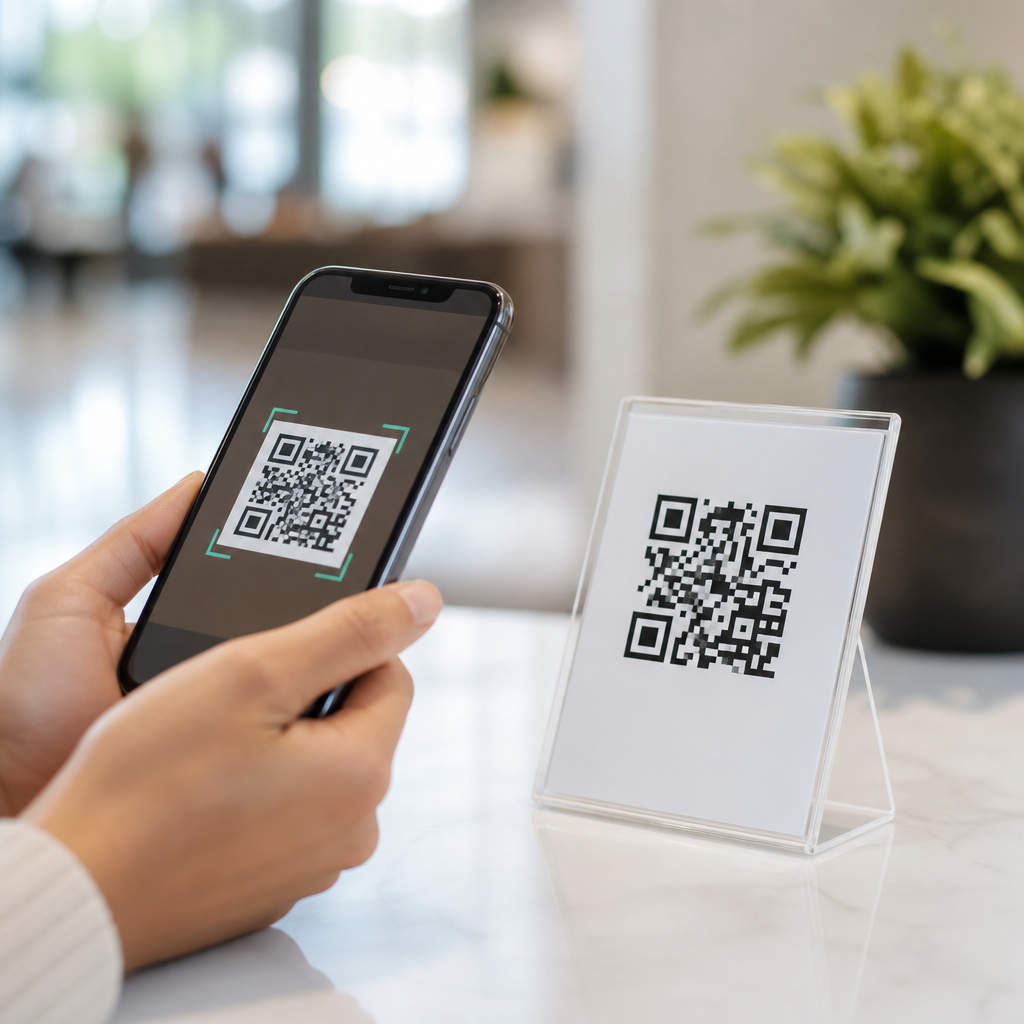
QR codes have become one of the simplest ways to connect a phone user with digital content, and their value goes far beyond quick website visits. A QR code, or Quick Response code, is a two-dimensional barcode that stores data such as URLs, contact details, payment requests, Wi-Fi credentials, app links, ticket information, or product records. When a mobile user scans the code with a smartphone camera or a dedicated scanner, the phone translates the pattern into an immediate action. That action might open a menu, launch a map, save a phone number, join a network, or complete a purchase in seconds.
I have worked with QR code deployments in retail stores, event check-in flows, restaurant ordering systems, and field service documents, and the same pattern appears every time: when the scan experience is relevant and friction is low, mobile engagement rises. This matters because mobile users expect speed, convenience, and minimal typing. On a small screen, every extra step increases abandonment. QR codes remove those steps by turning an offline surface into a digital shortcut. They also fit naturally into modern phone behavior, since both iPhone and Android devices now support scanning directly from the camera app in most cases.
For businesses, publishers, and service providers, the benefits of mobile QR codes include faster access, lower user effort, measurable engagement, flexible updates, and smoother transactions. For consumers, the advantages are equally practical: less searching, fewer errors, and immediate access to useful information where they need it. As a hub topic within Mobile QR Code Basics, understanding these benefits helps explain why QR codes now appear on packaging, posters, receipts, business cards, tables, kiosks, tickets, and emails. The strongest QR code campaigns succeed because they solve a real mobile problem at the exact moment a user is ready to act.
Faster access to information and services
The first major benefit of using QR codes for mobile users is speed. A scan can replace typing a long URL, searching for a product page, downloading a PDF manually, or navigating through an app menu. In practice, this reduction in effort is often the difference between a completed action and a lost user. If someone is standing in front of a museum exhibit, a package, or a transit sign, they want information instantly. A QR code gives them a direct path.
This speed matters most in high-intent moments. A diner scanning a table code wants the menu now, not after entering a web address. A traveler scanning a station code wants route updates while boarding, not after browsing a transit website. A shopper scanning product packaging wants ingredients, assembly instructions, or a warranty page without hunting through search results. Mobile QR codes work well because they match user context. They deliver a destination tied to the object or place in front of the user, which makes the experience feel natural rather than promotional.
There is also a practical accessibility advantage. Many users find small on-screen keyboards inconvenient, especially when entering mixed-case URLs, coupon codes, or Wi-Fi passwords. QR codes reduce input errors and save time. For older users, tourists, and people moving quickly through a public space, this convenience is substantial. It is one reason hospitals use QR codes for patient education handouts and why utilities place them on bills for account access and payment support.
Lower friction improves engagement and conversions
One of the clearest benefits of mobile QR codes is friction reduction. In digital marketing and user experience design, friction means any obstacle between interest and action. QR codes remove several common obstacles at once: typing, searching, remembering, and navigating. When a user scans a code and lands on a mobile-optimized destination, the path from curiosity to conversion becomes much shorter.
I have seen this effect in campaigns where posters with plain website addresses underperformed the same posters updated with a QR code and concise call to action. Scan rates improved because the action was obvious and immediate. The same principle applies to lead capture, app downloads, loyalty sign-ups, and mobile payments. Fewer steps usually means higher completion rates, especially on phones where attention is limited and interruptions are constant.
Engagement also improves because QR codes can lead users to a format suited to the moment. A code on product packaging can open a how-to video instead of a text-heavy page. A code in a real estate window can open a property gallery with tap-to-call buttons. A code on a conference badge can launch a contact card. These are not minor conveniences. They directly influence dwell time, page depth, and follow-through because the mobile experience starts with intent already established.
Versatility across payments, support, onboarding, and content
Another key benefit is flexibility. Mobile QR codes are not limited to linking websites. They can trigger many actions that solve specific mobile needs. This versatility is why they are used across industries, from retail and hospitality to education, logistics, healthcare, and public services. A single familiar scanning behavior supports many outcomes, which reduces learning effort for users.
In payments, QR codes enable fast checkout through systems such as UPI, PayPal QR, Alipay, and merchant wallet flows. In onboarding, a QR code can pair a device, activate an account, or open an app store listing without requiring a manual search. In customer support, a code can connect users to troubleshooting pages, return portals, or live chat for the exact product they hold. In events, it can store tickets, verify attendance, or provide venue maps.
| Use case | Mobile user benefit | Typical example |
|---|---|---|
| Payments | Faster checkout with fewer entry errors | Scanning a merchant code at a cafe |
| Wi-Fi access | Instant network connection | Hotel lobby or restaurant table card |
| Product support | Immediate manuals, videos, and warranty pages | Appliance packaging insert |
| Event entry | Quick ticket validation and less queue time | Concert or airline boarding flow |
| Contact sharing | Save details without manual typing | Business card or trade show badge |
Because the format is adaptable, QR codes continue to be useful after the first scan. A dynamic code can be updated to point to new content without reprinting the code itself. That means a label on a physical asset can support setup instructions today, maintenance logs next month, and replacement ordering later. For mobile users, the visible code stays familiar while the behind-the-scenes experience evolves.
Better measurement, personalization, and campaign control
Mobile QR codes create measurable offline-to-online journeys. That is a major benefit for organizations trying to understand what users do after seeing a printed sign, package, mailer, or in-store display. With dynamic QR code platforms such as Bitly, QR Code Generator Pro, Beaconstac, and Uniqode, teams can track scans by time, device type, location, and destination performance. This is valuable because print has traditionally been harder to attribute than digital media.
For mobile users, measurement may sound like a business feature, but it improves their experience too. Tracking helps teams identify broken landing pages, slow destinations, poor placement, or mismatched offers. When scans drop or bounce rates rise, the code experience can be corrected quickly. In my work, scan analytics often reveal that the issue is not the code itself but the page after the scan: tiny buttons, long forms, or irrelevant content. Once those are fixed, mobile completion rates improve.
Personalization is another advantage. A code can direct users to localized language pages, region-specific promotions, or product information matched to the item scanned. Restaurants can switch menus by daypart. Retailers can route scans from packaging to seasonal offers. Service companies can place unique codes on equipment so each scan opens the correct maintenance history. The mobile user benefits from relevance, while the organization gains cleaner data and tighter operational control.
Safer interactions and important limitations
QR codes can make mobile interactions safer and more efficient when they reduce physical contact, paperwork, and manual data entry. This became especially visible during the pandemic, when contactless menus, payments, and check-ins expanded rapidly. Even beyond that period, the contactless model remains useful in healthcare waiting rooms, self-service kiosks, parking systems, and pickup counters. Users appreciate not needing shared pens, paper forms, or touchscreens when a personal phone can complete the task.
Still, the benefits of mobile QR codes depend on good implementation. A poor-quality code, weak contrast, bad lighting, or an awkward placement angle can ruin scanning. More importantly, trust matters. Malicious actors can place fake stickers over legitimate codes or redirect users to phishing pages. The safest practice is to use branded destinations, HTTPS links, clear context around the code, and concise instructions that tell users what should happen after the scan. Mobile users should preview URLs when possible and avoid scanning codes from suspicious sources.
There are also usability tradeoffs. Not every audience is equally comfortable scanning, and not every environment has strong connectivity. That is why the best QR code experiences include a visible fallback such as a short URL, NFC option, or human assistance path. QR codes are highly effective, but they work best as part of a broader mobile access strategy rather than a one-size-fits-all replacement for every interaction.
The top benefits of using QR codes for mobile users come down to convenience, speed, flexibility, and relevance. A well-placed code turns a phone into an instant bridge between the physical world and digital action, whether that means opening information, joining Wi-Fi, paying, checking in, or getting support. For organizations, QR codes reduce friction and improve measurement. For users, they save time, cut typing, and deliver exactly what is needed in the moment.
As this hub within Mobile QR Code Basics shows, the real strength of mobile QR codes is not novelty. It is utility. They work because they align with how people already use smartphones: quickly, contextually, and with little patience for unnecessary steps. When paired with mobile-friendly landing pages, clear labeling, secure links, and sensible fallback options, QR codes consistently improve the user journey across industries.
If you are building a mobile experience, review every place where users currently search, type, wait, or repeat steps. Those are the strongest opportunities for QR codes. Start with one high-intent use case, measure scan behavior, refine the destination, and expand from there.
Frequently Asked Questions
1. What are the main benefits of QR codes for mobile users?
QR codes give mobile users a faster, easier, and more convenient way to access digital content without typing long web addresses, searching manually, or entering information by hand. A quick scan can instantly open a website, download an app, save contact details, connect to Wi-Fi, launch a payment screen, or display a ticket or product record. This reduces friction at the exact moment a user wants information or wants to take action. On a smartphone, that speed matters because people are often multitasking, moving, shopping, traveling, or trying to complete a task in seconds.
Another major advantage is accuracy. When users type URLs, promo codes, email addresses, or login details manually, mistakes are common. QR codes eliminate many of those errors by transferring the information directly to the device. They also support a more seamless mobile experience because they bridge the physical and digital worlds. A printed poster, product label, table tent, business card, receipt, or sign can instantly become interactive. For mobile users, that means less effort, fewer steps, and a more direct path from interest to action.
2. How do QR codes make everyday mobile tasks more convenient?
QR codes simplify many routine actions that mobile users perform throughout the day. Instead of asking for a password, a café or hotel can provide a QR code that connects a phone to Wi-Fi in seconds. Instead of typing in contact information from a business card, a user can scan a code and save the details immediately. Restaurants can use QR codes for menus, event organizers can use them for digital tickets, and retailers can use them for product pages, discounts, or checkout options. In each case, the phone user avoids unnecessary steps and gets what they need much faster.
This convenience is especially valuable on mobile because screen size, typing speed, and user attention are all limited compared with desktop use. A QR code removes barriers that often cause people to abandon a task. If someone has to manually enter a long URL or search for the right app page, there is a greater chance they will stop. By contrast, scanning a code feels immediate and intuitive. For mobile users, that can mean smoother shopping, faster payments, easier sign-ins, quicker downloads, and better access to time-sensitive information.
3. Are QR codes safe for mobile users to scan?
QR codes are generally safe when they come from trusted sources, but mobile users should still scan them with basic caution. The technology itself is not dangerous; the main risk comes from where the code leads. A malicious QR code could send a user to a fake website, trigger a suspicious download, or attempt to collect personal information through a fraudulent form. That is why users should pay attention to the source of the code, check whether it appears tampered with, and review the destination before submitting any sensitive data.
In practical terms, safe QR code use comes down to smart mobile habits. Users should scan codes from reputable businesses, official packaging, verified signage, and trusted contacts. If a link preview appears, it is a good idea to confirm the domain looks legitimate before opening it. Users should also avoid entering payment details or passwords on unfamiliar pages and keep their phone’s operating system and security settings up to date. When used responsibly, QR codes remain one of the most efficient and user-friendly tools for mobile access, and for most legitimate use cases, they are both practical and secure.
4. Why are QR codes so effective for mobile payments, apps, and digital interactions?
QR codes are highly effective in these areas because they match how people naturally use smartphones: quickly, visually, and on the go. For payments, a QR code can instantly open a payment app, populate transaction details, or direct the user to a secure checkout screen. This reduces checkout friction and helps users complete transactions without handling cash, swiping cards, or entering payment information manually. In app-related use cases, a QR code can send users directly to the correct download page, app feature, or onboarding flow, which is much smoother than asking them to search an app store.
They also improve digital interactions by making real-world touchpoints actionable. A poster can launch a campaign page, a package can reveal setup instructions, and a product shelf can open reviews or specifications. For mobile users, these interactions feel immediate and efficient because the device they are already holding becomes the tool for taking action. This is one reason QR codes have become so common in retail, hospitality, transportation, healthcare, education, and events. They are simple to scan, easy to understand, and extremely adaptable to different mobile needs.
5. Do QR codes improve the overall mobile user experience?
Yes, in many cases QR codes significantly improve the mobile user experience because they reduce friction, shorten the path to information, and make actions more intuitive. Mobile users value speed and simplicity, and QR codes deliver both. Instead of navigating menus, typing addresses, or searching manually, users can scan once and reach the exact destination intended for them. That creates a more streamlined journey, whether the goal is reading content, joining a network, making a payment, claiming an offer, or accessing support.
QR codes also support a more connected and responsive experience across physical and digital environments. They can turn offline materials into useful mobile entry points and make interactions feel modern and efficient. When designed well, a QR code experience respects the user’s time and attention by delivering relevant content immediately. That benefit is especially important for mobile audiences, who often expect instant results. In short, QR codes enhance usability by making digital access faster, more accurate, and more convenient, which is exactly what mobile users want.