
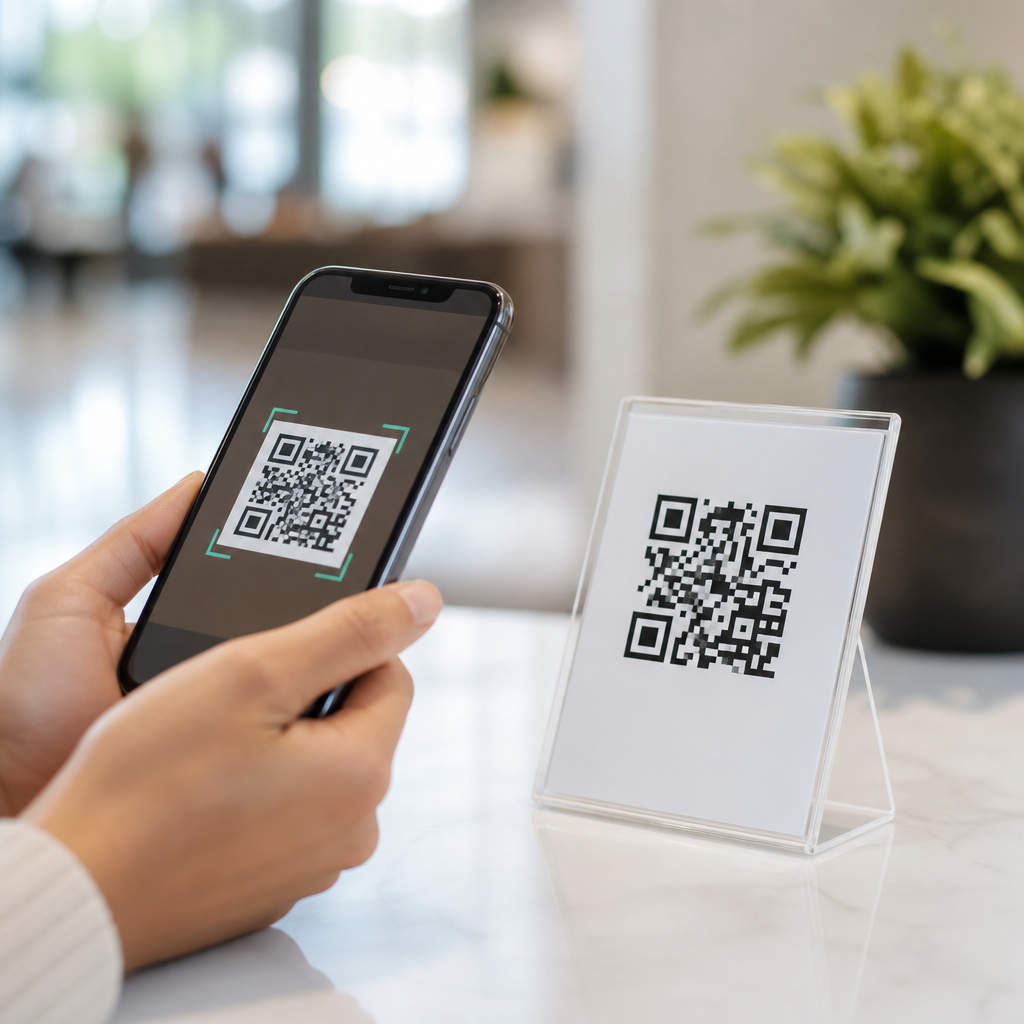
QR codes reduce friction in user journeys by turning a slow, error-prone transition into a fast mobile action: scan, tap, arrive. In practice, that means fewer manual steps between curiosity and completion, whether a customer is opening a menu, paying an invoice, downloading an app, joining Wi-Fi, claiming an offer, or verifying a product. A QR code is a two-dimensional barcode that stores data such as a URL, contact card, payment string, authentication token, or plain text. “Friction” describes anything that adds effort, delay, confusion, or abandonment in a journey. When I have mapped mobile conversion paths for retail, events, restaurants, and field service teams, the biggest leaks often appeared at the handoff point between offline touchpoints and digital destinations. QR codes solve that handoff elegantly, which is why they have become a core part of mobile-first customer experience design.
The value of QR codes is not simply convenience. They compress multiple steps into one familiar behavior already supported by most smartphone camera apps on iOS and Android. Instead of typing a long URL, searching an app store, filling paper forms, or asking staff for instructions, users can move directly to the next relevant action. That matters because every extra field, click, or second of uncertainty lowers completion rates. Baymard Institute consistently finds avoidable checkout complexity and form friction as major causes of abandonment, and the same principle applies far beyond ecommerce. A well-placed QR code reduces cognitive load, shortens task time, and increases confidence that the user has reached the right destination. As a result, businesses get measurable benefits: higher engagement, better attribution, improved service speed, and lower support burden.
This article explains how QR codes reduce friction across the full mobile user journey and why they matter as a benefits hub within Mobile QR Code Basics. It covers speed, accuracy, context, measurement, trust, accessibility, and operational efficiency. It also clarifies the tradeoffs: a QR code is powerful only when the landing experience is fast, mobile-optimized, and relevant to the context of the scan. Used well, QR codes remove barriers at the exact moment intent is highest.
Why QR codes make mobile actions faster and easier
The main benefit of mobile QR codes is task compression. They take a sequence that might require five to ten micro-actions and reduce it to one scan. Consider a printed poster promoting an event. Without a QR code, the user may need to remember the brand, unlock the phone, open a browser, search, find the correct page, and hope the ticket link is obvious. With a QR code, the poster itself becomes the entry point. That changes behavior because user intent is strongest in the moment of exposure. If the path is immediate, more people continue.
I have seen this clearly in in-store campaigns. A shelf sign with a QR code linking to product reviews or setup instructions gets more engagement than a sign that says “visit our website for details.” The difference is not only speed. It is certainty. Scanning assures the user that the destination is the exact item, model, or offer associated with the physical object in front of them. That eliminates search ambiguity and lowers the risk of landing on the wrong page, which is especially important for products with many variants.
QR codes also work because the behavior is now normalized. Since native camera support became standard, users no longer need a separate scanner app. This reduced adoption friction dramatically. In sectors like hospitality, healthcare, and logistics, that familiarity lets organizations design for immediate self-service rather than staff-mediated assistance.
Where friction disappears across the user journey
QR codes are most useful when a user must bridge physical and digital contexts. They shorten discovery, action, and confirmation phases across many scenarios.
| Journey stage | Typical friction | QR code benefit | Example |
|---|---|---|---|
| Discovery | User must search or remember a URL | Direct link from object to destination | Packaging links to product tutorial |
| Consideration | Missing details at point of interest | Instant access to reviews, specs, FAQs | Retail shelf tag opens comparison page |
| Conversion | Form filling or checkout delay | Prefilled data or payment handoff | Restaurant table code opens pay-at-table flow |
| Onboarding | Complex setup instructions | Guided mobile setup sequence | Device box links to activation wizard |
| Support | User cannot find help quickly | Contextual service destination | Appliance sticker opens model-specific manual |
| Loyalty | Low repeat engagement | Fast access to rewards or reorder tools | Coffee cup code opens loyalty wallet |
These gains are practical, not theoretical. Airlines use QR codes for boarding and bag tracking. Restaurants use them for menus, ordering, and payment. Manufacturers place them on packaging for authenticity checks, warranty registration, and video instructions. In each case, the code removes a point of hesitation and routes the user to a relevant mobile action immediately.
Accuracy, context, and fewer user errors
Another core benefit of QR codes is accuracy. Manual entry creates mistakes: misspelled URLs, wrong app downloads, incorrect payment references, and lost leads from bad form data. A QR code carries structured information exactly as intended. For payments, this can encode the recipient, amount, and reference. For app downloads, it can route by device type using a smart landing page. For support, it can contain a serial-specific URL that points to the right documentation.
Context is equally important. A code on a machine can direct a technician to that machine’s maintenance log. A code on event signage can open a venue map instead of a generic homepage. A code on prescription packaging can connect patients to dosage guidance, refill instructions, or side-effect information, subject to regulatory standards and privacy controls. The less interpretation users must do, the lower the friction.
Dynamic QR codes strengthen this advantage because the destination can be updated without reprinting the code. If a campaign page changes, stock runs out, or a seasonal promotion ends, the code still works. This protects the user experience and prevents dead ends, which are among the fastest ways to lose trust.
Measurable benefits for marketing, operations, and service
QR codes do more than help users; they create cleaner measurement for teams. With dynamic codes and analytics platforms, organizations can track scans by time, location, device, and campaign asset. UTM parameters can pass attribution into analytics tools such as Google Analytics 4, Adobe Analytics, HubSpot, or Salesforce-connected reporting. That makes offline media more measurable. A flyer, package insert, storefront decal, or tradeshow booth can be evaluated with the same discipline as a digital ad.
Operationally, QR codes reduce labor on repetitive tasks. In restaurants, table codes can lower order-taking bottlenecks and speed table turns when paired with good menu design. In warehouses, QR labels support inventory lookups, pick validation, and maintenance logs. In property management, codes posted in common areas can route residents to service requests, amenity booking, or move-in guides. The time savings are cumulative because each avoided explanation or manual lookup frees staff for higher-value work.
Service quality can improve as well. When customers self-serve through a QR code, the destination can be standardized. Everyone gets the current form, the latest instructions, and the approved workflow. That reduces version control problems common with printed materials and inconsistent verbal directions.
Trust, accessibility, and the limits that matter
QR codes reduce friction only when users trust the scan. Because malicious codes can redirect to phishing pages, organizations should use branded domains, clear call-to-action text, and landing pages secured with HTTPS. Putting the plain destination domain near the code can increase confidence. So can brand-consistent design and placement in expected contexts, such as packaging, receipts, signs, and staff materials. For regulated sectors, disclosures and consent language should be presented on the landing page, not crammed into the code area.
Accessibility matters too. Codes should be large enough to scan easily, placed with adequate contrast, and accompanied by a short fallback URL or simple alternative instruction. ISO/IEC 18004 defines the QR Code symbology, but practical usability depends on environmental factors like glare, print quality, distance, and quiet zone spacing. In my experience, many poor results blamed on “QR fatigue” were actually caused by weak execution: tiny codes, low contrast, broken links, or pages that were not mobile optimized.
There are real limitations. Not every audience wants to scan. Some contexts require app deep linking, NFC, or plain text alternatives. A QR code also cannot rescue a bad landing page. If the destination loads slowly, asks for unnecessary permissions, or ignores the user’s immediate goal, friction returns instantly. The code is only the doorway.
How to use QR codes well in a mobile-first strategy
The best QR implementations start with intent mapping. Ask one question: what is the single next action the user wants right here? Then build a code and landing experience around that action alone. A product box should not open a generic homepage if the user needs setup help. A table tent should not force account creation before showing a menu. Relevance beats breadth.
Use dynamic QR codes when campaigns, inventory, or destinations may change. Send users to mobile pages designed for speed, clear hierarchy, and minimal input. Keep forms short, prefill what you can, and use wallet passes, autofill, or digital payment methods when appropriate. Test across lighting conditions, camera apps, operating systems, and scan distances. Measure scan-to-completion rate, not scan rate alone, because a code that gets attention but fails to convert still creates friction.
As a hub principle for benefits of mobile QR codes, the takeaway is simple: QR codes reduce friction by removing unnecessary steps at the exact moment of user intent. They make journeys faster, more accurate, more measurable, and easier to support across marketing, commerce, service, and operations. When paired with a trustworthy, mobile-optimized destination, they consistently improve completion. Audit one high-friction touchpoint in your business, add a purpose-built QR flow, and measure what changes.
Frequently Asked Questions
What does it mean when people say QR codes reduce friction in user journeys?
When marketers, product teams, and operations leaders talk about “friction,” they mean anything that slows a person down, creates uncertainty, or adds effort between intent and action. That can include typing a long web address, searching for the right app, filling in repetitive information, switching devices, waiting for instructions, or second-guessing whether they are in the right place. QR codes reduce that friction by collapsing multiple steps into one simple mobile behavior: scan, tap, arrive.
Instead of asking users to remember a URL, manually enter payment details, look up product information, or navigate through menus, a QR code moves them directly to the next useful action. In practical terms, that may mean opening a restaurant menu instantly, paying an invoice without retyping reference numbers, joining a Wi-Fi network without asking for the password, downloading an app from the correct store page, or verifying a product’s authenticity in seconds.
The value is not just speed. It is also accuracy and confidence. Manual transitions are often where people abandon a task, make mistakes, or get distracted. A QR code reduces those failure points by providing a direct path from physical touchpoint to digital destination. The result is a smoother journey, higher completion rates, and a better overall user experience.
How do QR codes improve conversions and completion rates?
QR codes improve conversions by removing unnecessary decisions and reducing the amount of work required to complete a task. Every extra step in a journey gives users another opportunity to pause, get confused, or leave. If someone has to type a URL from a poster, search for a product manually, or enter payment information by hand, the process becomes slower and more error-prone. QR codes replace those steps with immediate access to the intended destination.
This matters because user intent is often strongest in the moment. A customer looking at product packaging, a diner seated at a table, an attendee at an event, or a patient receiving paperwork is already primed to take action. QR codes help organizations capture that intent while it is still fresh. By reducing delay, they help bridge the gap between interest and completion.
They also improve the quality of the traffic or action being generated. A well-configured QR code can send users to a campaign-specific landing page, a prefilled payment flow, a location-aware app experience, or a product verification screen. That means people are not just arriving faster; they are arriving in the right place with less confusion. In many cases, that leads to better engagement metrics, fewer drop-offs, and stronger conversion performance across online and offline channels.
What are some real-world examples of QR codes reducing friction?
QR codes are effective because they work across a wide range of real-world situations where people need a fast handoff from offline context to digital action. In hospitality, a code on a table can open a menu instantly, eliminating the need for printed materials or waiting for staff. In billing and finance, a code on an invoice can launch a payment screen with the correct amount and reference details already included, which reduces data-entry errors and shortens time to payment.
In retail and consumer goods, QR codes can connect packaging to setup guides, loyalty programs, warranty registration, product authentication, care instructions, or reorder pages. That helps customers get what they need without searching or contacting support. At events, a code can streamline registration, badge retrieval, venue maps, or session schedules. In offices, schools, and public venues, a Wi-Fi QR code lets visitors connect without asking for login details or typing complex passwords.
Healthcare, logistics, and field services also benefit. Patients can scan a code to access forms, appointment details, or post-visit instructions. Delivery recipients can confirm receipt or track packages with a scan. Technicians can pull up equipment manuals, maintenance histories, or troubleshooting workflows on site. In each case, the common advantage is the same: the QR code removes manual effort, reduces mistakes, and helps users complete the next step with less resistance.
Are QR codes always frictionless, or can they create problems if used poorly?
QR codes are powerful, but they are not automatically frictionless. Poor implementation can create new obstacles instead of removing them. For example, if a QR code leads to a slow-loading page, a mobile experience that is hard to use, a broken link, or content that is not relevant to the context, users will quickly lose trust. A scan is only the beginning; the destination has to match the promise of the code and work well on a phone.
Placement and clarity matter as well. If the code is too small, printed with low contrast, hidden behind reflective material, or positioned where people cannot scan it comfortably, adoption will suffer. The same goes for unclear calls to action. Users should know exactly what will happen when they scan, whether that is “View Menu,” “Pay Invoice,” “Join Wi-Fi,” “Download the App,” or “Verify Product.” Clear labeling reduces hesitation and improves scan intent.
Security and trust are also important. People are more likely to scan when the code comes from a credible brand and appears in a context that feels legitimate. Organizations should use secure destinations, avoid suspicious redirects, and maintain consistent branding around the code. In short, QR codes reduce friction most effectively when the full user journey is designed thoughtfully, from discoverability and scanning ease to landing-page speed, mobile usability, and post-scan relevance.
What best practices make QR codes more effective in user journeys?
The best QR code strategies start with a single question: what action should the user take immediately after scanning? The destination should be highly specific and aligned with the moment. If the person is looking at packaging, send them to product details or support. If they are holding an invoice, open a payment flow. If they are in a venue, provide access to check-in, Wi-Fi, directions, or relevant information. Precision matters because the most effective QR experiences remove ambiguity as well as effort.
From a design perspective, codes should be easy to scan, large enough for the environment, and placed where people can use their phones comfortably. Strong contrast, clean printing, and adequate spacing around the code improve readability. A short, clear call to action should always accompany the code so users understand the benefit before they scan. This can dramatically increase interaction because it answers the user’s unspoken question: “Why should I do this?”
From a performance standpoint, the post-scan experience must be fast, mobile-optimized, and free of unnecessary steps. Where appropriate, use prefilled forms, deep links, stored context, or simplified landing pages. It is also wise to track scans, destinations, device behavior, and completion rates so the journey can be improved over time. Dynamic QR codes are especially useful because they allow teams to update destinations without reprinting materials. When technical reliability, clear messaging, and user intent are aligned, QR codes become a practical, measurable way to reduce friction throughout the customer journey.





