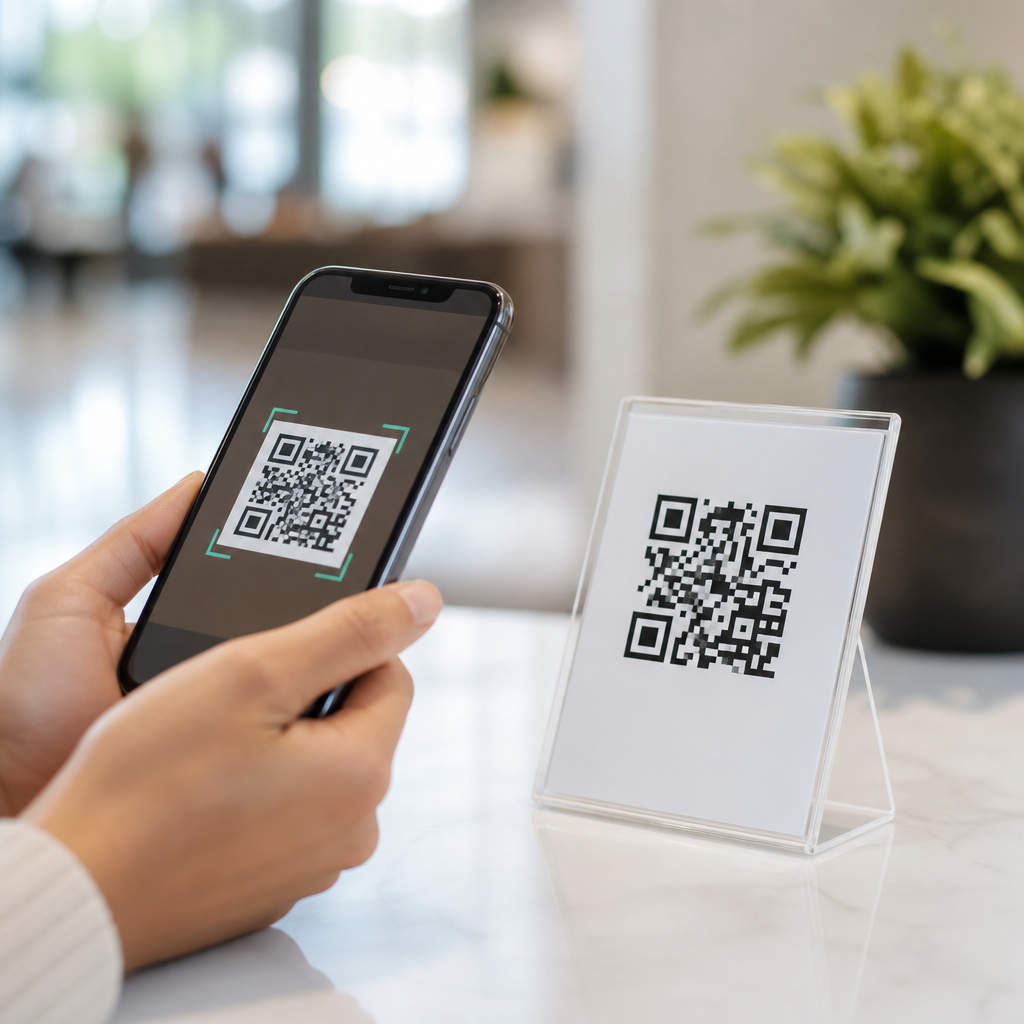
QR codes have become one of the simplest and most effective tools for contactless interactions because they connect the physical world to mobile content in a single scan. A QR code, short for Quick Response code, is a two-dimensional barcode that stores information such as a URL, payment address, digital menu, event ticket, app download link, or contact card. When a smartphone camera reads the code, the user is taken directly to the intended action without typing, searching, or touching shared hardware. That frictionless path is exactly why mobile QR codes now sit at the center of modern customer experience design.
In practice, the benefits of mobile QR codes go far beyond convenience. I have used them in retail stores, trade show booths, restaurant tables, warehouse labels, and clinic check-in flows, and the same pattern appears every time: when people can scan instead of wait, conversion rises and confusion falls. Contactless interaction means reducing physical touchpoints between staff, customers, devices, and printed materials while still moving information quickly. That matters for hygiene, speed, accessibility, and operational efficiency. For a sub-pillar hub within Mobile QR Code Basics, this article explains why QR codes work so well, where they deliver the most value, what limitations to plan for, and how businesses can use them to improve mobile engagement at scale.
QR Codes Reduce Friction at the Exact Moment of Intent
The biggest reason QR codes are perfect for contactless interactions is that they remove steps when a person is ready to act. Traditional pathways ask users to type a long web address, download an app first, enter a promo code, or wait for staff assistance. A mobile QR code compresses that sequence into one behavior: open the phone camera and scan. In conversion terms, fewer steps mean lower abandonment. This is why restaurants use QR menus, museums use QR exhibit guides, and logistics teams use QR asset labels. The code appears exactly where the user needs information, and the mobile device becomes the interface.
This reduction in friction is measurable. A printed poster with a web address depends on memory and manual effort; a QR code captures intent in real time. At events, I have seen exhibitors place one code on booth signage linking to a landing page with product sheets, booking forms, and sales contacts. Attendees scan in seconds, and the business avoids handouts that are often discarded. The same principle applies in apartment buildings, transit stations, packaging, and hotel lobbies. Contactless interactions succeed when the next step feels obvious, and QR codes make it obvious.
They Improve Safety, Hygiene, and Shared-Surface Reduction
Contactless systems became a priority during the pandemic, but their value did not end there. Shared touchscreens, laminated menus, paper forms, payment keypads, and sign-in clipboards all create bottlenecks and increase handling. QR codes let organizations replace or reduce those surfaces with personal-device interactions. In healthcare settings, for example, a patient can scan a code in the waiting room to complete intake paperwork on their own phone. In hospitality, guests can scan to view menus, request housekeeping, or access digital concierge information without handling a printed binder.
The benefit is not only about sanitation. Reducing shared-surface dependence also lowers wear, replacement costs, and staff workload. A digital menu updates instantly, while a printed menu must be collected, reprinted, and redistributed. A QR-based visitor registration flow creates a timestamped digital record rather than relying on handwriting that staff must interpret later. These are practical operational gains. Contactless interaction works best when users already carry the interface in their pocket, and smartphones make QR codes a natural fit.
QR Codes Support Fast, Flexible Customer Journeys Across Industries
Mobile QR codes are unusually versatile because the same format can support many interaction types. One code can open a webpage, trigger a phone call, start an email, launch a map route, save a contact, or initiate a payment. That flexibility makes QR codes a strong hub technology for businesses that need one physical prompt to lead into multiple digital outcomes. In retail, shelf tags can link to product demos, reviews, warranty details, or inventory checks. In education, classroom handouts can connect students to assignments, video lessons, or attendance forms. In real estate, yard signs can open listings, floor plans, and scheduling tools instantly.
Dynamic QR codes increase that flexibility further because the destination can be updated without reprinting the code. I have used dynamic codes in campaign rollouts where landing pages changed by season, language, or inventory status. A restaurant can keep the same table sticker while updating menu items. A manufacturer can print one code on packaging and later redirect to revised manuals, recall notices, or support documentation. That durability makes mobile QR codes cost-efficient for organizations that need fast changes without replacing physical assets.
| Use Case | Contactless Interaction | Main Benefit |
|---|---|---|
| Restaurant table | Scan to view menu and pay | Less waiting, fewer shared items |
| Retail shelf | Scan for specs, reviews, stock | Better product confidence |
| Healthcare lobby | Scan for intake and check-in | Faster administration |
| Event booth | Scan for brochure and lead form | Higher lead capture |
| Packaging | Scan for setup guide or support | Lower support friction |
They Make Information More Accurate, Current, and Measurable
Printed materials go out of date quickly. QR codes solve that by pointing users to live content rather than freezing information on paper or signage. This is especially valuable when pricing, availability, instructions, or compliance language changes frequently. A static sign can remain in place while the linked content updates in a content management system. That improves accuracy for users and reduces the risk of outdated instructions staying in circulation. In regulated industries, that distinction matters because businesses often need to maintain current safety guidance, disclosures, or documentation.
Measurement is another major advantage. With dynamic QR code platforms such as Bitly, QR Code Generator Pro, Beaconstac, Flowcode, or Uniqode, teams can track scans by time, location, device type, and campaign. Those analytics help marketers and operators learn what physical placements actually perform. If a code on a product box gets heavy scans but a code on in-store signage does not, the business can adjust messaging, size, contrast, or placement. Unlike many offline materials, QR codes create a bridge between physical exposure and digital measurement. That visibility makes decisions sharper and budgets more accountable.
QR Codes Increase Accessibility and User Control When Designed Well
Well-implemented QR codes support accessibility because they let users engage on their own device with their own settings. A person can enlarge text, use screen readers, translate content, adjust contrast, or save information for later. That is often easier than reading small print on a poster or navigating a public kiosk. In multilingual environments, a single code can open a language selector instead of forcing businesses to print separate materials for each audience. For tourists, patients, conference attendees, and public service users, that flexibility improves comprehension immediately.
Design quality matters, however. Codes should be placed at a reachable height, surrounded by clear instructions, and paired with a short fallback URL for anyone whose device cannot scan. The linked page must be mobile optimized, fast loading, and easy to navigate. I have seen excellent QR campaigns fail because the landing page was slow, the code was too small, or the instruction text never explained what the scan would deliver. Accessibility is not automatic. The code opens the door; the mobile experience behind it must still respect readability, speed, and user confidence.
Payment, Authentication, and Self-Service Work Naturally Through Mobile QR Codes
One reason businesses continue investing in QR-enabled contactless systems is that mobile QR codes align with payment and self-service behavior. Consumers are already used to scanning in banking apps, digital wallets, transit systems, and peer-to-peer payment tools. Standards such as EMVCo QR payments have helped formalize merchant-presented and consumer-presented payment flows in many markets. In practice, that means a café can place a code at the counter, a parking facility can post a code at the entrance, or a freelancer can add a payment code to an invoice. The interaction is fast, touch-light, and familiar.
Authentication and self-service also benefit. A code can verify event entry, start equipment setup, open Wi-Fi credentials, or launch account-specific support. In warehouses, staff scan location codes rather than typing aisle identifiers into handheld devices. In offices, visitors scan for guest registration and meeting room directions. These workflows reduce keying errors and speed throughput. The best use cases share one trait: the QR code does not ask users to learn a new behavior; it fits into a task they already want to complete quickly.
Limitations Matter: Trust, Placement, and Mobile Experience Determine Results
QR codes are powerful, but they are not magic. Poor placement, weak connectivity, low contrast printing, broken links, and vague calls to action reduce performance immediately. Security is another legitimate concern because malicious actors can cover a real code with a fraudulent one. For that reason, businesses should use branded domains, place codes in monitored locations, and tell users exactly what will happen after scanning. Trust rises when the destination is recognizable and the context is clear. A code labeled “Scan to view today’s menu” performs better than an unexplained square on a table.
There are also audience considerations. While smartphone scanning is now mainstream on iPhone and Android devices, some users still prefer printed instructions or direct human assistance. That is why the strongest contactless systems provide a backup option, not a forced one. When planning mobile QR code benefits, think in terms of support, not replacement. Use codes to remove friction where they help most, then reinforce them with good signage, stable mobile pages, secure redirects, and a clear purpose tied to the user’s immediate need.
QR codes are perfect for contactless interactions because they combine speed, safety, flexibility, and measurable performance in one simple mobile action. They reduce shared touchpoints, shorten customer journeys, keep information current, and support payments, self-service, and content delivery across industries. Most importantly, they meet people at the moment of intent with almost no learning curve. That is why they remain one of the most practical tools in Mobile QR Code Basics and a foundational example of the benefits of mobile QR codes.
For businesses building this subtopic into a broader strategy, the lesson is straightforward: start with high-intent touchpoints where users already want immediate information or action. Then use dynamic codes, mobile-first landing pages, and clear instructions to make every scan useful. If you are auditing customer experience, operations, or printed materials, identify one process that still depends on waiting, typing, or shared surfaces and replace it with a well-designed QR flow. That is often the fastest path to better contactless interactions and stronger mobile engagement.
Frequently Asked Questions
What makes QR codes ideal for contactless interactions?
QR codes are ideal for contactless interactions because they remove friction at the exact moment a person wants information or needs to complete an action. Instead of touching a shared screen, handling printed materials, typing a long web address, or downloading something manually, a user can simply point a smartphone camera at the code and go straight to the intended destination. That destination might be a digital menu, payment page, product guide, event check-in, app download, contact card, or support form. The process is fast, intuitive, and requires almost no instruction, which is a major reason QR codes work so well across different environments.
They are also highly versatile. A single QR code can connect a physical object or location to digital content instantly, making it easier for businesses, venues, and organizations to deliver information without person-to-person contact or shared surfaces. In restaurants, they can replace printed menus. In retail, they can provide product details or self-checkout options. In healthcare, they can direct visitors to digital forms or appointment check-in pages. Because most modern smartphones can scan QR codes natively, the barrier to use is low, and that widespread compatibility makes them one of the most practical tools for contactless engagement.
How do QR codes improve convenience for customers and businesses?
For customers, QR codes make everyday interactions quicker and more seamless. They eliminate unnecessary steps such as searching online, entering URLs by hand, waiting in line for basic information, or touching shared devices. A quick scan can open a restaurant menu, launch a mobile payment screen, display Wi-Fi credentials, provide a coupon, or save contact information directly to a phone. That level of speed matters because the easier the experience is, the more likely people are to complete the action without hesitation.
For businesses, the convenience is just as significant. QR codes reduce dependence on printed materials, simplify service delivery, and make it easier to update content without reprinting signs or menus every time something changes. A business can place a code on packaging, posters, tables, receipts, storefront windows, or product displays and immediately connect customers to live digital content. This not only saves time and operational cost, but also creates a more flexible customer experience. If a menu changes, a product page is updated, or a promotion ends, the linked destination can often be changed without replacing the physical code, depending on how it was created. That combination of convenience, efficiency, and adaptability is a major reason QR codes continue to grow in popularity.
Are QR codes safe to use for contactless payments, menus, and information sharing?
QR codes themselves are simply a method of delivering information quickly, so their safety depends on how they are created, where they lead, and whether users take a few basic precautions. When generated by a trusted business or organization, QR codes are generally a safe and efficient way to access menus, payment pages, digital tickets, contact details, and other resources. In fact, they can improve the user experience by reducing manual errors, such as typing the wrong web address or payment information.
That said, users should still scan responsibly. Before tapping through, it is wise to check whether the destination link looks legitimate and whether the business presenting the code appears trustworthy. Businesses should also take steps to build confidence by using secure websites, clear branding, and visible placement that makes tampering easier to detect. For payments especially, linking to recognized and secure payment systems is important. When used properly, QR codes are a reliable tool for contactless interactions, but like any digital access point, they work best when paired with good security practices and user awareness.
What types of contactless experiences can QR codes support?
QR codes can support a remarkably wide range of contactless experiences because they can store or connect to many different types of digital actions. One of the most familiar uses is the digital menu in restaurants and cafes, but the technology goes far beyond that. QR codes can be used for contactless payments, self-service product information, event registration, ticket validation, hotel check-in, visitor sign-in, loyalty programs, customer feedback forms, app downloads, warranty registration, and digital business cards. In educational settings, they can link students to resources or assignments. In healthcare, they can streamline patient forms, appointment confirmations, and informational materials.
Their value comes from the fact that they act as a bridge between the physical and digital worlds. A printed sign, product label, flyer, table tent, package insert, or storefront display can become interactive with one scan. That means businesses do not need complex hardware or expensive systems to deliver a modern touch-free experience. Whether the goal is to share information, complete a transaction, or guide someone to the next step, QR codes offer a simple and scalable way to make that interaction contactless, efficient, and mobile-friendly.
Why are QR codes considered a long-term solution rather than a temporary trend?
QR codes are considered a long-term solution because they solve a fundamental usability problem: how to move people from a physical environment to a digital action instantly. That need is not temporary. Consumers increasingly expect speed, convenience, and mobile-first experiences, and QR codes meet those expectations with very little effort from the user. They do not require specialized equipment, they work with devices people already carry, and they can be deployed across industries without major technical barriers. Those qualities give QR codes lasting value well beyond any single moment or trend in consumer behavior.
They are also sustainable and adaptable. Businesses can use them to reduce printed materials, update information dynamically, and support changing customer needs over time. As mobile payments, digital ordering, self-service experiences, and smart packaging continue to expand, QR codes remain a practical access point that fits naturally into those systems. Their staying power comes from their simplicity: scan, connect, act. That straightforward experience is exactly why QR codes continue to be one of the most effective tools for contactless interactions and why they are likely to remain relevant for years to come.