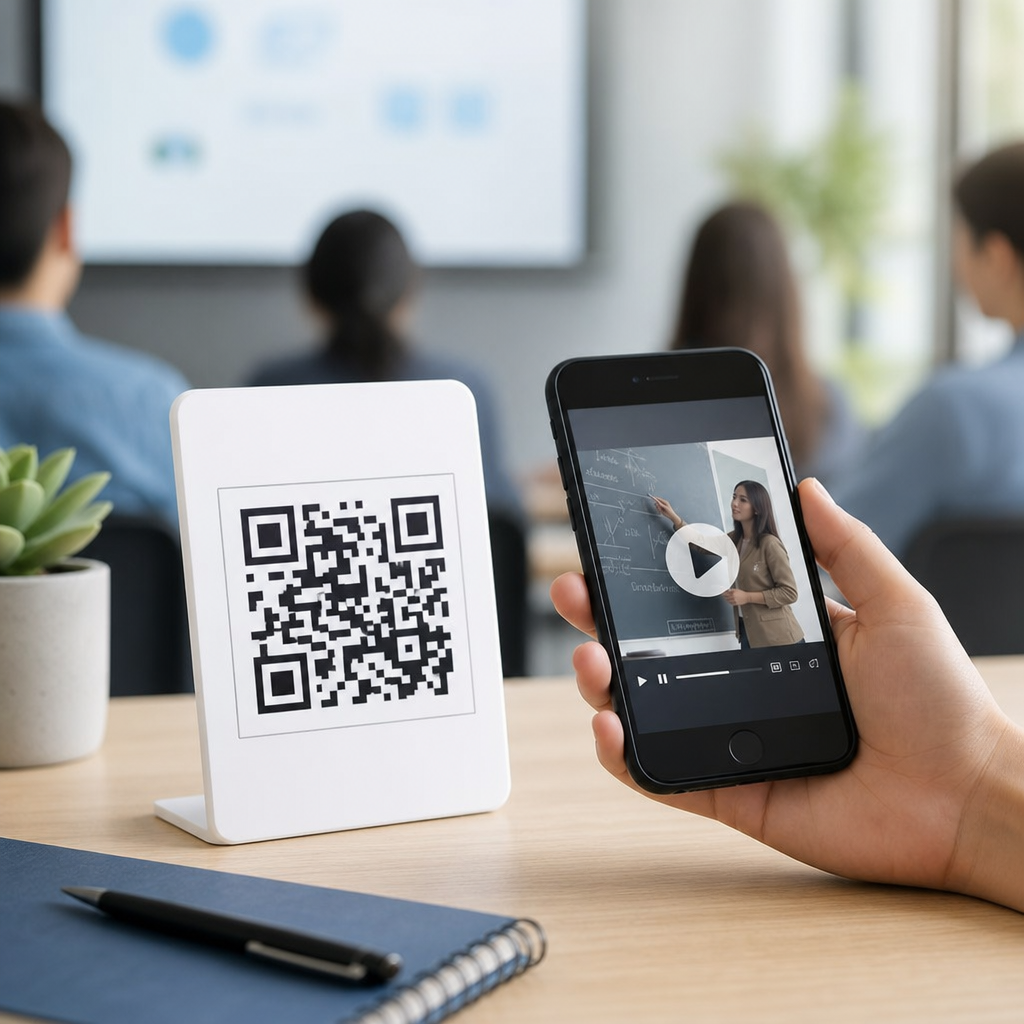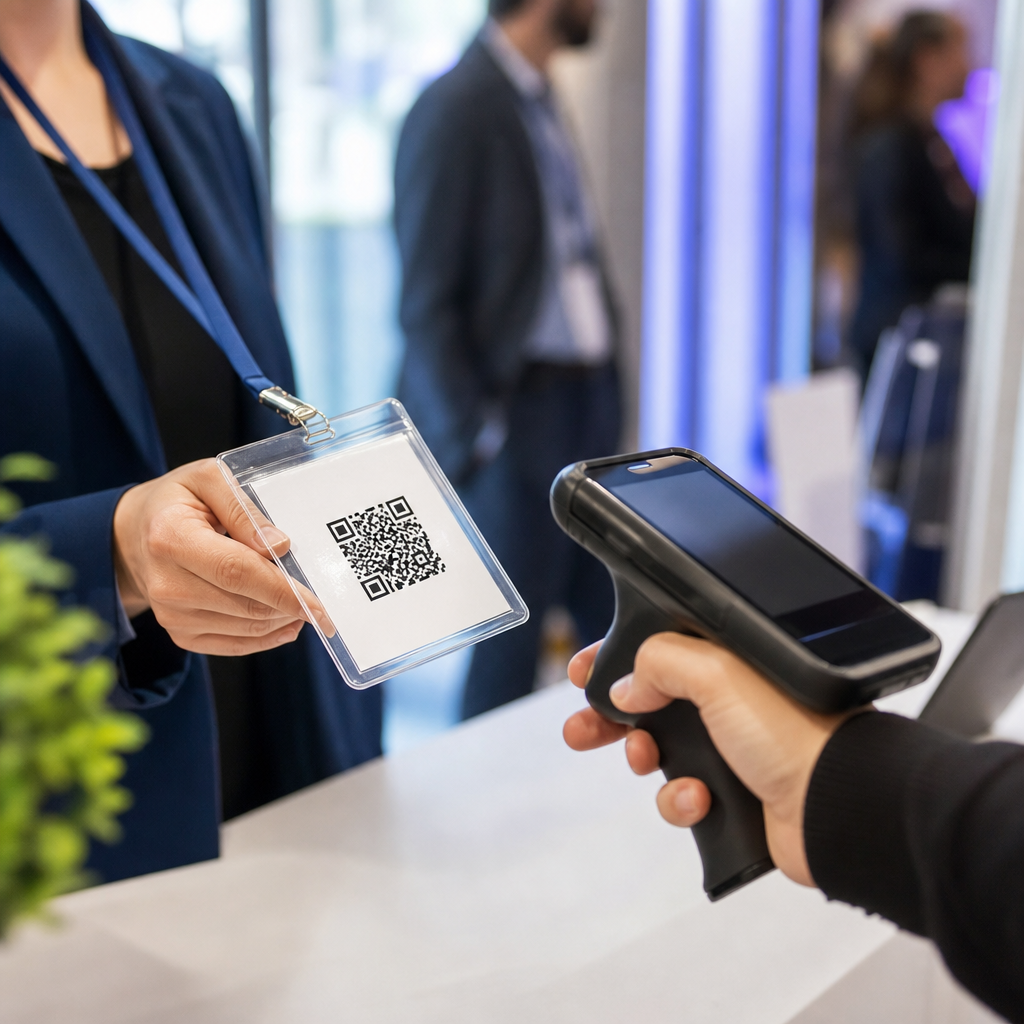
QR codes for badge scanning at events have become a practical standard for fast check-in, session tracking, lead capture, and on-site security across conferences, trade shows, expos, and corporate meetings. In event operations, a badge QR code is a machine-readable square barcode printed on an attendee credential that links to a registration record, ticket status, access permissions, or engagement history. Badge scanning means using a mobile app, handheld scanner, kiosk camera, or access gate to read that code instantly. This matters because event teams are under pressure to reduce lines, prevent fraud, measure attendance accurately, and deliver better experiences without adding labor. I have implemented badge scanning workflows for large association conferences and smaller B2B summits, and the same lesson repeats: when registration data, badge design, and scan rules are set up correctly, the venue runs smoother from the front door to the final session. For planners, sponsors, exhibitors, and attendees, QR-based badge scanning is not just a convenience feature; it is the operational backbone of modern events and ticketing.
As a hub topic within events and ticketing, QR code badge scanning touches every stage of the event lifecycle. Before the event, organizers use it to validate registrations, assign ticket types, and encode access rules. During the event, teams rely on scans for entry control, workshop capacity management, continuing education tracking, VIP lounge access, cashless activations, and exhibitor lead retrieval. After the event, the same scan data supports attendance reports, sponsor ROI analysis, certificate issuance, and follow-up marketing. The technology is widely supported by platforms such as Cvent, Eventbrite, Bizzabo, Swapcard, and RainFocus, and it works with standard mobile hardware when the code contrast, size, and error correction are configured properly. Understanding how QR codes for badge scanning at events work, where they create value, and where they can fail helps organizers choose the right setup and build dependable attendee journeys.
How QR badge scanning works in events and ticketing
A typical workflow starts in the registration system, where each attendee receives a unique identifier tied to a registration record. That identifier can be stored directly in the QR code or used as a token that references a secure record in the event database. The badge is printed in advance, at self-service kiosks, or on demand at the registration desk. When scanned, the system checks rules such as ticket validity, payment status, event date, session entitlement, duplicate entry, or exhibitor permissions, then returns an action: allow entry, print a label, mark attendance, or flag an issue for staff review. The best implementations avoid placing sensitive personal data in plain text inside the code. Instead, they use a randomized ID linked to the backend, which limits privacy exposure if someone photographs a badge.
Scan performance depends on operational details more than most planners expect. High-contrast black-on-white codes, sufficient quiet zones, and codes at least about 0.8 inches square on badges improve readability on standard phones. Laminated badges can create glare under exhibit hall lighting, while heavily stylized branding can reduce scan success. I have seen queues double simply because a designer shrank the code to make room for sponsor logos. Devices matter too. A current iPhone or Android phone running a native event app often scans faster than older laser hardware for printed QR codes, especially when badges are creased. Reliable Wi-Fi helps for live validation, but good event systems also offer offline caching with later sync so doors do not stop when connectivity drops.
Primary use cases across conferences, trade shows, and ticketed events
The most visible use case is attendee check-in. Instead of searching for names manually, staff scan a confirmation email or preprinted badge and immediately confirm identity, print credentials, and hand over event materials. This cuts wait times and reduces misspellings. At educational conferences, session scanning is equally important. Organizers need accurate counts for room management, speaker reporting, and continuing education credits. A scan at the room door creates a timestamped attendance record that is far more reliable than headcounts. For paid workshops or premium experiences, access can be restricted automatically based on the attendee’s registration type.
Trade shows add another major function: exhibitor lead retrieval. Each badge scan at a booth records a prospect interaction, often with qualifiers such as product interest, budget range, or follow-up priority. Sponsors value this because it turns booth traffic into structured sales data. Badge scanning also supports networking lounges, hosted buyer meetings, gamification, meal redemption, and shuttle boarding. At concerts, festivals, and sports hospitality events, QR credentials can complement or replace RFID in lower-cost deployments, especially where temporary access control is needed without expensive infrastructure. The same principle applies to staff, vendors, and press badges, where permissions differ by zone and time.
| Event function | What the QR badge scan does | Operational benefit |
|---|---|---|
| Registration check-in | Validates attendee record and prints badge | Shorter lines and fewer manual errors |
| Session entry | Confirms entitlement and records attendance time | Better room counts and credit tracking |
| Expo lead capture | Links booth interaction to attendee profile | Measurable sponsor and exhibitor ROI |
| VIP or staff access | Checks zone-based permissions | Stronger security and access control |
| Post-event reporting | Aggregates scans across touchpoints | Clear attendance and engagement analytics |
Benefits for organizers, exhibitors, sponsors, and attendees
For organizers, the biggest benefit is operational visibility. Real-time scan data shows who has arrived, which entrances are congested, which sessions are over capacity, and whether no-show rates differ by ticket type. That information helps teams reassign staff, open overflow rooms, and produce accurate final reports. It also reduces fraud. A badge that has already been used for entry can trigger an alert if scanned again at the same checkpoint. When tied to payment and registration status, it prevents unpaid or transferred credentials from slipping through. These controls are especially useful at high-demand events where secondary ticket misuse is common.
Exhibitors and sponsors benefit because scan data creates attributable engagement. Instead of saying a booth felt busy, a sponsor can report that 426 unique attendees visited, 118 matched target industries, and 37 requested demos. That is stronger evidence for renewal discussions. Attendees benefit when scanning removes friction rather than adding it. A well-designed system means faster check-in, simpler room access, fewer paper tickets, and more relevant follow-up after the event. There are tradeoffs, though. Over-scanning every movement can feel intrusive, and poor communication about data collection can damage trust. The right balance is transparent notice, clear opt-in where required, and a data retention policy aligned with privacy obligations.
Implementation best practices, security, and common mistakes
The strongest badge scanning programs begin with data structure, not badge artwork. Standardize attendee IDs, define access rules by registration product, and decide which systems must sync before opening day. If registration, session management, mobile app, and exhibitor lead retrieval each hold different records, scan failures are inevitable. I recommend a full test plan that includes duplicate scans, canceled registrations, on-site upgrades, workshop sellouts, and offline mode. Train staff on exception handling, because the door line slows most when a legitimate attendee needs manual resolution and no one knows the policy.
Security and privacy deserve the same discipline. Use tokenized identifiers rather than embedding names, email addresses, or company details directly in the QR code. Encrypt data in transit, restrict admin permissions, and log scanner activity for auditability. If your event serves European attendees, the General Data Protection Regulation may apply; in California, the California Consumer Privacy Act can affect disclosure and retention practices. Also consider physical risks. Badges can be shared, photographed, or reprinted, so for higher-security events, pair QR scans with photo verification or government ID checks. Common mistakes include using low-quality printers, placing codes on curved badge stock, failing to preload devices, and assuming venue internet will be stable without a backup network.
Choosing the right event badge scanning setup
The right setup depends on event size, complexity, and reporting needs. A small seminar may only need a registration app and a badge printer. A multi-track convention usually needs integrated check-in, self-service kiosks, session scanning, exhibitor lead capture, and dashboards for operations staff. Ask vendors direct questions about offline capability, average scan speed, API access, duplicate detection, role-based permissions, and export formats. If you plan to connect scans to CRM follow-up, verify native integrations with Salesforce, HubSpot, or Marketo, not just CSV downloads. Hardware planning matters as much as software. Count peak-door volume, scanner-to-attendee ratios, charging logistics, spare devices, and badge reprint capacity.
This events and ticketing hub should guide every related decision, from check-in design and session attendance tracking to exhibitor lead retrieval and secure access control. QR codes for badge scanning at events work best when organizers treat them as a connected operating system rather than a simple barcode on a credential. When the code design, registration data, scanner workflow, and privacy controls align, the result is faster entry, cleaner analytics, stronger sponsor value, and fewer on-site disruptions. If you are building or upgrading an event program, audit your current attendee journey, identify every touchpoint that would benefit from a scan, and choose tools that support reliable validation, reporting, and future integrations.
Frequently Asked Questions
What are QR codes for badge scanning at events, and how do they work?
QR codes for badge scanning at events are unique, machine-readable square barcodes printed on attendee badges, exhibitor credentials, staff passes, or VIP credentials. Each code is typically tied to a registration record in the event platform, allowing organizers to instantly confirm who a person is and what they are allowed to access. When the QR code is scanned using a mobile event app, handheld scanner, kiosk camera, tablet, or entry gate, the system reads the encoded data and matches it to the attendee profile, ticket type, session enrollment, access level, or lead capture information.
In practice, this makes event operations much faster and more accurate than relying on manual lookup or paper lists. At check-in, staff can scan a badge to validate registration status and print materials if needed. At session entrances, scanning can confirm whether an attendee is eligible to enter and can also record attendance automatically. On the expo floor, exhibitors can scan badges to capture leads without manually collecting business cards. For security teams, badge scans help verify access permissions for restricted areas such as speaker lounges, backstage zones, or sponsor hospitality rooms. The result is a connected workflow that supports speed, data accuracy, and a better on-site experience.
Why are QR code badges considered a practical standard for conferences, trade shows, and corporate events?
QR code badges have become a practical standard because they solve several core event challenges at once: speed, accuracy, scalability, and visibility. Large events often process hundreds or thousands of people in a short time window. Manual check-in creates bottlenecks, increases staffing pressure, and raises the risk of errors. A scannable badge allows teams to move attendees through registration lines, access points, and session entrances much more efficiently, which improves attendee satisfaction and keeps the event running on schedule.
They also provide a reliable digital connection between a physical credential and the event database. That connection supports real-time updates, so if a ticket status changes, a registration is upgraded, or a person is granted access to a private meeting area, the scanning system can reflect that immediately. This is especially valuable for multi-track conferences, expos with sponsored activations, and corporate meetings with different attendee categories. In addition, QR badge scanning produces actionable data. Organizers can see attendance trends, measure session popularity, track traffic across venues, and provide exhibitors with cleaner lead data. Because QR codes are inexpensive to print, easy to scan from paper or screens, and compatible with a wide range of devices, they are both operationally practical and cost-effective.
What are the main use cases for badge QR code scanning during an event?
Badge QR code scanning supports much more than front-desk check-in. One of the most common uses is fast attendee validation at arrival. Staff can scan a badge or confirmation code to confirm that the person is registered, paid if applicable, and assigned the correct badge type. Another major use case is session tracking. At keynote halls, breakout rooms, workshops, and training sessions, scans can record who attended, how many people entered, and whether capacity limits were reached. This is useful for continuing education credits, certification programs, and post-event reporting.
Lead capture is another important application, especially at trade shows and expos. Exhibitors can scan attendee badges to collect contact information and engagement details directly into a lead management system, reducing paperwork and speeding up follow-up after the event. QR badge scanning is also used for access control, allowing only approved guests into premium areas, networking functions, staff zones, or invitation-only meetings. Some events extend scanning into meal tracking, prize activations, sponsor booths, and attendee journey analytics. By using one badge credential across multiple touchpoints, organizers create a more seamless event experience while gathering cleaner operational and marketing data.
Are QR code badges secure, and what should event organizers do to protect attendee data?
QR code badges can be secure when they are implemented correctly, but security depends on both the code design and the event system behind it. A well-designed badge QR code should not expose sensitive personal information in plain text. Instead of encoding detailed attendee data directly into the visible code, many organizers use a unique ID or token that references the attendee record in a secure backend system. When the badge is scanned, the authorized device retrieves the necessary information through the event platform rather than displaying private data openly to anyone with a scanner app.
Organizers should also control who can scan badges and what information each user role can access. For example, check-in staff may need to see registration status, while exhibitors should only receive lead details that the attendee has consented to share. Additional best practices include encrypted data transmission, authenticated scanning devices, role-based permissions, audit logs, and the ability to deactivate lost or duplicated badges. It is also smart to have clear privacy notices that explain what data is collected during scans, how it will be used, and whether session attendance or exhibitor interactions are being tracked. In short, QR badge systems can support strong event security and privacy, but they should be configured thoughtfully rather than treated as a simple print-and-scan tool.
What should organizers look for when choosing a QR code badge scanning solution for an event?
When evaluating a QR code badge scanning solution, organizers should start with reliability and speed. The system should scan quickly under real event conditions, including crowded entrances, varying lighting, and badges that may be worn at awkward angles or printed on different materials. It should also integrate smoothly with the registration platform so attendee records, ticket types, access permissions, and updates are synchronized in real time. For events with multiple checkpoints, organizers should confirm that the solution supports different workflows, such as check-in, session entry, exhibitor lead retrieval, staff access control, and VIP area validation.
Offline capability is another major consideration. Many venues experience weak or inconsistent connectivity, so the scanner should continue functioning and sync data when the connection returns. Reporting is equally important. A strong system should provide live dashboards and exportable data on attendance, traffic flow, scan history, no-shows, lead activity, and access exceptions. Ease of use matters as well, since temporary staff, volunteers, exhibitors, and security teams may all need to use the tools with minimal training. Finally, organizers should assess security controls, customer support, hardware compatibility, badge printing options, and scalability for future events. The best QR badge scanning solution is not just one that reads codes accurately, but one that fits the full operational, data, and attendee experience goals of the event.