
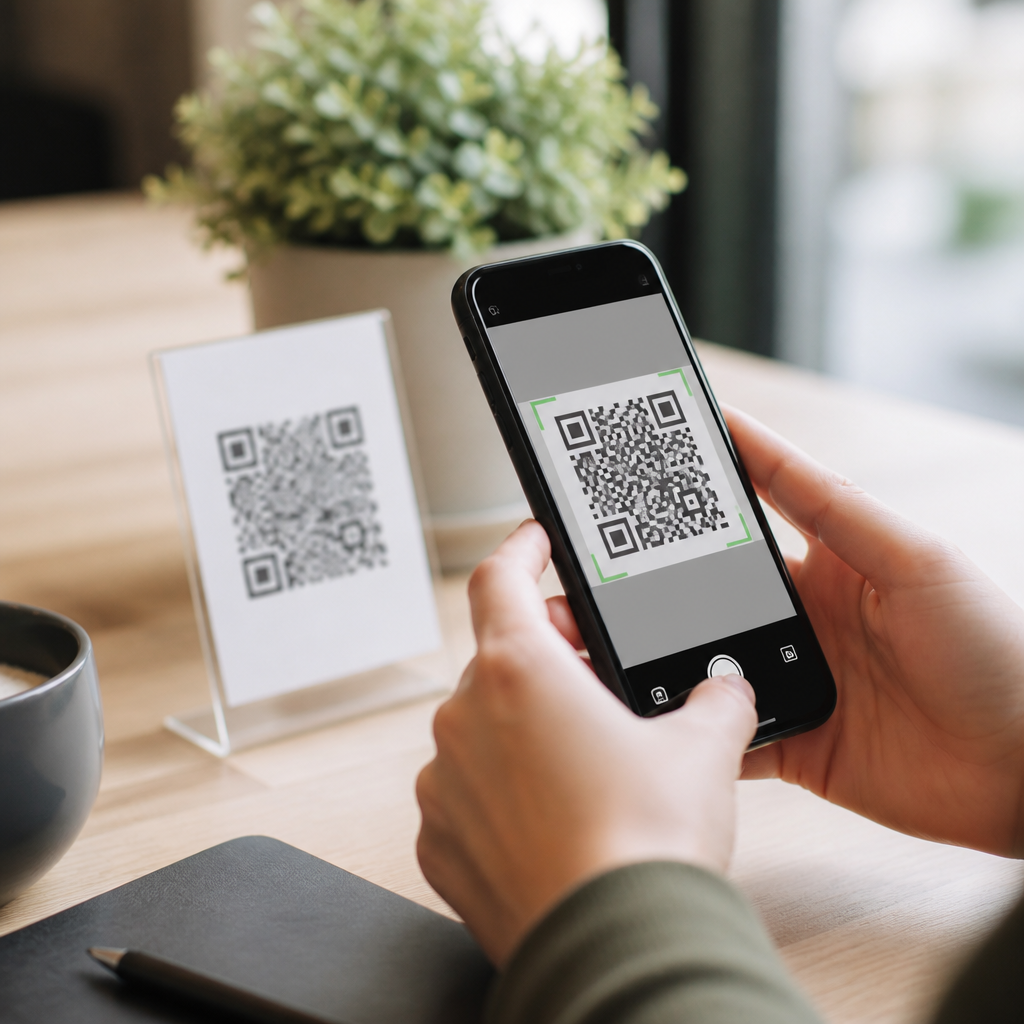
QR code scanner apps that work offline solve a simple problem with outsized importance: people often need to scan a code when they have no signal, weak Wi-Fi, or strict privacy requirements. A QR code scanner app uses a phone camera and decoding software to read the square matrix barcode and convert it into data such as a URL, contact card, Wi-Fi credential, payment string, plain text, calendar event, or app deep link. Offline scanning means the decoding process happens entirely on the device, without sending the image to a remote server. That distinction matters because the QR symbol itself can be read locally, while the action taken after the scan may still require internet access if the content points to an online destination.
I have tested scanner apps in warehouses, conference halls, transit stations, and rural job sites where connectivity dropped in and out. The best offline QR code scanner apps do two things consistently: they decode fast in poor lighting, and they clearly separate “scan success” from “open result.” Many users assume a failed web page means the app failed, when in reality the scanner decoded perfectly and the phone simply could not load the destination. For businesses and everyday users alike, choosing the right app affects speed, privacy, battery life, camera compatibility, and safety. As a hub topic, QR code scanner apps sit at the center of mobile QR code scanning technology because they connect device hardware, barcode standards, operating system permissions, and real-world workflows.
This guide explains what offline-capable QR code scanner apps actually do, which features matter most, how major app categories differ, and where native camera tools are enough. It also covers security practices, platform limitations, and practical selection criteria so you can choose a scanner that works reliably without relying on the cloud.
What offline QR code scanner apps do well
An offline QR code scanner app performs image capture, symbol detection, error correction, and payload decoding directly on the phone. Most modern apps rely on on-device libraries such as ZXing, ML Kit, or platform camera APIs to locate finder patterns, correct perspective distortion, and decode the embedded data. Because QR codes include Reed-Solomon error correction, good apps can still read partially damaged labels, low-contrast prints, and codes viewed at an angle. In practice, this means a maintenance technician can scan a faded asset label in a basement, or an event staff member can validate a text-based ticket reference in a crowded venue with no service.
Offline capability is especially valuable for privacy-sensitive uses. If you scan a QR code containing a Wi-Fi password, internal inventory ID, medical file reference, or building access note, local decoding reduces unnecessary data exposure. It also improves responsiveness. On-device decoding is typically near-instant because the only heavy task is camera processing, not network transmission. However, users should understand the boundary: if a code contains a web link, the app can decode and display that link offline, but opening it still requires connectivity unless the page has been cached or saved locally.
Core features that separate a dependable app from a disposable one
The best QR code scanner apps are not defined by flashy interfaces; they are defined by predictable behavior under poor conditions. First, look for continuous autofocus, tap-to-focus, and flashlight support. These three camera controls make the biggest difference in dim stockrooms and reflective packaging environments. Second, check scan history and export options. A robust app stores decoded results locally, timestamps them, and lets you copy or share plain data later when you regain connectivity. Third, evaluate symbology support. Many people search for a QR scanner but actually need one app that can also read Data Matrix, Aztec, PDF417, EAN-13, Code 128, and UPC labels. That matters in logistics, healthcare, aviation, and retail.
Permissions are another important dividing line. A trustworthy offline scanner usually needs camera access and little else. Be cautious if a basic scanner asks for contacts, microphone, location, or persistent background activity without a clear feature-based reason. On Android, I generally recommend reviewing whether the app can scan from saved images, disable automatic browser opening, and show the raw payload before acting on it. On iPhone, the same principles apply: the app should present the decoded text clearly and let the user decide what to do next. That pause is not a minor design preference; it is a practical defense against malicious redirects and misleading domains.
Categories of QR code scanner apps and who they suit best
Not every user needs the same type of QR code scanner app. In testing, offline scanner choices usually fall into four practical categories: native camera tools, lightweight dedicated scanners, business workflow scanners, and security-focused scanners. Native camera tools are built into Android and iOS devices and are often sufficient for casual use. They are fast, convenient, and maintained by the platform vendor, but they may offer limited history, weaker bulk workflow features, and fewer controls over how results are handled. Lightweight dedicated scanners focus on speed and simplicity, often adding image import, batch history, and support for extra barcode types.
Business workflow scanners are designed for teams. These apps may attach scans to inventory records, maintenance tickets, delivery confirmations, or offline field forms. In enterprise deployments, mobile device management can preconfigure settings so scans remain local until synchronization is permitted. Security-focused scanners prioritize URL inspection, warning prompts, and reduced permissions. They are especially useful in environments where staff members routinely encounter public or third-party QR codes.
| App category | Best for | Offline strengths | Main limitation |
|---|---|---|---|
| Native camera | Casual everyday scanning | Fast access, no extra install, local decoding on modern devices | Limited history and workflow controls |
| Dedicated scanner | Frequent personal use | Better history, image import, broader barcode support | Quality varies widely by developer |
| Business workflow app | Inventory, field service, operations | Offline record capture tied to internal processes | Usually requires setup and training |
| Security-focused scanner | High-risk public scanning | Result preview, domain checks, safer handling | May add extra taps to open content |
Offline use cases where these apps earn their place
Offline QR code scanner apps are most valuable when the code carries operational meaning even before the internet is available. In warehousing, teams scan shelf IDs, pallet references, and internal SKUs to verify movement and reconcile counts locally. In field service, technicians scan machine tags to pull stored procedures, serial references, or locally cached manuals. At live events, staff can scan attendee IDs encoded as text strings or signed tokens and validate them against a downloaded list. In education and training, printed QR codes can open local files, device-stored PDFs, or text instructions without relying on classroom Wi-Fi.
Healthcare and manufacturing provide especially strong examples. Many facilities prefer locally processed barcode and QR scans to limit exposure of patient-linked or process-sensitive identifiers. Data Matrix is common on medical packaging, while QR appears on documentation, equipment labels, and workflow prompts. An app that reads both formats offline reduces app switching and training friction. I have also seen offline scanners used in tourism and museums, where visitors scan exhibit codes to reveal stored text or multilingual captions even in thick-walled buildings with poor reception. In each case, the scanner is not just a convenience tool; it is a continuity tool.
How to choose the best QR code scanner app for offline reliability
Start with your exact payload types. If you mainly scan URLs from posters and menus, the built-in camera may be enough. If you scan internal IDs, vCards, Wi-Fi credentials, or mixed barcode formats, a dedicated app is often better. Next, test low-light performance, decode speed, and the ability to read from the photo gallery. Gallery import matters because many teams receive QR codes by email, messaging apps, or screenshots. Then review local history handling: can you save scans on the device, search them later, and export them as CSV or text? For business use, also confirm whether the app works in airplane mode without degraded performance.
Finally, inspect update history, developer reputation, and data handling disclosures. On Android, Google Play listings should clearly state whether data is collected and shared; on iOS, the App Store privacy labels provide similar signals. Avoid apps overloaded with full-screen ads or aggressive “cleaner” claims, which often indicate low-quality maintenance. If your organization depends on offline scanning at scale, pilot two or three options across older and newer devices before standardizing. Real reliability shows up in edge cases: cracked labels, dim lighting, older camera sensors, and users wearing gloves under time pressure.
Security limits, platform differences, and the role of native tools
Offline scanning improves privacy, but it does not eliminate risk. A malicious QR code can still encode a deceptive URL, a prefilled email, a rogue Wi-Fi configuration, or a payment destination designed to trick the user. The safest apps display the decoded content in plain form before launching any action. Users should verify domains carefully, especially shortened links and lookalike spellings. Organizations can go further by training staff to scan only trusted printed materials and by using signed, internally generated QR payloads for tickets, assets, and access workflows.
Platform behavior also matters. iPhones generally offer polished native scanning through the Camera app and Code Scanner control, while Android experiences vary more by manufacturer and camera implementation. Some vendor camera apps are excellent; others struggle in macro focus or low light. Dedicated scanner apps can compensate with clearer feedback, stronger barcode support, and more predictable history. That said, native tools remain the right first step for many users because they reduce app clutter and benefit from system-level maintenance.
QR code scanner apps that work offline are worth choosing carefully because the best option saves time, protects data, and keeps workflows moving when connectivity fails. The key is understanding that decoding can happen entirely on-device, while the content behind a code may or may not need internet access afterward. For most users, the right scanner combines fast local decoding, minimal permissions, clear result previews, and reliable history. For teams, the best app also supports mixed barcode formats, offline record capture, and controlled synchronization.
As the hub for QR code scanner apps, this topic connects consumer convenience with operational resilience. If you rely on QR codes for work or travel, test your current scanner in airplane mode, scan from both live camera and saved images, and confirm exactly what data stays on the device. That simple audit will show whether your app is truly ready for offline use.
Frequently Asked Questions
What does it mean for a QR code scanner app to work offline?
An offline QR code scanner app decodes the QR code directly on your phone without needing an internet connection to read the code itself. In practical terms, the app uses your device camera to capture the image and then relies on built-in decoding software to interpret the pattern into usable data, such as a website URL, phone number, contact card, Wi-Fi login, payment string, plain text, calendar event, or app link. This process can happen entirely on the device, which is why offline scanning is possible even when you have no cellular signal, weak Wi-Fi, or airplane mode enabled.
It is important to separate scanning from using the scanned result. For example, an app can scan a QR code offline and correctly display a web address, but opening that website will still require internet access. The same idea applies to QR codes that trigger online actions, such as downloading an app or visiting a cloud document. By contrast, codes containing plain text, contact details, calendar information, or Wi-Fi credentials can often be scanned and used immediately with no network connection at all. That distinction is what makes offline QR scanning so useful in travel, warehouses, secure facilities, classrooms, events, and privacy-sensitive environments.
Can offline QR code scanner apps still read all types of QR codes?
In most cases, yes. A strong offline scanner can decode the full range of standard QR code content types because the decoding step does not depend on the internet. If the QR code contains text, a URL, an email address, a phone number, an SMS prompt, a vCard contact, a Wi-Fi configuration, a geolocation string, or calendar event data, the app can usually read and display that information completely offline. The code itself stores the data, and the scanner simply extracts it.
Where limitations appear is after the scan. If a QR code points to an online destination, the app may show you the link but cannot load the content until your device reconnects. Some specialized QR systems also rely on remote databases, dynamic redirects, account verification, or proprietary enterprise workflows. In those cases, the app may decode the underlying code offline but still need internet to complete the action or retrieve updated content. So the short answer is that offline scanner apps can read most QR codes just fine, but whether you can fully act on the result depends on what the code is designed to do after decoding.
Are offline QR code scanner apps better for privacy and security?
They often are, especially if privacy is one of your main concerns. When scanning happens entirely on-device, the image and decoded data do not need to be sent to a remote server just to interpret the code. That reduces exposure and gives you more control over sensitive information, which can matter when scanning login credentials, internal business links, payment strings, or private contact data. For organizations with compliance requirements or users who simply prefer to minimize data sharing, offline scanning is a practical way to reduce unnecessary network transmission.
That said, not every app labeled as “offline” is equally private. Some apps decode locally but still collect analytics, maintain scan history in the cloud, request excessive permissions, or automatically open links after scanning. A trustworthy offline QR code scanner should clearly explain that decoding happens on-device, avoid intrusive permissions, and let you review the content before taking action. Security also depends on user behavior: even offline, a QR code can still contain a malicious or misleading URL. The safest apps show the decoded result first so you can inspect it before opening anything. In other words, offline capability is a strong privacy advantage, but good app design and cautious use still matter.
What features should I look for in a QR code scanner app that works offline?
The most important feature is true on-device decoding, meaning the app can read codes with no connection at all. Beyond that, look for fast recognition, reliable autofocus, low-light performance, and the ability to scan from both the live camera feed and saved images or screenshots. A good offline scanner should support common QR payloads such as URLs, text, Wi-Fi credentials, contact cards, email actions, phone numbers, event details, and location data. If you use QR codes professionally, it is also helpful to have history, export options, copy-and-paste support, and a clear preview of the decoded content before you act on it.
Usability and security features are just as important as raw scanning performance. Look for apps with minimal ads, simple permission requests, no forced sign-in, and settings that let you disable automatic link opening. Batch scanning, flashlight access, and support for other barcode formats can also be valuable depending on your use case. If privacy matters, choose an app with a transparent privacy policy and a reputation for local processing rather than cloud-based decoding. For business or field work, consistency is critical, so it is worth choosing an app known for working quickly under poor lighting, weak connectivity, and real-world conditions where users do not have time to troubleshoot.
When is an offline QR code scanner app especially useful?
Offline QR code scanner apps are most useful in situations where connectivity is unreliable, unavailable, or intentionally restricted. Travelers often need to scan boarding details, venue codes, transport information, or hotel Wi-Fi credentials in areas with poor roaming coverage. Field teams, warehouse staff, delivery drivers, and event crews may work in buildings, loading zones, or temporary sites where signal strength is inconsistent. In those scenarios, being able to decode a QR code instantly without waiting for a connection can save time and prevent workflow interruptions.
They are also valuable in privacy-focused and secure environments. Healthcare settings, corporate offices, manufacturing facilities, schools, and government sites may prefer tools that do not rely on cloud processing for every scan. Even for everyday users, offline functionality provides a simple reliability benefit: the app works when you need it, not only when your network cooperates. That combination of convenience, resilience, and privacy is why offline QR code scanning has become more important than it first appears. It solves a small technical problem, but in the right moment, it makes access to information faster, safer, and far more dependable.





