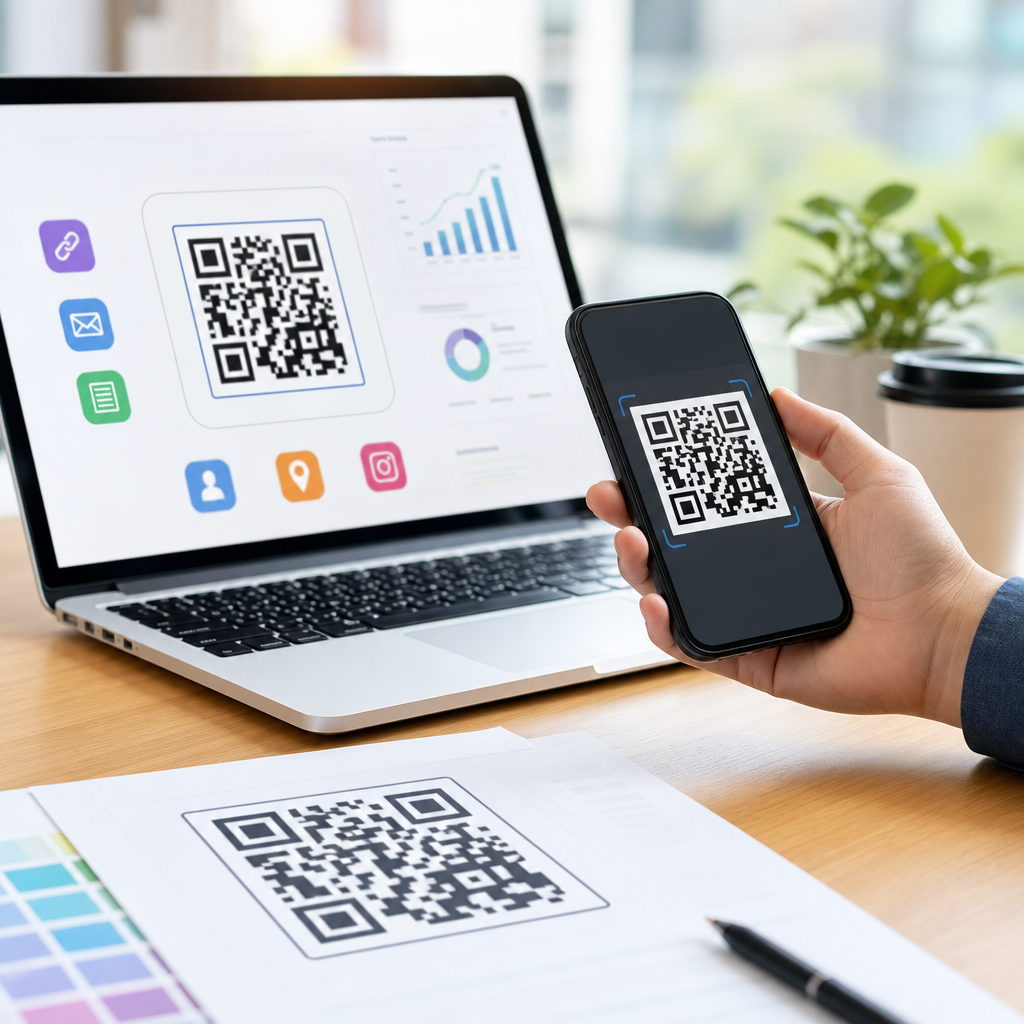
Learning how to make a QR code for a landing page starts with understanding one simple goal: move someone from a physical or digital touchpoint to a mobile-friendly page with as little friction as possible. A QR code is a two-dimensional barcode that stores data, usually a URL, and a landing page is a standalone web page designed to drive one action such as a signup, purchase, download, appointment request, or form submission. When those two tools are planned together, they create a measurable bridge between offline attention and online conversion. I have used QR campaigns on packaging, retail signage, event booths, direct mail, and restaurant materials, and the difference between a code that gets ignored and one that performs usually comes down to page speed, message match, scan reliability, and tracking setup. This topic matters because mobile traffic now dominates many campaigns, and QR codes let you capture intent in the exact moment a person is interested. For businesses building a mobile QR code strategy, the landing page version is often the most flexible starting point because you can change offers, test content, and measure results without redesigning the printed asset every time.
Start with the landing page, not the QR code
The fastest way to create a weak QR campaign is to generate the code before the destination is ready. Your landing page should be built for mobile first, with a clear headline, a single primary action, compressed images, and a visible call to action above the fold. Google’s Core Web Vitals are useful here: Largest Contentful Paint should be fast, layout shifts should be minimal, and interaction should feel immediate. In practice, I aim for a page that loads in under three seconds on mobile data, uses large tap targets, and asks only for the information needed to complete the conversion. If the QR code appears on a poster offering a discount, the landing page should repeat that exact offer in the first screen view. This message match reduces bounce rate because users instantly know they landed in the right place. For a restaurant, that might mean a menu page with ordering buttons. For a real estate sign, it might be a property page with photos, price, and a book-a-tour form. For a healthcare flyer, it could be a scheduling page with location and insurance details.
Choose the right QR code type for flexibility and measurement
When people ask how to create a mobile QR code, the most important technical decision is whether to use a static or dynamic QR code. A static QR code points directly to the final URL and cannot be changed after printing. A dynamic QR code points to a short redirect URL managed by a QR platform, which then sends users to the landing page you choose. Dynamic codes are usually the better option for a landing page because they let you update the destination, fix broken links, add UTM parameters, and collect scan analytics without replacing printed materials. This matters in real campaigns. If a retailer prints ten thousand package inserts and later changes the promotion page, a static code becomes a dead end unless the old page stays live. A dynamic code keeps the insert useful. Common platforms include Bitly, QR Code Generator, Beaconstac, Scanova, and Uniqode. If you need strict first-party analytics, you can also create your own redirect using your domain, then generate the QR code from that controlled URL. That approach improves governance, preserves branding, and reduces dependence on a third-party vendor.
Build the QR code with correct settings and strong scan performance
Once the landing page and URL structure are ready, generate the code with readability in mind. Use a high-contrast design, usually black on white, because decorative color combinations often reduce scan reliability under poor lighting. Maintain the quiet zone, the blank margin around the code, because cameras need that space to detect edges. Export in SVG or EPS for print and PNG for digital placements. Error correction matters too. QR codes support levels L, M, Q, and H; higher levels allow more damage or obstruction but make the pattern denser. For branded marketing materials, level Q or H is often appropriate if you add a logo, though density must remain scannable at the intended size. Minimum size depends on scanning distance, but a practical rule is about 1 inch square for close scans and larger for posters or displays. Before approving production, test on multiple devices using both iPhone and Android cameras, not just one scanning app. I also test from realistic angles, in bright light, in low light, and on the actual material finish. Gloss coatings can create reflections that hurt scans more than designers expect.
Track performance with campaign parameters and clean reporting
A landing page QR code should never be launched without measurement. Add campaign parameters to the URL so analytics tools can distinguish scans by source, placement, and creative. In Google Analytics 4, UTM parameters remain the standard way to attribute sessions and conversions. A direct mail piece might use utm_source=mail, utm_medium=qr, and utm_campaign=spring_offer, while an in-store display could use utm_source=store and a unique content label for each sign. If you use a dynamic QR platform, compare platform scan counts with GA4 sessions because scans and visits are not identical. Some users scan but do not complete the redirect, and privacy settings may limit session attribution. For deeper analysis, set up events for button taps, form starts, purchases, and scroll depth. This lets you answer the real question: not just how many people scanned, but whether the landing page converted. On high-volume campaigns, I often segment by location and asset type. A code on product packaging may drive more repeat visitors, while a code on an event badge may drive faster first-time signups. Those differences guide future creative and budget decisions.
Match placement, context, and intent to improve scans
Context determines whether people scan at all. A QR code without a reason to scan is just visual noise. The surrounding copy should tell users what they get and what happens next: “Scan to book a demo,” “Scan to view the menu,” or “Scan for today’s 15% offer.” Placement should also fit the user’s environment. On a bus shelter, the page must load fast over mobile data and provide a quick action. On trade show signage, the page can include richer content because users are already in research mode. On product packaging, the code should support post-purchase needs such as setup, warranty registration, ingredient details, or tutorials. Good campaigns remove ambiguity. If the code leads to app download, say so. If it opens a form, say how long it takes. If the landing page uses location access or asks for email, explain the value first. I have seen scan rates improve simply by adding one line of incentive copy and moving the code from a cluttered lower corner to eye level near the product claim. Small context changes often outperform expensive redesigns.
Use a structured workflow to create and launch reliably
The most reliable process is simple, repeatable, and documented. Teams that skip steps usually discover problems after materials are printed or distributed.
| Step | What to do | Why it matters |
|---|---|---|
| 1. Define the goal | Choose one conversion action such as purchase, booking, signup, or download. | A single goal keeps the landing page focused and measurable. |
| 2. Build the mobile page | Create a fast page with message match, concise copy, and a prominent CTA. | Users decide in seconds whether to stay or leave. |
| 3. Create a trackable URL | Add UTM parameters or use a controlled redirect on your own domain. | Tracking shows which placements and offers produce conversions. |
| 4. Generate a dynamic code | Use a reputable platform and export high-resolution files for each channel. | You can update the destination later without replacing the code. |
| 5. Test before launch | Scan across devices, distances, lighting conditions, and print proofs. | Testing catches readability, speed, and usability issues early. |
| 6. Monitor and optimize | Review scans, sessions, bounce rate, and conversion events weekly. | Performance data reveals whether the code or page needs improvement. |
Avoid common mistakes that hurt mobile QR code campaigns
Several issues repeatedly undermine otherwise good campaigns. The first is sending users to a homepage instead of a dedicated landing page. Homepages create too many choices and usually lower conversion rates. The second is using a page that is technically mobile responsive but practically difficult to use, with long forms, tiny buttons, or intrusive pop-ups. The third is over-branding the QR code itself. A logo in the center can work, but heavy styling, rounded modules, and low-contrast colors often create scan failures, especially on older phones. The fourth is printing too small or placing the code where people cannot comfortably scan, such as behind glass, around curves, or too high on signage. The fifth is forgetting maintenance. Landing pages change, products go out of stock, and certificates expire. Review live QR destinations routinely. Finally, do not ignore accessibility and privacy. Use readable typography, sufficient contrast, alt text where relevant on the landing page, and transparent disclosures if the page collects personal data. Compliance requirements differ by market, but clarity builds trust everywhere.
Making a QR code for a landing page is not just about generating an image; it is about designing a complete mobile conversion path. Start by defining the action you want, then build a fast landing page that delivers exactly what the scan promise suggests. Use a dynamic QR code whenever possible, add campaign tracking, and test thoroughly across devices and real-world conditions. Keep the code easy to scan, place it where user intent is strongest, and support it with clear copy that explains the benefit. For teams working on creating mobile QR codes at scale, this landing page model is the practical hub because it connects packaging, print, signage, email, events, and in-store media to measurable outcomes. The main benefit is flexibility: you can refine the page, the offer, and the analytics without rebuilding every asset from scratch. If you are planning your next campaign, create one focused landing page, generate one well-tested dynamic QR code, and measure what happens after the scan. That simple workflow is where reliable results begin.
Frequently Asked Questions
What is the best way to make a QR code for a landing page?
The best way to make a QR code for a landing page is to start with the page itself, not the code. Your landing page should be mobile-friendly, load quickly, and focus on one clear conversion goal such as a purchase, signup, booking, download, or form submission. Once the page is ready, copy the final URL and use a reliable QR code generator to create a code that points directly to that page. In most cases, a dynamic QR code is the better choice because it lets you update the destination URL later without reprinting the code, which is especially useful for campaigns, seasonal promotions, and ongoing testing.
After generating the QR code, customize it carefully if needed, but do not sacrifice scan reliability for design. Use strong contrast, maintain a clear quiet zone around the code, and export it in a high-resolution format suitable for where it will appear, whether that is print, packaging, signage, direct mail, email, or social media. Before publishing, test the QR code across multiple devices and camera apps to confirm that it scans quickly and opens the correct landing page without unnecessary redirects. The most effective setup is always the one that makes the user’s path from scan to action as fast and frictionless as possible.
Should I use a static or dynamic QR code for a landing page?
For most marketing and lead generation uses, a dynamic QR code is the stronger option. A static QR code permanently stores the destination URL inside the code itself. That means if you ever need to change the landing page URL, fix a typo, update a campaign, or route traffic to a different offer, you would need to create a brand-new code and replace it everywhere it was used. Static codes can work well for simple, permanent use cases where the URL will never change, but they are limiting for active campaigns.
A dynamic QR code, on the other hand, points to a short redirect URL controlled through a QR platform. This allows you to change the final landing page destination later without changing the printed or published QR code. Dynamic codes also typically provide analytics such as scan count, time, location, and device data, which makes them far more useful for measuring performance. If your goal is to optimize conversions, test different landing pages, or run campaigns across multiple channels, dynamic QR codes give you flexibility and visibility that static codes cannot. In practical terms, dynamic is usually the better business decision unless you have a very specific reason to keep things fully fixed and minimal.
How do I optimize a landing page for QR code traffic?
QR code traffic behaves differently from general web traffic because the user often arrives in a moment of action. They may be standing in a store aisle, looking at a poster, opening a mailer, scanning product packaging, or browsing a digital screen on a phone. That means the landing page needs to be built for speed, clarity, and immediate relevance. Keep the design mobile-first, make the headline match the promise or context of the QR code, and present one primary call to action. If someone scans a code to claim an offer, they should see that exact offer immediately, not a generic homepage or a page with multiple competing next steps.
You should also reduce every form of friction. Use short forms, readable text, fast-loading images, tap-friendly buttons, and minimal navigation. If the page supports a specific campaign, use messaging that reflects where the code was placed. For example, a QR code on a restaurant table, event badge, retail display, or flyer may each need slightly different copy and intent. Tracking also matters. Add analytics parameters so you can measure which placements drive scans and conversions. The strongest landing pages for QR traffic are highly focused, visually simple, and aligned tightly with the user’s reason for scanning in the first place.
What mistakes should I avoid when creating a QR code for a landing page?
One of the biggest mistakes is sending people to the wrong destination, especially a homepage instead of a dedicated landing page. A homepage usually forces visitors to hunt for the next step, while a landing page is designed to guide them to one action. Another common error is linking to a page that is not mobile-optimized. Since most QR code scans happen on smartphones, poor mobile usability can quickly destroy conversion rates. Slow load times, tiny text, intrusive pop-ups, and long forms are all major barriers after the scan.
There are also several QR-specific mistakes to avoid. Do not make the code too small, distort its shape, place it on a busy background, or use low contrast colors that make scanning harder. Avoid over-customizing the design unless you have tested it thoroughly. Do not forget the quiet zone, which is the blank space around the code needed for scanners to recognize it correctly. It is also important to include a clear call to action near the code, such as “Scan to book,” “Scan to get the offer,” or “Scan to download,” so people know why they should use it. Finally, always test the entire experience end to end. A QR code campaign can fail not because the idea is bad, but because a small execution detail creates friction at the exact moment the user is ready to act.
How can I track the performance of a QR code landing page?
Tracking performance starts with choosing the right setup before the QR code goes live. If possible, use a dynamic QR code platform that provides scan-level analytics. This helps you measure how many times the code was scanned, when scans happened, what devices were used, and sometimes where scans occurred geographically. On the website side, use analytics tools such as Google Analytics and add campaign tracking parameters to the landing page URL so you can separate QR code traffic from other sources. This gives you a clearer picture of what happens after the scan, including bounce rate, time on page, form completions, purchases, bookings, and other conversions.
To get better insights, create unique QR codes for different placements instead of using one code everywhere. For example, if the same campaign appears on a poster, postcard, product insert, and in-store display, separate codes let you compare which channel drives the most scans and the best conversion rate. You can also test different landing page versions, offers, or calls to action to improve results over time. The most useful metrics are not just scans, but what those scans lead to. A successful QR code for a landing page is not simply one that gets opened. It is one that consistently moves people from interest to measurable action.