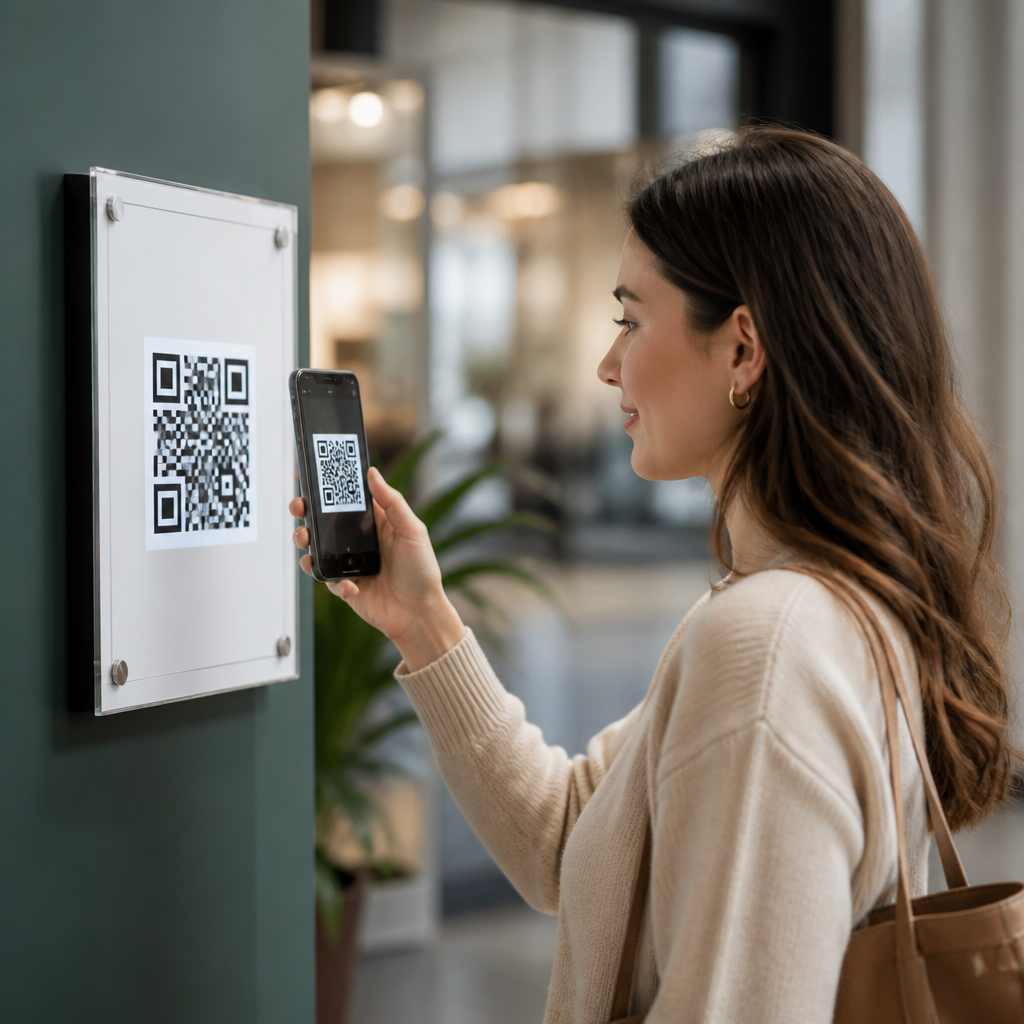
Eye-level placement changes QR code performance more than most teams expect because scanning is a physical behavior shaped by sightlines, reach, motion, and trust. In retail stores, restaurants, events, clinics, and transit spaces, a QR code is not just a graphic asset; it is a call to action embedded in the built environment. Eye-level placement means positioning the code roughly within a viewer’s natural line of sight, typically between 48 and 66 inches from the floor for standing adults, with adjustments for seating, accessibility, and traffic flow. QR code placement strategies cover where a code sits vertically and horizontally, how far users stand from it, what distractions surround it, and whether the context supports an immediate scan.
This matters because the best-designed code can still underperform if people do not notice it, cannot approach it comfortably, or hesitate long enough to abandon the scan. In my own audits across storefront posters, table tents, shelf talkers, and wayfinding signs, scan lift often comes from moving an existing code rather than redesigning it. Small adjustments in placement can reduce glare, shorten the time to first scan, and improve completion rates on landing pages. For a subtopic within Mobile QR Code Design and UX, placement is the bridge between visual design and actual user behavior. If the goal is more scans, cleaner attribution, and fewer failed interactions, eye-level positioning deserves the same rigor as code contrast, size, and destination speed.
Why Eye-Level Placement Increases Scan Rates
Eye-level placement improves scans because it lowers physical and cognitive effort. People process signage in milliseconds while walking, waiting, shopping, or talking. A code placed where the eyes naturally land is discovered faster, interpreted faster, and acted on with less friction. This effect is strongest in environments with competing visual stimuli. A grocery endcap, for example, may contain price labels, promotional bursts, product packaging, and compliance notices. If the QR code sits too low near the shelf edge, many shoppers never register it. Raise the code toward the product story area or center panel, and more people notice both the code and its value proposition.
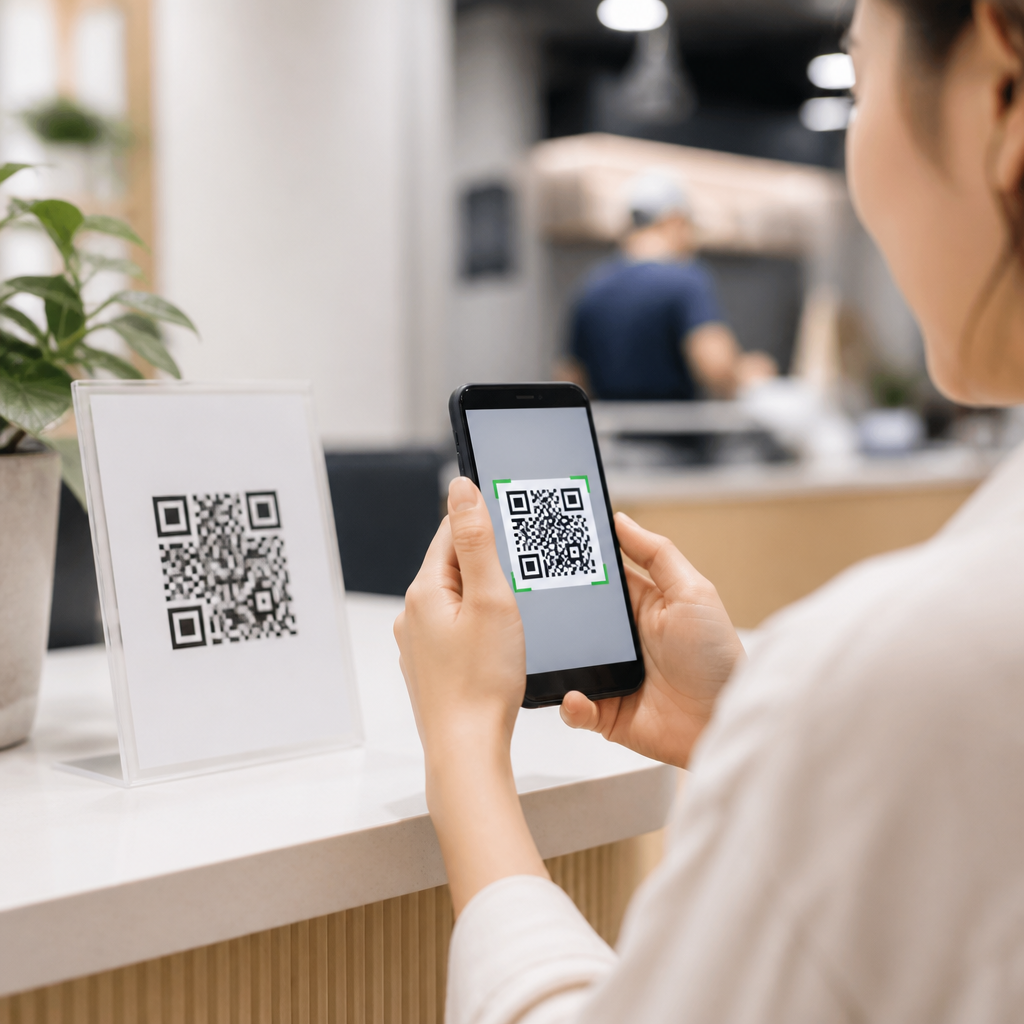
Eye-level placement also improves camera alignment. Smartphone cameras scan fastest when users can hold the device comfortably, square to the code, without crouching or extending awkwardly. That matters because successful scanning depends on focus, lighting, stability, and angle. The farther the camera tilts from perpendicular, the more likely distortion, reflections, and framing errors become. In field testing, I have repeatedly seen low-mounted codes attract attempts but fail during capture because users are balancing bags, pushing carts, or trying not to block a walkway. When the code is at a comfortable height, the same audience completes the interaction in one motion. Better placement does not just increase attention; it increases successful decoding.
Recommended Heights by Environment
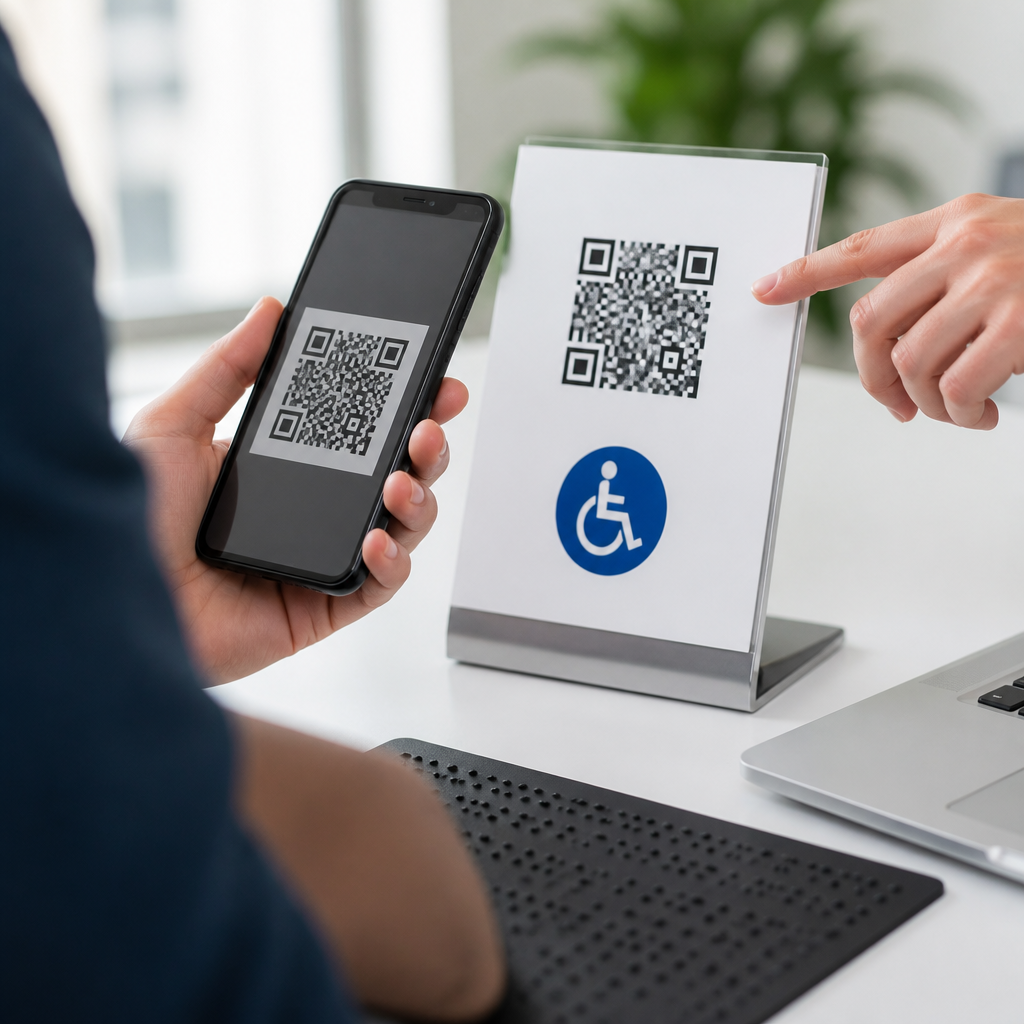
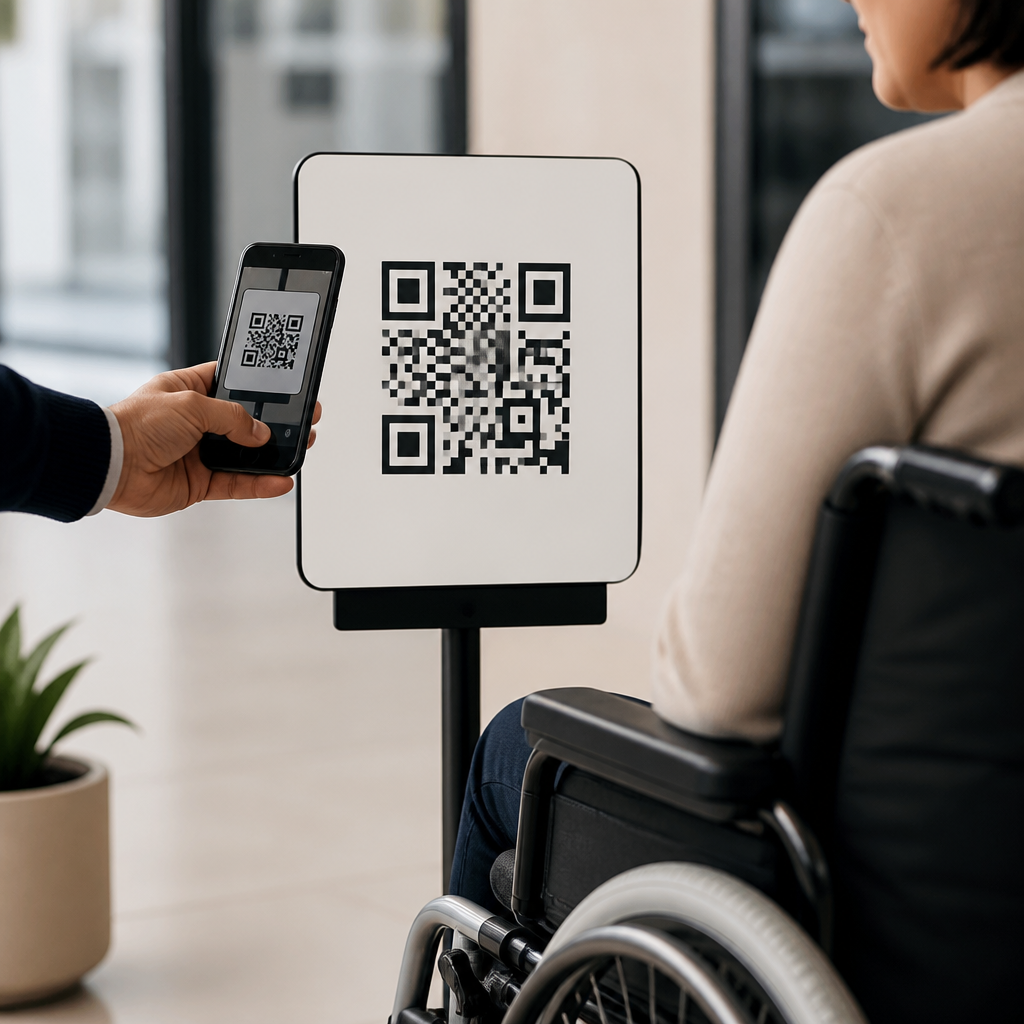
There is no single perfect height, but there are reliable working ranges. For standing audiences, the center of the QR code generally performs best around 52 to 60 inches from the floor. In seated environments such as cafes, waiting rooms, or transit lounges, 40 to 48 inches is often more effective because users view surfaces from lower eye lines. For children’s exhibits or family attractions, dual placement can outperform a compromise height because adults and children approach from different sightlines. Accessibility also matters. If a code is part of a required service flow, place it where wheelchair users can approach, see, and scan without twisting or reaching beyond accessible clearances.
Use viewing distance to refine height decisions. A code intended to be scanned from one to three feet, such as on a countertop sign, can sit slightly lower than a wall poster viewed from five to eight feet. In hospitals and clinics, I prefer eye-level wall placement in low-glare corridors rather than on clipboards or counter mats, because patients often carry documents and need a stable, unobstructed target. In quick-service restaurants, menu-adjacent codes at standing eye level consistently beat tray liner codes because customers see them before ordering, not after attention has shifted to food pickup. Placement should follow user posture at the moment of decision.
| Environment | Typical Viewer Posture | Recommended QR Code Center Height | Common Mistake |
|---|---|---|---|
| Retail aisle signage | Standing, moving | 52–60 inches | Placing code near shelf base |
| Restaurant table tents | Seated | 40–48 inches equivalent sightline | Using flat surfaces with glare |
| Trade show booth walls | Standing, stopping briefly | 54–62 inches | Mounting behind crowding points |
| Transit posters | Standing, waiting | 50–58 inches | Positioning above comfortable scan reach |
| Healthcare check-in areas | Standing or seated | 48–56 inches | Hiding code among dense instructions |
Placement Variables Beyond Height
Height is only one variable in QR code placement strategies. Angle, lighting, surrounding copy, and traffic pattern can matter just as much. A code placed at eye level but behind reflective acrylic may still fail because overhead lighting creates hotspots that wash out finder patterns. Likewise, a code centered on a beautiful poster may underperform if users must stop in a narrow corridor where foot traffic pressures them to keep moving. The best placements create a short, obvious path from noticing the code to scanning it. That path includes enough dwell time, enough personal space, and a clear reason to act now.
The call to action should sit near the code, not separated by other design elements. Users should understand what happens after scanning within one glance: “View menu,” “Join Wi-Fi,” “See product demo,” or “Check in here.” I advise teams to test horizontal positioning too. Right-side placement can work well in left-to-right reading markets when supporting copy leads the eye toward the code, but left-side placement sometimes wins on posters where the code is the primary action and must be seen first. Quiet zone integrity, recommended by ISO/IEC 18004, remains nonnegotiable. Decorative borders, busy backgrounds, or cramped margins reduce scan reliability regardless of height.
Context-Specific Strategies for High-Intent Scans
Different contexts require different placement logic because user intent changes. In retail, the strongest placements connect directly to a product decision. A code on a shelf blade near eye level can link to ingredients, reviews, or how-to videos at the moment of evaluation. On packaging, front-panel eye-level display on the shelf often outperforms top-flap placement because the code remains visible without handling the item. In hospitality, room, lobby, and elevator placements work when they match a known task, such as ordering amenities or viewing local recommendations. Random decorative placement rarely produces meaningful scan volume.
At events, queues are prime scan environments because people have time and limited alternatives. Registration lines, coffee lines, and session waiting areas support strong scan behavior if the code is visible at eye level before the bottleneck, not buried at the point of transaction. In museums and galleries, labels should align with natural reading height and allow users to step aside without blocking others. For outdoor placements, eye-level remains useful, but durability, sun angle, and weathering become additional constraints. I have seen campaign posters with excellent copy fail simply because midday glare on glossy lamination made the code unreadable from the intended standing position.
Testing, Measurement, and Optimization
The fastest way to improve placement is structured testing. Start with a baseline: current location, scan volume, unique users, conversion rate, and time period. Then change one placement variable at a time. For example, move a poster code from 36 inches to 56 inches while keeping the artwork, destination URL, and call to action identical. Dynamic QR code platforms such as Bitly, QR Code Generator PRO, Beaconstac, and Flowcode can separate scans by asset version, time, and sometimes location. Pair that data with on-site observation. Analytics tell you what happened; field notes explain why it happened.
Measure more than raw scans. A placement that increases scans but lowers landing-page completion may be attracting accidental or low-intent interactions. Track scan-to-session rate, bounce rate, form completion, coupon redemption, or assisted revenue depending on the goal. Heatmapping pedestrian movement, even through simple manual counting, is useful when deciding between two walls or fixture positions. In larger environments, I recommend photographing the user approach from three distances: discovery point, decision point, and scan point. If the code is invisible, ambiguous, or awkward at any stage, placement is likely limiting performance. The best QR programs treat placement as an operational variable, not a one-time design decision.
Common Placement Mistakes and How to Avoid Them
The most common mistake is putting the code where there is available space instead of where user attention naturally goes. Designers often inherit the bottom corner of a sign, but corners are easy to miss and often too low. Another mistake is mounting codes on moving, curved, or unstable surfaces such as swinging doors, flexible banners, or wrinkled decals. Distortion reduces readability. Overcrowding is another problem. When every sign element asks for attention, the code loses salience. A QR code needs visual priority, a clear promise, and enough empty space to be recognized instantly.
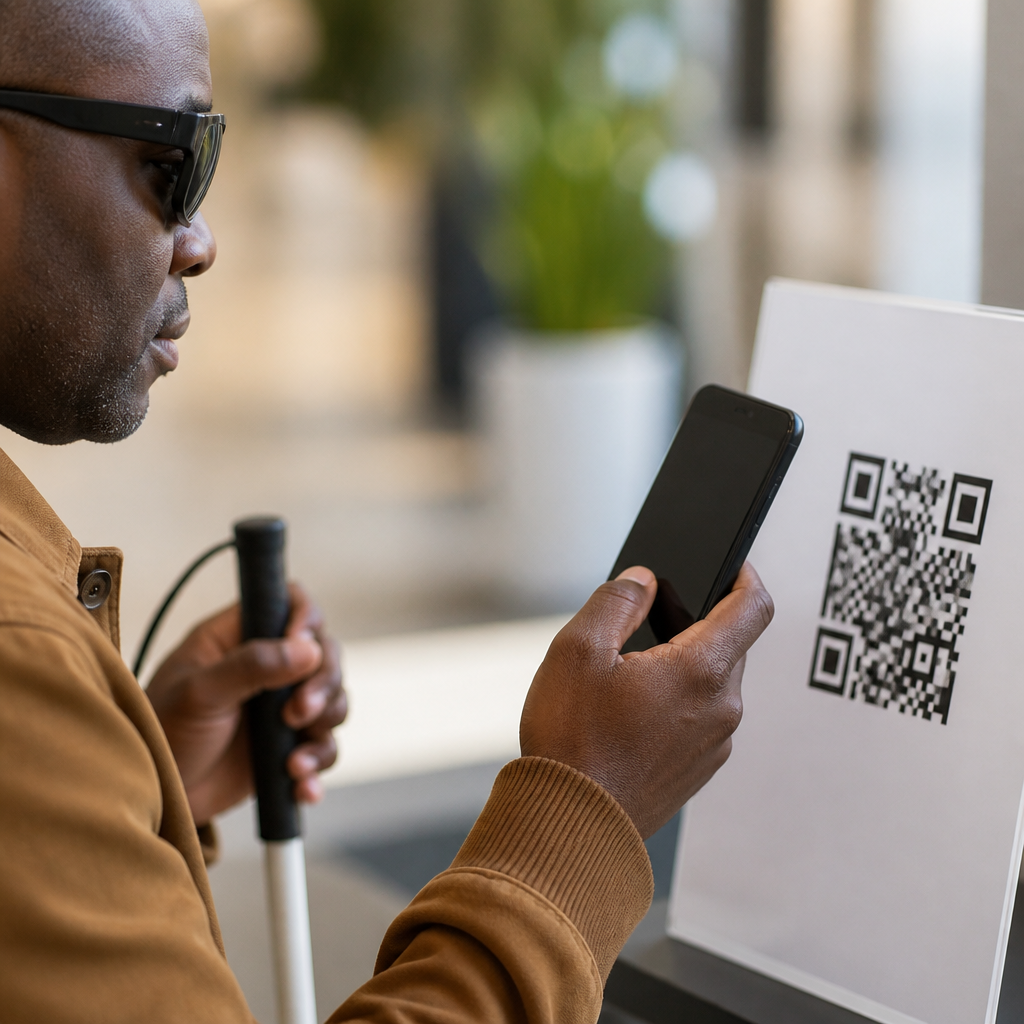
Teams also underestimate inclusivity. If a code is essential for menus, payments, forms, or instructions, provide a non-QR alternative and ensure the placement supports varied heights, mobility needs, and lighting conditions. Avoid glass at entrances when possible; backlighting and reflections frequently disrupt scans. Avoid tiny codes placed at eye level on large-format posters viewed from several feet away; size and distance still matter. A practical rule I use is to validate placement in real conditions with at least five representative users before rollout. If they hesitate, hunt, or reposition repeatedly, the environment is telling you the strategy needs work.
Eye-level placement improves QR code scans because it aligns the code with natural attention, comfortable device handling, and immediate understanding. As the hub for QR code placement strategies, the core principle is simple: put the code where the user can notice it quickly, approach it easily, and scan it without strain. Height matters, but performance also depends on distance, glare, surrounding copy, traffic flow, and the user’s intent in that moment. Retail shelves, restaurant counters, clinic walls, event queues, and transit posters each demand different placement choices, yet the same standard applies: reduce friction between seeing and scanning.
If you manage mobile QR code design and UX, audit your top placements this week. Check eye line, viewing angle, lighting, and action copy, then test one meaningful change at a time with dynamic tracking. In most programs, better placement is the lowest-cost way to lift scans without changing the campaign itself. Start with your highest-traffic touchpoint, move the code closer to the natural sightline, and measure the result.
Frequently Asked Questions
Why does eye-level placement have such a strong impact on QR code scan rates?
Eye-level placement matters because QR scanning is a physical behavior, not just a digital interaction. People are far more likely to notice and trust a code that appears within their natural line of sight than one placed too high, too low, or off to the side. When a QR code sits at a comfortable viewing height, users can identify it quickly, understand what it is for, and scan it without changing posture or interrupting movement. That reduction in friction can have a measurable effect on performance.
In real-world settings such as retail aisles, restaurant counters, event entrances, clinic waiting rooms, and transit platforms, people are often multitasking, moving, or making quick decisions. If they have to bend down, reach up, crouch, or stop abruptly to use their phones, many will simply ignore the code. Eye-level positioning supports a more intuitive interaction: the person sees the code, aligns their phone naturally, and scans in one smooth action. That ease is especially important in high-traffic environments where attention is limited.
There is also a trust component. A QR code placed at eye level often feels more intentional, professional, and legitimate because it appears where signage is normally expected. Codes placed in awkward locations can look incidental or suspicious, which may reduce willingness to scan. In other words, eye-level placement improves discoverability, physical comfort, and perceived credibility at the same time, which is why it often influences scan performance more than teams expect.
What is considered “eye level” for QR code placement?
In most public environments, eye-level placement for standing adults generally falls between 48 and 66 inches from the floor, though the ideal position depends on the setting, viewing distance, and audience. That range works well because it aligns with how people naturally look while walking, browsing, waiting, or standing in line. Within that band, many teams aim for the center of the QR code to sit around chest-to-eye height, where it can be seen and scanned without strain.
However, there is no single universal measurement that fits every installation. In a retail store, a code near product displays may perform best slightly lower if users are already looking at merchandise. In a restaurant, table tents and counter signs may shift the ideal placement downward because guests are seated or leaning forward to review a menu. In clinics and transit spaces, where people are often standing and moving, a more traditional standing-eye-level position usually works better. The key is to match the code’s placement to the user’s posture and behavior at the moment you want the scan to happen.
Accessibility should also be part of the definition. If your audience includes wheelchair users, children, or a mix of seated and standing visitors, placement may need to be adjusted or duplicated across multiple heights. The best approach is not to think of eye level as a fixed number, but as a practical design principle: place the QR code where the intended user can notice it immediately and scan it comfortably with minimal physical effort.
Can a QR code still work well if it is not placed exactly at eye level?
Yes, a QR code can still perform well outside strict eye-level placement, but the further it moves from a user’s natural sightline, the more other factors must compensate. Strong signage, clear directional cues, large code size, high contrast, and a compelling call to action can all help offset a less-than-ideal location. For example, a code on a countertop, tabletop, shelf edge, or check-in desk may still generate excellent scans because the user is already focused on that surface and interacting with it directly.
What matters most is contextual alignment. If the code appears where the user’s attention naturally goes during the relevant task, it may outperform a technically eye-level code in a poor context. A menu QR code on a restaurant table is below standing eye level, but it works because diners are seated and looking downward. A payment QR code near a checkout terminal succeeds because customers are already engaged with that area. In these cases, the code is effectively at “behavioral eye level,” even if it does not match a standard wall-mounted measurement.
That said, poor placement usually creates avoidable friction. Codes mounted too high can be hard to frame in a phone camera. Codes placed too low may require bending or may be blocked by bags, carts, or crowds. If a code is not at eye level, it should be intentionally positioned around the user journey rather than simply placed wherever space is available. Testing different heights and surfaces in the real environment is often the fastest way to determine whether a non-eye-level placement is helping or hurting scan performance.
How do movement, reach, and environment affect the best height for a QR code?
The ideal QR code height depends heavily on whether people are standing still, walking past, seated, browsing, or waiting in line. In motion-heavy environments such as transit stations, trade shows, stadium concourses, and retail walkways, codes generally need to be easy to spot and scan without requiring users to stop awkwardly. That usually means placing them close to natural sightlines, with enough surrounding space for someone to raise a phone, focus the camera, and complete the action safely. If people need to twist, lean, or step into traffic flow, scan rates often drop.
Reach also plays an important role. Even if a QR code is visible, it may underperform if the phone-to-code angle is uncomfortable. People do not want to hold a device above their head, crouch near the floor, or extend their arm around obstacles just to access content. Comfortable scanning typically happens when the code can be viewed frontally or with only a slight tilt, at a distance that allows the camera to focus easily. This is why wall placement, display angle, and nearby physical barriers matter almost as much as height itself.
Environmental conditions can amplify these effects. Glare from overhead lights, reflections from glass, poor contrast, shadows, and crowded backgrounds can make a correctly sized code much harder to scan. In clinics and healthcare spaces, privacy and hesitancy may matter more, so users need a placement that feels easy and discreet. In outdoor or transit settings, weather, sunlight, and quick pacing demand more visual simplicity and stronger placement discipline. The most effective QR strategies treat height as one part of a larger environmental system that includes visibility, approachability, safety, and user comfort.
What are the best practices for testing eye-level QR code placement in real spaces?
The most reliable way to test QR code placement is to observe actual users in the environment where scans are expected to happen. Start by identifying the exact behavior you want to trigger, such as viewing a menu, joining a loyalty program, checking in, downloading event details, or accessing product information. Then place the code at one or more plausible heights and watch how easily people notice it, approach it, position their phones, and complete the scan. Even small changes in height, angle, or distance from the main sightline can produce noticeable differences.
A practical testing method is to compare two or three placements while keeping everything else constant: same code size, same design, same destination, same call to action, and similar traffic conditions. Track scan volume, completion rate, and downstream engagement, but also pay attention to physical behavior. Are people squinting, leaning, slowing down abruptly, or asking where to scan? Are they seeing the code right away, or only after searching for it? Quantitative data tells you what happened, while in-person observation helps explain why it happened.
It is also smart to test at different times of day and under different traffic levels, because crowding and lighting can change results. A placement that works well in a quiet store may struggle during peak hours when people block each other’s view. Likewise, a code that scans perfectly in soft morning light may suffer from afternoon glare. For the strongest results, treat QR placement as an optimization process rather than a one-time design decision. Teams that test height, angle, surrounding copy, and user flow together usually uncover simple adjustments that lead to significantly better scan performance.