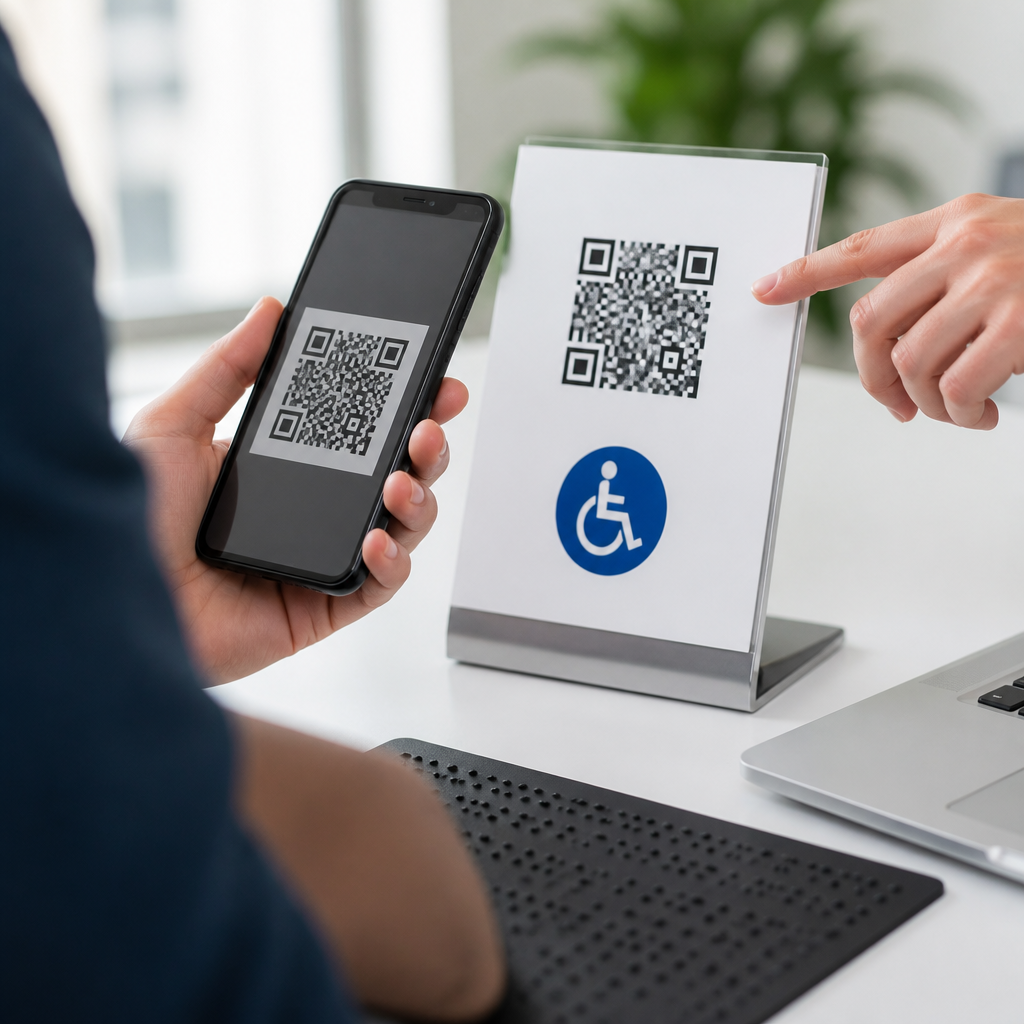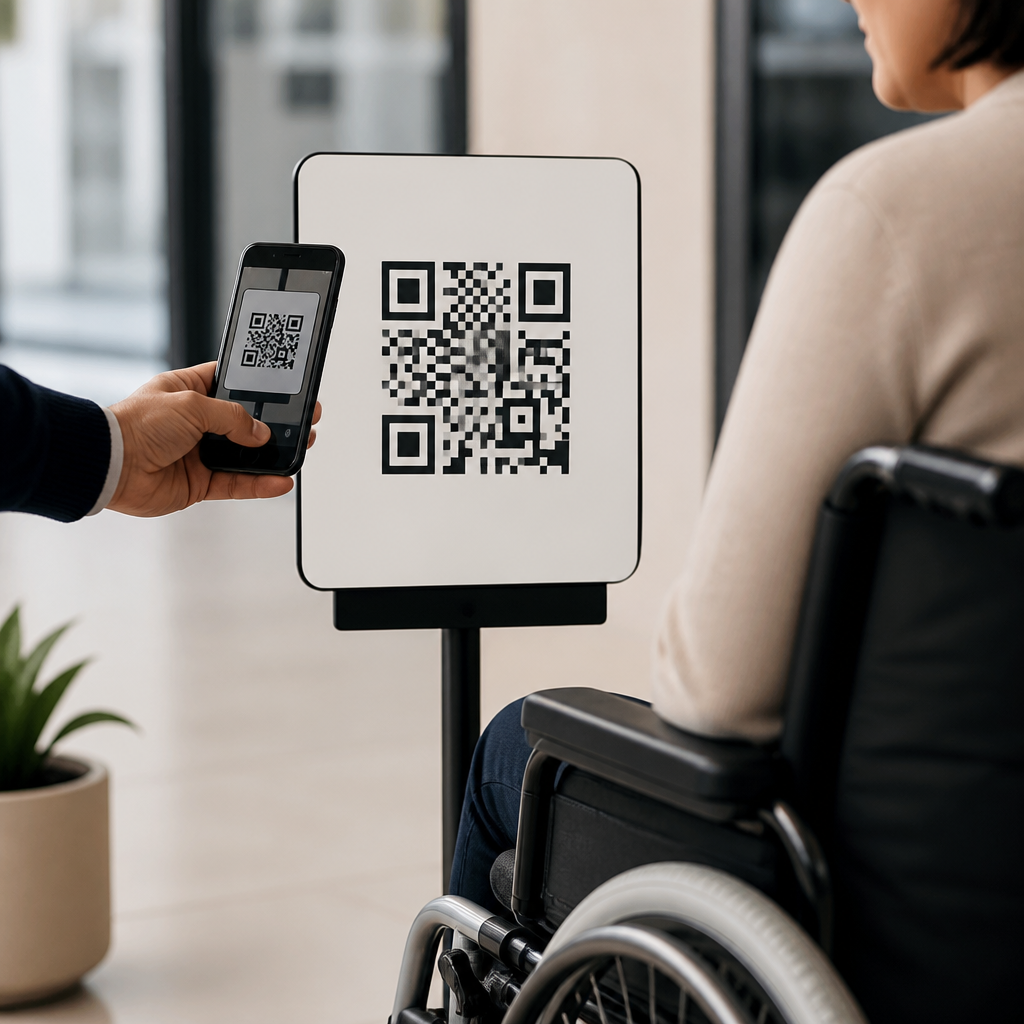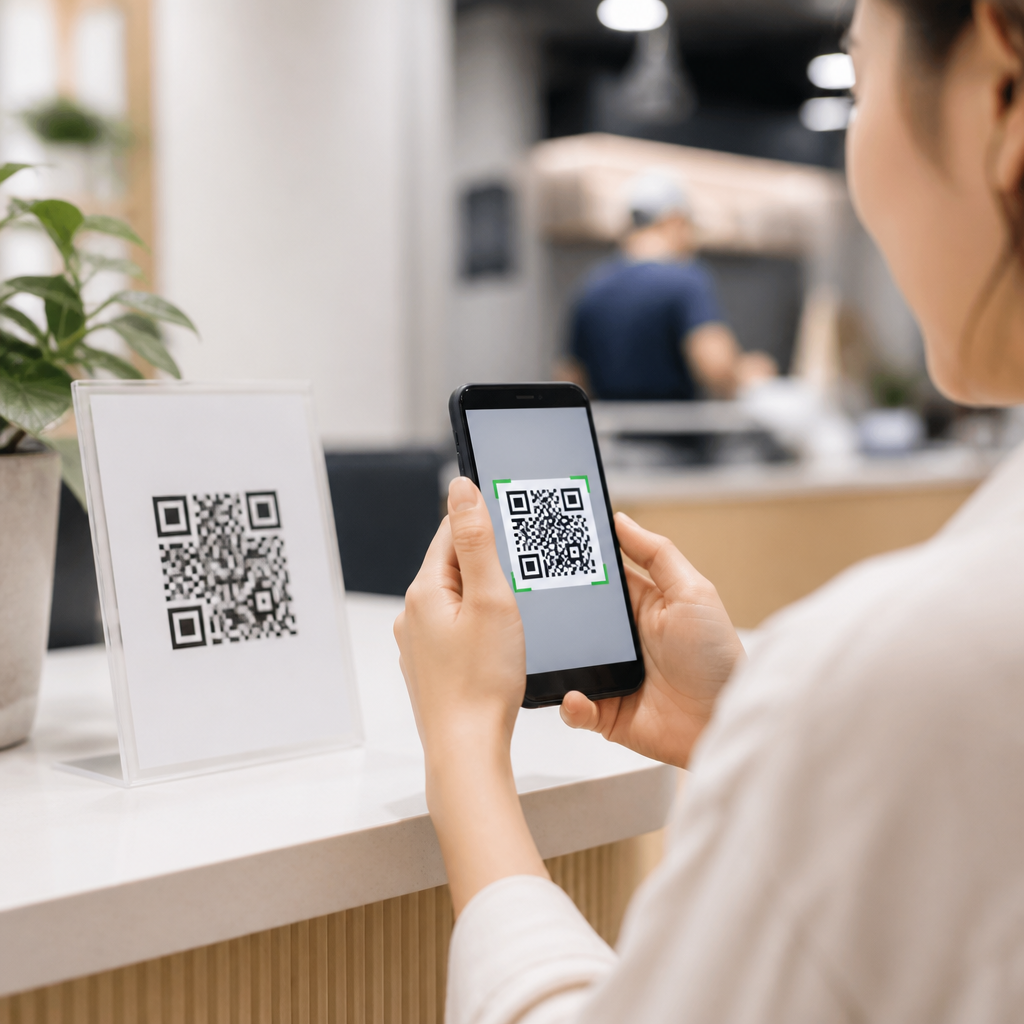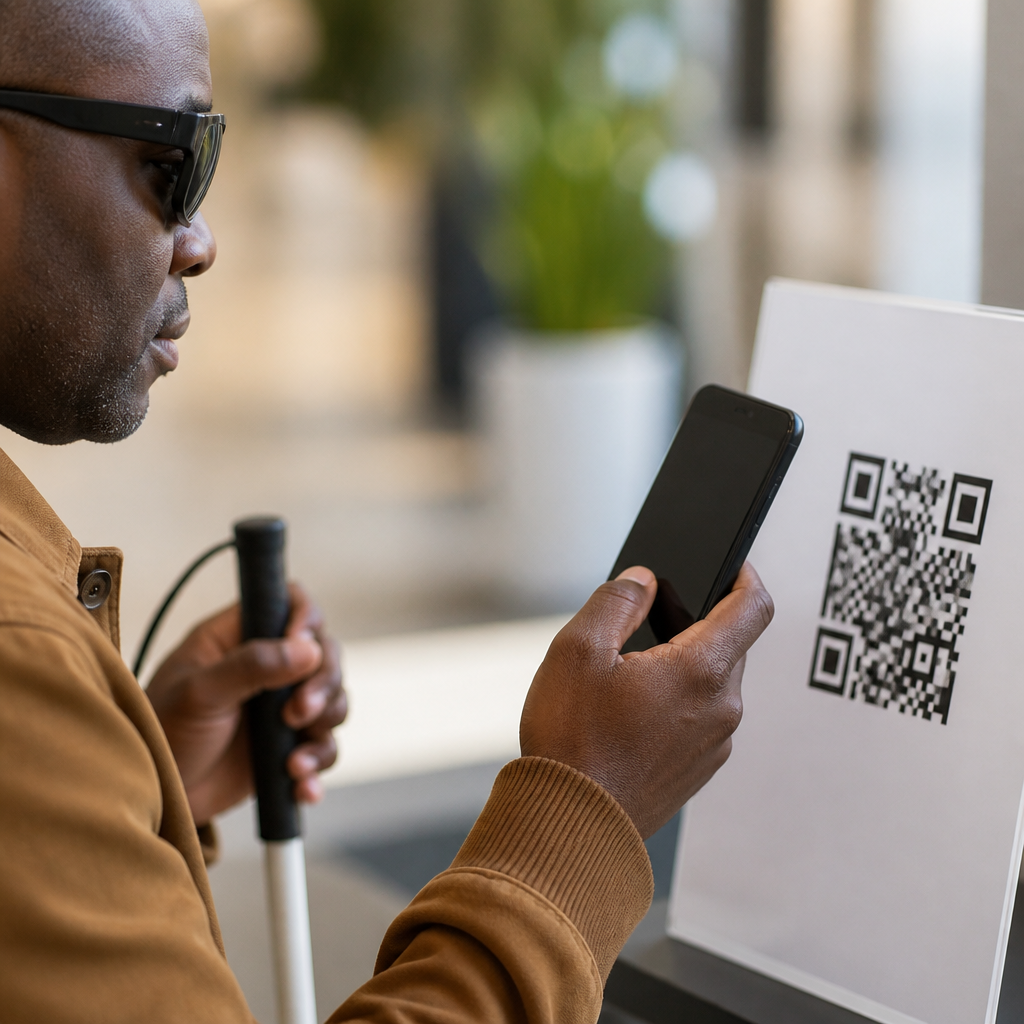
Distance is one of the most practical variables in QR code placement strategy because it determines whether a code can be noticed, focused on, and scanned in the few seconds a user is willing to try. In mobile QR code design and UX work, I have seen campaigns fail not because the code design was poor, but because the code was placed where people could not comfortably reach it with their camera. A technically perfect code mounted too high on a wall, printed too small on a roadside sign, or positioned across a retail aisle will underperform every time.
QR code placement strategy means deciding where, how high, how large, and in what context a code appears so a user can scan it without friction. Distance is the anchor variable inside that strategy. It affects minimum code size, quiet zone visibility, camera focus, lighting tolerance, and dwell time. It also changes user behavior: someone standing at a shelf acts differently than someone walking through a station concourse or driving past a billboard. Good placement therefore combines physical distance with environment, motion, and intent.
This matters because QR codes are now used across packaging, posters, menus, direct mail, events, transit ads, and industrial labeling. Smartphone cameras have improved, but they do not remove the laws of optics or human attention. If a person has to step too close, zoom awkwardly, block foot traffic, or stop in an unsafe spot, scan rates drop. Effective placement respects the scan journey from discovery to action. That is why distance should be treated as the starting point for every QR code placement decision within a broader mobile UX system.
Why distance is the foundation of QR code placement strategy
The simplest rule is that longer scanning distance requires a larger code and a clearer viewing angle. In practice, I start planning by asking one question: where will the user physically stand when they first notice the code? That standing point is more important than the print file. A QR code on product packaging may be scanned from 8 to 18 inches away, while a code on a window poster may need to work from 2 to 6 feet. Transit shelter panels, trade show backdrops, and wayfinding signs often demand reliable scanning from even farther.
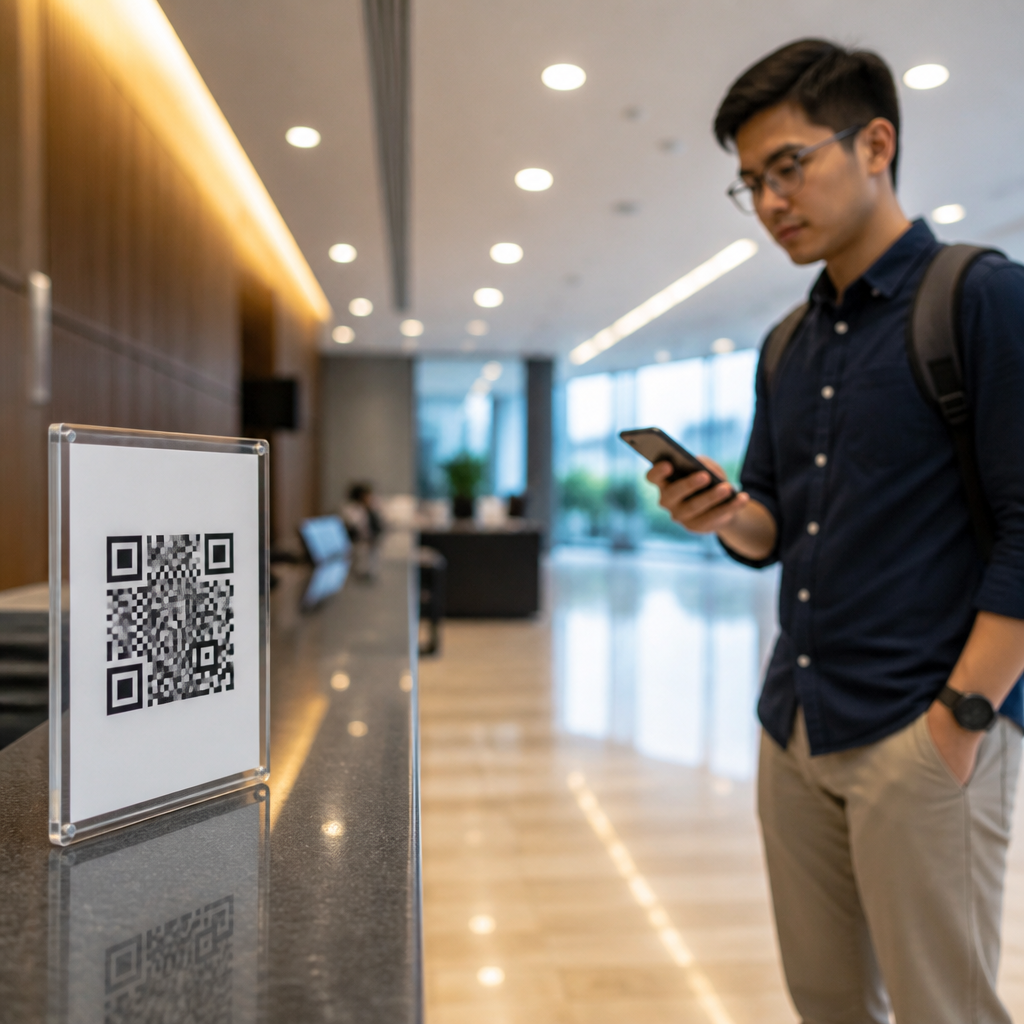
Distance also interacts with intent. Close-range placements usually serve high-intent users already engaged with the object, such as a shopper holding a box or a diner reading a menu. Mid-range placements depend on interruption and convenience, such as a lobby sign that invites visitors to check in. Long-range placements rely on visibility first and scanning second; many are better for short URLs or NFC unless the viewer has time to stop. This is why placement strategy is not only about whether a code is technically scannable, but whether the environment creates a realistic scanning moment.
Recommended placement ranges by environment
A useful planning model is to match environment, expected user position, and minimum code size before creative production begins. The table below summarizes the ranges I use most often when reviewing QR code placement strategies. These are practical starting points, not universal guarantees, because print quality, contrast, glare, camera hardware, and error correction level still matter.
| Environment | Typical scan distance | Recommended placement guidance | Common risk |
|---|---|---|---|
| Product packaging | 8–18 inches | Place on a flat, reachable panel; avoid seams and curved edges | Distortion from folds or gloss |
| Table tents and menus | 10–24 inches | Keep below eye level and near the action prompt | Shadow, spills, and low light |
| Posters and window decals | 2–6 feet | Mount where people can pause without blocking flow | Reflections and awkward reach |
| Retail aisle signage | 2–5 feet | Angle toward the aisle and keep clear of shelf lips | Crowding and side-angle scanning |
| Event signage | 3–8 feet | Use larger codes at entry and queue points | Motion and brief dwell time |
| Outdoor panels | 5–15 feet | Reserve for places with safe stopping behavior | Sun glare and insufficient code size |
As a rule of thumb, many practitioners use a 10:1 relationship between viewing distance and QR code size, meaning a code should be about one tenth as wide as the expected scanning distance. It is a useful estimate, especially for initial mockups, but I treat it as a floor rather than a final answer. Dense codes with long URLs, low contrast substrates, and outdoor placements often need more generous sizing to maintain a reliable first-pass scan.
How size, height, angle, and motion change scan success
Distance alone does not explain scan performance. Four related variables decide whether the placement actually works in the field: size, mounting height, viewing angle, and user motion. Size is obvious, but the others are frequently missed during approval. A code mounted above average chest height may be visible yet uncomfortable to scan because users must tilt the phone upward, increasing glare and reducing stability. Codes placed too low create similar friction, especially in queues where bending feels inconvenient or unsafe.
Angle matters because smartphone cameras scan best when the code is near perpendicular to the lens. On curved bottles, hanging banners, glass doors, and floor decals, I regularly see perspective distortion reduce scan speed. Motion compounds the issue. A commuter walking past a sign has far less tolerance for focus hunting than a shopper holding a cereal box. In those cases, the best QR code placement strategy is often to relocate the code to a point of natural pause: checkout lanes, waiting areas, elevator banks, or product comparison zones.
Lighting and material finish also become more punishing as distance increases. Matte surfaces outperform high gloss because they reduce specular reflection. Backlit displays can work well if brightness is balanced, but dim screens, tinted windows, and heavily textured substrates weaken edge definition. If a campaign depends on mid-range scanning, test under realistic conditions with current iPhone and Android devices rather than judging the artwork only on a desktop monitor.
Placement strategy by use case: retail, packaging, signage, and events
In retail, successful QR code placement strategies are usually tied to decision points. Shelf talkers, endcaps, and fitting-room signage work when the code sits where a shopper can stop without disrupting others. Placing a code deep inside a shelf bay or near reflective price channels lowers scan comfort. For packaging, the best location is usually the largest uninterrupted panel near supporting copy, not the most decorative panel. When legal text, nutrition facts, or multilingual labels crowd the code, users struggle to isolate it in the camera frame.
On posters and storefront signage, the key question is whether someone can scan while standing in a natural place. Window decals often look excellent from indoors but perform poorly outside because of glare, street reflections, and limited sidewalk depth. At events, registration QR codes succeed when repeated at queue entry, badge pickup, and help desks rather than relying on a single hero sign. Redundancy improves throughput. In every use case, the best hub principle is simple: place the code where the user already pauses, not where the designer has empty space.
Testing and measuring a placement before full rollout
The fastest way to validate distance-based placement is a field test with printed prototypes at actual size. I normally test three distances, three device types, and at least two lighting conditions. Measure first-scan success, average time to scan, and failure reasons such as glare, crowding, autofocus delay, or inability to approach closely enough. Analytics platforms from QR Code Generator, Bitly, Beaconstac, and Flowcode can show scan counts by time and location, but they cannot diagnose a bad mounting height unless field observations accompany the data.
A practical review checklist includes quiet zone integrity, contrast ratio, substrate finish, code density, placement height, approach path, and CTA proximity. The CTA matters because users need to know why they should scan before they move into position. “Scan to view ingredients,” “Scan for assembly video,” and “Scan to check in” consistently outperform generic prompts. Once deployed, compare scan rate against footfall or impressions, not just raw scans. That reveals whether the placement itself is creating friction.
Distance should guide every QR code placement strategy because it connects design decisions to real human behavior. When you know how far away the user will be, you can set the right size, choose the right height, reduce glare, and place the code at a true stopping point. That single shift prevents many common failures across packaging, retail, signage, and events.
The most effective placements are not the most creative ones; they are the ones that respect optics, movement, and context. Start with expected scan distance, then validate the environment with live device testing. If you are building out a broader Mobile QR Code Design and UX program, use this hub as your baseline for every related article and implementation. Audit your current placements, test them in the field, and redesign any code that asks users to work harder than necessary.
Frequently Asked Questions
Why does viewing distance matter so much in QR code placement?
Viewing distance directly affects whether a QR code can be seen, recognized as scannable, brought into focus, and successfully read before the user gives up. In real-world environments, people rarely stop and make multiple scan attempts unless they are highly motivated. If a code is too far away, the camera may not capture enough detail for reliable decoding. If it is too close to where a person is standing or walking, the user may have trouble framing it comfortably. Distance also shapes the entire user experience around the code: how large it needs to be, how high it should be mounted, how much surrounding white space it needs, and whether the person scanning has enough time to notice it and react. That is why distance is not just a printing consideration. It is a usability factor that determines whether the QR code works at all in the context where people encounter it.
How large should a QR code be based on scanning distance?
A practical rule is that the farther away the intended scanner will be, the larger the QR code must be. There is no single perfect size for every situation because scanning success depends on more than dimensions alone, including camera quality, code density, lighting, motion, and viewing angle. Still, placement strategy should begin by estimating the realistic distance between the user and the code at the moment of scanning. A code on product packaging may only need to be scanned from a few inches away, while a code on a poster might be scanned from a few feet away, and a code on a window, wall graphic, or event sign may need to work from even farther back. As distance increases, modules become harder for the camera to resolve, especially if the code contains a long URL or heavy error correction that increases complexity. The safest approach is to size for the actual environment, test with average smartphones, and assume users will not stand in the ideal position. If people must zoom, step unusually close, or retry more than once, the code is effectively too small for the placement distance.
What placement mistakes happen when QR codes are too far away?
When a QR code is placed too far from the user, several predictable problems appear. First, users may not even notice the code because it blends into the design or lacks visual prominence at that distance. Second, even if they notice it, they may not be able to hold their phone steady enough to scan it, especially outdoors or in crowded spaces. Third, distant placement often forces awkward behavior, such as stopping in a walkway, backing up into traffic flow, or trying to scan while moving. In signage environments, a code may also compete with glare, poor contrast, weathering, and changing light conditions, all of which become more damaging as distance increases. Another common issue is false confidence during design review: a code may look large on a mockup or monitor, but once installed on a wall, pole, storefront, or billboard, it becomes functionally unscannable from where people naturally stand. The result is a campaign that appears technically correct but fails in practice because the code was not placed within a comfortable, realistic scanning range.
How do height, angle, and user movement affect distance-based QR code strategy?
Distance never works alone. A QR code might be technically close enough, yet still perform poorly because it is mounted too high, too low, angled away from the user, or encountered while the user is in motion. Height matters because people need to align their phone camera without strain. A code placed above eye level often forces an awkward upward angle that reduces stability and increases glare. A code placed too low may require bending, crouching, or getting uncomfortably close. Viewing angle also matters because cameras scan best when the code is reasonably front-facing rather than sharply tilted or wrapped around a curved surface. Movement adds even more difficulty. People walking through a station, store, lobby, or trade show do not behave like controlled test users. They notice the code late, have limited time to react, and may not stop at all. That means distance planning must account for approach speed, likely body position, and whether there is a natural place to pause. Good QR placement strategy considers the full physical interaction, not just the measurement from phone to code.
What is the best way to test whether a QR code placement distance will work in the real world?
The best method is field testing in the actual environment with the types of phones and user conditions you expect in practice. Start by placing the code at its intended size and location, then test from the positions people will realistically stand, sit, walk, or drive past. Do not test only from the perfect angle or under ideal lighting. Try older and newer phones, different camera apps, and multiple users with different heights and behaviors. Measure how quickly the code is noticed, whether the person can frame it naturally, and how many attempts are needed before a scan succeeds. It is also important to test under real conditions such as reflections on glass, low light, shadows, crowding, and motion. If the code requires users to stop abruptly, move into an unnatural position, or make repeated attempts, the placement strategy needs adjustment. In most cases, improving scan performance means reducing distance, increasing code size, simplifying the encoded content, repositioning the code to a more accessible height, or giving users a clearer place to stand. Real-world testing is what turns a visually correct QR code into one that actually performs.