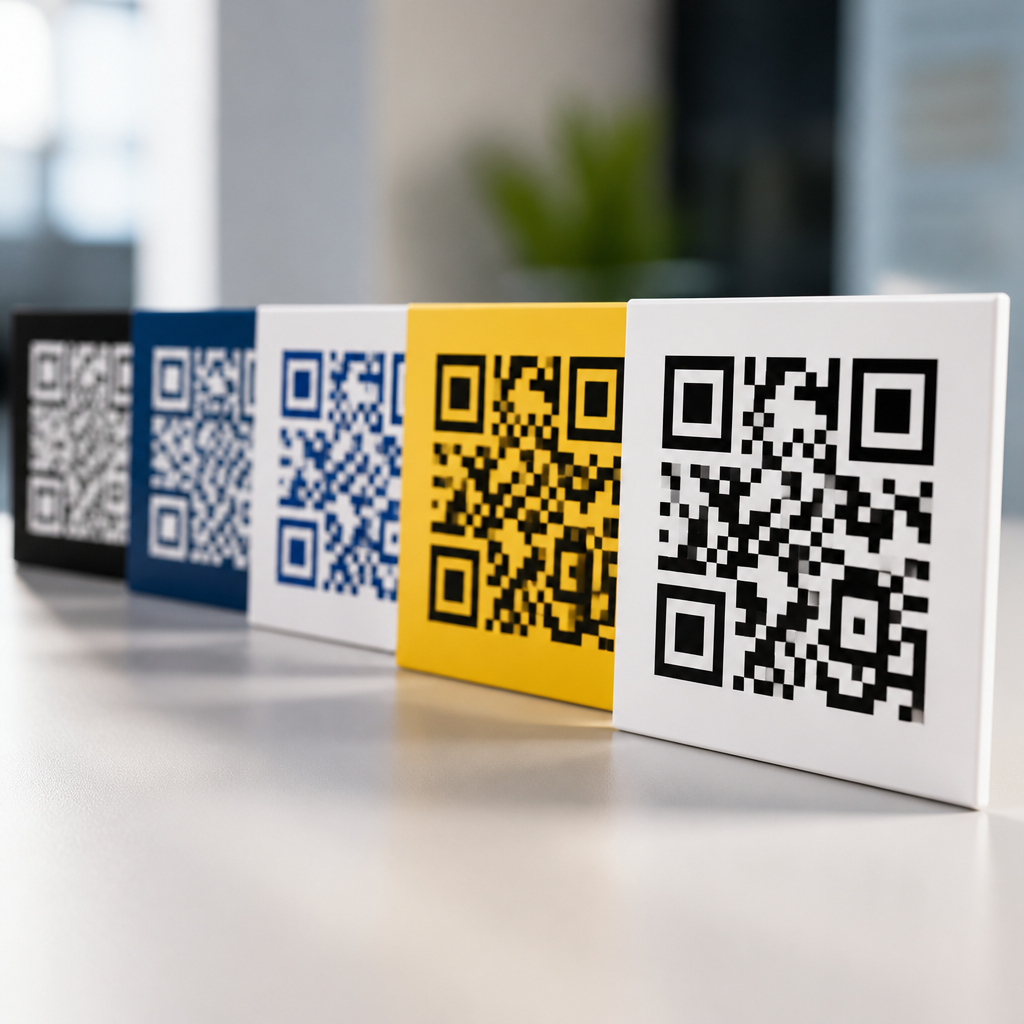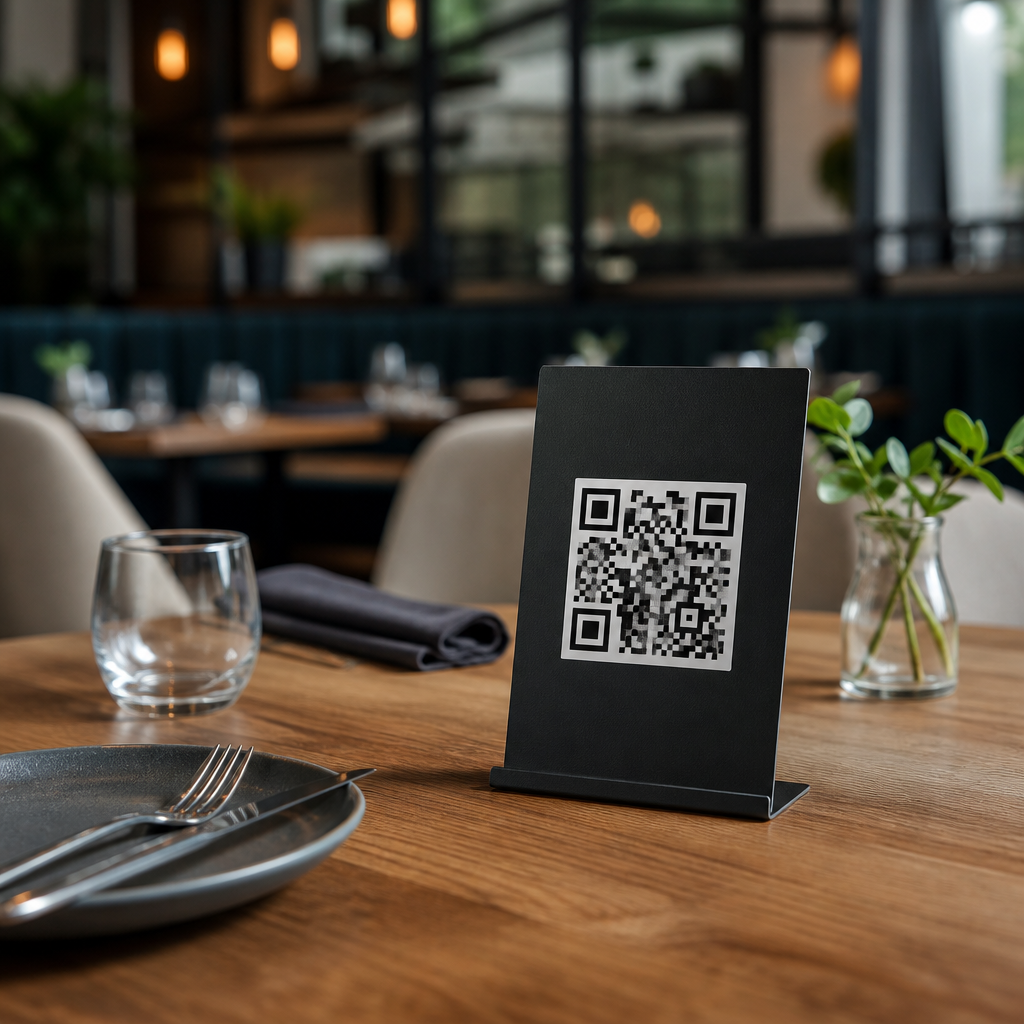
QR code placement for menus and table displays determines whether guests scan instantly, hesitate, or ignore the code entirely. In restaurants, hotels, cafés, food halls, breweries, and event spaces, a QR code is not just a graphic; it is a service touchpoint that bridges the physical table and the mobile experience. Placement strategy refers to where the code appears, how high or low it sits, what surface it uses, what lighting and viewing angle affect it, and how quickly a customer understands what will happen after scanning. When placement is right, mobile menus load faster, staff answer fewer repetitive questions, and more guests complete the action the business intended, whether that is viewing a menu, paying, joining loyalty, or leaving a review.
I have seen the same code perform very differently based solely on location. A clean, high-contrast QR code printed near eye level on a table tent can outperform a larger code buried under condiments or glare. That happens because scanning is influenced by ergonomics, attention, and context as much as by code size. Guests need to notice the code, recognize its purpose, trust it, and hold a phone at a workable angle without awkward movement. If any of those steps breaks, scan rates drop. For hospitality teams investing in digital menus, understanding QR code placement strategies is therefore a practical revenue and operations issue, not a design afterthought.
This hub article covers the full landscape of placement decisions for menus and table displays. It explains how to choose the best physical location, how to account for table size, lighting, traffic flow, and cleaning routines, and how to connect placement with mobile user experience. It also serves as the central guide for deeper articles within the broader mobile QR code design and UX topic, including code sizing, scan testing, table tent design, material durability, accessibility, and analytics. If you want more scans with fewer guest frustrations, placement is the first variable to fix.
Why placement matters more than code size alone
Many operators start by asking, “How big should the QR code be?” Size matters, but placement has greater impact because it controls discoverability and scanability at the same time. A code can be technically scannable at 1.2 inches square, yet still underperform if it faces away from seated guests, competes with clutter, or reflects overhead lights. In practical terms, the best menu QR code placement puts the code within a guest’s natural field of view, on a stable surface, with enough white space around it and a clear prompt such as “Scan to view menu.”
Placement also shapes user intent. On a host stand, a code implies waitlist or ordering before seating. On the tabletop, it signals browse the menu now. On a payment presenter, it suggests pay or tip. Those contexts should not be mixed casually. I recommend mapping one primary user task to each placement zone so guests are never forced to guess. Restaurants that place one code for menus on the table and a separate code for payment on the check presenter usually see less confusion than venues trying to make one code do everything.
Another reason placement matters is reliability across device types. Newer phones can scan at steeper angles and in lower light, but older midrange devices still struggle with glossy reflections, wrinkled stickers, and curved surfaces. Good placement narrows that performance gap. Industry guidance from major QR generators and print vendors consistently favors flat, matte, high-contrast presentation in well-lit areas, and real-world testing supports that advice.
Best tabletop placement zones for menus and table displays
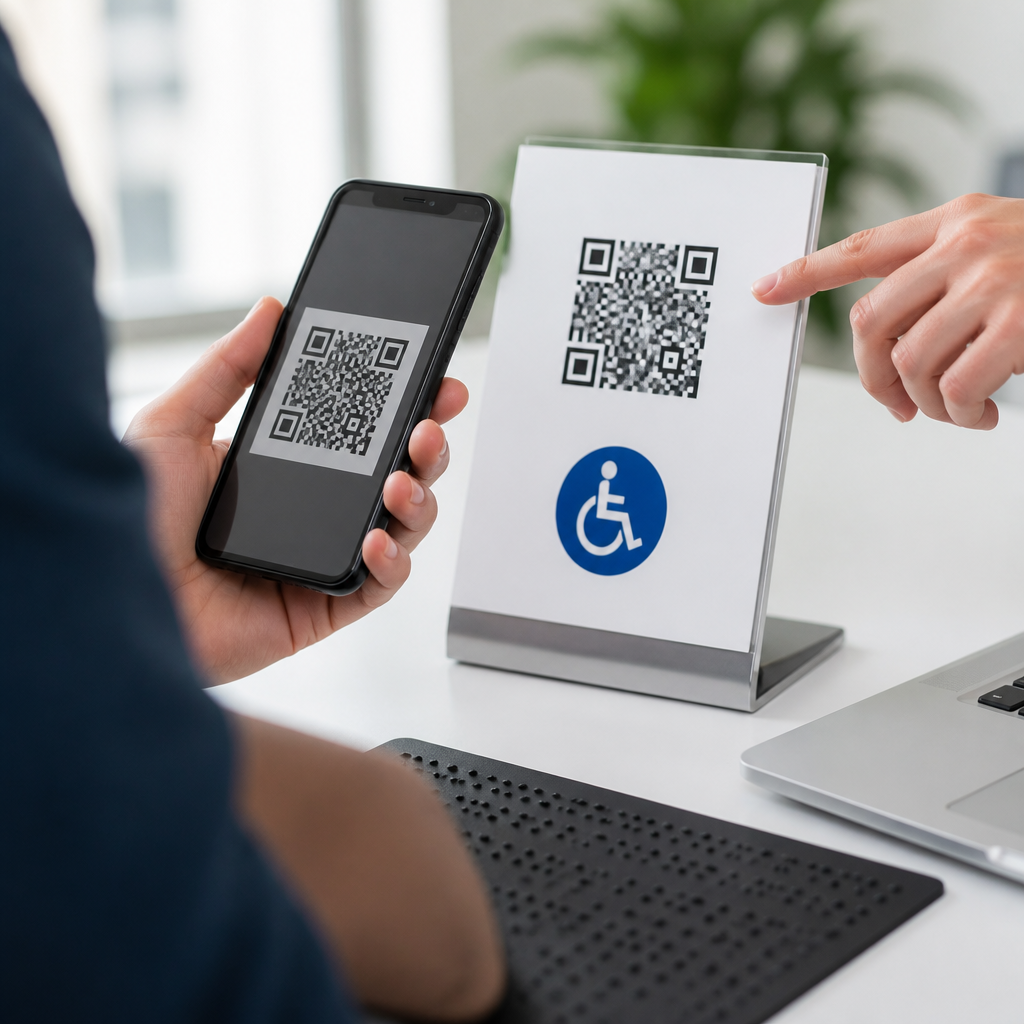
For seated dining, the highest-performing zone is usually a table tent or upright display placed near the center-front edge of the table, visible from multiple seats without blocking conversation. This position gives each guest a direct line of sight and lets them scan without leaning over plates or drinks. In two-top and four-top settings, centered placement works best when the display is slim and weighted enough not to tip during service.
Flat placements can also work, but only when protected from spills and glare. A laminated insert under glass is durable, yet glass often creates reflections that reduce scan success. Adhesive stickers on tabletops are inexpensive, but they wear quickly at the corners and are frequently obscured by baskets, napkin caddies, or promotional items. When operators ask me which is better, upright displays win in most full-service environments because they preserve visibility throughout the meal.
Booths and bars require different logic. In booths, wall-mounted or partition-mounted codes can outperform tabletop versions because condiments and personal items consume table area fast. At a bar rail, the code should sit slightly above the counter plane, not flat beside wet rings and receipts. Outdoor patios need extra attention to wind, sun fade, and water resistance. Here, rigid acrylic signs with matte finish generally outlast paper table tents and maintain cleaner scans.
| Placement option | Best use case | Main advantage | Main risk |
|---|---|---|---|
| Upright table tent | Full-service dining tables | High visibility from multiple seats | Can be moved or knocked over |
| Flat tabletop sticker | Quick-service or casual cafés | Low cost and easy rollout | Wear, spills, and obstruction |
| Under-glass insert | Fixed tables with low turnover redesign | Protected from direct damage | Glare reduces scan reliability |
| Booth wall display | Booths and banquettes | Frees table space | Wrong height can hurt usability |
| Bar-mounted sign | Bars and high-top counters | Keeps code above wet surfaces | Can face poor side-angle visibility |
Environmental factors that affect scan rates
Lighting is the most underestimated variable in QR code placement strategies. Direct downlights create hotspots on glossy surfaces, while dim ambient lighting makes low-contrast codes fail at night even if they work during lunch. The fix is straightforward: use matte stock, avoid placing codes directly under pendant reflections, and test under actual service lighting, not office lighting. I always advise testing during both the brightest and darkest dayparts because dinner performance often exposes issues lunch teams never notice.
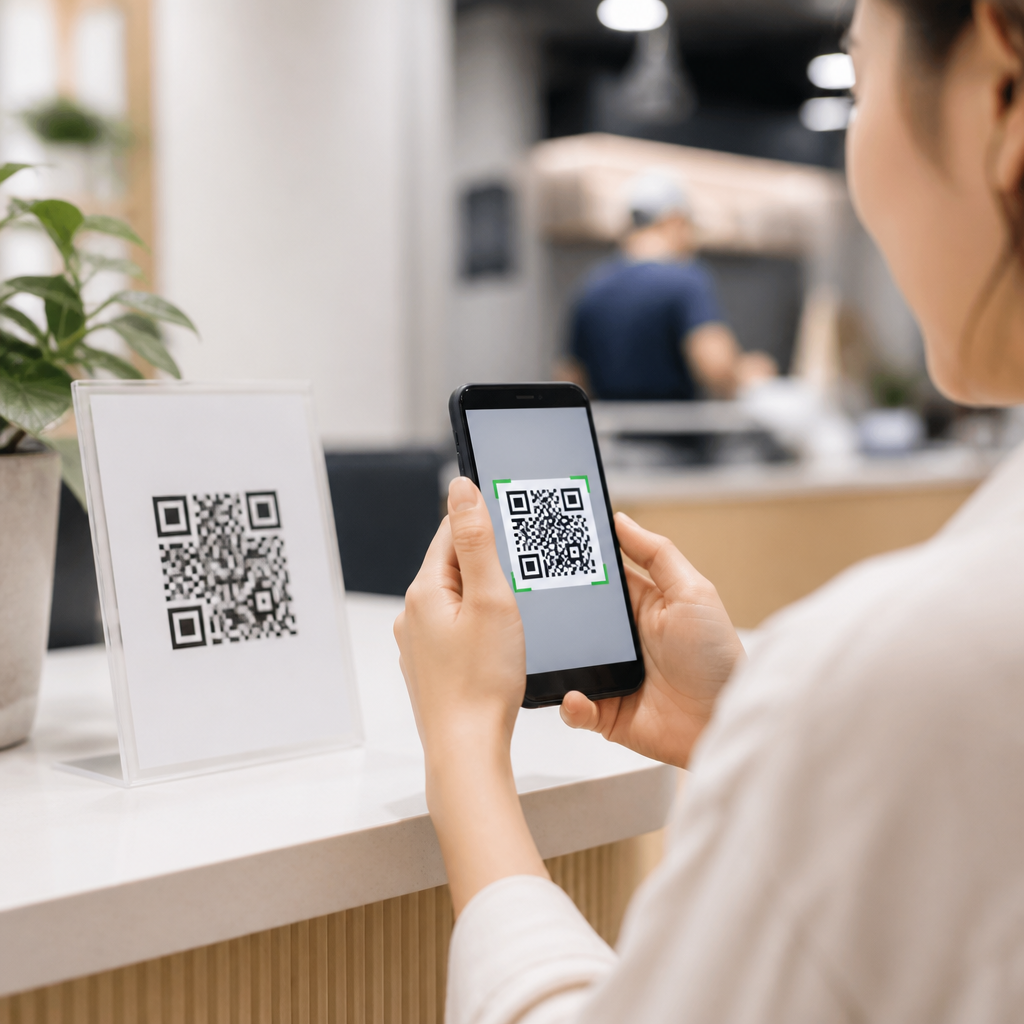
Distance and angle matter just as much. Diners usually scan from 10 to 24 inches away while seated, and from a steeper angle than a standing customer at a poster. That is why a code on a horizontal plane often needs stronger contrast and more surrounding quiet space than the same code on a vertical sign. Busy backgrounds, decorative wood grain, marble veining, and patterned table graphics all interfere with fast recognition. Keep the code isolated.
Traffic flow also changes outcomes. If servers place water glasses, specials cards, or handheld payment devices in the same zone as the code, visibility disappears at the exact moment the guest is ready to act. Cleaning routines matter too. Harsh chemicals can cloud acrylic, curl sticker edges, or leave residue that softens contrast. Placement should be reviewed with front-of-house and cleaning staff together, because a theoretically perfect location often fails once real service patterns begin.
How to match placement to guest behavior and menu goals
The best QR code placement for menus depends on what the guest needs first. If the primary goal is replacing printed menus, the code should appear immediately after seating and before beverage ordering. If the goal is upselling desserts or cocktails, a secondary code can appear later on a tabletop insert or bill presenter. Separating these tasks improves completion because each prompt is tied to a clear stage of the meal.
Guest behavior varies by venue type. In fast casual settings, customers often decide whether to scan while standing or just after sitting, so entrance signage and pickup counter displays support the table code well. In full-service restaurants, guests are more likely to scan only after the server references the code. That means placement and staff scripting must work together. A simple line such as “The full menu and allergy details are on the QR code in front of you” dramatically reduces uncertainty.
Menu complexity should guide placement too. If the digital menu includes modifiers, allergen filters, photos, and multilingual options, guests need stable, visible access for longer browsing sessions. In that case, each seat may need convenient code visibility, not just one shared sign per table. Large communal tables especially benefit from repeated codes at intervals, because a single center display forces awkward reaching and phone angles.
Accessibility, trust, and mobile UX considerations
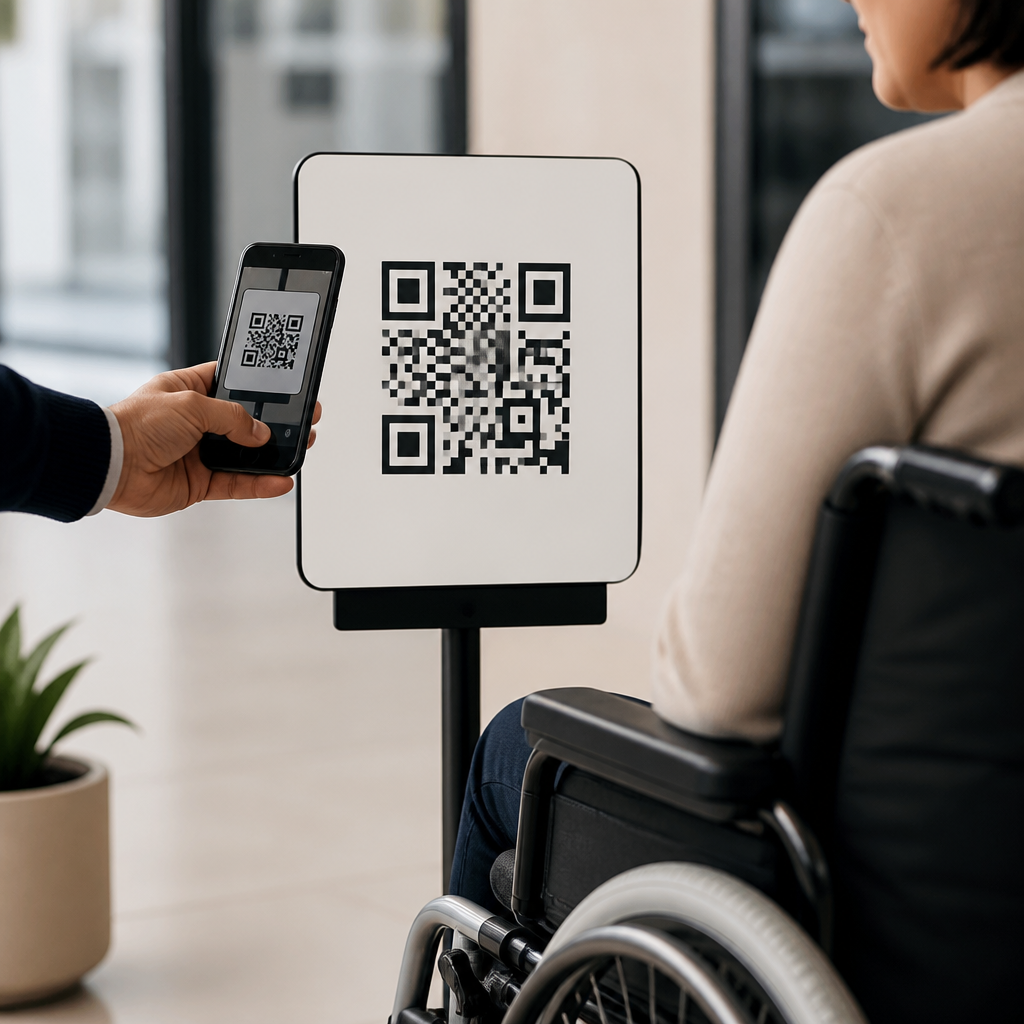
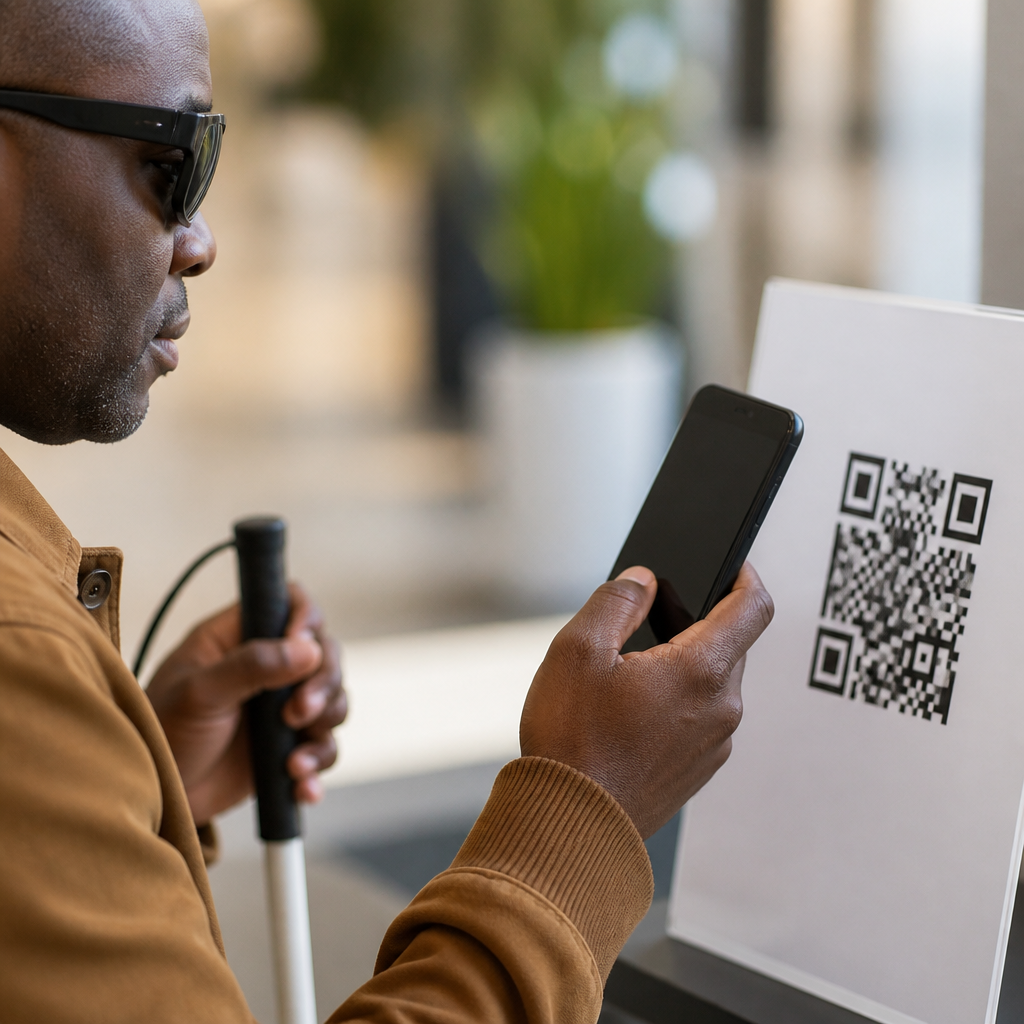
Accessible QR code placement means more than making the code scannable. Guests with limited reach, low vision, tremors, or wheelchair seating positions need a code they can see and use without strain. Placement should avoid extreme low positions, reflective finishes, and tiny explanatory text. A plain-language label helps everyone: “Scan to view menu on your phone.” For inclusivity, businesses should still offer a printed or verbal alternative, because not every guest can or wants to use a mobile device.
Trust is another placement issue. Random stickers on damaged surfaces can look suspicious, especially because QR phishing is widely reported. A code integrated into branded table signage with the restaurant name and a clear destination feels safer. I recommend placing the restaurant URL beneath the code when possible and using dynamic QR platforms that allow destination updates without replacing every sign. Tools such as Bitly, Flowcode, and QR Code Generator support trackable links, but they must point to fast, mobile-optimized pages.
Once scanned, the destination experience validates the placement choice. If the code opens a PDF that pinches poorly on mobile, guests blame the whole system, not the file type. Good placement gets the scan; strong mobile UX completes the job. That is why this hub connects directly to related work on menu landing page design, tap target sizing, load speed, and scan analytics.
Testing, maintenance, and scaling across locations
No placement strategy should go live without structured testing. Use at least three phone types, including one older Android device, and test from every seat position. Measure practical outcomes: time to first successful scan, percentage of guests who notice the code unaided, and whether the call to action is understood. In multi-unit groups, build a placement checklist covering height, distance from table edge, material, glare check, and cleaning impact so new locations launch consistently.
Maintenance is where many strong deployments weaken. Codes should be inspected weekly for fading, peeling, scratches, and destination errors. Dynamic QR links make campaigns flexible, but they also create failure points if redirects break, certificates expire, or pages are unpublished. Ownership matters: assign one person to review the physical display and another to verify the mobile destination. When scan volume is tracked through analytics, unusual drops often signal a placement or hardware issue before staff report it.
Scaling also requires local adaptation. A dark cocktail bar, a family diner, and a resort pool deck do not share the same lighting, pace, or guest posture. Standardize the principles, not a single fixture. The consistent rule is simple: place the QR code where guests naturally look, can scan comfortably, and immediately understand the value of doing so.
QR code placement for menus and table displays works best when physical design, guest behavior, and mobile experience are planned together. The most effective placements are visible, stable, well lit, and tied to one clear action. Upright tabletop displays usually outperform flat stickers, but booths, bars, patios, and communal tables each need their own approach. Environmental conditions such as glare, clutter, cleaning chemicals, and seat position can undermine scan rates even when the code itself is technically correct.
As the hub for QR code placement strategies, this guide establishes the core decisions every hospitality team should make before printing a single sign: choose the right surface, match the placement to the guest task, account for accessibility, and test in real service conditions. From here, deeper articles on code size, materials, analytics, and mobile menu UX become much easier to apply because placement provides the foundation for all of them.
If you are improving digital menus, start by walking your floor as a guest would. Sit in every seat, scan from natural angles, and fix the placements that feel awkward or invisible. Better placement produces more scans, smoother service, and a stronger menu experience with surprisingly little extra cost.
Frequently Asked Questions
Where should a QR code be placed on a restaurant table so guests notice it and scan right away?
The best placement is where the guest naturally looks within the first few seconds of sitting down. In most dining environments, that means the QR code should be positioned near the center of the table experience, not hidden at the edge, buried under condiments, or placed where a plate, drink, or napkin holder will block it. Table tents, menu stands, check presenters, and upright acrylic displays often perform well because they bring the code into the guest’s direct line of sight without forcing them to search for it. Flat stickers can also work, but only if they are placed in a highly visible area and designed with enough contrast and whitespace to stand out from the rest of the tabletop.
Height and viewing angle matter just as much as location. A guest should be able to scan the code while seated in a natural posture, without leaning across the table or rotating their phone awkwardly. If the code is too low, too glossy, or too close to reflective table surfaces, the scan experience becomes slower and less intuitive. Strong placement reduces friction: guests see the code, understand what it is for, and know what action to take immediately. Clear supporting text such as “Scan to view menu” or “Scan to order” helps remove hesitation and reinforces the purpose. In practical terms, the ideal placement combines visibility, accessibility, and immediate comprehension.
What size should a QR code be for menus and table displays?
A QR code should be large enough to scan comfortably from the distance at which the guest first notices it. For tabletop use, a code that is too small is one of the most common causes of failed or delayed scans. Guests should not have to bring their phone extremely close or make multiple attempts. While exact dimensions vary based on table size, display format, and scanning distance, the rule is simple: the code must be easily scannable under real dining conditions, not just in a design proof. That includes situations with dim lighting, busy backgrounds, glare from overhead fixtures, and customers holding their phones one-handed.
Size alone is not enough, though. The code also needs strong contrast, a clean quiet zone around it, and enough separation from decorative graphics, logos, and text. If a brand tries to shrink the code to preserve aesthetics, performance usually suffers. It is better to give the QR code enough visual priority than to treat it as a small secondary icon. Testing with different phone models is essential, especially in restaurants, cafés, hotels, breweries, and event spaces where guests may scan from slightly different angles or from standing rather than seated positions. A code that scans instantly in real-world conditions supports a smoother guest experience and improves menu access, ordering flow, and overall service efficiency.
How do lighting and surface materials affect QR code placement and scan performance?
Lighting and surface choice have a major impact on whether a QR code works as intended. Even a well-designed code can underperform if it is placed on a glossy laminate, reflective acrylic, polished metal, or glass surface that catches overhead light. Glare reduces camera readability and forces guests to reposition their phones or tilt the display until the code becomes visible. In hospitality settings, where speed and convenience matter, even a few extra seconds of friction can reduce engagement. Matte finishes are generally more reliable because they minimize reflections and preserve contrast from multiple viewing angles.
Ambient lighting also changes the way guests interact with the code. A café with bright natural light creates different scanning conditions than a dim cocktail bar, hotel lounge, brewery taproom, or evening event venue. Placement should account for the actual service environment, not just daytime setup conditions. If the code is used in low light, the display should keep the code high-contrast, uncluttered, and easy to recognize at a glance. Operators should also avoid placing QR codes where shadows from centerpieces, bottles, tableware, or nearby fixtures will regularly fall across the print. The most effective approach is to test placements during live service periods and from realistic guest positions to ensure the code remains visible, legible, and instantly scannable throughout the day.
Is it better to place the QR code on a table tent, sticker, menu cover, or wall display?
The right format depends on how and when you want guests to interact with the code. Table tents are often one of the strongest options because they place the QR code upright in the guest’s field of view and allow room for a clear call to action. They are especially effective when the goal is immediate menu access, self-ordering, specials, loyalty sign-up, or payments. Stickers can be useful for permanent installations, but they are easier to overlook if they sit flat on the table or blend into the surface. Menu covers work well when physical menus are still part of the experience, since the QR code appears exactly where the guest already expects to engage with menu information.
Wall displays and entrance signage can support QR access too, but they usually serve a different moment in the customer journey. A wall-mounted code may help with queue management, takeaway browsing, or pre-seating interactions, yet it is less effective as the primary menu touchpoint once guests are seated at a table. For table service environments, the strongest strategy is often layered placement: a primary code at the table, with secondary support at the host stand, bar, counter, or waiting area. This gives guests multiple chances to scan without relying on a single touchpoint. The best choice is the one that matches guest behavior, preserves visibility throughout service, and keeps the code accessible without disrupting table comfort or design.
How can businesses test and improve QR code placement for menus and table displays?
Testing should focus on actual guest behavior, not assumptions. A QR code may look well placed from a branding or interior design perspective, but if guests do not notice it quickly or struggle to scan it, the placement is not working. Start by observing where people look when they sit down, how often they ask staff where the menu is, and whether they scan on the first attempt. Test the code from multiple seat positions, heights, and phone models. In restaurants, hotels, food halls, cafés, breweries, and event spaces, placement should be reviewed during normal service conditions, including peak hours, low light periods, and tables filled with drinks, plates, and personal items.
Improvement usually comes from reducing friction. That may mean moving the code to a more central position, increasing its size, improving contrast, switching to a matte display surface, or rewriting the call to action so it is more explicit. It also helps to monitor data such as scan rates by table zone, daypart, or display format if your system supports it. When one area of the venue consistently underperforms, placement is often the reason. Staff feedback is valuable too, since servers and hosts hear guest questions in real time and can identify where confusion occurs. The goal is not simply to have a QR code present; it is to make the path from physical table to mobile menu feel immediate, obvious, and effortless.