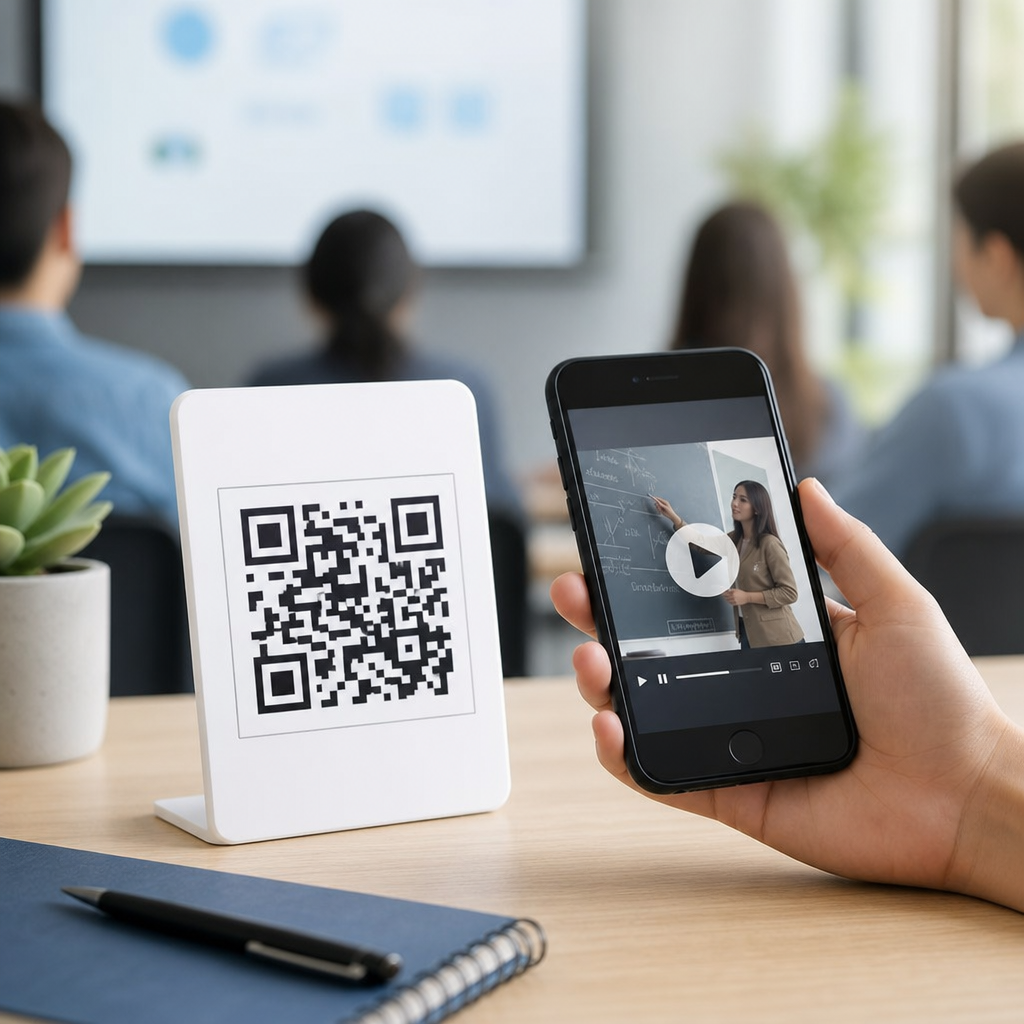
QR code event check-in has become the default workflow for conferences, festivals, trade shows, fundraisers, and private gatherings because it replaces slow manual verification with a fast, trackable, and secure scanning process. In practical terms, a QR code is a two-dimensional barcode that stores a unique identifier, usually tied to a ticket record in an event platform such as Eventbrite, Cvent, Universe, Splash, Ticket Tailor, or a custom registration database. When attendees arrive, staff scan the code using a mobile app, dedicated handheld scanner, tablet camera, or self-service kiosk, and the system instantly confirms whether the ticket is valid, already redeemed, assigned to a certain session, or linked to add-ons like VIP access.
For event organizers, this matters far beyond convenience. Check-in is the first operational moment guests experience, and it shapes perceptions of professionalism, security, and overall flow. I have seen the difference firsthand: a paper guest list with alphabetized names can create ten-minute queues at 9:00 a.m., while a QR-based lane processes dozens of arrivals in the same time with fewer errors. Faster entry reduces crowding at doors, shortens staffing requirements, improves safety planning, and produces better attendance data for sponsors and internal reporting. In the events and ticketing sector, where margins are tight and attendee expectations are high, those gains are operationally significant.
This article serves as a hub for how events use QR codes for check-in across the full events and ticketing lifecycle. It covers the technology, attendee journey, venue operations, security controls, analytics, and the limitations teams need to plan around. It also frames where QR code check-in fits within broader event management, including registration, badge printing, lead capture, access control, and post-event follow-up. If you manage any event where timing, capacity, and verification matter, understanding QR-based check-in is now essential rather than optional.
What QR code check-in means in events and ticketing
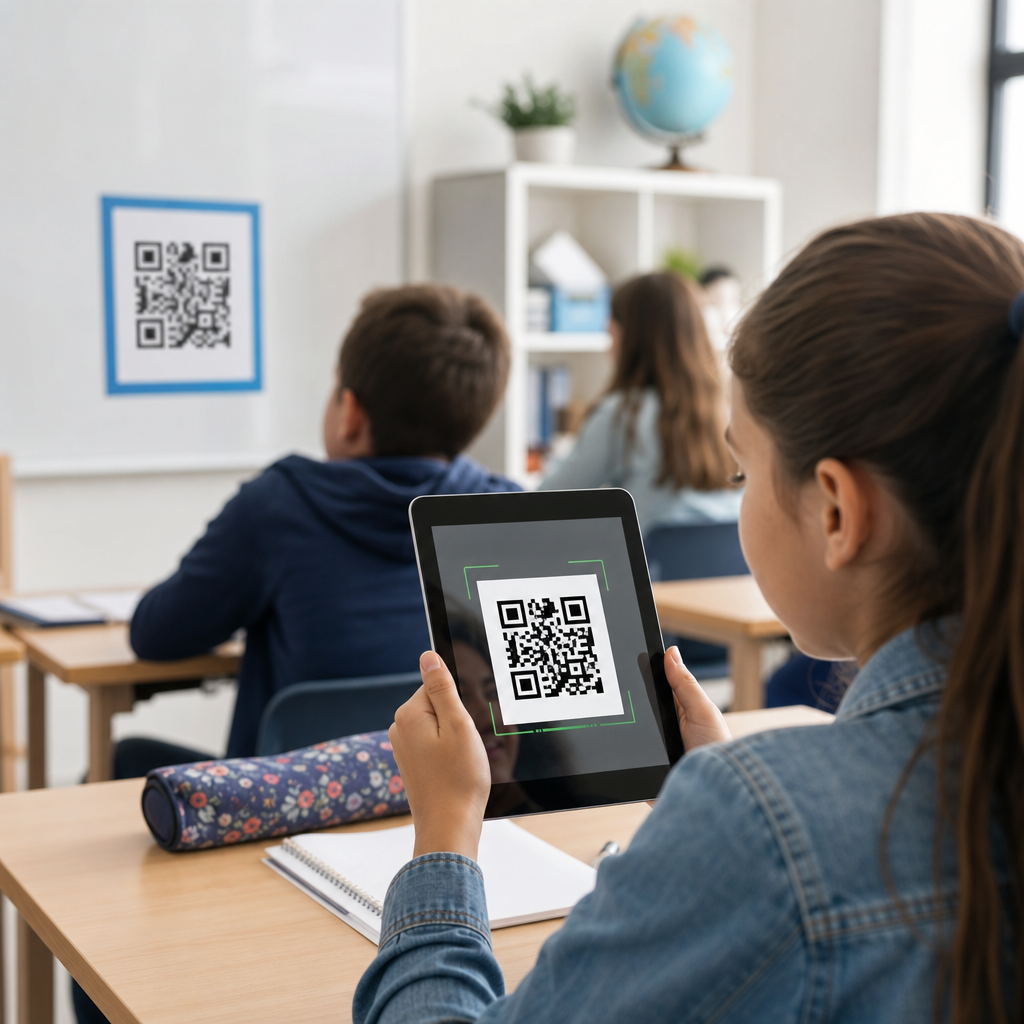
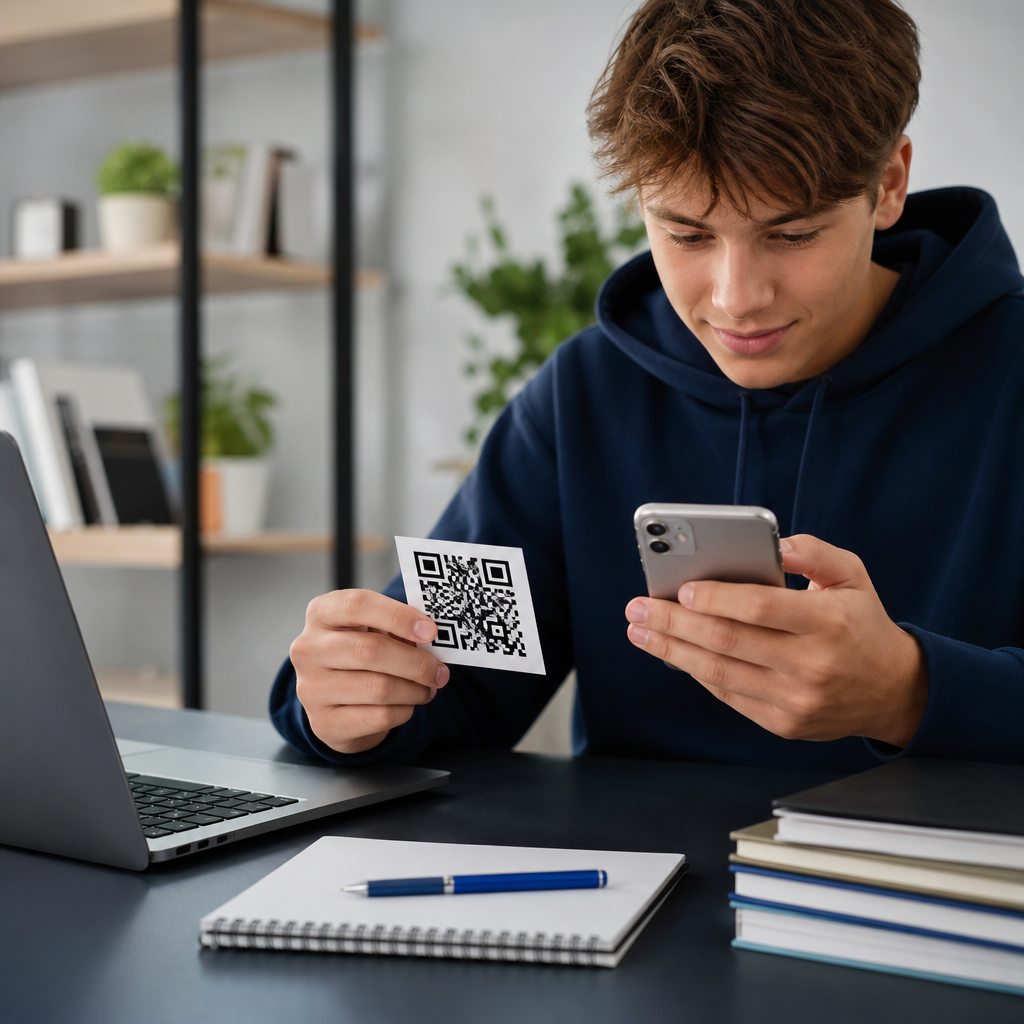
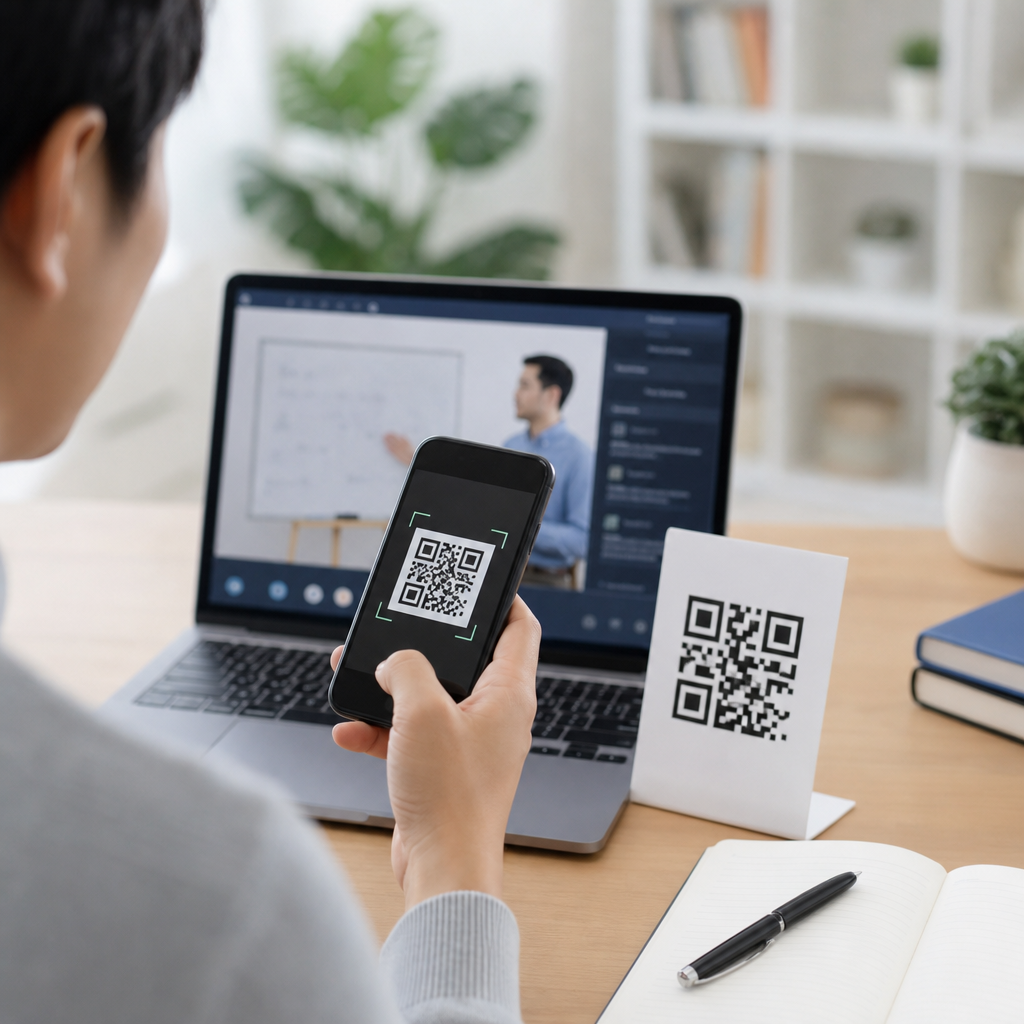
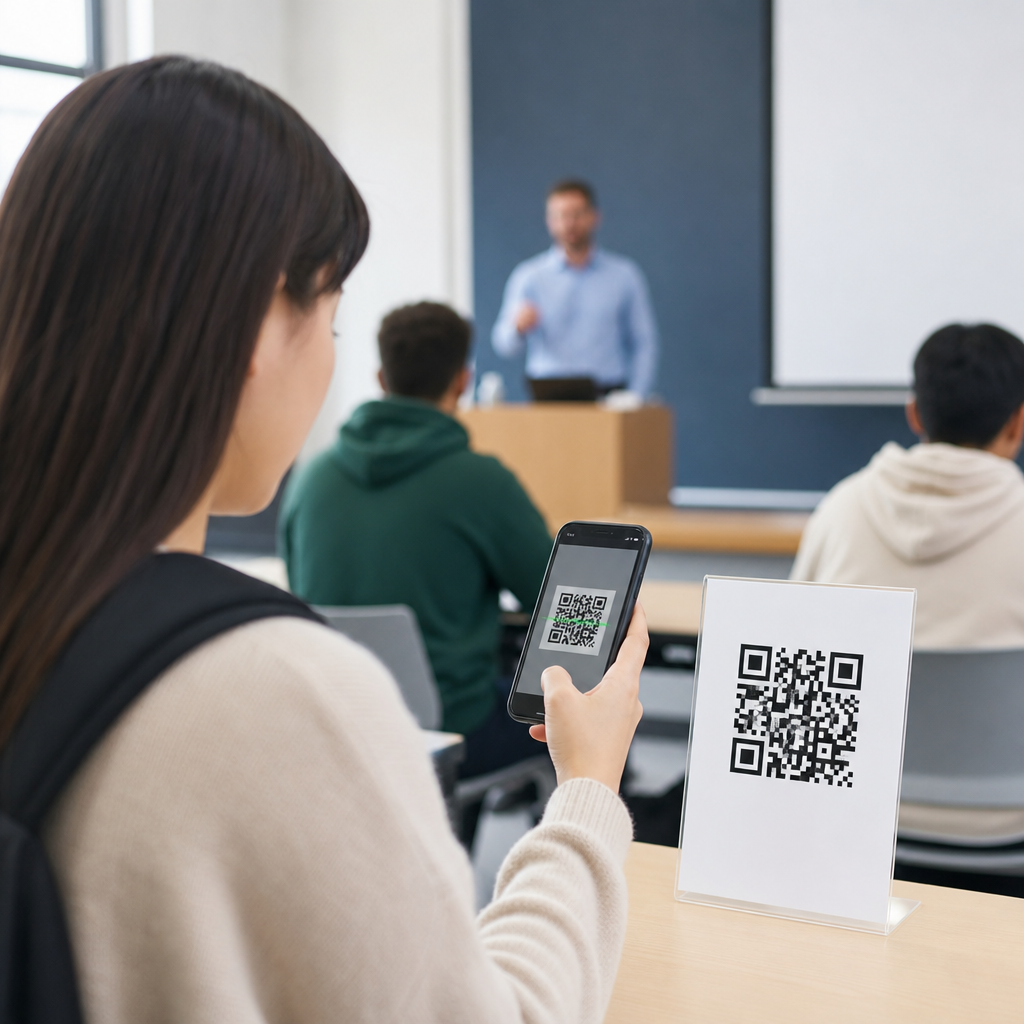
In events and ticketing, QR code check-in means each attendee receives a machine-readable entry credential tied to a record in the event system. That credential may be delivered by email, wallet pass, SMS, a mobile app, or a printed ticket. On arrival, a scan validates the credential against predefined rules: is the ticket authentic, unpaid, transferred, canceled, duplicated, or already used? The answer appears immediately, often with a color-coded status for staff. This replaces manual name searches and reduces duplicate entries.
The method works for many event formats. At a corporate conference, the same QR code can pull up a registrant profile and trigger on-demand badge printing. At a concert, it may simply mark one seat as redeemed. At a trade show, it can unlock expo access on day one and paid workshops on day two. At a fundraising gala, it can connect check-in to table assignments and paddle numbers. The core principle is consistent: one unique code, one verified record, one auditable entry action.
How the attendee journey works from registration to arrival
The attendee journey begins at registration or ticket purchase. Once a user completes payment or approval, the event platform creates a unique ticket ID and encodes it in a QR code. Most systems avoid storing sensitive personal data directly in the symbol. Instead, the code points to an encrypted or tokenized identifier that the app resolves against a secure database. That design matters because if someone screenshots the ticket, they capture a credential, not a full customer record.
Before the event, organizers typically send confirmation emails, reminder emails, and mobile wallet prompts. Good teams include instructions such as brightness up, screenshot saved, and ID ready if the event requires name matching. At the venue, attendees present the QR code on a phone or paper. Staff scan it, receive an acceptance or exception message, and direct the guest accordingly. If the event supports self-service, the kiosk can print a badge automatically after validation. This sequence sounds simple, but execution depends on scanner speed, network resilience, lane design, and staffing.
Core operational benefits for organizers and venues
The biggest benefit is throughput. A trained staff member using a modern scanning app can validate entries in seconds, which is far faster than comparing names on printed lists. Faster processing means shorter lines, less congestion near fire exits, and a smoother opening session. It also allows organizers to stagger lanes for sponsors, VIPs, speakers, press, and general admission without building separate manual processes.
Accuracy is the second major advantage. Because every scan logs a timestamp and status, organizers know exactly who entered and when. That improves attendance reporting, no-show analysis, and reconciliation between registrations and actual arrivals. Sponsors often ask for verified attendance figures, and QR-based logs provide stronger evidence than head counts. Venues also benefit because capacity can be monitored in near real time, especially when check-in integrates with room-level access control.
Labor efficiency follows. I have worked events where six volunteers managing paper lists were replaced by three trained scanners and one problem-resolution desk. The headcount reduction was not just a cost issue; it lowered training complexity and cut mistakes from misspelled names, duplicate records, and unreadable handwriting. During peak arrivals, the best setup is usually fast-scan lanes plus one staffed exceptions lane for transfers, payment problems, and on-site registrations.
Common event types and the way check-in requirements differ
Not every event uses QR codes the same way. The validation rules depend on the ticketing model, venue risk, and attendee experience goals. A music festival prioritizes high-volume gate entry and fraud prevention. A B2B summit cares more about badge accuracy, session tracking, and sponsor reporting. A nonprofit fundraiser may need guest substitutions, seating lookups, and donor recognition at the same desk.
| Event type | Primary check-in goal | Typical QR workflow | Key challenge |
|---|---|---|---|
| Conference | Verify registration and print badges | Scan code, confirm profile, print badge, assign access | Morning rush and session entitlements |
| Concert or festival | Admit attendees quickly and block duplicates | Scan at gate, mark ticket redeemed, route by ticket tier | Counterfeit screenshots and poor connectivity |
| Trade show | Track attendance and qualify exhibitor traffic | Scan for entry, then use badge QR codes inside the hall | Integrating registration with lead retrieval |
| Fundraiser or gala | Match guests to tables and packages | Scan ticket, view party details, print place cards if needed | Last-minute guest changes |
This variation is why event teams should not choose a QR check-in tool only on price. They should test whether it supports the exact workflows the event needs, including group registrations, partial redemptions, multi-day passes, re-entry rules, and companion tickets.
Security, fraud prevention, and data protection
Security is one of the strongest reasons events use QR codes for check-in, but only when the system is configured properly. A static code that never checks a live database offers weak protection because copies can circulate. A validated code tied to a status flag is much safer. Once scanned successfully, the ticket can be marked redeemed, and later scans trigger an alert. Many platforms also show attendee name, ticket class, and purchase status so staff can catch obvious mismatches.
Fraud prevention should include more than duplicate-scan rules. High-risk events often combine QR validation with rotating credentials in an app, wallet passes, government ID checks, or RFID wristbands issued after the initial scan. For VIP and backstage access, layered controls are standard. Organizers also need clear policies for ticket transfer windows and resale, because enforcement problems usually begin with unclear ownership records, not the QR symbol itself.
On privacy, the safest practice is data minimization. The code should represent an identifier, not a full profile. Staff devices should be locked down, role-based permissions should limit what screeners can see, and the platform should retain logs consistent with privacy laws and contractual commitments. For enterprise events, alignment with SOC 2 practices, mobile device management, and documented incident response is increasingly expected.
Technology stack, offline readiness, and integration strategy
Reliable QR check-in depends on more than a camera. The full stack includes registration software, ticket generation, delivery channels, scanner apps, user permissions, synchronization logic, and reporting dashboards. Good systems support offline scanning with periodic sync because venue Wi-Fi and cellular coverage often fail exactly when doors open. In offline mode, devices store recent validation lists locally and reconcile scans when connectivity returns. Without that capability, one network outage can stall entry.
Integration is where mature programs gain the most value. When check-in connects to CRM, marketing automation, badge printing, room access, and post-event surveys, the event becomes measurable end to end. A scanned arrival can trigger a welcome message, update attendance status in Salesforce or HubSpot, unlock a workshop in a mobile app, and feed final reports to finance or sponsors. That unified data model is especially important for organizers running recurring events across multiple cities.
Best practices, limitations, and what to improve next
The best QR check-in programs are simple for attendees and disciplined behind the scenes. Use clear ticket emails, test every device, create separate lanes, train staff on exception handling, and place signage well before the entrance. Run a live rehearsal with real records, not sample ones. Keep backup battery packs, spare scanners, and a paper contingency list for system-wide failure. If self-service kiosks are used, assign floor staff to help guests who arrive with dim screens, cracked phones, or unresolved registrations.
There are limits. Older attendees may prefer printed tickets, some venues have poor signal, and large crowds can still bottleneck if bag checks or badge printing are slow. QR codes also verify credentials, not identity, unless paired with other controls. Even so, for most events and ticketing operations, QR-based check-in is the most practical balance of speed, cost, traceability, and security. If you run conferences, concerts, expos, or fundraising events, audit your current entry process and identify where QR check-in can remove friction first.
Frequently Asked Questions
How does QR code check-in work at an event?
QR code event check-in works by assigning each attendee a unique code that links back to a registration or ticket record in the event platform. That code is typically delivered by email, text message, mobile wallet pass, or printed ticket before the event begins. When the attendee arrives, event staff use a scanning device such as a phone, tablet, or dedicated scanner to read the QR code. The scanning app then instantly matches the code to the attendee’s record and confirms whether the ticket is valid, already used, assigned to a specific session, or tied to a VIP access level.
What makes this process so effective is speed and accuracy. Instead of staff manually searching names on spreadsheets or printed lists, the system verifies the attendee in seconds and updates attendance records in real time. This reduces entry lines, minimizes human error, and gives organizers a live view of how many people have checked in. For conferences, festivals, trade shows, fundraisers, and private events, that real-time visibility helps with staffing, security, capacity tracking, and session management. In short, QR code check-in turns arrival into a fast, structured, and measurable workflow.
Why do event organizers prefer QR codes over manual check-in methods?
Event organizers prefer QR codes because they make the check-in process faster, more reliable, and easier to manage at scale. Manual check-in often depends on printed guest lists, name searches, handwritten notes, or staff memory, all of which can slow down entrance lines and create avoidable mistakes. QR codes remove much of that friction by letting staff scan and verify attendees almost instantly. This is especially valuable at high-volume events where long lines at the entrance can damage the attendee experience before the event even begins.
Beyond speed, QR code check-in improves operational control. Each scan creates a digital timestamp, which means organizers can monitor attendance as it happens and later review reporting data for turnout, arrival patterns, and no-show rates. It also helps prevent duplicate entry and ticket fraud because the system can flag codes that have already been used or that do not match a valid registration record. For teams using platforms like Eventbrite, Cvent, Universe, Splash, Ticket Tailor, or a custom database, QR codes also connect smoothly to broader event management workflows such as badge printing, lead capture, session tracking, and post-event analytics. The result is a check-in system that is not just more convenient, but meaningfully smarter.
Are QR code check-ins secure enough for conferences, festivals, and private events?
Yes, QR code check-ins are generally very secure when they are implemented through a reputable event platform and supported by good on-site procedures. The QR code itself usually does not need to store sensitive personal data. In many setups, it simply contains a unique identifier that points to a secure ticket or attendee record in the event system. When staff scan the code, the platform verifies whether that identifier is valid and whether it has already been redeemed. This approach helps reduce exposure while still allowing fast confirmation at the door.
Security also improves because QR-based systems create tighter control over admissions. Organizers can invalidate transferred or canceled tickets, restrict access by ticket type, and prevent the same code from being used repeatedly. Some events add another layer of protection by requiring staff to compare the scan result with the attendee name, photo ID, or badge details, particularly for VIP areas, age-restricted entry, or invite-only gatherings. While no entry system is completely immune to misuse, QR code check-in is usually more secure than manual list-based verification because it creates a traceable digital record and makes suspicious activity easier to identify and stop.
What happens if an attendee cannot find their QR code or has trouble scanning it?
This is a common scenario, and well-run events plan for it in advance. If an attendee cannot find their QR code, staff can usually look up the registration manually using the attendee’s name, email address, phone number, or order number within the event platform. Once the record is found, the team can check the guest in directly, resend the ticket, or print a badge on-site if needed. If the QR code exists but will not scan, the issue may be related to screen brightness, a cracked phone screen, image distortion, poor internet connectivity, or a low-quality printed copy. In many cases, staff can still enter the ticket number manually and complete the check-in without major delay.
The best event teams reduce these problems by preparing a fallback workflow before doors open. That includes a staffed help desk, a manual search function in the scanning app, backup devices, spare battery packs, and a clear process for handling edge cases such as duplicate names or transferred tickets. Many platforms also support offline scanning modes, which can keep lines moving even if the venue’s internet connection is unstable. The key point is that QR code check-in is not just about scanning a square image; it is part of a larger attendee verification system designed to stay functional even when minor issues occur.
Can QR codes do more than just check attendees in?
Absolutely. While entry management is the most visible use case, QR codes can support multiple stages of the event journey. Organizers often use them for self-service check-in kiosks, badge printing, session entry tracking, exhibitor lead retrieval, meal or drink redemption, VIP access control, and post-event follow-up. At a conference, for example, one attendee QR code might be scanned at the main entrance, then again outside breakout sessions to track attendance, and later at sponsor booths to exchange contact information with permission. This creates a more connected event experience while also generating useful behavioral data.
From an operations standpoint, these expanded uses make QR codes especially valuable because they turn a simple check-in tool into a broader event infrastructure layer. Organizers can measure which sessions were most popular, how traffic moved through the venue, which sponsors generated the most engagement, and how different ticket tiers were used. That information supports better planning for future events and stronger reporting for stakeholders and sponsors. In other words, QR codes are not just about getting people through the door faster. They help events run more intelligently, deliver better attendee experiences, and capture data that manual processes usually miss.