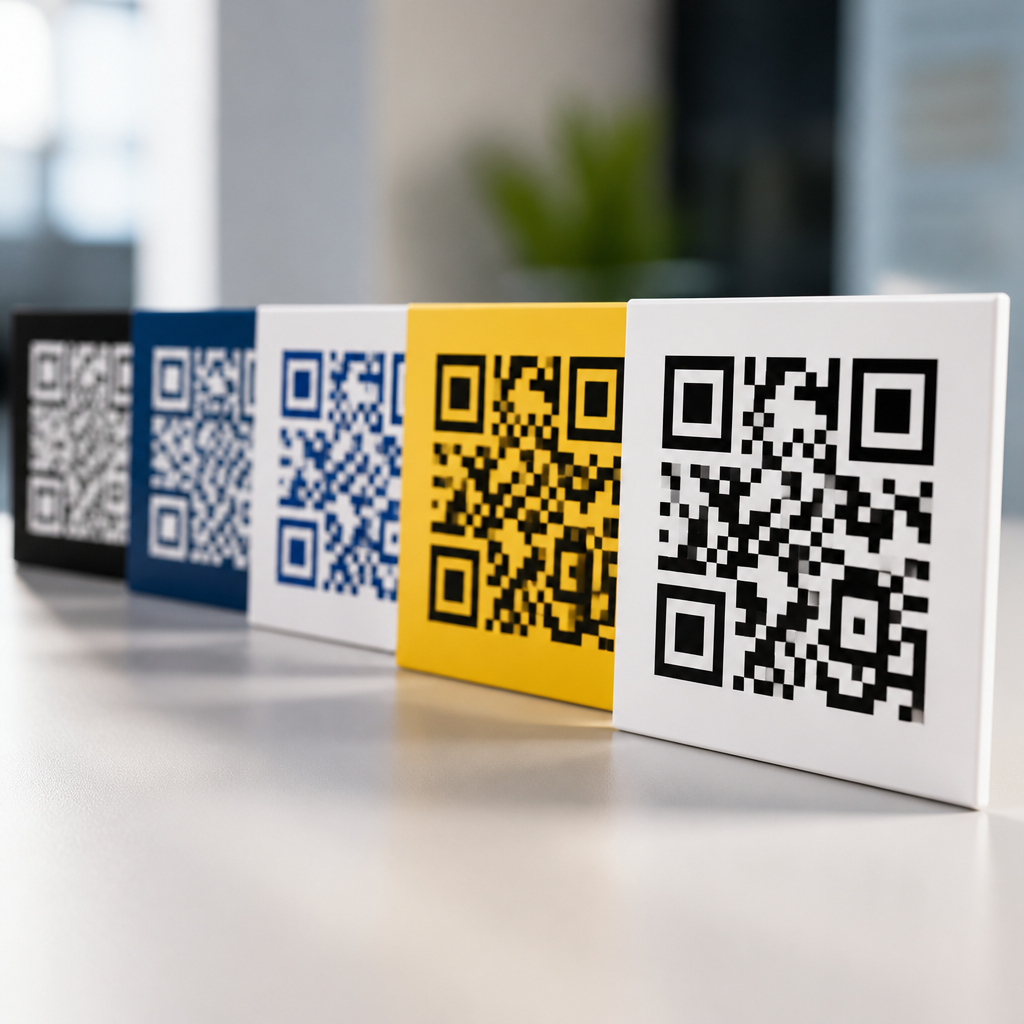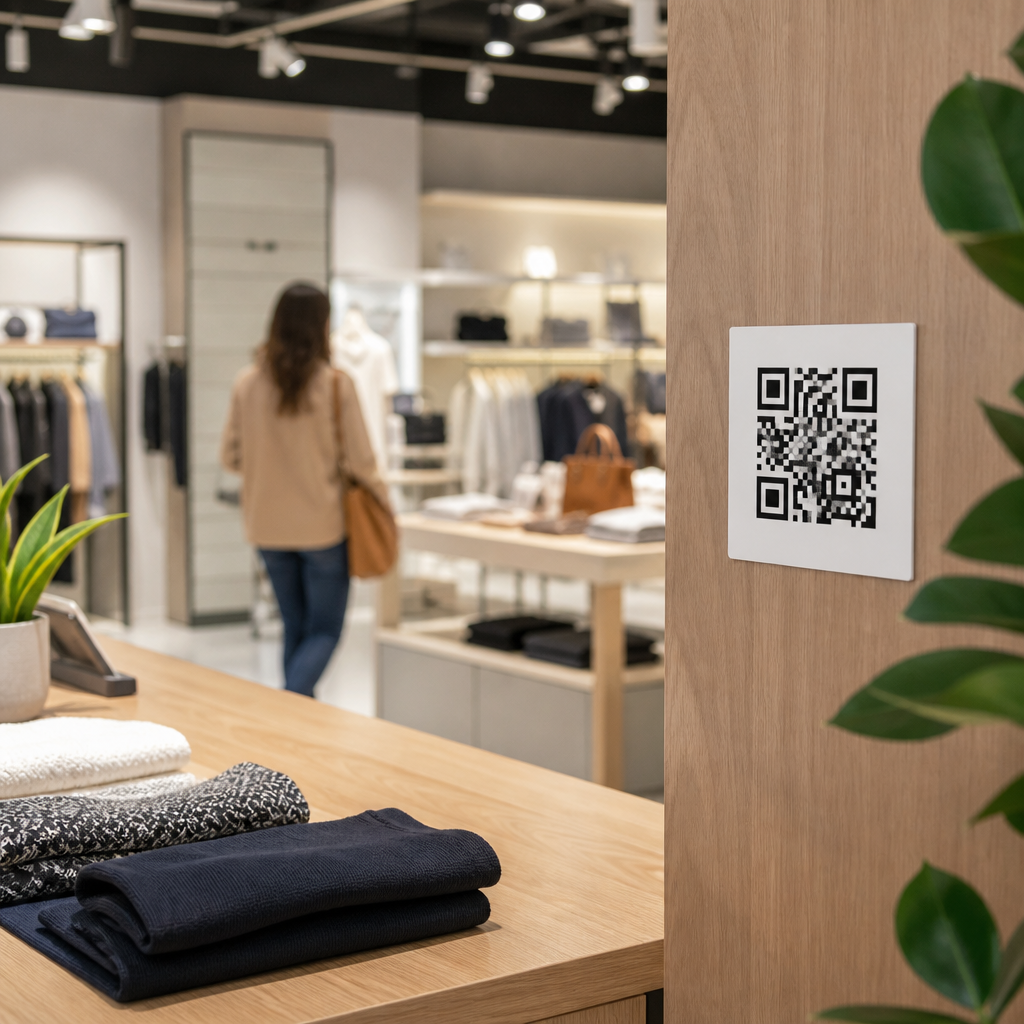
Choosing the best locations for QR codes in stores is not a cosmetic decision; it directly affects scan rate, customer flow, and conversion. In retail, placement strategy means deciding where a code appears, how close it is to the moment of customer intent, and whether the surrounding environment makes scanning easy. I have tested QR code placement strategies in grocery, apparel, electronics, and showroom settings, and the pattern is consistent: codes perform when they are visible, reachable, contextually relevant, and supported by a clear next step. A code that links to reviews, product details, loyalty sign-up, or payment can be highly useful, but only if shoppers notice it and understand why scanning is worth their time. This matters because customers now expect self-service information in physical stores, while retailers need measurable engagement that bridges shelf browsing and mobile action.
Strong placement starts with a simple principle: put the QR code where a customer naturally pauses and has a question. Those questions vary by zone. At the entrance, shoppers want orientation, offers, or store maps. In aisles, they want product comparisons, how-to guidance, ingredients, and availability. At displays, they want inspiration and proof. At checkout, they want speed, loyalty benefits, and digital receipts. Because this page serves as a hub for QR code placement strategies, it covers the main in-store locations, the technical and behavioral rules that govern performance, and the tradeoffs retailers should weigh before rolling out codes at scale. When teams treat placement as part of mobile user experience rather than an afterthought, they consistently get better scan quality, higher completion rates, and cleaner attribution across campaigns.
Entrance and window placements capture early intent
The store entrance is one of the best locations for QR codes because it reaches shoppers before they commit to a path. Window decals and entry signage work especially well for store hours, current promotions, loyalty enrollment, event registration, and interactive maps. In practice, I have seen entrance codes succeed when they answer immediate questions in under ten seconds. For example, a home goods store used a large door decal with a QR code linking to a weekend sale page and in-stock featured items by department. The code outperformed a generic homepage link because it matched the shopper’s intent at the threshold.
Placement details matter here. Codes on glass doors need strong contrast, matte finishing where possible, and enough quiet space around the symbol to remain scannable in glare. Positioning should usually sit between chest and eye level, where smartphone cameras can frame the code without awkward angling. If a customer must stop in a doorway to scan, traffic congestion becomes a real problem, so side-window placement is often better than center-door placement. Entrance QR codes should also be concise in purpose: “See today’s offers,” “Find products by aisle,” or “Join for 10% off” tells shoppers what happens after the scan and reduces hesitation.
Shelf edge and product-level placement drive the highest utility
If the goal is practical engagement, shelf edge labels and product-level signage are usually the strongest locations in stores. Shoppers make decisions at the fixture, and a QR code placed beside price, pack size, or key features can answer the exact question blocking purchase. In electronics, that may be compatibility or setup videos. In grocery, it may be allergens, sourcing, recipes, or nutrition details. In beauty, it may be shade matching, usage instructions, or before-and-after examples. The best QR code placement strategies align the landing page with the item directly in front of the customer, not a generic category page.
I recommend treating shelf codes as service tools first and marketing tools second. A code that opens specifications, stock status, verified reviews, or comparison charts creates immediate value. A code that opens a broad brand page usually underperforms because it interrupts the shopping task. Large retailers often use dynamic QR codes managed through platforms such as Bitly, Flowcode, or QR Code Generator Pro so destinations can be updated without replacing printed material. That flexibility matters during assortment changes, planogram resets, and seasonal transitions. It also supports A/B testing of placement height, call-to-action wording, and page type.
| Store location | Best use case | Placement rule | Main risk |
|---|---|---|---|
| Entrance or window | Offers, map, hours, events | High visibility near natural pause point | Glare and traffic blocking |
| Shelf edge | Specs, reviews, ingredients, comparisons | Next to price or product label | Too many codes creating clutter |
| Endcap or display | Bundles, demos, inspiration | At headline message and hero item level | Weak context if generic landing page |
| Fitting room | Sizes, alternate colors, styling help | Mirror or call button zone | Poor signal or low lighting |
| Checkout and queue | Loyalty, pay, receipt, reorder | Within easy reach during waiting time | Last-second friction slowing line speed |
Endcaps, displays, and signage convert inspiration into action
Endcaps and promotional displays are ideal for storytelling, especially when products benefit from demonstration. A QR code on an endcap should not merely repeat the sign’s headline. It should extend it. For a cookware display, the code might open a thirty-second chef demo, a recipe bundle, and a list of included pieces. For a power tool promotion, it might show runtime comparisons, attachment compatibility, and warranty registration. These are high-intent zones because customers have already paused to look at a featured assortment.
The most effective display QR codes sit near the hero product image or key claim, not buried at the bottom of the sign. They also need a clear visual hierarchy. In stores where every sign includes a code, scan fatigue sets in quickly. I have seen better results when retailers reserve display codes for products that genuinely need richer explanation, such as premium skincare, connected devices, furniture, or configurable items. This keeps the code meaningful. For seasonal campaigns, dynamic destination URLs are especially valuable because they let teams shift from teaser content to limited-time offers, then to markdown messaging, without reprinting the fixture topper.
Fitting rooms, service counters, and assisted selling areas solve friction
Some of the best locations for QR codes in stores are the spots where shoppers encounter uncertainty. Fitting rooms are a prime example. A code by the mirror can link to alternate sizes, available colors, styling recommendations, care instructions, or a request-for-associate workflow. In apparel pilots I have worked on, fitting room codes performed best when they solved a concrete need, such as “Need another size?” rather than pushing a generic catalog browse. They worked even better when inventory visibility was store-specific and updated in near real time.
Service counters and assisted selling zones also benefit from QR code placement strategies. In cosmetics, fragrance, telecom, and specialty retail, customers often compare options while waiting for help. A well-placed code at the counter can deliver product explainers, financing details, consultations, troubleshooting steps, or appointment booking. In hardware stores, project desks can use QR codes to connect shoppers to buying lists, installation guides, and material calculators. These placements reduce pressure on staff while improving consistency of information. The limitation is that poor connectivity, dim lighting, or heavy protective screen glare can suppress scanning, so stores should test the physical conditions before full deployment.
Checkout, queue, and post-purchase zones support retention
Checkout areas remain one of the best locations for QR codes because shoppers are stationary and already engaged with the brand. Queue signage can promote loyalty enrollment, digital coupons, app download, financing, or how-to content for items in the basket. At the payment terminal, QR codes can support contactless pay, e-receipts, warranty activation, or reorder flows. The key is not to overload the final step of the trip. If the code adds friction to payment, it hurts both customer satisfaction and line speed.
I advise retailers to distinguish between queue-time codes and tender-time codes. Queue-time codes can ask for more attention because customers are waiting. Tender-time codes should require almost none. For example, “Get your digital receipt” or “Save this purchase to your account” is appropriate at the terminal, while “Compare protection plans” belongs earlier in the line. Post-purchase placement also matters. A QR code printed on bag stuffers, receipts, packaging inserts, or pickup counters can drive setup guides, returns, referrals, and review requests after the shopper leaves the aisle. That creates a cleaner experience and often produces higher completion rates than forcing every action at checkout.
Placement rules, testing methods, and common mistakes
Across all formats, effective QR code placement strategies follow the same operational rules. First, maintain scanability: sufficient size, strong contrast, quiet space, and an angle that does not require crouching or stretching. Second, match the code to shopper intent in that exact location. Third, use a direct call to action that states the benefit of scanning. Fourth, send visitors to mobile-optimized landing pages that load fast and continue the promise made on the sign. Google’s Core Web Vitals are not just web metrics here; slow mobile pages materially reduce in-store completion. Fifth, track performance with UTM parameters, event analytics, and store-level segmentation so teams know which placements drive scans, engagement, and revenue.
The most common mistakes are easy to avoid. Retailers often place codes too low, too high, or on reflective surfaces. They link to homepages instead of task-specific content. They crowd multiple codes into one field of view, causing confusion. They ignore accessibility, even though plain-language labels and adequate type size help every shopper. They also forget maintenance. A code that leads to expired campaigns, out-of-stock items, or broken pages trains customers not to scan the next one. The best locations for QR codes in stores are not universal; they depend on store format, mission, dwell time, and product complexity. Start with entrances, shelves, displays, fitting rooms, and checkout, then test ruthlessly. Audit scan rate, conversion rate, and customer feedback by zone. When placement is intentional, QR codes stop being decorative and start functioning as a dependable retail experience layer. Review your store journey, choose three high-intent locations, and pilot codes where shoppers already pause.
Frequently Asked Questions
Where should QR codes be placed in a store for the highest scan rate?
The best-performing QR code locations are the ones closest to customer intent. In practical terms, that usually means placing codes where shoppers are already making a decision: next to product shelves, on display tables, beside fitting room mirrors, near comparison signage, on endcaps, and at checkout. A QR code works best when it appears at the exact moment a shopper wants more information, a discount, a product demo, sizing guidance, or a faster path to purchase. If customers have to interrupt their movement, step back, crouch down, or search for the code, scan rates drop quickly.
Visibility and reachability matter just as much as intent. Codes should be placed at a comfortable viewing height, in good lighting, and on flat, uncluttered surfaces. They should not compete with too many other visual elements, and they should never be hidden behind reflective plastic, curved packaging, or crowded promotional graphics. In stores, shoppers make split-second decisions, so a QR code must be easy to notice and easy to scan without effort. The most effective placements usually combine three things: clear line of sight, immediate relevance to the product or offer, and enough physical space for someone to pause with a phone without blocking traffic.
What are the worst places to put QR codes in a retail store?
The worst locations are spots that create friction. That includes codes placed too low on bottom shelves, too high above eye level, on moving or swinging surfaces, behind glass with glare, in dim corners, or anywhere shoppers need to stop in the middle of a busy aisle. A QR code may technically be visible in those places, but it is not convenient. And in retail, convenience often determines whether a customer scans or ignores it. Poor placement reduces not just engagement, but also trust, because customers may assume the code is outdated, hard to use, or not worth the effort.
Another weak placement is anywhere disconnected from customer motivation. For example, putting a code on a generic entrance sign may get less engagement than placing it beside a featured product with a strong call to action. Similarly, codes buried among too many messages, labels, prices, and promotional stickers tend to blend into the background. Placement also fails when there is no room to scan comfortably. If shoppers must stand in a congested checkout lane, block a display, or hold a phone at an awkward angle, most will skip the interaction. The lesson is simple: avoid locations that create physical, visual, or mental friction.
How close should a QR code be to the product, display, or buying decision?
As a rule, the closer a QR code is to the moment of decision, the better it performs. Shoppers are most likely to scan when the code is directly attached to the product conversation happening in their minds. If they are comparing two electronics items, the code should be right there with the specs or demo prompt. If they are choosing apparel, the code should be near the size chart, styling ideas, inventory lookup, or customer reviews. If they are in a grocery setting, the code may work best near recipe suggestions, sourcing details, or loyalty offers tied to that exact item or category.
Distance weakens relevance. Even a few extra steps can reduce action if the connection between the product and the code is not obvious. Customers should not have to guess which item a code belongs to or why they should scan it. The strongest retail placements make the code feel like a natural extension of the shelf tag, sign, or display. In other words, the QR code should answer the next question a shopper already has. When placement is aligned with intent, the code becomes useful instead of decorative, and usefulness is what drives scans, engagement, and conversion.
What makes a QR code easy to scan inside a store environment?
Ease of scanning depends on a combination of size, contrast, lighting, angle, and context. A QR code should be large enough to scan comfortably from the distance shoppers are likely to stand. It should have strong contrast against the background, plenty of quiet space around it, and a matte or non-reflective surface whenever possible. Lighting matters more than many retailers expect. Overhead glare, shadows, tinted covers, or glossy signage can make even a well-designed code frustrating to read. In busy store environments, small usability issues have an outsized impact because customers rarely try more than once if the first scan fails.
Context is equally important. A QR code should include a clear prompt that tells people what they will get by scanning, such as product details, reviews, setup instructions, a coupon, or available sizes. Without that explanation, many shoppers do not see an immediate reason to engage. The surrounding area should also support the action. Customers need enough space to pause, hold up a phone, and complete the scan without feeling rushed or in the way. When the code is visible, the value is clear, and the physical environment supports quick use, scan rates improve significantly.
How can stores test and improve QR code placement over time?
The most effective way to improve placement is to treat QR codes like performance assets, not static signage. Start by testing codes in several high-intent areas, such as shelf edge signs, feature displays, fitting rooms, service counters, and checkout zones. Track scan rate by location, time of day, offer type, and product category. In many stores, small placement changes make a measurable difference. Moving a code from a general aisle sign to a product-specific display, changing the height, reducing visual clutter, or adding a stronger call to action can significantly improve results.
It also helps to observe actual customer behavior in the space. Watch whether shoppers notice the code, whether they can approach it comfortably, and whether they hesitate because of lighting, traffic flow, or confusion about what the scan will do. Retail environments vary widely, so what works in electronics may not work in apparel or grocery. The best strategy is to combine scan data with in-store observation and keep refining. Over time, patterns become clear: high-performing placements tend to be visible, reachable, contextually relevant, and positioned right at the point where curiosity turns into buying intent.