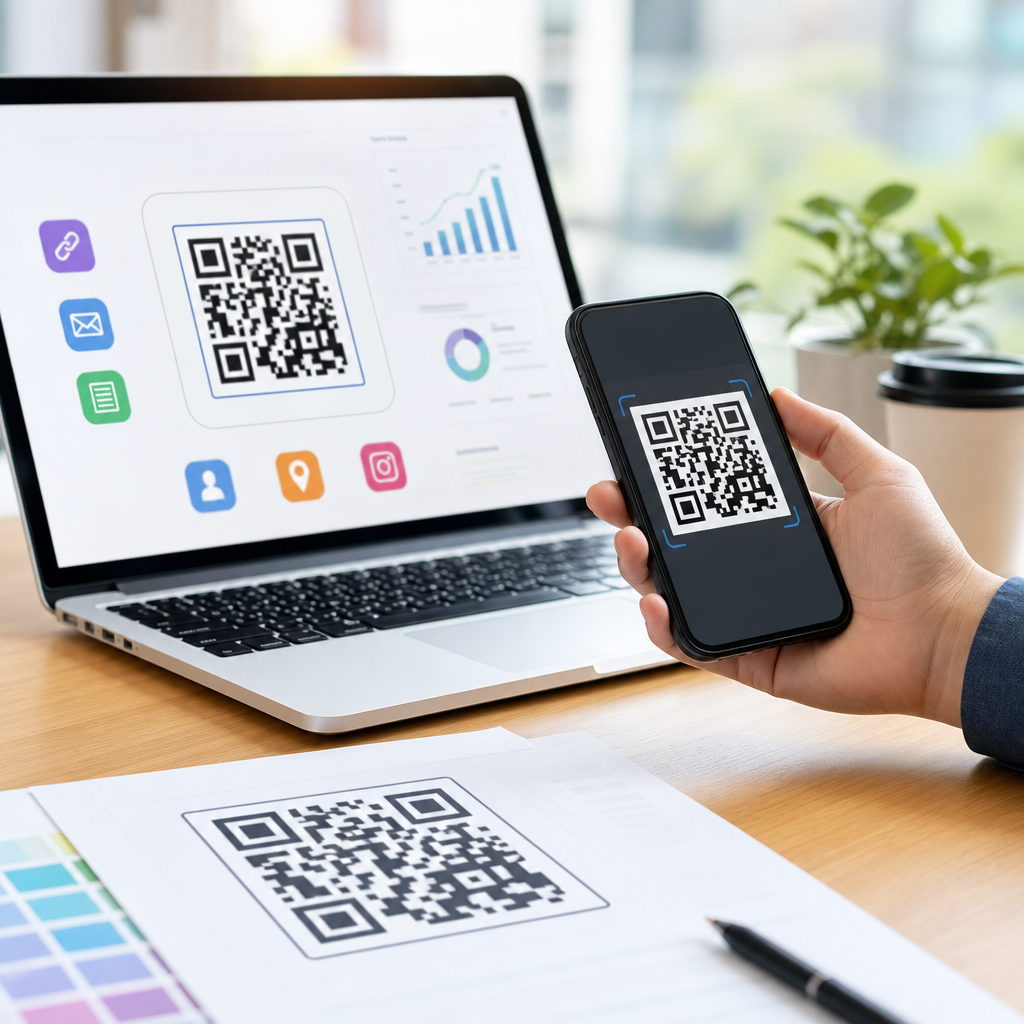
Creating a QR code for app downloads sounds simple, but doing it well requires more than pasting a store link into a generator. A mobile QR code is a scannable code designed for smartphone use, usually sending people to an app store page, a deep link, or a landing page that detects device type and routes users correctly. In practice, I have seen businesses waste paid traffic by printing the wrong destination URL, using static codes they cannot edit, or failing to measure scans against installs. A well-built QR code for app downloads solves those problems by connecting offline and online marketing, reducing friction, and making app promotion measurable.
The reason this matters is straightforward: mobile users abandon quickly when the path to install is confusing. If an iPhone user lands on Google Play, or an Android user reaches the App Store, conversion drops immediately. QR codes remove typing, shorten the path from interest to install, and work across packaging, posters, point-of-sale displays, direct mail, event signage, and social ads shown on secondary screens. They are especially useful for brands promoting loyalty apps, food ordering apps, fintech onboarding, healthcare portals, travel booking tools, and employee apps. The best setup balances ease of scanning, device-aware routing, analytics, branding, and long-term maintainability.
This guide explains how to create a mobile QR code that supports app downloads reliably. It covers the types of QR codes, when to use dynamic versus static codes, how to link users to the right destination, what technical standards to follow, and how to test, track, and optimize results. It also works as a hub for the broader topic of creating mobile QR codes, because app download campaigns sit at the center of mobile QR strategy. If you understand this use case, you can apply the same principles to SMS QR codes, vCard QR codes, payment QR codes, Wi-Fi QR codes, and mobile landing-page campaigns with far fewer mistakes.
Choose the Right QR Code Type for App Downloads
The first decision is destination architecture. You can create a QR code for app downloads in three main ways: link directly to the Apple App Store, link directly to Google Play, or use a smart link that detects device type and sends the scanner to the correct store. In almost every multi-platform campaign, the smart link is the best choice. It prevents routing errors, keeps one printed QR code for all users, and lets you update destinations later if your store URL changes or you add regional versions.
Static QR codes encode the final URL permanently. They work for short-term campaigns when the destination will never change, but they are risky for app marketing. If your developer changes the package name, the app listing moves, or you decide to send users to a pre-install landing page, every printed code becomes outdated. Dynamic QR codes, by contrast, point to a short redirect URL managed through a platform such as Bitly, QR Code Generator Pro, Beaconstac, Flowcode, or Uniqode. That redirect can be edited without changing the printed code. For app promotions, dynamic is usually the correct professional choice.
Another important distinction is between store links and deep links. A store link sends users to install the app. A deep link opens a specific in-app screen for users who already have it installed. Mature campaigns often combine both using deferred deep linking through tools like AppsFlyer, Branch, Firebase Dynamic Links alternatives, or Adjust. That approach means a new user installs first, then reaches the intended content after launch, while an existing user goes straight into the app. For a simple app download QR code, start with a smart store-routing link, then expand into deferred deep linking when acquisition and retention teams are aligned.
Build a Smart Destination That Works on Every Device
A QR code is only as effective as the destination behind it. The destination should identify whether the scanner uses iOS or Android and then route accordingly. If you have only one app version, the setup is simpler, but many brands support iPhone, iPad, Android phone, and Android tablet users, plus users who scan from desktop webcam apps. A smart landing page handles these edge cases gracefully by showing platform buttons when detection is uncertain. This matters because user agents are not always perfectly identifiable, especially in privacy-focused browsers or embedded camera apps.
In campaigns I have managed, the highest-converting destination was often a lightweight mobile landing page rather than a direct store jump. That page loaded fast, showed the app name, star rating, screenshots, trust badges, and one tap-to-install button for each platform. It also preserved campaign attribution using UTM parameters and mobile measurement partner tags. A direct store link can work well in-store or on packaging where intent is already high, but a landing page performs better when users still need a reason to download. It also gives you a place to answer basic questions like price, compatibility, privacy, and account requirements before the install decision.
| Option | Best Use Case | Main Advantage | Main Limitation |
|---|---|---|---|
| Direct App Store link | iOS-only campaigns | Fastest path to install | Fails for Android users |
| Direct Google Play link | Android-only campaigns | Fastest path to install | Fails for iPhone users |
| Smart app link | Most multi-platform campaigns | Routes by device automatically | Requires setup and testing |
| Mobile landing page with store buttons | Users needing more context | Supports persuasion and analytics | Adds one extra click |
When building the destination, keep the URL short, secure, and branded if possible. A custom short domain increases trust and improves scan-to-click confidence, especially on printed materials. Use HTTPS only. Add campaign parameters consistently so installs can be attributed by channel, location, creative, and placement. If your app team uses App Store Connect, Google Play Console, Branch, AppsFlyer, or Adjust, align naming conventions before launch. Clean taxonomy at the start prevents reporting chaos later.
Create the QR Code and Design It for Real-World Scanning
Once the destination is ready, generate the QR code in a platform that supports dynamic editing, scan analytics, error correction, and export formats such as SVG, EPS, and PNG. SVG or EPS should be used for professional print because they scale cleanly without pixelation. Most tools let you add brand colors and a logo, but readability comes first. Keep strong contrast between foreground and background, avoid overly intricate shapes, and do not invert colors unless the generator specifically validates the result. Black on white remains the most reliable format across older phone cameras and low-light environments.
Size and quiet zone are critical. The quiet zone is the blank margin around the code, and removing it is a common reason scans fail. A practical rule is at least a 4:1 viewing-distance ratio: a 1-inch code is comfortable at roughly 4 inches away, while poster placements usually need much larger sizing. For packaging, I typically start around 0.8 to 1.2 inches square and test on multiple devices. For storefront windows, trade show booths, or transit ads, the code may need to be several inches wide. Always print a prototype before approving production, because glossy surfaces, curved packaging, and low contrast can reduce scan rates dramatically.
The call to action next to the code matters almost as much as the code itself. “Scan to download the app” is better than showing a code with no explanation, but stronger copy can outperform generic phrasing. Examples include “Scan to order ahead,” “Scan to claim your first ride,” or “Scan to access member pricing in the app.” Context raises motivation. If the app solves a specific problem, say so directly near the code. Also include app store badges when space permits; they reassure users that the destination is legitimate and familiar.
Track Performance, Test Thoroughly, and Avoid Common Mistakes
To measure whether a QR code for app downloads works, track scans, clicks, store visits, installs, and downstream events such as registration or first purchase. QR platforms usually report scans by time, location, device, and operating system. That is useful, but it is not enough for true acquisition analysis. You also need app attribution from tools such as AppsFlyer, Adjust, or Branch, and store-side data from App Store Connect and Google Play Console. Matching these systems lets you see whether a poster generated cheap scans but poor installs, or whether packaging produced fewer scans but higher lifetime value users.
Testing should happen before and after launch. Pre-launch, scan the code on current iPhone and Android devices, using both native camera apps and common third-party scanners. Test different lighting conditions, print surfaces, and distances. Confirm that redirects are fast, regional store pages open correctly, and fallback behavior works if the app is unavailable. Post-launch, monitor broken links, redirect latency, and sudden drops in scan rate. If a retail chain rolls out new signage and scans collapse, the problem may be print contrast, placement height, or glare rather than the code itself.
The most common mistakes are preventable. Brands often use one static code for a fast-moving app campaign, ignore Android or iOS routing, skip UTM structure, place the code where users cannot physically stop to scan, or send users to a slow mobile page full of scripts. Another frequent error is shrinking the code to make room for design elements. Marketing teams also forget that app adoption depends on value proposition, not just access. A QR code cannot fix weak messaging, poor app ratings, or a difficult sign-up flow. It can only reduce friction between interest and action.
Use This Hub to Guide Your Broader Mobile QR Strategy
Learning how to create a QR code for app downloads gives you the foundation for creating mobile QR codes across your entire marketing system. The same decisions appear repeatedly: static or dynamic, direct action or landing page, branded design or maximum readability, and basic scan counts or full attribution. Once your app download flow is working, extend the framework to related mobile use cases. A restaurant can use one QR code strategy for app installs on takeout packaging, another for SMS loyalty enrollment on table tents, and another for payment or menu access at the counter. A retailer can connect in-store displays to app installs, product guides, wallet passes, and support chat using the same governance standards.
The core principle is consistency. Standardize your QR code platform, naming conventions, redirect rules, design requirements, testing checklist, and reporting model. Document minimum print size, approved color combinations, CTA language, and campaign parameter structure. Train design, retail, events, and growth teams to use the same system. That discipline prevents broken experiences and makes optimization possible over time. If you are building a hub around creating mobile QR codes, start with app downloads, because it is the clearest high-intent use case and the easiest place to prove value. Then expand into adjacent QR workflows and keep improving based on real scan and install data.
Frequently Asked Questions
What is the best way to create a QR code for app downloads?
The best approach is to start with the destination, not the QR code itself. If your app is available on both iPhone and Android, avoid sending everyone to a single app store URL unless you are intentionally targeting only one audience. A better setup is to use a mobile landing page or smart app link that detects the user’s device and routes them to the correct App Store or Google Play page automatically. This creates a smoother experience, reduces friction, and usually improves install rates because people do not have to choose the right store manually.
It is also smart to use a dynamic QR code instead of a static one. A static code permanently stores the destination URL, which means if you ever need to update the link, fix a mistake, or change campaign tracking, you have to reprint and redistribute the code. A dynamic QR code points to a short redirect URL that can be edited later, making it much safer for print campaigns, packaging, posters, flyers, and retail displays. If you are investing real marketing dollars into promotion, that flexibility matters.
Finally, create the code with scanning conditions in mind. Use a high-contrast design, leave enough quiet space around the code, and test it across multiple phone models and camera apps before publishing. A QR code for app downloads should not only scan successfully, but also deliver the right destination quickly and track what happens after the scan. In other words, the best setup combines smart routing, editability, and measurement.
Should I use a static or dynamic QR code for app download campaigns?
For most app download campaigns, a dynamic QR code is the better choice. The main reason is control. With a dynamic code, you can change the destination without changing the printed code itself. That means if your app store URL changes, your tracking parameters need updating, your regional landing page needs to be swapped, or you want to route users to a seasonal promotion, you can do it without replacing every poster, brochure, package insert, or in-store sign already in circulation.
Dynamic QR codes also give you access to analytics that are extremely useful for understanding performance. Depending on the platform you use, you may be able to track scan counts, timestamps, approximate location data, device type, and campaign-level performance. While scans are not the same as installs, this data still helps you identify where your funnel is working and where it is leaking. For example, if a code gets many scans but very few app installs, that may point to a weak app store page, poor targeting, or a routing problem.
Static codes still have limited use cases. If you are creating a one-time code for internal use, a temporary event, or a destination you are absolutely certain will never change, static can work. But for any serious marketing effort, dynamic is usually the safer and more practical option. It protects you from expensive mistakes and gives you the ability to improve the campaign after launch rather than being locked into the first version forever.
Can a QR code send users to the correct app store automatically?
Yes, and in many cases it should. A QR code itself does not “know” whether the person scanning is using iOS or Android, but the URL behind the code can. The most common solution is to have the QR code point to a smart landing page, mobile redirect service, or deep linking platform that detects the device type and then sends the user to the appropriate destination. iPhone users can go to the Apple App Store, Android users can go to Google Play, and desktop users can be shown a fallback page with instructions or clickable store badges.
This type of routing is especially important if your code appears in places where you cannot control who scans it, such as product packaging, print ads, retail shelves, event signage, direct mail pieces, or public displays. Sending all users to one store page creates unnecessary friction for half your audience. A proper routing setup improves usability and can have a meaningful impact on conversion because it removes extra steps between scan and install.
In more advanced cases, you can also use deep links or deferred deep links. These are helpful if you want existing users to open a specific screen inside the app while new users are sent to install first. For example, a user might scan a code to claim an offer, view a product, or join a referral program. If the app is installed, they go directly into the app experience. If not, they are sent to the app store and then guided appropriately after installation. This is a more sophisticated implementation, but it can significantly improve user experience and campaign performance.
How do I track QR code scans and app installs accurately?
The key is to separate the metrics and connect them thoughtfully. A QR code platform can usually track scans, but scans alone do not tell you whether users actually installed the app. To measure installs, you typically need mobile measurement tools such as app attribution platforms, app store analytics, campaign parameters, or deep linking software that can connect the scan source to downstream install behavior. In practice, the strongest setup combines QR scan data with app install attribution data so you can compare top-of-funnel engagement against actual conversions.
A common mistake is assuming that if a code was scanned 1,000 times, it generated 1,000 app downloads. That is rarely true. Some users scan and abandon, some visit the store page and do not install, and some may already have the app. That is why campaign tagging matters. Use unique QR codes for different placements, creatives, or channels instead of reusing one code everywhere. This lets you identify which poster, product insert, event booth, or ad placement produced scans and which one actually contributed to installs and post-install engagement.
It is also worth thinking beyond installs. If your goal is growth, retention, or revenue, measure what happens after the app is downloaded. Did the user register, complete onboarding, make a purchase, or activate a trial? A QR code campaign can look successful at the scan level but underperform at the business level. The most useful reporting ties the full journey together: scan, store visit, install, open, registration, and conversion. That is how you move from simply generating app download traffic to building a campaign that can be optimized with confidence.
What mistakes should I avoid when creating a QR code for app downloads?
One of the biggest mistakes is linking directly to the wrong destination or using a URL that is not optimized for mobile behavior. This happens more often than people expect. A business may accidentally use a desktop page, an outdated app store listing, a broken redirect, or a single-store link that excludes part of the audience. Before printing anything, test the full flow on multiple devices, operating systems, and network conditions. A QR code that scans is not automatically a successful QR code if the destination experience is poor.
Another costly mistake is choosing a static code for a campaign that may change. If the app listing URL changes, you add tracking later, or you decide to route traffic through a smarter landing page, a static code becomes a liability. Businesses often discover this only after distributing print materials at scale. At that point, even a small link error can waste paid traffic, reduce installs, and force expensive reprints. Dynamic codes are usually a better safeguard because they preserve flexibility after launch.
Design and placement errors also hurt performance. Codes that are too small, low contrast, overly stylized, or placed on curved, reflective, or hard-to-reach surfaces often scan poorly. Equally important is context. If users do not know what they will get by scanning, they may ignore the code entirely. Add a clear call to action such as “Scan to download the app” or “Scan to install and get started,” and if relevant, mention the benefit. The strongest QR code campaigns combine technical accuracy, strong routing, measurable tracking, and clear user intent. When any one of those elements is missing, results usually suffer.