
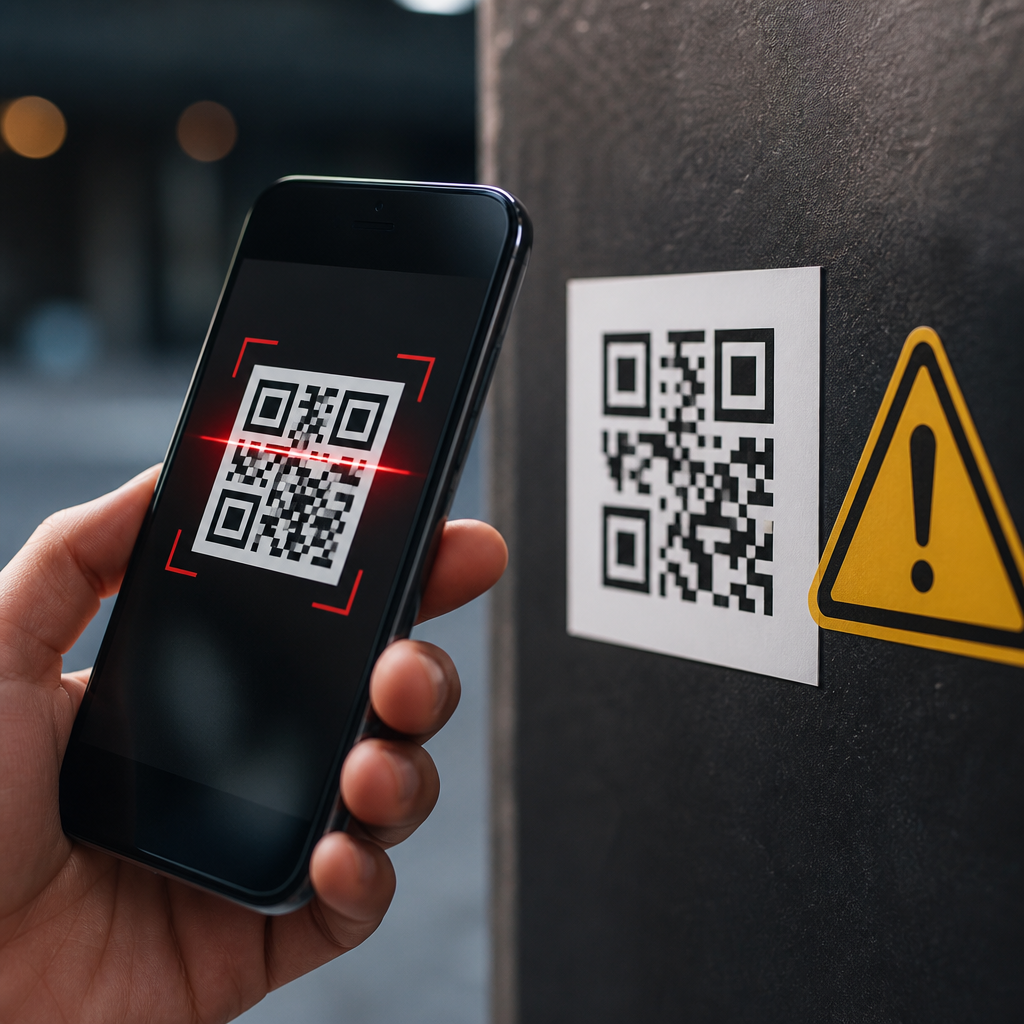
QR codes are everywhere: restaurant menus, parking meters, package labels, event tickets, and two-factor login screens. Their convenience is undeniable, but QR code security risks are now a practical concern for consumers, employees, and businesses. A QR code is simply a machine-readable matrix barcode that stores data, most often a URL, payment address, Wi-Fi credential, or app action. Because phone cameras can instantly interpret that data and trigger a next step, people often trust the code more than they would trust a typed link. That misplaced trust is exactly why attackers use QR codes.
In security work, this threat area is often called quishing, or QR phishing. Instead of sending a suspicious email link, a criminal hides the destination behind a black-and-white square. The user cannot visually inspect the embedded URL before scanning, and many mobile interfaces show only limited preview information. I have seen organizations lock down email attachments and web filtering, yet still leave a gap when an employee scans a printed code in a lobby or on a shipping box. The attack path feels physical, casual, and safe, which lowers skepticism.
Understanding QR code security and safety matters because the risks span both personal and enterprise use. A malicious code can open a phishing page, start a fraudulent payment, prompt an unsafe app install, or connect a device to a hostile network. Static codes printed in public can also be tampered with by placing a sticker over the original. Meanwhile, legitimate businesses can create their own problems by using expired redirect domains, weak third-party QR generators, or poor governance over where codes point. Safe use requires more than telling people to “be careful.” It requires knowing the common threats, the signs of abuse, and the controls that reduce exposure.
How QR code attacks work in the real world
Most QR code attacks rely on indirection. The code itself is not magical or inherently dangerous; the risk lies in the action it initiates. In practice, the most common payload is a web address that leads to a phishing site designed to steal passwords, card details, or one-time passcodes. Attackers frequently register lookalike domains, use shortened links, or compromise legitimate websites to make the destination appear credible. On mobile devices, the smaller screen reduces the amount of context visible to the user, which improves attacker success rates.
Public spaces are a favored delivery channel. Criminals have placed fake parking payment QR stickers on meters, causing drivers to submit payment card details to fraudulent sites. Similar tactics appear on posters, transit ads, and tabletop displays. In offices, attackers may place codes in common areas with messages such as “guest Wi-Fi,” “benefits update,” or “secure document pickup.” The social engineering principle is simple: pair urgency or convenience with a code that removes typing friction. Users scan first and evaluate later.
Email is another major vector. I have investigated campaigns where an invoice PDF or Microsoft 365 notification contained a QR code instead of a clickable link, specifically to bypass email filters and train users to move the interaction to a phone. Once scanned, the victim lands on a credential-harvesting page styled to resemble Okta, Microsoft, Google, or a corporate single sign-on portal. Some kits even detect mobile operating systems and deliver different landing pages to increase credibility.
Key QR code security risks and their impact
QR code security risks extend beyond phishing. A code can trigger payment fraud by directing a user to a fake checkout page or replacing a legitimate wallet address with an attacker-controlled one. In cryptocurrency scams, this substitution is especially damaging because transactions are irreversible. QR-based payments in retail and peer-to-peer settings are fast, but speed reduces the chance that users will verify payee details carefully.
Another risk is malicious app distribution. A QR code on a flyer or message may lead to a sideloaded Android package or a fake app store page imitating a bank, delivery company, or identity provider. While modern mobile platforms have stronger controls than they once did, social engineering still works. If a user can be convinced to install a configuration profile, enable app installation from unknown sources, or grant accessibility permissions, the attacker gains a foothold.
Network abuse also matters. QR codes can encode Wi-Fi credentials, which is helpful in homes, hotels, and small offices. However, connecting to an untrusted wireless network exposes users to interception, captive portal phishing, or device fingerprinting. A hostile network can present a fake login page, force DNS manipulation, or push the victim toward credential reuse. The code is only the doorway, but the resulting compromise can be significant.
| Risk | Typical attacker method | Likely outcome | Practical example |
|---|---|---|---|
| Phishing | QR opens fake login page | Stolen credentials and MFA codes | Microsoft 365 sign-in spoof in an email PDF |
| Payment fraud | Sticker replaces merchant code | Card theft or misdirected transfer | Fake parking meter payment page |
| Malware delivery | QR links to rogue app or profile | Device compromise or spyware | Counterfeit courier tracking app |
| Network compromise | QR joins untrusted Wi-Fi | Traffic interception or captive portal theft | “Free guest Wi-Fi” poster in a lobby |
Warning signs that a QR code may be unsafe
The first red flag is context mismatch. If a QR code appears where a normal workflow would not require one, pause. A payroll update taped to a breakroom wall, a random code on a package, or a banking request sent through social media should immediately raise suspicion. Attackers thrive when the surrounding message feels plausible enough to avoid scrutiny but unusual enough that users lack a firm baseline for comparison.
Physical tampering is another strong indicator. Look for stickers layered over an original code, misaligned labels, poor print quality, or branding that does not match the environment. In fraud cases involving parking kiosks and restaurant tables, the code itself often looks professionally printed, but the surrounding details do not: odd spacing, outdated logos, unusual domain names, or support text that does not match the merchant’s known contact methods.
Destination opacity remains the core issue. A safe scanner should preview the URL before opening it, and users should inspect the domain carefully. Watch for misspellings, extra words, country-code domains that do not fit the organization, and shortened links that hide the final destination. If the page asks for credentials, payment details, app installation, or device permissions, the standard should be high: verify independently before continuing.
Best practices for consumers and employees
The safest approach is simple: treat a QR code like an untrusted link. Use a scanner that shows the full destination before opening it. On iPhone and Android, the native camera usually provides some preview, but the amount varies by app and operating system version. If a code claims to represent a known service, navigate there independently using a saved bookmark, a typed address, or the organization’s official app rather than trusting the scan path.
For payments, verify the merchant name and transaction details before authorizing anything. For account logins, never enter credentials after scanning a code from an email, poster, or text unless you independently confirmed the destination. Use password managers, because they often will not autofill on lookalike domains; that friction is a useful warning signal. Multi-factor authentication helps, but it is not a cure-all if an attacker proxies the login flow or steals session tokens.
On public Wi-Fi, avoid joining networks through QR codes unless you trust the venue and can confirm the network name with staff. Keep mobile operating systems updated, install apps only from official stores, and review permission prompts closely. In workplace settings, security awareness training should include QR scenarios, not just email links and attachments. The pattern I emphasize with teams is scan, preview, verify, then act. That sequence prevents many common failures.
What businesses should do to reduce QR code risk
Organizations that deploy QR codes need governance, not just design templates. Maintain an inventory of where codes are used, what they do, who owns them, and what domains they reference. Prefer domains your organization controls, and avoid unnecessary redirect chains through third-party marketing platforms unless they are well managed. If a campaign ends, retire the code cleanly or redirect it to a stable landing page; abandoned domains and expired short links create avoidable exposure.
Physical inspection is essential for printed codes in public or semi-public environments. Staff should periodically check kiosks, tables, posters, and packaging for sticker substitution or damage. For high-risk uses such as payments, pair the code with clear human-readable instructions, a visible official domain, and alternate payment methods. If a customer can verify the destination by sight or choose a safer path, fraud rates drop.
Technical controls matter too. Use mobile threat defense where appropriate, web filtering on managed devices, and conditional access policies for cloud logins. Security teams should update phishing simulations and reporting workflows to include QR-based lures. Incident response playbooks should specifically ask whether a victim scanned a code, what app performed the scan, what URL opened, and whether credentials, tokens, or payment data were submitted. That level of detail speeds containment and user education.
The future of QR code security and safety
QR code use will keep expanding because the format solves real problems: low-cost linking, fast payments, easy device pairing, and contactless information transfer. The security challenge is not to avoid QR codes entirely, but to use them with the same discipline applied to links, apps, and networks. As mobile wallets, passkeys, digital identity systems, and in-person commerce continue to converge, QR interactions will sit closer to authentication and payment flows, which raises their risk profile.
Platform improvements will help. Better URL previews, stronger app reputation checks, and clearer browser warnings reduce accidental compromise. Businesses can also design safer experiences by minimizing redirects, displaying recognizable domains, and validating payment recipients visibly before confirmation. Standards-based authentication, including phishing-resistant methods, lowers the value of stolen passwords, though it does not remove fraud risk completely.
QR code security risks are manageable when people understand how attacks work and what controls matter most. For individuals, the core habits are to pause, preview, and verify. For businesses, the priorities are code governance, physical inspection, trusted domains, and user education. If your organization relies on mobile QR code scanning and technology, audit every public-facing code, review where it points, and train users to challenge the unexpected. Convenience should stay, but blind trust has to go.
Frequently Asked Questions
What are the biggest QR code security risks people should be aware of?
The biggest QR code security risk is that a code can hide its true destination. Unlike a normal web link that you can often read before clicking, a QR code usually looks like an anonymous pattern of squares. Once scanned, it may send you to a phishing website, trigger a payment request, download a malicious app, open a fake login page, or connect your device to a risky network. Attackers take advantage of that lack of visibility because people tend to trust the convenience of scanning without pausing to verify what will happen next.
Another major concern is physical replacement or tampering. Criminals can place fraudulent QR code stickers over legitimate ones on parking meters, restaurant tables, posters, vending machines, or package labels. The fake code may look harmless, but it can redirect you to a payment page controlled by the attacker or collect personal information such as email addresses, passwords, and card details. In business settings, QR codes can also be used in social engineering attacks, where employees are tricked into visiting fake portals or approving fraudulent actions.
There is also a privacy risk. Some QR codes contain tracking parameters or direct users through systems that log device data, location information, and browsing behavior. Not every QR code is malicious, but the format itself makes it easier for bad actors to disguise intent. That is why the real risk is not the square image alone, but the action it triggers after your phone interprets it.
How do scammers use QR codes in phishing attacks?
Scammers use QR codes in phishing attacks, sometimes called “quishing,” by embedding a malicious destination inside a code and relying on the fact that users cannot easily inspect it beforehand. For example, a fake QR code might appear in an email, on a printed flyer, on a parking kiosk, or even inside a text message claiming to be from a bank, delivery service, employer, or cloud software provider. When the victim scans it, the code opens a website that looks legitimate and asks for login credentials, payment details, or multi-factor authentication codes.
This tactic is especially effective on mobile devices because people often complete actions faster on their phones and may see less of the full URL before the page loads. A fake site can mimic a trusted brand closely enough to convince users to sign in, confirm a payment, or install an app. In corporate environments, attackers may use QR codes to bypass email security filters that are better at detecting suspicious written links than embedded codes inside images or PDFs.
Scammers also use urgency to increase success. A QR code may be paired with language such as “pay now,” “verify your account,” “re-authenticate immediately,” or “scan to avoid service interruption.” That pressure reduces skepticism. The safest response is to treat QR codes the same way you would treat an unexpected link: verify the source, preview the destination if your device allows it, and avoid entering sensitive information unless you are certain the website is authentic.
Can a QR code itself infect your phone with malware?
A QR code by itself is not malware. It is simply a way of storing data in a visual format that a device can read. However, scanning a QR code can lead you to malicious content, and that is where the real danger begins. If the code opens a harmful website, prompts an app download from an untrusted source, or triggers a risky device action, your phone can absolutely be exposed to malware, credential theft, browser exploits, or unwanted configuration changes.
In most cases, infection does not happen just because your camera sees the code. It happens when the user follows through on the next step, such as installing software, enabling permissions, opening a dangerous file, or interacting with a fake website. For example, a QR code could direct a user to a counterfeit app page that imitates a legitimate service. It could also initiate a connection to a rogue Wi-Fi network or open a URL that attempts to exploit vulnerabilities in an outdated browser or operating system.
This is why device hygiene matters. Keep your phone updated, avoid sideloading apps, use built-in link previews when available, and be cautious with permission requests after scanning. The code is the delivery mechanism, not the payload, but that distinction does not make the outcome any less serious if the destination is malicious.
How can consumers and employees safely scan QR codes?
The safest approach is to treat every QR code as an unverified link until proven otherwise. Start by considering the source. Is the code coming from a trusted business, official document, secure application, or verified sign? Or does it appear on a random sticker, an unsolicited email, or a message that creates urgency? If something feels off, do not scan it. When possible, inspect the area around the code for signs of tampering, such as a sticker placed over another sticker or mismatched branding.
Many smartphones now show a preview of the destination before opening it. Use that moment to check the URL carefully. Look for misspellings, unusual domains, extra subdomains, or shortened links that conceal the final destination. If the code is supposed to take you to a known company, compare the address to that company’s official website. For payments, avoid entering card details on a page you reached only by scanning a public code unless you can independently verify the merchant and website.
Employees should follow company security policies just as they would with email links and attachments. Do not scan QR codes from unexpected posters, handouts, packages, or login prompts without confirming the request through official channels. If a code asks you to log in, approve a password reset, or provide multi-factor credentials, stop and verify with IT or the service provider. Businesses can reduce risk by training staff on QR-based phishing, using secure branded codes, and monitoring for physical tampering in public-facing locations.
What should you do if you scanned a suspicious QR code?
If you scanned a suspicious QR code but did not interact further, close the browser or app immediately and do not approve any prompts, downloads, logins, or payment requests. If the page opened in your browser, clear the tab and avoid revisiting the site. Then check whether anything unusual happened, such as a file download, a request to install an app, a prompt to connect to Wi-Fi, or a redirect to a login page that asked for credentials.
If you entered a password, payment information, or other sensitive data, act quickly. Change the affected password right away, especially if it is reused anywhere else. If it was a work account, notify your IT or security team immediately so they can monitor for unauthorized access and reset sessions if needed. If you submitted banking or card details, contact your financial institution, review recent transactions, and consider freezing or replacing the card. If you approved a two-factor prompt or gave away a one-time code, report that as a potential account compromise without delay.
It is also a good idea to run a mobile security scan if you installed anything or if your device behavior changed after the scan. Review your installed apps, browser permissions, Wi-Fi settings, and account activity for anything unfamiliar. The faster you respond, the better your chances of limiting harm. A suspicious QR code should be treated like any other possible cyber incident: contain the action, secure your accounts, and report it through the proper channel.





