
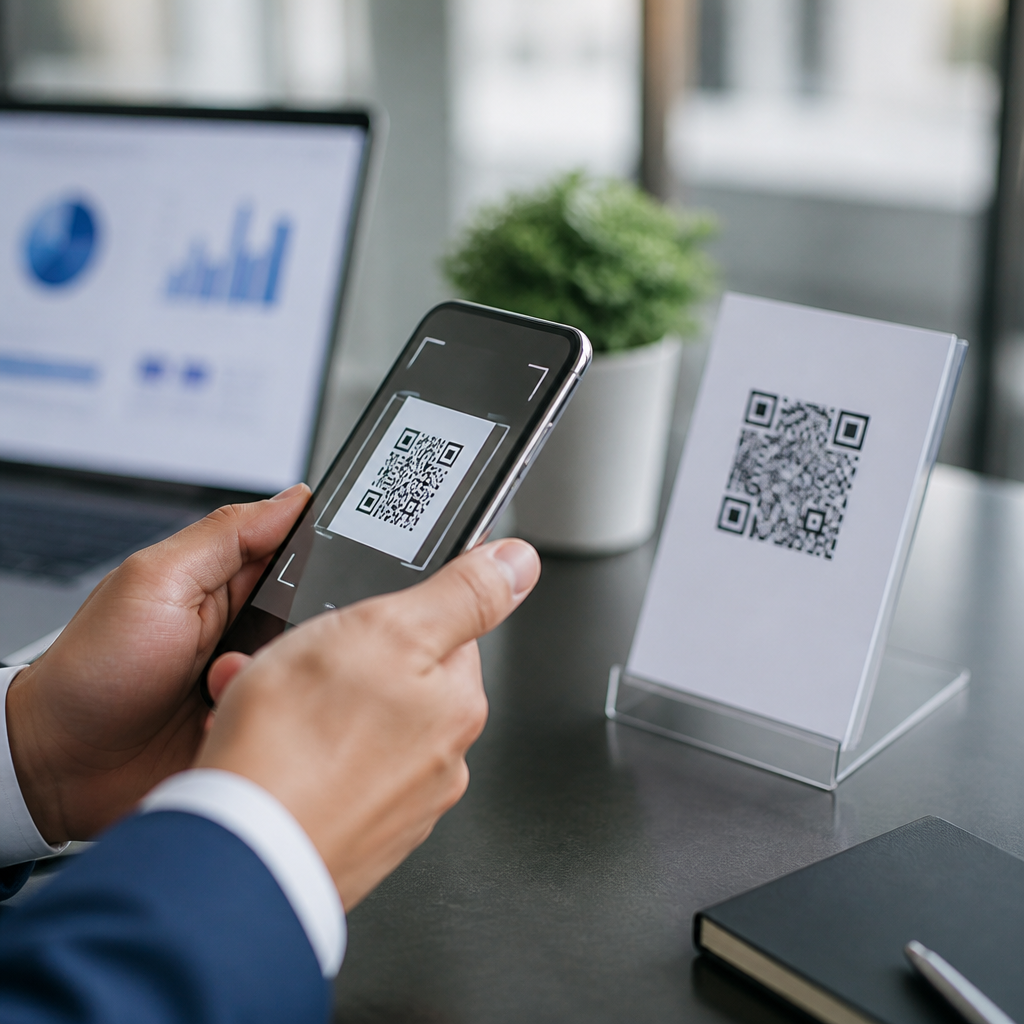
QR code scanner apps have moved from a convenience feature to a core business tool because companies now use QR codes for payments, asset tracking, menus, event check-in, product authentication, and field service workflows. A business QR code scanner app is software on a phone or tablet that reads quick response codes, interprets the encoded data, and often connects that data to a larger system such as a CRM, POS, inventory platform, or mobile device management console. The best QR code scanner apps for business use do more than open a web link. They support batch scanning, scan history, offline capture, export options, user permissions, security controls, and reliable camera performance in poor lighting or at awkward angles.
I have deployed scanner apps for retail stores, warehouse teams, trade show staff, and service technicians, and the gap between a consumer scanner and a business-ready tool is obvious within the first day of use. Consumer apps often add ads, weak privacy practices, and inconsistent decoding. Business teams need speed, stability, and predictable administration. This matters because a slow or inaccurate scan adds friction directly at the point of sale, at the loading dock, or in front of a customer. When one app is used hundreds or thousands of times per week, even a one-second improvement per scan translates into meaningful labor savings and fewer mistakes.
This hub article explains how to choose QR code scanner apps for business use, which features matter most, and where different app types fit best. It also serves as a foundation for deeper articles on mobile QR code scanning and technology, including scanning accuracy, scanner security, QR code inventory systems, and mobile workflow design. If you are comparing dedicated scanner apps, built-in camera scanning, enterprise mobility tools, or industry-specific platforms, the key question is simple: which app turns a phone into a dependable business scanner without adding risk or complexity?
What makes a QR code scanner app business-ready
A business-ready QR code scanner app must decode fast, work consistently across code sizes and print qualities, and capture useful output beyond the raw string. At minimum, it should handle standard QR codes, URLs, contact data, Wi-Fi credentials, vCards, and payment payloads. Better apps also process GS1 QR codes, custom URI schemes, and dynamic codes that redirect through analytics platforms. In my experience, the practical difference comes from how the app behaves after the scan. Can it validate a code format, log the scan with timestamp and device ID, send data to a spreadsheet or API, or trigger a form? Those capabilities determine whether the app supports a real process or just reads symbols.
Camera optimization matters more than most buyers expect. Strong apps use autofocus effectively, provide torch controls, and lock onto damaged or low-contrast codes without forcing a perfect angle. On busy floors, scan latency matters. Staff notice when one app captures in a fraction of a second while another hunts for focus. Reliability also depends on operating system support. iOS and Android both have strong native camera frameworks, but app developers vary widely in how well they use them. Businesses should favor apps with a clear update history, transparent privacy disclosures, and support documentation that explains permissions, data retention, and deployment options.
Core features to compare before choosing an app
The best QR code scanner apps for business use usually win on a small set of practical features. First is scan accuracy across environments, including glossy labels, dim stockrooms, and screens with glare. Second is workflow integration. A scan should move cleanly into the next action, whether that means opening a product record, checking in an attendee, or confirming a completed service call. Third is administration. IT and operations teams need centralized settings, kiosk mode compatibility, and predictable user experience across many devices. Fourth is security. The app should not automatically open risky links without warning, and it should separate local scan history from shared business data when required by policy.
Another key feature is offline behavior. Many field teams scan in basements, warehouses, campuses, and rural service areas where coverage is weak. Good apps cache results locally and sync later. Audit trails are equally important. If a shipment is disputed or a visitor check-in must be verified, scan logs should show who scanned what and when. Finally, export flexibility matters. CSV export, webhook support, Google Sheets integration, Microsoft 365 compatibility, and REST API connections reduce manual re-entry. When teams compare apps only on camera speed, they often miss the administrative and data-handling features that drive long-term value.
| Business use case | Most important app features | Typical example |
|---|---|---|
| Retail and hospitality | Fast decode, payment support, kiosk mode, minimal prompts | Staff scanning table QR menus or wallet payment codes during rush periods |
| Inventory and warehousing | Batch scanning, offline mode, export, durable Android support | Receiving team logging cartons into stock from dock to shelf |
| Events and access control | Duplicate detection, validation rules, live attendee lookup | Front desk confirming one-time entry codes at conference doors |
| Field service | Form triggers, photo capture, GPS tagging, later sync | Technician scanning equipment QR labels before maintenance work |
| Marketing and analytics | Dynamic link handling, attribution tags, CRM connection | Sales team tracking scans from trade show brochures by campaign |
Best types of QR code scanner apps for different business needs
There is no single best QR code scanner app for every company because business requirements differ sharply. Built-in camera scanning on modern iPhones and Android devices is often sufficient for simple tasks such as opening web links, joining Wi-Fi, or reading customer-facing campaign codes. It is free, familiar, and usually fast. However, it lacks the controls most businesses need, such as restricted actions, structured exports, and managed deployment. For lightweight internal use, this option works, but it rarely scales well across departments.
Dedicated scanner apps are the next step. Established options often use strong decoding libraries such as Zebra, Scandit, or Dynamsoft in enterprise environments, while general mobile apps may rely on native frameworks or open-source engines like ZXing. Dedicated apps are best when businesses want history, custom actions, or a cleaner operator experience than the default camera provides. Industry-specific apps go further. Event platforms such as Eventbrite Organizer or trade show lead retrieval tools combine QR scanning with attendee databases. POS apps may scan payment and loyalty codes directly inside the checkout workflow. Service platforms can tie a scan to asset records, work orders, and inspection forms.
Enterprise mobility suites represent another category. Some businesses configure scanning inside managed devices using mobile device management tools such as Microsoft Intune, VMware Workspace ONE, or Samsung Knox. In those setups, the “best app” may actually be the one that can be locked into single-purpose mode, distributed silently, and updated centrally. If the business uses rugged devices from Zebra Technologies or Honeywell, scanner behavior can also be influenced by manufacturer tools that optimize decoding and wedge data into line-of-business apps. For high-volume operations, that level of control is often more valuable than a consumer-friendly interface.
Security, privacy, and compliance considerations
Security is one of the biggest reasons businesses should avoid random free scanner apps. QR codes can point to phishing pages, malicious downloads, spoofed login portals, or misleading redirects. A business scanner app should preview destinations clearly, apply allowlists or blocklists where possible, and log scan activity for review. In regulated environments, privacy controls matter just as much. If the app captures customer names, ticket IDs, asset serials, or payment references, the business needs to know where that data is stored, whether it is encrypted, and how long it is retained.
On corporate devices, permissions should be tightly scoped. Camera access is required, but location, contacts, and background tracking may not be. I advise teams to review privacy labels in the App Store and Google Play, then confirm the vendor’s documentation independently. A scanner that uploads every scan to a vendor cloud by default may create unnecessary exposure. For European operations, general data protection obligations can apply when scan logs identify people. For healthcare or financial environments, internal policies may require managed apps, local data handling, or integration through approved APIs only. Good vendors explain these boundaries plainly and provide admin settings instead of forcing all customers into the same model.
How to evaluate scanner apps with a practical test process
The fastest way to choose among QR code scanner apps is to run a structured pilot using the exact conditions your staff face. Test at least ten code samples: small labels, wrinkled labels, glossy packaging, screen-based codes, low-light scans, and damaged prints. Time first-read success, not just eventual success. Then test workflows. Can a cashier scan and continue without extra taps? Can a warehouse worker scan 50 items in sequence without lag? Can a field technician scan offline and sync later with no data loss? Those answers matter more than marketplace ratings.
Include operational stakeholders in the trial. IT should verify deployment, permissions, and update management. Frontline users should score speed and clarity. Operations leaders should inspect exports and reporting. I also recommend checking vendor responsiveness before purchase. Send one technical question and judge the quality of the answer. Support quality during evaluation often predicts support quality after rollout. Finally, calculate cost by workflow, not by license alone. An app that costs more per device but saves minutes per shift, reduces rescans, and shortens training time is usually the better business decision.
Choosing the best QR code scanner app for long-term business value
The best QR code scanner apps for business use are the ones that fit the job, not the ones with the most downloads. A café may only need fast menu and payment scanning on managed tablets. A distributor may need offline batch scans, audit logs, and rugged Android compatibility. An event organizer may need instant validation, duplicate prevention, and attendee lookup. Across all of these cases, the winning app combines decoding speed, workflow integration, security controls, and manageable deployment.
Use this hub as your starting point for the broader Mobile QR Code Scanning & Technology topic, then map your next questions to your process: scan accuracy, device compatibility, QR code security, analytics, or system integration. Businesses get the highest return when scanning is treated as part of an operational workflow rather than a standalone app choice. Review your use case, test with real codes, confirm privacy and admin controls, and select a tool your team can trust every day. That disciplined approach will help you choose a QR code scanner app that improves speed, accuracy, and accountability from the first scan onward.
Frequently Asked Questions
What should businesses look for in a QR code scanner app?
The best QR code scanner app for business use should do much more than simply open a link. In a business environment, QR codes often connect to payments, inventory records, customer profiles, equipment histories, digital menus, event registrations, or service tickets, so the scanner needs to be accurate, fast, and reliable under real working conditions. That means it should scan damaged or low-contrast codes, work well in different lighting conditions, and read codes quickly from screens, labels, packaging, badges, and printed documents.
Beyond scanning performance, businesses should evaluate integration capabilities. A strong app should be able to pass scanned data into systems employees already use, such as a CRM, POS, warehouse platform, field service app, ERP, or mobile forms tool. Support for exporting scan logs, triggering automated workflows, validating codes against a database, and assigning scans to users or locations can make the difference between a basic utility and a true operational tool. Security also matters. If the app is used across teams, it should include permissions, device management compatibility, secure data handling, and ideally centralized administration so IT or operations teams can control settings at scale.
It is also important to consider usability and deployment. A business scanner app should be simple enough for frontline employees to learn quickly, while still offering advanced configuration for administrators. Features like offline scanning, batch scanning, scan history, custom fields, and support for both iOS and Android can be critical depending on the use case. In short, the right app is the one that fits the company’s workflow, connects cleanly to its systems, and can be rolled out consistently across many devices and users.
Why are QR code scanner apps important for business operations today?
QR code scanner apps have become important because businesses now use QR codes in far more places than marketing. They are part of everyday workflows in retail, hospitality, logistics, healthcare, manufacturing, field service, and events. A scanned code can open a payment screen, confirm an asset’s identity, check a visitor into an event, pull up a service manual, update stock movement, or verify a product’s authenticity. That turns the scanner app into a frontline operational tool rather than a simple convenience feature.
The main business value comes from speed, accuracy, and traceability. Instead of relying on manual entry, employees can scan a code and immediately capture the correct record or transaction. That reduces typing errors, shortens transaction times, and creates a digital trail that can be linked to time, user, device, and location. For companies with large teams or distributed operations, that kind of consistency is especially valuable because it standardizes how information is collected and processed across many sites or departments.
These apps also support automation. When a QR code is scanned, the app can trigger a workflow such as creating a support ticket, updating inventory, opening a customer profile, logging attendance, or launching a mobile form. As businesses continue to digitize operations, scanner apps serve as a bridge between the physical world and business software. That is why choosing the right business-grade scanner app has become a practical decision tied to productivity, data quality, customer experience, and compliance.
Can a QR code scanner app integrate with CRM, POS, inventory, or other business systems?
Yes, and for many businesses, integration is the most important feature. A business QR code scanner app is most useful when it does not stop at reading the code but instead sends that information into the platforms the company already depends on. For example, a sales team might scan a code at a trade show and instantly create or update a lead in the CRM. A store associate might scan a code at checkout to initiate a payment or retrieve product information from a POS system. A warehouse employee could scan codes to record item movement inside an inventory or ERP platform.
Integration can happen in several ways. Some apps offer built-in connectors for popular business tools, while others rely on APIs, webhooks, CSV exports, or custom development. More advanced solutions may support workflow automation platforms that connect scanning events to multiple systems at once. For example, one scan could verify a product ID, update stock levels, log the action in an audit trail, and notify another department. This is especially useful for asset tracking, service dispatch, document control, and product authentication.
When evaluating integrations, businesses should look closely at how data is structured, how quickly it syncs, whether offline scans can be uploaded later, and how exceptions are handled. They should also confirm whether the app supports user roles, secure authentication, and administrative controls across connected systems. In practice, the best QR code scanner apps for business are the ones that fit naturally into an existing software ecosystem and reduce the need for duplicate work.
Are QR code scanner apps secure enough for business use?
They can be, but security depends on both the app itself and how the business deploys it. In consumer use, a scanner mainly opens links or displays text. In a business environment, however, a scan may expose customer records, payment requests, inventory data, service logs, or internal operational systems. That means companies should treat scanner apps as business software that must meet security, privacy, and administrative requirements rather than as a casual mobile utility.
A secure business QR code scanner app should provide safe link handling, protect stored scan history, and support encrypted data transmission where applicable. It should also allow administrators to control what users can do after scanning, such as whether a link opens automatically, whether scan records can be exported, and whether certain code types are allowed. Compatibility with mobile device management platforms is another strong advantage because it lets IT teams deploy settings, enforce updates, lock down devices, and monitor compliance across a fleet.
Businesses should also think about the risks of malicious or unauthorized QR codes. An app may need validation rules that check scanned data against approved formats, domains, asset IDs, or internal databases before allowing the next step. For industries with tighter compliance requirements, it is worth reviewing vendor policies around data retention, access control, user authentication, and audit logs. In other words, QR code scanner apps can absolutely be secure enough for business use, but companies should choose a solution with enterprise controls and deploy it as part of a broader security policy.
Which industries benefit most from business QR code scanner apps?
A wide range of industries benefit because QR codes are flexible and inexpensive to deploy. Retail and hospitality are among the most visible examples. Stores use scanner apps for mobile payments, product lookup, loyalty programs, and inventory checks, while restaurants and hotels use them for digital menus, guest services, and fast transactional experiences. Event organizers also rely heavily on QR code scanning for ticket validation, attendee check-in, access control, and lead capture during conferences or exhibitions.
Operational industries often see even greater value. Warehousing, logistics, and manufacturing use QR code scanner apps for asset tracking, inventory movement, work order verification, equipment identification, and chain-of-custody documentation. Field service teams use them to pull up service histories, confirm task completion, identify parts, and document visits on-site. In healthcare and pharmaceuticals, QR scanning can support inventory control, specimen tracking, medication workflows, and product authentication, provided the app aligns with regulatory and security requirements.
The common thread is that any industry managing physical items, customer interactions, or location-based workflows can benefit from the right scanner app. The biggest gains usually come when scanning is tied directly to a business process rather than used as a standalone action. That is why the best QR code scanner apps for business are valuable across so many sectors: they help connect physical touchpoints to digital systems quickly, accurately, and at scale.





