
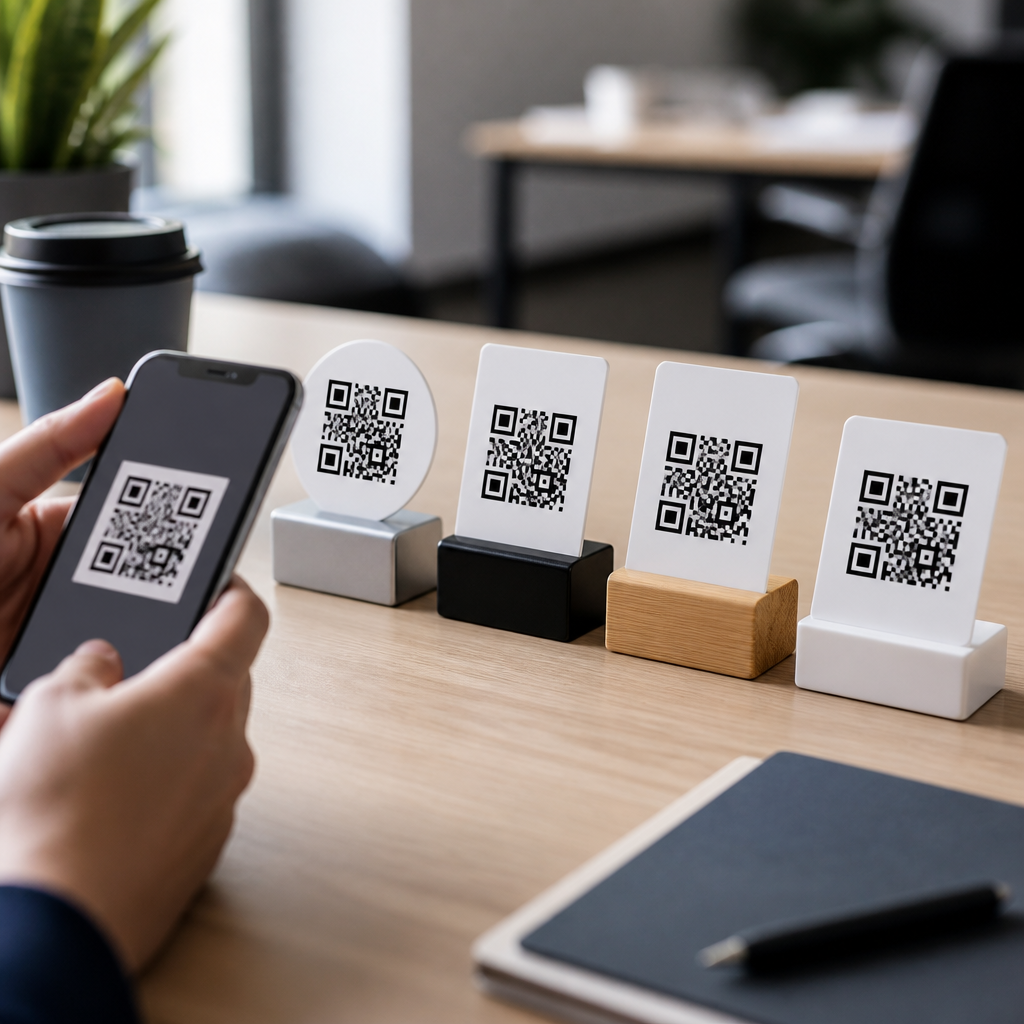
QR codes look simple on the surface, but choosing the right type determines whether a campaign is measurable, editable, secure, and easy for people to use. In mobile marketing, payments, product packaging, event operations, and customer support, the phrase “type of QR code” usually refers to both the data format inside the code and the way the code is managed after printing. I have seen teams waste budget by printing static codes for offers that later changed, or by using a plain URL code when they actually needed app deep linking, Wi-Fi onboarding, or vCard contact sharing. Knowing when to use each type of QR code matters because mobile users expect one fast scan to complete a task with no typing, no confusion, and no broken destination. This guide explains the main types of mobile QR codes, when each one works best, and the tradeoffs to weigh before you publish them at scale.
Static vs dynamic QR codes: the first decision
The first decision is not the destination; it is whether the code should be static or dynamic. A static QR code stores the final data directly in the symbol. If you encode a web address, phone number, or text, that exact payload is printed forever. Static codes are best when the information will never change and you do not need scan analytics. Common examples include a permanent product serial lookup page, a printed classroom worksheet, or a business card with a stable contact record.
A dynamic QR code works differently. The printed symbol usually contains a short redirect URL managed by a QR platform such as Bitly, QR Code Generator Pro, Flowcode, or Beaconstac. Because the redirect target can be changed later, dynamic codes are the standard choice for marketing, retail signage, restaurant menus, and event assets. They also support scan metrics such as timestamp, device type, rough location, and campaign source. In practice, I recommend dynamic codes whenever the content may change, the campaign has a reporting requirement, or multiple teams need governance over approvals and redirects.
The tradeoff is dependency. Dynamic codes rely on a service provider, DNS, and redirect infrastructure, so you need uptime monitoring and ownership controls. Static codes avoid that operational layer, but they cannot be edited if a link breaks or an offer expires. For most business use cases, dynamic wins because the cost of reprinting physical materials is higher than the cost of software.
URL, app, and deep-link QR codes
The most common mobile QR code is the URL code, which opens a web page in the user’s browser. Use a URL QR code when your goal is broad compatibility, search-accessible content, or a quick handoff to landing pages, forms, product detail pages, or knowledge base articles. URL codes are the default for posters, packaging, receipts, direct mail, and point-of-sale displays because every smartphone camera understands them.
App store QR codes are a variation used when the only goal is installation. They send users to Apple App Store or Google Play listings. They work best for in-store signage, onboarding kits, and product setup cards where customers need the official app before they can continue. If you support both iOS and Android, use a smart redirect that detects the operating system automatically.
Deep-link QR codes are more advanced and often more effective. Instead of dumping everyone on the homepage, they open a specific in-app screen, trigger account actions, apply referral codes, or take users to a prefilled cart. Branch, AppsFlyer, and Firebase Dynamic Links have been common tools for this, though platform support changes over time, so implementation should follow current vendor guidance. Use deep-link QR codes when speed matters and you want to reduce friction after install or login. For example, a retailer can place a code on a shelf tag that opens the exact product page in the app with loyalty pricing already visible. That usually converts better than a generic website link.
Contact, communication, and messaging QR codes
Some QR codes are designed to start communication rather than send users to a website. A vCard QR code stores contact details such as name, phone, email, company, title, and address. Use it on business cards, trade show badges, sales collateral, or reception signage when the priority is instant contact saving. Compared with typing details manually, a vCard code reduces errors and improves follow-up rates. If staff roles or phone numbers may change, choose a dynamic vCard landing page rather than embedding static contact data.
Phone, SMS, email, and messaging app QR codes each fit narrow tasks. A phone QR code opens the dialer with a number ready to call, making it useful for roadside assistance, medical offices, or customer support posters. An SMS QR code can prefill a number and a message body, which is effective for appointment confirmations, warranty registration, or lead capture at events where mobile data may be weak. Email QR codes open the user’s mail app with recipient, subject, and body fields populated. Messaging app QR codes for WhatsApp or similar services work well for regions where chat is the preferred support channel.
The main limitation is app behavior. Not every device handles every communication payload identically, and desktop scanning can break flows designed for mobile. Test on current iPhone and Android versions before launch.
Payment, coupon, and transactional QR codes
Payment QR codes have become standard in retail, hospitality, and peer-to-peer payments. They usually encode a payment destination, merchant account, or standardized payload. In some markets, EMVCo-based merchant-presented QR specifications guide interoperability, while local schemes such as UPI in India or Pix in Brazil define common consumer experiences. Use a payment QR code when you need contactless checkout, bill settlement, tipping, or invoice payment without card entry. The best implementations clearly show the amount, merchant name, and confirmation state so users trust the transaction.
Coupon and offer QR codes are different. They do not process payment directly; they reveal a discount page, promo code, loyalty reward, or claim form. Dynamic QR codes are almost always the right choice here because inventory, expiration dates, and legal terms change. I have used unique QR codes for direct mail drops where each household received a trackable offer tied to a CRM segment. That allowed accurate redemption analysis instead of vague traffic estimates.
Transaction-oriented codes also include ticketing, order lookup, and authentication use cases. An airline boarding pass, concert ticket, or parcel pickup notice may use a QR code as a secure token. In those cases, token expiration, encryption at the application layer, and server-side validation matter more than design flair.
Wi-Fi, file, menu, and document QR codes
Wi-Fi QR codes let users join a network by scanning SSID, password, and encryption type. They are ideal for hotels, clinics, offices, and events where guests need fast access without asking staff. The convenience is real, but security policy matters. Guest networks should be segmented from internal systems, and credentials should rotate on a schedule if the code is displayed publicly.
File and document QR codes usually open PDFs, images, slide decks, or download pages. Use them for manuals, compliance sheets, restaurant menus, installation guides, or real estate brochures. In print environments, a dynamic file QR code is safer than linking straight to a file because you can replace the document without changing the printed symbol. It also lets you move from a heavy PDF to a mobile-friendly landing page if scan abandonment is high.
Menu QR codes deserve a special mention because they became common quickly and were often implemented badly. A good menu QR code opens a fast, readable mobile page with current pricing, dietary labels, and item availability. A bad one points to a giant PDF, loads slowly on weak connections, and creates frustration. The same principle applies to any document-oriented code: optimize for the small screen first.
How to choose the right QR code type
The right choice depends on the task, the environment, and the level of control you need after printing. I use a simple decision framework during planning.
| Use case | Best QR code type | Why it fits | Main caution |
|---|---|---|---|
| Permanent public webpage | Static URL | Simple, universal, no platform dependency | Cannot edit destination later |
| Campaign landing page | Dynamic URL | Editable, trackable, supports A/B testing | Requires provider governance |
| App onboarding | Smart app/deep link | Reduces friction and improves completion | Needs careful mobile testing |
| Networking or sales follow-up | vCard | Saves contacts instantly | Static data becomes outdated fast |
| Guest internet access | Wi-Fi | Fast connection with no typing | Use only on segmented guest networks |
| Contactless payment | Payment QR | Supports fast checkout on mobile | Trust and confirmation UX are critical |
After matching the use case, check practical constraints. Will the content change? Do you need analytics? Is offline scanning possible? Does the code need to work inside a native app, browser, or payment wallet? How far away will users scan it from, and on what material will it be printed? ISO/IEC 18004 defines the QR Code symbology, but performance in the field still depends on contrast, quiet zone, module size, lighting, and error correction level. If branding forces a logo into the center, keep testing strict and avoid overdesign that harms readability.
Use each type of QR code when it aligns with the action you want the mobile user to complete, not just because the format is available in a generator. Static codes are best for fixed information. Dynamic codes are best for campaigns, changing destinations, and analytics. URL and app codes send people to content, while deep links shorten the path to conversion. vCard, phone, SMS, email, and chat codes start communication fast. Payment and transactional codes support secure checkout and validated access. Wi-Fi, menu, file, and document codes remove friction in physical spaces where typing is inconvenient.
The strongest QR strategy is operational, not decorative. Define the goal, choose the simplest code type that completes that goal, test it on real devices, and maintain ownership of every destination after print. If this page is your hub for Types of Mobile QR Codes, the next step is to map your most common customer journeys and assign one QR code type to each. That process will tell you quickly where a simple static code is enough and where a dynamic, trackable, mobile-first experience will perform better.
Frequently Asked Questions
1. What is the difference between a static QR code and a dynamic QR code, and when should you use each?
A static QR code contains the final destination or data directly inside the code itself. Once it is created and printed, the content cannot be changed without generating and distributing a brand-new code. That makes static QR codes a good fit for permanent information that is unlikely to change, such as a homepage URL, plain text, Wi-Fi credentials for a fixed network, or a basic contact card. They are often simple, low-cost, and dependable for long-term use where tracking and updates are not priorities.
A dynamic QR code works differently. Instead of storing the final content directly, it usually points to a short redirect URL managed through a platform. That allows you to change the destination later without changing the printed code. You can update a landing page, swap out a PDF, redirect to a new promotion, pause a campaign, or correct a mistake after materials have already been distributed. Dynamic QR codes are usually the better choice for marketing campaigns, event signage, product packaging, restaurant menus, customer support flows, and any situation where performance data matters.
If you need analytics, editability, A/B testing, scan logs, device insights, geographic reporting, or lifecycle control, dynamic is typically the right choice. If you need a one-time, permanent code for fixed information and want to avoid platform dependency, static may be enough. In practice, teams often regret choosing static for anything customer-facing that may evolve. If the content, offer, or destination could change even once, a dynamic QR code is usually the safer and more strategic option.
2. When should you use a URL QR code instead of other QR code data types like PDF, vCard, Wi-Fi, SMS, or app links?
A URL QR code is usually the most flexible and widely compatible option because it opens a web destination that can be viewed on almost any smartphone without requiring a special app. You should use a URL QR code when you want users to visit a landing page, product page, booking form, support center, video, payment page, digital menu, or campaign experience that may need to be updated over time. It is often the best default choice because a web page can act as a hub for multiple actions instead of forcing one narrow behavior.
Other QR code types are better when the goal is highly specific. A PDF QR code is useful when the primary task is downloading a brochure, manual, menu, or spec sheet. A vCard QR code makes sense when the user should save contact information immediately. A Wi-Fi QR code is ideal for easy network access without manually typing credentials. An SMS QR code can prefill a message, and app deep link codes can send users into a specific mobile app experience. These formats can reduce friction in the right context, but they are often less adaptable than a well-designed mobile landing page.
In many business scenarios, using a plain URL code is smarter because it gives you room to improve the user journey. For example, instead of linking directly to a PDF, you can send people to a page that offers a preview, language selection, download button, related products, and support links. Instead of linking only to an app store, you can route users based on device type and give non-app users an alternative web experience. If you are unsure which action users will need most, a URL QR code tied to a dynamic landing page is often the most scalable decision.
3. Which type of QR code is best for marketing campaigns, promotions, and measurable customer engagement?
For marketing, the strongest choice is usually a dynamic URL QR code connected to a mobile-optimized landing page. This combination gives you the flexibility to change the destination after printing and the visibility to measure performance. You can track scans, compare locations, rotate offers, test different pages, and connect the campaign to analytics tools, CRM systems, lead forms, coupon platforms, or retargeting workflows. That level of control is essential in modern marketing, where campaigns rarely stay fixed from launch to finish.
A common mistake is printing a static code that points directly to a temporary offer, event page, or seasonal product. If the campaign date changes, inventory runs out, or the promotion ends, the printed code can become useless or create a poor customer experience. Dynamic codes reduce that risk because the scan destination can be updated in real time. A poster that promoted one offer in June can point to a different but still relevant experience in July, preserving the value of the printed asset.
For measurable engagement, the landing page matters just as much as the code type. A code used in retail, packaging, direct mail, out-of-home ads, or in-store displays should lead to a page designed for mobile speed, clear calls to action, and simple conversion paths. If you want people to sign up, redeem, buy, watch, or contact, the experience after the scan needs to be intentional. In short, use a dynamic QR code when ROI, optimization, and post-print flexibility matter. That is almost always the right answer for serious marketing use.
4. What type of QR code should you use for payments, product packaging, events, and customer support?
The right type depends on the job the code needs to do. For payments, use the payment format that matches the processor, banking standard, or wallet ecosystem your users actually rely on. In some cases that means a QR code containing payment account details; in others it means a dynamic URL that opens a secure checkout page. The key decision factors are trust, compatibility, fraud prevention, and whether the amount or payment destination may need to change. For many businesses, a secure hosted payment page is easier to manage and update than embedding fixed payment data.
For product packaging, dynamic URL QR codes are usually the most practical because packaging stays in circulation for a long time. A package might need to point to updated instructions, warranty registration, ingredients, compliance information, localization, tutorials, or support content months after printing. Dynamic routing lets the same printed code serve different regions, product versions, or campaigns over time. If the use case is very specific, such as downloading a manual, a PDF code can work, but a landing page often provides a better customer experience and more control.
For events, dynamic codes are especially valuable because details change frequently. Schedules shift, room assignments move, registration links update, and last-minute announcements happen. Event organizers often use QR codes for ticketing, check-in, maps, agendas, exhibitor pages, feedback forms, and post-event follow-up. In those settings, editability is critical. For customer support, a dynamic URL code is again the strongest option because it can direct users to troubleshooting steps, live chat, return policies, service booking, FAQs, or product-specific help. Rather than forcing every user into one static resource, a managed code can route them to the most relevant support path.
5. How do you choose the right QR code type if you care about security, reliability, and ease of use?
Start by asking four practical questions: Does the destination need to change? Do you need scan data? Is the content sensitive or transaction-related? And what is the simplest action for the user after scanning? Those questions quickly narrow the field. If the destination must remain editable, use dynamic. If the content involves payments, account access, downloads, or private data, use a secure and trusted destination, ideally on a recognizable domain with HTTPS and proper access controls. If ease of use is the priority, choose the format that reduces steps without creating compatibility issues.
Security is not just about the QR code format itself; it is about the full experience around it. Users are more likely to trust a code when it is placed in a legitimate context, branded clearly, and leads to a domain they recognize. Businesses should avoid sending people to suspicious short links with no visual trust signals. For higher-risk use cases, such as payments or account actions, a dynamic code can be safer operationally because you can disable, redirect, or replace destinations if a problem appears. It also allows better governance across campaigns and teams.
Reliability means planning for the real world. Printed materials can outlive campaigns, employees can change, URLs can break, and products can remain in use for years. That is why many organizations standardize on dynamic URL QR codes for most public-facing applications and reserve static codes for truly permanent data. Ease of use also matters: the best QR code is one that scans quickly, lands on a mobile-friendly page, and gives the user an obvious next step. If you balance editability, trust, compatibility, and user experience from the start, choosing the right type of QR code becomes much easier and much more effective.





