
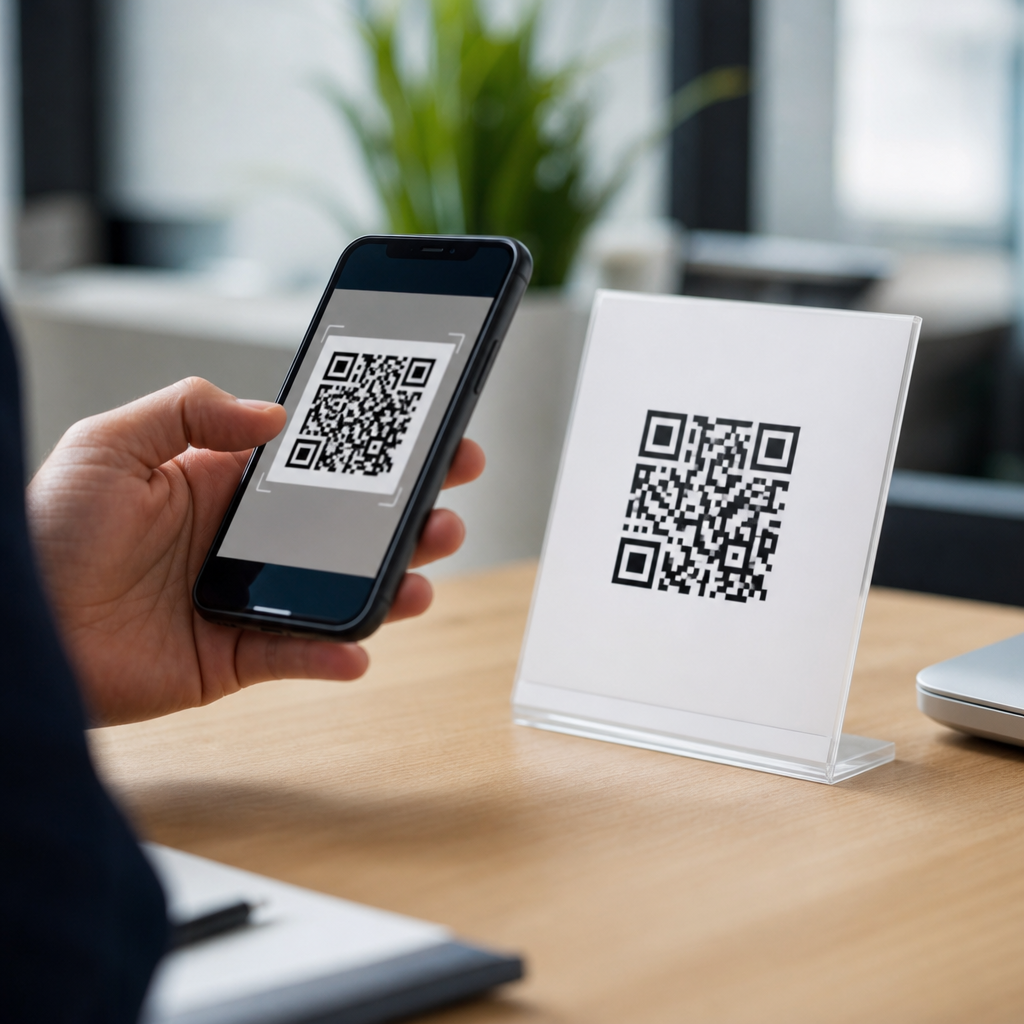
A vCard QR code is a scannable code that stores contact details in the vCard format, letting someone save a person or business directly into a phone’s address book without typing anything. In mobile marketing, sales, events, and customer support, that simple action removes friction at the exact moment a user is ready to connect. I have implemented vCard QR code campaigns for field teams, trade show booths, retail packaging, and service businesses, and the same pattern appears every time: when contact capture becomes one scan instead of a manual form, completion rates rise and bad data drops.
To understand why, it helps to define the terms. A QR code is a two-dimensional barcode standardized under ISO/IEC 18004 that smartphone cameras can read. A vCard is a long-established digital business card format, defined through versions such as vCard 3.0 and 4.0, that structures fields like name, organization, phone number, email, website, title, and address. A vCard QR code combines both: the code either contains those fields directly or points to a mobile landing page that presents them in a saveable contact card. This matters because mobile users act quickly. If they have to retype a number from a poster, they often abandon the task. If they can scan and save in seconds, the connection is far more likely to stick.
As a hub within mobile QR code basics, this article covers more than the definition. It explains how vCard QR codes work, where they fit among the main types of mobile QR codes, when to use static versus dynamic formats, what data fields matter most, how to design and test for reliable scans, and what privacy limits you need to respect. If you are deciding between a contact QR code, a URL QR code, a PDF QR code, or a plain phone link, this guide will help you choose the right format for the user’s intent and the business goal.
How a vCard QR Code Works on Mobile
A vCard QR code works by encoding contact information into a structure that a smartphone can interpret as a contact record. On iPhone and Android, the native camera usually recognizes the QR code and opens a preview. If the code contains contact data directly, the phone presents an option such as “Create New Contact” or “Add to Existing Contact.” If the code resolves to a hosted profile, the user lands on a mobile page with a save contact button, plus optional actions like call, email, directions, or website visit.
In practice, there are two technical models. Static vCard QR codes embed the contact fields inside the code itself. They are simple and permanent, but hard to change later. Dynamic vCard QR codes point to a short URL managed by a QR platform such as QR Code Generator Pro, Beaconstac, Flowcode, Bitly, or Uniqode. The contact details live on the destination, so you can update titles, numbers, or campaign attribution without reprinting the code. Dynamic formats also support scan analytics, device data, location trends, and A/B testing of destination pages.
From a user-experience standpoint, the best vCard QR code removes decisions. The user scans, sees a recognizable name and company, taps save, and has a clean contact record with no formatting errors. That is why field consistency matters. Use international phone formatting, standard email syntax, a canonical website URL, and a postal address that maps correctly in Apple Maps and Google Maps. If the contact will be used across regions, include country codes and avoid local shorthand.
Types of Mobile QR Codes and Where vCard Fits
Mobile QR codes serve different intents, and understanding those intents is the key to choosing the right type. A vCard QR code is best when the primary goal is saving contact details. A URL QR code is best when the goal is sending someone to a page, such as a campaign landing page, booking form, or product detail page. A PDF QR code works when the user needs a brochure, menu, manual, or spec sheet. App store QR codes route users to app downloads. SMS and email QR codes prefill communication. Wi-Fi QR codes connect devices to a network without password entry. Payment QR codes streamline transactions through supported wallets or banking apps.
As a subtopic hub, it is useful to group the main mobile QR code types by action. Contact and communication types include vCard, phone, SMS, email, and WhatsApp QR codes. Destination types include URL, social profile, app store, and file download QR codes. Utility types include Wi-Fi, payment, event, and map QR codes. The reason this taxonomy matters is that each type creates a different next step. A restaurant table tent might use a menu PDF QR code and a review URL QR code. A realtor yard sign might use a listing URL QR code and an agent vCard QR code. A conference badge might combine attendee identity with a lead capture workflow.
| QR code type | Primary mobile action | Best use case |
|---|---|---|
| vCard QR code | Save contact | Sales reps, business cards, service technicians |
| URL QR code | Open webpage | Campaigns, product pages, bookings |
| PDF QR code | View or download document | Menus, brochures, manuals |
| Wi-Fi QR code | Join network | Hotels, offices, events |
| SMS or email QR code | Start message | Support, inquiries, lead response |
Within that landscape, vCard QR codes stand out because they create a durable connection. A saved contact can drive repeat calls, follow-up texts, CRM enrichment, and long-term recall in a way a one-time page visit often does not. That makes them especially useful in high-trust, high-consideration interactions such as financial advising, real estate, B2B sales, healthcare administration, and local service businesses.
Static vs Dynamic vCard QR Codes
The choice between static and dynamic vCard QR codes is one of the most important implementation decisions. Static codes are suitable when contact information is unlikely to change and scan reporting is not required. They are common for personal business cards, small internal teams, and low-volume print runs. Their main advantage is simplicity. Once created, the code works without a platform dependency, provided the content has been correctly encoded.
Dynamic codes are usually the better business choice because contact data changes often. Job titles shift, phone extensions are reassigned, sales territories change, and campaign owners want performance data. With a dynamic code, the printed asset stays the same while the destination record changes behind the scenes. In my experience, that flexibility prevents expensive reprints and keeps distributed materials usable far longer. It also allows governance: marketing can standardize brand presentation while local teams update only approved fields.
There are tradeoffs. Dynamic QR codes depend on a managed redirect or hosted page, so provider uptime, link durability, and data handling policies matter. Before choosing a vendor, confirm export options, custom domain support, scan analytics granularity, and whether the platform can preserve contact formatting across iOS and Android. For enterprises, also review privacy documentation, role permissions, and retention settings.
What Information Should a vCard QR Code Include?
The best vCard QR code includes only the information a user genuinely needs to act. At minimum, that usually means full name, business name, primary phone number, email address, and website. Depending on the use case, you may also add job title, physical address, photo, social links, and a short note about services. A local plumber benefits from call-first information and service area details. A software account executive benefits from direct line, booking link, company site, and LinkedIn profile.
Less is often better. Overloaded contact cards can feel cluttered, and some receiving apps handle edge-case fields inconsistently. Use one primary phone number, one primary email, and one canonical site unless there is a clear reason to add more. If your team needs lead source tracking, do it on the hosted destination or linked website with UTM parameters rather than overstuffing the contact payload. For addresses, use standard postal formatting so users can map the location immediately.
When building for reliability, validate the vCard syntax carefully. Encoding errors, unsupported characters, or inconsistent line breaks can cause some scanners to display raw text instead of a saveable contact prompt. Reputable generators usually handle escaping and formatting, but you should still test with native camera apps on current iPhone and Android devices, plus at least one third-party scanner.
Best Practices for Design, Placement, and Testing
A vCard QR code only works if people notice it, trust it, and can scan it quickly. Size matters. For print, a common rule is at least 2 x 2 centimeters for close-range use, with larger sizes for posters, vehicles, or signage viewed from distance. Maintain strong contrast, ideally dark code on a light background, and protect the quiet zone around the symbol. Decorative branding is fine, but excessive logo overlays or stylized modules can reduce scan reliability.
Placement should match user intent. On business cards, put the QR code on the back with a clear label such as “Scan to save contact.” On trade show booths, place it where people naturally pause, not near floor level or reflective surfaces. On packaging or invoices, pair it with a direct benefit: “Scan for support contact” performs better than a generic “Scan me.” In service environments, technicians often place a vCard QR code on leave-behind materials so the customer can save the right person after the visit.
Testing is where many campaigns fail or succeed. Test in low light, bright light, older phones, cracked screens, and weak mobile connectivity if the code is dynamic. Check whether the save contact prompt appears cleanly and whether imported fields land in the right places. For dynamic destinations, measure not only scans but saves, calls, and downstream conversions. If the scan rate is high but contact saves are low, the page may be adding unnecessary friction.
Privacy, Security, and Common Limitations
vCard QR codes are convenient, but they still involve personal data. If the code contains an individual’s mobile number, email, or direct extension, make sure that person has approved public distribution. For regulated industries, coordinate with legal or compliance teams before adding titles, locations, or contact channels that imply service availability. If you are using dynamic platforms with analytics, disclose tracking where required and follow applicable privacy rules.
Security is also about user confidence. People are cautious about scanning unknown codes because malicious redirects exist. Branded placement, plain-language labels, and custom domains improve trust. A code next to a recognized company name and a brief explanation such as “Save our service desk contact” is far more credible than an unlabeled square on a flyer.
Finally, understand the limitations. Some users will still prefer manual entry. Some scanning apps interpret contact payloads differently. Static codes are hard to edit, and dynamic codes introduce vendor dependence. Even so, when the goal is fast, accurate contact capture on mobile, a well-built vCard QR code remains one of the most effective tools in the broader set of mobile QR code types.
A vCard QR code is the mobile-friendly bridge between a moment of interest and a saved relationship. It packages contact details in a format smartphones can recognize, reduces typing errors, and shortens the path from introduction to follow-up. Among the main types of mobile QR codes, it fills a distinct role: not sending someone to content, but placing a person or business directly into the user’s address book for future action.
The practical decision points are clear. Use a vCard QR code when saving contact information is the main goal. Choose static for simple, unchanging records and dynamic when you need updates, analytics, or campaign control. Keep fields concise, use standardized formatting, and test across devices. Design for visibility, label the benefit clearly, and respect privacy before publishing personal data at scale.
If you are building out a mobile QR code strategy, start by mapping each user intent to the correct QR code type, then make vCard QR codes the default for sales, support, and relationship-driven touchpoints where future contact matters most.
Frequently Asked Questions
What is a vCard QR code, and how does it work?
A vCard QR code is a QR code that contains contact information formatted as a vCard, which is a standard digital contact file recognized by most smartphones, email clients, and contact management systems. When someone scans the code with their phone camera or a QR scanning app, the device reads the encoded contact details and typically offers the option to create a new contact or add the information to an existing one. Instead of manually typing a name, phone number, email address, company, job title, website, or physical address, the user can save everything in a few taps.
That convenience is what makes vCard QR codes so effective. They remove friction at the exact moment someone is ready to connect. In practical use, that means fewer errors, faster follow-up, and a much better user experience than handing out business cards and hoping the recipient types the details correctly later. In mobile marketing, sales, events, customer support, and local service businesses, that speed matters. The easier it is for someone to store accurate contact details instantly, the more likely they are to actually make contact.
What information can you include in a vCard QR code?
A vCard QR code can include much more than just a name and phone number. Common fields include first and last name, business name, job title, mobile number, office number, email address, website URL, street address, city, state, postal code, and country. Many vCard formats also support social profile links, notes, organization details, and in some cases even a logo or profile image when the contact is viewed through a linked landing page or dynamic profile system rather than a basic static vCard alone.
The best setup depends on the use case. For an individual professional, you might include a full name, title, company, mobile number, email, and LinkedIn profile. For a retail product or service business, it may be smarter to prioritize customer support phone numbers, service hours, website, and location details. For trade shows and field teams, adding a rep’s direct contact info can dramatically improve response rates because prospects can save details on the spot instead of juggling brochures and paper cards. The key is to include enough information to make the contact useful immediately without overloading the user with unnecessary fields.
Why are vCard QR codes useful for businesses, marketing, and events?
vCard QR codes are useful because they shorten the path between interest and action. If someone meets a sales rep, visits a booth, sees product packaging, or interacts with a technician in the field, there is a small window where they are most motivated to connect. A vCard QR code captures that moment by letting them save the right contact instantly. That simple action often leads to better follow-up, fewer lost leads, and higher conversion from offline interactions.
In real-world campaigns, they work especially well anywhere contact exchange needs to be fast and effortless. At trade show booths, attendees can scan and save a rep’s information without waiting in line or carrying extra paper. In retail packaging, customers can save support or reorder contacts immediately after purchase. For service businesses, technicians can leave behind a scannable contact option for future bookings. For field teams and outside sales, vCard QR codes create a smoother handoff from in-person conversation to ongoing communication. The pattern is consistent: when contact-saving becomes frictionless, more people actually do it, and businesses benefit from stronger continuity after the first interaction.
Do vCard QR codes work on all smartphones?
vCard QR codes work on most modern smartphones, especially iPhones and Android devices with built-in camera scanning support. In many cases, the user simply opens the camera, points it at the code, and taps the prompt that appears. The phone then reads the contact information and offers to save it. Compatibility is generally strong because vCard is a widely accepted format, but the exact experience can vary slightly depending on the device model, operating system version, and the QR code generator used.
That said, testing is important. Some older phones may require a separate QR scanning app, and some devices may display the data differently before saving. If a business is planning to print a vCard QR code on signage, packaging, business cards, uniforms, vehicles, or event displays, it is smart to test it across multiple devices before launch. You should also make sure the code is large enough to scan easily, has strong contrast, and links to clean, accurate contact fields. A technically valid QR code is not enough on its own; usability in real-world conditions is what determines performance.
What is the difference between a static and dynamic vCard QR code?
A static vCard QR code contains the contact information directly inside the code itself. Once created and printed, the stored details cannot be changed without generating and distributing a brand-new QR code. Static codes are simple and often suitable for fixed information that is unlikely to change, such as a long-term support line or a permanent business contact. They can be useful for straightforward applications where editability and analytics are not priorities.
A dynamic vCard QR code, by contrast, usually points to a hosted digital contact profile or landing page that can be updated later without changing the printed code. This offers major advantages for businesses and teams. If a phone number changes, a staff member leaves, office hours shift, or a campaign needs to be reassigned, the destination can be edited behind the scenes while the same QR code remains in circulation. Dynamic setups may also provide scan tracking, device data, location insights, and performance metrics, which are especially valuable in marketing and event environments. If flexibility, scalability, or measurement matters, dynamic vCard QR codes are usually the better choice.





