
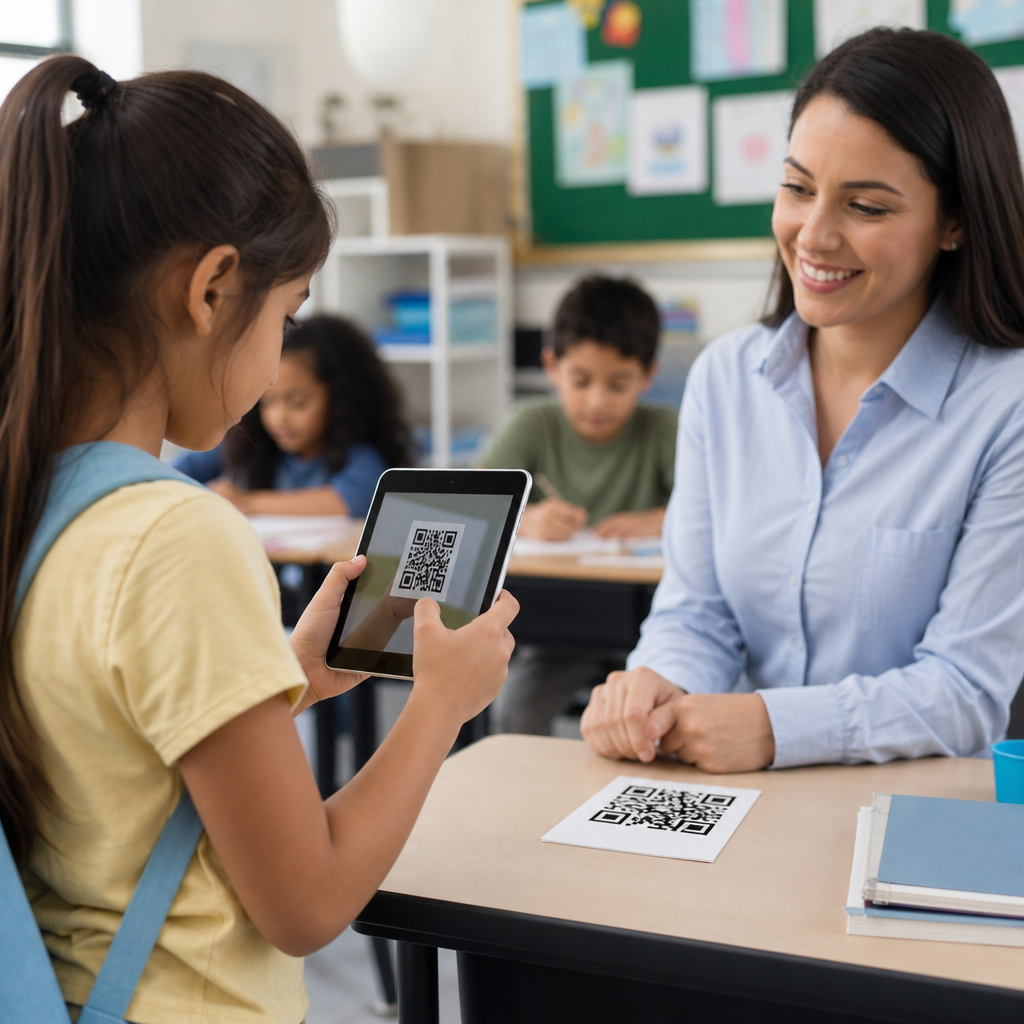
Using QR codes in education and classrooms has moved from a novelty to a practical teaching tool because nearly every student, teacher, and parent now carries a camera-equipped device that can open digital content in seconds. A QR code, short for Quick Response code, is a two-dimensional barcode that stores a link, file, contact detail, or short text and is read by a smartphone, tablet, Chromebook camera, or dedicated scanner. In schools, that simple scan can launch a worksheet, play an audio explanation, open a form, reveal an answer key, sign a visitor into the office, or connect families to translated resources. I have used QR codes in lesson plans, hallway displays, open house materials, and teacher training sessions, and the pattern is consistent: when the code points to something useful, access improves and friction drops. This matters because classroom time is limited, attention is fragmented, and schools need low-cost ways to bridge physical spaces with digital resources. Used well, QR codes support differentiated instruction, streamline classroom routines, and give educators flexible ways to share content without requiring long URLs or repeated handouts.
Why QR codes work in schools
QR codes work in education because they reduce the number of steps between interest and action. A student can scan from a desk, poster, lab station, library shelf, or homework sheet and immediately reach the exact resource the teacher intended. That immediacy solves a common classroom problem: students often lose time typing web addresses, searching learning platforms, or asking where a file is located. In practical terms, QR codes become a distribution layer for instruction. A code can direct students to a Google Form exit ticket, a Canvas module, a Flip topic, a Padlet board, a school policy PDF, or a Loom video walkthrough. Teachers also benefit from easier classroom management. Instead of answering the same navigation question ten times, they can place one code on the board and keep the lesson moving. For younger students and multilingual families, scan-to-access is often more intuitive than portal-based navigation, especially when the linked content includes icons, audio, or translation support.
Common classroom use cases
The most effective classroom use cases fall into a few repeatable categories: content delivery, practice and assessment, classroom procedures, family communication, and student creation. For content delivery, teachers place QR codes on slides, anchor charts, books, manipulatives, and lab instructions to provide videos, definitions, worked examples, and extension tasks. In practice and assessment, codes can reveal station directions, self-check answers, vocabulary audio, and formative quizzes. For procedures, many teachers use codes for attendance backups, bathroom sign-out forms, device care instructions, and substitute plans. Family communication is another strong use case. Open house displays, newsletters, and homework folders can include codes linking to calendars, translated syllabi, volunteer forms, or teacher contact pages. Student creation may be the most engaging application. Learners can attach codes to posters, science fair boards, art displays, and book reviews so viewers can hear oral explanations or see process documentation.
| Use case | What the QR code links to | Why it helps |
|---|---|---|
| Lesson access | Slides, LMS modules, videos, readings | Removes typing and search friction |
| Learning stations | Directions, timers, prompts, answer checks | Keeps groups independent |
| Assessment | Google Forms, polls, exit tickets | Collects fast formative data |
| Parent communication | Calendars, translations, sign-up forms | Improves home-school access |
| Student projects | Audio reflections, portfolios, demos | Adds voice and context to displays |
Instructional uses by grade level and subject
In elementary classrooms, QR codes are especially useful for centers, read-aloud extensions, phonics audio, and choice boards. A code on a decodable text can trigger modeled reading so emerging readers hear fluency and pronunciation. In upper elementary and middle school, teachers often use codes for station rotation, independent reading responses, and quick checks for understanding. A social studies gallery walk can pair primary source images with codes leading to short context clips or guiding questions. In science, codes on lab bins can open safety procedures, materials lists, and data tables. In math, I have seen teachers place codes beside worked examples so students who need reteaching can scan discreetly without waiting for the whole class. High school teachers can use QR codes in more advanced workflows, including lab notebooks, seminar preparation, internship forms, and links to citation guides. In career and technical education, codes can point to machine tutorials, safety certifications, and rubric-aligned demonstrations. Across subjects, the strongest implementations match the code to a specific barrier: access, clarity, pacing, or feedback.
Assessment, feedback, and differentiation
QR codes are valuable for assessment because they can connect physical classroom artifacts to digital evidence. A code on a worksheet might open a self-grading quiz. A code at the door can launch a bell-ringer. A code on a lab station can collect observations before students rotate. This becomes more powerful when combined with differentiation. Teachers can create tiered support by placing optional help codes on assignments: one for hints, one for a mini-lesson, one for enrichment. Students then choose the level of support they need without public attention. In intervention settings, codes can link to repeated practice with immediate feedback using tools such as Kahoot, Quizizz, Blooket, or Google Forms with response validation. Feedback loops also improve. Students can scan a code on returned work to hear a recorded teacher explanation or view an exemplar. For writing conferences, a QR code can open a rubric, sentence stems, or revision checklist. The key principle is intentionality. A QR code should not exist just because it looks modern; it should save time, personalize support, or produce clearer evidence of learning.
School operations, accessibility, and implementation standards
Beyond instruction, QR codes support daily school operations. Libraries use them for catalog links, book trailers, and genre recommendations. Front offices use them for visitor registration, event sign-ins, and contactless form collection. Counselors place codes on bulletin boards linking to appointment requests, scholarship lists, and mental health resources. Athletics departments use them for schedules, waivers, and booster registration. To make these uses reliable, schools need a few standards. First, use dynamic QR codes when the destination may change; they allow staff to update the link without reprinting posters. Second, keep the landing page mobile friendly, fast, and free of unnecessary login barriers. Third, label every code with plain language so users know what will open before they scan. Fourth, maintain adequate contrast, quiet zone spacing, and print size; many vendors recommend at least 2 x 2 centimeters for close scanning, but classroom posters usually need larger codes for distance and speed. Accessibility matters too. Provide short fallback URLs for users whose devices cannot scan. Avoid putting essential information only behind a code. If audio or video is linked, include captions and readable transcripts. For student privacy, never expose grades, personal records, or open documents without proper permissions, and follow school policies, FERPA expectations, and approved app lists.
Best practices, limitations, and what to do next
Successful QR code use in education depends less on the code itself than on the system around it. Start with a single classroom problem such as slow station transitions, repeated parent questions, or weak exit ticket completion. Create one code, test it on different devices, and place it where the user naturally pauses: the door, the desk, the handout, the lab tray, or the display board. Track whether scans lead to the intended action. If students still need directions, the issue is usually the destination page, not the code. There are limits. Some schools restrict student phone use, camera permissions may be disabled on managed devices, and poor connectivity can break the experience. Printed codes also become outdated if linked resources move or sharing settings change. Even so, the upside is substantial. QR codes can make classrooms more efficient, more inclusive, and more responsive when they are tied to a clear instructional purpose. As a hub for common use cases, this topic points toward deeper applications in lessons, assessments, parent communication, libraries, events, and student portfolios. Review your current routines, identify one high-friction task, and use a QR code to turn it into a one-scan action.
Frequently Asked Questions
What are QR codes, and how are they used in education?
QR codes, or Quick Response codes, are two-dimensional barcodes that can store links, documents, videos, audio files, contact information, short text, and other digital resources. In education, they act as a fast bridge between printed classroom materials and online content. When a student, teacher, or parent scans a QR code with a smartphone, tablet, Chromebook camera, or scanner, the code can instantly open a worksheet, launch a tutorial video, play a read-aloud, reveal directions for an activity, or connect to a class form or assignment.
This makes QR codes especially useful in classrooms because they reduce the time and friction involved in typing long web addresses or searching for resources. Teachers can place them on bulletin boards, handouts, lab stations, homework packets, library shelves, classroom centers, and parent communication materials. A single scan can give students access to differentiated resources, extension activities, translated instructions, or multimedia support. In practice, that means QR codes help turn ordinary classroom materials into interactive learning tools while making instruction more efficient, accessible, and engaging.
What are the best ways teachers can use QR codes in the classroom?
Teachers can use QR codes in a wide variety of practical, instruction-focused ways. One of the most effective uses is linking codes to learning materials such as assignments, slides, review games, digital notebooks, or recorded mini-lessons. This is helpful for blended learning, station rotation, and flipped classroom models because students can move from one activity to the next independently. QR codes are also valuable for classroom centers, where each station can include a code that opens directions, examples, or self-check answers.
They are equally powerful for supporting different learning needs. A teacher might attach one QR code to a grade-level task, another to a scaffolded version, and a third to an enrichment challenge. In literacy instruction, QR codes can link to author read-alouds, vocabulary practice, fluency recordings, or comprehension prompts. In science and math, they can connect students to lab instructions, demonstration videos, interactive simulations, and problem-solving hints. Teachers also use them for attendance, quick formative assessments, classroom scavenger hunts, portfolios, behavior check-ins, parent newsletters, and back-to-school information. The best uses are the ones that save time, improve access to resources, and give students more independence without creating unnecessary complexity.
Are QR codes safe and appropriate for students to use at school?
Yes, QR codes can be safe and highly appropriate for school use when educators apply the same digital safety practices they would use with any online resource. The code itself is simply a delivery method; the real issue is the destination it opens. That means teachers should always verify links before sharing them, use trusted platforms, and avoid sending students to pages with distracting ads, unrestricted comments, or unrelated external links. It is also a good idea to test every QR code on multiple devices to confirm that it opens correctly and leads to age-appropriate content.
Schools can strengthen safe use by creating simple routines and expectations. For example, students should be taught to scan only teacher-approved codes, report anything unexpected, and use school-managed devices or filtered networks whenever possible. Teachers should avoid embedding sensitive personal data in QR codes and should be cautious about linking to public forms that collect student information. If the audience includes younger learners, pairing QR codes with clear labels or icons can help students understand what they are opening before they scan. Used thoughtfully, QR codes are no more risky than any other classroom link, and with good digital citizenship practices, they can be both secure and highly effective.
Do students need special apps or devices to scan QR codes?
In most cases, no special app is needed. Many modern smartphones, tablets, and Chromebooks can scan QR codes directly through the built-in camera. When a device recognizes the code, it usually displays a notification or prompt that the user can tap to open the linked resource. This convenience is one reason QR codes have become much more practical in education than they were years ago. Because camera-enabled devices are now common in schools and homes, scanning a code is often faster and easier than typing a URL by hand.
That said, schools should still plan for device differences. Some older devices may require a QR scanning app, and camera permissions may need to be enabled by school IT settings. Teachers should test codes on the actual devices students will use, including tablets and managed Chromebooks, to make sure the process works smoothly. It is also smart to provide a backup option, such as a shortened web link printed under the QR code, in case a student’s camera is unavailable or internet access is limited. This ensures that QR codes remain a convenience rather than a barrier and helps keep learning accessible for all students.
How can teachers make QR code activities more effective and accessible for all learners?
To make QR code activities effective, teachers should start with instructional purpose rather than technology for its own sake. A QR code should solve a real classroom need: simplifying access, supporting independent work, offering choice, or connecting print materials to helpful digital content. The most successful implementations are clearly labeled, easy to scan, and tied to a specific task. For example, instead of posting an unlabeled code, a teacher might write “Scan to hear the directions,” “Scan for the example problem,” or “Scan for the extension challenge.” That extra clarity helps students use the tool confidently and with less confusion.
Accessibility is equally important. Teachers should provide alternative ways to access the same content, such as typed links, printed instructions, captions on videos, transcripts for audio, and screen-reader-friendly resources. Using large, high-contrast printed QR codes improves scan reliability, and placing them at reachable heights helps all students participate. For multilingual communities, QR codes can link to translated directions or family communication in home languages. For students who benefit from repetition or auditory support, codes can open recorded instructions, visual schedules, or step-by-step demonstrations. In other words, QR codes are most valuable when they expand access, reduce barriers, and fit naturally into strong teaching practices rather than functioning as a gimmick.





