QR codes in email can work, but only when the campaign is designed for how people actually read email on phones, tablets, and desktop inboxes. In email marketing, a QR code is a scannable image that sends the user to a landing page, app download, coupon, event registration, payment screen, or saved contact card. The question matters because email remains one of the highest-return digital channels, while QR codes remove typing friction and connect inbox engagement to mobile action. I have used QR codes in lifecycle campaigns, retail promotions, field sales follow-ups, and event nurture flows, and the pattern is consistent: performance depends less on the code itself and more on audience context, rendering reliability, and the handoff from screen to scan. A QR code inside an email is not automatically convenient, especially when the message is opened on the same phone expected to scan it. That limitation shapes strategy. When marketers understand device behavior, placement, testing, and measurement, QR codes become useful for cross-device conversion, offline continuation, and trackable mobile journeys rather than a novelty image.
Used well, QR codes in email solve specific problems. They help a desktop reader move instantly to a mobile experience, let a subscriber save an offer for in-store redemption, and simplify access to long URLs that would otherwise be awkward to type. They also support omnichannel marketing because one email can drive web traffic, footfall, app activity, and first-party data capture. Used poorly, they create friction, confuse mobile readers, and occupy valuable message space without improving conversion. The practical answer is not yes or no. It is that QR codes in email work best for scenarios where scanning is easier than clicking, where the next step belongs on a mobile device, and where the campaign is built with clear instructions, fallbacks, and measurable outcomes.
When QR codes in email are effective
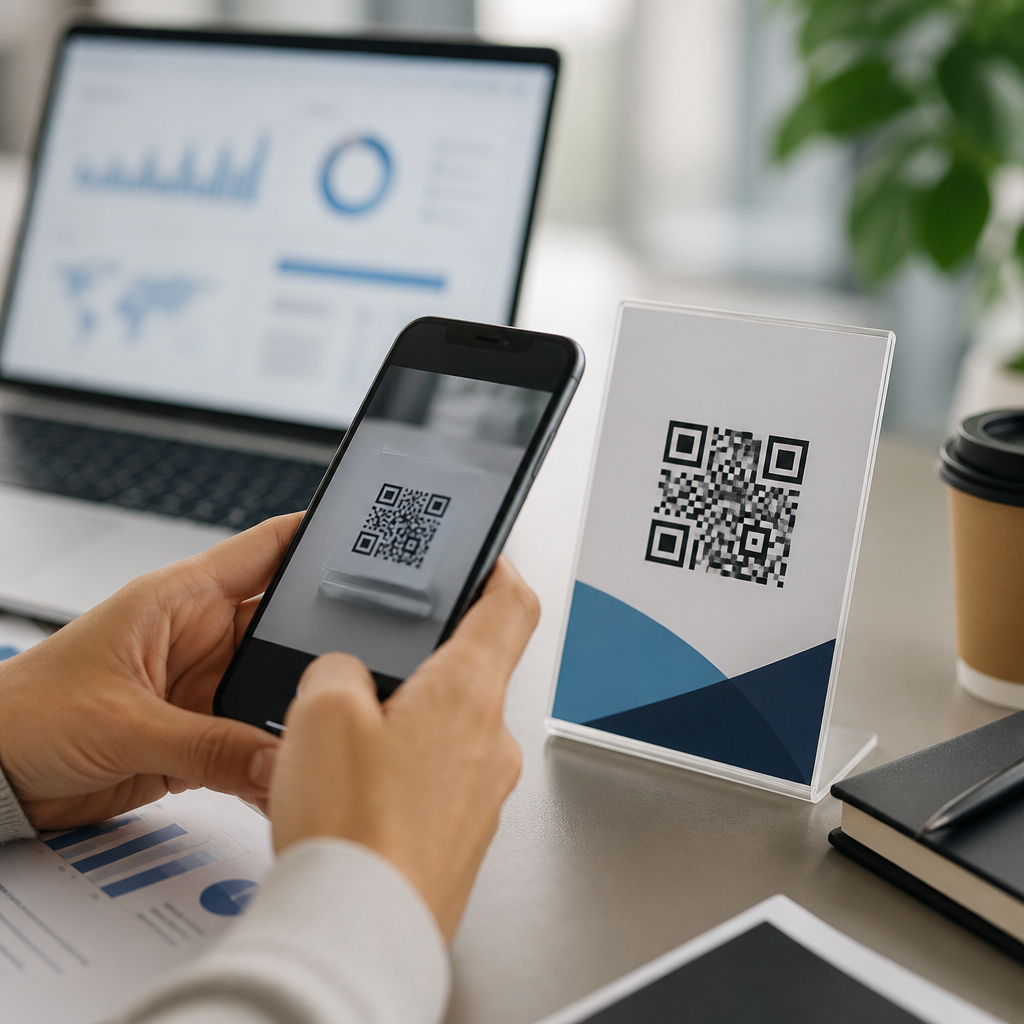
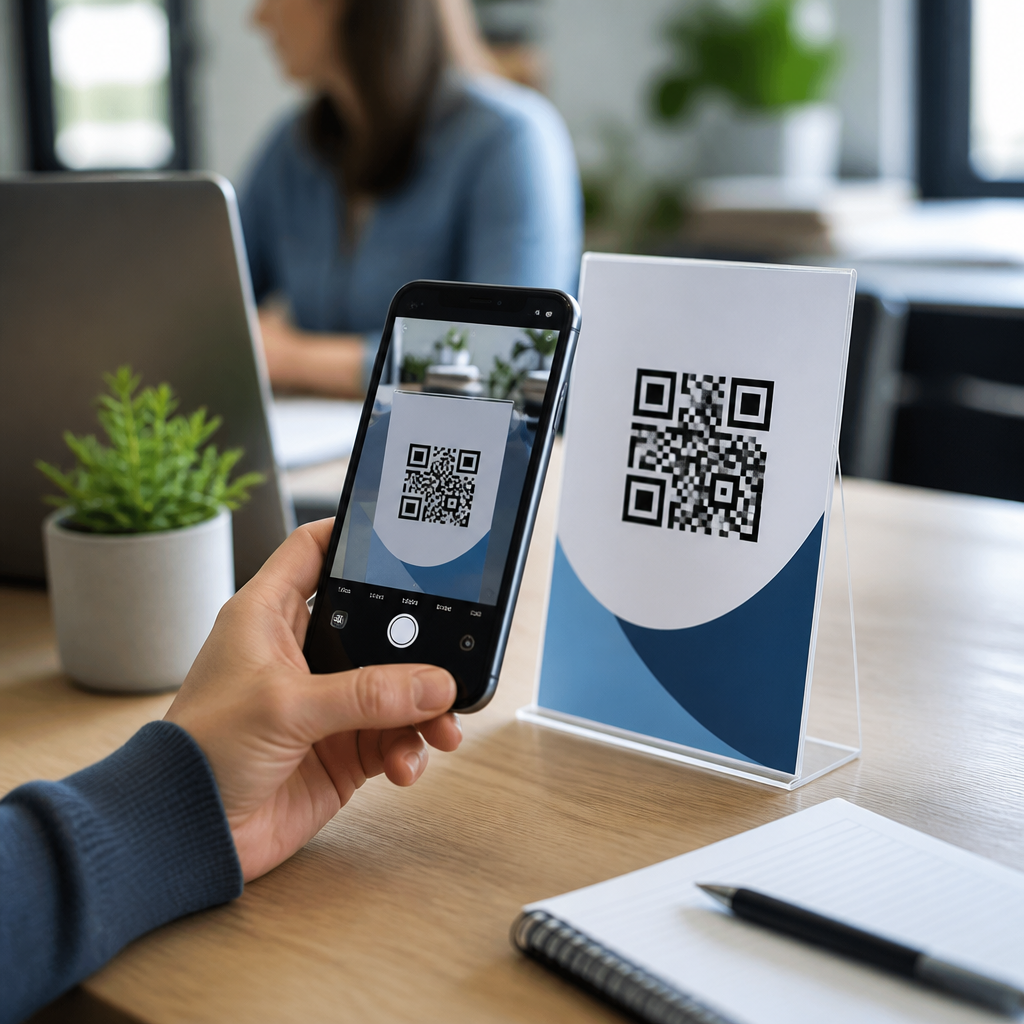
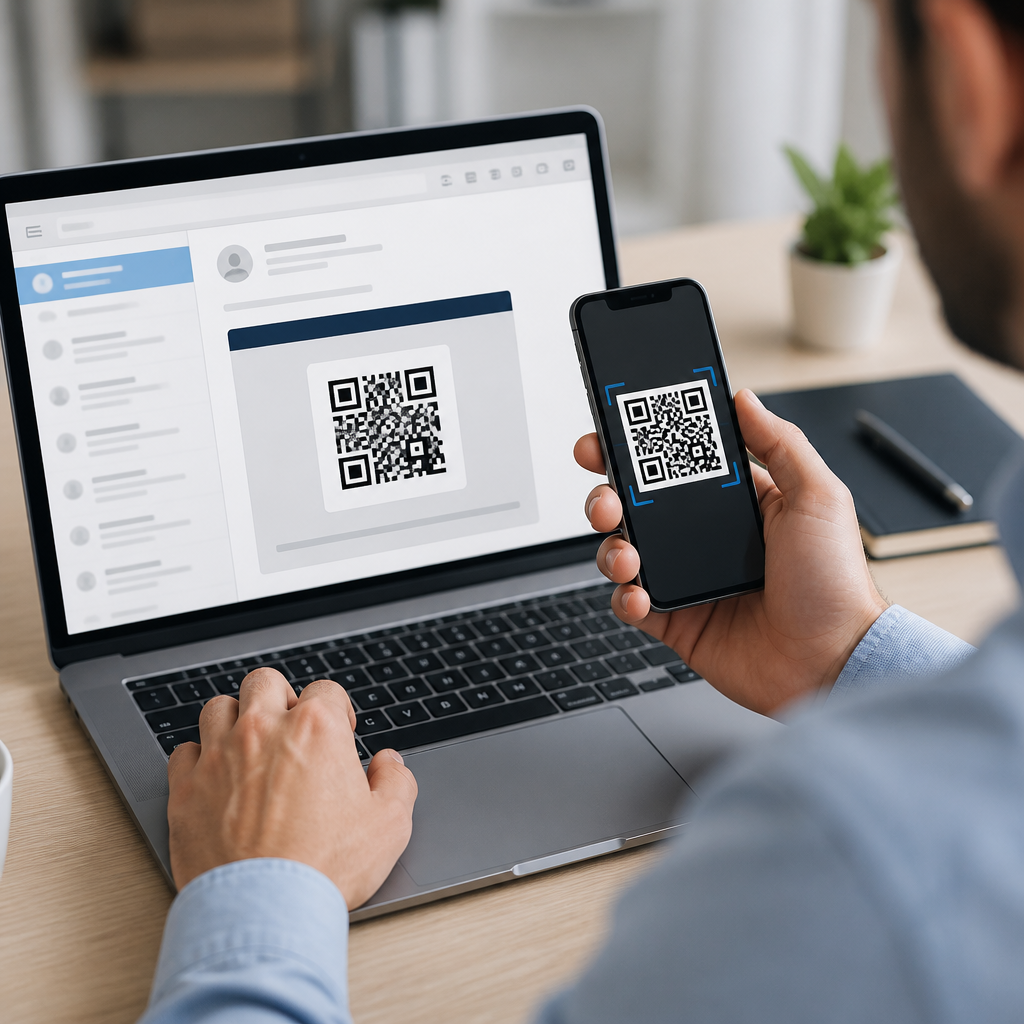
QR codes in email are effective when they bridge devices or connect digital messaging to physical action. The strongest use case is desktop-to-mobile transfer. A subscriber opens a promotional email at work, scans the code with a phone, and lands on a mobile coupon, product page, wallet pass, or map listing. I have seen this perform especially well for restaurant offers, retail store events, real estate open houses, and B2B trade show follow-up, where the recipient often reads email on a laptop but completes the next step on a phone.
They also work when the desired outcome happens away from the inbox. For example, an airline can place a QR code in a pre-trip email that opens a baggage policy page optimized for airport access. A university can include a code in orientation emails that launches a campus map on mobile. A healthcare provider can send a reminder email with a QR code leading to check-in instructions, parking directions, and forms. In each case, the code is not decorative. It shortens the path to a time-sensitive mobile experience.
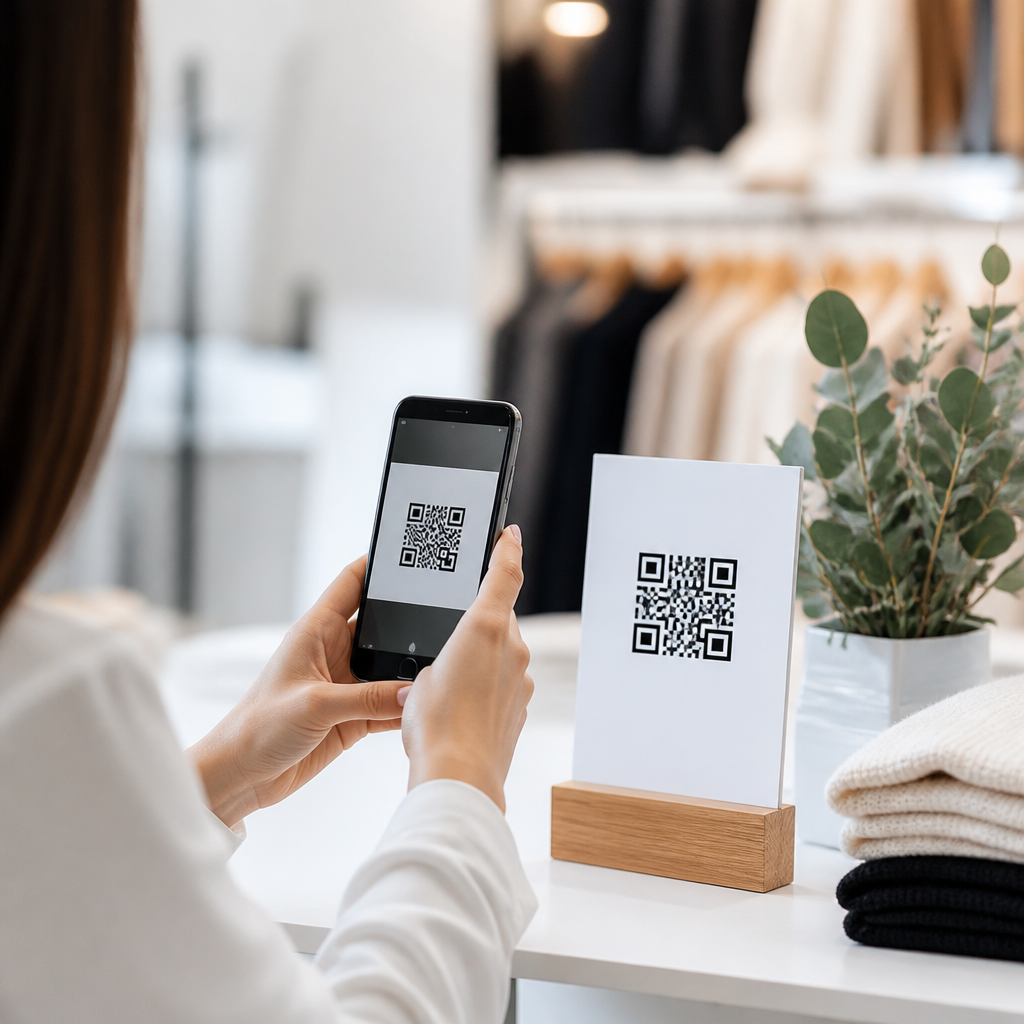
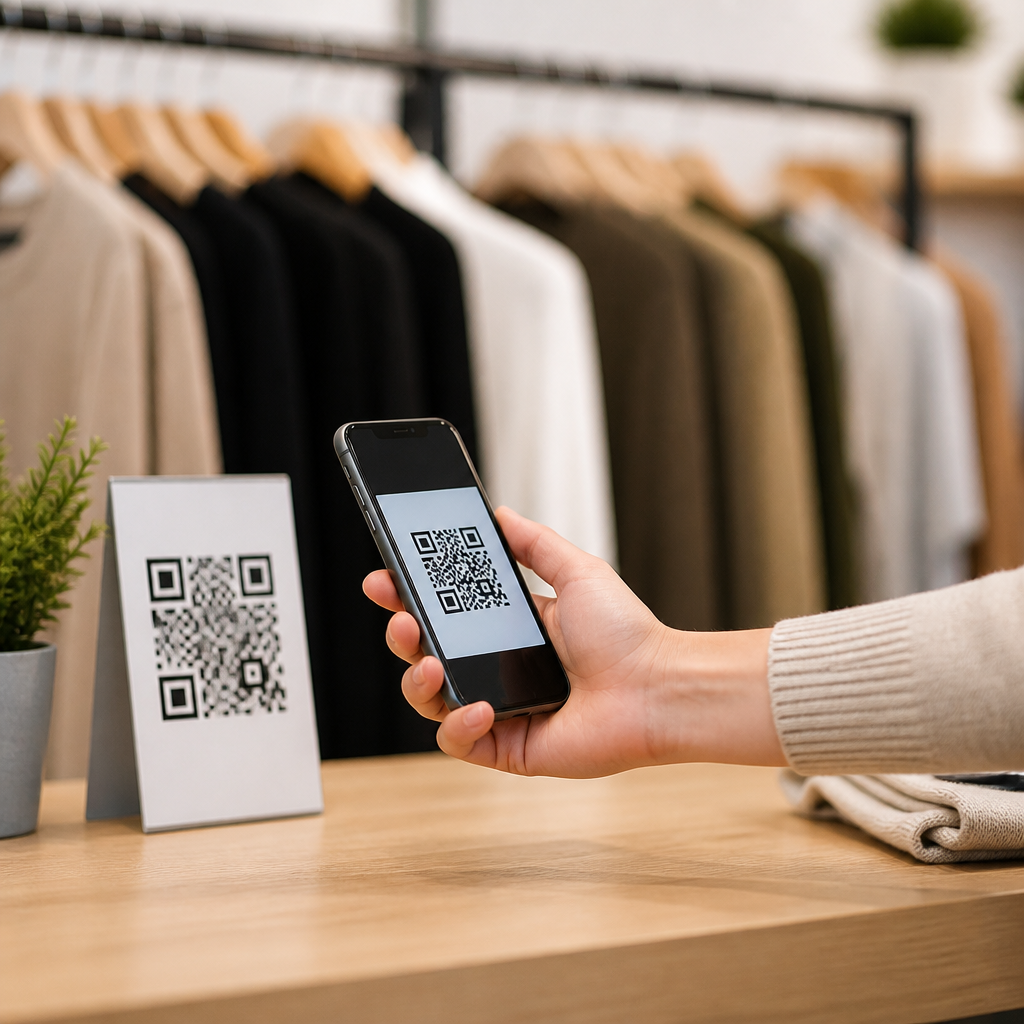
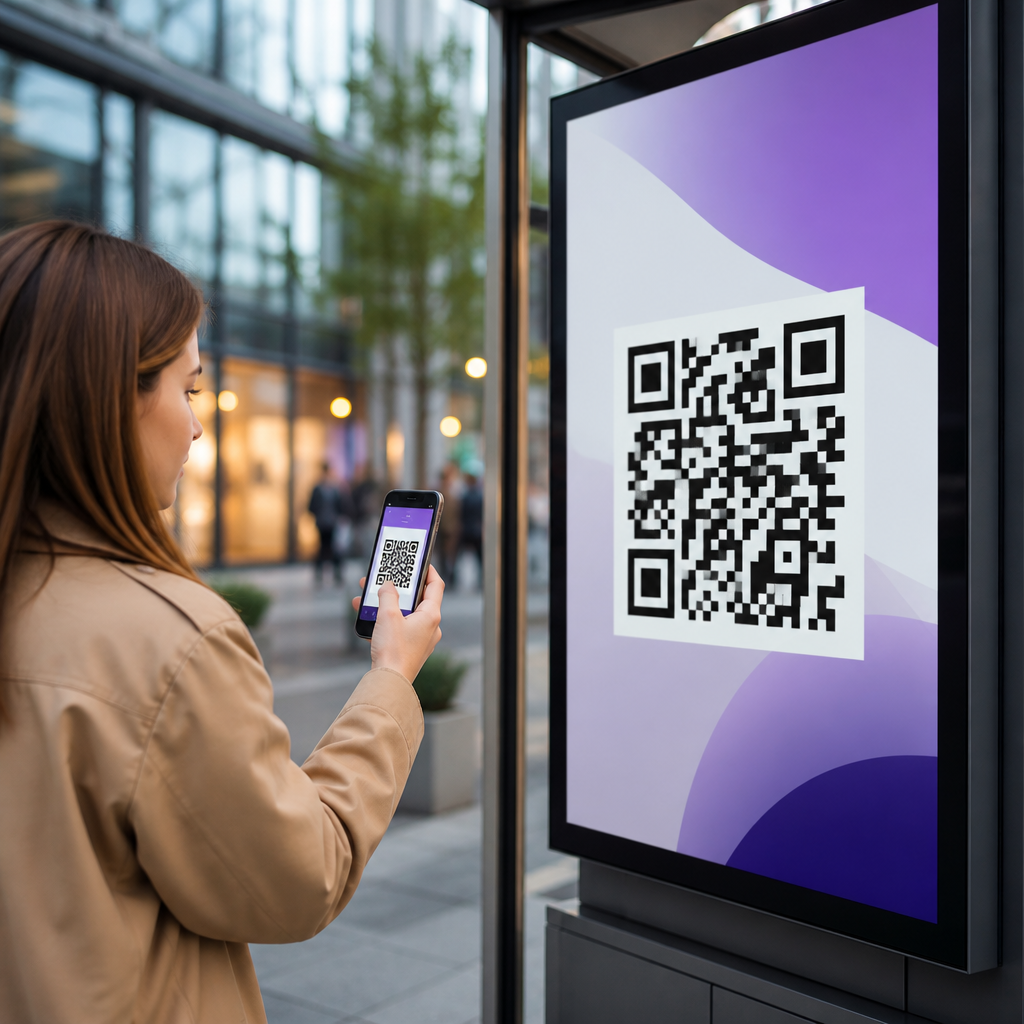
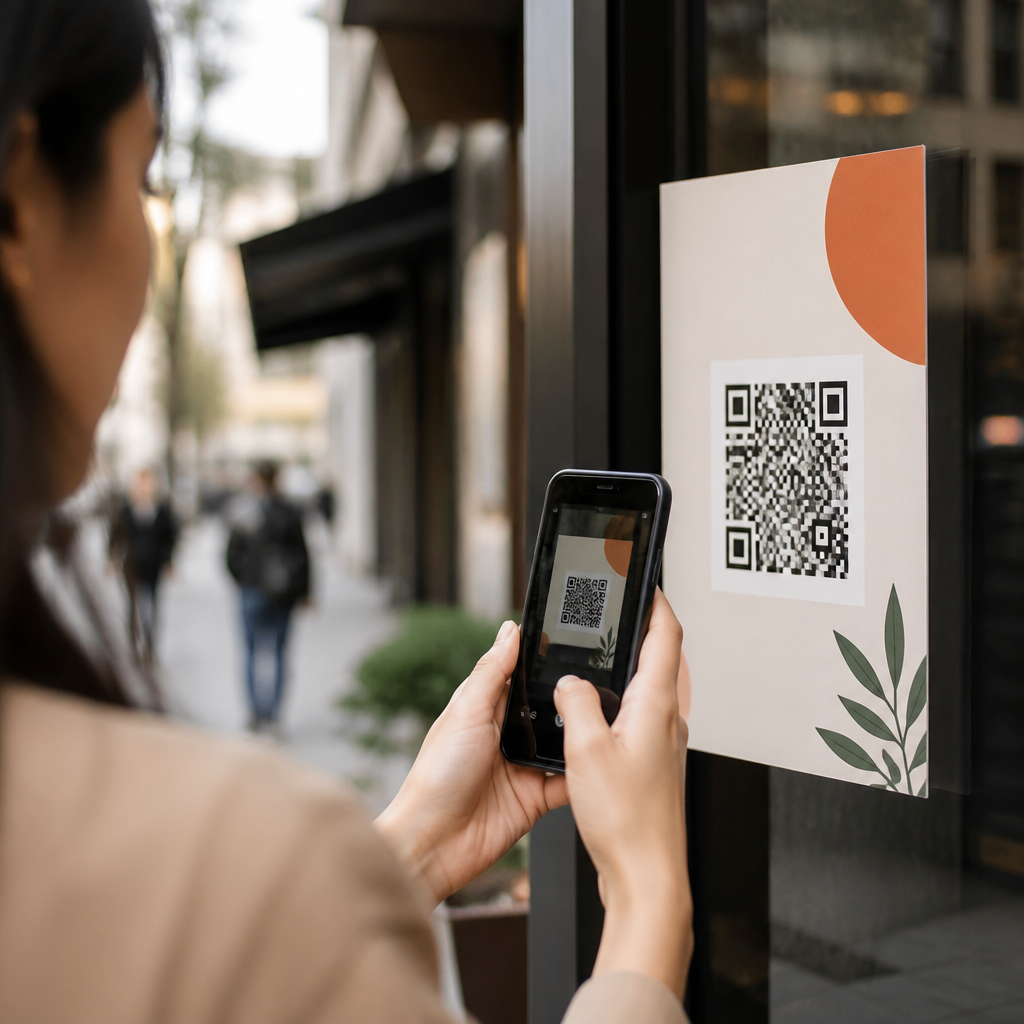
Another high-performing scenario is in-store redemption. Retail and hospitality brands often send a weekend email campaign with a unique or segmented QR code tied to an offer. The email drives awareness, while the code is scanned at the point of sale or at the entrance to an event. This creates a measurable link between inbox engagement and physical conversion. If your POS or event platform can ingest campaign-level identifiers, the QR code becomes a clean attribution mechanism instead of a generic image.
When QR codes in email fail
The main reason QR codes fail in email marketing is simple: most marketing emails are opened on mobile devices. If the user is already on the same phone, asking them to scan the screen with that device creates a dead end. Some users know how to long-press, screenshot, or use built-in visual search tools, but many do not. Even when technically possible, it adds friction. A standard tappable call to action is usually faster for mobile readers than a QR code.
Rendering can also undermine performance. Email clients block images by default in some environments, compress visuals, or display dark mode changes that reduce contrast. Small codes become unscannable when squeezed into narrow templates. Busy backgrounds, low error correction choices, branded overlays, and tiny quiet zones further reduce reliability. I have audited campaigns where the code looked fine in design review but failed in Outlook previews and older Android mail apps because the image was too small and the surrounding copy did not explain an alternative path.
Poor strategic fit is another issue. If the action is simply “read this article” or “shop now,” a linked button is clearer. If the landing page is not mobile optimized, the QR code only accelerates users into a bad experience. If the code points to a generic homepage rather than a targeted destination, it wastes attention. QR codes should not replace links; they should support use cases where scanning adds utility that a conventional tap or click does not.
Best practices for QR codes in email marketing
The first rule is to design for device reality. Assume a large share of opens will happen on mobile, then provide a primary button or text link for those readers. The QR code is the secondary route for people on desktop or those who want to continue later on another device. State this explicitly with microcopy such as “Reading on desktop? Scan to save on your phone.” That short instruction consistently improves comprehension because it tells the reader why the code exists.
Keep the code large enough to scan easily. In practice, marketers usually need at least 150 by 150 pixels, with ample white space around the symbol and strong contrast between foreground and background. Black on white remains the safest choice. Avoid putting a code over photography or gradients. If you add a logo, test scanability across iPhone and Android camera apps, Google Lens, and common distance ranges. Dynamic QR codes are preferable because they allow destination changes, campaign tagging, and scan analytics without replacing the image already embedded in the email.
Landing page alignment matters as much as image quality. The destination should match the email promise exactly, load fast on cellular connections, and complete the intended task in as few steps as possible. Add UTM parameters or equivalent tracking to the QR destination so analytics platforms can separate scans from clicks. For operational campaigns, use deep links where appropriate so the code opens the right app screen if installed and a web fallback if not. This is especially useful for loyalty accounts, ticketing, or wallet pass activation.
| Use case | Why a QR code helps | Required fallback |
|---|---|---|
| Retail coupon | Moves desktop reader to mobile offer for in-store redemption | Tap button to same coupon page |
| Event check-in | Lets attendee save pass or registration details on phone | Manual link plus confirmation number |
| App download | Transfers from desktop inbox to app store on mobile | Store badges with direct links |
| Restaurant promotion | Supports wallet save, map launch, or menu access before visit | Clickable CTA and address link |
How to measure QR code performance in email
Measurement should start with a clear hypothesis. Do you expect the QR code to increase mobile conversions from desktop opens, improve in-store redemption, or lift app installs from a specific audience segment? Without that definition, scan totals are interesting but not useful. The core metrics I track are unique scans, scan-to-session rate, conversion rate after scan, assisted revenue, and, where relevant, offline redemption or check-in completion. Compare these against standard click-through and click-to-conversion metrics for the same campaign.
Device segmentation is essential. Use your email platform to separate desktop opens from mobile opens, then evaluate whether scan behavior is concentrated in the desktop cohort. If not, the code may be distracting from stronger mobile CTAs. Heatmaps and click maps can also reveal whether subscribers understand the hierarchy. In many campaigns, the best result is not replacing links with a code but adding a code that captures a modest incremental set of high-intent users who prefer a phone-based next step.
Testing should be disciplined. Run A/B experiments on audience segments, not just creative details. Compare an email with button-only navigation against one with both button and QR code. Test different instruction lines, placements, and destination types such as coupon page versus wallet pass. For brick-and-mortar programs, reconcile scan analytics with POS redemptions because a scan alone does not prove value. Platforms such as Bitly, QR Code Generator, Beaconstac, and enterprise marketing clouds can support dynamic routing and campaign tracking, but the reporting setup must be finalized before launch.
Strategic role within a broader email program
As a hub topic within mobile QR codes for marketing, QR codes in email should be treated as one tactic inside a broader lifecycle and omnichannel system. They fit naturally into welcome series, abandoned browse reminders, local store campaigns, appointment reminders, loyalty messages, and post-purchase education. They are especially useful when the subscriber needs to carry something into the physical world: a discount, directions, an event credential, setup instructions, or a quick path into an app. In those moments, the inbox starts the interaction, but the phone often finishes it.
The strongest programs connect email QR codes to related assets and channels. A retailer might pair email codes with in-store signage and SMS reminders using consistent campaign IDs. A B2B company can include a QR code in webinar follow-up emails that opens a meeting scheduler on mobile after the recipient leaves the office. A property manager can send renewal reminders with a code that opens a resident portal payment screen. These examples work because the code serves a clear operational purpose, not because QR codes are trendy.
Governance matters too. Standardize code creation, naming conventions, expiration rules, and destination ownership. Maintain brand-safe design templates and a QA checklist covering image loading, dark mode, accessibility, spam testing, link validation, and scan tests on multiple devices. Accessibility is often overlooked: always include descriptive alt text, a visible text URL or button, and concise instructions so screen reader users and image-blocked environments still have a functional path. That discipline turns QR codes from occasional gimmicks into dependable campaign components.
QR codes in email do work when the format matches the job. They are strongest for desktop-to-mobile transfer, in-store redemption, app journeys, event access, and other actions where scanning is easier than typing or where the outcome happens away from the inbox. They are weakest when the audience is primarily mobile, when the code replaces a simple button, or when the landing experience is generic or poorly optimized. The decisive factors are audience context, technical reliability, clear instructions, and measurement tied to business outcomes.
For marketers building a mobile QR code strategy, this subtopic deserves a hub-level approach because it touches creative, deliverability, analytics, app linking, retail operations, and customer experience. Start with one practical use case, keep the standard CTA in place, deploy a dynamic code, and track scans against real conversions. If the code removes friction for a meaningful segment of readers, scale it through your lifecycle program and connect it to related campaigns across mobile and physical touchpoints.
Frequently Asked Questions
Do QR codes in email actually work?
Yes, QR codes in email can work well, but their success depends heavily on context, device behavior, and campaign design. A QR code is most effective when it removes friction and gives the reader a faster path to action than clicking a standard link. For example, if someone opens an email on a desktop computer and wants to continue on a phone, scanning a QR code can be a very convenient bridge to a landing page, app download, event check-in page, payment screen, coupon, or contact card. In those situations, the code acts like a handoff tool between screens.
Where marketers run into trouble is assuming a QR code is automatically useful in every email. Many email opens happen on mobile devices, and a person cannot easily scan a QR code that is displayed on the same phone screen they are already using. That means a QR code should not replace your primary call to action. Instead, it should support the experience. A strong email campaign typically includes a clickable button or text link for mobile readers and a QR code for people viewing the email on another device. When used this way, QR codes can improve convenience, increase cross-device conversions, and make email more interactive without creating unnecessary friction.
When should you use a QR code in an email campaign?
You should use a QR code in email when scanning offers a clear advantage over a normal click. The best use cases usually involve moving the user from one device to another or enabling a real-world action quickly. Common examples include promoting an app download, sending readers to a mobile-optimized landing page, delivering a coupon for in-store redemption, opening an event registration or check-in page, directing people to a payment flow, or allowing them to save a contact card instantly. In each of these cases, the QR code serves a practical purpose rather than acting as a decorative element.
QR codes are especially useful in B2B and event marketing emails, where recipients may be reading on a laptop during work hours and want to transfer information to a phone for later action. They can also perform well in retail or local marketing campaigns when the next step happens offline, such as visiting a store, claiming an offer at a counter, or showing a code at an event. What matters most is intent. If the scan shortens the path and makes the next step easier, the QR code is probably worth testing. If a regular button does the job faster for most readers, then the QR code should be optional rather than central.
What are the biggest mistakes marketers make with QR codes in email?
The most common mistake is using a QR code as the only call to action. That creates a poor experience for mobile readers, who make up a large share of email opens and may have no practical way to scan the code on their own device. Every QR code in an email should be paired with a standard clickable link or button so the user always has a direct path forward. Another major mistake is sending scans to a page that is not mobile-friendly. Since most QR scans end on a phone, the landing page has to load quickly, display properly on smaller screens, and make the next action obvious.
Other frequent problems include making the code too small, surrounding it with clutter, failing to explain what happens after scanning, and not testing across email clients. A QR code needs enough visual space and contrast to remain scannable. Readers also need a reason to use it, so labels such as “Scan to download the app,” “Scan for 20% off,” or “Scan to register in seconds” are much stronger than dropping in an unexplained square image. Marketers also make the mistake of tracking clicks but ignoring scan behavior. If you use QR codes in email, build campaign-specific URLs with analytics so you can compare scans, clicks, conversions, and downstream outcomes. Without measurement, it is impossible to know whether the code is helping or simply adding visual noise.
How should a QR code be designed and placed inside an email?
A QR code in email should be designed for clarity, scannability, and immediate comprehension. Start with a high-resolution code that has strong contrast, typically a dark code on a light background. Avoid shrinking it too much, because a code that looks neat in the layout but fails to scan is useless. It should have enough surrounding white space so camera apps can identify it easily. Placement matters too. Put the code near the related call to action, not buried in a crowded footer or wedged between unrelated content blocks. The reader should be able to understand what the code does within seconds.
It also helps to frame the QR code with short supporting copy and a visible fallback option. For example, include a headline, a one-line benefit statement, a “Scan now” prompt, and a conventional button underneath. If the email is promoting an app, the code can sit beside text that says exactly why scanning is easier. If it is for an event, note what the reader will get after scanning, such as registration access or a digital pass. In terms of layout, keep mobile responsiveness in mind. Even though the QR code may be most useful for desktop readers, the email itself still needs to render cleanly on phones and tablets. Good placement and clear instructions make the code feel intentional rather than gimmicky.
How can you measure whether QR codes in email are successful?
The best way to measure success is to treat the QR code as a distinct response path and track it separately from regular email clicks. Use a unique URL or UTM-tagged destination specifically for the QR code so you can identify scans in your analytics platform. That lets you compare performance between users who clicked a button and users who scanned the code. Key metrics include scan-driven sessions, conversion rate, bounce rate, app installs, registrations, purchases, coupon redemptions, or any other outcome tied to the campaign goal. If the QR code supports an offline action, such as an in-store visit or event check-in, make sure that downstream action is also measured where possible.
You should also evaluate QR performance in relation to audience, device mix, and campaign intent. A QR code may not generate huge raw volume, but it can still be valuable if it increases high-intent conversions among desktop readers or helps bridge users into a mobile purchase flow. Segmenting results can reveal where the code adds value. For example, it may perform better in desktop opens than mobile opens, in event invites more than newsletters, or among returning customers more than first-time readers. The goal is not to prove that QR codes always outperform links. The goal is to determine whether they improve the user journey for a specific use case. When measured properly, QR codes in email can provide actionable insight into how people move from inbox engagement to real mobile action.