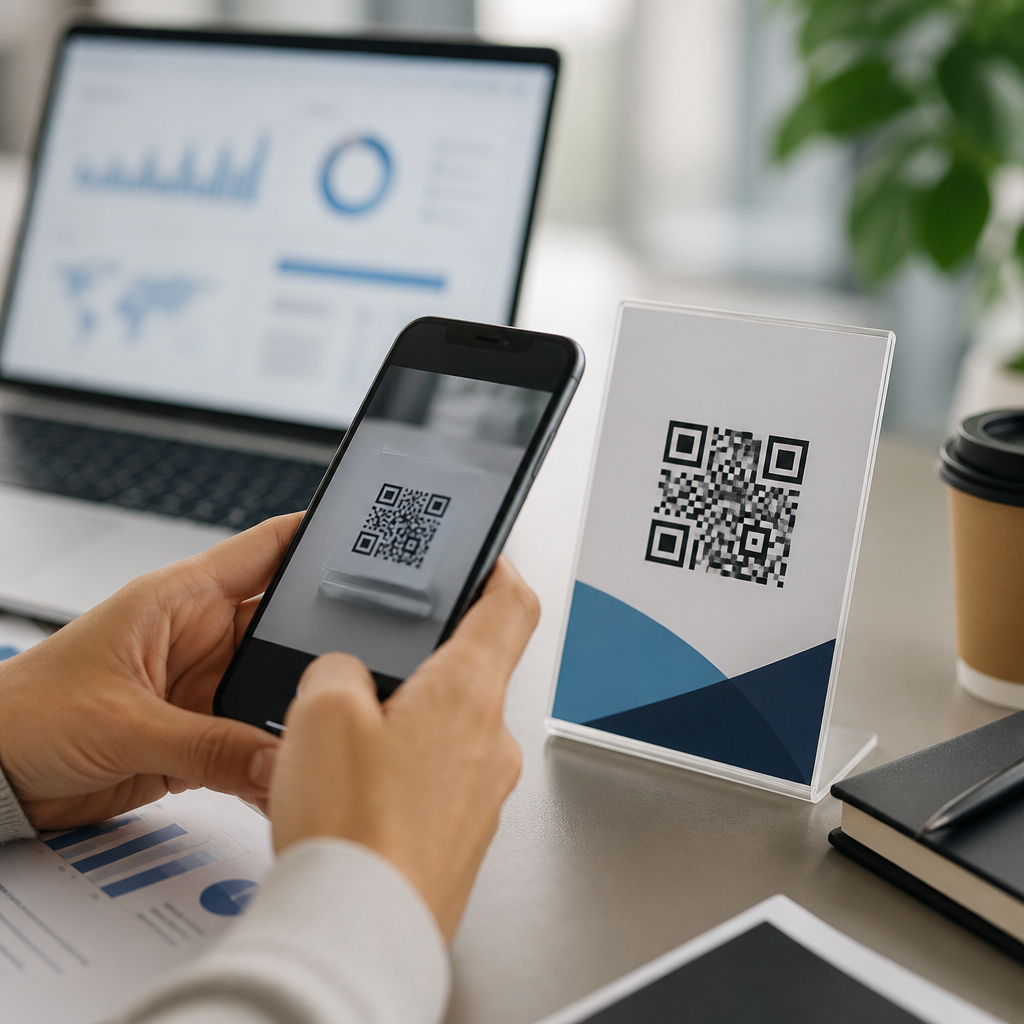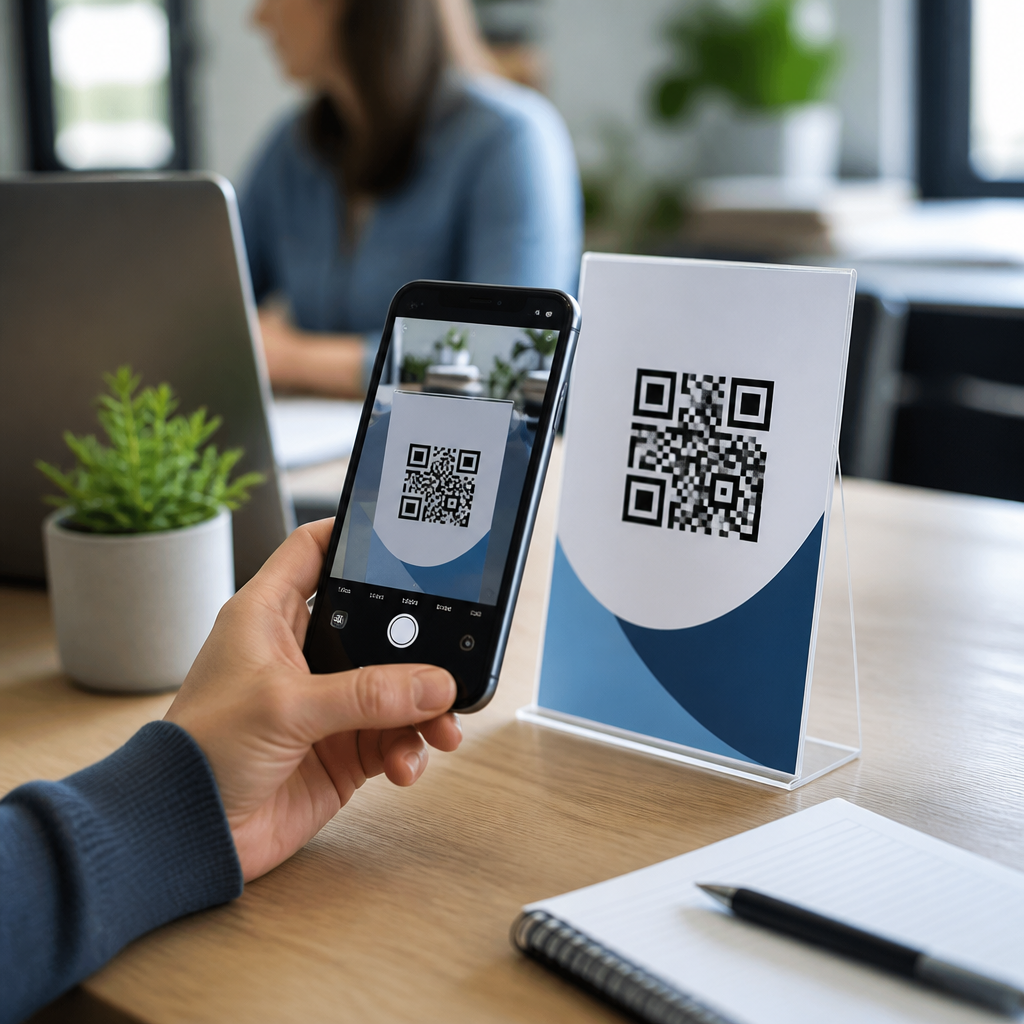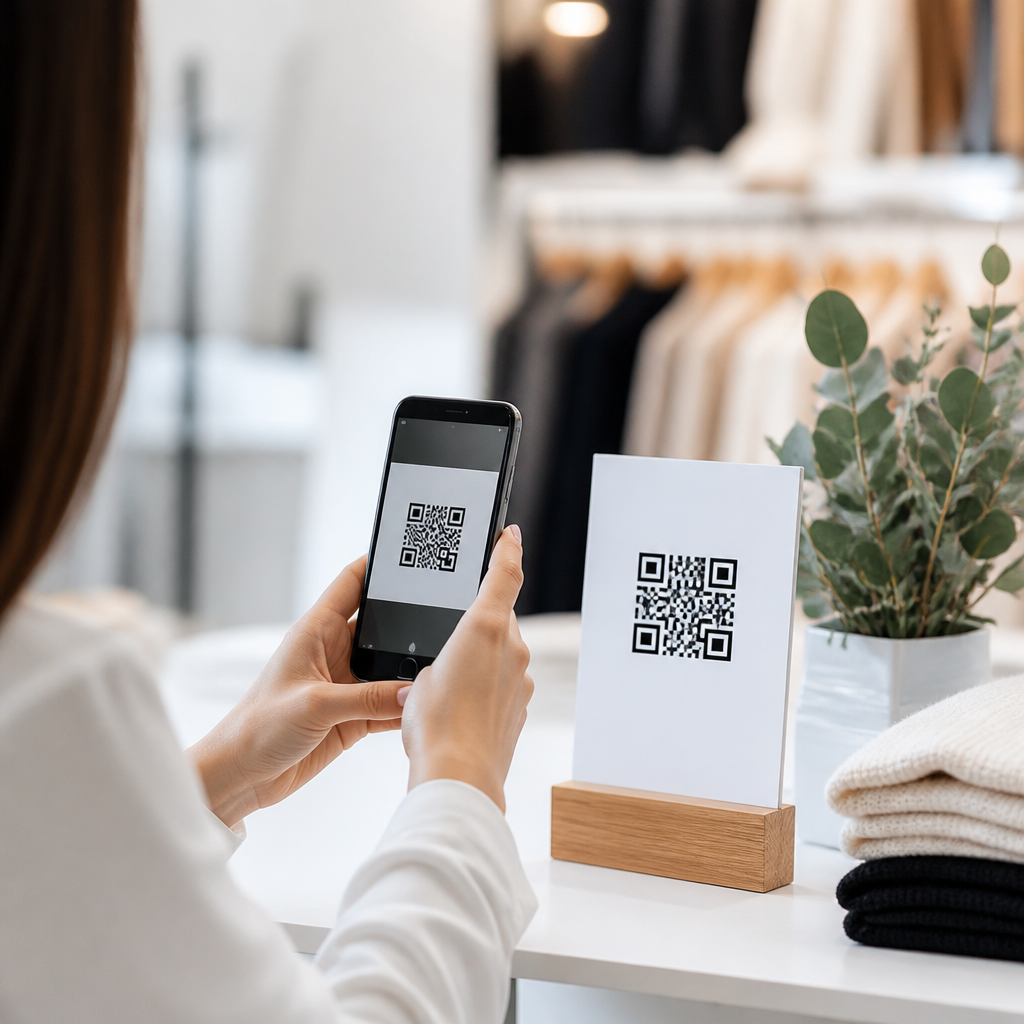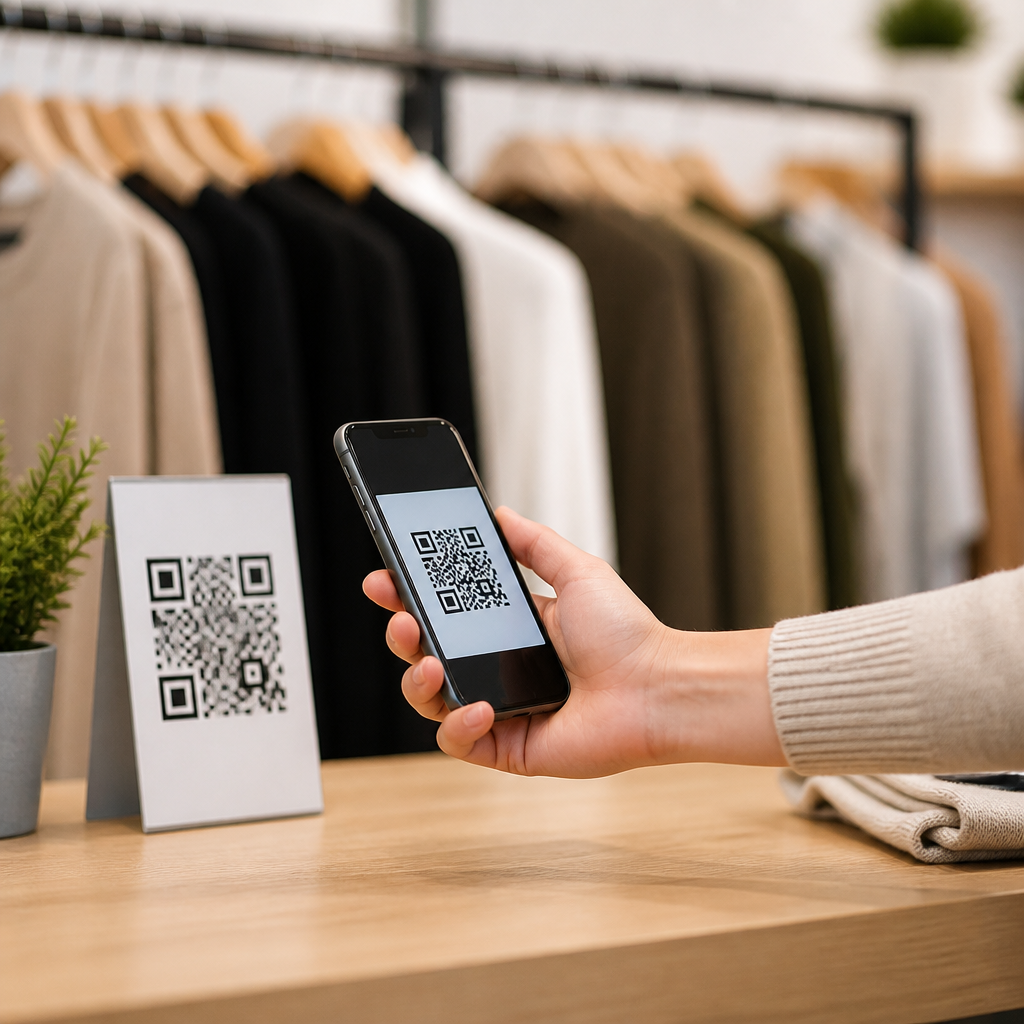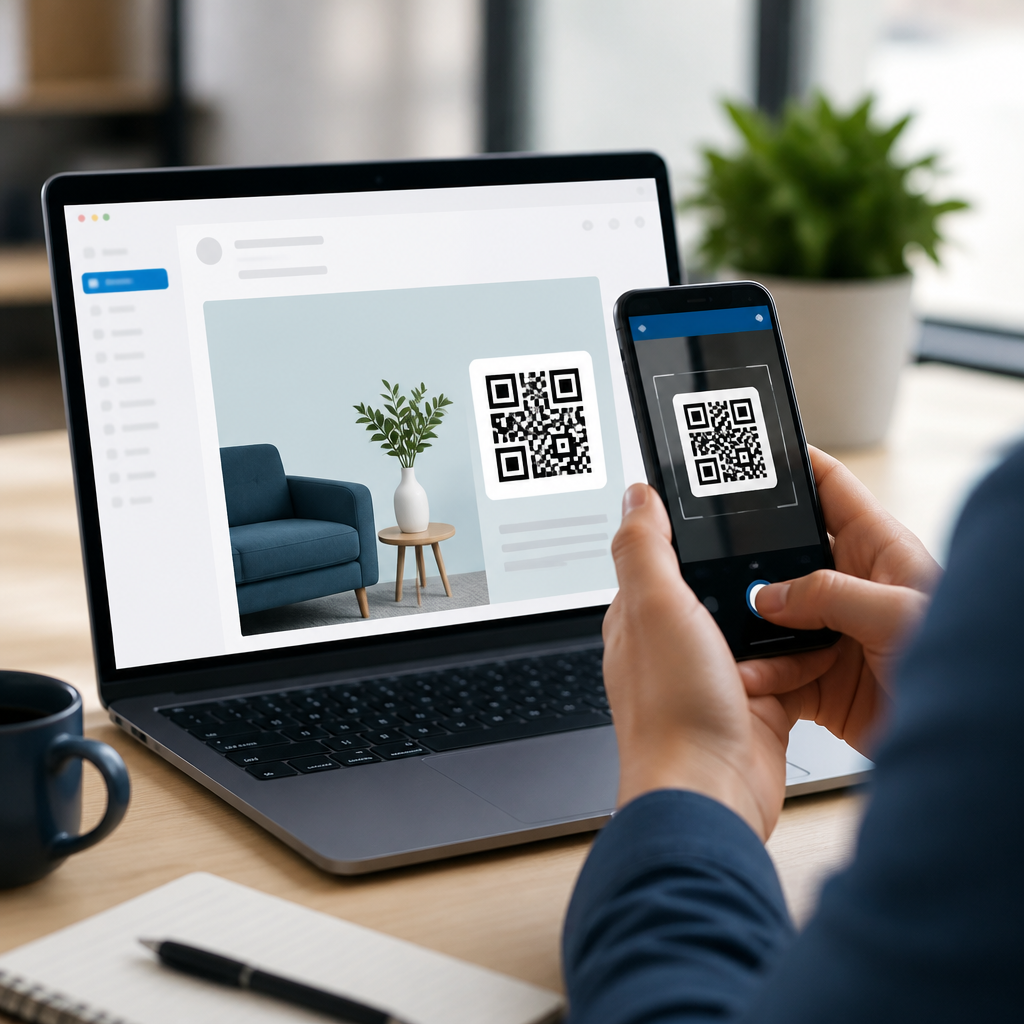
QR codes in email marketing campaigns bridge inbox attention and mobile action, turning a static message into a fast path to a landing page, coupon, event check-in, app download, or product demonstration. A QR code, or quick response code, is a two-dimensional barcode that a smartphone camera can scan to open a URL, save contact details, trigger a payment link, or launch other mobile actions without manual typing. In practice, I have found QR codes most effective when they solve a specific friction problem inside the email journey: shortening checkout steps, making redemption easier in stores, or connecting a desktop reader to a mobile-first experience. That matters because many subscribers still open promotional emails on desktop at work, then complete the action later on a phone. A well-placed QR code creates continuity between those devices. For marketers managing omnichannel campaigns, QR codes also add measurable intent signals, because scans can be tagged, timed, and tied to campaign objectives. Used carelessly, they become decorative clutter. Used strategically, they improve response rates, connect online and offline touchpoints, and make email more useful at the exact moment a subscriber is ready to act.
What QR codes do well in email marketing
The best use of QR codes in email marketing is simple: remove effort at the point of conversion. If a customer must type a long URL, search an app store, remember a promo code, or save event details manually, every extra step reduces completion. A QR code compresses that work into a scan. In retail campaigns, I have used codes inside promotional emails to deliver in-store coupons that cashiers scan from a phone screen. In event campaigns, codes can open registration confirmations, maps, or digital tickets. In B2B programs, they can launch a demo booking page on mobile after someone first reads the email on a laptop. This device-switching behavior is common enough that QR code placement should be intentional rather than experimental.
Directness is the advantage. A subscriber opens an email, understands the offer, scans the code, and lands on a destination built for mobile completion. That destination might be a product page, SMS opt-in, review request, loyalty sign-up, or support resource. Dynamic QR codes are especially valuable because they let marketers change the destination URL after the email is sent, preserving a printed or embedded code while updating the offer, UTM parameters, or regional routing. Static QR codes still work for evergreen resources, but dynamic management is more practical for campaign operations and attribution.
When to include a QR code and when to skip it
Not every email needs a QR code. If most recipients open on mobile, a conventional button often outperforms a code because scanning a QR code from the same device is awkward unless the user opens the email on one screen and scans with another device. I recommend using QR codes in email when at least one of three conditions is true: the audience often reads on desktop, the next action happens in a physical location, or the destination is designed for a second device. For example, a restaurant chain sending a lunch offer to office workers can reasonably expect desktop opens followed by in-store visits, making a QR coupon useful. A webinar reminder email viewed mostly on mobile may gain little from a code and more from an “Add to Calendar” button.
The decision should come from audience data, not novelty. Check device reports in your email platform, review heatmaps, and compare click-to-open rates by campaign type. If desktop opens represent a meaningful share, test a QR code against a text link and a primary CTA button. If store redemptions matter, ask frontline staff whether customers can present a phone screen easily at the register. Practical constraints determine success more than design trends. QR codes are tools for convenience, not symbols of innovation by themselves.
How to design QR codes that people will actually scan
A scannable QR code must be large enough, high contrast, and surrounded by quiet space so phone cameras can isolate it. In most email layouts, a code between 120 and 180 pixels square works reliably, though the right size depends on template width and image scaling in mobile clients. Black on white remains the safest choice. Inverted colors, busy background images, low contrast brand palettes, or placing the code inside a cramped content block all reduce scan reliability. I also recommend adding a short instruction above or below the image, such as “Scan to save your coupon” or “Scan to book on mobile,” because subscribers should never have to guess what happens next.
The landing experience matters as much as the code itself. The code should resolve quickly to a mobile-optimized page with one clear next step. If the email promises a 15 percent discount, the destination should display that discount immediately, not force users through unrelated navigation. For trust, use branded short domains where appropriate, HTTPS URLs, and visible brand cues on the landing page. Subscribers are more likely to scan when the code appears clearly connected to a legitimate company action. Before launch, test with iPhone and Android cameras, common email clients like Outlook and Gmail, dark mode rendering, and image blocking scenarios.
Campaign types that benefit most from QR codes
Several email campaign categories consistently benefit from QR integration because they link digital messaging with mobile or physical action. The strongest examples are offers redeemed in stores, event communications, product education, app acquisition, loyalty enrollment, and customer service follow-up. Each has a slightly different success metric, so the QR implementation should match the business goal rather than follow a generic template.
| Campaign type | Best QR destination | Primary metric | Practical example |
|---|---|---|---|
| Retail promotion | Mobile coupon or product page | Redemptions and revenue | Apparel brand sends “Scan in store for 20% off denim” |
| Event email | Ticket, map, or check-in page | Attendance rate | Conference reminder includes QR code for badge pickup |
| App marketing | App Store or Google Play listing | Installs | Bank newsletter promotes secure mobile deposit app |
| Loyalty program | Signup or member ID page | Enrollments | Coffee chain email lets readers join rewards instantly |
| Customer support | Help article, return portal, or chat | Resolution rate | Electronics brand sends setup guide after purchase |
These use cases work because the code supports an action that feels natural on a phone. A retail coupon is shown at checkout. An event ticket is scanned at entry. A setup guide is easier to follow while holding the product. When the mobile context is obvious, adoption rises.
Measurement, tracking, and attribution
QR codes in email marketing should be measured with the same discipline as any other campaign element. At minimum, attach UTM parameters to the destination URL so scans appear correctly in analytics platforms such as Google Analytics 4, Adobe Analytics, or your CRM attribution model. Dynamic QR code platforms often provide scan counts, timestamps, location data, device type, and repeat-scan patterns. Those metrics are helpful, but they should not replace downstream measurement such as purchases, sign-ups, bookings, or redemptions. A high scan count with low conversion usually signals a landing page mismatch, unclear offer, or technical friction after the scan.
I recommend separating three layers of performance: email engagement, scan behavior, and business outcomes. Email engagement includes opens, clicks, and click-to-open rate. Scan behavior includes unique scans, repeat scans, and scan-to-session rate. Business outcomes include conversion rate, revenue per recipient, average order value, or attendance. This structure reveals where the drop-off happens. For instance, if a campaign has strong opens but weak scans, the code may be too small or the value proposition unclear. If scans are healthy but conversions lag, the destination likely needs work. Platforms such as HubSpot, Klaviyo, Mailchimp, Salesforce Marketing Cloud, and Braze can all support this framework when links are tagged consistently and conversion events are defined before deployment.
Common mistakes and operational best practices
The most common mistake is adding a QR code without a clear user need. Another is embedding a code that points to a desktop page, a broken redirect, or a generic homepage. I have also seen teams forget that some recipients block images by default, leaving the email with no functional path forward. Every QR code should be paired with a visible text link or button so accessibility and deliverability do not depend on one image rendering properly. Include alt text, maintain sufficient color contrast, and keep file sizes compressed so the message loads quickly in major clients.
Operationally, create a repeatable checklist. Verify the destination URL, test the code at multiple screen sizes, confirm analytics parameters, review expiration logic for limited-time offers, and document ownership for updates if a dynamic redirect changes after send. If the campaign supports in-store scanning, brief retail staff and test the barcode scanners or POS workflow in advance. Governance matters too. Use reputable QR generation tools, protect customer data on landing pages, and avoid sending users to forms that collect more information than necessary. The safest campaigns are transparent about what the scan does and why it benefits the subscriber.
QR codes in email marketing work best when they connect a reader’s immediate interest with the easiest possible mobile action. They are most valuable in campaigns that span devices, move into physical locations, or ask subscribers to complete tasks better suited to a phone. Effective execution depends on fundamentals: use the code only when it removes friction, design it for reliable scanning, send users to a fast mobile destination, and measure outcomes beyond the scan itself. Dynamic QR codes, tagged URLs, and clear campaign objectives make optimization far easier over time. Just as important, include a backup CTA for people who cannot or do not want to scan. If you manage email campaigns under a broader mobile QR strategy, this subtopic deserves a structured testing plan across promotions, events, loyalty, support, and app growth. Start with one high-intent use case, benchmark scans and conversions, then expand the format where it proves measurable value.
Frequently Asked Questions
How do QR codes improve email marketing campaigns?
QR codes improve email marketing by reducing friction between interest and action. Instead of asking a subscriber to click a link, remember a promo code, visit a store page later, or manually type a long URL into a mobile browser, a QR code creates an immediate bridge from the email to the next step. When used well, it turns a static email into a more interactive experience that supports faster responses, especially for mobile-first audiences. A subscriber can scan the code to open a landing page, claim a discount, register for an event, watch a product demonstration, download an app, or access a digital coupon in seconds.
They are particularly useful when the email may be opened on one device but acted on from another. For example, someone reading a promotional email on a desktop can scan the QR code with a phone and continue the journey on mobile without needing to forward the email or search for the offer later. This cross-device convenience can increase engagement and shorten the path to conversion. In many campaigns, that convenience is the real value: the QR code removes small usability barriers that often cause drop-off.
The strongest results usually come when the QR code supports a very specific objective. Rather than adding one just because it looks modern, use it to solve a practical problem such as speeding up event check-in, connecting in-store shoppers to a personalized offer, or taking readers directly to a mobile-optimized product page. When the destination is relevant and the action is obvious, QR codes can improve usability, campaign responsiveness, and overall conversion efficiency.
What are the best ways to use QR codes in an email campaign?
The best uses for QR codes in email campaigns are tied to clear, mobile-friendly actions that benefit from speed and simplicity. Common high-performing examples include linking to limited-time coupons, appointment booking pages, webinar registrations, event tickets, loyalty program sign-ups, app downloads, contact cards, and short product demos. If the subscriber gains immediate value by scanning instead of typing or searching, the QR code is probably serving a useful role.
For promotional campaigns, a QR code can send users directly to a landing page with the offer already applied, making redemption much easier. For events, it can simplify RSVPs, digital ticket delivery, or on-site check-in. For ecommerce, it can connect subscribers to a featured collection, a product comparison page, or a mobile checkout experience. For B2B campaigns, it can direct prospects to a case study, consultation scheduler, sales contact card, or gated demo request page. In each case, the key is matching the QR destination to the user’s intent at that moment.
Placement and messaging also matter. A QR code should be paired with a simple explanation of what happens when someone scans it, such as “Scan to claim your 20% discount” or “Scan to watch the 60-second demo.” This removes uncertainty and improves response rates. It is also smart to include a standard clickable link near the QR code so mobile users who are already on their phones can tap instead of scan. The QR code should enhance the experience, not replace basic email usability.
Do QR codes work well in emails if most subscribers open messages on mobile devices?
Yes, but they need to be used thoughtfully. One common concern is that if a subscriber opens the email on a smartphone, scanning a QR code inside that same email may be less convenient because the camera and the code are on the same device. That is a valid usability issue, which is why QR codes in email should not be treated as the only path forward. They work best when paired with a direct call-to-action button or hyperlink so mobile users can simply tap while desktop users can scan.
Even in mobile-heavy email lists, QR codes can still add value. Some recipients open emails on laptops during work hours and continue actions on their phones. Others may save or screenshot the code for later use in a store, at an event, or during checkout. In some campaigns, the QR code functions as a portable asset rather than a click substitute. For example, an email containing a scannable event pass, loyalty barcode, or in-store discount code can still be highly effective even if it is first viewed on mobile.
The best approach is to design for both behaviors. Include a clear button for immediate taps, and use the QR code as a secondary convenience tool for cross-device or real-world interactions. Also make sure the landing page is fully mobile-optimized, because whether the user taps or scans, the destination experience determines the outcome. In short, QR codes can work very well in email campaigns, but they perform best as part of a flexible user journey rather than as a standalone tactic.
What are the most important best practices for adding QR codes to marketing emails?
Start with purpose. Every QR code in an email should lead to a single, clearly defined action that supports the campaign goal. Avoid using a QR code for a generic homepage unless there is a strong reason to do so. A focused destination such as a personalized landing page, coupon, registration form, or app install screen usually produces better results because it keeps momentum high after the scan. The user should immediately understand why the code is there and what benefit comes from scanning it.
Next, prioritize clarity and accessibility. Make the QR code large enough to scan easily, maintain strong visual contrast, and leave enough white space around it so smartphone cameras can detect it reliably. Add a short instruction above or below the code that explains the outcome, and include a visible backup link for anyone who prefers to click. It is also wise to test the email across major email clients and devices because image rendering can vary. If the QR code appears too small, blurry, or crowded, performance will suffer.
Destination quality is equally important. The page or action triggered by the QR code should load quickly, work smoothly on mobile, and reflect the promise made in the email. If someone scans to get a discount, the discount should be obvious right away. If they scan to watch a demo, the video should open without extra steps. Adding tracking parameters can also help measure scans, sessions, and conversions, but be careful not to create overly long redirect chains that slow the experience. Finally, keep branding consistent so the scan feels trustworthy and aligned with the email itself.
How can you track and measure the success of QR codes in email marketing campaigns?
Tracking QR code performance starts with using unique destination URLs for each campaign, audience segment, or placement. In most cases, marketers add UTM parameters or similar tracking tags to the link embedded in the QR code so analytics platforms can attribute traffic accurately. This allows you to distinguish scans from other email clicks and understand which message, offer, or list segment produced the best response. If you use dynamic QR codes, you may also gain access to scan-specific metrics such as total scans, time of scan, approximate location data, and device information, depending on the platform.
Success should be measured beyond scan volume alone. A high number of scans is useful, but it does not always mean the campaign delivered business value. The more meaningful metrics are what happens after the scan: landing page engagement, coupon redemptions, registrations, purchases, app installs, demo views, appointment bookings, or event attendance. In other words, evaluate the full conversion path. If a QR code gets fewer scans than a standard button but drives more completed actions, it may still be the better performer for that objective.
It is also helpful to test variables over time. Compare different calls to action, QR code placements, offer types, and landing page experiences to identify what actually changes behavior. For example, you may learn that “Scan to save your seat” performs better than “Learn more,” or that a code near the top of the email outperforms one placed at the bottom. Strong measurement turns QR codes from a novelty into a repeatable optimization tool. When paired with clear goals and solid attribution, they can reveal exactly how effectively your email campaigns are moving subscribers from attention to action.