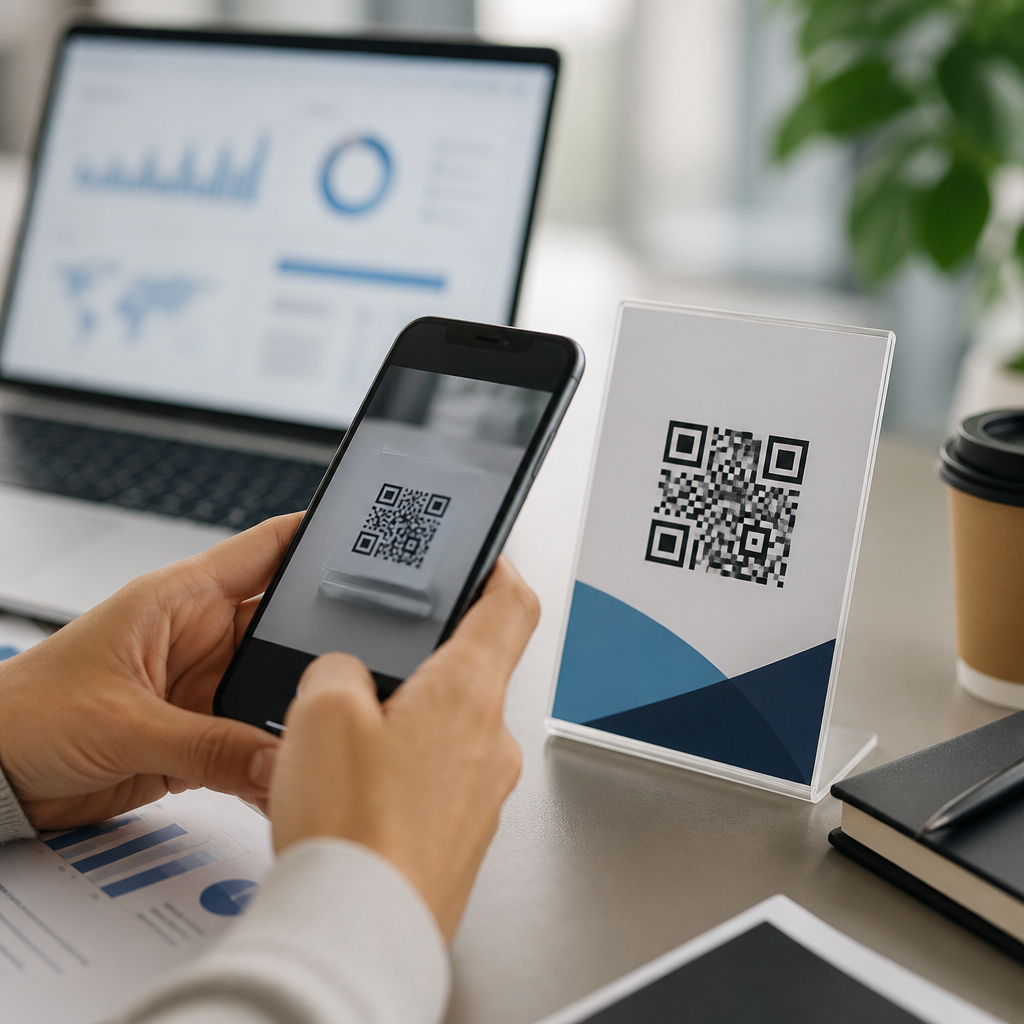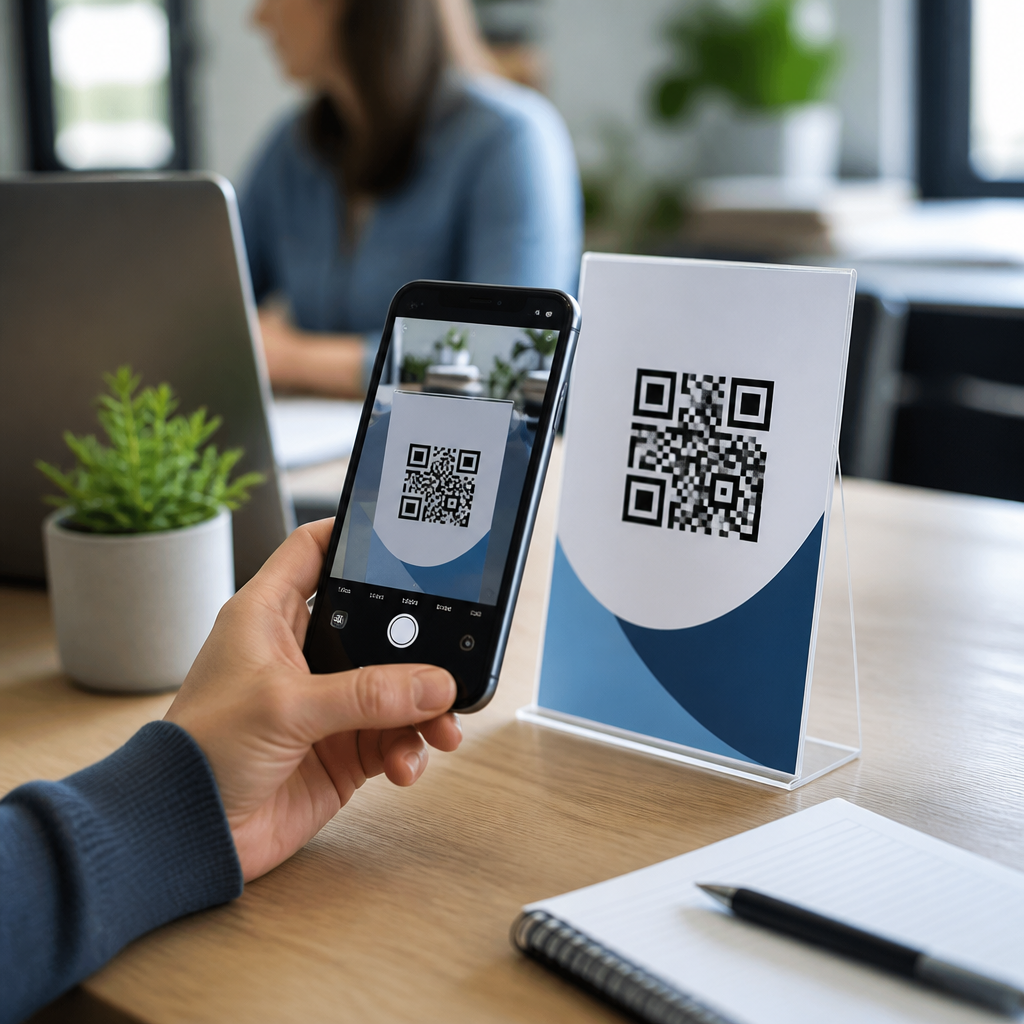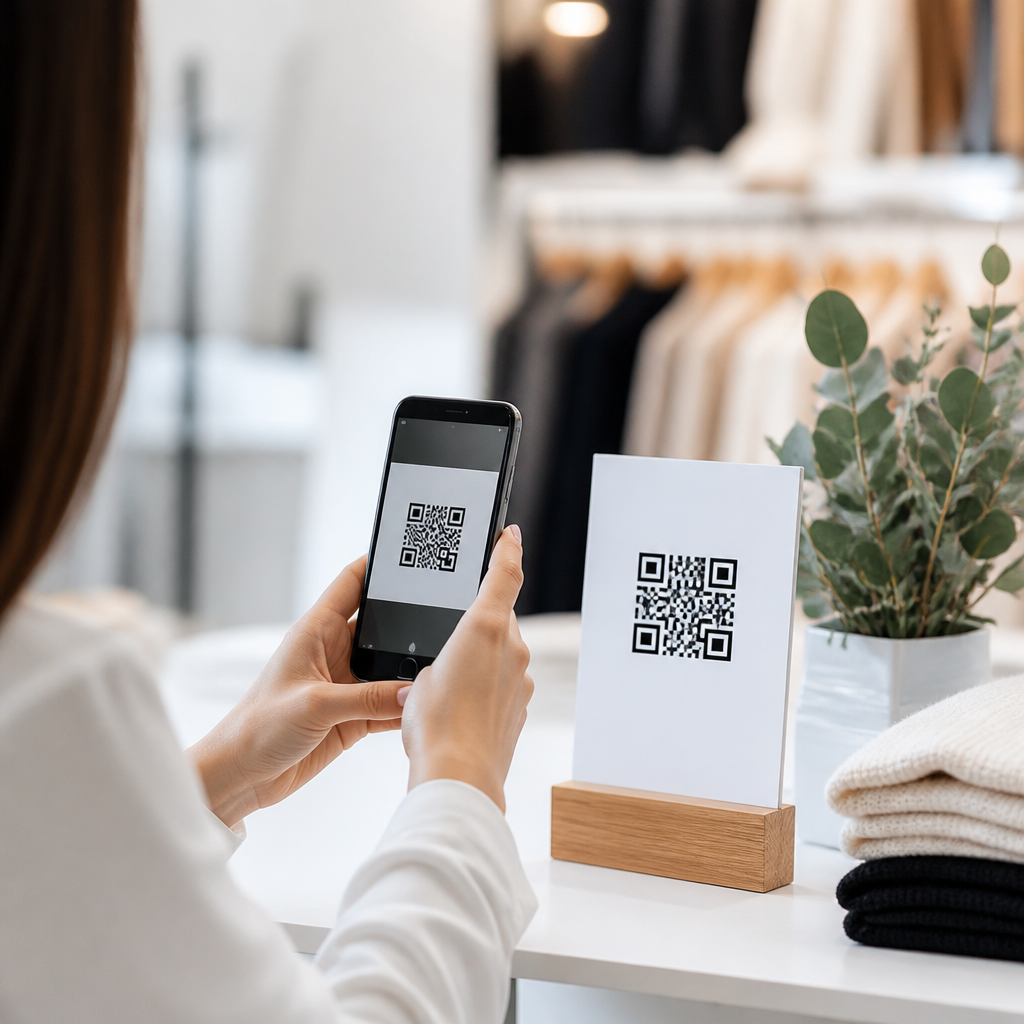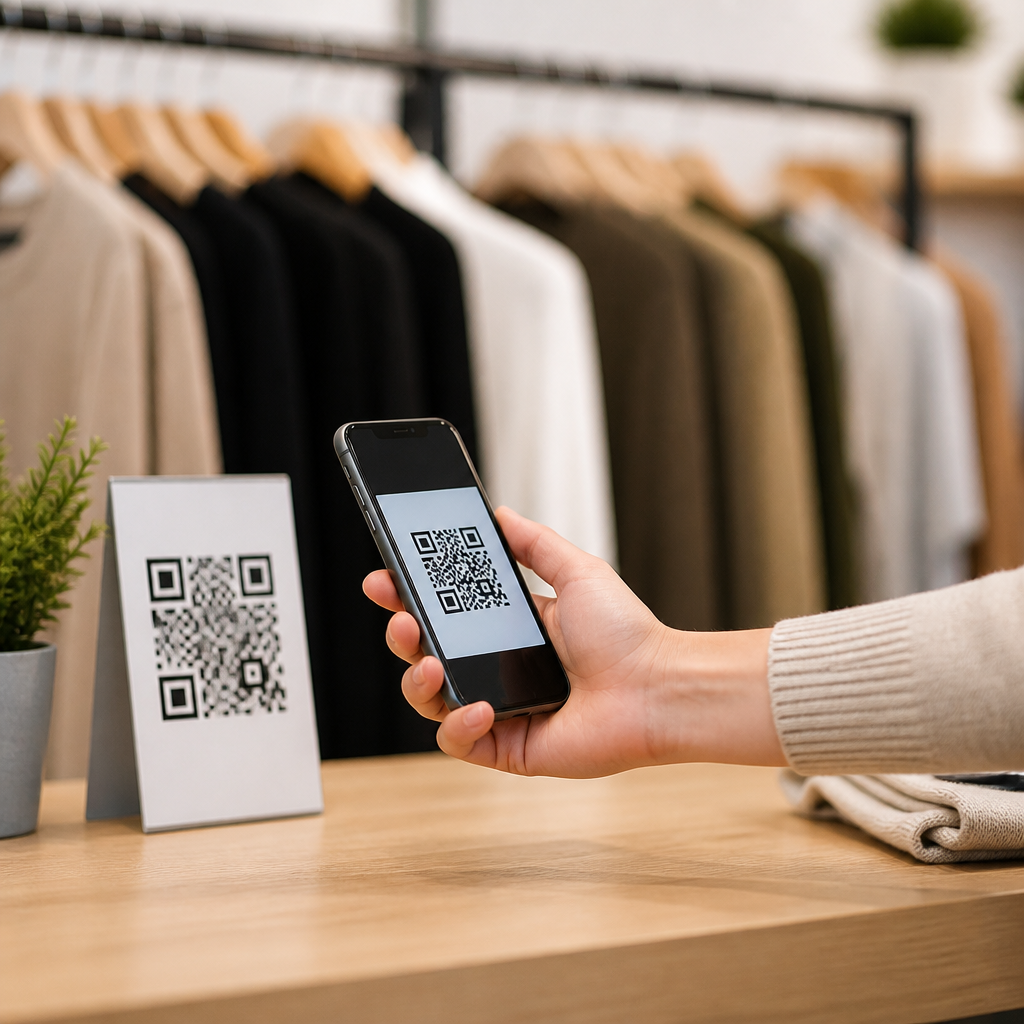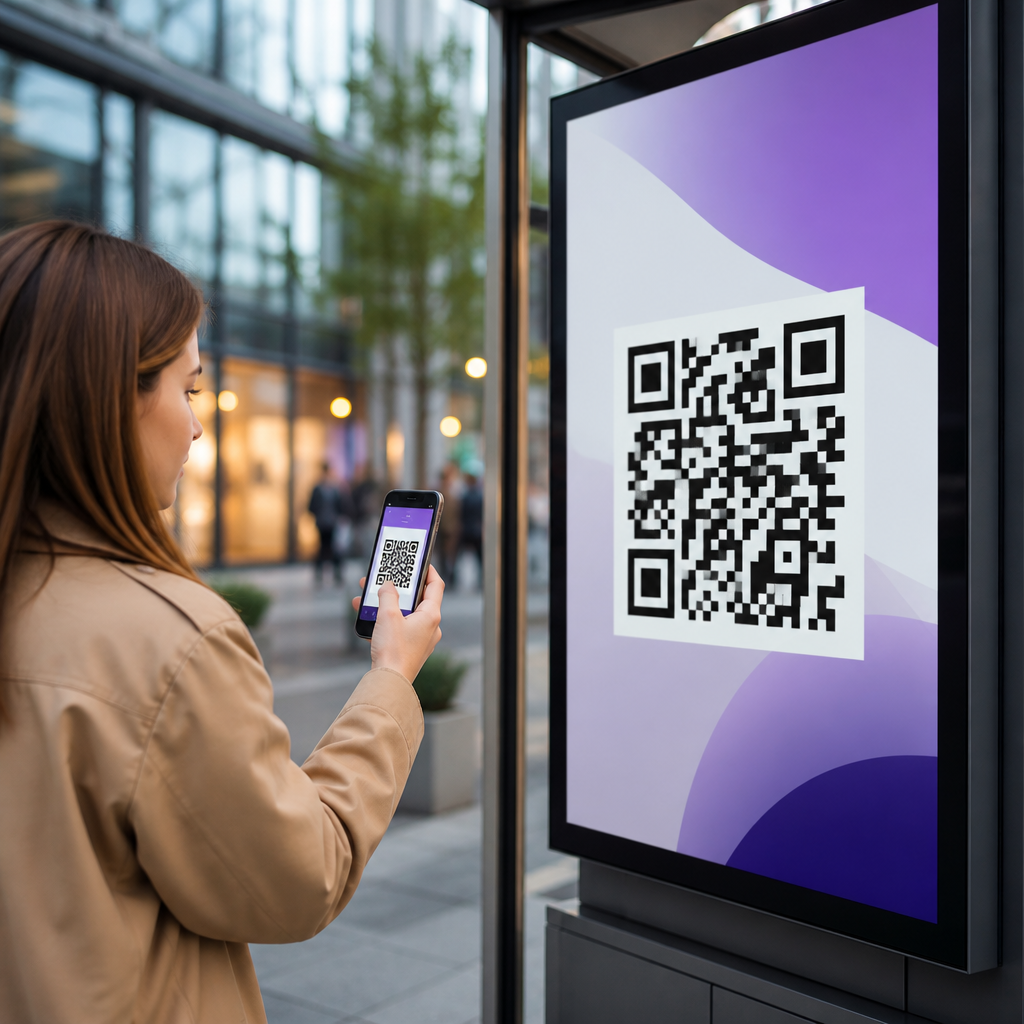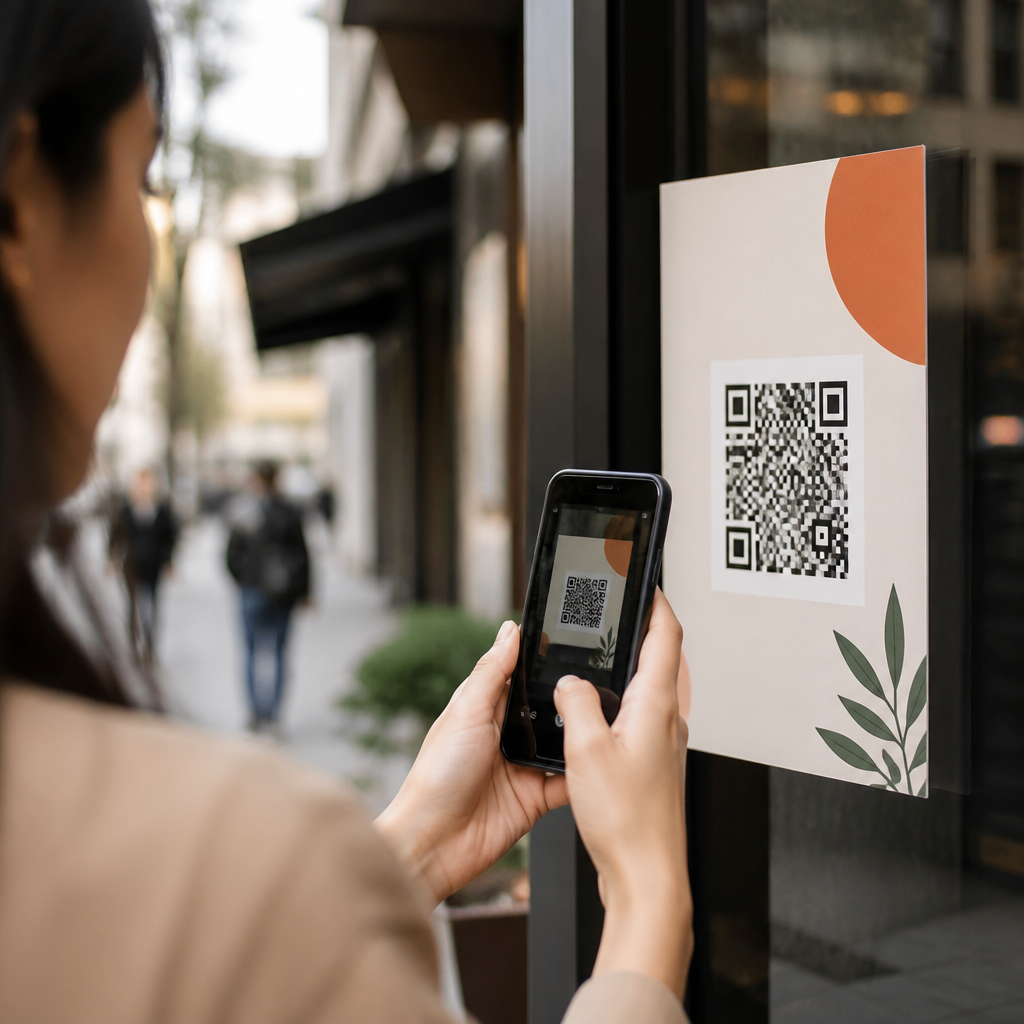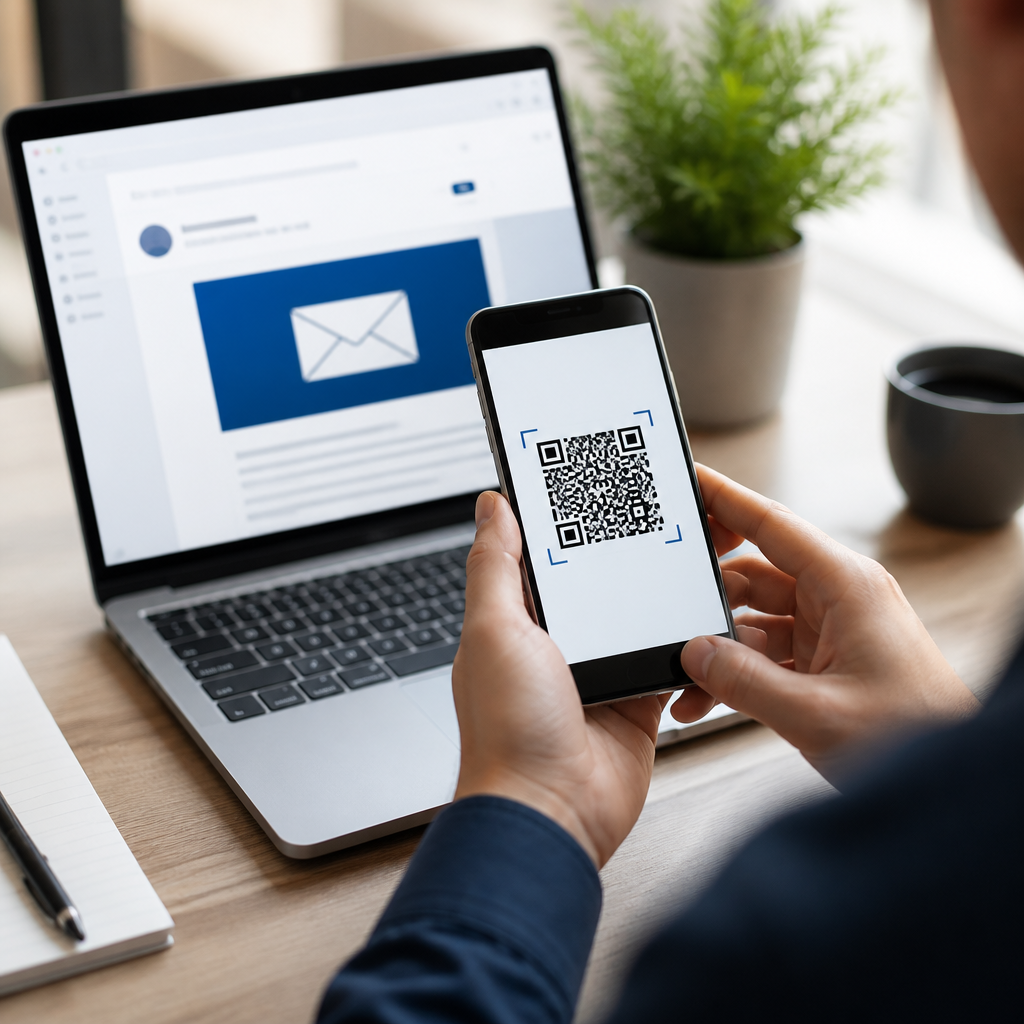
Email engagement rises when recipients can move from inbox to action in one scan, and that is exactly why QR codes have become a practical tool in modern email marketing. In this context, email engagement means measurable interaction with a campaign, including opens, clicks, conversions, replies, time on landing pages, app sessions, store visits, and assisted revenue. A QR code is a scannable two-dimensional barcode that sends a smartphone user to a digital destination such as a webpage, coupon, video, app download, event RSVP, review page, or contact card. I have used QR codes in lifecycle campaigns, event emails, retail promotions, and post-purchase flows, and the pattern is consistent: when the offer is clear and the mobile experience is frictionless, scans add a second response path that strengthens total campaign performance.
QR codes matter in email because they bridge screen boundaries and real-world behavior. Many recipients open a promotional email on a laptop at work, in an email client that makes clicking inconvenient, or in a setting where they want to save an offer for later. A visible QR code lets them transfer that intent to a phone instantly. That reduces drop-off between interest and action. It also supports omnichannel marketing. A restaurant can send a lunch offer that opens a mobile wallet pass. A B2B company can place a QR code in a webinar follow-up email that launches a calendar booking page. A retailer can connect an abandoned cart email to an app checkout screen. Used correctly, QR codes in email marketing improve accessibility to the next step, increase attribution options, and create richer data for optimization.
This hub explains how to increase email engagement with QR codes by covering strategy, placement, measurement, design, compliance, and common mistakes. It also sets the foundation for more specialized pages on dynamic QR codes, QR code analytics, email segmentation, event marketing, loyalty programs, and mobile landing page optimization. If you need the direct answer first, here it is: add QR codes to email only when scanning is easier than clicking, pair each code with a specific benefit and backup link, and track scans alongside clicks and conversions so you can prove incremental lift.
Why QR codes improve email engagement
QR codes improve email engagement because they reduce friction, preserve momentum, and create a mobile-first path to conversion. Friction in email usually appears when the message is opened on one device but the desired action is better completed on another. Examples include downloading an app, presenting a coupon in store, paying from a mobile wallet, checking in at an event, or calling a sales rep. In those cases, a QR code is not decorative; it is a transfer mechanism. I have seen scan rates outperform secondary text links when the email audience is desk-based and the destination is mobile-native. The lesson is simple: scanning succeeds when it solves a device mismatch.
Another benefit is intent capture. People often open marketing emails while multitasking. They may not be ready to buy in that exact moment, but they are willing to save an offer to their phone. A QR code can open a product page, a limited-time discount, a map listing, or a lead form that is easier to complete on mobile. For brick-and-mortar brands, this is especially effective. A local fitness studio can email a free trial pass and let subscribers scan to add it to Apple Wallet or Google Wallet. The scan becomes a bridge from email attention to offline attendance.
QR codes also support stronger creative variety across the customer journey. In welcome series emails, the code can launch a preference center or app onboarding page. In promotional campaigns, it can open a coupon, loyalty barcode, or product collection. In transactional emails, it can surface setup instructions, assembly videos, or reorder pages. In post-event or post-purchase follow-ups, it can lead to surveys and review requests. That versatility makes QR codes one of the few email assets that can serve acquisition, retention, service, and attribution goals at the same time.
Where to use QR codes in email campaigns
The best placements for QR codes in email depend on intent, audience, and device context. Start with campaigns where the user benefits from switching to a phone or taking an offline action. Good candidates include event invitations, trade show follow-ups, restaurant promotions, retail coupons, loyalty enrollment, app adoption, direct mail coordination, and in-store redemption. For B2B marketers, QR codes work well in account-based email sequences when the destination is a meeting scheduler, product demo video, digital brochure, or contact vCard. For ecommerce, they can support app-exclusive discounts, wishlist reminders, and store locator journeys.
Placement inside the email matters. A QR code should appear near a headline that explains exactly what the recipient gets by scanning. It should not be buried in the footer without context. The strongest pattern is a primary call-to-action button for people who want to click immediately, followed by a short line such as “Prefer to continue on your phone? Scan to shop in the app.” That protects usability across devices. If the recipient is already on a phone, clicking remains easiest. If they are on desktop, scanning becomes the convenient alternative. This dual-path structure consistently outperforms code-only designs because it respects how people actually read email.
Timing matters too. QR codes are most useful in messages tied to immediate action or situational use. A boarding pass reminder, event ticket, flash sale, curbside pickup notice, or same-day appointment email naturally benefits from a scannable element. A long educational newsletter may not. Marketers increase engagement when they treat QR codes as task accelerators, not as generic visual embellishments.
How to design QR codes that get scanned
Effective QR code design in email starts with scannability, not branding. Use high contrast, sufficient quiet space, and a size that remains readable on desktop screens and high-density displays. In most email layouts, a code between 180 and 260 pixels square performs reliably, though exact sizing should be tested by template width and audience device mix. Error correction can help if you add a logo, but heavy styling, inverted colors, busy backgrounds, and low-resolution exports often reduce successful scans. Use PNG or SVG assets generated by dependable platforms such as Bitly, QR Code Generator Pro, Beaconstac, or Flowcode, and verify rendering across Gmail, Apple Mail, Outlook, and major mobile clients.
Context around the code matters as much as the image itself. Every code needs a clear value proposition, one specific action, and a visible fallback URL. Labels like “Scan me” are weak because they describe the mechanism, not the reward. “Scan to claim 15% off in store today” is stronger because it states the outcome and urgency. Include a brief instruction if the audience may be unfamiliar, especially in older or less technical segments. Accessibility also matters. Add descriptive alt text, maintain readable surrounding typography, and never rely on the code alone to communicate essential information.
| Email use case | Best QR destination | Primary engagement goal |
|---|---|---|
| Retail promotion | Mobile coupon or wallet pass | In-store redemption |
| Event invitation | RSVP or ticket page | Registrations |
| App campaign | Deep link to app store or app screen | Installs and opens |
| B2B follow-up | Meeting scheduler or demo page | Qualified conversations |
| Post-purchase email | Setup video or review form | Product usage and feedback |
Dynamic QR codes are usually the better choice for serious campaigns. Because the short URL behind the image can be updated, you can fix destination errors, rotate offers, localize experiences, and track scan analytics without replacing the creative. Static codes still have a place for permanent destinations, but for a hub topic like QR codes in email marketing, dynamic implementation is the operational standard.
How to measure scan-driven engagement accurately
Measuring QR code performance in email requires a wider lens than open rate or click-through rate. Open rates are now distorted by privacy features such as Apple Mail Privacy Protection, so the more dependable indicators are unique scans, scan-to-session rate, conversion rate, assisted conversions, and downstream revenue. Use UTM parameters on the QR destination, connect those to analytics platforms such as Google Analytics 4 or Adobe Analytics, and separate scans from standard clicks in your reporting. If your QR platform supports first-party dashboards, compare scan timestamps, devices, and locations with email send time, audience segment, and campaign objective.
Attribution is the central issue. A scan can produce value even if it does not become a last-click conversion. For example, a customer may scan a product email on desktop, browse on mobile, and then purchase later in the app. If you only evaluate direct click conversions, you will undercount the QR code’s contribution. I recommend setting up campaign naming conventions that identify channel, audience, journey stage, and offer type. Then compare performance with holdout tests. Send one segment the standard email and another the same email plus a QR code alternative. When scans generate additional sessions, mobile conversions, or store redemptions without hurting clicks, you have measurable incremental lift.
Offline outcomes deserve equal attention. In hospitality, retail, healthcare, education, and events, the real win may be check-ins, bookings, attendance, or redeemed offers. Tie the QR destination to coupon systems, POS identifiers, CRM records, or registration tools where possible. Serious marketers do not ask whether scans look interesting; they ask whether scans change business results.
Best practices, limitations, and next steps
The best practices for QR codes in email are straightforward. Match the code to a mobile-friendly destination, keep one purpose per code, place it near a strong offer, and always include a conventional link or button. Test image rendering, dark mode behavior, and landing page speed before launch. Segment by use case rather than forcing QR codes into every campaign. A loyalty member near your stores may respond well to a wallet pass code, while a first-time B2B lead may prefer a scheduler link. Relevance drives engagement more than novelty.
There are real limitations. Some recipients open email on the same phone they would use to scan, making the code unnecessary unless another screen is available. Some corporate email environments block images aggressively. Some audiences simply prefer clicking. That is why QR codes should complement email strategy, not replace core calls to action. The most effective programs treat them as an optional acceleration path for the right scenarios.
As the hub page for QR Codes in Email Marketing, this article gives you the operating principles: use QR codes when they remove a device barrier, design them for easy scanning, measure incremental outcomes, and connect them to specific customer actions. Done well, they increase engagement by turning passive email views into immediate mobile behavior. Audit your current campaigns, identify one journey where scanning would be easier than clicking, and test a dynamic QR code in your next send.
Frequently Asked Questions
How do QR codes improve email engagement compared with standard links?
QR codes improve email engagement by reducing friction between interest and action. A traditional email link usually requires a recipient to open the message, tap a button or hyperlink, wait for a browser or app to load, and then continue the journey from there. A QR code creates an additional, highly convenient path: the recipient can scan it from another device or save the email for later and still move directly to the intended destination. That matters because engagement is not limited to clicks alone. In email marketing, engagement includes opens, click-throughs, conversions, replies, time spent on landing pages, app activity, in-store visits, and even assisted revenue tied to downstream actions.
QR codes are especially effective when the email is viewed on desktop while the desired next step is better completed on mobile. For example, a brand can send users to an app download page, a mobile-optimized product page, a coupon wallet pass, an event check-in form, or a map for an in-store visit. In these situations, scanning is often faster and more natural than typing a URL or emailing a link to oneself. The easier it is for subscribers to act, the more likely they are to follow through.
They also support stronger campaign continuity. A well-placed QR code can bridge channels by turning email into a gateway for online and offline outcomes. Someone might scan a code to redeem a promotion in store, view a menu, register for an event, or launch a personalized shopping experience. That broader utility can lift not just immediate click activity, but also post-click engagement and conversion quality. In short, QR codes help email campaigns work harder by shortening the path from attention to measurable action.
Where should you place a QR code in an email for the best results?
The best placement depends on the campaign goal, but in most cases a QR code performs best when it appears near a clear call to action and is supported by concise explanatory copy. Recipients should immediately understand what will happen when they scan it. If the code is buried at the bottom of a long email without context, many readers will ignore it. If it is placed near a headline, product offer, event invitation, coupon, or app prompt, it becomes part of a logical conversion path rather than a visual afterthought.
For promotional campaigns, putting the QR code above the fold or in the main offer section often works well, especially when the desired action is mobile-oriented, such as claiming a discount, opening an app, or viewing a limited-time landing page. For newsletters or educational emails, a QR code can be inserted as a secondary interaction point beside a featured resource, demo, checklist, or video experience. For brick-and-mortar businesses, placing the QR code near store-specific offers, location details, or event reminders can help drive foot traffic and redemptions.
It is also important to design for usability. The QR code should be large enough to scan easily, surrounded by sufficient white space, and paired with a short instruction such as “Scan to claim your offer” or “Scan to book your spot.” If the email is likely to be opened on mobile, remember that a user cannot easily scan a code displayed on the same phone screen without using another device or saving the image. That does not make QR codes ineffective, but it does mean you should usually include a conventional clickable CTA as well. The strongest layouts treat the QR code as an additional engagement path, not the only one.
What types of destinations work best for QR codes in email marketing?
The most effective QR code destinations are the ones that create a fast, relevant, mobile-friendly next step. In practice, that means the landing experience should match the promise made in the email and minimize effort after the scan. Good destinations include product pages tied to a featured offer, mobile checkout pages, coupon redemption screens, event registration forms, app download or deep-link experiences, customer review pages, store locator maps, loyalty program sign-ups, digital menus, video demos, and personalized landing pages built around the subscriber’s interests or behavior.
App-related experiences are a particularly strong fit because QR codes naturally support a handoff from desktop email viewing to mobile app use. A retailer can use a QR code to open a product collection in its app, a restaurant can direct users to ordering or rewards, and a B2B company can send prospects to a demo scheduling page optimized for mobile. These destinations tend to perform well because they connect interest to action quickly and fit how people actually use their devices.
The key is relevance and continuity. If the email promotes a specific discount, the QR code should land on that exact offer, not a generic homepage. If the message invites subscribers to an event, the code should go straight to the registration page or ticket wallet. If the goal is to increase store visits, the destination should provide location directions, local inventory, or a scannable in-store coupon. The more tightly the destination aligns with subscriber intent, the more likely the campaign is to generate meaningful engagement rather than just superficial scans.
How can you measure the success of QR codes in an email campaign?
Measuring QR code performance starts with defining what success actually means for the campaign. If the objective is awareness, you may focus on scans, landing page visits, and time on page. If the goal is conversion, you should look deeper at purchases, sign-ups, bookings, app sessions, coupon redemptions, store visits, or assisted revenue. Because email engagement includes many forms of interaction, the best measurement framework connects the QR code not only to scan volume but also to what happens after the scan.
A practical approach is to use dynamic QR codes tied to trackable URLs with campaign parameters. This allows marketers to identify scans by email campaign, audience segment, content block, send date, and even creative variation. When integrated with analytics platforms, CRM tools, e-commerce tracking, or point-of-sale systems, that data can reveal whether subscribers who scan behave differently from those who click standard links. You may find, for example, that QR users spend more time on mobile landing pages, convert at a higher rate, or are more likely to visit a physical location.
A strong analysis should also compare QR code placement, CTA wording, offer type, and destination page performance. If one version says “Scan to save 20%” and another says “Scan to unlock your mobile offer,” you can evaluate which message drives more scans and more revenue. It is equally useful to monitor bounce rate, page speed, form completion, and checkout completion, because a high scan rate means little if the destination experience is weak. In the end, the success of QR codes should be evaluated as part of the full customer journey, not as an isolated tactic.
What are the best practices for using QR codes in emails without hurting user experience?
The best practices begin with clarity, relevance, and accessibility. A QR code should never feel random or decorative. Recipients need a clear reason to scan, a concise explanation of what they will get, and confidence that the action is worthwhile. That means pairing the code with benefit-driven copy, using a strong call to action, and sending users to a mobile-optimized destination that loads quickly and matches the email’s message. If the post-scan experience is confusing or slow, engagement can drop instead of rise.
Design also plays a major role. Use a high-contrast code that scans reliably, keep the size large enough for different screen resolutions, and leave sufficient white space around it. Avoid over-stylizing the code to the point that readability suffers. Include alt text when appropriate, and do not rely on the QR code alone to convey critical information. Since many subscribers open email on mobile devices, always provide a standard clickable link or button as an alternative path. This ensures the campaign remains functional for every user, regardless of device, environment, or scanning ability.
From a strategic perspective, QR codes work best when they serve a specific purpose within the email journey. Use them for actions that genuinely benefit from cross-device movement or rapid mobile access, such as app installs, in-store offers, event entry, location directions, digital wallets, or personalized mobile experiences. Test different placements and messaging, segment audiences when relevant, and monitor performance closely. When implemented thoughtfully, QR codes enhance convenience and expand engagement opportunities. When used carelessly, they can add visual clutter and confusion. The difference comes down to whether the code solves a real user need and supports a seamless next step.