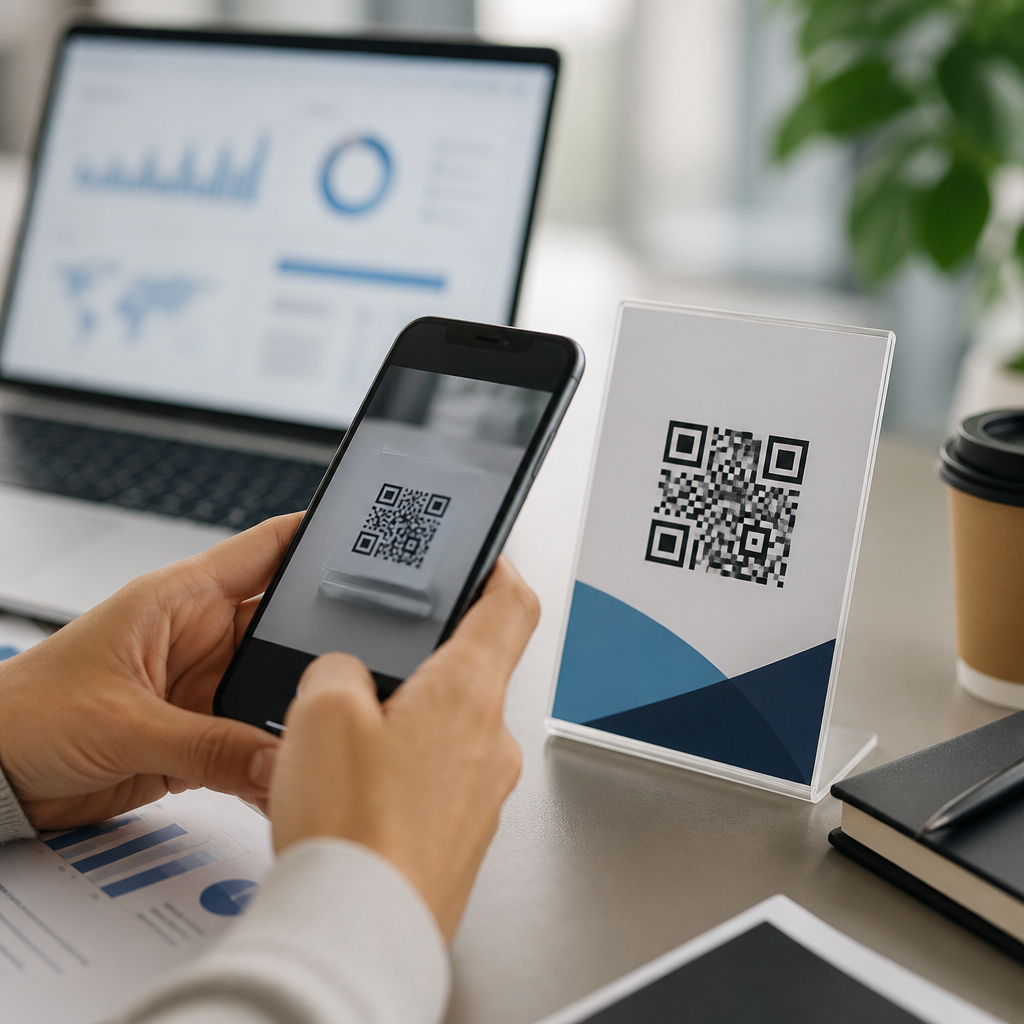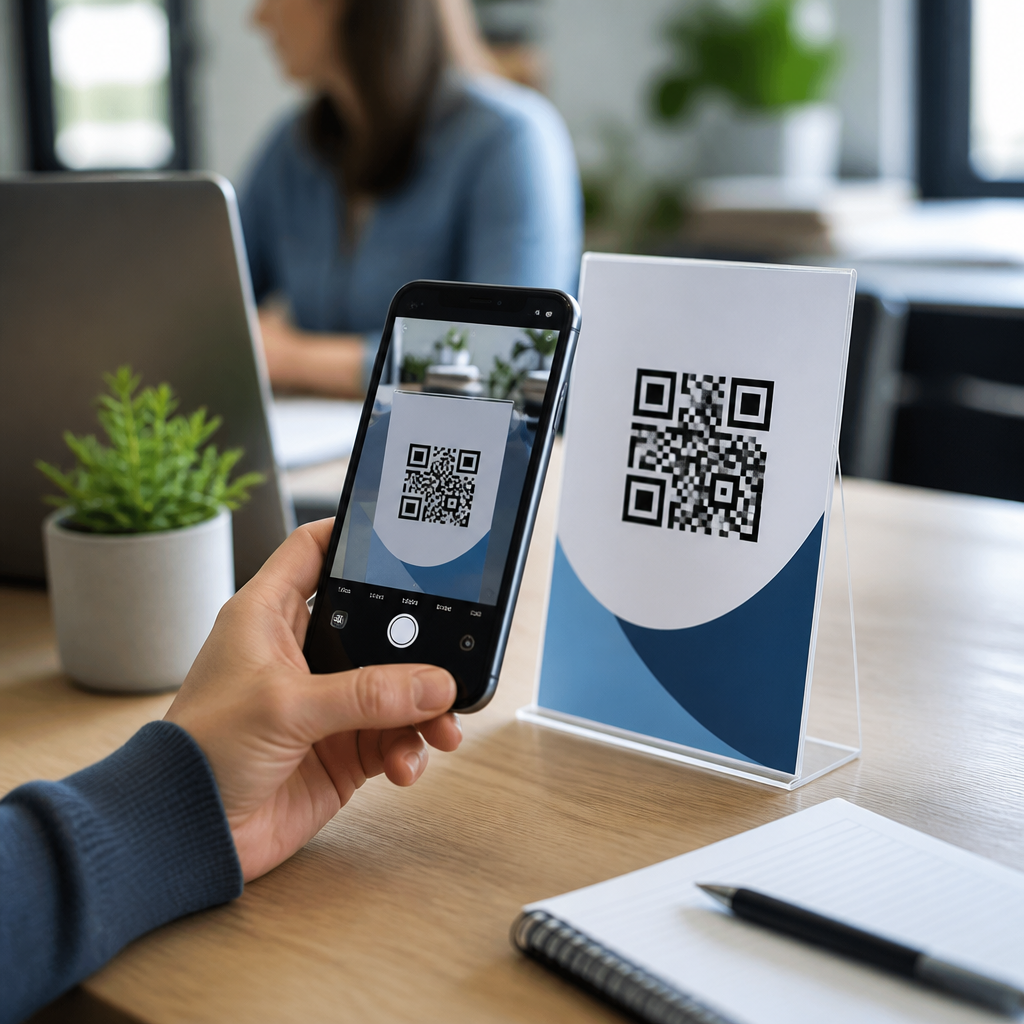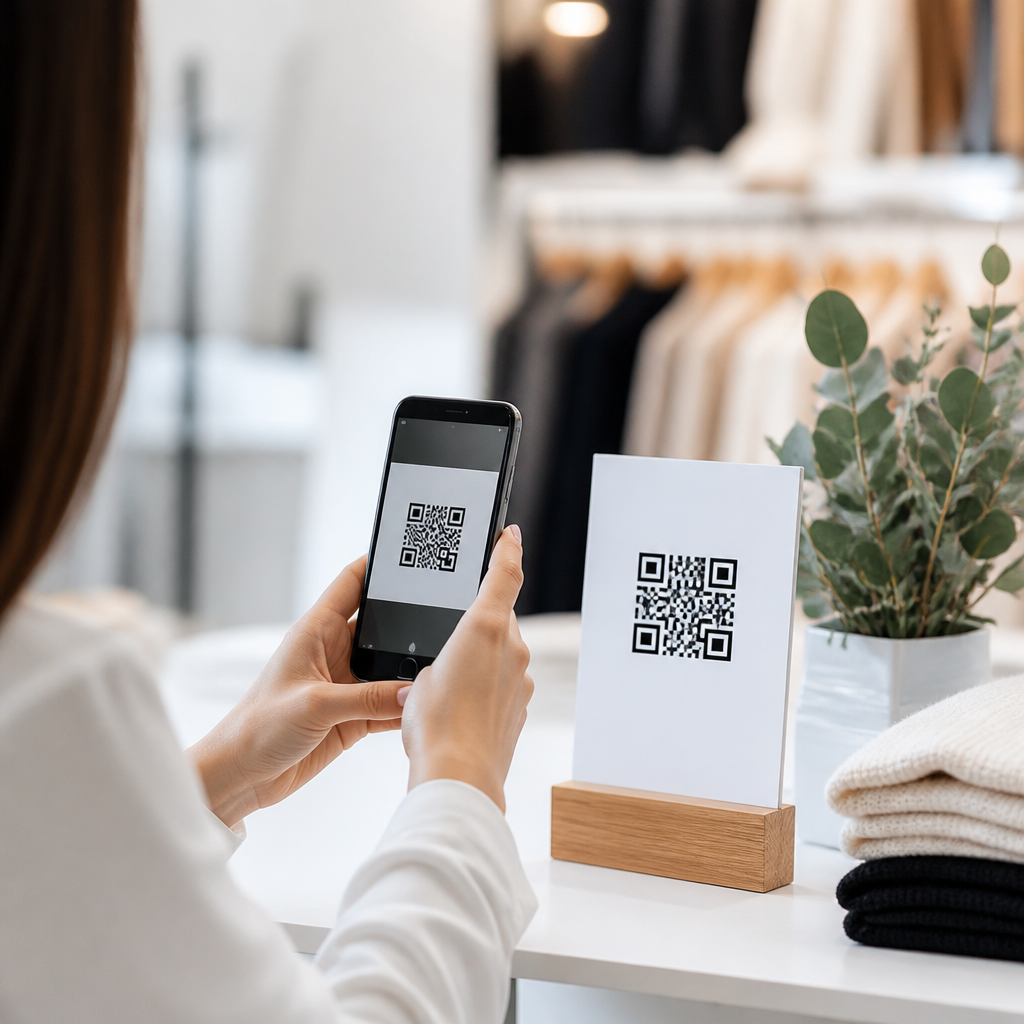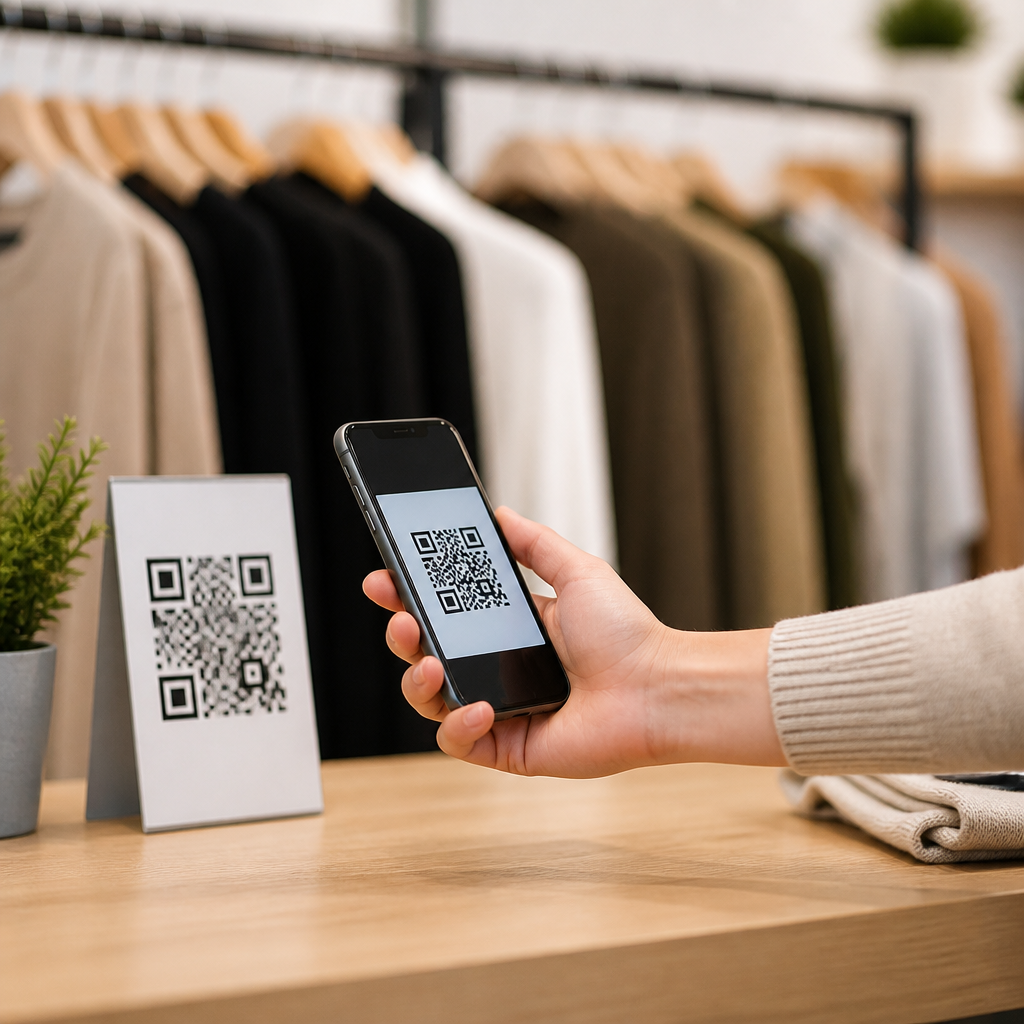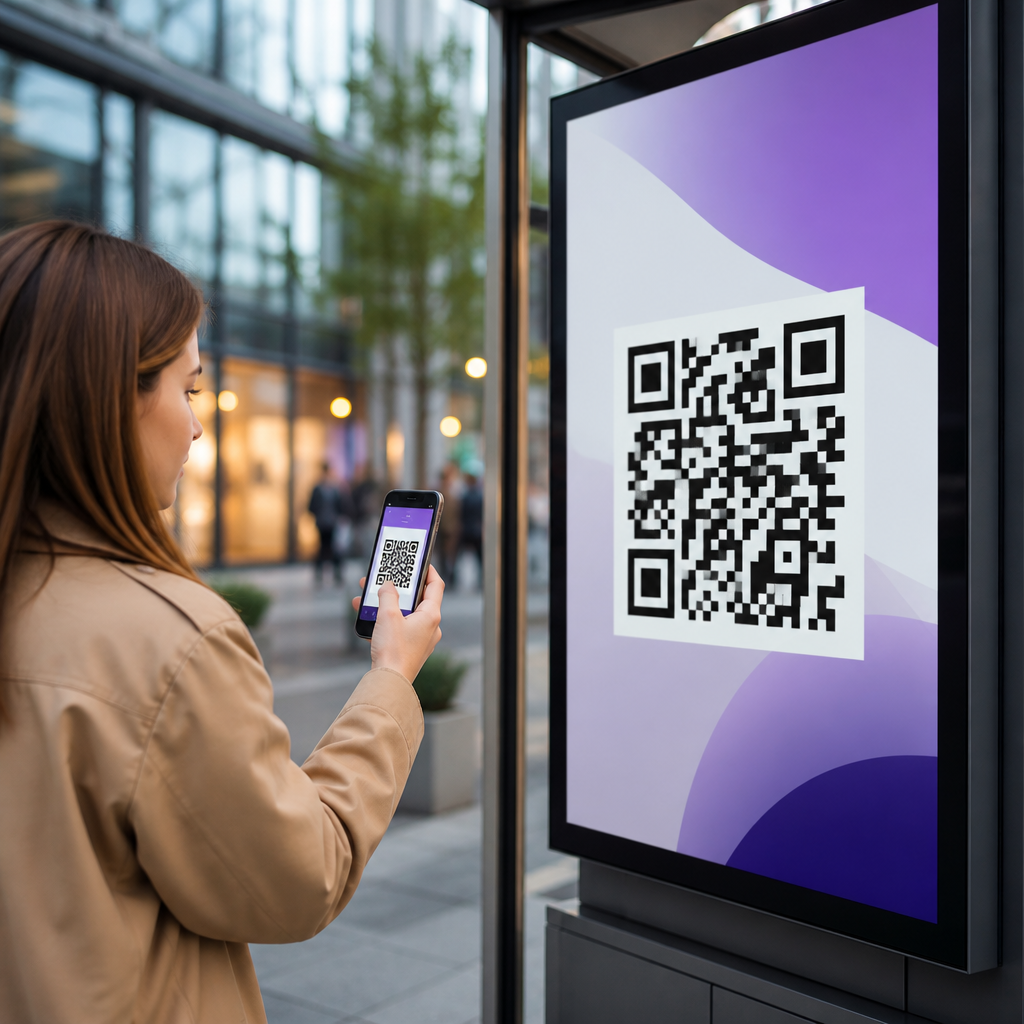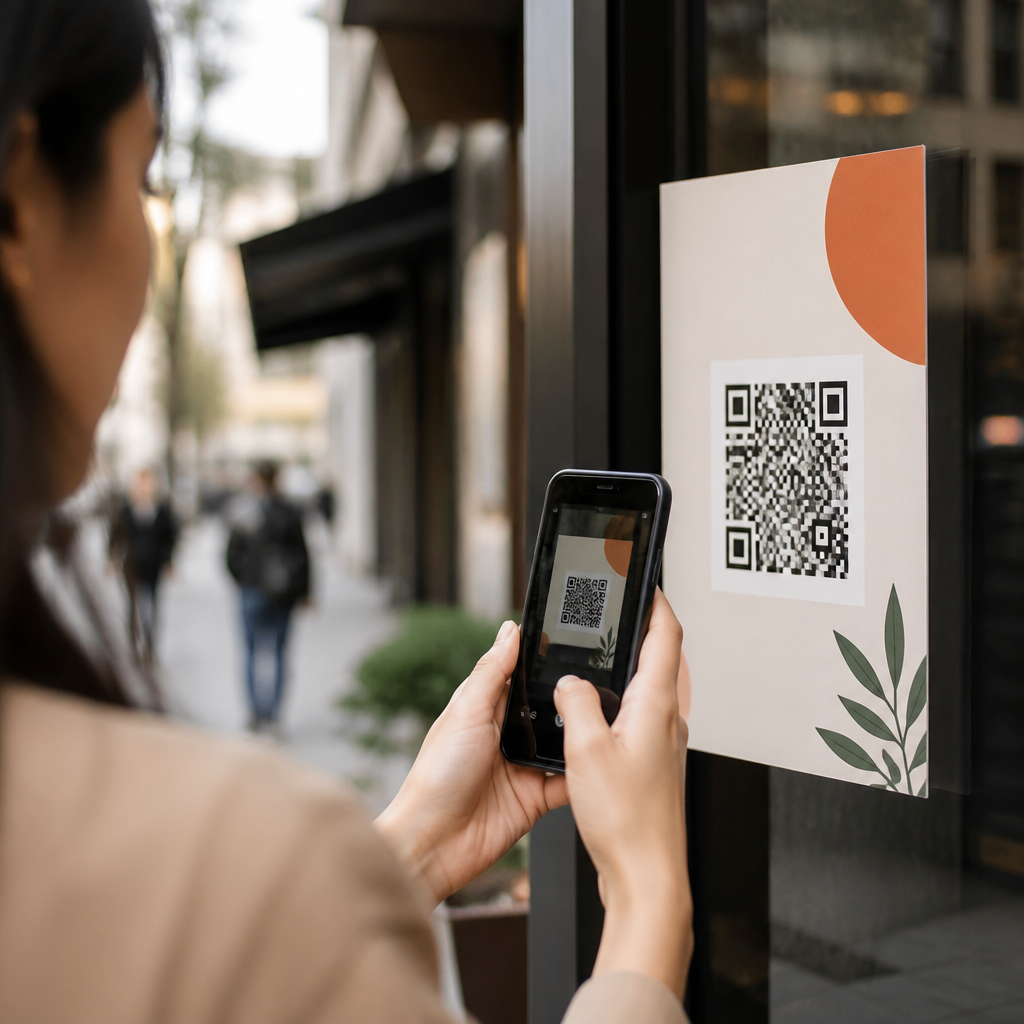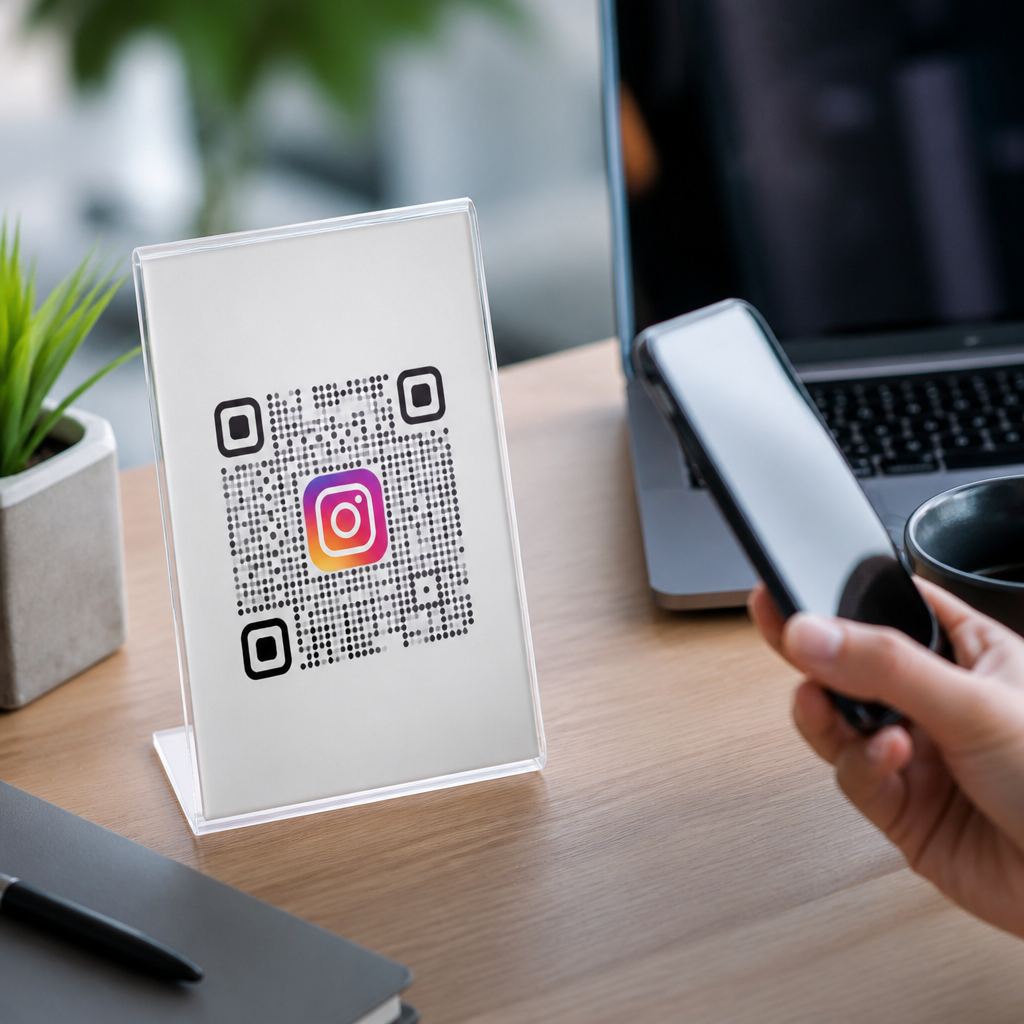
QR codes for Instagram have moved from novelty to dependable marketing infrastructure because they connect offline attention to mobile action in seconds. In practical terms, a QR code is a scannable matrix barcode that opens a destination such as an Instagram profile, Reel, Story highlight landing page, giveaway form, or product page. For brands building audience on mobile, that jump matters: it removes typing, reduces friction, and makes social discovery measurable. I have used Instagram QR campaigns for retail counters, event signage, packaging inserts, restaurant tables, trade show booths, and creator collaborations, and the pattern is consistent. When the destination, creative, and placement align, scans turn into follows, profile visits, direct messages, user-generated content, and sales-assisted conversions.
Instagram itself supports profile sharing through in-app QR functionality, but effective campaigns usually go further. Marketers often need dynamic QR codes, UTM tracking, redirect rules, analytics dashboards, and destination testing that native profile sharing does not provide. That is why this topic matters within mobile QR marketing. Instagram remains a high-intent platform for discovery, visual proof, and creator influence, while QR codes bridge print, packaging, out-of-home media, and in-person experiences. The hub question is simple: how do you use QR codes for social media in a way that is easy for users, aligned with campaign goals, and measurable enough to improve over time? The answer starts with matching the code to the right objective rather than treating every scan like a follow request.
A useful definition helps. Static QR codes lock in the destination permanently; dynamic QR codes use a short redirect URL so you can change the destination, add tracking, or pause a campaign without reprinting materials. For Instagram marketing, dynamic is usually the correct choice because campaigns evolve quickly. You may need to swap from a general profile link to a contest post, creator collaboration page, or store-locator landing page. You may also want to segment scans by source, such as menu table tents versus window decals. Good strategy therefore combines four elements: a clear destination, a visible call to action, a mobile-first landing experience, and reporting that distinguishes curiosity from meaningful engagement.
Choose the right Instagram destination for the campaign goal
The best QR code for Instagram depends on what you want the user to do immediately after scanning. If the goal is audience growth, send users to the Instagram profile and make sure the bio, pinned posts, highlights, and profile image explain why following is worthwhile. If the goal is content consumption, link directly to a Reel or collaboration post with a strong opening frame. If the goal is conversation, route users to an Instagram DM entry point or to a landing page that explains the offer before inviting a message. In my experience, the biggest performance drop happens when brands send every audience to the homepage of their social presence without considering intent.
Different social media QR code use cases need different destinations. A cosmetics brand printing codes on product boxes may get better results by linking to tutorials or shade-match Reels rather than the main profile. A restaurant tabletop code often performs better when it leads to an Instagram highlight featuring dishes, ambiance, and customer tags because diners want fast visual proof. Event organizers can place a QR code on credentials that opens a creator recap Reel or live coverage page. For local businesses, a link-in-bio style mobile landing page can outperform a direct Instagram link when the user may need several options, such as following the account, claiming an offer, finding directions, or joining SMS updates.
Profile optimization is part of the destination strategy. Before placing codes in the real world, confirm that the Instagram profile has a recognizable handle, concise value proposition, updated link, saved highlights, and recent posts that match the promise on the sign. If the code says “Scan for styling tips,” the user should land on content that immediately delivers styling tips. Relevance is not cosmetic; it affects conversion after the scan. QR campaigns fail less often because of low scan volume than because of weak post-scan experience.
Build QR codes that scan reliably and support measurement
Reliable QR code design starts with contrast, quiet zone spacing, error correction, and realistic print sizing. Dark code on a light background remains the safest option. Leave a clear margin around the code, avoid over-stylizing finder patterns, and test from the actual distance at which people will scan. For posters viewed from several feet away, the code must be larger than what works on packaging. I generally test with both iPhone and Android cameras, under indoor glare and outdoor light, before approving production. Fancy visual treatment can help branding, but if a decorative gradient lowers scan success, it is not a good trade.
Measurement requires structure. Use dynamic QR codes tied to dedicated campaign URLs with UTMs for source, medium, campaign, and placement. If the Instagram destination does not preserve full analytics, route users through a fast mobile landing page or redirect layer first. Platforms such as Bitly, QR Code Generator Pro, Beaconstac, Flowcode, and Uniqode support editable destinations and scan reporting. Google Analytics 4 can then attribute sessions, engagement, and assisted conversions. For enterprise teams, naming conventions matter: for example, utm_source=qr, utm_medium=offline, utm_campaign=summer_launch, utm_content=window_decal_nyc. That naming discipline makes it possible to compare placements instead of treating all scans as one bucket.
| Use case | Best destination | Primary metric | Common mistake |
|---|---|---|---|
| Retail display | Instagram Reel or product tutorial page | Scans to product view rate | Sending traffic to a generic profile |
| Restaurant table | Highlight page with dishes and tagged posts | Scans to follow or menu click | Code too small under dim lighting |
| Event signage | Live coverage post or creator collaboration | Scans during event window | No campaign-specific CTA |
| Packaging insert | How-to content or UGC submission page | Scans to content completion | Static code with outdated destination |
Security and trust also influence scan rates. Users are more likely to scan when the brand name appears near the code and the promise is explicit. “Scan to watch today’s backstage Reel” performs better than “Scan me.” In regulated sectors or national campaigns, include a short branded URL beneath the code so users can type it manually if needed. That simple addition improves accessibility, reassures cautious users, and creates a backup path if camera recognition fails.
Place QR codes where Instagram intent is naturally high
Placement determines whether people scan with purpose or ignore the code as decoration. The strongest placements share three traits: the audience already has a phone in hand, the next step benefits from visual proof, and the user can act immediately. That is why QR codes for social media work especially well on retail endcaps, mirrors, fitting rooms, menus, takeaway packaging, trade show booths, museum labels, product inserts, and event programs. In each case, Instagram adds context through imagery, creators, testimonials, or short-form video that the physical object cannot provide alone.
Consider a fashion retailer. A hanger tag code linking to an Instagram Reel that shows fit, movement, and styling combinations can reduce hesitation better than a static size chart. At a fitness studio, a lobby sign can direct visitors to member transformation stories and coach tips on Instagram before they commit to a trial class. On consumer packaged goods, the code can open creator recipes, care instructions, or hashtag challenges that extend product use beyond the shelf. The logic is straightforward: place the code where the user’s next question is visual and where Instagram is the fastest credible answer.
Context matters as much as location. A code on the front door may underperform because passersby are moving, while the same code near the checkout queue can work because dwell time is higher. A conference badge can drive scans if attendees are waiting between sessions, but not if the code is printed too low-contrast under laminate glare. I recommend a simple field audit before scaling any placement: stand where the audience stands, hold the phone where they will hold it, and verify that the code is visible, understandable, and worth the effort within two seconds.
Create offers and creative that turn scans into follows, messages, and sales
People do not scan QR codes for Instagram because the technology is clever; they scan because the reward is clear. The reward can be informational, social, or transactional. Informational rewards include tutorials, launch previews, and how-to Reels. Social rewards include featuring customer content, entering a challenge, or unlocking behind-the-scenes access. Transactional rewards include discount codes, early access, bundles, or loyalty points. The strongest campaigns state that value plainly next to the code and repeat it on the landing experience.
Calls to action should be specific and outcome-based. “Scan to follow us on Instagram” is weaker than “Scan for today’s styling Reel and 10% off when you save it.” “Scan to see our menu” is weaker than “Scan to view customer favorites on Instagram and vote in Stories.” For social media hubs, it is also smart to connect Instagram with other owned channels. A mobile landing page can let users follow on Instagram, join email, browse products, or view reviews. That structure captures value even when the user is not ready to follow immediately.
Creative consistency matters. If the sign promises an exclusive Reel, the first screen after the scan should show that Reel or an obvious path to it. If the campaign promotes user-generated content, include submission instructions, permissions language, and an example post. For creators and multi-location brands, build variants by region, audience segment, or partnership. One code version might feature a local influencer for a store opening, while another emphasizes product education for existing customers. Testing these variants is where dynamic QR infrastructure pays off.
Track performance, learn from data, and scale what works
Successful Instagram QR code strategy depends on measuring the full journey, not just scans. Start with scan volume and unique scans, then evaluate landing-page sessions, profile visits, follows, saves, link clicks, coupon redemptions, or assisted revenue. On Instagram, native insights can show profile activity and content engagement, while GA4 or a CRM can connect QR traffic to downstream behavior. For offline campaigns, compare lift by placement, time of day, store, or event. A code that generates fewer scans but better conversion may deserve more budget than a high-traffic placement with weak intent.
Use testing cycles. Change one variable at a time: CTA copy, destination type, code size, placement height, or creative framing. I have seen a simple CTA revision increase scan rate significantly because it answered the user’s question faster. Likewise, swapping a generic profile link for a campaign-specific Reel often improves engagement because the user lands exactly where expected. Keep a testing log, document assumptions, and set minimum sample thresholds before declaring a winner. Without that discipline, teams overreact to anecdotal results.
QR codes for Instagram work best when they are treated as part of a broader social media system rather than a one-off tactic. Choose the right destination, build for scan reliability, place codes where visual intent is high, and offer a clear reason to act. Then measure beyond the scan so you can improve creative, placement, and conversion paths with confidence. As the hub for QR codes for social media, this approach gives you a repeatable framework for campaigns across retail, events, packaging, hospitality, and creator marketing. Audit one active placement this week, update the destination and CTA, and turn passive exposure into measurable Instagram growth.
Frequently Asked Questions
How do QR codes help grow an Instagram audience more effectively than just sharing a username or link?
QR codes improve Instagram growth because they remove the small but important friction that stops people from taking action. When someone sees a printed ad, product package, event sign, receipt, table tent, business card, or storefront display, asking them to manually search for an Instagram handle adds extra steps. They have to open the app, type the name correctly, find the right profile, and then decide whether to follow. A QR code compresses that entire path into a single scan, which is especially valuable in mobile-first behavior where attention disappears quickly.
That speed matters because offline attention is usually short-lived. A customer standing in line, walking past a poster, or browsing retail shelves may be interested for only a few seconds. If the action is instant, more people complete it. If the action requires memory and effort, conversion drops. A well-placed Instagram QR code lets brands capture intent in the moment, whether the goal is profile visits, Reel views, giveaway entries, Story interactions, or product discovery.
QR codes also make Instagram promotion more measurable. Instead of treating offline exposure as invisible, marketers can use trackable destinations to see when scans happen, where traffic comes from, and which placements drive the best response. That makes QR codes more than a convenience tool; they become part of a reliable acquisition system. For businesses trying to connect physical spaces with digital engagement, that is why QR codes have shifted from a novelty to dependable marketing infrastructure.
What should an Instagram QR code link to for the best marketing results?
The best destination depends on the specific action you want people to take. If the goal is long-term audience building, linking directly to your Instagram profile is often the simplest and strongest choice because it encourages follows and gives visitors immediate access to your posts, Reels, bio, and highlights. This works well on packaging, storefront signs, printed inserts, menus, and business cards where the message is broad and ongoing.
If the objective is campaign performance, however, a direct profile link is not always the highest-converting option. For a time-sensitive launch, event, or promotion, sending users to a specific Reel, giveaway landing page, product page, or lead form can work better because the call to action is more focused. For example, a QR code on event signage might open a Reel recap, a behind-the-scenes Story hub, or a branded entry page tied to Instagram participation. A QR code on product packaging could send people to a tutorial Reel or user-generated content gallery that supports purchase confidence and social engagement at the same time.
In many cases, the smartest strategy is to match destination to intent. Use profile links for general discovery, content-specific links for campaign amplification, and landing pages when you need to combine Instagram engagement with email capture, product education, or conversion tracking. The key is alignment: the person scanning should land somewhere that feels like a natural continuation of what they just saw. When the destination matches the context, scan-to-action performance improves significantly.
Where should businesses place Instagram QR codes to get the most scans and meaningful engagement?
The strongest placements are locations where people already have high intent, natural pause time, and easy phone access. In retail, that includes product packaging, shelf talkers, fitting room signage, point-of-sale counters, shopping bags, and receipts. In hospitality, effective placements include menus, tabletops, room cards, check presenters, lobby signage, and takeaway packaging. At events, QR codes perform well on badges, booths, stage screens, printed programs, banners, and follow-up handouts because attendees are actively looking for ways to connect and continue the experience after the event ends.
Context matters more than volume. A QR code placed everywhere without a clear reason often underperforms. A code next to a strong prompt such as “Watch the tutorial on Instagram,” “See customer results,” “Follow for weekly drops,” or “Scan to enter the giveaway” gives the user a reason to act. The best placements combine visibility, relevance, and a concrete benefit. People are far more likely to scan when they understand what they will get in return.
It is also important to think about usability. The code should be easy to see, large enough to scan quickly, and positioned where glare, distance, curvature, or motion will not interfere. A brilliant campaign can fail on simple execution issues like poor contrast, tiny sizing, or a placement that is physically awkward to scan. Businesses should test in real conditions, using different phones and lighting scenarios, before scaling a rollout. The ideal placement is not just visible; it is scannable, persuasive, and connected to a meaningful Instagram action.
What are the best practices for designing Instagram QR codes that people will actually scan?
The most important design principle is clarity before creativity. A QR code can be branded, color-matched, and styled to fit campaign visuals, but it still has to scan instantly. High contrast between the code and background is essential, and quiet space around the code should be preserved so phone cameras can read it without confusion. Over-designing a code with low contrast, busy patterns, or excessive logo overlays is one of the fastest ways to hurt performance.
Size and environment are equally important. A code on product packaging can be smaller than one on a wall poster because the viewing distance is shorter. A code shown in a window display, trade show graphic, or outdoor sign needs to be larger and tested under realistic conditions. If users must step too close, tilt awkwardly, or retry several times, many will abandon the action. Fast scanning is part of the user experience, and every second of friction reduces results.
Strong calls to action dramatically increase scan rates. Never assume people will scan just because a QR code exists. Tell them exactly what happens next: “Follow us on Instagram,” “Watch the Reel,” “Unlock the giveaway,” or “See how it works.” Pair that prompt with a clear benefit so the value is obvious. The highest-performing Instagram QR codes usually combine functional design, readable placement, and a compelling reason to engage. In short, the code should look on-brand, scan reliably, and promise something worth the tap that follows.
How can you track whether Instagram QR codes are actually working?
Tracking starts with using the right destination structure. If every printed QR code points to the same generic Instagram link, measurement will be limited. A better approach is to create campaign-specific URLs, landing pages, or tracked redirects that identify the source of each scan. That allows you to compare performance across packaging, signage, events, direct mail, in-store displays, and partner placements. Once scans can be attributed, you can begin evaluating not just traffic volume but traffic quality.
Meaningful performance metrics depend on the destination. If the QR code links to your Instagram profile, you might measure profile visits, follower growth, link clicks from bio, and downstream engagement during the campaign period. If the code opens a Reel or landing page, you can track scans, page sessions, dwell time, form completions, purchases, and assisted conversions. This is where QR codes become especially valuable: they make offline discovery more visible inside a digital reporting framework.
The most effective teams go beyond counting scans. They test placement, message, offer, and destination to learn what actually influences behavior. One sign might drive lots of scans but few follows, while a packaging insert might produce fewer scans but stronger long-term engagement. That difference matters. Success is not just about activity; it is about business outcome. When you review QR code performance through both Instagram metrics and broader conversion data, you can refine strategy based on evidence rather than guesswork and turn QR codes into a repeatable channel for measurable social growth.