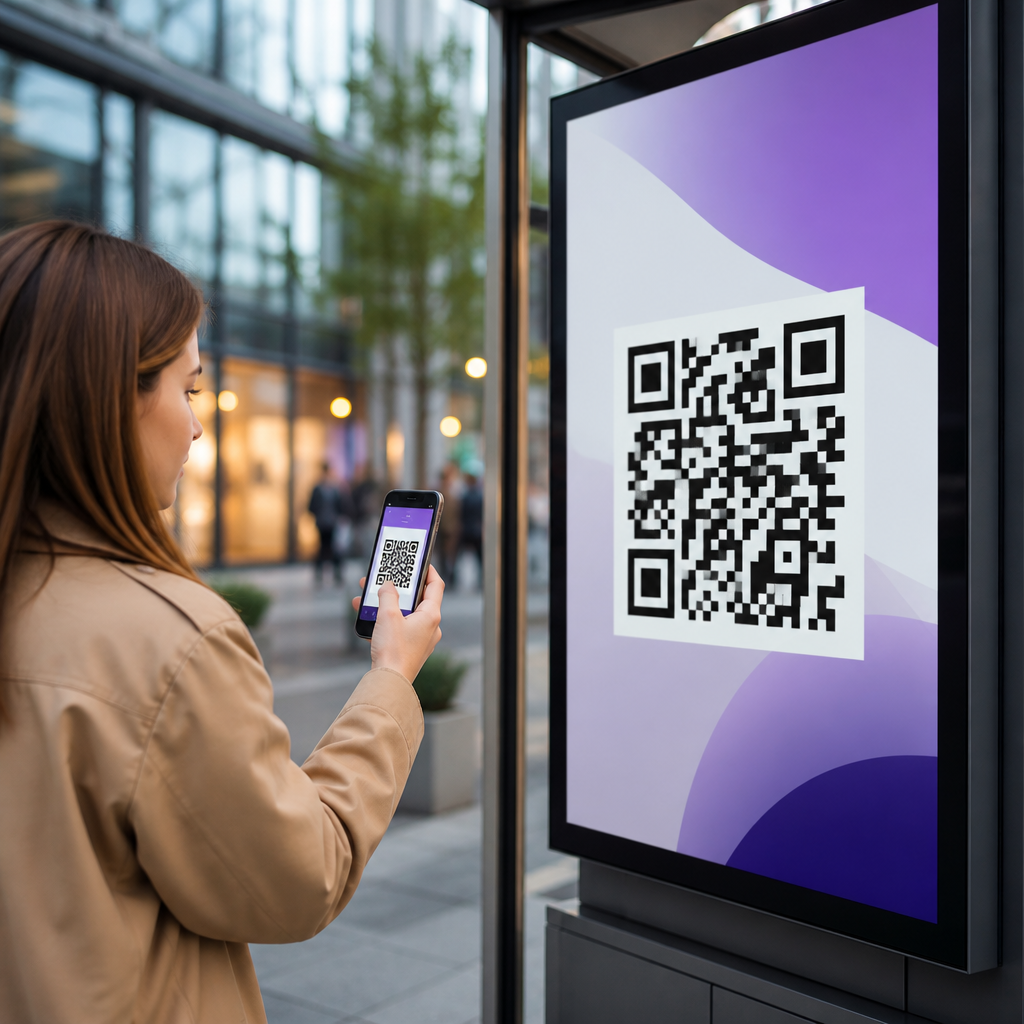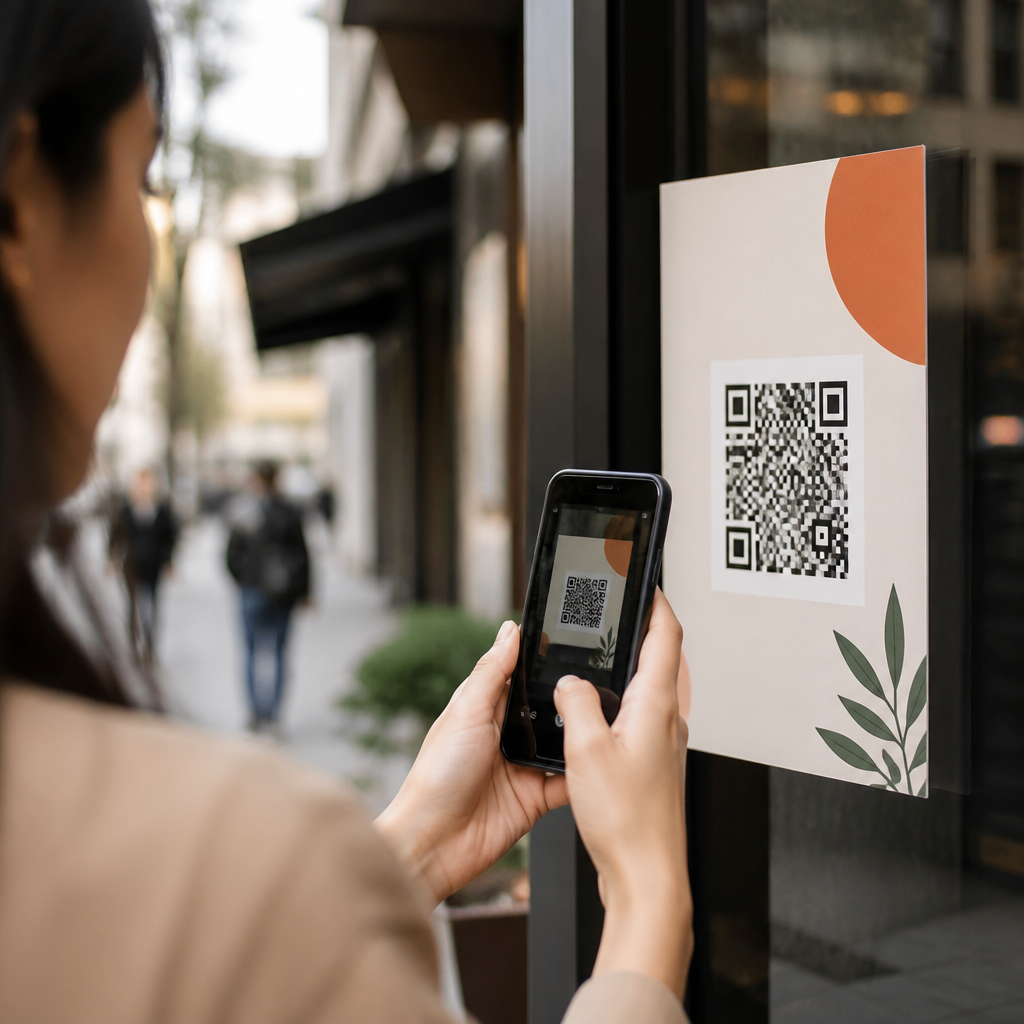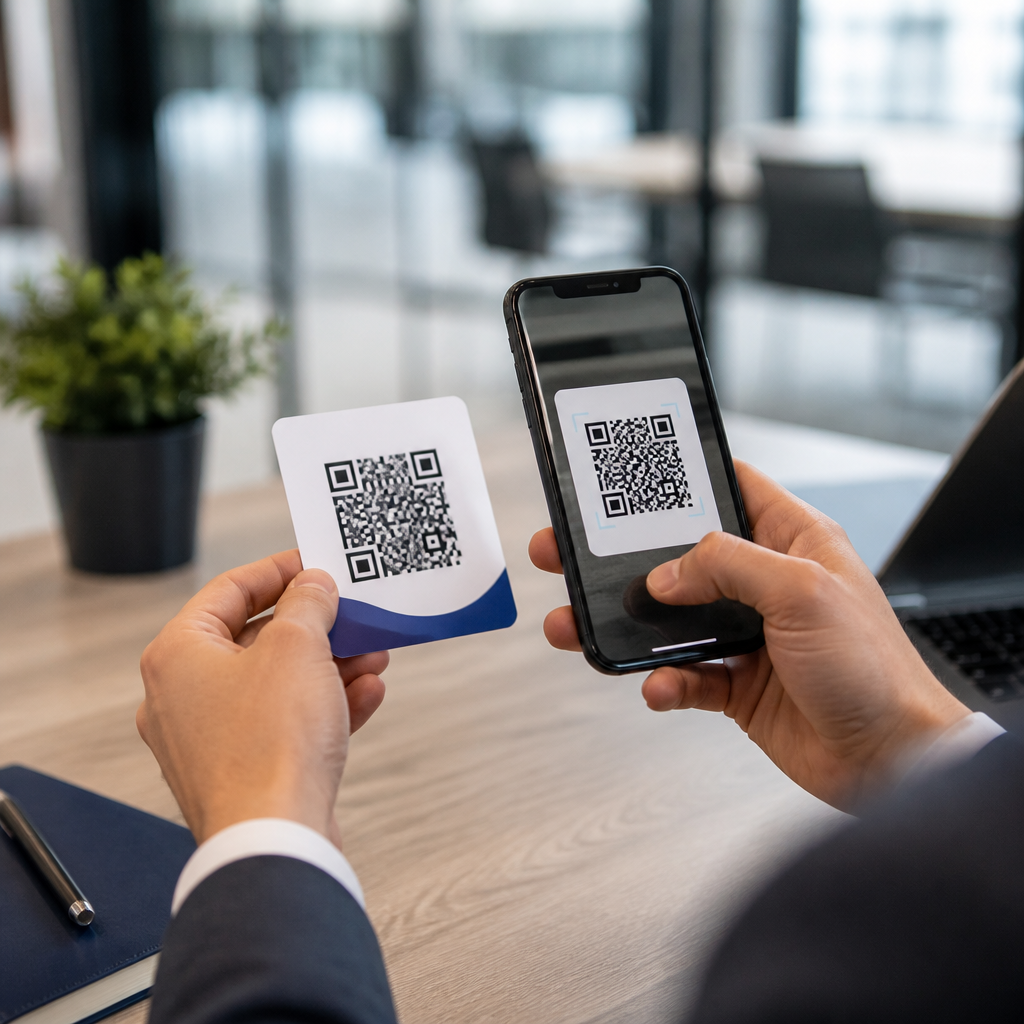
QR codes for LinkedIn lead generation turn a quick mobile scan into a measurable path from offline attention to online conversion. In practice, that means a prospect can move from a trade show badge scan, direct mail piece, product package, storefront sign, or conference slide to a LinkedIn profile, company page, newsletter signup, Lead Gen Form, or message prompt in seconds. As mobile behavior has become the default, marketers need response mechanisms that remove friction. QR codes do that well because smartphone cameras read them instantly, and LinkedIn works well because it captures professional intent. Together, they create a strong bridge between physical marketing and business networking.
Within mobile QR codes for marketing, the broader category is QR codes for social media. This hub page focuses on LinkedIn, but the strategy matters across platforms because the same principles apply: match the destination to user intent, keep the action simple, and measure every scan. LinkedIn deserves special treatment because it serves B2B demand generation, recruiting, partnership outreach, thought leadership, and event follow-up better than entertainment-first channels. I have used QR codes in event booths, printed one-pagers, sales decks, restaurant table tents for franchise recruitment, and webinar slides, and the highest-quality responses usually came when the landing experience aligned tightly with a professional next step.
Key terms matter here. A static QR code contains fixed destination data and cannot be edited after printing. A dynamic QR code points to a short redirect URL, letting you change the final destination, add UTM parameters, and track scans over time. Lead generation means collecting contact or intent signals that sales or marketing can act on, such as a LinkedIn follow, form submission, newsletter subscription, connection request, or booked meeting. Conversion rate is the percentage of scanners who complete the intended action. When teams understand these fundamentals, QR codes stop being a novelty and become a reliable acquisition channel that supports awareness, engagement, and pipeline creation.
Why LinkedIn works especially well for QR-driven lead generation
LinkedIn is uniquely effective because users arrive in a business mindset. Someone scanning a code on booth graphics, a sales leave-behind, or a hiring flyer is often already evaluating credibility, expertise, or fit. Sending that person to a polished LinkedIn company page or executive profile can validate trust faster than a generic homepage. Company pages show recent posts, employee presence, follower count, and brand positioning. Personal profiles add human proof through role history, recommendations, mutual connections, and visible activity. In campaigns I have audited, this trust layer often improved downstream response quality even when raw scan volume was lower than broader social destinations.
Another advantage is audience segmentation. LinkedIn supports multiple post types, Showcase Pages, newsletters, event pages, document posts, and native lead forms through paid campaigns. A QR code can direct different audiences to different assets: job seekers to a careers page, distributors to a partner inquiry form, investors to leadership content, or attendees to an event recap post with a call to connect. This makes LinkedIn more flexible than a single social profile link. It also supports account-based marketing because sales teams can personalize printed assets for target accounts while still routing interest through a familiar professional platform.
The platform also helps with attribution when marketers use dynamic QR codes paired with campaign tagging. By appending UTM parameters to a LinkedIn destination or to an intermediary landing page, teams can distinguish scans from booth banners, brochures, direct mail, packaging inserts, or speaker presentations. LinkedIn analytics alone will not answer every attribution question, but when combined with CRM fields, marketing automation, and redirect analytics from tools such as Bitly, QR Code Generator Pro, Uniqode, or Beaconstac, marketers can see which offline placements influence follows, clicks, and form completions. That insight is essential when budgets are tight and print space is expensive.
Best destinations for QR codes on LinkedIn and other social media channels
The best QR destination depends on intent. For cold audiences, sending users straight to a crowded company page can be weaker than sending them to a focused landing page that then offers LinkedIn follow options, embedded proof points, and a clear form. For warmer audiences, a direct path to a LinkedIn profile, newsletter, or event registration can work extremely well. Across QR codes for social media, the rule is simple: one scan should equal one obvious next step. If users have to decide among too many links, conversions fall.
| Use case | Best QR destination | Why it converts |
|---|---|---|
| Trade show booth | LinkedIn Lead Gen Form or landing page with LinkedIn follow | Captures interest fast while booth memory is fresh |
| Business card | Personal LinkedIn profile | Supports trust, messaging, and easy connection requests |
| Recruiting poster | Company LinkedIn jobs or careers landing page | Matches candidate intent and shows employer brand |
| Webinar slide | LinkedIn newsletter or event page | Extends engagement after the session ends |
| Direct mail | Campaign landing page with social proof and meeting CTA | Allows better tracking and message control |
For this social media hub, it helps to think in platform roles. LinkedIn is strongest for B2B leads, hiring, and partnerships. Instagram often supports visual product discovery. Facebook still matters for local audiences and community groups. X can support real-time commentary, while YouTube works for deeper education. A smart QR strategy does not send every scanner to the same social destination. It maps context to platform behavior. A code on retail packaging may fit Instagram better, while a code on an enterprise case study handout should usually prioritize LinkedIn or a dedicated landing page with professional proof.
How to create high-converting QR codes for LinkedIn campaigns
Start with a dynamic QR code so you can update the destination without reprinting assets. Set the final URL based on campaign purpose, then add UTM tags for source, medium, campaign, and placement. Use high contrast, usually black on white, and preserve adequate quiet space around the code. Error correction should be high enough to survive minor print damage, but not so aggressive that the code becomes visually dense on small materials. In production, test across iPhone and Android devices, different camera apps, indoor lighting, and varying scan distances. Many failures come from poor physical execution, not weak offers.
Design also affects trust. People scan more often when the surrounding copy explains exactly what happens next. “Scan to connect on LinkedIn,” “Scan to get the speaker deck,” or “Scan to apply in under two minutes” consistently outperform unlabeled codes. Size matters too. On a business card, around 0.8 inches may scan if printing is sharp, but 1 inch or more is safer. On signage viewed from several feet away, increase size significantly. Avoid placing codes over glossy folds, busy backgrounds, curved surfaces, or low-contrast brand colors. A beautiful code that does not scan is wasted inventory.
For lead generation, destination structure matters as much as scanability. If you send users to LinkedIn directly, make sure the profile or page is optimized first: updated banner image, clear headline, strong About section, current posts, and a visible next action. If you use an intermediary landing page, keep it mobile-first, fast, and singular in purpose. Include concise value, one proof element such as a client logo row or testimonial, and one conversion path. I have repeatedly seen scan-to-landing-page campaigns beat scan-to-homepage campaigns because they control message sequence and reduce navigation leakage.
Measurement, compliance, and common mistakes to avoid
Effective measurement starts with defining one primary conversion for each code. That might be a LinkedIn follow, a completed lead form, a meeting booking, or a job application. Track scan count, unique scans, conversion rate, time of scan, geography, device type, and assisted conversions in your CRM. If several placements share one offer, generate distinct dynamic codes so each physical location has its own data trail. This is especially important for conferences, retail displays, sales collateral, and out-of-home placements, where aggregate numbers hide which surfaces actually produce qualified leads.
Privacy and platform compliance deserve attention. If a QR code leads to a form that collects personal data, disclose how information will be used and store consent records where required. For European audiences, review GDPR implications. For California residents, align with CCPA disclosure standards. Avoid promising gated assets through LinkedIn if the destination or data use is unclear. Also remember that LinkedIn profile URLs can change if a user edits their public URL, which is another reason dynamic codes are safer than static ones. They protect printed assets from becoming obsolete when organizational details shift.
The most common mistakes are predictable. Marketers link to a generic homepage instead of a campaign-specific destination. They print static codes too early, then cannot fix errors. They skip UTM tagging and lose attribution. They place codes where scanning is awkward, such as moving vehicles, dim hallways, or materials viewed for only a second. They fail to test with real users. And they ask for too much at once. A QR code on social media collateral should not force visitors through a maze of choices. One context, one audience, one action is the discipline that makes this channel profitable.
How this hub connects your broader QR codes for social media strategy
As the hub page for QR codes for social media, LinkedIn lead generation should anchor your B2B and professional outreach playbook, but it should not stand alone. Build connected supporting content around QR codes for Instagram marketing, Facebook page promotion, YouTube subscriber growth, social media follow funnels, event networking, digital business cards, and QR code analytics. Internally, those pages should link back to this hub and to each other based on use case. That structure helps readers compare platforms, and it helps marketing teams deploy the same measurement standards across every campaign.
The main lesson is straightforward: QR codes perform best when they shorten the path between attention and a meaningful professional action. LinkedIn is powerful because it combines identity, trust, content, and networking in one familiar environment. Use dynamic codes, choose destinations based on user intent, optimize the mobile experience, and track each placement separately. If you are building a mobile QR strategy for social media, start with one LinkedIn campaign tied to a real business objective, test it in a physical channel you control, and refine from measured results rather than assumptions.
Frequently Asked Questions
How do QR codes help with LinkedIn lead generation?
QR codes simplify the journey from offline interest to online action by letting someone scan with their phone and land directly on a LinkedIn destination. Instead of asking a prospect to remember a URL, search for your company, or manually type in a profile name, the code removes those extra steps and makes engagement nearly instant. That matters because every additional action creates friction, and friction reduces conversion rates.
For LinkedIn lead generation specifically, QR codes can direct people to a personal LinkedIn profile, a company page, a newsletter signup, a Lead Gen Form, an event page, or even a message prompt depending on the campaign goal. At a trade show, for example, a QR code on booth signage can send visitors to a lead capture page tied to your LinkedIn campaign. On direct mail, it can bridge printed outreach to a professional digital touchpoint. On packaging or in-store displays, it can connect product interest to thought leadership, case studies, or a follow-up conversation on LinkedIn.
They also improve measurability. When marketers use dynamic QR codes with tracking parameters, they can see which placements generate scans, which audiences respond best, and which offline assets influence online conversions. This makes it easier to connect physical marketing efforts to real LinkedIn outcomes such as profile visits, follower growth, form submissions, booked meetings, or qualified conversations.
Where should I use QR codes if I want to generate more LinkedIn leads?
The best placement depends on where your audience encounters your brand in the real world and how much intent they already have. High-performing use cases often include trade show booths, event badges, conference presentations, sales collateral, direct mail pieces, product packaging, retail signage, window displays, printed brochures, proposal documents, and business cards. In each of these environments, the QR code acts as the bridge between attention and action.
For events and conferences, QR codes work especially well because attendees are already in discovery mode and typically have their phones in hand. A speaker slide can invite people to connect on LinkedIn, follow a company page, or access a lead magnet. A booth display can route visitors to a LinkedIn lead form or a campaign landing page designed for mobile conversion. In direct mail, the code can turn a static piece into an interactive response channel, especially when paired with a strong value proposition such as a report, consultation, or demo.
Placement should always support visibility and context. A QR code works best when people can easily spot it, understand why they should scan it, and complete the action in a few seconds. That means pairing the code with a clear call to action like “Connect with our team on LinkedIn,” “Get the full industry report,” or “Request pricing.” The more relevant the destination is to the moment, the more likely the scan becomes a lead rather than a casual click.
What should a QR code link to for the best LinkedIn conversion results?
The destination should match the prospect’s level of intent and the specific campaign objective. If the goal is awareness and trust-building, sending people to a well-optimized LinkedIn profile or company page can work well. If the goal is lead capture, a LinkedIn Lead Gen Form or a mobile-friendly landing page connected to your LinkedIn campaign is usually the stronger option. If the goal is conversation, a message prompt or meeting request page may be more effective.
Context matters a great deal. Someone scanning a code from a keynote slide may be interested in thought leadership, so a newsletter signup or content hub is a natural fit. Someone scanning from a product package may want more detailed information, a use case, or contact with a sales rep. Someone at a trade show may be further down the funnel and more willing to complete a form in exchange for a demo, sample, or consultation. The QR destination should feel like the next logical step, not a generic page that forces the user to hunt for what they expected.
For the best results, make sure the linked page is mobile-optimized, fast-loading, and focused on one action. Avoid sending traffic to a cluttered page with too many options. A short headline, a clear benefit, and a simple conversion path will usually outperform a broad destination. When possible, use campaign-specific URLs and tracking so you can evaluate which QR-linked assets generate the highest-quality LinkedIn leads.
How can I track and measure the performance of QR codes for LinkedIn campaigns?
Measurement starts with using dynamic QR codes rather than static ones whenever possible. Dynamic codes allow you to update the destination URL without reprinting the asset, and they typically provide scan-level analytics such as total scans, unique scans, time, date, device type, and sometimes location data. That gives you an immediate view of engagement at the top of the funnel.
To connect scans to LinkedIn lead generation outcomes, add campaign tracking parameters to the destination URL. This lets you distinguish traffic from a trade show booth, brochure, product insert, storefront poster, or conference slide. In your analytics and CRM, you can then compare which source drove the most profile visits, form fills, follower growth, newsletter subscriptions, conversations, or qualified leads. If you are using LinkedIn ads or LinkedIn-associated landing pages, tracking can help tie offline activations to digital retargeting and downstream conversion activity.
It is also important to define success before launch. In some campaigns, the primary KPI may be scans. In others, it may be Lead Gen Form completion rate, cost per lead, meeting bookings, or sales-qualified opportunities. Once the campaign is live, compare creative, placements, calls to action, and destinations. For example, one QR code might drive more scans, but another might drive fewer scans and much higher lead quality. The strongest QR strategy is not just about response volume; it is about measurable business impact.
What are the best practices for creating QR codes that actually get scanned and convert?
Start with clarity. People need to know exactly what they will get when they scan. A QR code without context often gets ignored, while a code paired with a compelling message performs much better. Use action-oriented language such as “Scan to connect on LinkedIn,” “Scan to get the guide,” or “Scan to book a demo.” The offer should be relevant, immediate, and worthwhile enough to justify the action.
Design and usability matter too. Make sure the code is large enough to scan easily, has strong contrast, and is placed where lighting, distance, and angle will not create problems. Test it on multiple phone types and in real-world conditions before deployment. The destination page should load quickly and be built for mobile-first behavior. If the page asks for too much information or presents too many choices, you risk losing the lead even after earning the scan.
Finally, think strategically about follow-through. A QR code is not just a graphic element; it is part of a conversion system. Align the code, the call to action, the destination, and the follow-up process. If someone scans from a trade show, what happens next? Do they enter a nurture sequence, connect with sales, or see LinkedIn retargeting later? When QR code execution is tied to a deliberate lead generation workflow, it becomes far more effective than a simple link shortcut. That is when it starts serving as a reliable, measurable path from offline attention to LinkedIn-based conversion.