
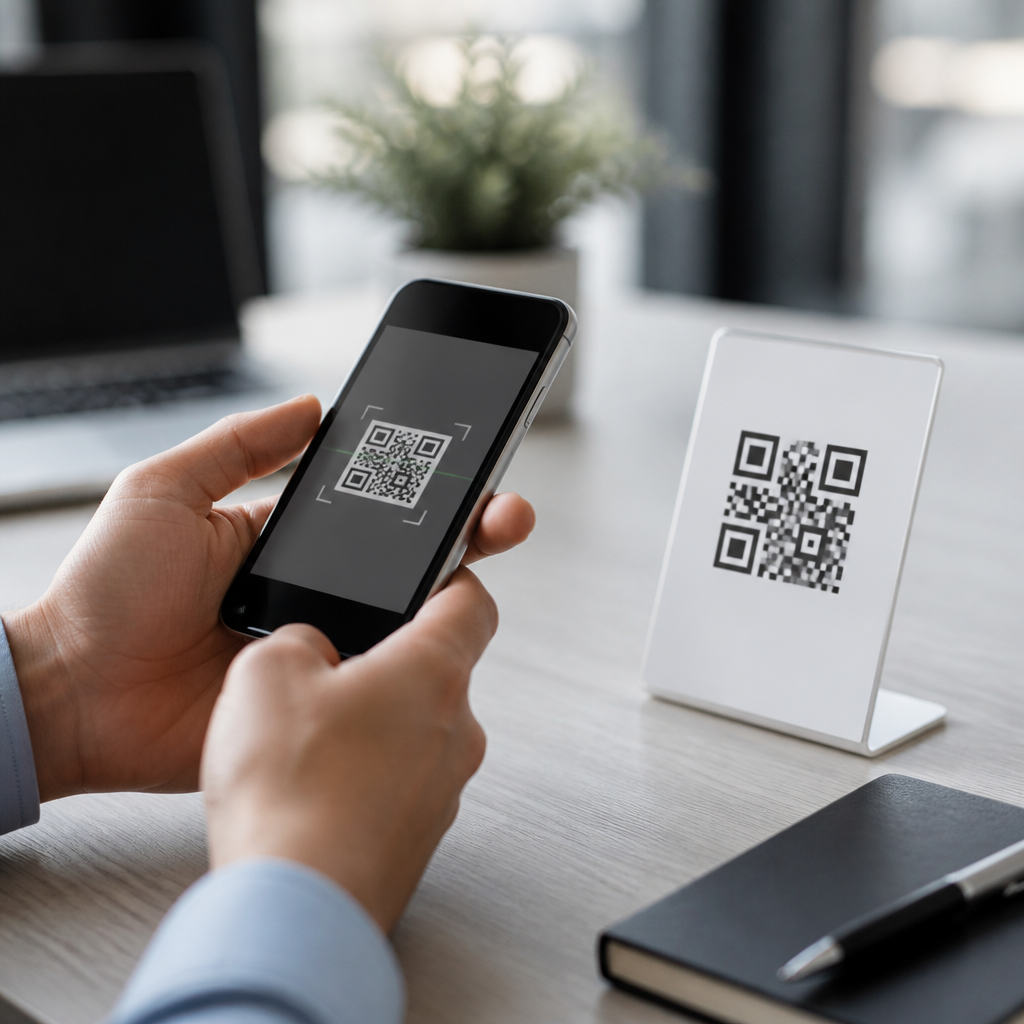
QR codes are convenient, cheap to print, and now embedded in daily life, but the question “Are QR codes safe?” deserves a careful, practical answer. A QR code is a two-dimensional barcode that stores data such as a website address, payment request, Wi-Fi credential, contact card, app link, or document identifier. The code itself is not malicious in the way a virus file is malicious; the risk comes from what the code points to, what action it triggers, and whether the source can be trusted. I have worked on mobile security rollouts where printed codes appeared on posters, invoices, packaging, and restaurant tables, and the pattern is consistent: users trust the square before they inspect the destination.
That trust matters because QR codes remove normal visual cues. With a typed web address, users can often spot misspellings or odd domains before visiting a site. With a QR code, the destination is hidden until after the scan, which gives attackers a chance to redirect people to phishing pages, fake payment forms, malware downloads, or data-harvesting portals. This tactic is often called quishing, short for QR phishing. It has grown alongside contactless payments, digital menus, parking apps, and business sign-ins because people increasingly expect to scan first and think later. For users, the security challenge is not avoiding QR codes entirely. It is learning how to judge when a code is legitimate, what permissions to deny, and which scanning habits reduce risk.
This article explains QR code security best practices for users in plain terms. It covers common threats, realistic signs of tampering, safer scanning methods, payment-specific risks, and the role of phone settings, browsers, and security tools. It also addresses privacy, because some codes merely open a page while others encode identifiers that can track who scanned, when, and from where. If you understand how QR attacks work and adopt a short verification routine, QR codes can be used safely in most situations without giving up convenience.
Are QR codes safe? The direct answer
QR codes are conditionally safe. They are safe when the source is trustworthy, the destination matches the context, and the user verifies what opens before entering credentials, approving a payment, or installing software. They are unsafe when those checks fail. In practice, the code is only a carrier. A scammer can print a code that leads to a cloned bank login page just as easily as a genuine business can print one that opens a menu. Because a QR code can encode many action types, including URLs, SMS prompts, calendar events, and payment requests, users should treat each scan as the start of a transaction, not a harmless camera action.
The safest mindset is to assume every unexpected QR code is untrusted until proven otherwise. That includes codes on public poles, parking meters, flyers, email attachments, social posts, package inserts, and signs that appear newly taped over older labels. If the scan asks for urgent payment, account verification, or software installation, the risk rises sharply. Legitimate organizations rarely require immediate action solely through a QR code when another established channel is available.
How QR code scams work in the real world
Most QR scams exploit speed and context. In a parking scam, an attacker places a sticker over the legitimate payment code on a meter or kiosk. The fake code opens a payment page that looks official, collects card details, and may also charge a small amount to avoid suspicion. In an office environment, attackers have used QR codes in emails that bypassed suspicion because recipients were trained to hover over links, but could not preview a code in the same way. The scan then opened a convincing single sign-on page designed to steal Microsoft 365 or Google Workspace credentials.
Restaurant table tents and event posters can also be abused. A fake code can request app installation to “view the menu” or “claim tickets,” leading users to side-loaded software or fraudulent app stores. Another pattern involves package delivery notices: a printed code claims a fee is needed for rescheduling, then leads to a phishing checkout page. None of these attacks rely on breaking the QR standard. They rely on social engineering, visual impersonation, and the hidden nature of the encoded action.
| Scenario | Typical attacker goal | Warning sign | Safer user action |
|---|---|---|---|
| Parking meter code | Steal card details or payment | Sticker over existing label, odd domain | Use the city app or type the official site manually |
| Email QR code | Capture work login credentials | Unexpected verification request | Open the service directly from bookmarks |
| Restaurant menu code | Redirect to malware or fake app | Asks to install software to view menu | Ask staff for the official menu URL |
| Invoice or package insert | Collect payment and personal data | Urgent fee demand, generic branding | Verify through known customer support channels |
What users should check before and after scanning
The most effective QR code security habit is a five-second verification step. Before scanning, inspect the physical context. Does the code look professionally printed and integrated into the sign, or like an added sticker? Is the brand name, logo, and wording consistent with the business? Is there a short domain printed nearby for cross-checking? Tampering is often visible at close range. I advise users to look especially at parking machines, shared bulletin boards, and any code attached with tape or a glossy overlay.
After scanning, read the preview carefully. Modern phone cameras and reputable scanner apps usually show the target URL before opening it. Confirm the domain, not just the page design. Attackers often use lookalike addresses such as payrnents.example.com with an “r” and “n” replacing “m,” or add a trusted word into a different domain such as microsoft-login-secure.example.net. If the code initiates a payment, check the recipient name, amount, and merchant details before approval. If it opens a login page, ask whether you could reach the same service through your normal app or saved bookmark instead.
Never grant unnecessary permissions because a QR workflow asks for them. A menu page does not need access to contacts, a flashlight, or device administration. A payment page should not require app installation from outside the Apple App Store or Google Play. If your browser displays a certificate warning, mixed-content alert, or deceptive-site warning from Google Safe Browsing or Microsoft Defender SmartScreen, stop immediately. Those protections are not perfect, but they catch a meaningful share of commodity phishing and malware infrastructure.
Phone settings, browsers, and apps that improve QR safety
Users often ask whether they need a special QR scanner. Usually, the safest option is the built-in camera on a fully updated iPhone or Android device because platform vendors continuously patch preview handling, permission prompts, and harmful site detection. Third-party scanner apps can be useful for enterprise workflows, but many free scanners historically monetized through aggressive ads, tracking, or unnecessary permissions. If you install one, review the developer, permissions, and store reputation carefully.
Keep the operating system, browser, and security updates current. On Android, Google Play Protect helps identify risky apps; on iPhone, Apple’s app review and tighter sideloading controls reduce some malware pathways. Use a password manager with autofill because it acts as a quiet phishing detector: if the manager refuses to fill your saved bank or work credentials, the domain may be wrong. Enable multifactor authentication so a stolen password alone is less useful. For work accounts, security keys based on FIDO standards provide the strongest resistance to credential phishing, including many QR-driven login scams.
Browser hygiene matters too. Let the browser open the destination instead of embedded in-app views when possible, because full browsers expose more security indicators and benefit from stronger safe-browsing systems. Consider using DNS filtering from providers such as Quad9 or enterprise protective DNS if available; these services can block known malicious domains before the page loads. None of these controls makes unsafe scanning harmless, but together they create layers that prevent simple mistakes from becoming account compromise.
Payment, privacy, and compliance concerns users should understand
Payment QR codes deserve extra caution because they can trigger instant, hard-to-reverse transfers. In many wallet and banking apps, a QR code can prefill a merchant identifier, account alias, or payment amount. Always verify each field manually. If the amount is hidden until late in the flow or the payee name does not match the expected business, cancel. This is especially important in peer-to-peer systems and account-to-account payment rails where consumer protections differ from credit card chargeback rules. Convenience should never replace confirmation.
Privacy is the second issue. A QR code can contain campaign parameters, serial numbers, or user-specific tokens that tell the operator exactly which poster, email, package, or customer generated the scan. That is not always abusive; it is common analytics practice. But users should know that scanning can reveal time, approximate location, device type, and browsing behavior once the page loads. If the destination asks for excessive personal data, the code may be functioning as a lead-capture tool rather than a simple information link.
In regulated settings such as healthcare, finance, and education, legitimate organizations usually pair QR convenience with established controls: branded materials, official domains, privacy notices, and alternative access methods. If a code claims to deliver lab results, tax forms, or account recovery without those signals, skepticism is appropriate. Compliance frameworks do not guarantee safety, but mature organizations generally document their flows and avoid forcing sensitive actions through a single anonymous square.
Best practices users can follow every day
Safe QR code use comes down to routine. Scan only when the source makes sense, inspect the target before opening, prefer official apps and bookmarked sites, and pause whenever a code leads to login, payment, or software installation. In public places, assume stickers can be swapped. In email, assume a QR code can be as dangerous as a malicious link. For work accounts, use multifactor authentication and report suspicious codes to IT. For personal use, keep your phone updated, rely on built-in camera scanning, and let your password manager help verify domains.
Are QR codes safe? Yes, when users treat them as hidden links that deserve verification. The main benefit of following QR code security best practices is simple: you keep the convenience of fast scanning without giving scammers an easy path to your money, credentials, or personal data. Build a five-second check into every scan, use trusted channels when anything feels off, and share these habits with family and coworkers. A small pause before tapping is the most effective QR defense most people will ever need.
Frequently Asked Questions
Are QR codes safe to scan, or can they be dangerous?
QR codes are not inherently dangerous, but they are not automatically safe either. A QR code is simply a machine-readable way to store information such as a URL, payment instruction, Wi-Fi network credential, app download link, digital menu, file location, or contact card. The security issue is usually not the code itself, but the destination or action it triggers. If a code opens a legitimate website from a trusted business, it is generally low risk. If it sends you to a fake login page, initiates a payment to a scammer, downloads an unknown app, or connects you to a suspicious network, it can create real harm.
The safest mindset is to treat QR codes like shortened links or email attachments: convenient, but worth verifying before you trust them. Users should preview the destination whenever possible, confirm that the domain name is correct, and be especially cautious when a code appears in public places where stickers can be replaced or layered over the original. In other words, the answer to “Are QR codes safe?” is yes, sometimes, but only when the source is trustworthy and the action makes sense in context.
What are the most common QR code scams users should watch for?
The most common QR code scams rely on deception rather than technical complexity. One frequent tactic is QR phishing, sometimes called “quishing,” where a code directs users to a fake website that looks real and asks them to sign in, verify a payment, or enter personal information. Another common scam involves payment fraud, such as placing a fake QR code over a legitimate one at a parking meter, vending machine, donation box, or restaurant table so that funds are redirected to a criminal account. Attackers also use QR codes in emails, text messages, printed flyers, and social posts to bypass users’ normal suspicion of clickable links.
Users should also watch for QR codes that trigger app downloads, prompt urgent account action, or claim to offer prizes, refunds, account recovery, or package tracking. These are classic social engineering themes. A practical defense is to pause before scanning and ask basic questions: Who provided this code? Does the requested action fit the situation? Is there another way to reach the same service, such as typing the website directly or using the company’s official app? That short delay can stop most QR-enabled scams before they start.
How can I verify a QR code before scanning or opening what it links to?
The first step is to evaluate the source. A QR code from a reputable business, official signage, a known colleague, or printed packaging is usually safer than a random sticker in a public area or a code embedded in an unsolicited message. If the code is physically posted somewhere, inspect it closely. Signs of tampering can include a sticker placed over another sticker, mismatched branding, crooked alignment, poor print quality, or a code that appears out of place. For example, if a restaurant menu QR code suddenly asks for banking details, something is wrong.
After scanning, do not rush to tap through. Many phones and QR scanning apps show a preview of the destination. Read the full web address carefully. Look for misspellings, extra characters, unusual subdomains, or domains that imitate a trusted brand. A legitimate site might be “company.com,” while a scam may use something like “company-login-security.example.net.” If the destination asks for sensitive information, payment, or downloads, stop and verify through a separate channel. Open the official website manually, call the business using a published number, or use the company’s known app. Verification is most effective when it happens before you interact with the page.
What security best practices should users follow when scanning QR codes on phones?
Good QR code security starts with basic digital hygiene. Keep your phone’s operating system, browser, and security updates current so you have the latest protections against malicious sites and known exploits. Use your phone’s built-in camera or a reputable scanning app rather than a random third-party scanner. If possible, enable browser safety features that warn about deceptive websites. It is also wise to use strong, unique passwords and multi-factor authentication on important accounts so that even if a phishing attempt succeeds, the attacker has a harder time taking over your account.
When you scan, verify the destination before proceeding, avoid entering credentials after arriving from a QR code unless you are certain the site is authentic, and do not install apps from pages that feel unexpected or unverified. Be cautious with QR codes that request payments, especially person-to-person transfers, cryptocurrency payments, or urgent transactions. Avoid automatically joining Wi-Fi networks from QR codes unless you trust the source, since a fake network can expose your traffic or lead to further phishing attempts. Finally, if something feels off, abandon the scan and access the service another way. Convenience should never override caution.
What should I do if I scanned a suspicious QR code or entered information on the site it opened?
If you scanned a suspicious QR code but did not interact further, close the page immediately and avoid downloading anything, entering credentials, or approving prompts. Clear the tab, and if you are concerned, run a mobile security scan with a trusted app and check your device for newly installed apps, unusual browser permissions, or unexpected profile or network settings. If the page asked you to log in and you entered a password, change that password right away on the real site by navigating there directly, not through the QR code. If you reused that password elsewhere, change those accounts as well.
If you submitted payment information, contact your bank or card provider immediately, explain that the transaction may be fraudulent, and follow their guidance on freezing cards, reversing charges, or monitoring for unauthorized activity. If you entered personal data, watch for identity theft risks and enable fraud alerts where appropriate. It is also smart to review account login history, turn on multi-factor authentication, and sign out of active sessions if the service allows it. In workplace settings, report the incident to your IT or security team quickly so they can help assess the risk. Fast action matters; the sooner you respond, the better your chances of limiting damage.





