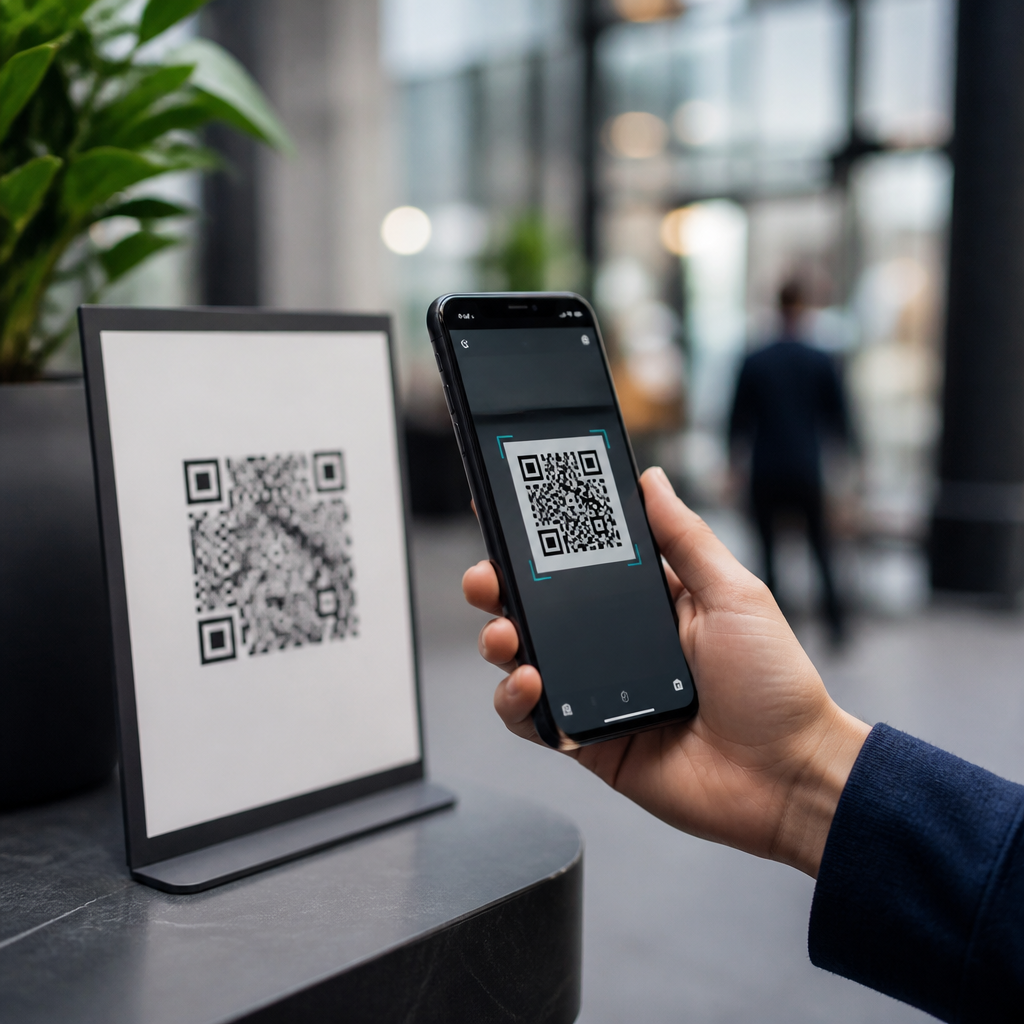
QR codes are safe to use in most everyday situations, but they are only as trustworthy as the person, company, or system behind them. A QR code, short for Quick Response code, is a two-dimensional barcode that stores data such as a website URL, payment address, Wi-Fi credential, app link, contact card, or document reference. When scanned with a smartphone camera or dedicated scanner, the code converts visual squares into machine-readable information and triggers an action. That convenience explains why QR codes now appear on restaurant menus, parking meters, shipping labels, event tickets, hospital forms, product packaging, and payment terminals worldwide.
Safety matters because QR codes compress a decision into a single tap. Unlike a printed web address, the destination is often hidden until after scanning, which gives attackers an opportunity to disguise malicious links, fake login pages, or fraudulent payment requests. Security professionals often call this “quishing,” a form of phishing delivered through QR codes. The technique grew during the pandemic as contactless interactions expanded quickly, and many users became accustomed to scanning first and verifying later.
In practice, I have seen both sides. Legitimate organizations use QR codes to reduce friction, improve conversion rates, and connect offline materials to digital services. At the same time, incident reviews regularly show that unsafe deployment creates avoidable risk. A QR code placed on a public poster can be covered with a sticker leading to a spoofed site. A code embedded in an email can bypass a recipient’s habit of hovering over links. A payment code can direct funds to the wrong wallet or merchant account if controls are weak.
The key point is simple: the code itself is not inherently dangerous. The safety question depends on what the code does, where it came from, what device scans it, and what safeguards exist before and after the scan. That makes QR code safety a broader topic that includes mobile security, phishing awareness, secure redirects, payment verification, data minimization, and regulatory compliance. Businesses that use QR codes responsibly treat them as part of their application security and privacy programs, not just as a design element.
This hub explains when QR codes are safe, where the biggest risks appear, and how individuals and organizations can reduce exposure. It also sets the foundation for deeper topics across QR code security, privacy, and compliance, including dynamic QR code controls, payment fraud prevention, analytics governance, and secure campaign management.
What Makes a QR Code Safe or Unsafe?
A safe QR code leads to an expected destination, requests only appropriate information, and operates within a controlled user journey. An unsafe QR code hides a deceptive action or sends the user into a weakly protected environment. The difference often comes down to verification, transparency, and control.
Three factors usually determine safety. First is source integrity: who created the code, and can the user reasonably trust that source? Second is destination security: does the code open a secure website using HTTPS, a verified app deep link, or a controlled payment page? Third is context: does the requested action make sense in the situation? A code on a parking meter asking for card details may be normal; a code on a random pole promising a tax refund is not.
Static and dynamic QR codes also matter. A static code points directly to fixed content and cannot be changed after printing. A dynamic QR code uses a short redirect URL managed through a platform, allowing the owner to update the destination, measure scans, apply device routing, or disable the code. Dynamic codes are useful, but they expand the trust boundary because the redirect service becomes part of the security model. If the platform is compromised, misconfigured, or poorly governed, the code may lead somewhere unintended.
For companies, a safe implementation includes branded domains, redirect monitoring, certificate management, access controls, and change logs. For consumers, safe use starts with basic skepticism and careful review before tapping through.
Common QR Code Risks and Real-World Attack Scenarios
The most common QR code risk is phishing. Attackers place a code on a flyer, email, or text message and direct victims to a fake Microsoft 365, Google, banking, or payroll login page. Because mobile browsers show less URL detail than desktop browsers, victims may miss signs such as typosquatted domains or unusual subdomains. Security teams have documented campaigns where QR codes were used specifically to evade email filters that were stronger at inspecting text links than images.
Payment fraud is another major risk. In some cities, criminals have placed counterfeit QR stickers over legitimate parking payment codes. The victim scans, lands on a convincing payment page, enters card details, and either pays a fraudster or exposes card data. Similar tactics can target donations, restaurant bills, and peer-to-peer transfers. With cryptocurrency, the danger is even more direct: a malicious QR code can encode a wallet address, and once funds are sent, recovery is unlikely.
Malware delivery is less common than phishing but still relevant. A QR code can trigger an app download page, profile installation, or file retrieval. Modern mobile operating systems impose more restrictions than they once did, which helps, but users can still be tricked into sideloading apps, approving mobile device management profiles, or granting excessive permissions. In enterprise environments, I have seen test campaigns prove that users will scan a code from a conference badge or lobby sign with very little hesitation.
Privacy risk is often overlooked. A marketing QR code may collect scan time, approximate location, device type, language, and referral context. If that data is linked to account records or customer profiles, it becomes governed personal data in many jurisdictions. Organizations need a lawful basis for collection, retention limits, disclosure language, and vendor oversight.
| Risk | How it works | Typical example | Best defense |
|---|---|---|---|
| Phishing | QR code opens a fake login or form | Email asks employee to scan for password reset | Verify domain before entering credentials |
| Payment fraud | Code routes payment to attacker | Sticker placed over parking meter code | Use official apps or merchant-verified pages |
| Malware | Code promotes unsafe app or file download | Fake update page after event scan | Avoid sideloading and review permissions |
| Privacy exposure | Scan data collected without clear notice | Campaign QR code tied to customer identity | Minimize data and publish transparent notices |
How Consumers Can Use QR Codes Safely
For individual users, QR code safety is mostly about pausing before acting. First, inspect the physical environment. If a code is on a public machine, sign, or menu, look for tampering such as stickers layered on top of another label, mismatched branding, poor print quality, or wording that feels urgent or unusual. Second, preview the destination if your phone allows it. Both iOS and Android commonly display the link before opening it. Read the full domain, not just the page title.
Third, avoid entering passwords or payment information unless the destination is clearly legitimate. Look for HTTPS, expected branding, and a domain that matches the organization exactly. If the code claims to be from your bank, utility company, or employer, it is usually safer to open the official app or type the known website manually. Fourth, keep your device updated. Current operating system patches, mobile browser protections, and endpoint security apps reduce exploit risk and flag known malicious sites.
Fifth, limit app installations triggered by QR codes. App stores are not perfect, but they are safer than direct downloads. If a code asks you to install a configuration profile, grant accessibility access, or disable security settings, stop immediately. Finally, monitor accounts after any suspicious scan. If you entered credentials, change the password, revoke active sessions, and enable multifactor authentication.
How Businesses Can Deploy QR Codes Securely and Compliantly
Organizations should treat QR codes like any other public entry point into their systems. The safest pattern is to use branded, human-readable domains with HTTPS and minimal redirect complexity. If dynamic QR codes are necessary, restrict administrative access with single sign-on, multifactor authentication, role-based permissions, and audit logging. Marketing convenience should never outweigh change control.
Destination pages should be mobile-optimized, monitored, and protected by web application security controls. Use content security policy, certificate lifecycle management, bot protection where appropriate, and fraud monitoring for payment flows. If the QR code initiates account access, enforce phishing-resistant authentication methods when possible, such as passkeys or FIDO2 security keys. At a minimum, require multifactor authentication and anomaly detection.
Physical security matters too. On-premise QR codes should be inspected regularly, especially on payment kiosks, parking infrastructure, retail displays, and event signage. Some operators add tamper-evident labels or print the expected destination domain directly beside the code so users can compare before scanning. That simple control reduces fraud because it removes ambiguity.
Privacy and compliance require equal attention. If scan analytics involve personal data, align collection practices with GDPR, CCPA, and sector-specific rules where applicable. Publish clear notices, define retention periods, configure vendor data processing terms, and avoid collecting more metadata than needed. Teams using platforms such as Bitly, QR Code Generator Pro, Adobe Express, or enterprise campaign tools should complete vendor reviews just as they would for any SaaS handling customer interaction data.
When QR Codes Are the Right Choice
QR codes are a good choice when they remove friction without obscuring trust. Examples include product authentication pages, event check-in, restaurant ordering, device pairing, secure document retrieval through a known portal, and app sign-in flows that use approved identity standards. They are less appropriate when the action is highly sensitive and the user has no reliable way to verify the destination.
The practical rule is straightforward: QR codes are safe when verification is easy, the destination is controlled, and the requested action matches user expectations. If you use them personally, scan thoughtfully and verify before submitting anything important. If you deploy them for business, govern them like any other digital access point. Review your current QR code inventory, test each destination, and close the gaps before attackers find them.
Frequently Asked Questions
Are QR codes safe to use?
Yes, QR codes are generally safe to use in everyday situations, but their safety depends on what the code does and who created it. A QR code itself is just a way to store information in a machine-readable format. It may contain a website URL, payment details, Wi-Fi credentials, contact information, an app download link, or a document reference. The code is not automatically dangerous simply because it exists. The real issue is whether the destination or action behind the code is legitimate.
In practice, most QR codes used by established businesses, schools, restaurants, event organizers, and payment systems are perfectly routine. Problems arise when attackers use QR codes to hide malicious links, redirect users to fake login pages, trigger unwanted downloads, or send payments to the wrong recipient. Because the code looks like a pattern of squares rather than readable text, users cannot always tell where it will lead before scanning. That lack of transparency is what creates risk.
The safest approach is to treat a QR code the same way you would treat a shortened link or an unexpected attachment: convenient, but worth verifying. If the code comes from a trusted source, appears in a normal context, and your phone shows a preview of the destination before opening it, it is usually safe to proceed. If anything feels unusual, it is best to pause and confirm before tapping through.
What are the biggest security risks associated with QR codes?
The most common risk is being sent to a malicious website. Criminals can create QR codes that lead to fake banking pages, counterfeit delivery notices, phishing login screens, or scam payment portals designed to steal passwords, account details, or card information. This tactic is sometimes called “quishing,” or QR code phishing. Since the code itself does not clearly display the destination, it can be easier for attackers to disguise harmful links than with plain text URLs.
Another major risk is payment fraud. A scammer might place a fake QR code sticker over a legitimate one in a parking meter, vending machine, donation station, or restaurant checkout area. If a user scans the altered code and submits payment, the money may go directly to the attacker instead of the intended business. This is one of the reasons it is important to inspect public QR codes for signs of tampering, such as stickers placed on top of printed materials or codes that look out of place.
Other risks include downloading fake apps, connecting to unsafe Wi-Fi networks, or automatically opening content that requests sensitive permissions. While modern smartphones typically require user confirmation before completing most actions, a QR code can still start a chain of events that leads to a security problem if the user acts too quickly. The good news is that these risks are manageable. Awareness, destination previews, and basic verification habits reduce the chance of trouble significantly.
How can I tell whether a QR code is legitimate before scanning it?
Start with context. Ask yourself where the code appears, who is providing it, and whether it makes sense in that setting. A QR code on a utility bill, official product packaging, a well-maintained menu, or a verified business sign is more reassuring than a random code on a flyer, text message, email attachment, or sticker in a public place. If the code is asking you to log in, make a payment, claim a prize, verify an account, or update sensitive details, that should immediately raise your level of caution.
Next, inspect the physical presentation. If the code is printed in a public area, look closely for signs it may have been covered or replaced. Crooked stickers, mismatched branding, poor print quality, or duplicate codes layered over original signage can indicate tampering. For digital QR codes, consider whether the source is trustworthy. A code sent through an unsolicited message or posted by an unverified social account deserves skepticism, especially if it creates urgency.
Finally, rely on your device’s preview features. Many smartphone camera apps and scanner apps show the URL or action before opening it. Read that preview carefully. Look for misspellings, unusual domains, extra characters, or addresses that imitate well-known brands. A legitimate company should send you to its actual website, not a suspicious variation. If there is any doubt, do not use the QR code. Navigate to the website manually, use a saved app, or contact the organization directly to confirm the correct link.
Is it safe to scan QR codes for payments, apps, Wi-Fi, and logins?
It can be safe, but each use case carries its own level of risk. Payment QR codes are convenient and widely used, especially in retail, peer-to-peer transactions, and contactless checkout. They are usually safe when displayed by a trusted merchant or generated within a reputable payment app. Before sending money, always verify the payee name, amount, and transaction details. If the code appears on a public sign, terminal, or poster, make sure it has not been replaced or altered.
QR codes that lead to app downloads deserve extra caution. A legitimate QR code should direct you to an official app store listing, not to a third-party download page. Installing software from unofficial sources creates unnecessary risk. For Wi-Fi access, QR codes are commonly used in homes, offices, and hospitality settings to simplify connection. These are generally harmless when provided by people or organizations you trust, but remember that joining any network can expose your device to broader network-based risks if that network is poorly secured.
Login-related QR codes can also be legitimate. Some secure platforms use QR login to pair devices or speed up authentication. Even so, it is important to confirm that the login request comes from the real service and appears inside its official app or website. Avoid scanning codes that ask you to sign in to financial, email, or work accounts unless you are sure they are genuine. In short, QR codes for payments, apps, Wi-Fi, and logins are not inherently unsafe, but they should never replace normal verification steps.
What are the best practices for using QR codes safely?
The first rule is simple: scan thoughtfully, not automatically. Use your phone’s built-in camera or a trusted scanner that shows a preview before taking action. Always review the destination URL, payment request, app store page, or network name before confirming. If a site opens, check that the domain is correct, the branding is consistent, and the page does not pressure you into rushing. If you are asked to enter passwords, banking details, card numbers, or personal information, slow down and verify that you are truly on the correct site.
It also helps to keep your device secure. Install operating system and browser updates, use security features built into your phone, and download apps only from official stores. These steps improve protection if you accidentally interact with a bad link. For payments, confirm the recipient and amount before authorizing anything. For business or public settings, prefer QR codes from clearly branded, well-maintained sources rather than codes posted casually or without explanation.
Most importantly, trust your instincts. If a QR code appears in an unexpected message, promises a reward, demands urgent action, or seems unrelated to the situation, skip it. You can usually reach the same destination by typing the website manually, opening the official app yourself, or contacting the organization directly. QR codes are best understood as neutral tools: very useful, usually safe, and easy to use responsibly when paired with basic digital caution.