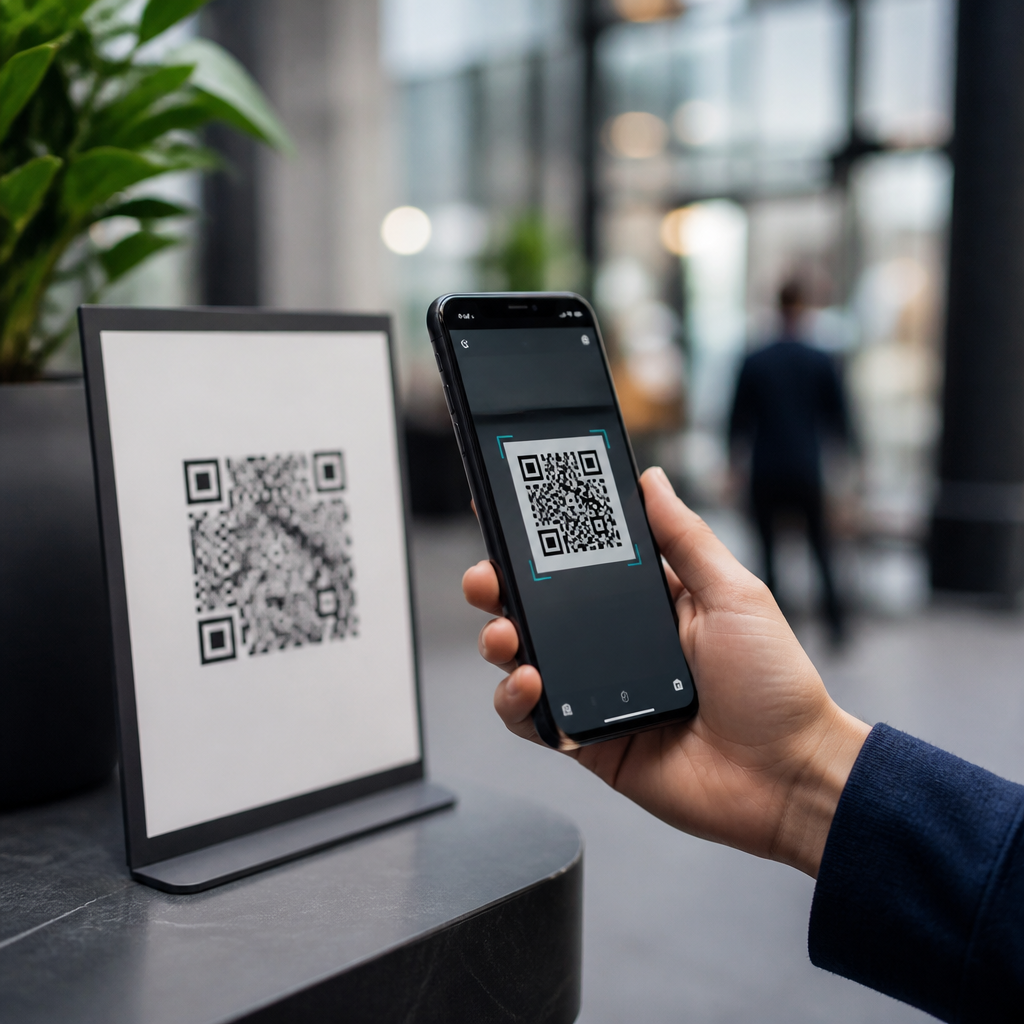
QR codes are convenient, fast, and now nearly unavoidable, but many people still ask a sensible question: how secure are QR codes for everyday use? The short answer is that QR codes themselves are not inherently dangerous, yet they are not automatically safe either. A QR code is simply a machine-readable pattern that stores data, usually a website address, payment instruction, contact card, Wi-Fi credential, or app action. The risk comes from what the code triggers after a scan and from how much the user trusts the source. In daily work with mobile payments, printed marketing materials, event check-ins, and operational labels, I have seen secure deployments save time and reduce errors, while poorly controlled codes opened the door to phishing, payment diversion, and privacy leakage.
Understanding this distinction matters because QR codes bridge the physical and digital worlds in one tap. That makes them powerful and efficient, but it also compresses decision-making. Instead of reading a full URL or typing a known address, users often scan first and think second. Attackers exploit that habit through “quishing,” or QR-based phishing, by placing malicious codes on parking meters, restaurant tables, utility bills, posters, or emails. At the same time, many legitimate organizations rely on QR codes because they reduce friction, support touchless experiences, and improve tracking. The practical question is not whether QR codes are safe in the abstract. It is whether the code comes from a trustworthy source, sends you to a verified destination, and is managed with proper security controls.
For everyday use, the best way to think about QR code security is to separate the symbol from the system around it. A printed pattern cannot infect your phone by sight alone. However, once scanned, it can open a webpage, prefill a payment, draft an email, join a wireless network, launch a download, or reveal personal data. Security therefore depends on source verification, mobile operating system protections, browser defenses, payment confirmation steps, and organizational governance. This article explains where QR codes are safe, where they are risky, how common attacks work, and what practical safeguards make them dependable for consumers and businesses.
What makes a QR code safe or unsafe?
A QR code is safe when it directs users to an expected action through a trusted channel with visible verification before any sensitive step. It becomes unsafe when the destination is deceptive, altered, or unnecessary for the situation. In practice, I assess four variables first: origin, destination, action, and context. Origin asks who created and placed the code. Destination asks what domain, app, or network the scan opens. Action asks whether the scan only displays information or requests a login, payment, download, or personal data. Context asks whether the request makes sense for the location, timing, and brand involved.
Consider a museum placard linking to an exhibit page on the museum’s own domain. That is a low-risk use case if the URL preview matches the institution’s site and the page uses HTTPS. Compare that with a sticker placed over a parking meter code that opens a payment page on an unfamiliar domain with a rushed timer and pressure language. The visual pattern may look identical, but the security posture is completely different. This is why the statement “QR codes are safe” is too broad. The accurate answer is that reputable implementations are generally safe, while unverified codes can be as risky as clicking a suspicious link in an email.
Modern smartphones help by showing a link preview before opening many codes, sandboxing browsers, and warning about known malicious websites through services such as Google Safe Browsing and Apple’s built-in protections. Still, those controls are not perfect. A convincing domain typo, a newly registered phishing site, or a shortened link can bypass user judgment if someone is in a hurry. Safety comes from layered checks, not from the code format alone.
Common QR code threats in everyday situations
The most common threat is quishing. An attacker replaces or overlays a legitimate code with one that leads to a fake login page, fake payment portal, or malware-hosting site. This attack works especially well in public spaces where people expect to scan codes quickly, including transit systems, parking kiosks, charity posters, and café ordering stands. The victim believes they are interacting with a known brand, but the code redirects them elsewhere. In several cities, transportation agencies and local news outlets have warned users about fraudulent QR stickers on meters and public signage because stolen card data and diverted payments became recurring problems.
A second risk is payment redirection. Static payment QR codes can be swapped so money goes to a criminal account instead of the intended merchant. Small retailers are especially vulnerable when printed codes are left unattended at counters. I have seen businesses assume a laminated code is “set and forget,” only to discover tampering after customer complaints. Dynamic QR systems tied to a managed payment platform are safer because the destination can be controlled centrally and monitored for anomalies.
Another threat is credential harvesting. Fake codes in emails or printed notices may lead to counterfeit Microsoft 365, Google Workspace, or banking login pages. Security teams increasingly report QR-based attacks because email filters that catch suspicious text links may not parse embedded codes as effectively. Attackers know users are trained to hover over links on desktops, but scanning a code from a laptop screen with a phone can sidestep that habit and move the victim to a less monitored mobile environment.
| Threat | Typical setting | What happens | Best defense |
|---|---|---|---|
| Quishing | Posters, emails, public signs | User lands on fake site | Check URL preview and domain |
| Payment diversion | Counters, parking meters | Funds go to attacker | Use trusted payment apps and confirm payee |
| Malware delivery | App prompts, fake updates | User installs harmful software | Avoid side-loaded apps; use official stores |
| Privacy leakage | Marketing campaigns | Scan data reveals behavior | Read notices and limit permissions |
Privacy issues deserve attention too. QR codes used for menus, forms, coupons, and event entry often feed analytics systems that log time, location, device type, referral source, and conversion behavior. That is not automatically abusive, but users should know that a simple scan can become part of a broader tracking profile. In regulated industries, this intersects with consent, retention, and disclosure obligations.
When QR codes are generally safe to use
QR codes are generally safe when they come from a trusted organization, appear untampered, and point to a clear, expected destination. Good examples include boarding passes generated inside an airline app, multifactor authentication setup codes shown within an account security page, warehouse inventory labels inside a controlled facility, and restaurant menus hosted on the restaurant’s own domain. In these cases, the user already has a trust relationship with the issuer, the scan serves a limited purpose, and other controls surround the interaction.
Enterprise environments often use QR codes safely because they pair them with mobile device management, signed apps, restricted scanners, and role-based access. A factory asset tag might open only an internal maintenance form. A healthcare workflow might use a code to match equipment, room, and task, while keeping protected health information behind authenticated systems. The code itself is merely an index; the secure architecture sits behind it.
Consumer payments can also be safe when handled through established apps that display the merchant name, amount, and confirmation screen before completion. Standards such as EMVCo QR payment specifications improved interoperability and reduced ambiguity in supported payment flows. Even so, users should review the payee and amount every time. Trust should come from the app’s validation and the merchant identity, not from the presence of a square barcode alone.
How to evaluate a QR code before and after scanning
For individuals, the safest habit is simple: pause before tapping through. Inspect the physical code for stickers placed over another code, poor print quality, or unexpected placement. Use the phone’s camera rather than a random third-party scanner app unless your organization requires a vetted tool. Read the preview carefully. If the domain is misspelled, shortened without context, or unrelated to the brand, do not proceed. If a scan asks for login credentials, payment card details, or file downloads, navigate manually to the official site instead.
After opening a destination, verify the full domain, HTTPS, and page quality. Be wary of urgent language, countdown timers, mismatched logos, or prompts to install configuration profiles and unknown applications. On iPhone and Android devices, keep the operating system and browser updated because anti-phishing protections improve continuously. If you accidentally scanned a suspicious code, close the page, do not enter data, clear the browser tab, and monitor financial or account activity if you reached a payment or login screen.
For organizations, secure QR code use requires governance. Use managed generators, maintain an inventory of active codes, prefer dynamic codes when destinations may change, and protect printed placements from tampering. Brand the landing page clearly, use short but recognizable domains, and avoid unnecessary redirects. Measure scan analytics for anomaly detection, especially traffic spikes from odd geographies or sudden conversion drops that may indicate replacement in the field.
Best practices for businesses using QR codes responsibly
Businesses should treat QR codes as part of their attack surface, not as harmless graphics. Start with purpose limitation: every code should have one clearly defined function. Use HTTPS everywhere, minimize data collection, and send users to mobile-friendly pages with obvious branding. For payments, favor app-based confirmation and merchant verification over static image-only flows. For campaigns, document where each code is deployed, who owns it, and how it will be retired. I recommend periodic field audits for any public-facing code, especially in hospitality, retail, parking, and events, where tampering risk is highest.
Compliance teams should also review privacy notices, retention periods, and consent mechanisms when scans feed customer analytics or personal data collection. In education, healthcare, and finance, map QR workflows to existing security policies instead of creating exceptions because the interface feels lightweight. Staff training matters: frontline employees should know how legitimate codes look, where they are placed, and how to report tampering quickly. Security awareness should include QR examples, not only suspicious email links.
The bottom line is clear: QR codes are safe for everyday use when they are deployed and scanned thoughtfully. They are tools, not trust signals. The real security question is whether the surrounding process verifies source, destination, and action before any sensitive step occurs. Consumers should preview links, confirm domains, and use official apps for payments and logins. Businesses should manage codes centrally, inspect physical placements, and design landing experiences that make legitimacy obvious. If you use QR codes regularly, audit your current habits and deployments today, because a ten-second verification step prevents the most common QR code scams.
Frequently Asked Questions
Are QR codes safe to use in everyday situations?
QR codes can be safe for everyday use, but they are not automatically trustworthy. A QR code is simply a visual shortcut that stores information such as a website link, payment request, contact details, Wi-Fi credentials, or an app action. The code itself is not malicious in the same way a virus is, but it can send you somewhere unsafe if the destination has been designed to deceive, steal information, or trigger unwanted actions. In other words, the real security issue is not the black-and-white pattern itself, but what happens after you scan it.
For most people, using QR codes in routine settings such as restaurant menus, transit tickets, event check-ins, or product packaging is generally low risk when a few basic precautions are followed. Problems usually arise when people scan codes from unknown sources without checking where they lead. Criminals can place fake QR stickers over legitimate ones, create counterfeit payment codes, or direct users to websites that mimic trusted brands. Everyday safety comes down to verifying context, pausing before tapping through, and treating a QR code the same way you would treat a link in an email or text message.
What are the most common QR code security risks people should know about?
The biggest risk is being redirected to a harmful destination without realizing it. Since a QR code hides the underlying link until you scan it, people may be more likely to trust it than a visible URL. Attackers take advantage of this by creating codes that lead to phishing pages, fake login forms, fraudulent payment portals, or malware downloads. A code on a poster, parking meter, flyer, or public sign can be especially risky if someone has tampered with the original and replaced it with a malicious version.
Another common risk involves payments and account actions. A QR code can initiate a transfer, prefill banking details, or direct a user to a checkout page. If the code has been altered, money may be sent to the wrong person without the user noticing until it is too late. There is also the privacy angle: some QR codes are used for tracking, marketing attribution, or collecting user data once scanned. While that is not always harmful, it does mean scanning a code can expose browsing behavior, location context, device information, or other personal details depending on what happens next.
Less commonly, QR codes can be used to trigger app downloads, connect to Wi-Fi networks, save contacts, or open specific apps. These actions are not inherently dangerous, but they create opportunities for abuse if the code comes from an untrusted source. The key point is that QR codes remove friction, and that same convenience can also lower a person’s natural caution. The faster something feels, the easier it can be to skip verification steps that would otherwise protect you.
How can I tell whether a QR code is legitimate before I scan it?
You cannot always know with certainty that a QR code is legitimate just by looking at it, but you can often spot warning signs by paying attention to context. Start by asking where the code came from and whether it makes sense in that setting. A QR code on official packaging, inside a trusted app, or on a company’s verified website is usually more reliable than one on a random street poster, social media image, or sticker placed over an existing sign. If something looks tampered with, poorly printed, oddly placed, or out of character for the location, that is a reason to be cautious.
Many smartphones now show a preview of the destination before opening it. This is one of the most important safety features available to everyday users. Take a moment to read the web address carefully. Watch for misspellings, extra characters, unusual domain endings, or brand names that look almost right but not quite. A fraudulent site might use a domain that imitates a legitimate company while changing one letter or adding a misleading subdomain. If the destination does not look familiar or relevant to the situation, do not continue.
It also helps to verify through another trusted source whenever money, passwords, or personal data are involved. For example, if a parking sign tells you to scan a code to pay, compare the website with the official city or provider website. If a restaurant menu code asks you to install an app or log in unexpectedly, ask staff before proceeding. Trust should come from the environment, the source, and the destination together—not from the QR code alone.
What should I do after scanning a QR code to stay secure?
The safest approach is to treat the result of a QR scan the same way you would treat a link from an email, text message, or online ad. Before entering any password, payment card, banking information, or personal details, confirm that the site is genuine. Look at the full web address, not just the page design or logo. Scammers often build convincing pages that look identical to real services. If anything feels rushed, unusual, or overly urgent, stop and verify independently through the company’s official website or app.
You should also be cautious about permissions and prompts. If a scanned code tries to make you download an unfamiliar app, join a Wi-Fi network, save a contact, or approve a payment you were not expecting, pause and review the details. Convenience should never replace common sense. Legitimate services may still ask you to confirm actions, but they should do so in a way that matches your expectations and the situation you are in. A menu should not ask for banking credentials, and a flyer should not demand sensitive account access.
Keeping your phone updated is another practical layer of protection. Current operating system updates and browser protections can help block known malicious websites and reduce exposure to security flaws. Using built-in link previews, browser safe-browsing features, and reputable security tools can add another layer of defense. If you ever suspect that a QR code sent you to a scam page or tricked you into entering information, change affected passwords immediately, contact your bank or card provider if payments are involved, and monitor your accounts for suspicious activity.
Are QR codes used for payments and logins secure enough to trust?
QR codes can be secure for payments and logins when they are part of a well-designed, verified system, but they should not be trusted blindly. In many modern payment systems, the QR code is only a transport mechanism for transaction data. The real security comes from encryption, app authentication, secure payment rails, and user confirmation screens. For example, if you scan a merchant’s payment code inside a trusted banking or wallet app and the app clearly shows the recipient name and amount before you approve the transaction, that setup can be very secure.
The danger appears when people assume all QR-based payments or sign-ins are equally safe. Fraudsters can replace merchant codes, create lookalike checkout pages, or use social engineering to persuade users to authorize transfers to the wrong account. With login systems, a QR code may be used to pair devices or sign in to a service, but if the surrounding site or app is fake, the code can be part of a broader phishing scheme. The technology can be strong, while the user experience around it is manipulated.
For that reason, secure use depends on verification and trusted channels. Only scan payment or login QR codes from official apps, established businesses, and known services. Always confirm recipient details, amounts, account names, or device pairing notices before approving anything. If a code requests immediate payment, bypasses normal confirmation steps, or appears on a sticker placed over an existing sign, treat it as suspicious. QR codes can absolutely be part of secure everyday systems, but their safety depends on the integrity of the source, the destination, and the actions you approve after the scan.