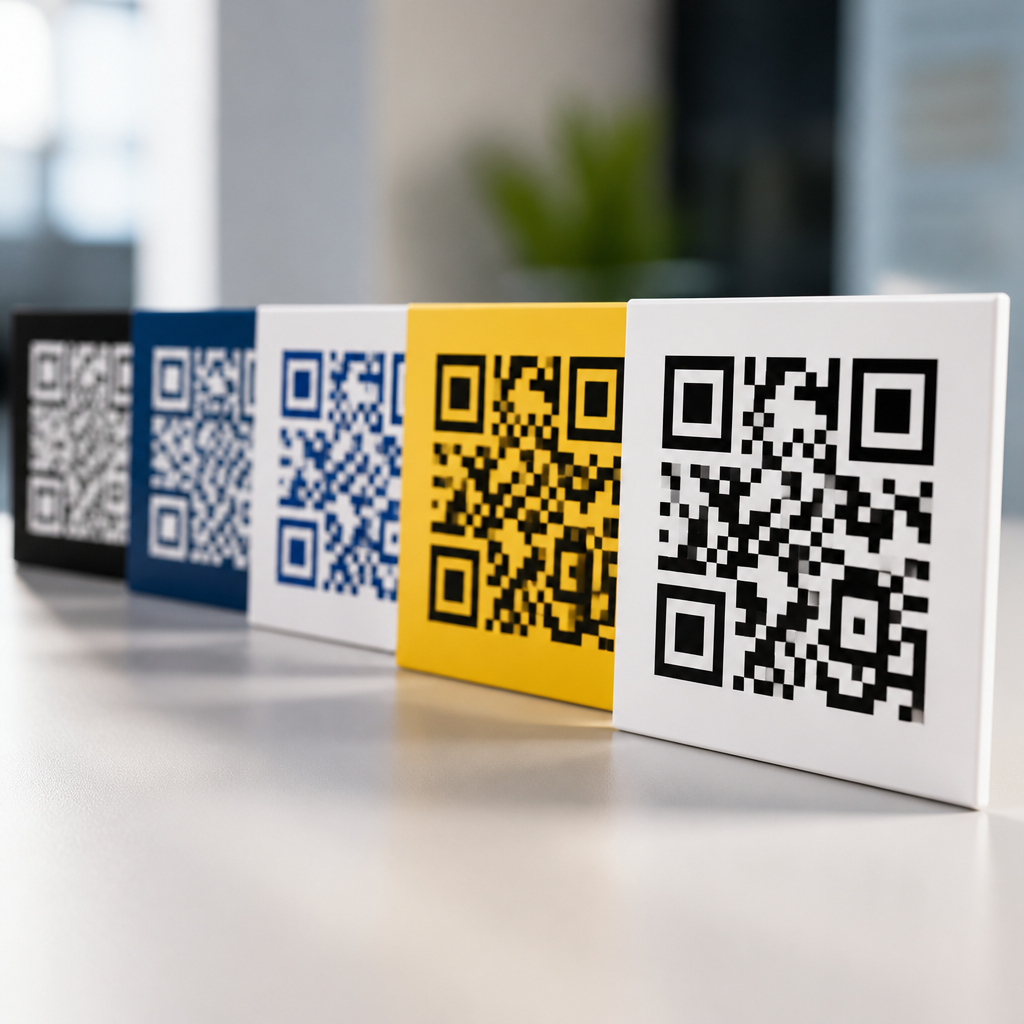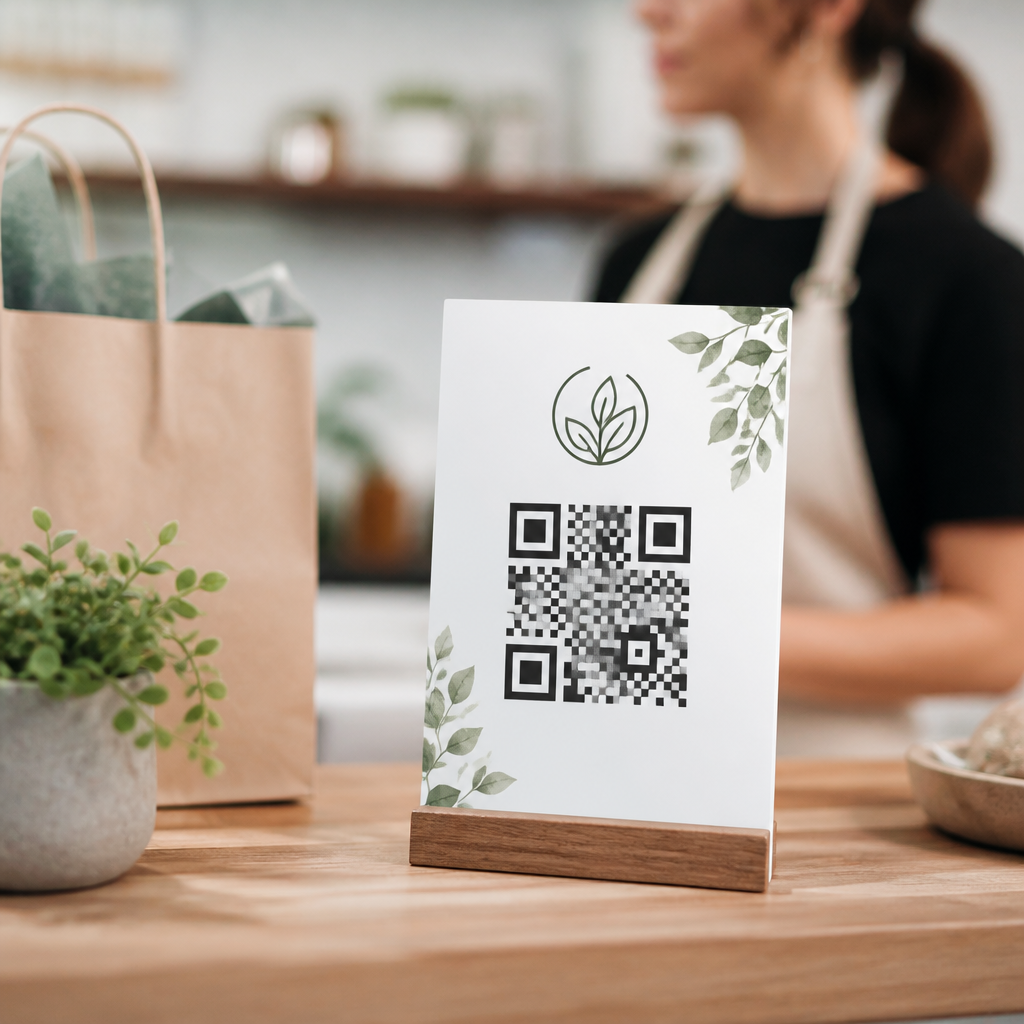
QR code branding for small businesses turns a plain scan into a recognizable brand interaction, combining visual identity, mobile convenience, and measurable response. A QR code is a two-dimensional barcode that stores a link, file, payment request, menu, app action, or contact card, while branding means shaping that code and its surrounding experience so customers immediately connect it with your business. For a small business, that can mean adding a logo in the center, using brand colors within contrast limits, pairing the code with a clear call to action, and sending scanners to a landing page that feels consistent with the flyer, package, sign, or receipt they scanned.
This matters because QR codes now sit at the intersection of offline attention and mobile action. Customers see them on storefront windows, table tents, event banners, product labels, and invoices. If the code looks generic or leads to a clumsy destination, trust drops fast and scans are lost. If it looks intentional and lands on a fast, mobile-friendly page, it can drive reviews, bookings, payments, loyalty signups, and repeat purchases. I have seen small retailers double redemption of in-store offers simply by replacing unbranded black-and-white codes with tested branded versions placed next to concise instructions and a benefit-focused headline.
Branding with QR codes is not decoration alone. It is a practical discipline that blends design, usability, and analytics. The best results come from balancing three goals: the code must scan reliably, the presentation must reinforce recognition, and the destination must complete a business objective. That is why this topic deserves a hub article. Small businesses often ask the same questions: How much can a code be customized? Will a logo break scanability? Which placements work best? What metrics matter? This guide answers those questions directly and gives a framework you can apply across menus, packaging, print ads, displays, direct mail, and service touchpoints.
What branded QR codes include and why they outperform generic codes
A branded QR code usually combines five elements: custom color, a logo or icon, adjusted finder patterns, a branded frame, and a call to action near the code. Dynamic QR platforms such as Bitly, Flowcode, QR Code Generator Pro, Beaconstac, and Uniqode allow these edits while preserving error correction. Error correction matters because QR codes can restore missing data when part of the symbol is obscured; higher levels, especially level H, support more design customization, although denser codes become harder to scan at small sizes.
In practice, branded codes outperform generic ones when they reduce hesitation. People are more likely to scan when they understand what will happen next. “Scan to see today’s lunch special,” “Scan to join our loyalty club,” or “Scan to leave a Google review” is stronger than displaying a bare code with no context. In campaigns I have run for local hospitality clients, the winning variable was not only the logo; it was the message attached to the code and the relevance of the destination page. The code was the trigger, but the promise did the persuasion.
Branded codes also support memory. A customer may not recall a URL from a poster, but they can remember a distinctive code style repeated across touchpoints. That consistency is useful for small businesses that cannot outspend larger competitors on media. A coffee shop, salon, clinic, or boutique can use the same visual system on menus, appointment cards, window decals, packaging inserts, and social posts, creating a coherent path from physical interaction to mobile action.
Design rules that protect scanability while expressing your brand
The first design rule is contrast. Dark modules on a light background remain the safest option. Brand colors are fine if they preserve strong contrast; pale pastels, metallic inks, and busy photo backgrounds often fail. The second rule is quiet space. Every QR code needs clear margin around it, typically four modules or more, so cameras can isolate the symbol. The third rule is size. A common baseline is at least 2 x 2 centimeters for close-range scanning, but posters, windows, and outdoor signage need much larger codes based on viewing distance.
The fourth rule is destination simplicity. A short dynamic URL encoded in the symbol creates a less dense code than a long static URL, which improves reliability and allows more visual customization. The fifth rule is testing. Scan with iPhone and Android devices, in bright light and low light, with older camera apps and from realistic distances. Print proofs before full production. I have seen beautifully designed packaging delayed because a matte laminate reduced contrast just enough to lower scan rates under store lighting.
The safest customization choices are adding a centered logo that covers a limited area, styling the eyes without changing their core geometry, and enclosing the code in a frame that visually separates it from nearby graphics. More aggressive changes, such as gradient fills, rounded modules, inverted colors, or transparent backgrounds, should be treated as experiments, not defaults.
| Element | Best practice | Common mistake | Business impact |
|---|---|---|---|
| Color | High contrast brand colors | Low-contrast pastel combinations | Higher scan success |
| Logo | Small centered mark with level H correction | Oversized logo blocking data modules | Better recognition without failures |
| Size | Scaled for viewing distance and placement | Using the same small code everywhere | More scans in real conditions |
| Call to action | Specific benefit-led instruction | No explanation beside the code | Higher intent and conversion |
| Landing page | Fast mobile page matched to the message | Sending users to a generic homepage | Lower bounce and clearer attribution |
Where small businesses should use QR code branding first
Start where customer intent is already high. For restaurants, that means menus, receipts, table tents, takeout packaging, and window signage. For service businesses, use appointment reminders, after-service leave-behinds, invoices, and vehicle wraps. Retailers should prioritize shelf talkers, product packaging, counter cards, fitting room signage, and bag inserts. Event-based businesses can use badges, booth graphics, posters, and printed schedules. The best first placements are not the most creative ones; they are the moments where a customer already wants more information or is ready to act.
Consider the job of each code. A menu QR should open instantly, with no pop-up clutter. A review QR should go directly to the correct review prompt. A loyalty QR should identify the offer and simplify signup with minimal form fields. A payment QR must be unambiguous and secure, ideally using trusted wallet flows. Mixing too many goals into one code usually weakens performance. One placement, one primary action is the cleaner strategy.
Small businesses should also think about staff behavior. If employees can explain the code in one sentence, adoption rises. “Scan here to reorder your usual beans,” “Scan to book your next cut,” or “Scan to get installation instructions” are operationally simple. When staff do not understand the purpose, codes become wallpaper. Training matters as much as design.
Measurement, governance, and the hub approach to scaling branded QR programs
Use dynamic QR codes whenever possible because they support editing, campaign attribution, and performance tracking after print. Track scans, unique users, time, location by city or region, device type, and downstream actions using UTM parameters with Google Analytics 4, Adobe Analytics, or your CRM. For local campaigns, compare scan volume by placement: front door, checkout, packaging, direct mail, or event collateral. That tells you where branded QR codes contribute real value instead of assumed value.
Governance is equally important. Create a simple brand standard for QR usage: approved colors, minimum size, logo treatments, quiet zone rules, CTA templates, and destination page requirements. Store master files centrally and name campaigns clearly. I recommend a review checklist before any code goes live: scan test passed, destination working, analytics tagged, print contrast approved, and message aligned with the offer. This avoids the common small-business problem of codes pointing to expired pages or old promotions.
As a hub topic within mobile QR code design and user experience, branding with QR codes connects naturally to deeper articles on QR color psychology, logo placement, landing page design, print testing, accessibility, retail packaging, restaurant menu UX, review generation, and QR analytics. The hub strategy works because readers often start with a broad need—make my QR codes look on-brand—and then move into specialized questions about conversion, accessibility, compliance, and campaign measurement. Your content structure should reflect that journey.
QR code branding for small businesses works best when design, message, and destination support the same goal. A code should look like your brand, scan without friction, and lead to a mobile experience that fulfills the promise beside it. The small details matter: contrast, size, quiet space, dynamic links, a clear call to action, and a landing page built for speed and relevance. When those pieces align, QR codes stop being generic utilities and become reliable conversion tools across print, packaging, signage, and service interactions.
The main benefit is not visual polish alone. It is trust translated into action. Customers are more willing to scan a code that feels intentional, and they are more likely to complete a purchase, booking, signup, or review when the next step is obvious. Small businesses do not need complex campaigns to win here. They need disciplined execution on a few high-intent touchpoints, backed by testing and measurement.
If you are building a stronger mobile customer journey, audit every QR code your business uses today. Remove weak placements, redesign the ones that lack context, switch important campaigns to dynamic tracking, and standardize your brand rules. Then expand from the highest-performing use case first.
Frequently Asked Questions
What is QR code branding, and why does it matter for small businesses?
QR code branding is the process of customizing a QR code and the experience around it so it clearly reflects your business identity instead of looking like a generic black-and-white square. A standard QR code can already send someone to a website, menu, payment page, contact card, review form, app download, coupon, or file. Branding takes that one step further by adding recognizable visual elements such as your logo, brand colors, custom frames, short calls to action, and a landing page that matches your overall look and message.
For small businesses, this matters because every customer interaction needs to work harder. A branded QR code can increase trust, improve recognition, and make people more willing to scan because it looks intentional and familiar. When customers see a code that visually matches your storefront, packaging, menus, flyers, or event signage, they are more likely to understand that the scan is part of a legitimate business experience. That familiarity reduces hesitation and can improve engagement.
Branding also helps with consistency. If your QR code appears on product labels, table tents, receipts, windows, business cards, and social promotions, each one reinforces your identity while guiding customers into mobile actions that are easy to track. Instead of being just a utility, the QR code becomes a branded gateway into your business. For a small business trying to stand out, that combination of convenience, trust, and measurable response can make QR code branding a smart and practical marketing tool.
How can a small business customize a QR code without making it hard to scan?
The key is to balance design with functionality. A branded QR code should still be easy for a phone camera to read under real-world conditions such as glare, distance, low lighting, or quick movement. Small businesses can safely customize many parts of a QR code, including the color palette, corner markers, surrounding frame, call-to-action text, and center logo, but those changes need to preserve strong contrast and enough open space for reliable scanning.
One of the most important rules is contrast. Dark code elements on a light background usually perform best. If you want to use brand colors, choose combinations that remain clearly distinct rather than colors that blend together. For example, a deep navy code on a white or very light background often works well, while pale pastel tones may reduce readability. It is also important to keep the required quiet zone, which is the blank margin around the code. Removing that spacing to make the code look tighter can cause scanning issues.
If you add a logo in the center, keep it modest in size and use a QR code generator that supports error correction. Error correction allows part of the code to be obscured while still remaining readable, but it should not be treated as a license to over-design. Always test the final version on multiple phones, both iPhone and Android, from different distances and in different lighting conditions. Print testing matters too, because a code that works on a computer screen may fail when reduced on packaging or displayed on textured materials. The best branded QR code is not the fanciest one; it is the one that looks on-brand and scans instantly.
Where should small businesses use branded QR codes for the best results?
Branded QR codes work best when they are placed where customers naturally want quick access to information or action. For many small businesses, strong placement opportunities include storefront windows, menus, product packaging, receipts, checkout counters, table tents, posters, brochures, loyalty cards, invoices, business cards, and event materials. The right location depends on what you want the customer to do next.
For example, a restaurant might use branded QR codes for digital menus, ordering, payments, feedback, and loyalty signup. A retail shop could place them on shelf talkers, tags, and packaging to deliver product details, tutorials, reorder links, or review requests. Service businesses can use them on printed estimates, leave-behind materials, vehicle wraps, and appointment reminders to make it easy for customers to book again, save contact details, or submit testimonials. At in-person events or markets, a branded QR code can direct people to a limited-time offer, social follow page, or payment option without requiring long URLs or extra explanation.
Placement should always match intent. A code near the register might focus on reviews or loyalty enrollment, while one on packaging might lead to setup instructions or repeat purchase options. It also helps to include a clear call to action such as “Scan to order,” “Scan for today’s menu,” or “Scan to save 10%.” People are much more likely to engage when they know exactly what they will get. The most effective QR code strategy is not simply putting codes everywhere. It is using them in customer touchpoints where convenience, timing, and relevance make the scan feel useful and natural.
What should a branded QR code link to?
A branded QR code should link to the most useful next step for the customer, not just your homepage by default. While your homepage may seem like the safest option, it often creates extra friction because the customer still has to search for the information or action they need. A more effective approach is to connect each QR code to a specific destination that matches the context in which it appears.
Depending on the business, that destination could be a mobile-friendly menu, booking page, product page, payment link, coupon, event registration form, map location, contact card, loyalty program signup, customer review request, PDF guide, app download, or social profile landing page. For example, if the code is printed on packaging, a product support page or reorder page may be ideal. If it appears on a table sign in a café, an order-ahead or rewards page may make more sense. If it is used on a poster or flyer, a campaign-specific landing page with one clear action usually performs better than a broad site entry point.
It is also important to think beyond the code itself and optimize the destination experience. The page should load quickly, work well on mobile, reflect your branding, and make the next action obvious. If someone scans a beautifully branded QR code and lands on a slow, cluttered, or off-brand page, the experience breaks down. Dynamic QR codes can be especially helpful because they let you update the destination later without reprinting the code. That flexibility is useful for seasonal promotions, changing menus, rotating offers, and campaign testing. In short, the best destination is one that is relevant, fast, and directly tied to customer intent at the moment of the scan.
How can small businesses measure the success of branded QR codes?
One of the biggest advantages of QR code branding is that it can be measured much more clearly than many traditional print interactions. Small businesses can track scans, unique visitors, conversion rates, time and location patterns, device types, and the actions people take after landing on the linked page. This makes QR codes more than a design element; they become a practical performance channel.
To measure success well, start by defining the goal for each code. One QR code might be intended to drive reviews, another to generate bookings, and another to increase repeat purchases. Once the goal is clear, you can evaluate whether the code is doing its job instead of looking only at raw scan totals. A high number of scans with few follow-through actions may suggest that the call to action is strong but the landing page needs improvement. A lower number of scans with a high conversion rate may indicate strong placement and audience relevance.
Dynamic QR code platforms and analytics tools can help you understand which materials, locations, or campaigns are performing best. Using campaign-specific URLs or tracking parameters can also show how QR traffic behaves inside your website analytics. Over time, small businesses can compare results across packaging, posters, receipts, direct mail, in-store displays, and digital-to-print promotions. That makes it easier to refine design, placement, messaging, and destination pages based on real customer behavior.
Success should not be judged only by scans. It should be measured by business outcomes such as bookings completed, orders placed, payments made, email signups collected, coupons redeemed, reviews submitted, or repeat visits generated. When a branded QR code is well designed, strategically placed, and tied to a clear objective, it becomes a useful bridge between offline attention and online action, with data that helps small businesses improve results over time.