
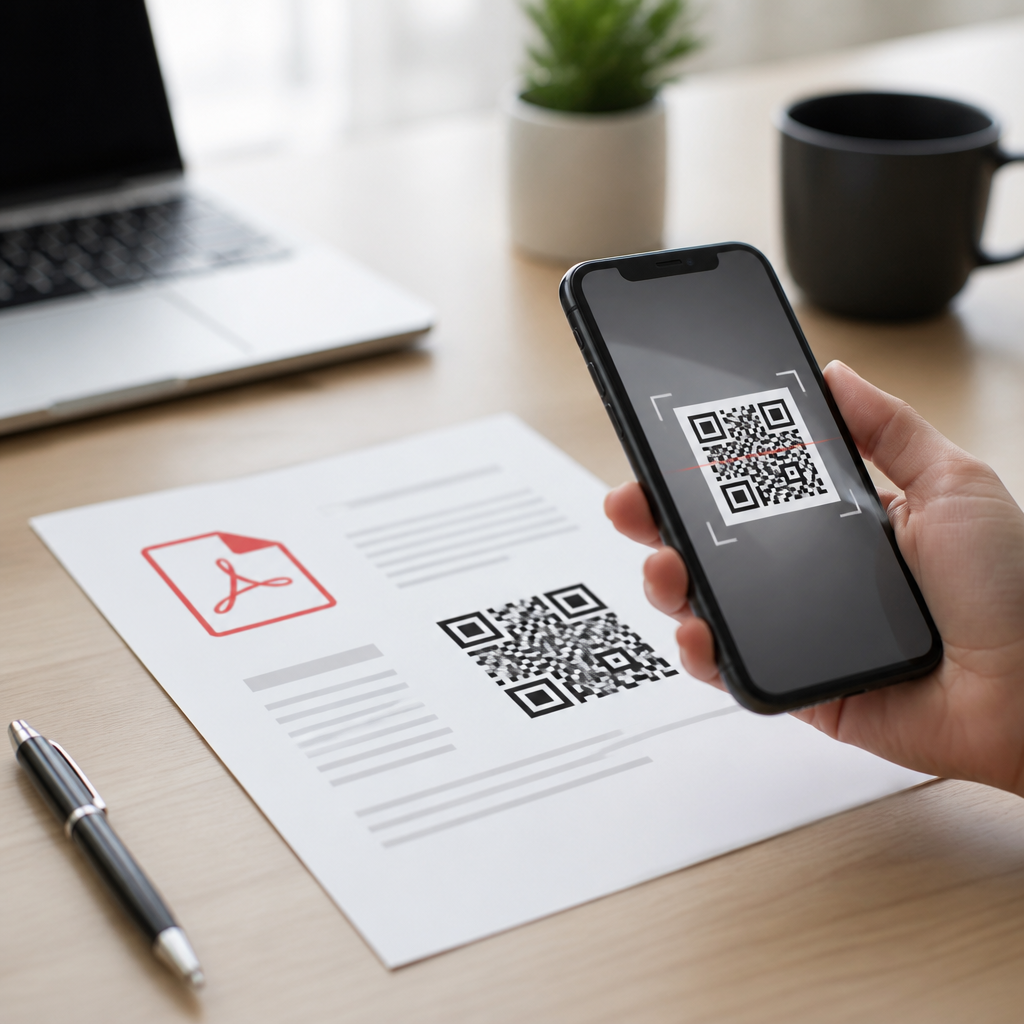
PDF QR codes bridge printed materials and mobile access by sending a scan directly to a PDF document, such as a menu, brochure, manual, warranty sheet, event program, or property flyer. In practical terms, a PDF QR code is a scannable code that either stores a direct file link or routes users through a managed landing page where the PDF opens on a phone. That simple action solves a recurring problem I have seen across campaigns: people are willing to scan, but they do not want to type long URLs, search for missing files, or download attachments from an email they may never find again.
Within mobile QR code basics, PDF QR codes matter because they sit at the intersection of convenience, file delivery, and measurable engagement. They are one of the most common types of mobile QR codes used in retail, hospitality, real estate, healthcare, education, and field service. A restaurant can replace a printed booklet with a scannable wine list. A real estate agent can add floor plans and disclosures to a yard sign. A manufacturer can place installation instructions on packaging. In each case, the user gets information immediately on a device already in hand, and the business reduces print friction.
The key distinction is static versus dynamic delivery. A static QR code usually points to one fixed file URL. Once printed, changing the destination is difficult or impossible without replacing the code. A dynamic QR code points to a short redirect URL controlled in a QR platform, allowing the PDF file to be updated later without reprinting the code. That difference affects cost, analytics, version control, and compliance. Understanding when to use PDF QR codes, and when another mobile QR code type is better, helps teams create faster experiences, cleaner operations, and more reliable information delivery.
How PDF QR Codes Work on Mobile
A PDF QR code works by encoding a destination that a smartphone camera can interpret instantly. On most modern iPhones and Android devices, the native camera recognizes the code and shows a tap prompt. After the tap, the phone opens the linked file in a browser tab, an in-app viewer, or a downloaded PDF reader. The user does not need a special scanner app in most cases, though some enterprise devices still rely on dedicated scanning software. The flow is simple: scan, open, read, save, or share.
From an implementation perspective, businesses normally create PDF QR codes in one of three ways. First, they upload a PDF to a QR platform that generates a managed short link. Second, they host the file on their own domain and encode that file URL into the QR code. Third, they route the scan to a mobile landing page that previews the document and offers related actions, such as calling support, downloading specs, or viewing translations. I usually recommend the managed route for campaigns that need analytics, expiration controls, or document swaps, and direct hosting when long-term ownership and domain consistency matter most.
File size and mobile rendering are the two technical factors teams overlook most often. A 20 MB catalog may work on office Wi-Fi, then fail the real-world test on a parking lot connection. A letter-size print layout with tiny tables may be readable on desktop but painful on a six-inch screen. Before launch, compress the file, test on cellular, and make sure the first page communicates value immediately. If a user scans a code and waits too long, or lands on a dense page they cannot read, the interaction is effectively lost.
Where PDF QR Codes Fit Among Mobile QR Code Types
PDF QR codes are one branch of a broader group of mobile QR code types, each designed for a different action. URL QR codes send users to a website. App store QR codes open an app download page. vCard QR codes add contact details to a phone. SMS QR codes prefill a text message. Email QR codes draft an email. Wi-Fi QR codes connect a device to a network. Payment QR codes initiate a transaction. Location QR codes open a map pin. PDF QR codes are best when the main goal is to deliver a formatted document that needs to be viewed, downloaded, archived, or printed later.
In real use, the choice depends on user intent. If someone needs quick facts, a mobile web page is usually better than a PDF because it loads faster, resizes naturally, and supports stronger navigation. If someone needs an official document, a structured multi-page reference, or a file they may forward internally, PDF is often the better container. That is why instruction manuals, specification sheets, compliance disclosures, conference agendas, and enrollment packets frequently work well as PDF QR code destinations. The format preserves layout, signatures, charts, and pagination in a way a standard web page may not.
| QR code type | Best use case | Main advantage | Common limitation |
|---|---|---|---|
| PDF QR code | Manuals, menus, brochures, disclosures | Delivers a portable, printable document | Can be slow or hard to read on small screens |
| URL QR code | Product pages, landing pages, promotions | Fast, responsive, easy to update | Layout may vary across devices |
| vCard QR code | Business cards, sales meetings, events | Saves contact details directly | Not suited for long-form content |
| Wi-Fi QR code | Hotels, offices, clinics, venues | Instant network access | Limited to one utility action |
| Payment QR code | Retail counters, invoices, donations | Reduces checkout friction | Requires payment app compatibility |
As a hub within types of mobile QR codes, PDF QR codes are rarely the universal answer. They are one of the most useful options when the information itself is the product being delivered. They are less effective when the objective is browsing, conversion, or repeated interaction on a dynamic site. Teams that choose the right QR format at the outset almost always see better completion rates because the scan matches the user’s immediate task.
Best Use Cases for PDF QR Codes
The best use cases for PDF QR codes share three traits: the content needs a stable format, users benefit from having a downloadable copy, and the information may be referenced later offline. In hospitality, PDF QR codes are widely used for banquet packets, room service menus, spa treatment lists, and event schedules. In healthcare, they can deliver intake instructions, aftercare sheets, vaccine consent information, or durable medical equipment guides. In education, they work well for course syllabi, campus maps, reading packs, and parent handbooks. In field operations, they support safety data sheets, inspection forms, installation diagrams, and maintenance procedures.
Real estate is another strong fit. I have seen yard signs convert more scans when the code opened a polished one-sheet PDF with photos, dimensions, financing notes, and agent details, rather than a cluttered generic listing page. The PDF gave buyers a file they could save and discuss later, while the agent retained a consistent presentation. Packaging is equally effective. Consumer brands use PDF QR codes for multilingual instructions and care guides, especially when box space is limited. Electronics companies often include a quick-start sheet in print and place the full manual behind a QR code to reduce packaging costs.
Events and trade shows also benefit. A badge, booth panel, or tabletop card can direct attendees to a PDF catalog, speaker deck, line card, or accreditation pack. That reduces the need to carry stacks of printed materials and gives the brand a cleaner handoff. The common pattern is clear: use a PDF QR code when users need a durable document, not just a momentary page view.
Advantages, Limitations, and Practical Setup Advice
The main advantages of PDF QR codes are accessibility, consistency, and efficiency. Accessibility comes from removing typing and search effort. Consistency comes from preserving layout across devices and printers. Efficiency comes from lowering print volume while keeping full documents available on demand. Dynamic platforms add additional benefits, including scan analytics by time, location, and device, plus the ability to update a file without replacing signage. Platforms such as QR Code Generator Pro, Scanova, Beaconstac, and Bitly-based redirect setups are often used for this reason.
There are limits, and they matter. PDF files are not inherently mobile-first. If the content is designed like a desktop brochure, readability suffers. Large files can create abandonment. Accessibility can also be weaker unless the PDF is tagged properly for screen readers, includes selectable text, and avoids image-only pages. Security is another consideration. Sensitive PDFs should not be exposed through openly shareable links without access controls, expiration settings, or at least careful indexing rules. In regulated environments, version control and auditability are not optional.
Setup quality determines outcomes. Use a short, branded URL when possible. Host documents on a fast CDN or a reputable QR platform. Name files clearly for downloads. Add a call to action near the code, such as “Scan for installation guide” or “Scan for full property packet,” because response rates rise when users know exactly what they will receive. Test lighting, print contrast, code size, and scan distance. As a rule, a QR code should be at least about one inch square for close-range scanning, with more size for posters or signs viewed from farther away.
How to Choose Between PDF and Other QR Code Types
Choose a PDF QR code when the destination must look the same everywhere, needs to be saved or shared as a document, and contains enough depth that a single web page would feel fragmented. Choose a standard URL QR code when the goal is speed, search visibility, form completion, or ecommerce conversion. Choose a vCard, Wi-Fi, payment, location, SMS, or app QR code when the user’s desired action is singular and immediate. This decision is less about preference and more about matching content format to user behavior.
A practical selection test is to ask three questions. First, does the user need a document or an experience? Second, will they revisit the content later? Third, does the content need ongoing updates after the code is printed? If the answers are document, yes, and yes, a dynamic PDF QR code is often the strongest option. If the answers are experience, maybe, and frequent content changes across many sections, a mobile landing page is usually smarter. Strong QR strategy starts with intent, not with the code itself.
PDF QR codes remain one of the most useful tools in mobile QR code basics because they solve a straightforward problem elegantly: delivering important documents instantly to a phone. They work best for manuals, menus, brochures, schedules, disclosures, and other assets that benefit from a fixed, downloadable format. They are not ideal for every campaign, especially when speed, responsive browsing, or conversion paths matter more than document fidelity. The smartest teams treat PDF QR codes as one option within a broader set of mobile QR code types and choose them deliberately.
If you are building a subtopic hub around types of mobile QR codes, start with the user action you need, then map the right format to that action. For document delivery, PDF QR codes deserve a leading place in your toolkit. Audit your current printed materials, identify files users repeatedly request, and test one dynamic PDF QR code in a real workflow. You will quickly see whether faster access, fewer print costs, and better document control justify expanding the format across your program.
Frequently Asked Questions
What is a PDF QR code, and how does it work?
A PDF QR code is a scannable code that takes someone directly to a PDF document on their phone or tablet. Instead of asking users to type a long web address, the code gives them a fast path to a file such as a menu, brochure, instruction manual, warranty sheet, event program, or real estate flyer. In most cases, the QR code either points to a direct PDF file URL or sends the user to a short managed landing page where the PDF opens automatically. From the user’s perspective, the process is simple: open the camera, scan the code, tap the prompt, and view the document.
This is especially useful in print marketing and offline environments because it removes friction. When people are standing in front of a poster, product box, table tent, sign, or handout, they are much more likely to scan than to manually enter a complicated link. A PDF QR code effectively connects physical materials with mobile access, making it easier to share information instantly. It also helps reduce printing costs and clutter, since you can provide a concise printed piece and let the full details live in the downloadable PDF.
When should you use a PDF QR code instead of a regular website link?
You should use a PDF QR code when the content is best delivered in a fixed-document format rather than as a standard web page. PDFs are ideal when layout matters, such as restaurant menus, product catalogs, user guides, forms, spec sheets, event schedules, safety instructions, and printable reference documents. If the goal is to preserve formatting across devices and make the content easy to download, save, print, or share, a PDF QR code is often the better choice.
It also makes sense when your audience is interacting with printed materials in a real-world setting. For example, someone viewing a property sign can scan a code to open a full flyer with photos and details. A customer looking at product packaging can scan for a warranty sheet or setup guide. An attendee at a venue can scan for a digital program. In each case, the PDF format gives users a complete, portable document experience, while the QR code removes the barrier of typing a long URL. If your content needs to be searchable, highly interactive, or updated constantly in a browser-first format, a web page may be more appropriate. But when the document itself is the product, a PDF QR code is a strong fit.
What are the main benefits of using PDF QR codes for printed materials?
The biggest advantage is convenience. PDF QR codes let people move from a printed item to a mobile document in seconds. That simple scan reduces drop-off because users do not have to remember a link, type a URL, or search for the file later. In practice, that means more people actually reach the content you want them to see. For businesses and organizations, that can improve engagement with brochures, manuals, menus, sales sheets, onboarding packets, and informational handouts.
They also help streamline operations and reduce printing limitations. Instead of squeezing every detail onto paper, you can print a clean, focused design and use the QR code to deliver the complete PDF digitally. This is useful when you want to save space, lower reprint costs, or offer richer content like multi-page documents, diagrams, pricing sheets, or visual guides. PDF QR codes can also support version control when managed properly. If you use a dynamic QR solution tied to a landing page or redirect, you may be able to update the destination file without changing the printed code itself. That makes them practical for campaigns and materials that may need revisions after distribution.
Are PDF QR codes better as static or dynamic QR codes?
It depends on your goals, but dynamic QR codes are usually the better long-term option for business use. A static PDF QR code points directly to a fixed destination and cannot be changed once printed. That can work well for documents that will never need updating, such as a finalized event handout or a permanent public reference file. Static codes are often simpler and may be suitable for small, one-time uses where flexibility is not important.
Dynamic QR codes, on the other hand, are more versatile because they route users through a managed link. That means you can replace the PDF, change the destination URL, or update the user experience without reprinting the code. This is valuable for menus, brochures, manuals, sales materials, and other documents that may change over time. Dynamic codes also often support analytics, letting you measure scans by date, device, or location depending on the platform. If you care about tracking performance, maintaining current documents, or avoiding costly reprints, dynamic PDF QR codes are typically the smarter choice.
What should you consider before creating a PDF QR code?
Start with the user experience. The PDF should be mobile-friendly, load quickly, and display clearly on a small screen. If the file is too large, users may abandon it before it opens. If the text is too small or the layout is difficult to navigate on a phone, the scan will not deliver a good result. It is best to optimize the file size, use readable formatting, and make sure the content is truly useful in the moment someone scans it. A restaurant menu, instruction sheet, event agenda, or product guide should be easy to open and understand without extra steps.
You should also think about hosting, reliability, and placement. The file needs to live at a dependable URL or behind a stable QR management platform so users are not met with broken links. Test the QR code across different devices and camera apps before printing at scale. Make sure the code is large enough to scan easily and placed somewhere visible, with a short call to action that tells people what they will get, such as “Scan to view the manual” or “Scan for the full brochure.” Finally, consider whether the document may need updates later. If there is any chance of revisions, a dynamic setup is usually the safer choice because it protects your printed investment while keeping the content current.





