Creating a mobile QR code is one of the fastest ways to connect offline attention with online action, whether you want customers to open a website, download an app, save your contact details, join Wi-Fi, or pay from a phone. A QR code, short for Quick Response code, is a two-dimensional barcode that smartphone cameras can read instantly. In practice, I have used mobile QR codes in retail stores, event check-ins, restaurant menus, product packaging, and field sales handouts, and the same pattern holds every time: the best results come from choosing the right destination, building the code correctly, testing it on real devices, and tracking scans after launch.
When people ask how to create a mobile QR code, they usually mean more than generating a black-and-white square. They want a code that works on iPhone and Android, loads quickly on mobile networks, scans from different distances, and supports a business goal. That matters because a broken destination page, poor contrast, or oversized design change can turn a useful mobile touchpoint into a dead end. Modern phones make scanning easy through native camera apps, but ease of scanning does not guarantee a good experience after the scan. The destination must be mobile-friendly, the content must be clear, and the code must be deployed in the right format.
This guide explains how to create a mobile QR code in five simple steps and do it to a professional standard. You will learn how to choose between static and dynamic QR codes, which content types work best on mobile, what size and error correction settings to use, how to test readability, and how to measure performance. If you are building a broader mobile QR strategy, this page works as the central reference point because the same workflow applies whether the code opens a landing page, App Store link, PDF, map pin, digital business card, or SMS prompt.
Step 1: Define the mobile action before you generate anything
The first step is deciding exactly what should happen after the scan. This sounds basic, but it is where most weak QR campaigns fail. A mobile QR code should lead to one primary action, not three competing options. If your goal is lead generation, send users to a short mobile landing page with one form and one clear value proposition. If your goal is app installation, use a smart app link or app store page optimized for the device. If the goal is convenience in person, a vCard, Apple Wallet pass, Google Maps location, or Wi-Fi QR code may be the better choice than a generic homepage.
I recommend writing the scan outcome in one sentence before you open any generator: “When someone scans this code, they will do X on a phone in under 30 seconds.” That sentence forces clarity. For example, a real estate agent may choose “view the mobile listing page and tap to call,” while a café may choose “open the menu and start an online order.” This step also determines whether you need a static QR code, which stores the final data directly in the code, or a dynamic QR code, which points to a short redirect URL that you can edit later. Dynamic codes are usually the right choice for campaigns, signage, and print materials because you can change the destination without reprinting the code.
Step 2: Choose the right QR code type and generator
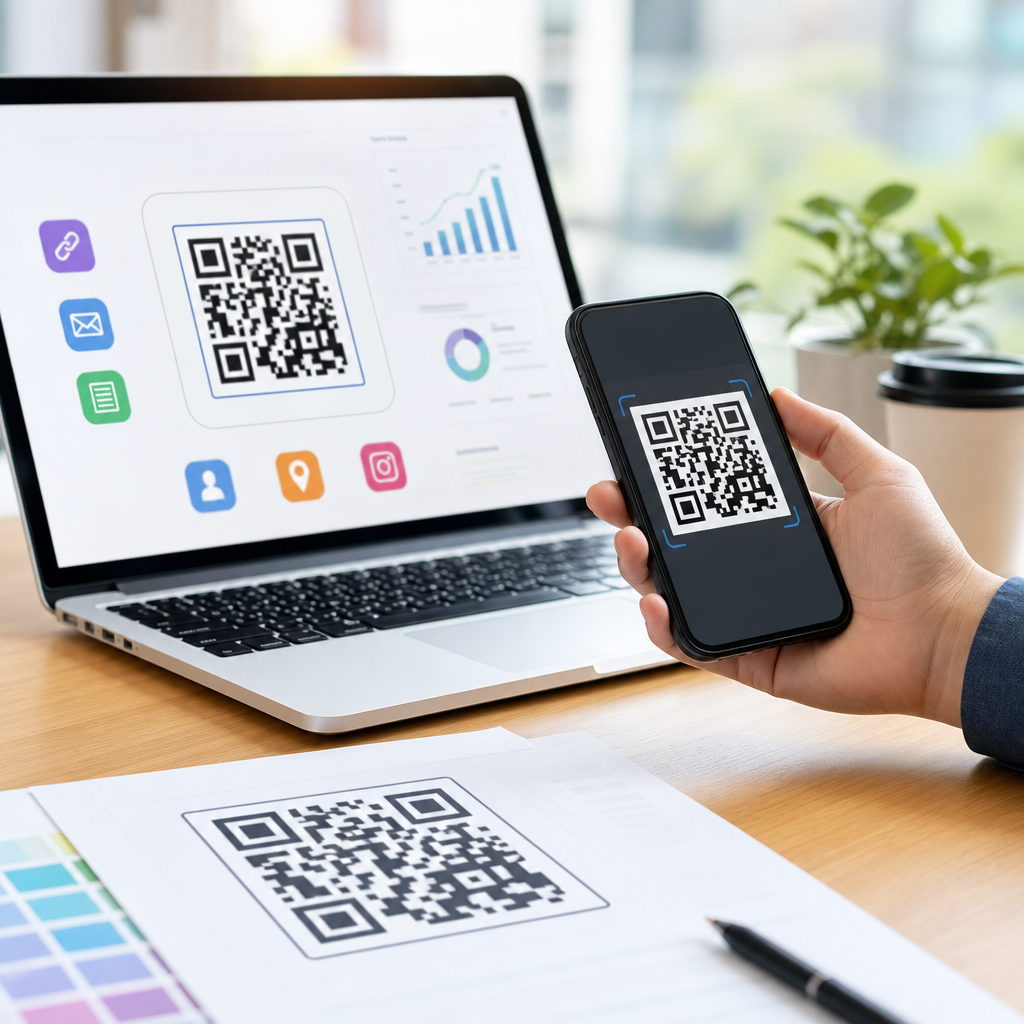
Once the mobile action is clear, select the QR code format that matches it. Common formats include URL, app store, vCard, SMS, email, phone call, PDF, payment, and Wi-Fi. For most businesses, a URL QR code is the hub format because it can send users to a mobile-optimized page that contains richer content and analytics. If you need flexibility, use a dynamic QR code from a reputable platform such as QR Code Generator Pro, Bitly, Beaconstac, Flowcode, or QR TIGER. These tools support editable destinations, UTM parameters, scan analytics, bulk generation, and often folder-level management for campaigns.
When comparing tools, I look at four factors: export quality, redirect speed, analytics depth, and governance. Export quality matters because print files should be available in SVG, EPS, or high-resolution PNG. Redirect speed matters because even a one- or two-second delay on a mobile connection can reduce conversions. Analytics depth matters if you want to segment scans by date, device, location, or campaign source. Governance matters for teams because you may need naming conventions, access controls, and expiration settings. Free generators can be fine for one-off static QR codes, but for business use, paid dynamic tools are usually worth it because they reduce reprint risk and give you measurable data.
| Use Case | Best QR Type | Why It Works on Mobile |
|---|---|---|
| Product packaging | Dynamic URL | Lets you update content, add tutorials, and track scans over time |
| Business card replacement | vCard or dynamic landing page | Allows one-tap contact saving and richer profile details |
| Restaurant table tent | URL menu link | Opens directly in the phone browser without requiring an app |
| In-store guest Wi-Fi | Wi-Fi QR | Reduces typing friction and cuts support requests |
| App promotion poster | App store or smart link | Sends iPhone and Android users to the correct destination |
Step 3: Generate the code with mobile-first settings
Now generate the code itself, but do it with scanning reliability as the top priority. Enter the destination, confirm the link works, and choose a suitable error correction level. QR codes support four standard error correction levels: L, M, Q, and H. Higher error correction allows the code to remain scannable even if part of it is damaged or obscured, but it also makes the pattern denser. In practice, M or Q is a good default for most mobile QR code projects. H can be useful when you place a logo in the center, though excessive customization can still harm readability.
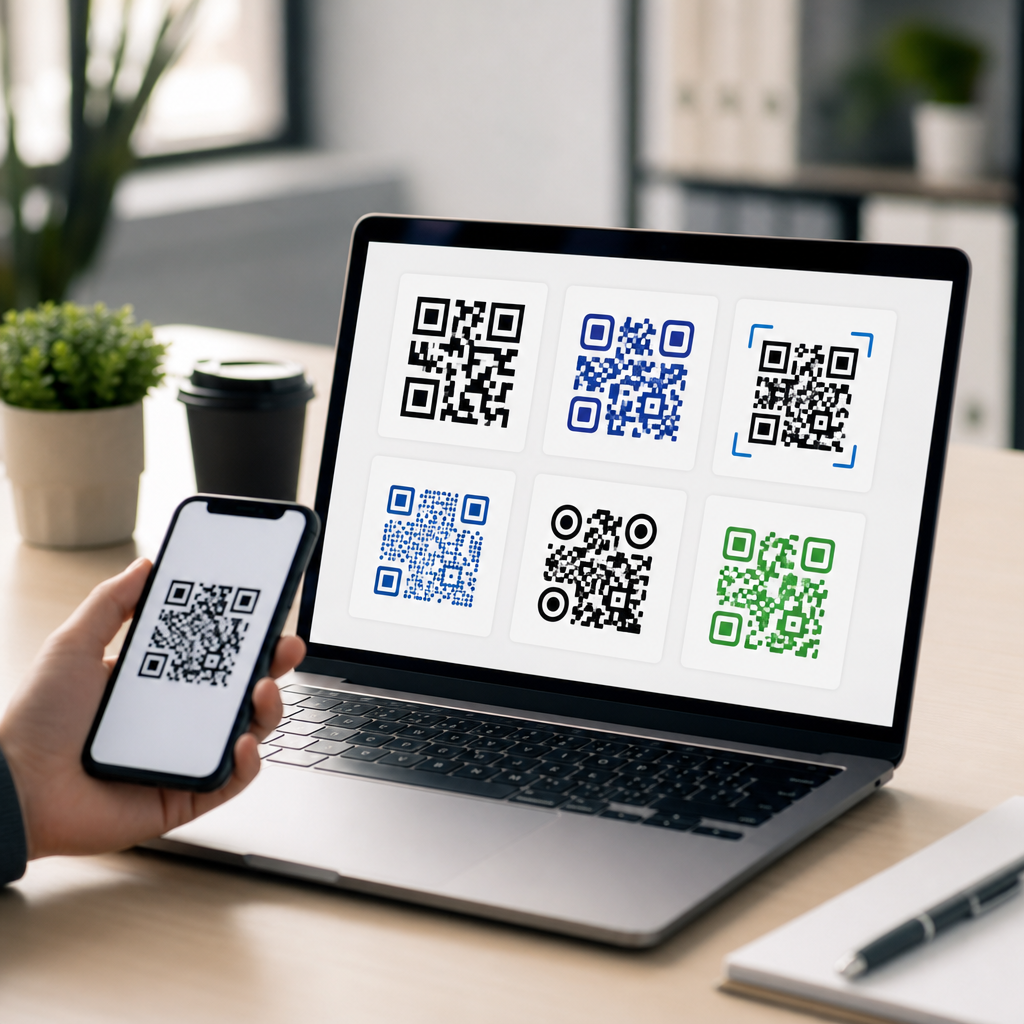
Design choices should serve function, not decoration. Maintain strong contrast, ideally dark modules on a light background. Black on white remains the safest option. Avoid inverted color schemes, busy image backgrounds, tiny quiet zones, and low-contrast brand colors. The quiet zone, the blank margin around the code, is not optional; scanners rely on it to identify the symbol. For print, I generally start with at least 2 x 2 centimeters for close-range use, but larger is better for posters or window signs. A practical rule is 10:1 scanning distance to code size, meaning a 2-inch code is comfortable at about 20 inches away under decent lighting.
Step 4: Test on real phones, networks, and lighting conditions
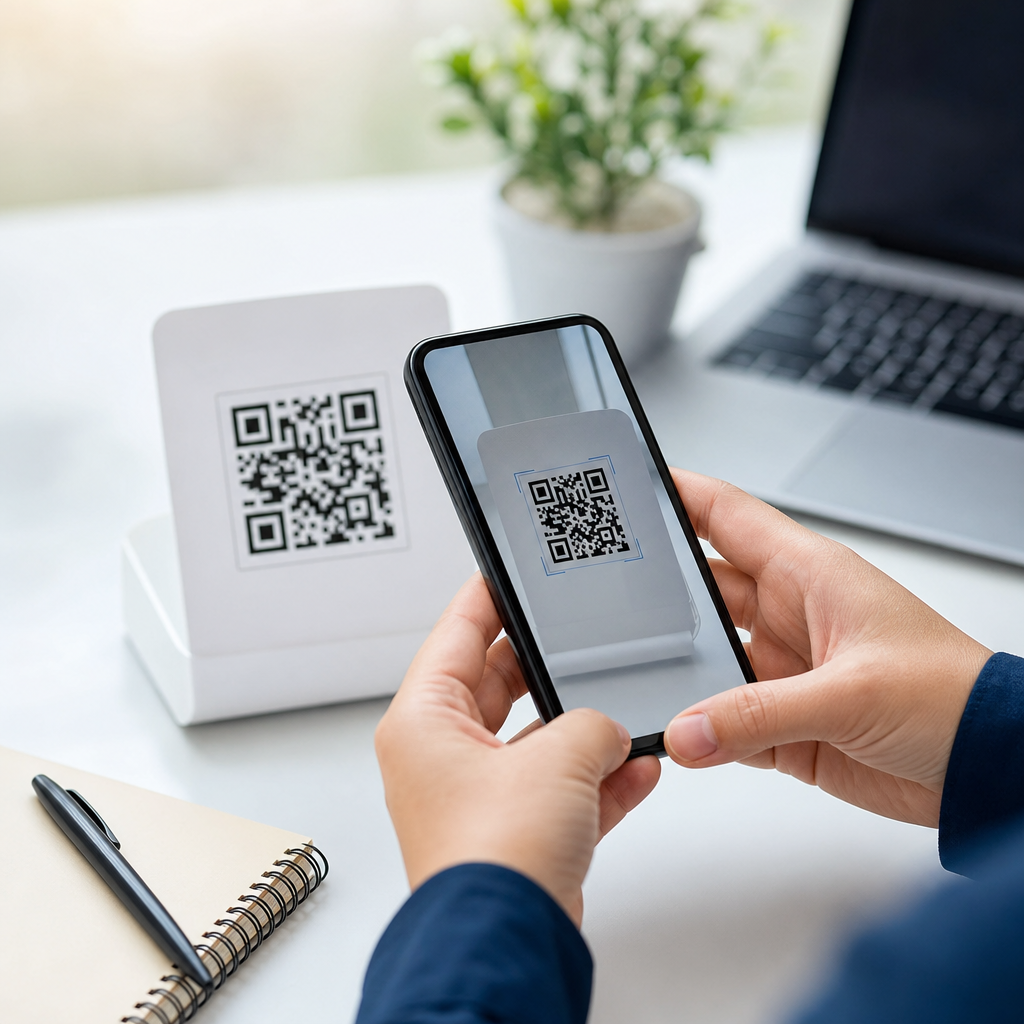
Before publishing, test the mobile QR code in the conditions where people will actually scan it. This is the step teams rush, and it is where hidden failures appear. Use current iPhone and Android devices, both native camera apps and at least one third-party scanner, if your audience may use older phones. Check the code in bright light, dim interiors, glossy print, and from the expected scanning distance. If the code is on packaging or curved surfaces, test it there too. I have seen perfectly generated codes fail simply because the print was reduced by a designer or placed on reflective laminate near a store window.
Testing also includes the destination experience. A mobile QR code is only successful if the page loads quickly, renders cleanly, and makes the next step obvious. Run the target page through PageSpeed Insights or Lighthouse, confirm tappable buttons are easy to use, and make sure forms do not ask for unnecessary fields. If location matters, test that maps open correctly in Apple Maps and Google Maps. If the code leads to a PDF, verify the file is readable on a small screen and not too heavy for mobile data. This is where campaign performance is won or lost, because friction after the scan is just as damaging as a scan failure.
Step 5: Launch, track scans, and improve the destination
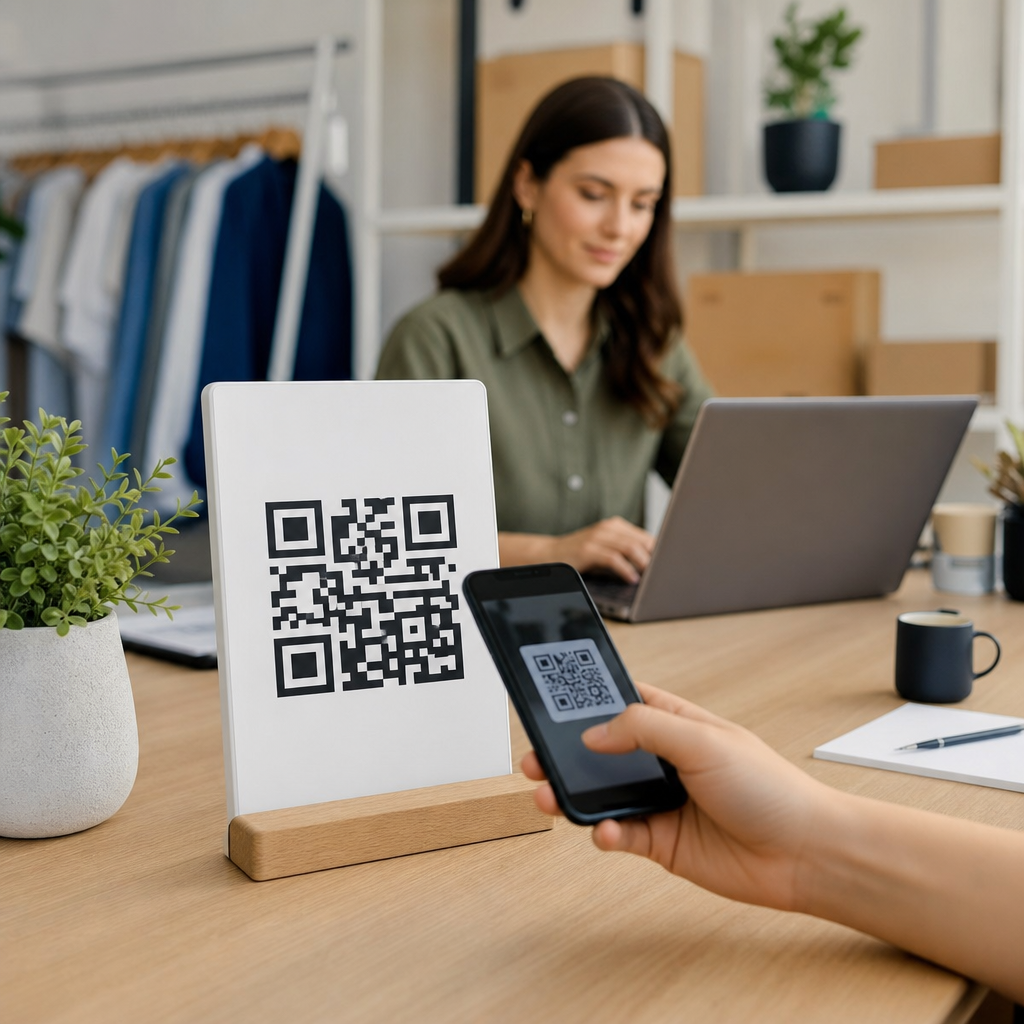
After testing, publish the QR code with clear context and a reason to scan. People scan more when the label explains the payoff. “Scan to see the menu” outperforms “Scan me.” “Scan to claim 10% off today” beats an unlabeled code on a poster. Place the code where a person can comfortably hold a phone, with enough surrounding space and no visual clutter. In stores, chest height often works better than floor decals. On print materials, put the code near the supporting copy and avoid the fold or trim edge. If the scan matters operationally, keep a short fallback URL nearby.
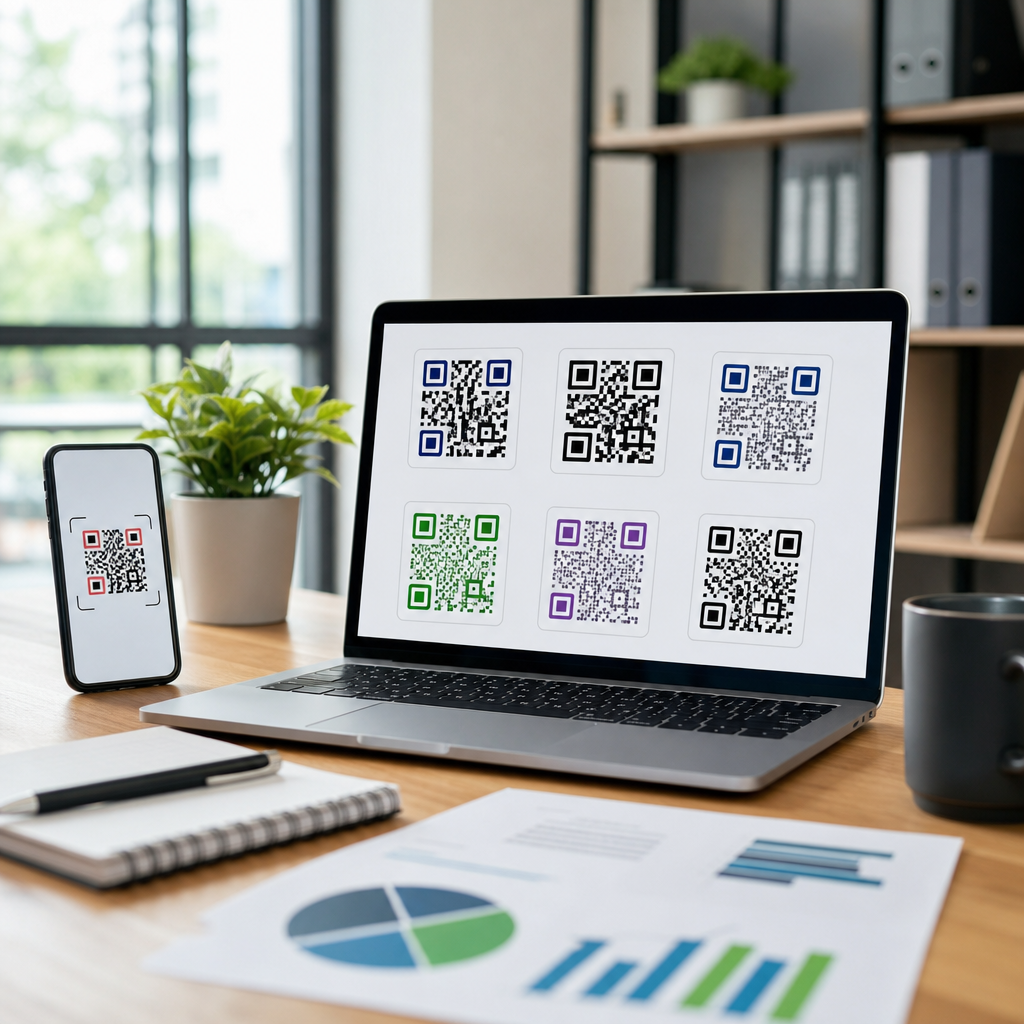
Tracking is what turns a QR code from a static asset into a measurable mobile channel. Add UTM parameters to destination URLs, review scan analytics in your QR platform, and compare scans against conversion data in analytics tools such as Google Analytics 4. Watch for patterns by placement, date, and device. If scans are high but conversions are low, the issue is usually the landing page, not the code. If scans are low, the problem may be visibility, call-to-action wording, size, or audience fit. Because dynamic QR codes are editable, you can improve the destination, run A/B tests on pages, or redirect by campaign without replacing printed material.
Common mistakes to avoid when creating a mobile QR code
The biggest mistake is linking a mobile QR code to a desktop experience. A long homepage, a nonresponsive PDF, or a slow booking flow will waste the scan. Another common error is overdesign: gradients, tiny logos, unusual shapes, and decorative backgrounds can make codes unreliable. Teams also forget governance. If you use a dynamic platform, document who owns the code, what destination it should point to, and whether it has an expiration policy. Broken redirects often happen when a campaign tool is abandoned or a short domain lapses. Good QR management is part creative, part technical operations.
There are also legal and security considerations. If the code collects personal data, the landing page should disclose how that data is used and comply with applicable privacy rules. If you are using payment QR codes, verify support for your region and payment provider, and test settlement flows before rollout. For public-facing signage, monitor for tampering. Fraudsters sometimes place sticker overlays with malicious QR codes on parking meters or posters. Regular inspections, branded frames, and secure placement reduce that risk. These are practical issues, but they matter if you want mobile QR codes to remain trusted and effective.
Creating a mobile QR code in five simple steps is straightforward when you approach it as a complete mobile journey, not just a graphic. Start by defining the exact action you want after the scan. Choose the correct QR type and a generator that supports the level of flexibility and analytics you need. Generate the code with strong contrast, sufficient size, and sensible error correction. Test it on real phones in real conditions, then launch with a clear call to action and track the results. That workflow produces codes that scan reliably and move users toward a measurable outcome.
The main benefit of a well-built mobile QR code is reduced friction. Instead of asking people to type a URL, search for an app, or manually enter contact details, you let them move from interest to action in seconds. That convenience is why QR codes continue to perform across retail, hospitality, events, healthcare, education, and field marketing. If you are building out your broader creating mobile QR codes strategy, use this page as your hub: apply the five-step process here, then expand into specific formats, destinations, design standards, and analytics practices for each use case. Start with one high-value mobile action, create the code, test it thoroughly, and publish with confidence.
Frequently Asked Questions
What is a mobile QR code, and how does it work on a smartphone?
A mobile QR code is a scannable two-dimensional barcode designed to trigger an action on a phone. When someone points a smartphone camera at the code, the device reads the encoded information and turns it into something useful, such as opening a website, downloading an app, saving contact information, joining a Wi-Fi network, starting a payment flow, or displaying a digital menu. That is what makes mobile QR codes so practical: they remove friction and let people move from printed material or in-person interactions straight to a mobile experience in seconds.
From a user perspective, the process is simple. Most modern smartphones have built-in QR scanning through the native camera app, so there is often no need to install anything extra. Once the phone recognizes the QR code, it shows a prompt with the destination or action. The person taps that prompt, and the phone completes the next step. This is why QR codes are so effective in real-world settings like retail stores, event check-ins, packaging, handouts, restaurant tables, and field marketing. They turn offline attention into immediate digital action without requiring someone to type a long URL or search manually.
What are the five simple steps to create a mobile QR code?
The process is usually straightforward and can be broken into five practical steps. First, decide what action you want the QR code to trigger. This is the most important step because the destination determines the type of QR code you need. For example, a website URL works well for product pages and promotions, a vCard is useful for sharing contact details, Wi-Fi QR codes are ideal for guest access, and app links or payment links can support conversions directly from a mobile device.
Second, prepare the content before generating the code. Make sure the web page is mobile-friendly, the app link is correct, the contact details are complete, or the Wi-Fi credentials are accurate. Third, use a reliable QR code generator and select the right QR code type. Many tools allow you to choose between static and dynamic formats, add branding, and customize colors or shapes. Fourth, test the QR code on multiple phones and under realistic conditions. Scan it with iPhone and Android devices, check whether the page loads quickly, and confirm that the action works exactly as intended. Fifth, download the final version in a high-quality format and place it where people can scan it easily, whether that is on signage, packaging, menus, posters, business cards, or digital materials. Following these five steps helps ensure the code is functional, easy to use, and aligned with your business goal.
Should I use a static or dynamic QR code for mobile use?
That depends on how much flexibility you need after the code is published. A static QR code contains fixed information that cannot be changed once it is created. If you encode a specific URL into a static code and later need to change that URL, you would have to generate and distribute a new QR code. Static codes are often suitable for simple, permanent uses, such as linking to a stable homepage, sharing a fixed phone number, or providing Wi-Fi credentials that are unlikely to change.
A dynamic QR code, by contrast, points to a short redirect that can be updated behind the scenes. That means you can keep the same printed QR code while changing the final destination later. This is especially valuable for marketing campaigns, event materials, seasonal promotions, product packaging, or field sales handouts where reprinting would be expensive or inconvenient. Dynamic QR codes also often include analytics, which can show scan counts, device types, times, and locations. If you want long-term control, campaign measurement, or the ability to edit the destination without replacing the code, dynamic is usually the better option for mobile QR code campaigns.
How can I make sure my mobile QR code is easy to scan and actually gets used?
Good QR code performance comes down to usability, placement, and clarity. Start by making the code large enough to scan comfortably from the expected distance. A tiny code on a poster or window sign is much less effective than one sized appropriately for the viewing environment. Maintain strong contrast between the code and its background, and avoid clutter around it. While branded designs can look attractive, the code still needs to remain readable by smartphone cameras. Exporting the QR code in a high-resolution format is also important, especially for print.
Beyond the code itself, context matters a great deal. People are more likely to scan when they know exactly what they will get. Add a short call to action near the code, such as “Scan to view the menu,” “Scan to save contact details,” “Scan to download the app,” or “Scan to pay from your phone.” Place the code where it is convenient and natural to use, such as checkout counters, event entrances, product displays, table tents, brochures, or packaging. Finally, test the code in the actual environment where it will appear. Lighting, reflections, print materials, and placement height can all affect real-world scan behavior. A QR code that works perfectly on a laptop screen may perform differently on glossy signage or curved packaging.
What are the most common mistakes to avoid when creating a mobile QR code?
One of the biggest mistakes is linking to a poor mobile experience. Since the user is scanning from a phone, the destination page or action should be optimized for mobile screens, fast loading, and simple navigation. Sending people to a desktop-only page, a broken link, or a form that is difficult to complete on a phone defeats the purpose of using a mobile QR code. Another common issue is skipping the testing phase. Even small errors in URLs, contact fields, app links, or payment settings can lead to failed scans or user frustration.
Other mistakes include making the code too small, reducing contrast with decorative colors, placing it in awkward locations, or failing to explain why someone should scan it. Some businesses also overlook maintenance. If the linked content changes over time, the QR code destination should be reviewed regularly, especially for menus, promotions, event information, and campaign landing pages. Finally, avoid treating the QR code as the goal itself. The code is only the bridge. What matters most is the quality of the mobile action on the other side. When the destination is relevant, fast, and easy to use, mobile QR codes become one of the simplest and most effective tools for turning offline interest into measurable online engagement.