
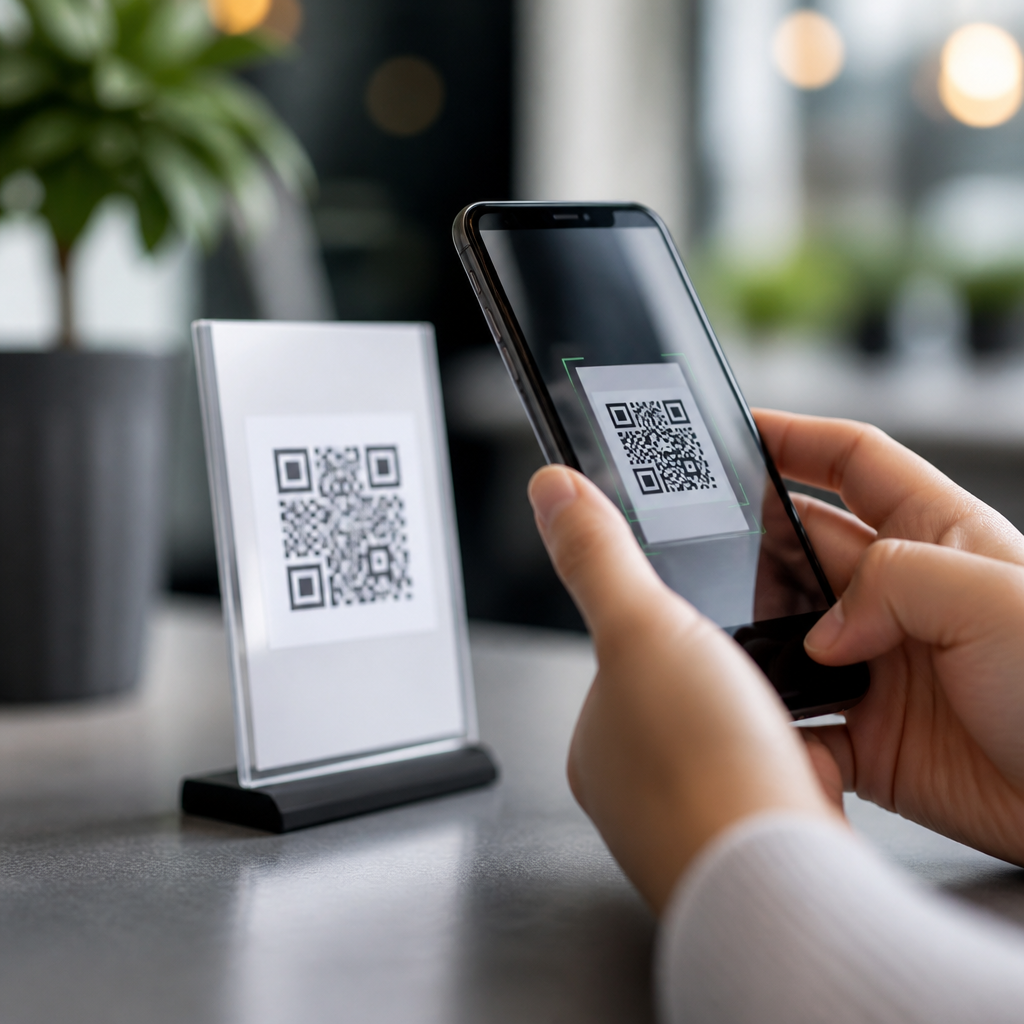
Smartphones turned QR codes from a niche industrial tool into an everyday mobile shortcut. A QR code, short for Quick Response code, is a two-dimensional barcode that stores information such as a web address, payment token, contact card, Wi-Fi credential, app link, or authentication prompt. A mobile QR code is simply a QR code designed to be scanned and acted on from a phone, usually through the built-in camera or a wallet, payment, or browser app. That distinction matters because the smartphone is not just the scanner. It is also the screen, the browser, the payment device, the map, and the identity layer that completes the action.
Before smartphones became common, QR codes existed mainly in manufacturing and logistics. Denso Wave created the format in 1994 to track automotive components more efficiently than linear barcodes. The code could hold more data, scan quickly from multiple angles, and tolerate some damage through Reed-Solomon error correction. Yet outside specialist settings, adoption lagged. Early mobile phones needed separate reader apps, cameras were slow, and few people had unlimited data or a clear reason to scan a square printed on packaging. In practice, the technology was capable, but the user experience was not.
That changed when smartphone cameras improved, mobile operating systems added native scanning, and businesses learned to connect scans to useful actions. Apple integrated QR detection directly into the Camera app in iOS 11, and Android vendors followed with Google Lens and native camera support. Once scanning became instant, QR codes stopped feeling experimental. They became a low-friction bridge between physical spaces and digital tasks. Understanding what mobile QR codes are, how smartphones changed their use, and where they work best is essential for any business building mobile journeys, packaging campaigns, payment flows, or customer support content.
What are mobile QR codes and how do they work?
Mobile QR codes are QR codes created for phone-based interactions. Technically, the symbol is the same standardized matrix defined under ISO/IEC 18004. What changes is the intent behind the code and the environment in which it is scanned. In projects I have managed, the most effective mobile QR codes point to a mobile-optimized destination, launch a device-specific action, or pass structured data that a phone can use immediately. Common payloads include URLs, vCards, SMS templates, email drafts, telephone links, event details, geolocation coordinates, app deep links, and payment strings.
A smartphone camera captures the pattern of dark and light modules, the scanning software identifies finder patterns at three corners, corrects perspective, decodes the data stream, and checks it for errors. Error correction is one reason QR codes are resilient on posters, product labels, and restaurant tables. Depending on the chosen level, a code can still scan even when part of it is obscured or branded. The tradeoff is density. More correction and more data create a busier symbol, which can reduce scan reliability on small prints or low-contrast surfaces.
Mobile QR codes fall into two practical categories: static and dynamic. A static code contains fixed data directly in the symbol. If the destination changes, the code must be replaced. A dynamic code usually points to a short redirect URL managed on a platform such as Bitly, QR Code Generator Pro, Flowcode, or Beaconstac. That redirect can be updated later, and it can record analytics such as scan time, device type, and location at an aggregate level. For campaigns, packaging, and signage, dynamic codes are usually more flexible because they support testing, governance, and lifecycle updates without reprinting assets.
Why smartphones unlocked mass adoption
Smartphones changed QR code usage by solving four adoption barriers at once: access, speed, context, and trust. Access improved because nearly every modern phone includes a camera, internet connection, and software capable of decoding QR codes without a separate app. Speed improved because autofocus, image processing, and native recognition made scanning almost instant. Context improved because the same device could open the landing page, save the coupon, place the order, or complete the payment. Trust improved because users began scanning within familiar interfaces such as the default camera, banking app, or digital wallet rather than unknown third-party readers.
The COVID-19 period accelerated behavior that was already forming. Restaurants replaced paper menus with table codes. Retailers used shelf tags for product details and inventory extensions. Transit systems expanded mobile ticketing. Healthcare providers added contactless check-in. Payment ecosystems in China, India, and parts of Southeast Asia demonstrated how powerful phone-first scanning could be when tied to super apps and bank rails. WeChat Pay, Alipay, and India’s UPI network normalized QR payments at scale. In the United States and Europe, adoption grew more gradually, but smartphones still made QR codes a standard response for forms, promotions, app downloads, and authentication.
The important shift was not merely more scans. It was a new expectation that physical media should be interactive. A package could explain itself. A poster could sell tickets. A manual could open a support video. A payment terminal could work without touching hardware. Smartphones made QR codes useful because they embedded scanning inside a broader mobile workflow people already trusted and understood.
Where mobile QR codes work best today
Mobile QR codes now serve many practical roles across the customer journey. The best use cases share one trait: the scan removes friction from a task the user already wants to complete. In onboarding, a device label can open setup instructions or pair hardware to an app. In retail, product packaging can link to ingredients, authenticity checks, assembly videos, or replenishment pages. In hospitality, in-room cards can open service menus, local guides, or Wi-Fi access. In events, badges can store attendee details and connect to lead capture systems. In security, a login page can display a code that authorizes a session through a phone-based authenticator.
Payment is one of the clearest examples of smartphone-driven change. A printed merchant-presented QR code lets a buyer scan, confirm the payee, and approve the amount in a mobile banking or wallet app. The merchant does not need expensive card hardware, and the customer uses a device already in hand. Another strong use case is cross-device handoff. When a user is on a desktop screen, a QR code can send the session to mobile for sign-in, app install, or secure confirmation. I have seen conversion improve simply by replacing a long typed URL with a QR code that opened the same page instantly on the user’s phone.
| Use case | What the user scans | What the smartphone does next | Main benefit |
|---|---|---|---|
| Restaurant menu | Table tent code | Opens mobile menu or ordering page | Faster access, easier updates |
| Retail packaging | Product label code | Launches ingredients, video, or offers | Adds detail without cluttering packaging |
| Payments | Merchant display code | Opens wallet or banking app to approve payment | Low-cost contactless checkout |
| Authentication | Desktop login code | Confirms identity in authenticator app | Safer sign-in with less typing |
| Support and manuals | Device sticker or printed guide | Opens setup steps or troubleshooting video | Reduces support effort |
Best practices for creating effective mobile QR codes
A mobile QR code works only when the full journey works. Start with the destination. If the scan opens a webpage, the page must load quickly, respect Core Web Vitals, and match the promise near the code. If the code says “See assembly video,” the page should open that video directly, not a generic homepage. Keep the action obvious with short supporting text and a clear value statement. In field testing, scan rates consistently rise when the call to action answers a simple question: what happens after I scan?
Design matters, but reliability matters more. Use sufficient contrast, maintain a clear quiet zone around the symbol, test across iPhone and Android devices, and size the code based on viewing distance. A common rule is that the scanning distance should be roughly ten times the code width. Avoid glossy finishes, curved placement, and cluttered backgrounds that interfere with detection. If branding is added, do not overload the center icon area or push error correction beyond what the print context can support. ISO guidance and printer proofs are more valuable than visual preference alone.
Track performance thoughtfully. Dynamic QR codes allow link updates, campaign tagging, and scan analytics, but privacy and security must be respected. Use HTTPS destinations, avoid deceptive redirects, and monitor links for expiration or misuse. For regulated sectors, confirm that the linked experience meets accessibility and compliance requirements. Also remember that not every environment favors QR. Poor lighting, weak connectivity, damaged prints, or low digital confidence can reduce completion rates. Good teams provide a fallback, such as a short URL, NFC option, or printed instruction alongside the code.
Common mistakes, limitations, and what comes next
The most common QR code failure is not technical; it is strategic. Brands place a code where no one needs it, send traffic to a desktop page, or hide the benefit behind unnecessary steps. Another mistake is printing static codes for information that will change, then discovering too late that thousands of boxes or posters are obsolete. Security is another real concern. Because a QR code conceals the destination from plain sight, attackers can replace legitimate stickers with malicious ones. User education, tamper checks, trusted app previews, and domain clarity all help reduce this risk.
Looking ahead, smartphones will keep expanding what mobile QR codes can do. Better camera recognition, richer deep linking, wallet passes, and app clips or instant experiences reduce friction even further. GS1 Digital Link is especially important for consumer goods because it can connect a single product identifier to web content, traceability data, recall notices, and retailer-specific experiences. That means the humble package code can evolve from a simple link into a structured gateway for commerce, compliance, and customer service. The smartphone remains the key because it provides identity, connectivity, location, and payment in one device.
For anyone building under the Mobile QR Code Basics topic, the lesson is clear. Mobile QR codes are not just scannable squares. They are smartphone-powered entry points into digital experiences, and their success depends on utility, context, and execution. Choose the right code type, design for real scanning conditions, link to mobile-first destinations, and measure what happens after the scan. Done well, QR codes reduce friction and make physical touchpoints measurable and interactive. Review your current print, packaging, and in-store assets, then identify one customer task that a mobile QR code can simplify this month.
Frequently Asked Questions
What changed when smartphones made QR code scanning a built-in feature?
The biggest change was convenience. Before smartphones handled QR codes natively, scanning usually required a dedicated handheld reader or a separate app that many people did not want to download. That extra step kept QR codes in narrow industrial and logistics roles, where workers used purpose-built devices to track parts, inventory, and shipments. Once smartphone cameras began recognizing QR codes automatically, the experience became nearly frictionless. A person could simply open the camera, point it at a code, and tap a prompt. That turned QR codes from a specialized tool into an everyday mobile shortcut.
Built-in scanning also changed user expectations. Instead of treating a QR code as a technical label, people began to see it as a fast bridge between the physical and digital worlds. Restaurants could link to menus, stores could connect shoppers to product pages, transit systems could deliver tickets, and businesses could launch contactless payments or sign-in flows. Smartphones did not just make QR codes easier to scan; they made them immediately useful in ordinary moments. The result was widespread adoption because the phone was already in the user’s hand, already connected to the internet, and already capable of opening the next action instantly.
How did smartphones transform QR codes from industrial tools into mainstream consumer technology?
QR codes were originally valued for their ability to store more information than traditional one-dimensional barcodes and for being readable at different angles and even when partially damaged. Those advantages made them practical in manufacturing, warehousing, and supply chain environments. However, mainstream consumers had little reason to interact with them until smartphones provided a universal scanner, internet access, and app integration in a single device. That combination is what moved QR codes beyond back-end operations and into daily life.
With smartphones, a QR code became more than a data container. It became a trigger for action. A single scan could open a website, install an app, save a contact card, connect to Wi-Fi, start a payment, verify a login, or display event information. That flexibility gave businesses a low-cost way to deliver digital experiences without requiring users to type long URLs, search manually, or navigate complicated menus. In effect, smartphones gave QR codes a practical consumer interface. They made the codes visible, understandable, and useful to the general public, which is why they spread into marketing, retail, hospitality, banking, healthcare, education, and transportation.
What is a mobile QR code, and why does the smartphone context matter?
A mobile QR code is simply a QR code intended to be scanned and acted on from a smartphone. The code itself is still a two-dimensional barcode, but its design and purpose are shaped by the fact that a phone is doing the scanning and carrying out the next step. That matters because the smartphone is not just a reader. It is also a browser, a payment device, a communication tool, an authentication device, a map, and a digital wallet. In other words, the phone can interpret the code and immediately complete the task behind it.
This smartphone context affects how QR codes are created and used. A mobile QR code often needs to lead to a mobile-friendly landing page, open a specific app, launch a payment flow, add contact information, or trigger a secure sign-in prompt. Designers also have to think about camera quality, screen size, lighting conditions, scan distance, and how fast a user can understand what will happen after scanning. That is why the distinction matters. A QR code made for industrial equipment may simply transfer data to a scanning system, while a mobile QR code is usually part of a broader user experience built around speed, clarity, and immediate action on a phone.
Why did smartphone-based QR code use grow so quickly in payments, menus, tickets, and logins?
Growth happened because smartphones removed both technical and behavioral barriers at the same time. On the technical side, phones offered cameras, internet connectivity, secure processors, operating-system prompts, and app ecosystems that could instantly respond to a scan. On the behavioral side, users became comfortable relying on their phones for everyday tasks like banking, ordering food, entering venues, and confirming identity. Once those habits were in place, QR codes became a natural shortcut because they reduced typing, waiting, and person-to-person handoffs.
Use cases such as payments, digital menus, tickets, and logins benefited especially from this shift because they all require fast access to information or secure actions in real-world settings. A payment QR code can initiate a transaction in seconds. A menu QR code can open current offerings without printing costs. A ticket QR code can verify entry quickly at a gate. An authentication QR code can pair a device or approve a sign-in with less friction than passwords alone. Smartphones made these interactions scalable because nearly everyone already carried the necessary hardware. That network effect helped QR codes move from novelty to infrastructure in many sectors.
Are QR codes safer and more effective now that smartphones handle them so easily?
They are generally more effective, but safety depends on how they are implemented and how carefully users scan them. From an effectiveness standpoint, smartphones made QR codes dramatically better because the entire journey can happen on one device. A scan can lead directly to the intended destination, and analytics can measure engagement, conversions, location-based activity, or campaign performance. Businesses can also update dynamic QR code destinations without changing the printed code itself, which makes smartphone-based campaigns more flexible and easier to manage.
On the security side, smartphones help in some ways and create new risks in others. Modern phones often show a preview of the destination before opening it, and trusted apps can process payment or login codes within secure environments. At the same time, malicious actors can place deceptive QR codes over legitimate ones, directing users to phishing pages, fake payment portals, or malware-related downloads. The best practice is to scan codes from trusted sources, preview links before tapping, and avoid entering sensitive information unless the destination is clearly legitimate and secure. So yes, smartphones made QR codes more powerful and more practical, but they also made user awareness an important part of safe everyday use.





