QR codes work by storing data in a square grid of black and white modules that a camera reads, corrects, and converts into usable information such as a website link, contact card, payment request, or app action. Short for Quick Response code, the format was created by Denso Wave in 1994 to track automotive parts, but it became a mainstream tool for consumers once smartphones added reliable camera scanning. In practice, a QR code is a two-dimensional barcode, which means it holds data both horizontally and vertically, allowing far more capacity than the one-dimensional UPC barcodes found on retail packaging. That extra capacity is why QR codes can power restaurant menus, digital tickets, Wi-Fi login prompts, and product authentication flows.
When I explain how QR codes work to clients, I start with three terms: encoding, scanning, and error correction. Encoding is the process of converting text, numbers, or commands into the module pattern. Scanning is the camera and software process that identifies the code, reads its orientation markers, and extracts the stored bits. Error correction is the built-in redundancy that lets a QR code still work even if part of it is dirty, scratched, or covered by a logo. Understanding those pieces matters because most QR code problems, from failed scans to broken links, come from mistakes in one of those three stages.
This topic matters well beyond curiosity. Businesses depend on QR codes for check-ins, packaging, payments, field service, and offline-to-online attribution. Consumers rely on them for transit passes, event access, setup instructions, and secure logins. As this page anchors general QR code FAQs, it answers the practical questions people ask first: what is inside a QR code, how a phone reads it, why some codes are static and others dynamic, how much data a code can hold, what causes scanning issues, and how to use QR codes safely.
What information is stored inside a QR code?
A QR code does not store a website page, video, or PDF itself. It usually stores a compact string of data, often a URL, plain text message, phone number, email command, vCard, SMS template, calendar event, or payment payload. The scanner reads that string and hands it to the phone’s operating system or app, which decides what to do next. If the data begins with https://, the phone offers to open a browser. If it uses a Wi-Fi format, the phone may prompt the user to join a network. If it contains a mailto: command, the device opens an email draft.
The content is arranged using standardized encoding modes defined in ISO/IEC 18004. Common modes include numeric, alphanumeric, byte, and kanji. Numeric mode is the most space-efficient for digits, while byte mode is used for general text and URLs. Capacity depends on the version of the code, the error correction level, and the encoding mode. A Version 1 QR code is a 21 by 21 module grid, while Version 40 reaches 177 by 177 modules. More modules mean more data, but also require better print quality and scanning conditions.
Static and dynamic QR codes answer another common FAQ. A static QR code contains the final destination directly, such as a full URL, and cannot be changed after printing. A dynamic QR code usually contains a short redirect URL controlled through a QR management platform such as Bitly, QR Code Generator Pro, Scanova, or Beaconstac. Because the destination is managed at the redirect level, marketers can update the landing page, track scans, add UTM parameters, or pause campaigns without reprinting the code.
How does a phone scan and decode a QR code?
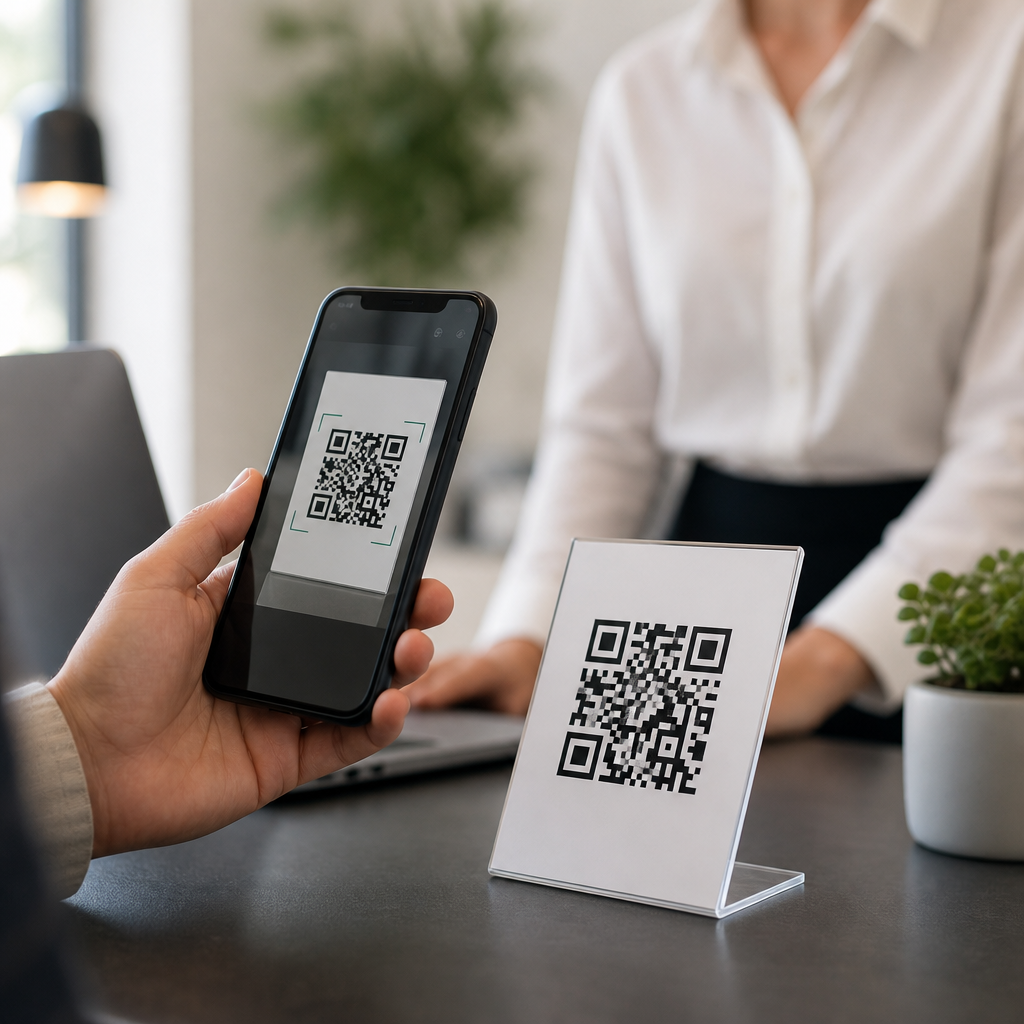
Scanning begins with image capture. The phone camera or scanner app detects contrast between dark and light modules, then looks for the three large finder patterns positioned in three corners of the symbol. These squares tell the software that the image is a QR code, reveal its orientation, and help estimate perspective distortion if the code is viewed at an angle. A smaller alignment pattern, used in larger versions, improves accuracy when the image is warped or printed on curved surfaces such as bottles or cables.
After locating the symbol, the decoder samples the module grid, converts the visual pattern into binary values, and applies Reed-Solomon error correction to reconstruct missing or damaged data. Format information within the code tells the scanner which masking pattern and error correction level were used. The masking step is important because it prevents awkward visual patterns that would be hard for scanners to interpret accurately. This is why QR generation is not just drawing random squares; it follows a strict mathematical process that balances readability and capacity.
Modern phones use native tools for this process. Apple integrated QR scanning into the Camera app in iOS 11, and Android devices commonly support it through Google Lens or native camera software. In warehouse, healthcare, and manufacturing settings, dedicated imagers from Zebra, Honeywell, and Datalogic are still preferred because they scan damaged labels faster and more consistently under poor lighting. In my own testing on packaging lines, the biggest performance differences come from autofocus speed, glare control, and print contrast, not from the code format itself.
Why do some QR codes scan instantly while others fail?
Most scanning failures come down to size, contrast, quiet zone, surface conditions, or poor destination setup. The quiet zone is the blank margin around the QR code, typically at least four modules wide, and it is essential. Without it, the scanner may not distinguish where the symbol begins and ends. Contrast matters too: black on white remains the most dependable option. Light gray on pastel packaging may look stylish, but it regularly underperforms in real environments.
Physical context also matters. Codes placed behind glossy laminate, on wrinkled labels, across bottle seams, or on moving screens are harder to read. If the target use case involves distance scanning, such as posters in a station, the code must be larger. A practical rule many printers use is a scan distance ratio of about 10 to 1, meaning a code intended to be scanned from 1 meter away should be around 10 centimeters wide. For small consumer packaging, testing with multiple devices is mandatory before full production.
| Issue | What causes it | Practical fix |
|---|---|---|
| Code will not scan | Low contrast or missing quiet zone | Use dark modules on a light background and restore margin |
| Scans only on some phones | Code too dense for print size | Reduce data length or use a dynamic short URL |
| Scans open wrong page | Static code printed with outdated link | Use a managed redirect for campaigns |
| Works indoors but not outside | Glare or reflective surface | Change finish, angle, or placement |
| Logo version fails | Center graphic covers too many modules | Shrink logo and increase error correction carefully |
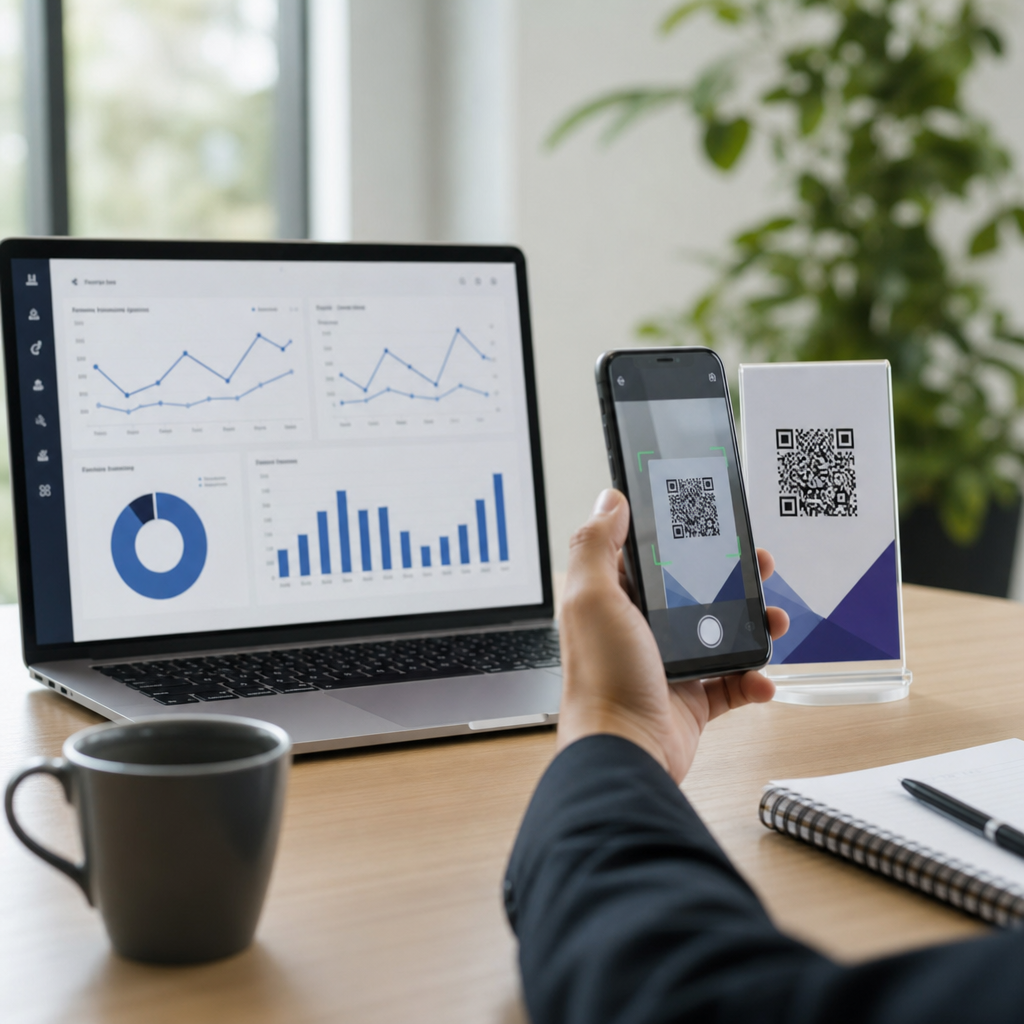
Another frequent problem is not the scan itself but the destination. The code may decode perfectly, yet lead to a 404 page, a mobile-unfriendly form, or a blocked app deep link. That is why QR performance should be measured end to end: successful image recognition, valid redirect, fast landing page, and clear user action. Tools such as Google Analytics 4, Bitly, and campaign QR platforms help separate scanning failures from landing-page failures.
How much data can a QR code hold, and what are the tradeoffs?
QR capacity depends on version, mode, and error correction level. At the high end, a QR code can store up to 7,089 numeric characters, 4,296 alphanumeric characters, or 2,953 bytes of binary data, though those theoretical limits are rarely practical for everyday marketing or support use. As data increases, the module grid becomes denser, making the code harder to scan when printed small or displayed on low-resolution screens. In most real deployments, shorter payloads produce better reliability.
Error correction has four levels: L, M, Q, and H. Level L restores about 7 percent of damaged codewords, M about 15 percent, Q about 25 percent, and H about 30 percent. Higher error correction improves resilience but reduces available data capacity. Many branded QR codes use level H to tolerate a centered logo, but that does not guarantee success if the logo intrudes into critical areas or if the code is already too dense. Good design still requires testing, especially across older phone cameras.
For general QR code FAQs, the simplest rule is this: store as little as possible in the symbol and move complexity to the destination. Instead of encoding a long URL with tracking parameters, use a short managed URL. Instead of embedding a full block of text, link to a mobile page. This improves scan speed, print tolerance, and campaign flexibility.
Are QR codes safe, and what best practices should users and businesses follow?
QR codes themselves are not inherently dangerous, but they can point to harmful destinations. Attackers use malicious QR codes to disguise phishing links, fake payment requests, app download traps, or credential theft pages. Security guidance from the Federal Trade Commission and major mobile platform providers is consistent: preview the URL when possible, avoid scanning codes placed over another printed code, and verify the domain before entering passwords or payment details. A trustworthy QR code experience uses a recognizable domain, HTTPS, and a landing page that clearly matches the context where the code was found.
Businesses should treat QR deployment as part of their digital governance. Use owned domains rather than generic link shorteners where possible. Maintain redirect inventories, expiration policies, and campaign naming conventions. Test codes under realistic conditions, including different lighting, camera models, and network speeds. For printed materials, keep source files, final production proofs, and a destination registry so support teams can troubleshoot quickly. If a QR code is used for authentication, payments, or personal data capture, involve security and compliance teams early.
As a hub for general QR code FAQs, the core takeaway is straightforward: QR codes work because a standardized visual pattern lets cameras convert a printed or displayed symbol into actionable digital data quickly and accurately. Their usefulness comes from high data density, strong error correction, and universal smartphone support. Their limitations come from poor design, bad placement, broken destinations, and preventable security mistakes. If you manage, print, or troubleshoot QR codes, focus on short payloads, clear contrast, adequate quiet zones, reliable redirects, and real-device testing. Start with those fundamentals, and every deeper QR code article in your hub will make more sense.
Frequently Asked Questions
What exactly is a QR code, and how is it different from a traditional barcode?
A QR code, short for Quick Response code, is a type of two-dimensional barcode that stores information in a square pattern made of tiny black and white modules. Unlike a traditional one-dimensional barcode, which usually stores data in a single horizontal line and is commonly used for product identification, a QR code stores data both horizontally and vertically. That two-axis structure allows it to hold significantly more information in a compact space.
In practical terms, this means a QR code can contain far more than a simple product number. It can store a website URL, contact information, Wi-Fi login details, payment instructions, event data, app actions, and more. Originally developed by Denso Wave in 1994 to track automotive parts, the format was designed for speed, reliability, and efficient data handling. Today, QR codes are widely used because smartphone cameras can quickly recognize and interpret them, making it easy for users to move from a physical object to digital content with a single scan.
How does a QR code actually work when you scan it with a phone?
When you scan a QR code with a smartphone, the camera captures the image of the square code and the scanning software begins analyzing its structure. First, it identifies key patterns in the code, especially the larger square markers typically found in three corners. These position markers help the scanner determine the code’s orientation, size, and alignment, even if the image is tilted or the code is printed at an angle.
Once the scanner locates the code and understands its layout, it reads the arrangement of black and white modules inside the grid. Each module contributes to the encoded data according to a defined QR code standard. The software then translates that visual pattern into machine-readable data, applies error correction if part of the image is blurry or damaged, and converts the result into something useful for the phone. Depending on what was encoded, your device may open a website, save a contact card, connect to a wireless network, launch an app function, or display a payment screen. The reason the process feels so fast is that the code was specifically designed for quick recognition and efficient decoding.
Why are QR codes so reliable even when they are slightly damaged or hard to scan?
One of the most impressive features of QR codes is their built-in error correction. This allows a scanner to recover the intended data even if part of the code is scratched, smudged, partially blocked, or printed imperfectly. Instead of requiring every module to be perfectly visible, QR codes use redundancy in the encoded data so missing or damaged portions can often be reconstructed during decoding.
This reliability is one reason QR codes became so useful in real-world conditions, from factory floors to restaurant tables and product packaging. In addition to error correction, their layout includes alignment and positioning patterns that help scanners understand the code’s geometry. That makes it easier for phones to read them under less-than-ideal conditions, such as poor lighting, curved surfaces, or slight camera movement. Of course, there are limits: if the code is too small, too distorted, or too heavily damaged, scanning may fail. But compared with many other machine-readable formats, QR codes are intentionally engineered to remain functional in everyday use.
What kind of information can a QR code store?
QR codes are versatile because they can store many types of data, not just one kind of link. A very common use is encoding a URL so that scanning the code opens a website instantly. However, they can also store a digital business card, known as a vCard, which lets users save contact details directly to their phone. Other examples include payment requests, email addresses, phone numbers, SMS prompts, calendar event information, app deep links, and Wi-Fi credentials that allow users to connect to a network without typing a password manually.
The exact amount of information a QR code can hold depends on factors such as the version of the code, the type of data being encoded, and the level of error correction being used. More data generally means a denser pattern with smaller modules, which can make the code harder to scan if printed too small. That is why well-designed QR codes balance capacity, readability, and intended use. For most consumer applications, the code does not need to store a huge amount of text directly. Instead, it often stores a short link or structured instruction that points the device to the right digital destination.
Are QR codes safe to use, and what should people watch out for?
QR codes themselves are not inherently dangerous, but they are only as trustworthy as the content they point to. A QR code is simply a data container, so if it directs a phone to a legitimate website or safe action, it is generally harmless. However, bad actors can use QR codes to send users to phishing pages, malicious downloads, fake payment portals, or misleading login screens. Because scanning is quick and often feels automatic, people may interact with content before stopping to verify where it leads.
The safest approach is to treat QR codes with the same caution you would apply to links in an email or text message. Before tapping through, check the preview URL if your phone displays one. Be especially careful with codes posted in public places, printed on stickers placed over other codes, or shared in unsolicited messages. Businesses can improve trust by placing QR codes in branded, clearly explained contexts and linking only to secure, recognizable domains. For users, a little attention goes a long way: if the destination looks suspicious, asks for sensitive information unexpectedly, or seems unrelated to the context, it is best not to proceed.