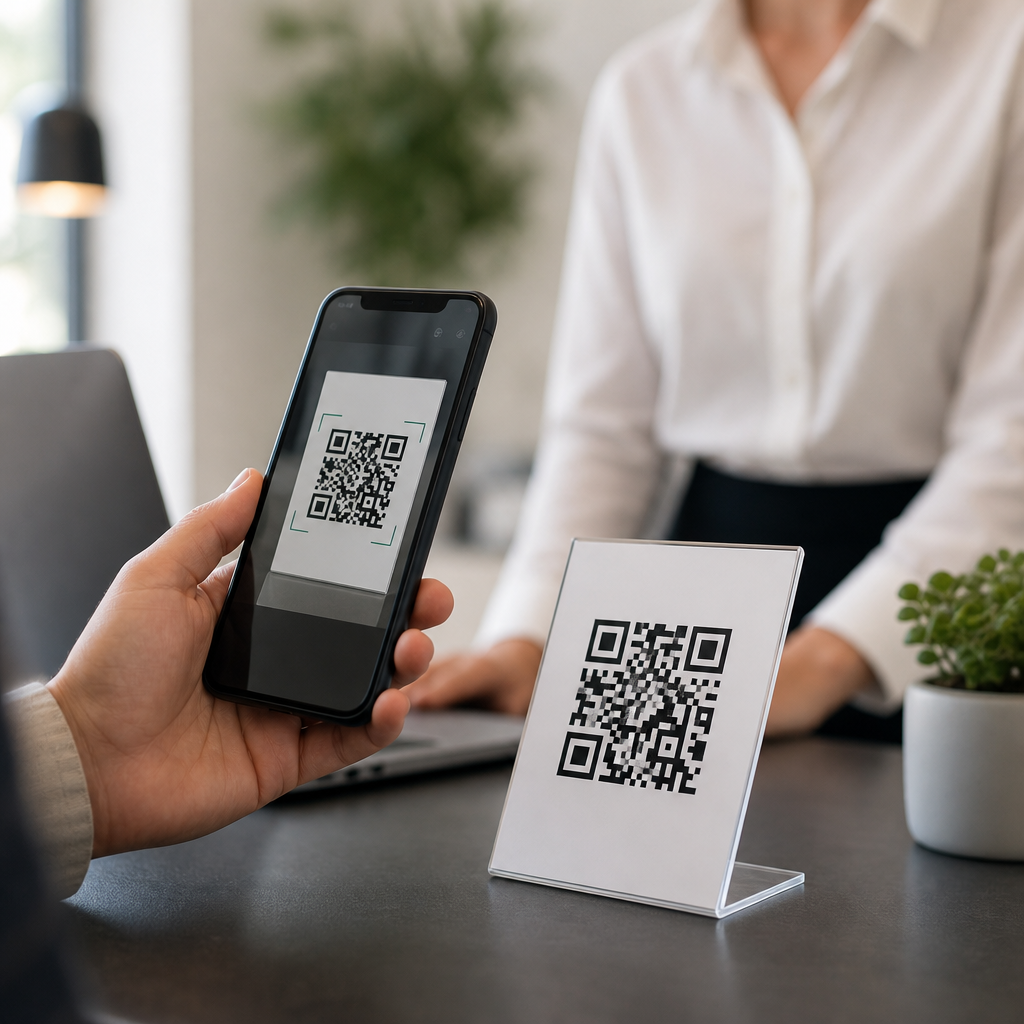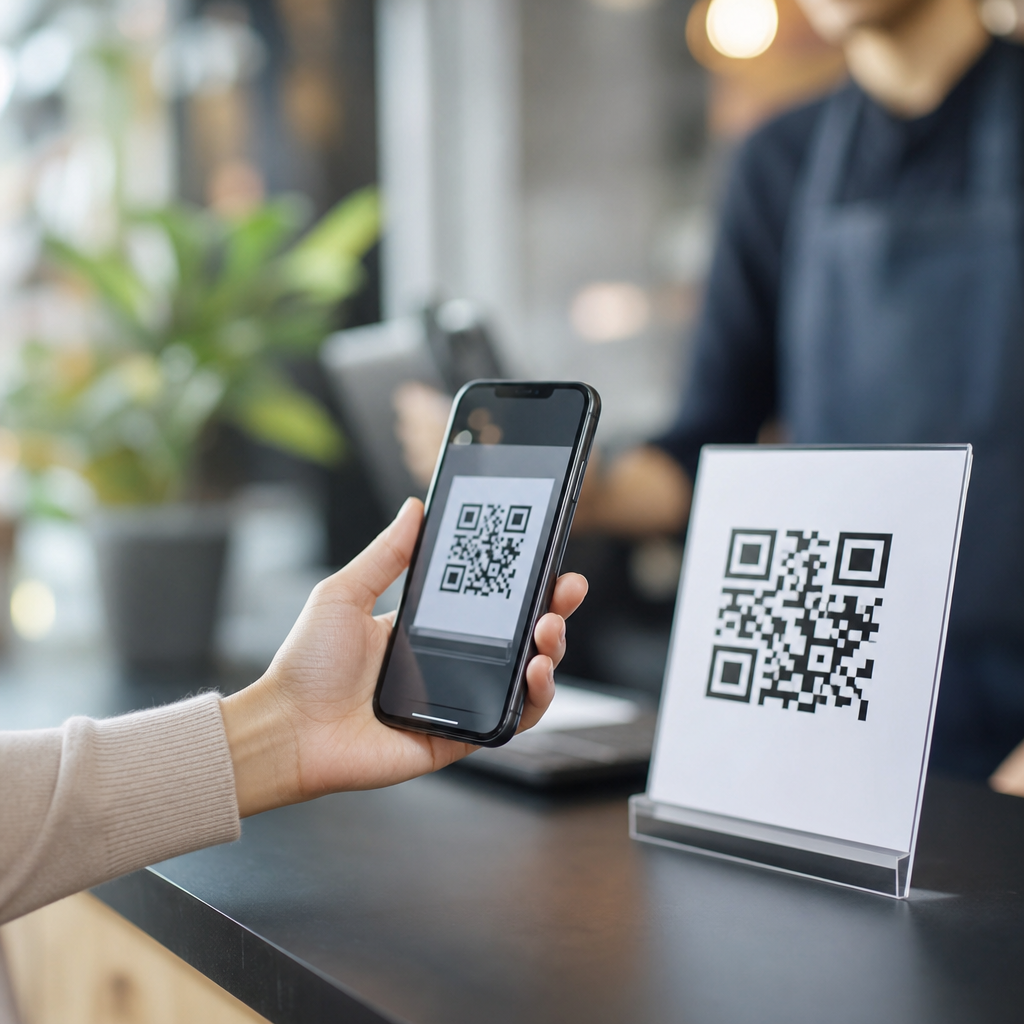
QR codes are free to use in many situations, but the full answer depends on what kind of code you create, how long you need it to work, and whether you want tracking, editing, or branding features. A QR code, short for Quick Response code, is a two-dimensional barcode that stores information such as a website URL, contact card, Wi-Fi password, payment address, or plain text. Anyone with a smartphone camera or scanner app can read it. That simplicity is why QR codes now appear on restaurant menus, product packaging, event tickets, posters, invoices, and repair manuals.
When people ask, “Are QR codes free to use?” they usually mean one of three things. First, is the underlying technology free? Yes. The QR code standard is widely implemented, and creating a basic static QR code costs nothing with many tools. Second, are online generators free? Some are, some are freemium, and some advertise free creation while charging later for analytics or continued activation. Third, can businesses use QR codes without paying royalties? In normal practice, yes, but the operational costs around design, hosting, printing, and campaign software still matter.
This topic matters because misunderstandings are common, and they create expensive mistakes. I have seen businesses print thousands of flyers with dynamic QR codes from trial accounts, only to learn later that scans stop working after the subscription ends. I have also seen the opposite problem: teams pay for enterprise software when a static code would have done the job perfectly. As the hub for general QR code FAQs, this guide explains what is actually free, what is not, how static and dynamic QR codes differ, what affects scannability, where hidden costs appear, and how to choose the right setup for marketing, operations, support, and everyday use.
What Is Free and What Usually Costs Money?
The core ability to generate and scan a basic QR code is generally free. You can make a static QR code with many no-cost tools, then print it on a sign, business card, box, or label without paying a licensing fee per scan. Smartphone cameras on iPhone and Android devices natively support QR scanning, which removes another barrier. If your code points directly to a URL that you control, and that URL stays live, the QR code will keep working without a subscription.
Costs typically enter when you move beyond static use. Dynamic QR codes route scans through a short URL managed by a provider, allowing you to change the destination later, measure scan counts, tag campaigns with UTM parameters, set expiration dates, or enable password protection. Those features are useful, but they are software services, not free public infrastructure. Design services, custom frames, logo integration, print production, landing page hosting, and testing across devices can also add cost. In other words, the symbol itself may be free, while the management layer around it may not be.
Static vs Dynamic QR Codes: The Most Important FAQ
A static QR code contains the final data directly in the pattern. If you encode https://example.com/page, that exact destination is embedded permanently. Static QR codes are free to create, simple to deploy, and reliable for long-term uses like equipment labels, grave markers, basic brochures, and permanent signage. Their limitation is rigidity. If the URL changes, the printed code must be replaced. Static codes also cannot provide first-party scan analytics unless the destination website measures traffic separately.
A dynamic QR code contains a redirect URL instead of the final destination. That redirect is controlled through a dashboard, so you can update the destination after printing. For example, a retailer can place one code on packaging, then switch traffic seasonally from setup instructions to a recall notice or promotional page. That flexibility is why dynamic QR codes are common in campaigns, menus, and multi-location businesses. The tradeoff is dependency. If the provider disables the code, the redirect domain expires, or the account lapses, the printed code can fail even though the image still exists.
| Type | Typical Cost | Can Edit Destination? | Analytics? | Best Use Case |
|---|---|---|---|---|
| Static QR code | Usually free | No | Only through website analytics | Permanent links, labels, simple print materials |
| Dynamic QR code | Usually paid or limited free tier | Yes | Yes | Marketing campaigns, menus, changing destinations |
Can You Use QR Codes for Business Without Paying Royalties?
For normal business use, yes. Companies use QR codes on packaging, window decals, manuals, invoices, payment prompts, and event materials without paying a royalty each time someone scans. The practical questions are not about royalties but about compliance, uptime, and customer experience. If you place a QR code on food packaging, for example, you may need the linked page to meet labeling, accessibility, or localization requirements. If you place one on a payment terminal, you need secure handling of payment data and protection against sticker tampering.
Real-world deployment also requires process discipline. I recommend storing final artwork in vector format, testing at intended print size, and documenting the destination URL before production. A restaurant menu QR code might be free to create, but if the linked PDF is 25 megabytes, customers on mobile data will have a poor experience. Likewise, a free code that sends users to a non-mobile page can lower conversions. The code itself is rarely the bottleneck; the linked content and operational controls usually are.
Are Free QR Code Generators Safe and Reliable?
Some are safe and useful, but caution is necessary. A trustworthy QR code generator clearly states whether the code is static or dynamic, whether the code will remain active forever, what data is stored, and whether account registration is required. Reliable tools let you export high-resolution PNG, SVG, or EPS files and do not force their own redirect domain into a supposedly static code. If a service is vague about permanence, assume there is a catch.
Warning signs include trial-based dynamic codes labeled as free, mandatory sign-up before download, watermarking, low-resolution exports, and dashboards that hide the final encoded destination. For validation, scan the code with multiple devices, inspect the URL before opening it, and if possible decode the QR content with a separate scanner utility. Teams that need ongoing campaigns often choose established platforms such as Bitly, QR Code Generator Pro, Uniqode, or enterprise marketing suites, while simple one-off needs can be handled by reputable free tools or in-house libraries such as qrcode.js or Python’s qrcode package.
What Makes a QR Code Work Well?
Scannability depends on contrast, size, quiet zone, error correction, and destination performance. The code should usually be dark on a light background, with a clean margin around it called the quiet zone. As a rule, I avoid shrinking print codes below about 2 x 2 centimeters for short URLs, and I increase size for longer encoded data or greater scanning distance. Error correction levels let a code remain readable even if part of it is damaged, but excessive styling can still break scans.
Design matters, but function matters more. Adding a centered logo is common, yet it should be tested with real phones under normal lighting. Curved surfaces, glossy finishes, poor color contrast, and crowded layouts can all reduce scan success. The linked page should load quickly, use HTTPS, and match the user’s context. A support label inside an appliance should open a troubleshooting page, not a generic homepage. That alignment between code placement and landing page intent is one of the biggest differences between QR codes that get ignored and QR codes that actually solve problems.
Common QR Code FAQs in One Place
Can QR codes expire? Static QR codes do not expire on their own, but dynamic QR codes can stop working if the provider disables the redirect or the plan ends. Do you need an app to scan a QR code? Usually no, because most modern smartphones scan through the default camera. Can a QR code be edited after printing? Only if it is dynamic. Can you track scans? Yes, but usually only with dynamic codes or website analytics on the landing page. Are QR codes secure? The symbol itself is neutral; safety depends on where it leads and whether users can trust the source.
Other frequent questions involve file format and print use. For professional printing, SVG or EPS files are better than low-resolution raster images because they stay sharp at any size. Can QR codes store a lot of data? They can store more than a typical barcode, but in practice encoding a short URL is better than packing large blocks of text because simpler patterns scan more reliably. Can you make a QR code for Wi-Fi, vCard contact details, SMS, or email? Yes, those are standard use cases. The right format depends on the device behavior you want after the scan.
How to Choose the Right QR Code Setup
If the destination will never change and you do not need built-in analytics, use a static QR code and host the content on a URL you control. That is the lowest-cost, lowest-risk option. If the campaign needs measurement, A/B testing, destination changes, or different links by geography or date, use a dynamic QR code from a provider with clear pricing, export options, and a strong uptime record. For regulated industries or large fleets of printed assets, document ownership of domains, dashboard access, and redirect policies before launch.
As a hub for general QR code FAQs, the key takeaway is simple: QR codes are often free to use, but free does not always mean permanent, editable, trackable, or risk-free. Understand the difference between static and dynamic codes, verify how a generator handles redirects, test before printing, and focus on the landing page experience as much as the code itself. That approach prevents broken links, wasted print runs, and poor user journeys. If you are planning QR codes for menus, packaging, support materials, or campaigns, audit your use case first, then choose the simplest setup that will still meet your long-term needs.
Frequently Asked Questions
Are QR codes actually free to create and use?
Yes, many QR codes are completely free to create and use. The important distinction is between the QR code format itself and the platform or service you use to generate it. The QR code standard is open, which means there is no royalty or licensing fee required just to make a basic code. If you want a simple QR code that points to a website, displays text, opens a Wi-Fi login, shares contact details, or stores other fixed information, you can often generate that for free using many online tools or software libraries.
Where people sometimes get confused is that some QR code generators charge for added functionality, not for the code itself. For example, a service may offer dynamic QR codes, scan analytics, editable destination links, team management, custom branding, or campaign tools as part of a paid plan. In those cases, the code may still be easy to scan and widely usable, but the advanced management features are what cost money. So the short answer is yes: QR codes can absolutely be free, especially when you are using static codes and do not need ongoing control or reporting.
What is the difference between a free static QR code and a paid dynamic QR code?
A static QR code contains the final information directly inside the code itself. If it links to a website, the exact URL is embedded in the pattern. If it stores text, a phone number, or a Wi-Fi password, that data is permanently built in. Static QR codes are often free because they are simple to create and do not rely on a third-party platform after generation. Once you make one, it can typically work indefinitely as long as the destination itself still exists. For example, a static QR code linked to your website will keep working as long as that webpage remains live.
A dynamic QR code works differently. Instead of storing the final destination directly, it usually stores a short redirect URL managed by a QR code service. When someone scans it, the service forwards the user to the current destination you set. This makes it possible to change the destination later without printing a new code. Dynamic codes are also commonly used for tracking scan counts, locations, device types, and campaign performance. Because that functionality requires hosted infrastructure and account management, it is often part of a paid subscription. In practical terms, static QR codes are best when your information will not change, while dynamic QR codes are useful when flexibility, analytics, or marketing features matter.
Do free QR codes expire?
A truly static QR code usually does not expire on its own. If the encoded information is directly built into the QR code, there is nothing about the code that naturally times out. It will remain scannable as long as the image is clear enough and the content it points to is still valid. For example, a static QR code containing plain text will continue to display that text. A static code linking to a website can still be scanned years later, provided the webpage is still online and the URL has not changed.
Expiration becomes an issue mainly with dynamic QR codes or with codes generated through services that place restrictions on free plans. Some platforms allow users to create a dynamic QR code for free during a trial period, then disable redirects or analytics once the trial ends or the subscription lapses. In that case, the QR code image still exists, but it may stop sending users to the intended destination. This is why it is important to read the terms of the generator you use. If long-term reliability is your top priority, a static QR code created from a reputable tool is usually the safest free option. If you need a dynamic code, choose a service whose long-term pricing and policies are clear before printing the code on menus, packaging, signs, or marketing materials.
Can I use a free QR code for a business, restaurant menu, or marketing campaign?
Yes, a free QR code can absolutely be used for business purposes, including restaurant menus, product packaging, posters, business cards, flyers, event signage, and other customer-facing materials. The technology itself does not limit commercial use. In fact, QR codes became especially popular because they are easy for customers to scan with a smartphone camera and can quickly connect people to digital content such as a menu, ordering page, contact form, review page, coupon, or payment option.
That said, whether a free QR code is the right choice depends on how stable your content is and how much control you need. If your restaurant menu URL is permanent and you do not expect to change the link, a free static QR code may be perfectly adequate. But if you want to swap destinations, update menu links seasonally, monitor scan performance, add branded frames, or manage multiple campaigns, a paid dynamic solution may be worth it. For marketing in particular, analytics can be valuable because they show how many people are scanning, when they are scanning, and sometimes what devices they are using. So yes, free QR codes are fine for many business uses, but the more strategic and data-driven your campaign is, the more likely advanced paid features will become useful.
Are there any hidden costs or risks when using free QR code generators?
There can be, which is why choosing the right generator matters. The most common issue is not a fee for the QR code itself, but limitations built into the service. Some free generators promote “free QR codes” but only provide free access during a trial, especially for dynamic codes. Others may restrict downloads to lower image quality, which can be a problem for print materials. In some cases, branded watermarks, account requirements, or redirect-based links are included in the free version, and those conditions may affect professionalism or long-term reliability.
There are also practical risks beyond pricing. If a QR code depends on a third-party platform, you are trusting that platform to stay online and keep your code active. If the company changes its policies, shuts down, or disables free accounts, your QR code may stop working. That is why many businesses prefer static QR codes for permanent uses and reserve dynamic codes for cases where tracking and editability are truly needed. It is also wise to test every QR code on multiple phones before publishing it, make sure the destination page is mobile-friendly, and keep enough contrast and print quality for easy scanning. Free QR codes can be an excellent option, but the safest approach is to understand exactly what is free, what is hosted, and what could change over time.