QR codes have evolved from a warehouse tracking tool into a practical bridge between offline attention and online action, and businesses now use them to sell, inform, support, and measure customer behavior with remarkable precision. A QR code, short for Quick Response code, is a two-dimensional barcode that stores data such as a URL, payment request, product identifier, contact card, or app action. When scanned with a smartphone camera, it sends the user directly to a destination without typing a web address or searching manually. That speed matters because every extra click reduces response rates. I have used QR codes in retail campaigns, event signage, product packaging, and service workflows, and the pattern is consistent: when the code solves a clear customer problem, scans turn into measurable business results.
For a business and marketing FAQ hub, QR codes matter because they answer several recurring questions at once. How do you connect print to digital? How do you track response from flyers, packaging, menus, store displays, invoices, or direct mail? How do you make it easier for customers to pay, review, register, download, reorder, or contact support? QR codes handle all of those use cases. They also fit modern buying behavior. According to widely cited mobile usage studies from Statista and DataReportal, consumers spend hours per day on smartphones, and camera-based interactions have become routine. Businesses that use QR codes well reduce friction, gather first-party data more efficiently, and create campaigns that are easier to test, update, and scale across channels.
What businesses use QR codes for most often
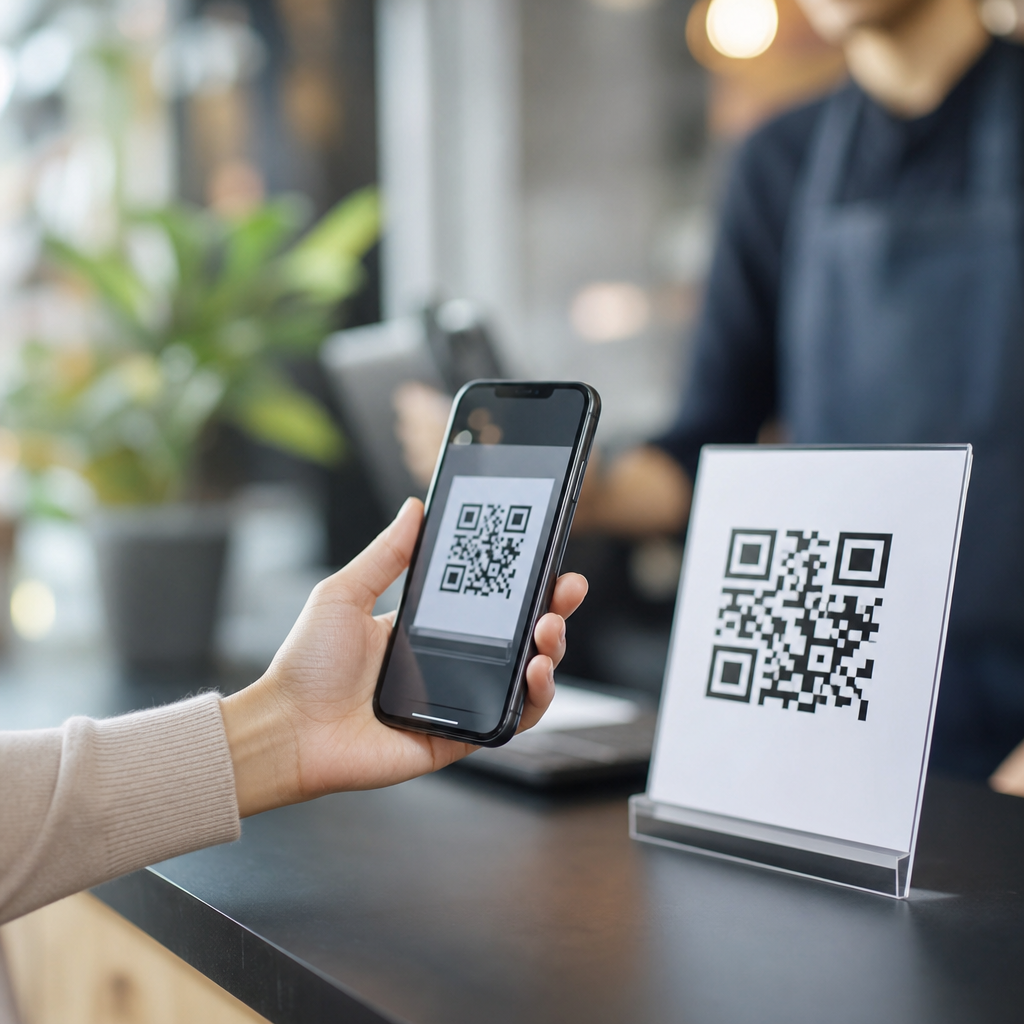
Businesses use QR codes to move customers from a physical touchpoint to a specific digital action. The most common examples are product pages, restaurant menus, event registration, app downloads, digital business cards, how-to guides, customer reviews, Wi-Fi access, and contactless payments. In retail, a shelf sign can send a shopper to size availability, product demos, or loyalty enrollment. In hospitality, a table tent can open a menu, allergen information, and bill payment. In B2B, a trade show badge or booth graphic can deliver a brochure, calendar booking link, and lead capture form in one scan. The value is not the code itself; the value is the reduced effort between interest and conversion.
Static and dynamic QR codes serve different business needs. A static QR code points to fixed information and cannot be edited after printing. A dynamic QR code uses a short redirect URL, which allows the destination to change later and usually supports analytics such as total scans, device type, location, and time. In practice, dynamic codes are the safer choice for marketing because campaigns change, landing pages move, and printed materials often outlive the original offer. If a company prints 50,000 brochures, the ability to update the destination without reprinting can save substantial cost. Dynamic platforms from Bitly, QR Code Generator, Beaconstac, Flowcode, and Uniqode also support UTM tagging for Google Analytics 4 attribution.
Different industries emphasize different outcomes. A healthcare clinic may use QR codes for patient intake forms, appointment reminders, and post-visit instructions while taking care to avoid exposing protected health information. A manufacturer may place codes on machinery for maintenance manuals, parts ordering, and technician videos. A real estate agency can put codes on yard signs so prospective buyers see listings, floor plans, and tour booking options immediately. An ecommerce brand often prints codes on packaging to drive review requests, warranty registration, reorder pages, and user-generated content campaigns. Across these examples, the same principle holds: the code should lead to a mobile-optimized page with one obvious next step.
Where QR codes fit in marketing, sales, and customer support
In marketing, QR codes extend the life and measurability of offline media. A postcard with a QR code can direct recipients to a tailored landing page and capture campaign-specific conversions through tagged URLs. A billboard can send commuters to a limited-time offer, though success depends on context and scan safety. In stores, endcap signage can unlock videos, coupons, or loyalty points. I have seen scan rates improve simply by replacing a generic “Scan me” label with a benefit-driven prompt such as “Scan for 10% off today” or “See the 30-second demo.” Clear value proposition and immediate relevance influence behavior more than design novelty.
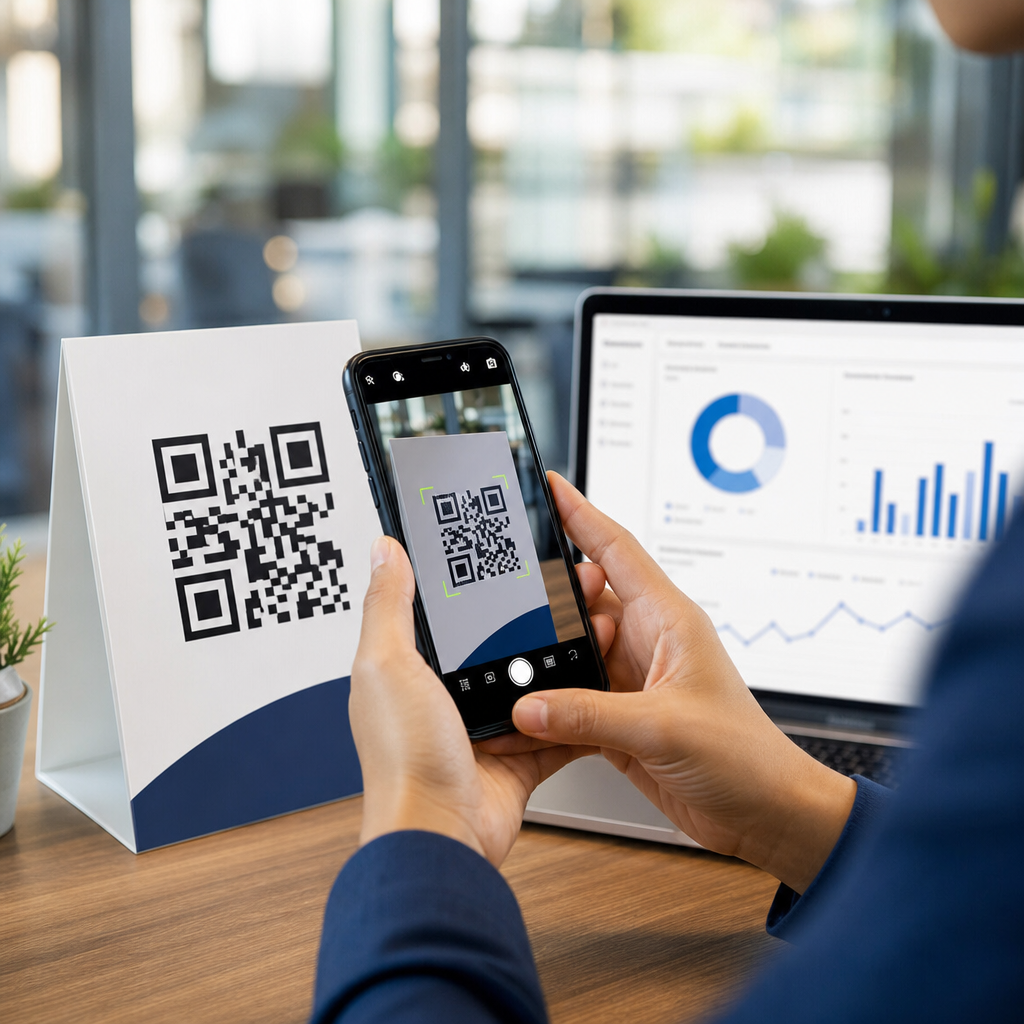
Sales teams also use QR codes to shorten the path from interest to conversation. On product catalogs, proposals, sample kits, or business cards, a code can open a scheduling page in Calendly or Microsoft Bookings, launch a prefilled email, or download a spec sheet. At events, exhibitors often place separate codes on booth panels, demo stations, and takeaway cards to identify which asset generated a lead. That matters because attribution in physical environments is usually weak. QR segmentation gives sales operations cleaner source data, which improves follow-up prioritization and return-on-investment analysis.
Customer support is another strong use case, especially after the sale. A code on packaging or receipts can take users to setup instructions, troubleshooting videos, chatbot support, warranty registration, or return policies. This reduces inbound support volume for simple questions and helps customers succeed faster. For software-enabled products, onboarding QR codes can open app pairing steps or knowledge-base articles. For field services, technicians can leave behind a QR sticker linking to maintenance logs and service requests. Done correctly, that creates a low-friction support loop that is easier for customers than searching a site manually.
| Business function | Typical QR destination | Primary metric | Example |
|---|---|---|---|
| Marketing | Campaign landing page | Scans to conversions | Direct mail offer with coupon redemption |
| Sales | Booking page or brochure | Qualified leads | Trade show booth code linked to demo request |
| Support | Help article or setup guide | Ticket deflection | Product packaging linked to installation video |
| Operations | Inventory or process record | Completion time | Warehouse bin code linked to stock update form |
| Payments | Digital wallet or invoice | Payment rate | Cafe counter code for contactless checkout |
How to create QR codes that actually get scanned
The best QR code strategy starts with the destination, not the graphic. First decide what exact action matters: purchase, signup, payment, review, download, or support. Then build a mobile-first landing page that loads quickly, matches the promise near the code, and asks for as little effort as possible. A code that opens a desktop PDF, a cluttered homepage, or a generic link tree usually underperforms. If the user scans from packaging after opening a product, the page should start with setup, not brand messaging. If the user scans from a flyer, the offer should be visible above the fold with tracking parameters already attached.
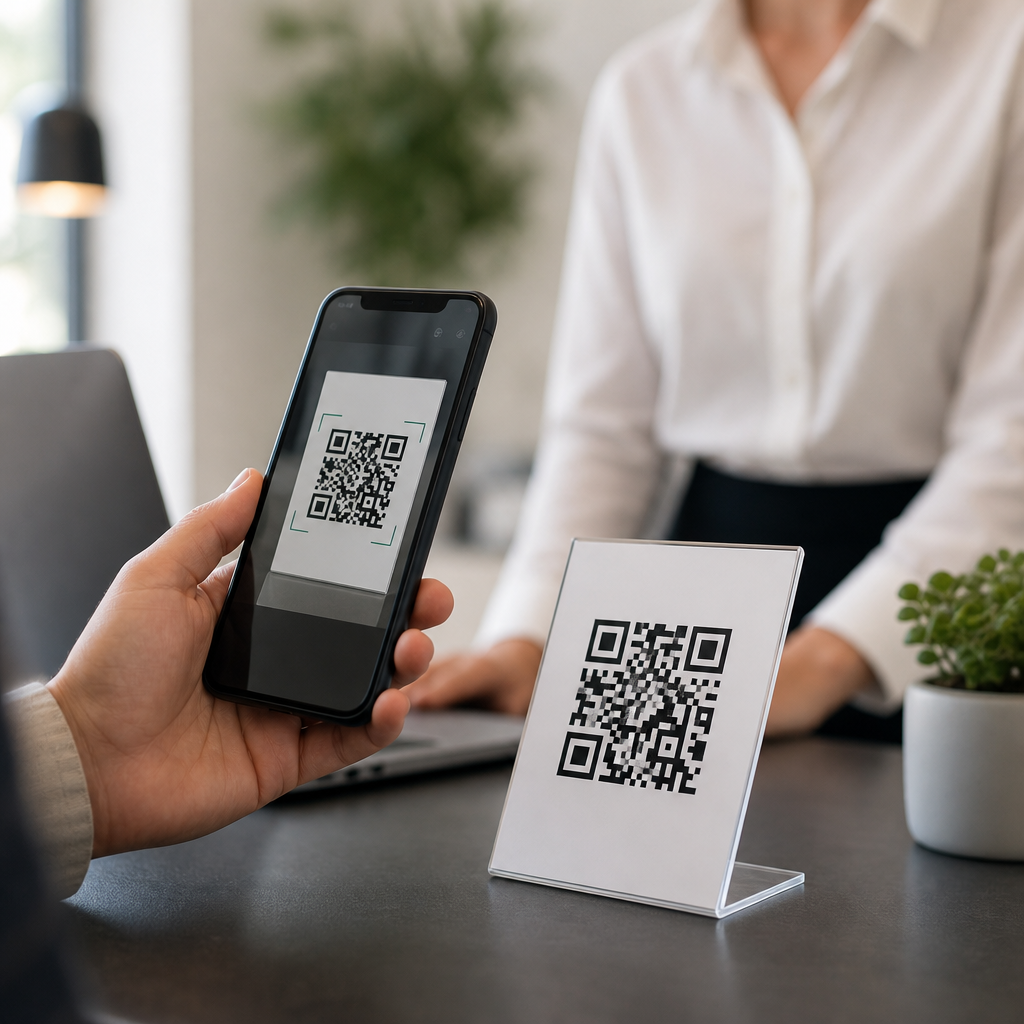
Design and placement directly affect scanability. Maintain strong contrast, usually black on white, and avoid busy backgrounds. Keep the quiet zone, the margin around the code, intact. Do not distort the square shape. Test across iPhone and Android camera apps, under bright and dim lighting, and at the actual print size. A common practical rule is at least one inch square for close-range use, scaling larger as scanning distance increases. Put the code where a person can safely pause and scan it. That sounds obvious, but many businesses place codes on moving vehicles, high billboards, or reflective surfaces that are difficult to use in real conditions.
The call to action is equally important. Tell people what happens after the scan and why it is worth doing. “Scan to view menu,” “Scan to reorder in 20 seconds,” and “Scan for assembly video” outperform ambiguous prompts. If trust is a concern, use a branded short domain and include the destination name nearby. Security awareness has increased because malicious codes can redirect to phishing pages. For that reason, reputable businesses should use HTTPS destinations, recognizable domains, and moderation controls within the QR platform. Some organizations also publish guidance for staff so unofficial codes are not placed over legitimate ones in public spaces.
Measuring results, avoiding mistakes, and building a scalable program
Businesses should treat QR codes like any performance channel: define the goal, instrument the journey, and review the data. Dynamic codes combined with UTM parameters let teams see scans in Google Analytics 4, Adobe Analytics, HubSpot, or Salesforce-connected dashboards. Useful metrics include scans, unique scans, landing-page engagement, conversion rate, assisted conversions, time of day, and geography. If a retailer runs separate codes for window signage, shelf talkers, and receipts, the business can compare which touchpoint drives the most profitable action. This is especially useful for omnichannel programs where offline influence is otherwise difficult to quantify.
Several mistakes appear repeatedly. One is sending every scan to the homepage, which forces visitors to navigate again and hides intent. Another is printing static codes for time-sensitive campaigns, then discovering the linked page changed or expired. A third is ignoring accessibility and context; older customers may need simple instructions, and multilingual audiences may need language selection. Compliance matters too. If the QR experience collects personal data, businesses must follow applicable privacy rules such as GDPR or CCPA, provide clear consent where required, and avoid embedding sensitive information directly in the code. Payment implementations should rely on approved processors and tokenized flows rather than improvised methods.
To scale QR codes successfully, create governance. Standardize naming conventions, landing-page templates, UTM structures, brand rules, and expiration review dates. Keep a central inventory so teams know which code appears on which asset and when it was last tested. I recommend quarterly audits for high-visibility placements and immediate checks after any website migration. The strongest programs integrate QR codes into broader customer journeys rather than treating them as isolated tactics. Packaging connects to onboarding, onboarding to support, support to review generation, and reviews to repeat purchase. That is when QR codes stop being a novelty and become a reliable operational and revenue tool.
QR codes help businesses connect physical moments to digital outcomes with less friction, better tracking, and clearer customer paths. They are useful across marketing, sales, support, payments, and operations because they remove typing, reduce drop-off, and make offline channels measurable. The most effective business use of QR codes is simple: match each code to a specific user intent, send scans to a mobile-friendly destination, and track the result with dynamic links and analytics. When companies do that, print materials, packaging, signage, and in-person interactions become far more accountable and productive.
For a business and marketing FAQ hub, QR codes deserve a central place because they touch so many recurring questions at once: how to drive action from print, how to improve attribution, how to streamline support, and how to increase convenience without adding complexity. They are not a shortcut for weak offers or poor landing pages, and they require attention to usability, security, privacy, and maintenance. But when implemented with clear purpose and disciplined measurement, they consistently improve customer experience and campaign performance. Review your current customer touchpoints, choose one high-intent use case, launch a tracked dynamic QR code, and build from the data.
Frequently Asked Questions
What are the most effective ways businesses can use QR codes?
Businesses can use QR codes in a wide range of practical, revenue-driving ways because they connect physical touchpoints directly to digital actions. One of the most common uses is linking printed materials such as posters, packaging, menus, flyers, business cards, product displays, and direct mail pieces to a website, landing page, or promotional offer. Retailers use them to send customers to product details, reviews, sizing guides, or limited-time discounts. Restaurants use them for digital menus, ordering, loyalty signups, and payment. Service businesses often place them on invoices, appointment cards, storefront signage, and brochures to make booking, payment, or customer support faster.
QR codes are also valuable for post-purchase engagement. A business can place a code on packaging or receipts that leads to setup instructions, warranty registration, troubleshooting guides, referral programs, or review requests. At events and trade shows, QR codes can collect leads, distribute presentations, and direct visitors to demo videos or contact forms without relying on paper handouts. In-store, they can enhance the customer experience by connecting shoppers to richer product information than a shelf tag can provide. When used well, QR codes reduce friction, shorten the path to action, and turn offline attention into measurable digital engagement.
How do QR codes help businesses increase sales and conversions?
QR codes help increase sales by removing steps that often slow customers down. Instead of asking someone to remember a website, type a long URL, search for a product, or download an app manually, the code takes them directly to the exact destination the business wants them to see. That could be a product page, a checkout screen, a coupon, a subscription offer, a free trial, or a custom landing page tailored to the campaign. Fewer steps usually mean less drop-off, which can lead to stronger conversion rates.
They are especially effective when paired with intent-rich moments. A customer standing in a store aisle, holding a product package, reading a printed ad, or sitting at a restaurant table is already paying attention. A QR code captures that attention immediately and turns it into action while interest is high. Businesses can also use codes to support upselling and cross-selling by linking to complementary products, bundles, membership programs, or reorder pages. Dynamic QR codes add even more value because businesses can update the destination without replacing the printed code, allowing them to test different offers, seasonal promotions, and landing pages over time. In that sense, QR codes are not just a convenience tool; they are a conversion tool that supports faster decisions and more trackable customer journeys.
Can businesses track and measure the performance of QR code campaigns?
Yes, and this is one of the strongest business advantages of QR codes. When a business uses trackable links or dynamic QR code platforms, it can measure how many scans occurred, when they happened, where they were likely made, what device was used, and what users did after scanning. This allows businesses to evaluate whether a specific poster, packaging insert, in-store display, mailer, or event sign actually generated engagement. Instead of guessing whether offline marketing worked, they can connect scans to website visits, form submissions, purchases, app installs, or other conversion goals.
This kind of measurement helps businesses make smarter decisions. For example, a company can compare different placements, offers, or calls to action to see which version performs best. A retailer may learn that a code on shelf signage gets more scans than one on the receipt. A restaurant may discover that table tent codes generate more dessert orders than menu-embedded codes. A brand running a product launch can monitor which regions respond most actively and adjust spending accordingly. To get the best insights, businesses should use campaign-specific URLs, analytics tools, and clearly defined conversion goals. When QR code tracking is set up properly, it turns printed and physical marketing into something much closer to digital marketing in terms of accountability and optimization.
What makes a QR code campaign successful for customers and brands?
A successful QR code campaign is built around usefulness, clarity, and trust. First, the destination must be relevant to the context. If a customer scans a code on product packaging, they should land on something that helps them with that product, such as instructions, product benefits, registration, replenishment, or support. If the code appears in an ad, the landing page should continue the promise of the ad rather than forcing the user to hunt for information. Relevance is essential because people scan QR codes for speed and convenience; if the experience feels disconnected, they are unlikely to continue.
Second, the call to action should be explicit. Businesses should tell people exactly what they will get by scanning, such as “Scan to view the menu,” “Scan to claim 15% off,” “Scan for setup instructions,” or “Scan to book an appointment.” This reduces hesitation and sets expectations. Third, the mobile experience must be excellent. Since most scans happen on smartphones, the landing page should load quickly, display clearly, and make the next step easy to complete. Finally, the code must feel trustworthy. That means placing it in credible locations, using recognizable branding when possible, and avoiding generic or suspicious experiences. The strongest QR campaigns respect the customer’s time, offer immediate value, and create a seamless transition from offline discovery to online action.
Are there any best practices businesses should follow when creating and placing QR codes?
Absolutely. The technical and design details matter more than many businesses realize. The QR code must be easy to scan, which means using high contrast, sufficient size, and a clean print or display surface. It should not be distorted, overly stylized, or placed where lighting, glare, folds, or distance make scanning difficult. Businesses also need to test the code on multiple devices before launching it, and they should check that the destination works properly on mobile. A QR code that leads to a slow, broken, or desktop-only page can undermine trust and waste customer interest.
Placement is equally important. Businesses should put QR codes where people naturally pause and have enough time to scan, such as tables, checkout areas, product packaging, waiting rooms, event booths, receipts, window signage, or mailed materials. Context matters too. A code without explanation often gets ignored, so it should be paired with a short benefit-driven instruction. It is also wise to use dynamic codes when flexibility is important, since the destination can be updated later without reprinting materials. For security and brand confidence, businesses should send users to a branded domain or recognizable landing page whenever possible. In short, the best practice is to think beyond the code itself: the scan must be easy, the purpose must be obvious, and the destination must deliver a fast, useful, mobile-friendly experience.