
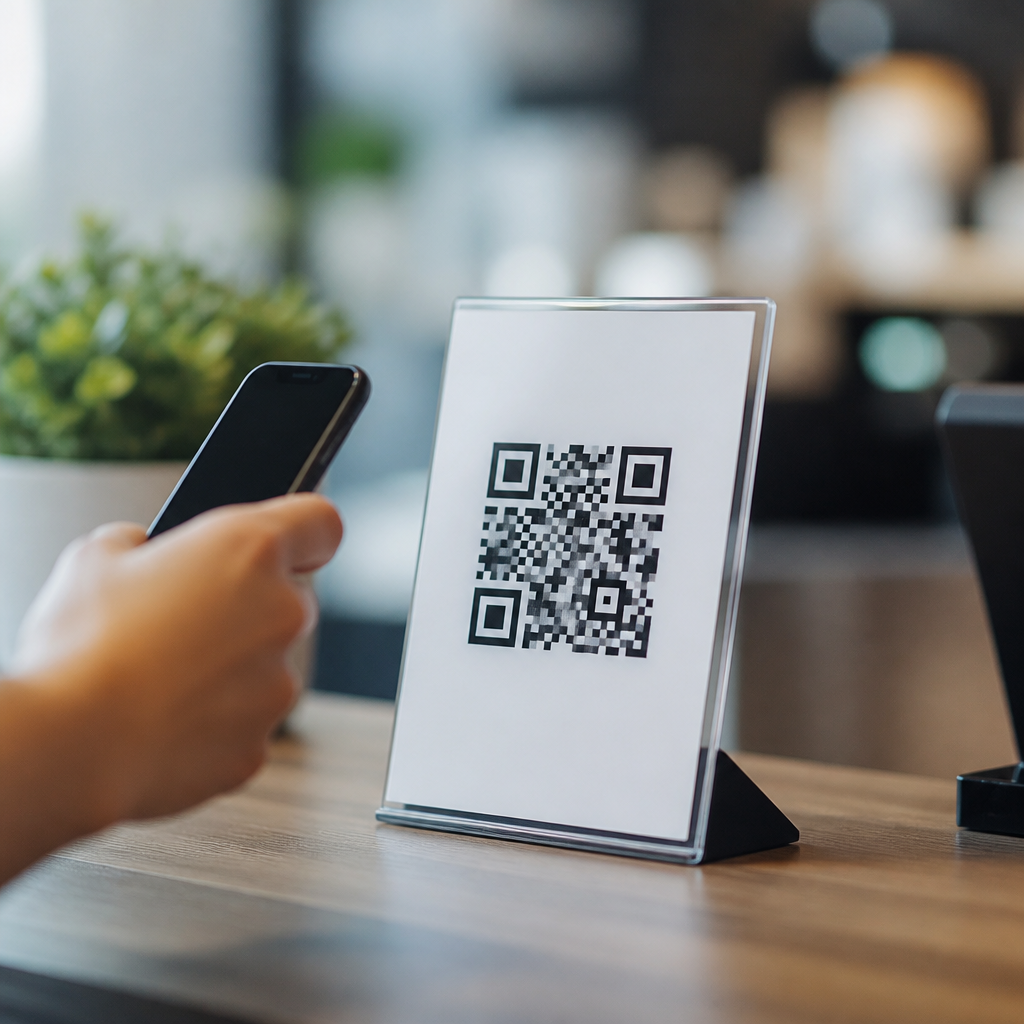
Feedback QR codes for reviews and surveys turn a printed sign, receipt, package insert, or tabletop card into a direct response channel that customers can open with a phone camera in seconds. In mobile QR code basics, they sit at the intersection of convenience, attribution, and customer insight because the code removes friction between a real-world moment and a digital action. A feedback QR code usually points to a review page, survey form, rating screen, support workflow, or landing page that routes visitors by location, language, or device. I have deployed these codes in stores, events, clinics, and service businesses, and the pattern is consistent: response rates improve when the path is immediate, mobile friendly, and clearly explained. This hub article covers the main types of mobile QR codes used for feedback, how each works, when to use them, and what tradeoffs to expect so you can choose the right format for reviews and surveys.
What feedback QR codes are and why they matter
A feedback QR code is a scannable matrix barcode that sends a person to a destination where they can share an opinion, complete a survey, or leave a public review. The value is speed. Instead of asking customers to search for your brand, spell a long web address, or remember to respond later, you present a single scan at the moment of experience. That moment matters because survey science has long shown that recall decays quickly and that lower effort produces higher completion. In practice, a checkout counter card linking to a two-minute Typeform questionnaire will outperform a printed URL, while a restaurant table tent linking directly to a Google review form can capture sentiment before the guest leaves.
These codes also matter because they support both operational feedback and reputation management. Internal feedback forms can uncover wait-time issues, staff training gaps, product defects, or confusing instructions. Public review flows build social proof on platforms that influence local search and conversion. The strongest programs separate these goals instead of mixing them. For example, healthcare providers often use a private patient experience survey first, then invite satisfied respondents to publish a review only where policy and platform rules allow. That distinction protects compliance, preserves trust, and creates more usable data.
Static versus dynamic QR codes for feedback campaigns
The first decision is whether to use a static QR code or a dynamic QR code. A static code contains the final destination directly in the symbol. Once printed, it cannot be changed without replacing the code. Static codes are acceptable for a permanent page that will not move, such as a stable survey URL hosted on your own domain. They are simple and often free to generate, but they provide limited measurement. You may track visits with page analytics, yet you cannot easily swap destinations if the form changes, a review link breaks, or you want location-specific routing.
A dynamic code points to a short redirect URL managed by a QR platform such as Bitly, QR Code Generator Pro, Beaconstac, Flowcode, or Uniqode. After printing, you can update the destination without changing the symbol. That flexibility is critical for feedback programs because campaigns evolve. You may need to send customers in one region to a local Google Business Profile, route event attendees to a post-session survey, or pause a survey and replace it with a service recovery form. Dynamic codes also support scan analytics including time, approximate location, device type, and unique scans. In my deployments, dynamic codes are the default recommendation because they reduce reprint costs and make testing possible.
Review QR codes: directing customers to public ratings platforms
Review QR codes send customers to a public platform where they can leave a rating and written comment. Common destinations include Google Business Profile, Yelp, TripAdvisor, Facebook, Trustpilot, G2, Capterra, and app store review pages. For local businesses, Google review QR codes are the most common because Google reviews influence map visibility, click-through rate, and customer trust. The setup usually involves generating the direct review link from your business profile and then placing the QR code on receipts, invoices, menus, exit signage, or follow-up emails that customers can open on a second device.
The main advantage is social proof. A car wash, dental office, or HVAC company can convert in-person satisfaction into fresh reviews while the experience is still top of mind. The main limitation is platform policy. Do not gate reviews by asking only happy customers to leave public ratings if the platform forbids that practice, and never offer prohibited incentives. A better pattern is neutral language such as “Tell us about your visit” and a destination that honestly requests a review. Businesses with multiple locations should avoid one generic code for all branches. Each location needs its own link so reviews land on the correct profile and operational teams can act on location-level patterns.
Survey QR codes: collecting structured customer feedback
Survey QR codes point to a questionnaire hosted on tools such as Google Forms, Microsoft Forms, SurveyMonkey, Qualtrics, Jotform, or Typeform. They are best when you need structured data rather than public commentary. Surveys can measure customer satisfaction, net promoter score, customer effort score, onboarding quality, event success, packaging clarity, or post-purchase issues. A retail brand might print a code on packaging inserts to ask whether assembly instructions were easy to follow. A hotel might place a code in-room to learn whether housekeeping timing, Wi-Fi reliability, and breakfast quality met expectations.
Good survey QR codes are short, mobile optimized, and context aware. Keep forms brief, ideally under five questions unless the audience has a strong reason to continue. Use conditional logic so someone reporting a defect sees different follow-up questions than someone praising service. Ask one thing per screen on mobile when using Typeform-style interfaces, and include an optional open-text box for details you did not anticipate. In my experience, completion improves when the sign explains the time required, such as “60-second survey,” and tells respondents how the feedback will be used. People are more willing to answer when they believe the response will trigger a real improvement.
Multi-destination, smart, and landing-page QR codes
Some feedback situations require more than one destination. A smart QR code can show a landing page with choices like “Leave a review,” “Report a problem,” “Take a two-minute survey,” or “Contact support.” This type is useful when you need to separate public praise from private issue resolution without forcing a single path. A restaurant chain, for example, can use one code on receipts that first opens a branded mobile page. Guests who want to praise service can choose the review option, while guests with a complaint can open a service recovery form that alerts the manager. That design captures more actionable feedback and reduces the chance that preventable issues become public first.
| QR code type | Best use | Main advantage | Main limitation |
|---|---|---|---|
| Static feedback QR code | Permanent survey or page | Simple and low cost | Destination cannot be changed |
| Dynamic feedback QR code | Ongoing campaigns across print assets | Editable destination and analytics | Usually requires a platform subscription |
| Review QR code | Google, Yelp, Trustpilot, app store ratings | Builds public social proof | Subject to platform rules and less data control |
| Survey QR code | Customer satisfaction and research | Structured, private, analyzable responses | Long forms reduce completion |
| Smart landing-page QR code | Multiple feedback paths | Routes users by intent or location | Adds one extra tap before completion |
Smart routing can also use device language, scan location, time of day, or campaign source. At events, I often use one code on badges and signage but send exhibitors, sponsors, and attendees to different forms based on the scan source embedded in unique URLs. That keeps the design consistent while preserving clean segmentation in analytics. If your business operates internationally, a landing-page QR code can detect browser language and present the survey in English, Spanish, French, or German automatically. The practical rule is simple: use a single-destination code when one clear action exists, and use a smart code when audience intent genuinely varies.
Design, placement, tracking, and compliance best practices
The performance of feedback QR codes depends as much on execution as on code type. Use a clear call to action, adequate white space, and a code size that matches scanning distance; a common print rule is roughly one inch of code for every ten inches of scanning distance. Test on both iPhone and Android native camera apps before printing. Place codes where customers have time and enough signal to respond: checkout areas, waiting rooms, delivery boxes, thank-you cards, tabletop displays, and post-service emails all work better than rushed doorway exits. If the destination page loads slowly, completion drops fast, so compress images, avoid clutter, and keep the first field visible without scrolling.
Tracking should be planned before launch. Add UTM parameters to dynamic destinations, name campaigns consistently, and connect scans to Google Analytics 4, Adobe Analytics, or your CRM where appropriate. For location-based businesses, create unique dynamic QR codes for each store, counter, or employee touchpoint so you can compare performance honestly. Privacy and consent also matter. If you collect personal data, state why, store it securely, and align your form with GDPR, CCPA, HIPAA, or sector-specific requirements when relevant. Accessibility matters too: pair the QR code with a short URL for people using assistive technology or older devices. Start by mapping your feedback goals, choose the code type that fits the moment, and test one high-intent placement this week.
Frequently Asked Questions
What is a feedback QR code, and how does it work for reviews and surveys?
A feedback QR code is a scannable code that sends customers directly to a digital destination where they can leave a review, complete a survey, submit a rating, or start a support interaction. In practice, it connects an offline touchpoint such as a receipt, product package, menu, countertop sign, table tent, event badge, or shipping insert to an online response channel that opens instantly on a smartphone. Instead of asking a customer to type a web address, search for a business, or download an app, the QR code removes those steps and reduces friction at the exact moment the experience is still fresh.
For reviews, the code may lead to a Google review form, a platform-specific review page, or a branded landing page that gives customers options for where to leave feedback. For surveys, it can open a short mobile-friendly form that asks about satisfaction, service quality, product fit, delivery experience, or likelihood to recommend. Some businesses also use feedback QR codes to route users to internal support workflows first, which can help resolve issues quickly before requesting a public review. That makes the code useful not just for collecting praise, but also for capturing insight, identifying service problems, and improving customer retention.
From a measurement standpoint, feedback QR codes are valuable because they can be tied to a specific campaign, location, staff member, product line, event, or printed asset. A code on a tabletop card can be tracked separately from one on packaging, and a code in one store can be measured against another. This helps businesses understand where responses are coming from and which customer moments are most likely to generate reviews or survey completions. In short, a feedback QR code turns a real-world interaction into a direct, trackable, mobile response opportunity.
Where should businesses place feedback QR codes to get the best response rates?
The best placement depends on when customers are most motivated to respond, but high-performing locations usually share one trait: they appear at a natural moment of completion, satisfaction, or reflection. Common placements include checkout counters, receipts, table cards, invoices, appointment desks, hotel rooms, product packaging, bag stuffers, shipping boxes, instruction manuals, thank-you cards, event signage, and email follow-up materials that are later printed or displayed. The goal is to place the code where customers can scan it easily without having to search for it or interrupt what they are doing.
Timing matters just as much as visibility. A restaurant may see strong results from a tabletop QR code that invites guests to leave feedback right after the meal. An e-commerce brand may perform better by placing the code on a package insert that the customer sees while opening the order. A service business might use a printed card handed over immediately after the appointment, while a hotel may place the code in-room and near check-out points. The most effective placement usually aligns with the emotional high point of the customer experience or the first moment when the customer has enough context to give meaningful feedback.
Presentation also affects scan rates. A QR code should be large enough to scan easily, paired with a clear call to action, and supported by a short explanation of what the customer will get by scanning. Language such as “Leave a quick review,” “Tell us about your experience,” or “Scan for a 30-second survey” sets expectations and reduces hesitation. If appropriate, businesses can also mention how long the process takes and whether the feedback helps improve service. Strong design contrast, uncluttered placement, and mobile-optimized landing pages all contribute to better performance. Testing multiple placements and messages is often the fastest way to identify what works best.
How can businesses use feedback QR codes without making the review or survey process feel pushy?
The key is to make the invitation feel helpful, relevant, and easy rather than aggressive. Customers respond best when a business asks for feedback in a way that respects their time and clearly communicates purpose. A simple prompt such as “We’d love your feedback” or “Scan to share your experience” is often more effective than language that sounds overly promotional or demanding. When the request is framed as a genuine effort to improve service or help future customers make informed decisions, it tends to feel more natural and trustworthy.
Keeping the response path short is equally important. If a customer scans a code and lands on a confusing page, a long form, or a site that requires multiple extra steps, the experience immediately feels like work. For surveys, concise mobile-friendly forms usually perform better than long questionnaires, especially in physical environments where the customer is standing, traveling, or multitasking. For reviews, linking directly to the relevant review destination can significantly increase completion rates. The less effort required after the scan, the more likely the interaction will feel convenient rather than burdensome.
Businesses should also be careful about frequency and context. Asking for feedback at every possible touchpoint can create fatigue, especially if the same customer sees the same request repeatedly. It is better to choose a few meaningful moments than to overuse the code everywhere. In addition, the staff script matters. A polite verbal invitation such as “If you have a moment, we’d really appreciate your feedback” feels far more customer-friendly than a hard sell. Ultimately, successful feedback QR code programs are built on good timing, clarity, and respect for the customer experience.
What should a feedback QR code link to: a review page, a survey, or a custom landing page?
The right destination depends on the business goal. If the priority is increasing public social proof, linking directly to a review page may be the best option because it minimizes the number of steps between the scan and the review. This is especially useful for local businesses that rely heavily on platform reviews to improve search visibility, reputation, and conversion. A direct review link works best when the customer already knows the business well and has had a clearly positive experience.
If the main objective is learning more about the customer experience, a survey is often the better choice. Surveys make it possible to ask structured questions about service quality, product satisfaction, delivery performance, staff friendliness, ease of use, or future purchase intent. They provide richer data than a public review because businesses can collect specific operational insight, compare trends over time, and analyze feedback across locations or campaigns. Surveys are especially useful when a company wants to improve internal processes, test new offerings, or understand why customers are dropping off.
A custom landing page is often the most flexible option because it can act as a routing layer between the QR code and the final action. On that page, a business can offer choices such as “Leave a review,” “Take a short survey,” or “Get help with an issue.” This approach is helpful when customer intent may vary or when the business wants to separate praise, complaints, and general comments into different channels. It can also support branding, tracking, segmentation, and A/B testing. The best choice comes down to whether the primary goal is visibility, insight, issue resolution, or a combination of all three.
How do you measure the success of feedback QR codes for reviews and surveys?
Success starts with defining the right metrics before the code is distributed. At the most basic level, businesses should track scan volume, unique scans, response completion rate, and the final action taken, such as a submitted review, completed survey, star rating, or support request. These numbers help show whether the code is being noticed, whether the destination is compelling, and whether the customer journey is smooth enough to finish. A high number of scans with a low completion rate usually signals friction on the landing page, unclear messaging, or an overly long form.
More advanced measurement comes from attribution. Businesses can create different QR codes for different locations, products, campaigns, staff teams, or print materials so they can compare performance side by side. For example, a restaurant can compare tabletop cards with receipt printouts, or a retailer can measure whether package inserts outperform in-store signage. This makes it possible to identify the touchpoints that generate the most valuable responses and to invest more heavily in the formats that work. When paired with analytics tools, UTM parameters, or platform reporting, feedback QR codes can become a practical source of channel-level insight.
Quality matters as much as quantity. For reviews, success may include an increase in review volume, stronger average ratings, or more recent customer feedback appearing on key platforms. For surveys, success may include better response quality, clearer issue identification, improved customer satisfaction scores, or faster operational follow-up. Businesses should also look at downstream outcomes such as improved reputation, better local SEO visibility, higher repeat purchase rates, or reduced support friction. The strongest feedback QR code strategy does not focus only on scans; it measures whether the collected feedback leads to clearer insight, stronger trust, and real business improvement.





