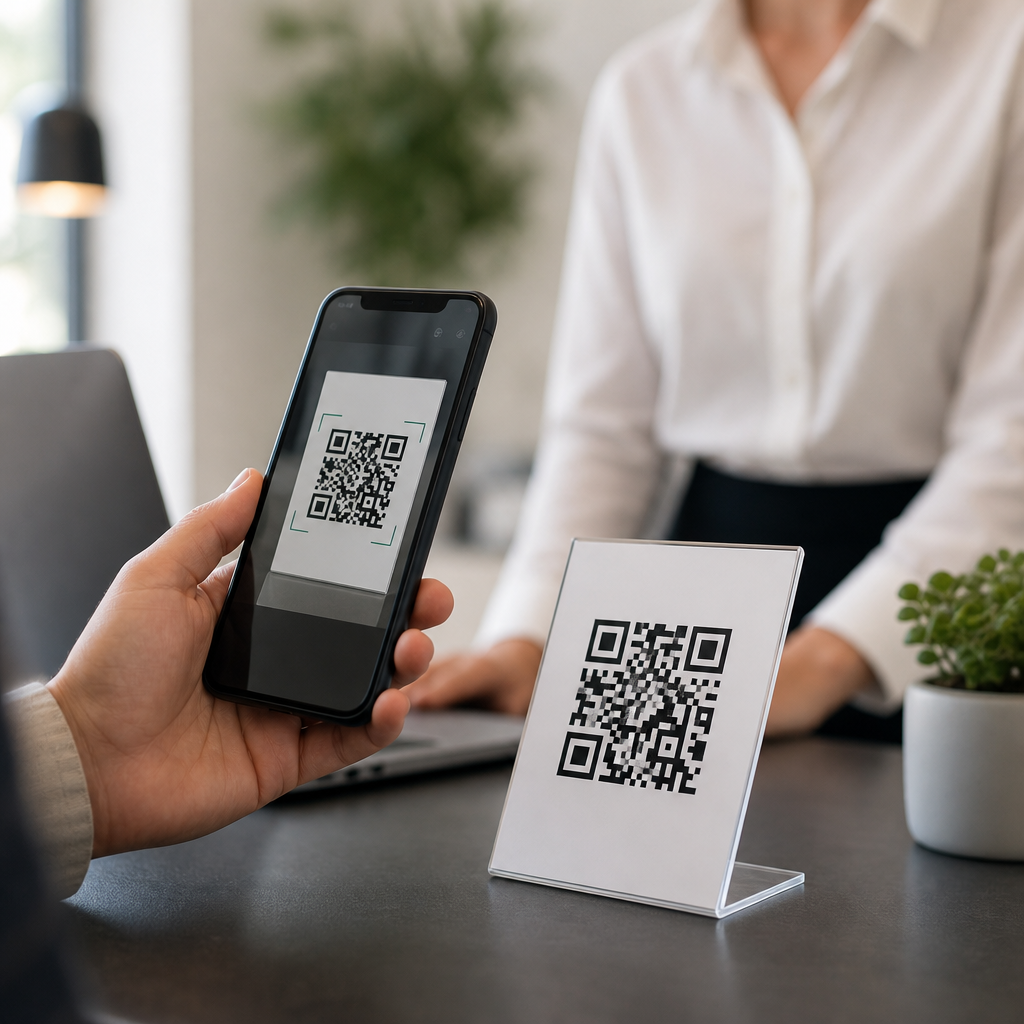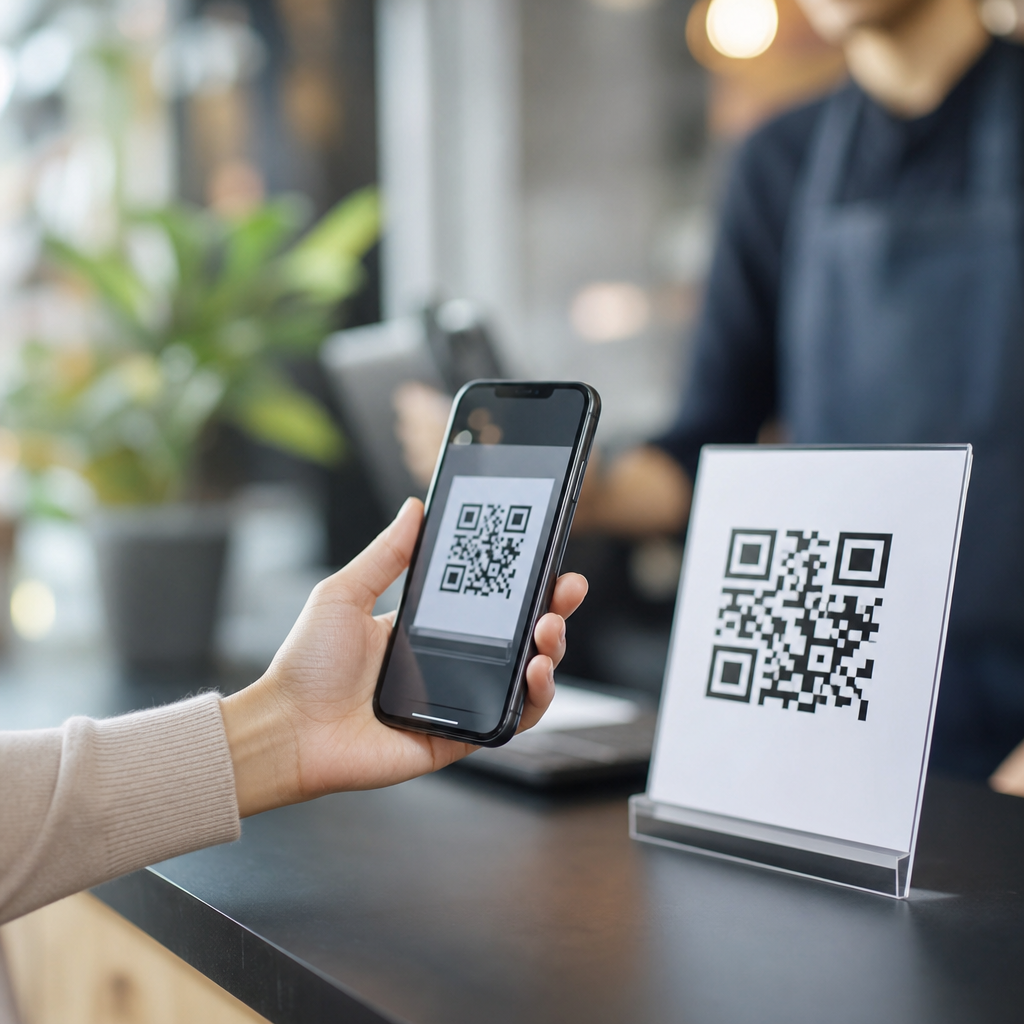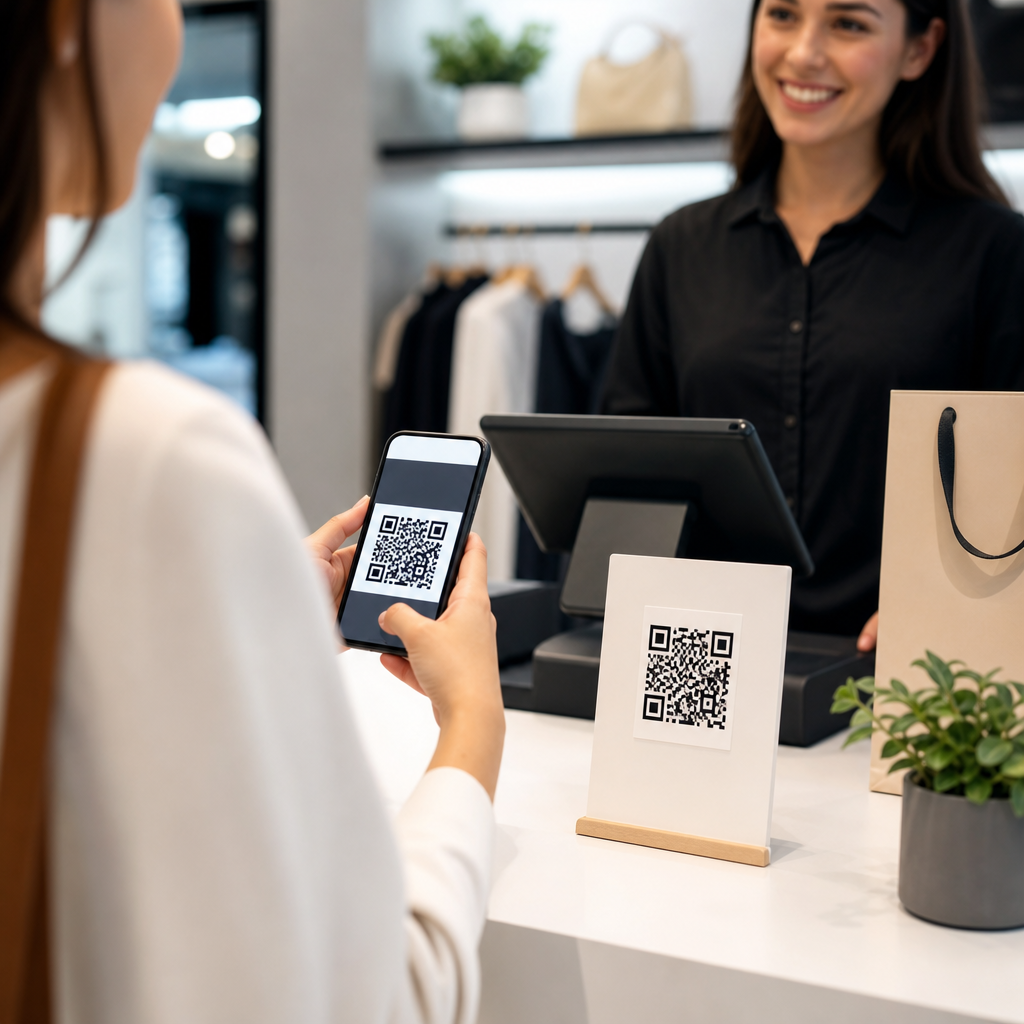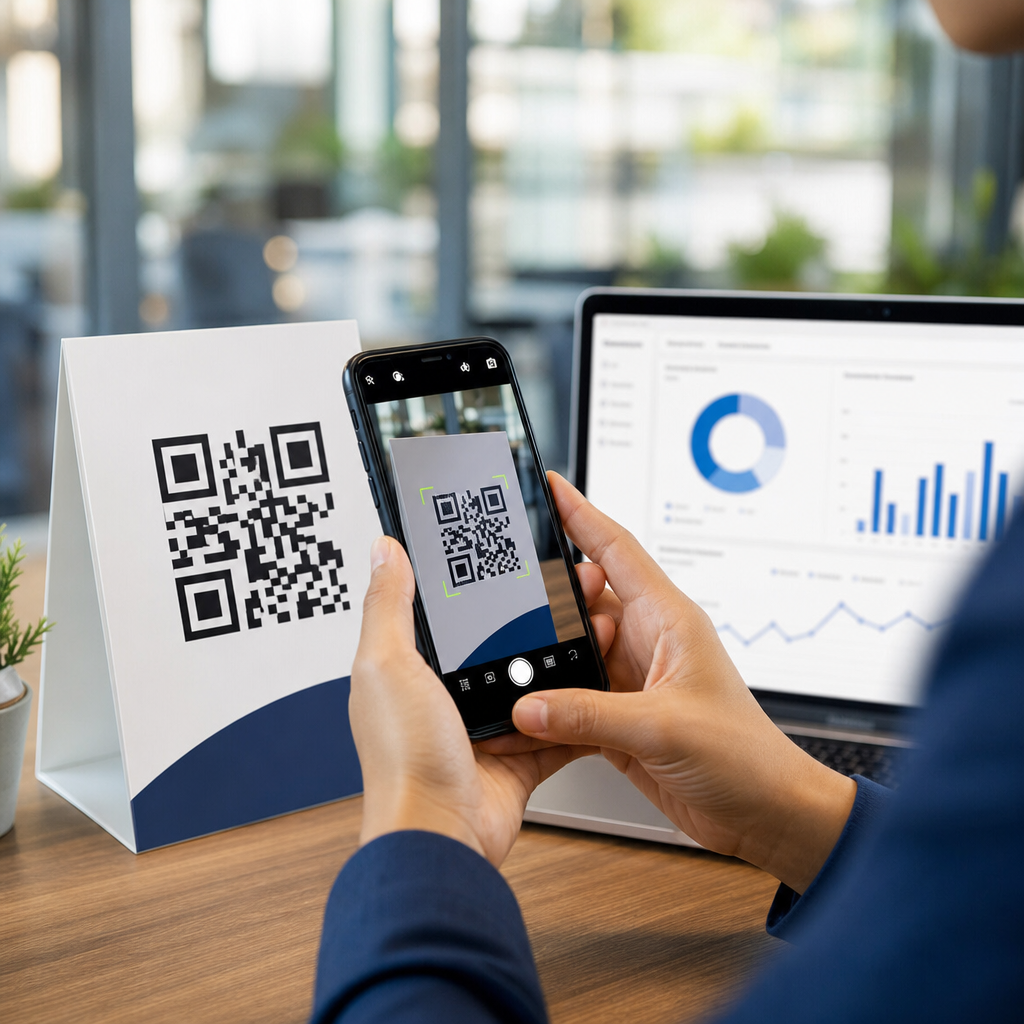
QR codes can be used for payments, and in many markets they already power everything from street-vendor purchases to enterprise checkout flows. A payment QR code is a scannable image that stores payment instructions, usually a merchant identifier, account details, invoice amount, or a secure link that opens a banking or wallet app. When customers scan the code with a smartphone, they approve the transaction without swiping a card or handling cash. This matters to businesses because QR payments reduce hardware costs, support contactless checkout, and make it easier to connect in-store purchases with digital marketing, loyalty programs, and customer support.
In practice, I have seen small retailers adopt QR payments faster than traditional point-of-sale terminals because setup is simpler and cheaper. A coffee shop can place a static code at the register in one afternoon, while a service business can add a dynamic payment code to invoices, email reminders, packaging inserts, and event signage. The business value is not just convenience. QR payments can shorten queues, improve settlement visibility, support omnichannel sales, and create cleaner records for reconciliation. For a hub page under Business and Marketing FAQs, this topic is central because it intersects checkout experience, conversion rate, fraud controls, customer trust, and campaign measurement.
There are also important distinctions to understand before choosing a payment setup. Static QR codes usually point to one payment destination and often require the customer to enter the amount manually. Dynamic QR codes are generated per transaction and can include the exact amount, order number, expiration time, and reference data for accounting. Some systems are merchant-presented, where the business shows a code for the customer to scan. Others are customer-presented, where the customer shows a code from a wallet app and the merchant scans it. Both models are widely used, but they serve different operational needs, security profiles, and customer journeys.
How QR code payments work for businesses
At a technical level, a QR payment flow is straightforward. The code contains either payment data directly or a tokenized pointer that opens a payment app, gateway page, or bank transfer screen. The customer scans, verifies the merchant name and amount, authenticates with biometrics or a PIN, and submits payment. The payment provider then sends confirmation to the merchant app, cashier interface, or back-office dashboard. In more advanced deployments, the transaction also updates inventory, customer profiles, and analytics platforms in real time.
There are two common rails behind these experiences. The first uses card networks or digital wallets, such as PayPal, Alipay, WeChat Pay, Apple Pay app clips in some scenarios, or regional wallet ecosystems. The second uses account-to-account transfers, often through instant payment systems such as UPI in India, Pix in Brazil, or domestic real-time bank transfer networks. This distinction matters because fees, settlement timing, chargeback rules, and refund workflows vary significantly by rail. Card-backed QR payments may fit familiar dispute processes, while bank-transfer QR systems can settle faster but follow different consumer protections.
For businesses, implementation usually involves a payment service provider, merchant account, or banking partner. Stripe, Adyen, Square, PayPal, Razorpay, Mercado Pago, and regional acquirers all support QR-based use cases in different ways. The provider generates codes, hosts the checkout experience, secures token exchange, and returns payment status through dashboards, APIs, webhooks, or receipts. If you sell in person, ask whether the provider supports cashier-side confirmation, offline contingencies, refund references, and integration with your point-of-sale software. If you bill remotely, confirm support for invoice links, downloadable codes, and recurring customer records.
Types of QR payment setups and where each fits
Businesses usually choose among static, dynamic, and hybrid QR payment models. Static codes are best when simplicity matters more than automation. A market stall, donation station, or salon chair can display one code that always routes to the same account. The downside is customer friction and reconciliation complexity, because the buyer may need to enter the amount and the business may rely on payment notes to identify the order. Dynamic codes solve that by generating a unique code for each bill, basket, or invoice. Restaurants, clinics, retailers, and event operators usually benefit more from dynamic codes because order matching is cleaner and reporting is stronger.
Hybrid setups are increasingly common. A merchant may keep a static fallback code at the counter while using dynamic codes in email invoices, app checkout screens, and self-service kiosks. I recommend this approach for businesses that need resilience. If an internet connection is unstable or a POS integration is temporarily unavailable, staff can still accept payment using the fallback method and reconcile later. The key is to define a clear operational rule for when each code type is used so your records remain accurate.
| QR payment option | Best use case | Main advantage | Main limitation |
|---|---|---|---|
| Static QR code | Micro-merchants, tips, donations, simple counter sales | Low cost and fast to deploy | Manual amount entry and weaker reconciliation |
| Dynamic QR code | Retail, restaurants, invoices, service bookings | Exact amount and order reference included | Needs software or provider integration |
| Customer-presented code | Wallet-led ecosystems and membership apps | Can combine payment with loyalty identity | Merchant must scan reliably at checkout |
| Merchant-presented code | Most in-person and remote payment flows | Simple customer experience using own phone | Confirmation process must be clear to staff |
From a marketing perspective, dynamic QR codes also open useful post-click possibilities. A payment code on packaging can route returning customers to a personalized reorder page. A code at an event booth can apply a campaign identifier that ties payment conversion back to the source. This is where payment operations and marketing analytics meet. If you can pass reference fields into your CRM or reporting system, you can measure which campaigns generate actual revenue rather than just scans.
Benefits, costs, and common limitations
The biggest benefit of QR code payments is accessibility. Most customers already carry a smartphone, and many businesses can start accepting payments without buying dedicated card terminals. That lowers entry barriers for pop-ups, tradespeople, mobile vendors, and seasonal sellers. Contactless behavior is another advantage. During periods of heightened hygiene concerns, QR checkout accelerated because it reduced shared touchpoints. Even now, many customers prefer scanning over handing over a card, especially for quick-service transactions.
Costs vary by provider and payment rail. Some bank-based QR systems are cheaper than card acceptance, particularly for low-ticket transactions where terminal fees and card interchange can be painful. However, lower direct fees do not always mean lower total cost. You may need staff training, signage, integration work, support processes, and refund procedures. You should also account for failed-payment handling, customer education, and finance-team reconciliation time. A sound evaluation compares processing fees, settlement speed, hardware savings, support burden, and conversion impact together.
QR code payments are not perfect. Scan failures happen on cracked screens, poor printouts, reflective surfaces, or low-light counters. Customer trust can drop if the code redirects to an unfamiliar page or if the merchant name displays inconsistently inside the wallet. In some regions, adoption is fragmented across too many apps, forcing customers to ask which wallets are accepted. There are also accessibility concerns. Not every customer has a compatible smartphone, adequate battery life, or confidence using a camera-based checkout flow. That is why QR payments should complement, not automatically replace, cards, cash, or accessible assisted payment methods.
Security, fraud prevention, and compliance considerations
QR payments are secure when businesses use reputable providers and verified merchant flows, but they introduce their own fraud patterns. The most common risk is code tampering. A fraudster can place a sticker over a legitimate code and redirect funds to a different account. I have seen this risk increase in unattended environments such as parking meters, community noticeboards, and charity displays. The practical countermeasure is simple: inspect physical signage regularly, use tamper-evident materials, and prefer dynamic codes displayed on screens or generated directly from approved systems.
Another risk is phishing through malicious landing pages. Customers should see the correct merchant name, amount, and provider branding before approval. Businesses should never send payment QR codes from unverified messaging accounts without context, and staff should know how to explain the expected checkout screen. Tokenization, HTTPS pages, app-based authentication, and bank-grade customer verification all help reduce fraud, but operational discipline matters just as much. If a refund or confirmation workflow is confusing, scammers exploit that confusion.
Compliance depends on your region and payment stack. If card data is involved, providers may map controls to the Payment Card Industry Data Security Standard. Privacy obligations can also apply if your QR system collects customer identities, email addresses, location data, or loyalty behavior. In regulated sectors such as healthcare, education, or financial services, invoice references and stored metadata may trigger additional handling requirements. Before launch, document how payment data flows, who can access dashboards, how refunds are approved, and how disputes are resolved. Good governance is not bureaucracy; it is what makes scale possible.
Best practices for rollout, customer adoption, and troubleshooting
Start with one high-volume use case and make the customer journey obvious. For example, a restaurant might begin with pay-at-table QR codes linked to itemized bills, while a consulting firm might add dynamic codes to invoices for faster collections. Use large, high-contrast prints, clear labels, and a short instruction line such as “Scan with your banking or wallet app to pay securely.” Staff should know what success looks like on the customer screen and where merchant confirmation appears. Confusion at the final step is the fastest way to lose trust.
Track performance after launch. Useful metrics include scan-to-payment conversion, average payment time, settlement lag, refund volume, support tickets, and failed scans by location. If a code gets plenty of scans but low completion, the issue may be checkout friction, unsupported apps, weak connectivity, or a trust problem caused by unclear branding. Test printed codes at real counter heights and lighting conditions. On invoices and email, confirm that the code remains readable after compression, forwarding, and mobile display resizing.
As the hub page for Business and Marketing FAQs, this question leads naturally to related topics: how to create branded QR codes, static versus dynamic QR codes, QR code tracking, how long QR codes last, whether QR codes can be edited, and how to fix QR codes that do not scan. The core answer is clear. Yes, QR codes can be used for payments, and for many businesses they are practical, cost-effective, and customer friendly when implemented with the right provider, clear signage, strong reconciliation, and basic fraud controls. If you are considering adoption, map your payment flow, test one use case, and build from measured results.
Frequently Asked Questions
Can QR codes really be used for payments?
Yes, QR codes can absolutely be used for payments, and they already are in many parts of the world. A payment QR code is a scannable code that contains the information needed to start a transaction, such as a merchant ID, account details, a fixed payment amount, an invoice reference, or a secure payment link. When a customer scans the code with a smartphone, it typically opens their banking app, digital wallet, or payment app so they can review and approve the charge. This makes the process fast, convenient, and contactless.
For businesses, QR code payments can work in a wide range of settings, from a market stall and food truck to a retail store, clinic, restaurant, or enterprise billing workflow. Instead of relying only on card terminals or cash, a merchant can display a printed code, show one on a checkout screen, or send one digitally in an invoice or message. That flexibility is one reason QR payments have become so practical. They reduce hardware needs, support mobile-first checkout experiences, and can simplify payment collection for both in-person and remote transactions.
How do QR code payments work for customers and businesses?
In a typical QR payment flow, the business either presents a static QR code or generates a dynamic one. A static code usually points to a merchant account or payment destination and may require the customer to enter the amount manually. A dynamic code is generated for a specific transaction and can include the exact total, order number, invoice data, and other payment details. The customer scans the code using a mobile banking app, wallet app, or payment platform, confirms the payment information, and authorizes the transaction. The funds are then routed through the relevant payment network or banking rails.
From the business side, the process can be integrated into point-of-sale systems, ecommerce checkouts, invoices, self-service kiosks, and app-based ordering flows. Once the payment is approved, the merchant usually receives a confirmation that can be tied to an order or customer account. This can help reduce manual reconciliation, especially when dynamic QR codes are used. In practice, QR payments can streamline checkout, cut wait times, and support contactless transactions without requiring every customer to tap a card or handle cash.
Are QR code payments secure?
QR code payments can be very secure when they are implemented through trusted payment providers, banks, and wallet apps. The QR code itself is usually just a carrier for payment instructions or a secure link; the actual authorization happens inside the customer’s financial app, where authentication measures such as PINs, passwords, device security, or biometrics may be required. In other words, the scan initiates the payment, but the user still typically has to approve it before any funds move.
That said, security depends on using reputable systems and good operational practices. Businesses should generate codes through verified payment platforms, protect checkout environments from tampering, and monitor for fraud or altered signage. Customers should scan only codes from trusted merchants and verify the payment details before confirming. Dynamic QR codes can add another layer of control because they are tied to a specific transaction and often include exact payment amounts and references. As with any payment method, strong provider standards, encrypted connections, and clear verification steps are key to keeping transactions safe.
What are the benefits of accepting payments with QR codes?
QR code payments offer several advantages for businesses. One of the biggest is simplicity. A merchant can accept payments with minimal hardware, sometimes using just a printed code, a smartphone, or a display at checkout. This can lower setup costs and make it easier for small businesses, pop-up sellers, mobile services, and growing brands to start accepting digital payments. QR payments are also highly flexible, working in-store, at the table, at events, online, and through digital invoices.
There are also customer-experience benefits. QR code payments are fast, contactless, and familiar to many smartphone users. They can reduce checkout friction, support self-service ordering, and make it easier to pay without cash or cards. For operations teams, dynamic QR codes can improve reconciliation by attaching payment data to specific orders, invoices, or customer records. In some markets, QR payments can also expand access to consumers who prefer bank apps or local wallets over traditional card networks. Overall, the model is appealing because it combines convenience, scalability, and broad usability across many business types.
Do businesses need special equipment or software to accept QR code payments?
Not necessarily. One of the reasons QR payments are so attractive is that they can be implemented with relatively little infrastructure compared with some traditional payment methods. At the simplest level, a business may only need a merchant account or payment service that can generate a scannable QR code linked to its payment destination. That code can be printed and displayed at the point of sale or shared digitally. For basic use cases, this allows merchants to begin accepting mobile payments without investing heavily in card terminals or specialized devices.
However, more advanced implementations often use software integrations to create a smoother experience. A point-of-sale system, billing platform, ecommerce checkout, or invoicing tool can generate dynamic QR codes that include exact transaction details and automatically update payment status. This can improve reporting, reduce errors, and make reconciliation easier. So while special equipment is often optional, the right software can make QR payments much more efficient at scale. The best setup depends on the business model, transaction volume, customer preferences, and the payment providers available in the target market.