
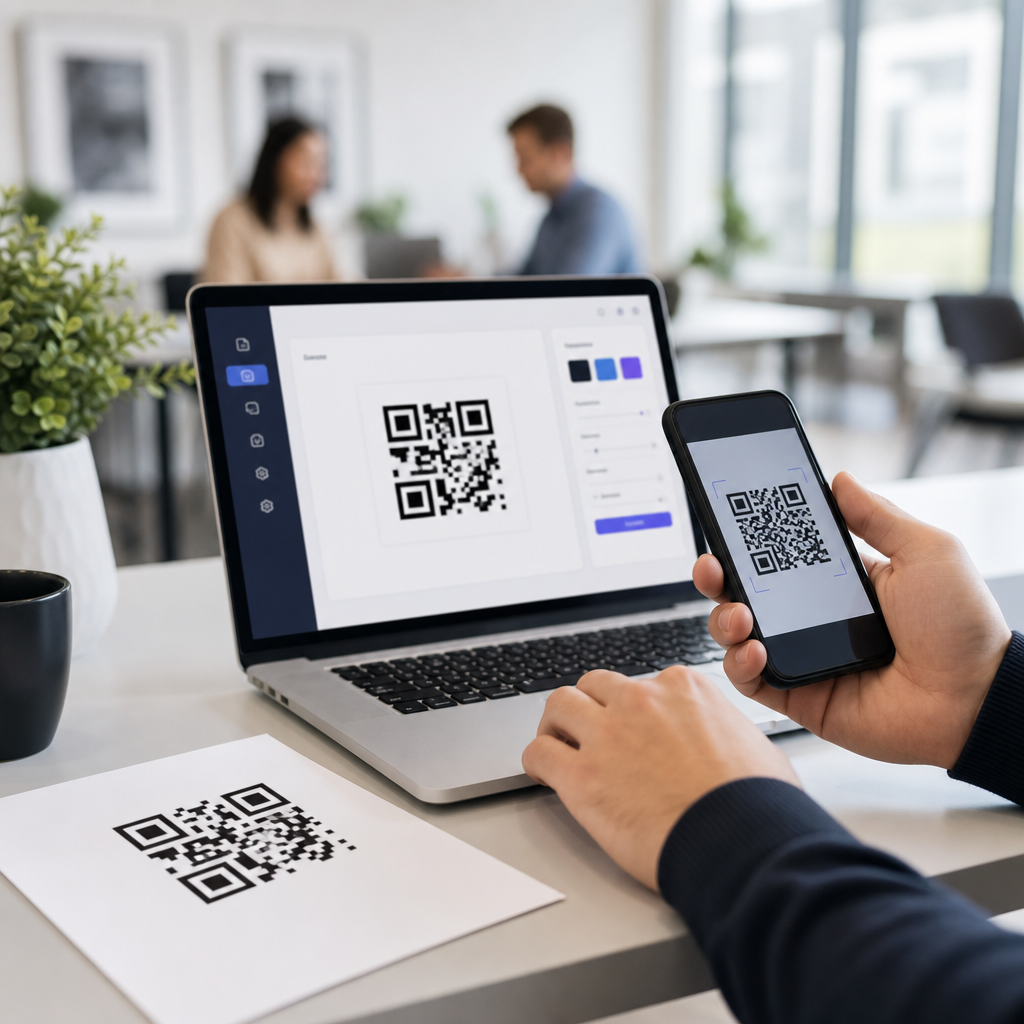
Choosing the best QR code generators for agencies is no longer a minor software decision. For agency teams managing campaigns across print, packaging, retail, events, direct mail, and digital channels, QR code platforms sit at the center of measurement, brand consistency, and client reporting. A basic generator can create a scannable image, but an agency-grade tool must support dynamic redirects, custom domains, bulk creation, role-based access, analytics, and governance across many client accounts. Those requirements turn a simple utility into operational infrastructure.
In practice, a QR code generator is a platform that creates machine-readable codes linking scanners to URLs, files, app deep links, forms, menus, or other destinations. Static QR codes point to a fixed destination and cannot be edited after publication. Dynamic QR codes use a short redirect URL, which means the destination can be changed later without reprinting the code. That difference matters enormously for agencies. When a retail poster needs a new landing page, a restaurant menu changes seasonally, or a client pauses a promotion, dynamic codes protect the campaign and preserve scan history.
This matters because agencies are judged on outcomes, not on whether a code simply scans. In my own campaign work, the platforms that hold up best under pressure are the ones that let teams launch quickly, standardize design, avoid broken links, and prove performance with credible analytics. The best QR code generators for agencies do all of that while supporting white-label delivery and clear client handoff. This hub article explains what agency buyers should prioritize, which platforms are strongest for different use cases, and how to choose a tool that fits both current campaigns and future scale.
What agencies should look for in a QR code generator
The best QR code generators for agencies share a common set of capabilities. First is dynamic QR code management. Agencies need the ability to edit destinations after print, archive expired campaigns, and route scans by device, location, or time. Second is analytics. At minimum, a platform should report scans, timestamps, approximate location, device type, and referring context where available. Better platforms integrate with Google Analytics through UTM parameters, support conversion tracking, and provide exportable reports clients can understand.
Brand control is equally important. Many agency clients expect QR codes to reflect visual identity without compromising scan reliability. That means support for logos, custom colors, frame text, error correction, and downloadable vector formats such as SVG, EPS, or PDF for print production. I always recommend testing heavily customized codes on multiple devices before release because aggressive styling can reduce readability, especially on low-contrast surfaces or small-format packaging.
Operational features often separate consumer tools from agency platforms. Multi-user workspaces, permissions, folders, approval workflows, API access, bulk generation, and reusable templates save real time. If an agency runs franchise, real estate, hospitality, or field marketing programs, bulk creation from CSV or via API becomes essential. Custom short domains also matter. They strengthen trust, improve brand consistency, and reduce the perception that a user is being redirected through an unknown service.
Top QR code generators for agencies by use case
No single platform is ideal for every agency, because needs vary between high-volume automation, enterprise security, white-label service, and straightforward campaign management. The strongest shortlist usually includes QR Code Generator PRO, Bitly, Uniqode, Beaconstac, Flowcode, QR Tiger, and Canva for lighter design-led use. Adobe Express and browser-based free tools can help with one-off static assets, but they rarely provide the account structure and measurement that agencies need for recurring client work.
| Platform | Best For | Key Strength | Main Limitation |
|---|---|---|---|
| Uniqode | Multi-client campaign management | Strong analytics, dynamic codes, enterprise features | Higher cost than entry-level tools |
| Beaconstac | Mid-market and enterprise agencies | Security, bulk creation, integrations | Advanced features may exceed small-team needs |
| QR Code Generator PRO | Fast deployment and broad content types | Easy interface, reliable dynamic code tools | Less flexible for deep white-label workflows |
| Bitly | Link management plus QR campaigns | Branded links and established redirect infrastructure | QR feature depth varies by plan |
| Flowcode | Creative and event-driven campaigns | Simple setup and strong design usability | Not always ideal for complex account governance |
| QR Tiger | Cost-conscious agencies | Competitive pricing and dynamic options | Reporting and workflow depth can be lighter |
Uniqode is a strong choice for agencies that need scalable client management and polished reporting. Beaconstac is particularly effective when compliance, integrations, and fleet-level deployment matter. QR Code Generator PRO is popular because it balances usability with the features most teams actually need. Bitly makes sense when an agency already relies on branded short links and wants one redirect layer across channels. Flowcode often appeals to creative teams because setup is intuitive. QR Tiger can be attractive for agencies that need dynamic codes without enterprise pricing.
How leading platforms differ in real agency work
When evaluating the best QR code generators, agencies should look beyond feature lists and consider workflow friction. In live campaigns, the hidden costs usually come from weak account structure, unclear exports, and difficult updates. A platform might advertise unlimited codes, but if it lacks folders, labels, or role permissions, teams waste hours locating assets and preventing accidental edits. I have seen this become a major issue during retail rollouts where dozens of location-specific codes needed coordinated destination changes within hours.
Analytics quality also varies more than vendors suggest. Most platforms can count scans, but agencies need to know whether reporting is near real time, how duplicate scans are handled, whether bot filtering exists, and how much location precision is available. Privacy standards and device restrictions limit perfect attribution, so any vendor promising exhaustive demographic insight from a scan alone should be treated skeptically. The most trustworthy platforms are clear about what can and cannot be measured.
Another major difference is output quality for production. Agencies routinely need print-ready files for signage, packaging, out-of-home placements, or magazine ads. Vector export is nonnegotiable for professional workflows because raster images can blur when scaled. Error correction level matters too. Higher error correction allows partial obstruction from a logo or minor damage, but it also increases code density. Dense codes can be harder to scan at small sizes, so design and production teams must balance branding with performance.
Best options by agency type and campaign model
Small agencies usually benefit most from a platform with clean UX, dynamic editing, basic collaboration, and affordable reporting. In that environment, QR Code Generator PRO, Flowcode, or QR Tiger may be sufficient. Mid-sized agencies handling multiple recurring accounts often outgrow simpler tools quickly and should evaluate Uniqode or Beaconstac for stronger governance and integration support. Enterprise agencies, especially those serving healthcare, finance, education, or national retail brands, should prioritize security controls, SSO, auditability, and vendor support responsiveness.
Specialization also changes the best choice. Event agencies need rapid code creation for badges, schedules, ticketing, lead capture, and sponsor activations. Hospitality agencies need menu management and location-level reporting. Real estate teams often require agent-specific codes tied to listing pages and printable property materials. Franchise marketing groups need templated bulk generation and local destination management. If your agency sells white-label marketing services, custom domains and client-facing dashboards can be more important than advanced design options.
Agencies running omnichannel campaigns should think carefully about attribution architecture. The QR platform should fit a broader measurement stack that includes CRM forms, landing pages, UTM conventions, call tracking, and analytics dashboards such as Looker Studio. The code itself is only the entry point. The value comes from connecting scans to sessions, leads, appointments, sales, or store visits. Agencies that treat QR as a standalone tactic usually underreport its impact and make weaker optimization decisions.
How to choose the right QR code generator
The most reliable selection process starts with use cases, not vendor demos. List the campaigns your agency runs now and the ones you expect to run over the next year. Note required content types, expected scan volumes, reporting needs, number of users, client access expectations, and whether bulk creation or API support is necessary. Then test three platforms with the same brief. Create branded dynamic codes, export print files, update destinations, review analytics, and assess how quickly a new team member can use the system correctly.
Ask vendors direct operational questions. Can you assign user roles by client? Are redirects hosted on a shared domain or a custom branded domain? What happens to dynamic codes if you downgrade or cancel? Is there an API rate limit? Are there native integrations with Zapier, HubSpot, Salesforce, or Google Analytics? Does the platform support password-protected files, vCard codes, app links, and PDF replacement without changing the printed code? These answers reveal long-term fit better than any sales deck.
Finally, validate performance in the field. Print sample codes at final size, test them under different lighting conditions, and scan from realistic distances on both iPhone and Android devices. Measure load speed on mobile networks, because a technically valid QR code still fails if the destination page is slow or poorly optimized. Agencies should document these standards as part of campaign QA. That process reduces reprints, improves client trust, and turns QR code deployment into a repeatable service rather than an improvised task.
The best QR code generators for agencies are the ones that combine dependable dynamic code management, credible analytics, brand-safe customization, and account controls that support real client work. For many teams, the leading contenders will be Uniqode, Beaconstac, QR Code Generator PRO, Bitly, Flowcode, and QR Tiger, with the right choice depending on scale, reporting depth, and workflow complexity. A stylish interface matters less than whether the platform can protect campaign continuity and make performance easy to prove.
As a hub for best QR code generators within the broader mobile QR code workflow, the core takeaway is simple: choose software that supports how agencies actually operate, not just how QR codes are created. Dynamic editing, vector exports, custom domains, analytics integration, and multi-user governance should be treated as baseline requirements for professional use. If you are comparing options now, build a short pilot, test in real conditions, and select the platform that lets your team launch faster, report better, and scale with confidence.
Frequently Asked Questions
What should agencies look for in a QR code generator?
Agencies should look beyond simple code creation and evaluate whether a platform can support multi-client operations at scale. The best QR code generators for agencies typically include dynamic QR codes, which allow the destination URL or experience to be updated after the code has already been printed or distributed. That matters when campaigns change mid-flight, landing pages need to be swapped, or regional redirects must be adjusted without reprinting assets. Agencies should also prioritize bulk generation, folder or workspace organization, custom domains, and user permissions so that teams can manage many campaigns without confusion or brand risk.
Analytics is another major requirement. A strong platform should provide scan data such as total scans, time-based activity, device type, geography, and traffic trends, ideally in a format that is easy to share with clients. If an agency is managing performance marketing, retail activations, events, packaging, or direct mail, the reporting layer is just as important as the QR code itself. In addition, design controls matter. The platform should support branded QR codes, logo insertion, color customization, and enough flexibility to align with client identity guidelines while still maintaining scan reliability.
Finally, agencies should consider governance and operational fit. Role-based access, auditability, account structure, API or integrations, and export options can make the difference between a useful tool and one that becomes difficult to manage across dozens or hundreds of client accounts. A generator may look impressive for a single campaign, but agency teams need a system that can support repeatable workflows, client reporting, handoffs, approvals, and long-term campaign maintenance.
Why are dynamic QR codes important for agency campaigns?
Dynamic QR codes are essential for agencies because they provide flexibility after launch. Unlike static QR codes, which permanently encode a fixed destination, dynamic QR codes route users through a managed short link or redirect layer. That means agencies can change the final destination without changing the printed QR code itself. If a landing page breaks, a promotion ends, a product goes out of stock, or a client wants to redirect traffic to a new experience, the agency can update the destination instantly instead of replacing creative in the field.
This flexibility becomes especially valuable in channels with long production timelines or high distribution costs. Packaging, signage, out-of-home, direct mail, trade show materials, and in-store displays may remain active for weeks or months. A dynamic QR code protects campaign investments because it reduces the risk of sending users to outdated or irrelevant destinations. It also allows agencies to localize experiences, A/B test destinations, route traffic by device or region, and respond quickly to campaign performance data.
Dynamic functionality also improves reporting and client service. Since scans are measured through the redirect layer, agencies can track engagement and show how offline and cross-channel efforts are performing. That helps connect creative execution to measurable outcomes. For agencies managing multiple stakeholders, dynamic QR codes are not just a convenience feature; they are a practical necessity for maintaining campaign agility, preserving media spend, and delivering better post-launch optimization.
How important are analytics and reporting in a QR code platform for agencies?
Analytics and reporting are central to the value of a QR code platform in an agency environment. Agencies are often responsible not only for launching campaigns, but also for proving performance to clients. A QR code without meaningful analytics is little more than a bridge to a URL. An agency-grade platform should help teams understand when scans happen, where they come from, what devices are used, how traffic changes over time, and how different placements or assets compare against one another. This is especially important when QR codes are used in print, packaging, retail environments, direct mail, or event materials where attribution can otherwise be difficult.
Good reporting helps agencies make smarter decisions during and after a campaign. For example, scan volume can reveal whether a placement is getting attention, geographic data can support regional optimization, and time-of-day trends can inform media scheduling or staffing decisions. If an agency is running multiple QR codes across different creatives, stores, mail drops, or event touchpoints, comparative reporting can uncover which executions are actually driving engagement. This turns QR codes into a measurable media component rather than a passive convenience feature.
From a client relationship perspective, reporting also supports transparency and retention. Clients want evidence that offline and hybrid campaigns are generating response. The best platforms make it easier to export data, build dashboards, and integrate with broader analytics workflows. Agencies should also evaluate whether scan data can be paired with UTM parameters, marketing automation tools, or internal BI systems. In practice, strong analytics can elevate a QR code program from a tactical add-on to a strategic reporting asset that strengthens both campaign optimization and client trust.
Can agencies manage multiple clients and team members in one QR code generator?
Yes, but not every platform handles multi-client management well. Agencies should specifically look for QR code generators built for team collaboration and account governance. The most useful platforms offer workspaces, folders, sub-accounts, or client-level organization so campaigns can be separated cleanly. This structure reduces the chance of asset mix-ups, makes it easier to control naming conventions, and helps account teams quickly find the right QR codes when clients request edits, reporting, or reactivations.
Role-based access is equally important. In a typical agency setup, strategists, designers, paid media teams, account managers, developers, and sometimes even clients may need different levels of access. Some people should be able to create or edit codes, others may only need to view analytics, and certain settings such as domain management or account-level billing may need tighter administrative control. A platform with granular permissions helps agencies maintain quality control while still allowing collaboration across departments and external stakeholders.
Operational scalability also matters. Agencies often need to create large numbers of QR codes for product catalogs, store locations, personalized direct mail, retail displays, or distributed event assets. Bulk creation, templates, API access, and reliable exports can save significant time. The best platforms make it possible to standardize workflows instead of rebuilding processes for every client. For agencies expecting growth, a QR code generator should function less like a one-off design tool and more like a managed infrastructure layer for campaign delivery and reporting.
Do branded QR codes and custom domains matter for agency use?
Yes, they matter a great deal, both for brand consistency and for user trust. Agencies are often expected to protect and extend a client’s identity across every campaign touchpoint, and QR codes are no exception. Branded QR codes can incorporate approved colors, frames, calls to action, and logos so the code feels like part of the overall creative system instead of a generic black-and-white box. When done properly, branding can improve recognition and encourage scans because users better understand where the interaction is coming from and why they should engage.
Custom domains are even more important from a strategic standpoint. When a dynamic QR code resolves through a branded short domain instead of a generic third-party domain, the experience appears more professional and trustworthy. This can influence scan confidence, especially in campaigns where users are cautious about unknown links. For agencies, custom domains also support stronger client ownership and continuity. The client’s campaign infrastructure looks cleaner, reporting can remain more consistent, and the agency avoids over-reliance on a vendor’s shared domain environment.
That said, branding should never compromise scan performance. The best QR code generators help agencies balance design flexibility with technical reliability by validating contrast, quiet zones, logo size, and overall readability. Agencies should test branded codes across different devices, lighting conditions, print materials, and surface sizes before launch. In other words, branded QR codes and custom domains are not just cosmetic upgrades. They are part of creating a trustworthy, on-brand, measurable experience that reflects the standards clients expect from professional agency work.





