
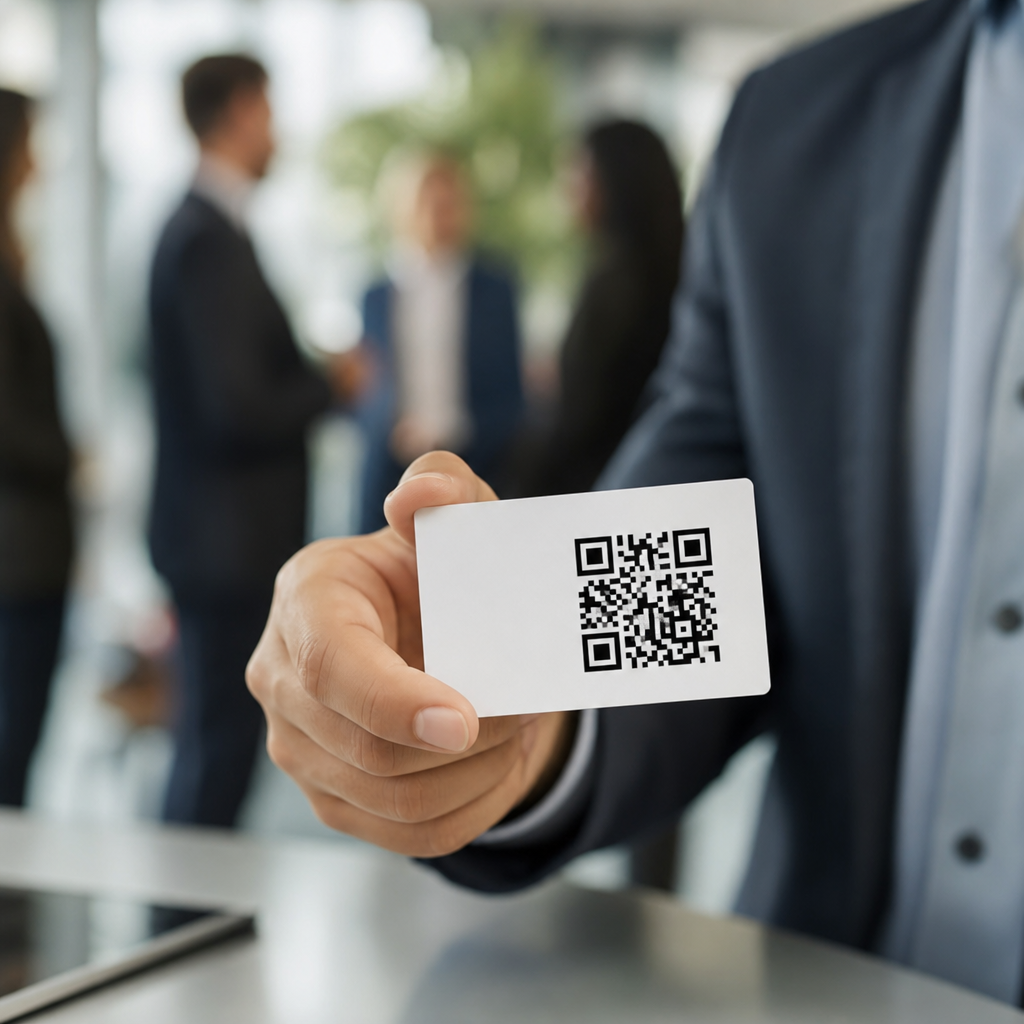
QR codes for business cards and networking turn a small printed square into a fast bridge between an in-person introduction and a lasting digital connection. On a modern business card, a QR code can open a vCard, LinkedIn profile, booking page, portfolio, payment link, product catalog, or lead form in seconds, reducing the friction that often causes promising conversations to disappear after an event. That practical benefit matters because networking is usually lost in the handoff: cards get misplaced, names are entered incorrectly, and follow-up happens too late. A well-designed QR code fixes that weak point by making the next step immediate, measurable, and easy on any smartphone camera.
In my work with small businesses, consultants, and event teams, I have seen the same pattern repeatedly. People invest in branding, card stock, and conference attendance, but the card itself still behaves like a static object in a mobile-first world. Adding a QR code changes the card from a reminder into an action tool. Instead of hoping someone manually types an email address, you can send them directly to the exact destination that matches your goal. That destination might be a saved contact card for sales outreach, a case study page for agency credibility, or a booking form for service businesses. The best QR code for business cards is not the fanciest one; it is the one aligned with the next action you want a new contact to take.
Before looking at common use cases, it helps to define the main formats. A static QR code contains fixed information and cannot be changed after printing. A dynamic QR code points to a short redirect URL managed by a QR platform, so you can update the destination later and track scan data such as time, device type, and approximate location. For business networking, dynamic codes are usually the smarter choice because roles, landing pages, offers, and campaigns change. Common generators include QR Code Generator Pro, Bitly, Beaconstac, Flowcode, and Uniqode. Whatever tool you use, the code must have strong contrast, sufficient quiet space, and a tested mobile destination. If the scan experience is slow, confusing, or poorly formatted, the technology hurts trust rather than helping it.
Why QR codes work so well on business cards
QR codes work on business cards because they match the reality of how people now exchange information. Most professionals keep a phone in hand during conferences, client meetings, recruiting fairs, and local networking events. Scanning is faster than typing, and speed matters in crowded environments where attention is split across multiple conversations. A code also reduces data-entry errors. Phone numbers, names with unusual spelling, and long URLs are easy to mistype; a direct scan preserves accuracy. For teams that care about measurement, dynamic QR codes add another advantage: they create a simple attribution layer for offline networking. You can compare scans from different card designs, events, or employee roles and see which networking situations produce actual engagement.
Another reason they perform well is convenience across platforms. Both iPhone and Android camera apps support native scanning, so there is no major behavior barrier. If the code opens a vCard or contact page, the recipient can save details immediately rather than stuffing the card into a pocket for later. That immediate save is often the difference between a real relationship and a lost lead. I have also found that QR codes help introverts and busy sales teams alike because they shorten awkward transitions. Instead of saying, “I’ll email you the link later,” you can say, “Scan this and everything is there.” That directness feels helpful rather than promotional when the destination is relevant.
Most effective destinations for networking QR codes
The strongest use case for a business card QR code is a digital contact card. A vCard landing page lets someone save your name, company, title, phone number, email, website, and social profiles in one step. This is especially useful for real estate agents, recruiters, account executives, and founders who meet dozens of people per week. The second high-performing destination is a personal landing page that acts as a compact professional profile. It can include a short bio, service overview, testimonials, downloadable brochure, and a prominent call to book a meeting. This approach works well when one person represents multiple offers or wants more control than a standard social profile allows.
LinkedIn is another common destination, but it works best when your profile is complete and active. Sending a new contact to an outdated profile with a weak headline wastes the scan. Portfolio links are ideal for designers, photographers, architects, and developers who need to prove work quality quickly. For local businesses, a QR code can open Google Maps directions, a Google Business Profile review page, or a menu. For consultants and agencies, it can lead to a lead magnet such as an industry checklist or benchmark report. The key principle is intent matching. At a trade show, a product catalog or demo request may be better than a generic homepage. At a chamber event, a direct contact save or meeting scheduler usually performs better.
| Use Case | Best QR Destination | Why It Works |
|---|---|---|
| Sales networking | vCard or meeting scheduler | Speeds follow-up and reduces manual entry |
| Creative professional | Portfolio page | Shows work instantly during conversation |
| Consultant or coach | Service landing page | Explains offer and captures qualified leads |
| Retail or restaurant owner | Menu, catalog, or map link | Turns a card into an immediate visit driver |
| Recruiter or job seeker | LinkedIn or resume page | Makes credentials easy to review and save |
Common business card QR code use cases by industry
Different industries benefit from different QR code workflows. In real estate, agents often place a code on cards that opens a mobile listing hub, home valuation form, or contact card. That supports both buyers and sellers without forcing them to remember a long web address. In healthcare-adjacent businesses such as private clinics, physical therapists, or wellness providers, a QR code can direct patients to appointment booking, intake forms, or insurance information, provided privacy rules are respected and no protected data is exposed through the scan. In legal and financial services, a card can connect to a tightly written profile page, credentials, office directions, and a secure consultation request form.
At trade shows, exhibitors use QR business cards to segment follow-up. A product manager might link to technical specifications, while a sales rep links to a demo booking page. Restaurants, caterers, and food brands often connect cards to menus, event inquiry forms, or gallery pages showing past work. Freelancers use them to showcase niche proof: a copywriter can send scans to a page with selected case studies, a videographer to a highlight reel, and a software consultant to implementation examples. Recruiters and candidates use QR codes to simplify hiring conversations by linking to resumes, role lists, Calendly pages, or recommendation highlights. Each use case succeeds because it removes one step between interest and action.
Design, testing, and compliance best practices
A QR code for business cards must be scannable before it is stylish. Use dark code elements on a light background, maintain adequate quiet space around the code, and avoid shrinking it below practical size; around 0.8 inches square is a reliable floor for most printed cards, though dense data may require more space. If you add a logo in the center, keep within the error-correction limits and test across multiple phones. Matte finishes usually scan more reliably than high-gloss surfaces under bright lights. I also recommend placing a plain-language cue near the code, such as “Scan to save contact” or “Scan to book a meeting,” because instruction increases scan rate by clarifying the benefit.
The destination page deserves as much attention as the code itself. It should load quickly, be mobile-optimized, and present one clear next step. If your card sends people to a cluttered homepage, the QR code is doing technical work without business value. Use UTM parameters where appropriate, integrate forms with a CRM such as HubSpot or Salesforce, and confirm that analytics are capturing visits correctly. If you collect personal data, follow applicable privacy rules and disclose how information will be used. For regulated sectors, involve compliance teams before printing. Finally, test the entire path in real conditions: conference lighting, weak mobile signal, older phones, and both iOS and Android. Good QR code networking depends on reliability, not novelty.
How to choose the right QR strategy for your networking goals
Choosing the right QR code strategy starts with one question: what should happen immediately after the conversation? If you want ongoing relationship building, prioritize a vCard or LinkedIn connection. If you need appointments, send people to a scheduler with limited choices and clear availability. If credibility is the barrier, use a proof-driven landing page with testimonials, client logos, certifications, or featured work. Dynamic QR codes are the better default because they let you refine the destination after printing and measure scans by campaign. Static codes still have a place when the content will never change, such as basic contact details for a solo professional with stable information.
Done well, QR codes for business cards and networking make every introduction easier to continue. They reduce friction, improve accuracy, and create a direct path from handshake to action. The best implementations are simple: one relevant destination, one clear instruction, and one tested mobile experience. As you build out your broader mobile QR code basics strategy, treat this business card page as the hub for common use cases and use it to guide more specific applications by role, event type, and industry. Review your current card, decide the single most valuable next step for a new contact, and create a QR experience that supports it consistently.
Frequently Asked Questions
How do QR codes improve business cards for networking?
QR codes make business cards more useful because they remove the extra steps that often prevent a new contact from following up. Instead of asking someone to manually type in your email address, search for your LinkedIn profile, or remember your website later, a quick scan can take them directly to the exact destination you want them to see. That could be a digital contact card, a scheduling page, a portfolio, a product catalog, a payment link, or a simple lead form. In networking situations, that speed matters because interest is usually highest in the moment, not hours later when the card is buried in a pocket or conference bag.
They also help bridge the gap between a brief in-person interaction and a longer digital relationship. A traditional card gives someone static information. A QR-enabled card creates an immediate next step. If your goal is to make it easier for people to save your contact details, book a consultation, browse your work, or connect on social media, a QR code turns your card from a passive handout into an active conversion tool. For professionals, sales teams, consultants, creatives, and small businesses, that can lead to better follow-up rates and fewer missed opportunities after events, meetings, and introductions.
What should a business card QR code link to?
The best destination depends on what you want the other person to do next. For general networking, a vCard is often one of the strongest choices because it lets people quickly save your name, phone number, email, company, and website to their device. If your main priority is credibility or professional visibility, linking to your LinkedIn profile can be highly effective. If your goal is to generate leads, a short contact or inquiry form may work better. Service-based professionals often benefit from linking to a booking page, while designers, photographers, developers, and other creatives may get more value from a portfolio or project gallery.
In many cases, a mobile-friendly landing page is the smartest option because it gives you flexibility. Instead of forcing every scanner to one destination, you can create a simple page with multiple actions, such as “Save Contact,” “Visit Website,” “Book a Call,” “View Portfolio,” or “Follow on LinkedIn.” This approach is especially useful for networking because different people will want different next steps. The key is to keep the experience focused and relevant. A QR code should not send someone to a cluttered homepage where they have to search for basic information. It should deliver a fast, clear result that supports your networking goal and makes the connection easier to continue.
Should I use a static or dynamic QR code on a business card?
For most business networking use cases, a dynamic QR code is the better long-term choice. A static QR code contains fixed information that cannot be changed once it is printed. If you update your phone number, website, job title, portfolio, or booking link, the printed code may become outdated and require a full reprint of your cards. A dynamic QR code, by contrast, points to a destination you can edit later. That means you can keep the same printed business card while updating where the code leads as your role, campaigns, contact details, or offers change.
Dynamic QR codes also offer practical business advantages beyond flexibility. Many platforms provide analytics such as total scans, time of engagement, device type, or location trends, which can help you understand how often your card is actually driving action. That insight can be useful after trade shows, conferences, sales meetings, or local networking events, where measuring follow-up behavior is otherwise difficult. Static codes still have their place for simple, permanent information, but if you want adaptability, better tracking, and less risk of obsolete cards, dynamic QR codes are usually the more professional option for business cards and networking materials.
What are the best practices for placing a QR code on a business card?
A QR code should be easy to find, easy to scan, and supported by a clear reason to scan it. Placement matters, but clarity matters more. Many businesses put the QR code on the back of the card so the front stays clean and focused on branding, while others place it in a corner on the front if quick visibility is important. Whatever layout you choose, the code should have enough white space around it, remain high contrast against the background, and be printed at a size that scans reliably on common smartphone cameras. If it is too small, distorted, or crowded by design elements, people may try once, fail, and move on.
It is also important to include a short call to action near the code. Do not assume everyone will know what the scan does. A simple prompt such as “Scan to save my contact,” “Scan to book a meeting,” or “Scan to view my portfolio” increases the likelihood of engagement because it sets clear expectations. Test the code on multiple devices before printing a large batch, and make sure the linked page is mobile-friendly, fast-loading, and relevant. The QR code itself is only the first step; the landing experience determines whether the connection continues. A well-designed business card combines branding, readability, and functionality so the code feels like a natural extension of the conversation, not a gimmick.
Are QR codes on business cards worth it for small businesses and professionals?
Yes, in most cases they are worth it because they make networking more efficient and measurable without adding much cost or complexity. Small businesses and independent professionals often rely heavily on relationships, referrals, and timely follow-up. A QR code supports all three by helping contacts move immediately from introduction to action. Whether that action is saving contact details, requesting a quote, browsing services, leaving an inquiry, or scheduling a consultation, reducing friction can make a real difference. Even one additional client or partnership generated from smoother follow-up can justify the small effort required to set up the code properly.
They are especially valuable when printed materials still play a role in your sales or networking process. At conferences, local business events, retail counters, client meetings, and community gatherings, physical cards remain useful, but physical cards alone often fail at the next stage. QR codes solve that handoff problem by connecting offline interactions to digital tools where relationships can continue. The most successful use comes from treating the code strategically rather than decoratively. If it leads to a helpful destination, matches your business goal, and is presented clearly, a QR code can turn a standard business card into a more modern and effective networking asset.





