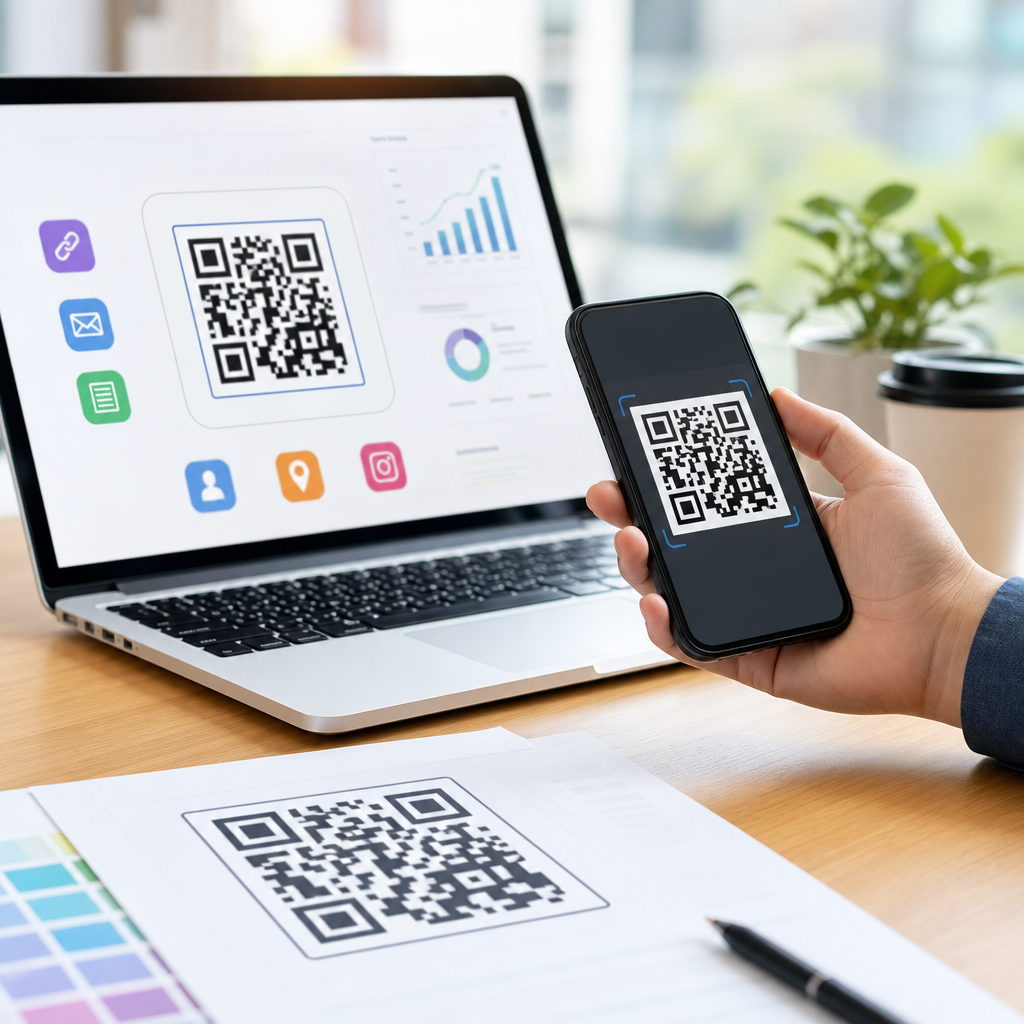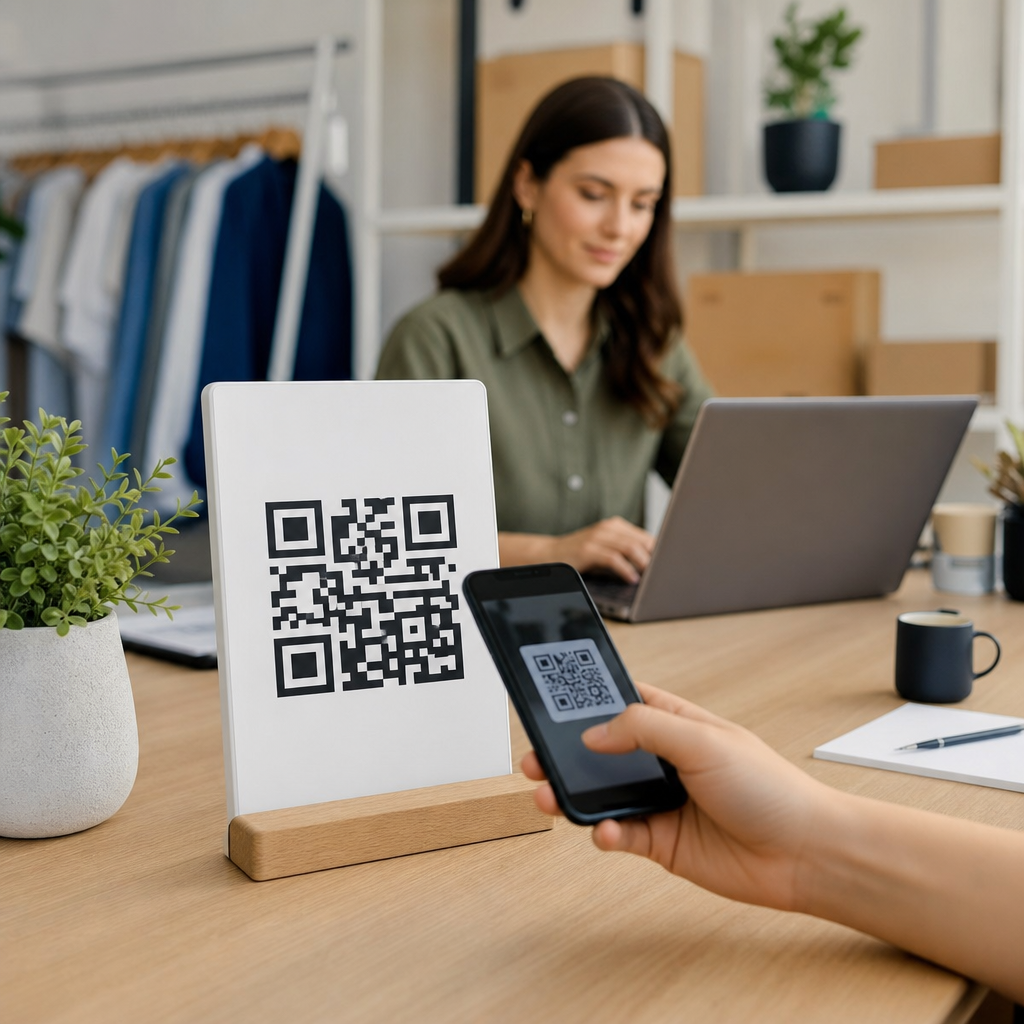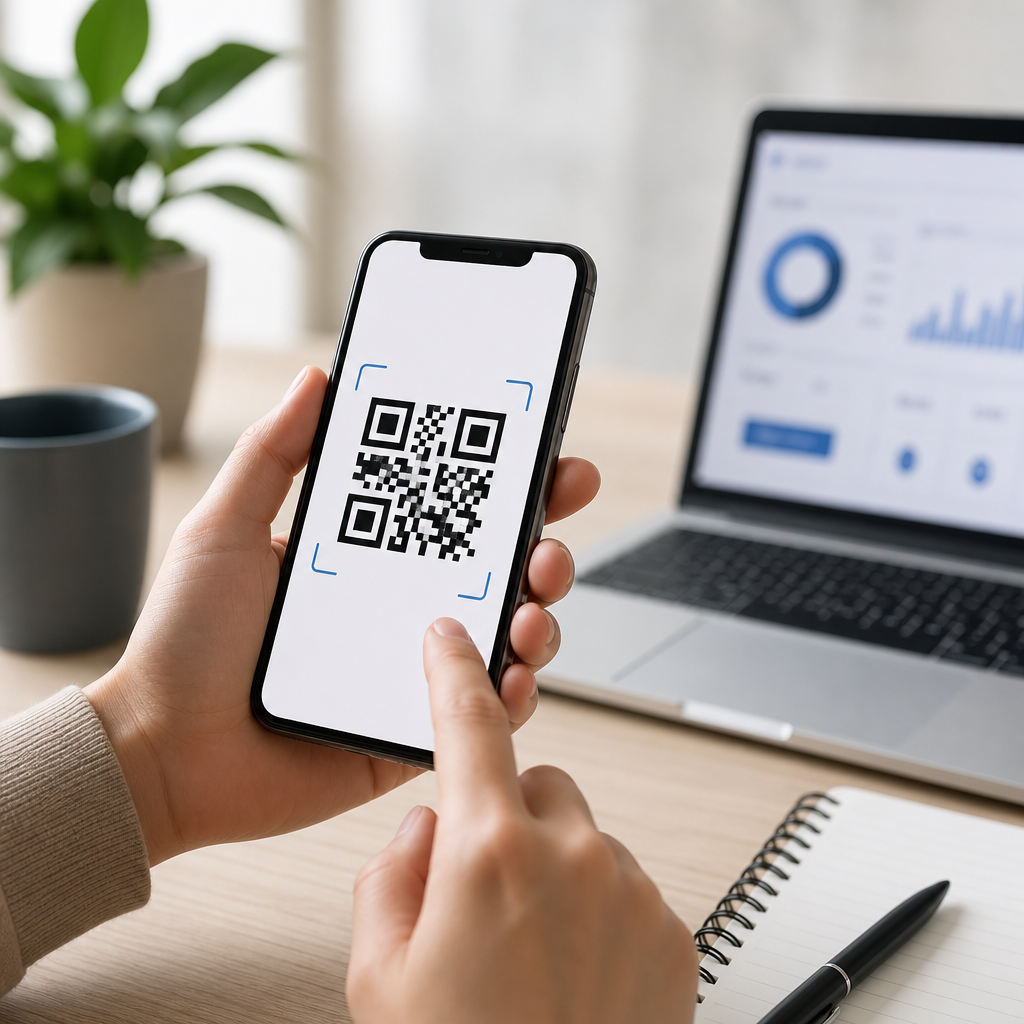
Creating a mobile QR code is one of the simplest ways to move someone from a printed surface, screen, package, sign, or business card to a digital action on their phone. A QR code, short for Quick Response code, is a two-dimensional barcode that stores data such as a website link, contact card, Wi-Fi login, payment destination, app deep link, file download, or text string. When scanned with a smartphone camera or a scanning app, the code opens that destination instantly. I have implemented QR programs for retail displays, restaurant menus, event signage, and field-service labels, and the same lesson always applies: success comes from choosing the right content, the right code type, and the right testing process before publishing.
For beginners, the phrase mobile QR code usually means a QR code designed specifically for smartphone use. That can include a code that opens a mobile-friendly webpage, triggers a call or text, launches map directions, stores a vCard, or sends users into an app. It matters because mobile behavior is fast and impatient. If the scan takes a user to a desktop-only page, a broken link, or a form that is hard to complete on a phone, the QR code has failed even if it scans correctly. A good mobile QR code is not just technically valid. It is readable, purposeful, measurable, and easy to act on in a few taps.
Most beginners ask the same core questions: what should the QR code link to, what tool should I use, should it be static or dynamic, what size does it need to be, can I add a logo, and how do I know it will work on iPhone and Android. This guide answers those questions directly and serves as the central resource for how to create a mobile QR code from start to finish. By the end, you will know how to pick the right destination, generate the code, design it without harming scannability, test it under real conditions, and track performance after launch.
Start with the mobile action you want
The first step in creating a mobile QR code is deciding what the user should do immediately after the scan. In practice, there are only a handful of high-performing mobile actions: open a landing page, save contact information, join Wi-Fi, download an app, send a text, make a call, open directions, complete a payment, or view a PDF. The destination determines the data format inside the code, and that decision affects both user experience and analytics. A poster for an event should usually open a lightweight mobile landing page with date, map, and ticket link. A technician label on equipment may work better with a PDF manual or service form. A café table tent should open a digital menu that loads quickly and does not require pinch-zooming.
In my projects, beginners often start by encoding the homepage of a business website. That is rarely the best choice. Homepages force users to navigate, and mobile scans happen in context. If a customer is standing in front of a product display, the code should open the product page, not the top of the site. If someone is scanning from a realtor sign, the code should open the exact property listing with photos, price, and contact button. The best mobile QR code removes extra steps. It gives one clear action and one obvious next click.
Choose between static and dynamic QR codes
A static QR code contains fixed information that cannot be edited after printing. If you encode a URL directly and later change that page, the code still points to the old destination unless you redirect the original link. Static codes are useful for permanent information such as a public homepage, plain text, or a phone number that will not change. They are often free to generate and do not depend on a third-party dashboard. The limitation is flexibility. If a campaign URL changes, a static code on printed packaging is expensive to replace.
A dynamic QR code uses a short redirect URL managed through a QR platform. The visible code stays the same, but the destination behind it can be updated. Dynamic codes also support scan tracking, device data, timestamps, and location reporting depending on the platform. For marketing, events, packaging, menus, and seasonal promotions, dynamic is usually the better choice because it lets you update the target without reprinting materials. Tools commonly used for this include QR Code Generator, Bitly, Beaconstac, Flowcode, and Uniqode. If measurement matters, dynamic QR codes are the standard option.
| Option | Best for | Main advantage | Main limitation |
|---|---|---|---|
| Static QR code | Permanent links, simple contact details, one-time use | No ongoing platform dependency | Destination cannot be changed after creation |
| Dynamic QR code | Campaigns, packaging, events, menus, trackable assets | Editable destination with analytics | Usually requires a paid platform for full features |
Generate the code with the right data format
Once you know the action and code type, generate the QR code using the correct format. For websites, use a full HTTPS URL and verify that the final page is mobile-friendly. For contact sharing, create a vCard QR code with name, company, phone, email, and website. For Wi-Fi, use the standard Wi-Fi payload with network name, encryption type, and password so users can join without typing. For calls, SMS, email, and maps, use the native URI scheme or platform-supported builder in your QR software. Good generators create the data structure for you, but you still need to validate every field.
Use reputable tools that export in PNG, SVG, or EPS. SVG is usually best for professional printing because it scales without losing clarity. If you plan to place the code on labels, brochures, packaging, or storefront graphics, vector output prevents blur. Also pay attention to error correction level. QR codes use Reed-Solomon error correction, typically labeled L, M, Q, and H. Higher error correction allows more damage or logo coverage but increases code density. For simple URLs, level M or Q is often a safe balance. If you plan to place a logo in the center, test carefully and consider H only if the code remains large enough and easy to scan.
Design for scannability, not decoration
A mobile QR code should look professional, but visual styling must never compromise readability. The most important design rule is contrast. Dark modules on a light background scan best. Black on white remains the most reliable combination, especially under poor lighting or on lower-quality phone cameras. Avoid low-contrast pairs such as light gray on white, yellow on cream, or metallic inks that reflect glare. If you invert colors, test extensively because many cameras still struggle with reversed codes in real-world conditions.
Size matters as much as color. A practical rule is that the scanning distance should be about ten times the code width. A code that is 2 inches wide is comfortable to scan from around 20 inches away. For posters, storefronts, and billboards, the code must be much larger. Leave a quiet zone around the code, usually four modules wide, with no text or graphics touching the edges. I have seen many failed prints caused by logos, borders, or background patterns crowding that margin. Rounded modules, branded frames, and center logos can work, but only if the code still passes multi-device testing. Brand second, scannability first.
Make the destination page truly mobile-friendly
Many QR campaigns underperform because teams focus on the code and ignore the page behind it. A mobile QR code should lead to a destination that loads fast, fits small screens, and presents one clear action above the fold. Use responsive design, compressed images, readable font sizes, and large tap targets. Google’s PageSpeed Insights and Lighthouse are useful for checking load time and mobile usability. If the page takes more than a few seconds on cellular data, scan abandonment rises sharply. On restaurant menus and event pages, I have repeatedly seen faster pages produce visibly higher conversion rates.
The destination should also match scan context. If the code appears on product packaging, users expect product-specific information, setup instructions, ingredients, warranty details, or reorder options. If it appears on a conference badge, they expect a profile, schedule, or contact exchange. Include UTM parameters on campaign URLs so scans can be identified in analytics platforms such as Google Analytics 4. Dynamic QR platforms often provide dashboard metrics, but UTM tagging keeps your reporting consistent across channels and helps you compare QR traffic with email, social, and paid campaigns.
Test across devices, environments, and use cases
Before publishing any mobile QR code, test it in the conditions where people will actually scan it. Use both iPhone and Android devices, because camera behavior, default browser handling, and app handoff can differ. Test under bright sunlight, indoor lighting, glare, and low light. Print the code at final size instead of checking only on a monitor. If the code will sit on curved packaging, textured material, or glossy signage, test on the real substrate. The difference between a flawless digital proof and a failing printed code is often material, not file quality.
Run through the full user journey after the scan. Does the camera recognize the code quickly. Does the link open without warnings. Does the page load over mobile data. Is the main action easy to complete with one hand. If a form is involved, how many fields are required. If downloading a file, is the file size reasonable for mobile users. Also check for QR spoofing risk by using branded domains and clear call-to-action text near the code. People are more willing to scan when they know what will happen next, such as “Scan to see the menu” or “Scan for setup video.”
Track performance and improve after launch
Creating a mobile QR code is not the end of the process. Once the code is live, review scan data and onsite behavior to improve results. Look at total scans, unique scans, repeat scans, device mix, time of day, geography, and conversion rate on the destination page. If scans are high but conversions are low, the problem is usually the landing experience or the clarity of the offer. If scans are low, the issue is often placement, size, contrast, or weak call-to-action language. Good QR performance is measurable, and small changes can make a large difference.
As a beginner, start simple: one clear destination, a dynamic code if you need flexibility, strong contrast, adequate size, and a fast mobile page. Test before printing at scale, label the outcome clearly for users, and monitor results once live. That disciplined approach is how to create a mobile QR code that actually works in the real world, not just in a generator preview. If you are building a broader QR strategy, audit your current scan points and create one high-intent mobile code first, then expand based on data.
Frequently Asked Questions
What is a mobile QR code, and how does it work?
A mobile QR code is a scannable two-dimensional barcode designed to quickly connect a person using a smartphone to some kind of digital action. Instead of asking someone to manually type a long website address, search for an app, enter contact details, or log into a network, the QR code stores that information in a visual pattern of squares. When a user points their phone camera at the code, the device reads the encoded data and offers the appropriate action, such as opening a webpage, saving a contact card, connecting to Wi-Fi, launching a payment flow, downloading a file, or opening a specific location inside an app.
The reason QR codes are so useful for mobile is speed and convenience. They reduce friction between an offline touchpoint and an online destination. A printed flyer can lead to a signup page, a restaurant table tent can open a menu, a product package can launch setup instructions, and a business card can instantly share contact information. Most modern smartphones can scan QR codes directly through the native camera app, which means users often do not need a separate scanner. This broad compatibility is one of the main reasons QR codes have become a standard tool for mobile marketing, customer support, payments, and everyday information sharing.
From a technical standpoint, the code contains encoded data and built-in error correction. That error correction helps the code remain readable even if part of it is slightly damaged, smudged, or partially obstructed. This is especially helpful for printed materials and public displays. For beginners, the important thing to understand is simple: a mobile QR code is a bridge. It connects something physical or visible on a screen to a mobile-friendly digital experience with a single scan.
What types of information can I put into a QR code for mobile users?
You can place a wide range of mobile-friendly content into a QR code, and choosing the right type depends on what action you want the user to take. The most common use is a URL that opens a landing page, product page, video, booking form, or campaign page in a phone browser. This is often the best starting point for beginners because it is flexible, easy to update if you use a dynamic QR code, and familiar to users. Beyond web links, QR codes can also contain a vCard for instantly saving contact details, a phone number for tap-to-call, an SMS template, an email draft, calendar event details, plain text instructions, and geographic coordinates for map navigation.
Other practical mobile uses include Wi-Fi credentials, which allow users to connect to a network without typing the password manually, and payment destinations for mobile checkout or peer-to-peer transfers. Businesses also use QR codes for app downloads, app deep links that send returning users into a specific in-app screen, coupon redemption, authentication workflows, support documentation, digital menus, and file downloads such as PDFs or brochures. In retail and events, codes may connect to product details, registration forms, loyalty programs, or exclusive content designed specifically for mobile screens.
The key is to match the QR code destination to the user’s context. If someone scans from packaging, they may want setup guidance, warranty registration, or ingredient information. If they scan from a poster, they may expect ticketing, directions, or event details. If they scan from a business card, they likely want contact info, a portfolio, or a scheduling link. For best results, always make sure the destination is optimized for mobile devices. A QR code gets the user to the next step quickly, but the experience only works well if what opens is fast, easy to read, and simple to act on from a phone.
Should I use a static or dynamic QR code when creating one for mobile?
For beginners, understanding the difference between static and dynamic QR codes is one of the most important decisions in the creation process. A static QR code stores the final destination directly in the code itself. If it contains a website URL, contact card, or text string, that data is permanently embedded. Static codes are simple, often free to generate, and useful when the destination will never need to change. For example, if you are linking to a permanent personal website, a stable Wi-Fi login, or fixed contact information, a static code can be perfectly sufficient.
A dynamic QR code works differently. Instead of encoding the final destination directly, it points to a short redirect URL controlled through a QR platform. That means you can update the destination later without reprinting the code. This is extremely valuable for mobile campaigns because printed materials often outlive the original offer, page, or message. If you place a code on signage, packaging, brochures, displays, or business cards, a dynamic code gives you flexibility to change the landing page, swap promotions, update a file, correct mistakes, or route users by device, language, or location. Many dynamic platforms also provide analytics such as scan counts, time of scan, approximate location, and device type.
If your goal is long-term usability, campaign management, or performance tracking, dynamic is usually the stronger choice. If your goal is a one-time, fixed destination with no need for edits or reporting, static may be enough. Either way, beginners should think ahead before printing. Replacing a digital link is easy; replacing a thousand printed QR codes is not. A good rule is this: use static for permanent information and dynamic for anything you might want to optimize, measure, or update later.
What are the most important best practices for creating a QR code that works well on phones?
The first best practice is to make the destination mobile-friendly. A QR code is only the entry point. If the page it opens is slow, hard to navigate, not responsive, or cluttered on a small screen, users will leave quickly. Before publishing your code, test the entire experience on multiple phones, not just the scan itself. Check loading speed, button size, readability, form length, and whether the page performs well on both iPhone and Android devices. If your code leads to a download, payment page, form, or sign-up process, every step should feel simple on a touchscreen.
The second priority is readability of the QR code itself. Use sufficient size, strong contrast, and a clean quiet zone around the code. In practice, black or dark modules on a white or light background work best. Avoid overly decorative designs that reduce scannability, especially for beginner projects. If you add a logo, custom colors, or branded styling, make sure the code still scans reliably in real-world conditions such as glare, low light, screen display, and angled camera positioning. Print quality matters too. Blurry, low-resolution, stretched, or compressed codes can fail even if the underlying data is correct.
You should also place the code where people can comfortably scan it. A QR code on a billboard needs to be larger than one on a brochure. A code on product packaging should not be wrapped around a crease or hidden near edges. If it appears on a screen, make sure brightness and contrast are high enough for another device to read it easily. Adding a short call to action helps significantly as well. Instead of showing only the code, tell users what they will get by scanning it, such as “Scan to view the mobile menu,” “Scan to save contact details,” or “Scan to connect to Wi-Fi.” Clear expectations improve scan rates and user trust.
Finally, test extensively before launch. Scan from different devices, distances, lighting conditions, and camera apps. Verify that the correct destination opens every time. If you are using a dynamic QR code, confirm that redirects are fast and secure. Good QR code performance is rarely about the code alone; it is about the full combination of placement, design, destination quality, and user context.
How can I track performance and know whether my mobile QR code is successful?
The most reliable way to track QR code performance is to use a dynamic QR code platform or a destination URL with analytics attached. Static QR codes can send traffic to a page that is being measured, but they do not usually provide direct scan reporting by themselves. Dynamic systems are better for understanding performance because they can show how often the code was scanned, when scans occurred, the approximate geographic distribution, and what devices were used. This data helps you evaluate whether your code placement, offer, and message are working for mobile users.
To measure success properly, start by defining the outcome you care about. A scan is useful, but it is only the first step. Depending on your goal, success might mean purchases, form submissions, bookings, app installs, contact saves, coupon redemptions, menu views, or successful Wi-Fi connections. That means your landing page or app flow should also be connected to web analytics, campaign parameters, or conversion tracking tools. For example, you can append UTM parameters to a URL so your analytics platform can distinguish QR traffic from email, paid ads, or social media. This makes it much easier to understand how QR codes contribute to broader marketing and customer engagement efforts.
You should also compare performance by context. A QR code on product packaging may behave very differently from one on a poster, a receipt, a countertop sign, or a business card. Testing variations in call to action, destination page, design, and placement can reveal meaningful improvements. If many people scan but few complete the action, the issue may not be the QR code at all; it may be the mobile page experience,