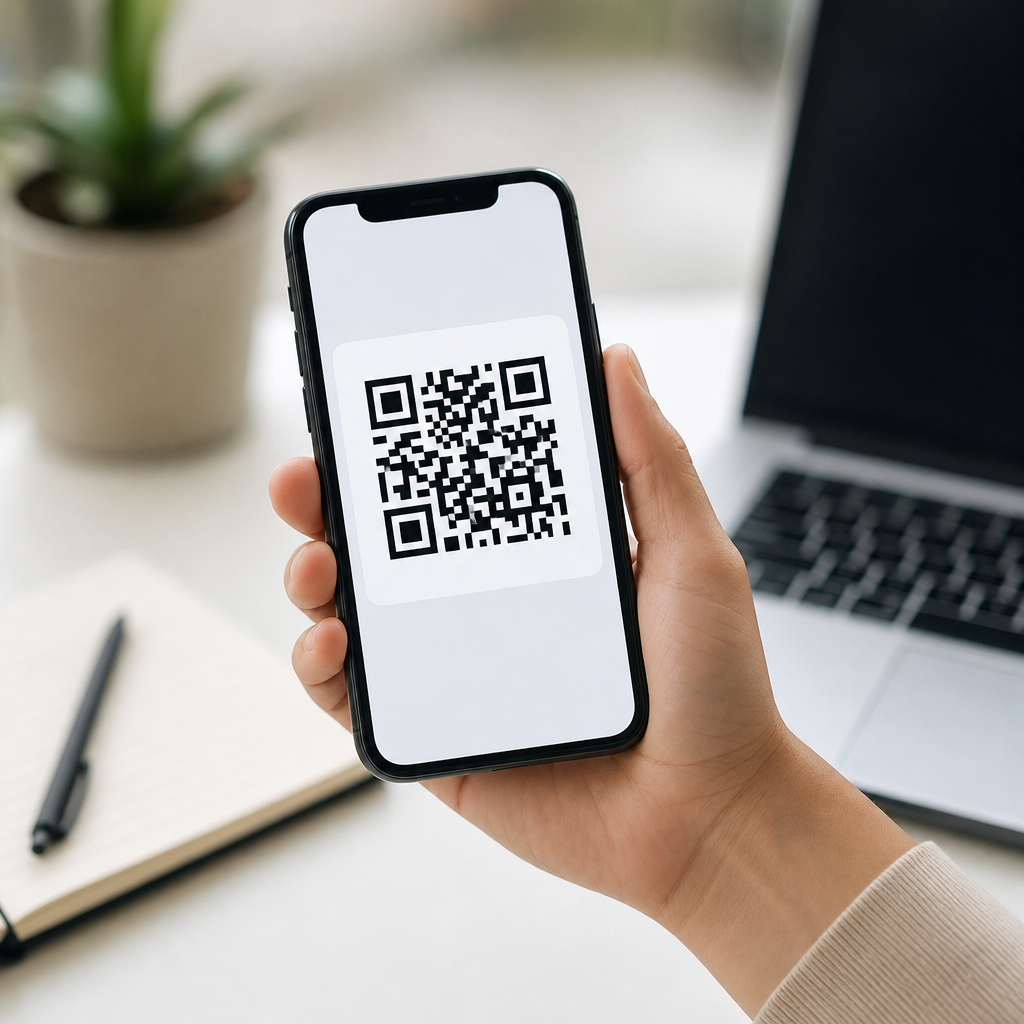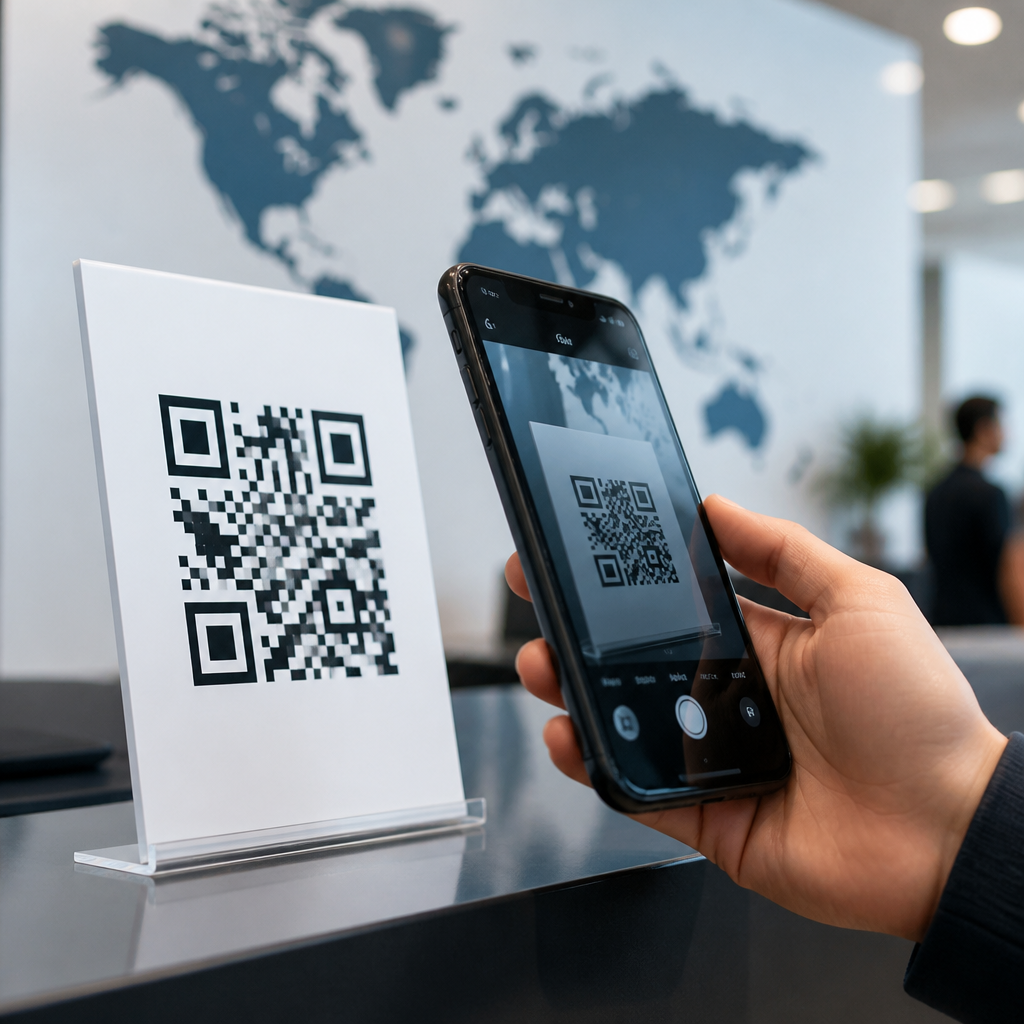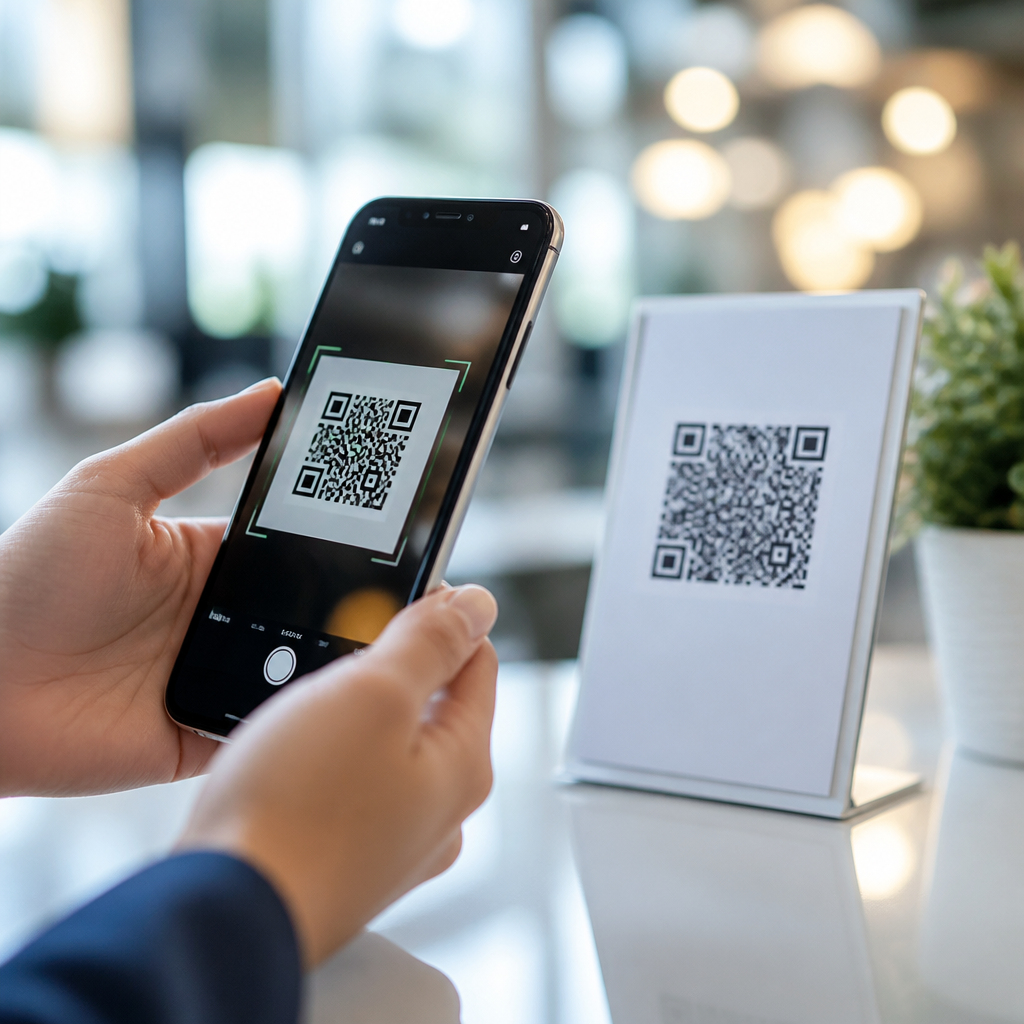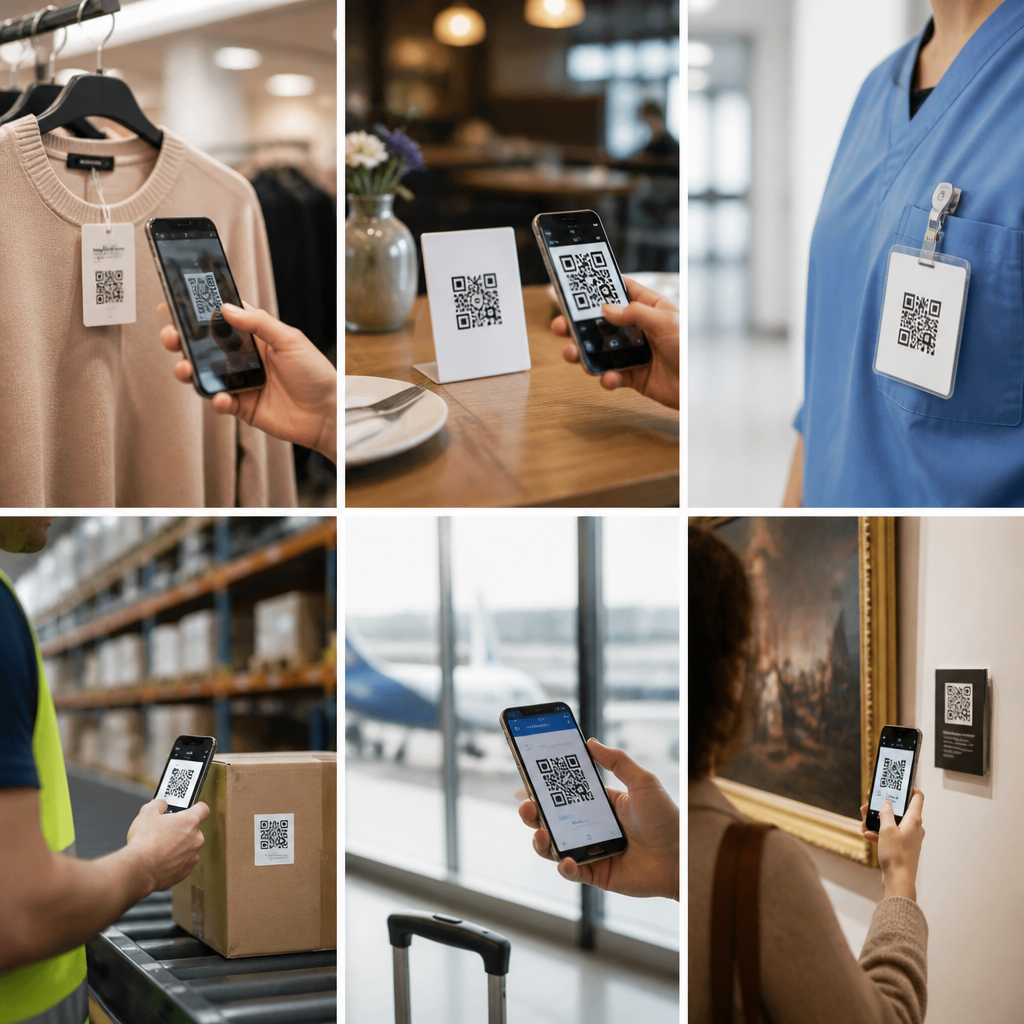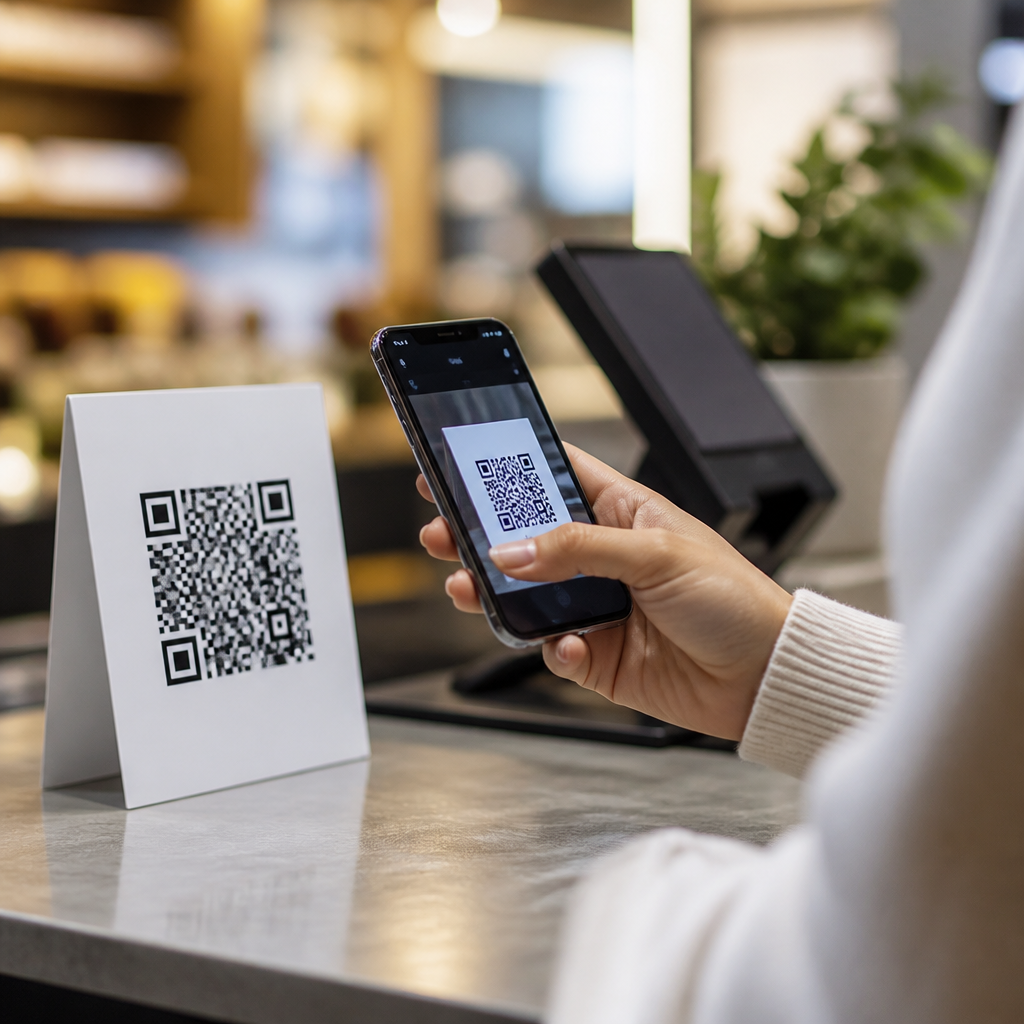
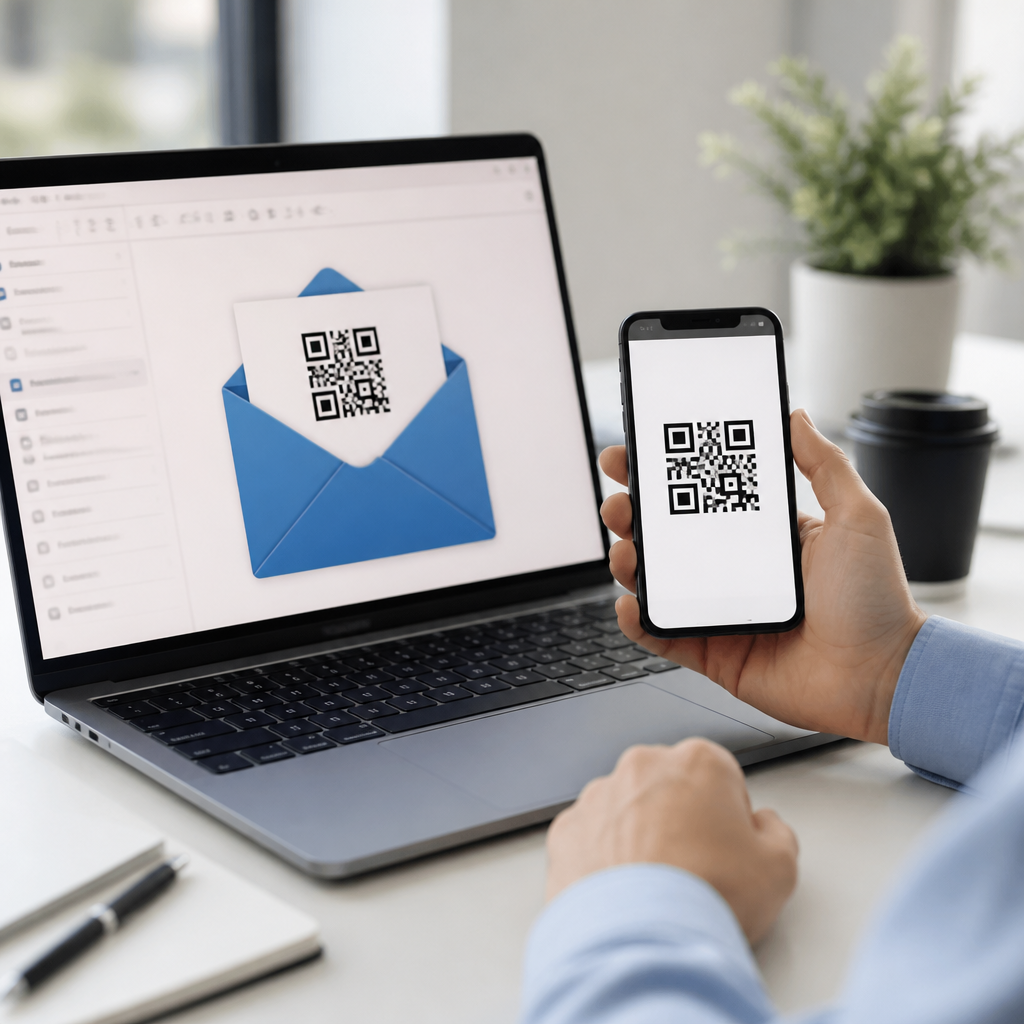
QR codes in email marketing campaigns have moved from novelty to reliable conversion tools because they bridge inbox attention and mobile action in a single scan. A QR code, or quick response code, is a two-dimensional barcode that stores a URL, coupon, app link, file, or other digital destination. In email, the code usually appears as an image that a reader scans with a phone camera, allowing immediate movement from desktop inbox to mobile landing page, store locator, event check-in, payment screen, or loyalty offer. I have used QR codes in lifecycle campaigns, retail promotions, and B2B event sequences, and the pattern is consistent: when the mobile next step matters, a well-placed code reduces friction better than a long button path.
This matters because email remains one of the highest-return owned channels, yet many campaigns fail at the handoff between message and action. People open email on multiple devices, save offers for later, forward messages to colleagues, and revisit promotions in physical settings such as stores, trade shows, restaurants, and packaging moments. QR codes solve a practical attribution and usability problem. They make an email actionable offline, help marketers connect digital and physical touchpoints, and create measurable engagement data when built with dynamic links and tagged destinations. As privacy rules limit third-party tracking and inboxes become more competitive, marketers need campaign formats that are easy to use, measurable, and adaptable. That is why case studies around QR codes in email marketing deserve close attention.
What the strongest case studies reveal about QR code email performance
The best case studies do not treat the QR code as decoration. They use it to remove a specific source of friction. In retail, that friction is often coupon redemption at the register. In events, it is registration confirmation and on-site check-in. In B2B, it can be easier mobile access to demos, product sheets, or calendar booking from a desktop-opened email. Across these contexts, successful teams define one primary action, design the code around that action, and give recipients a reason to scan now rather than later.
One common pattern is the omnichannel offer. A retailer sends a promotional email with a dynamic QR code tied to a single-use coupon ID. The customer opens the message at work on a laptop, then scans the code before visiting the store after hours. At the point of sale, the barcode or landing page validates the offer, and the marketing team can connect the original email send to in-store redemption. I have seen this outperform generic printed coupon links because the scan is faster and less error-prone than searching an inbox at checkout. The code effectively becomes a portable wallet pass without requiring an app install.
Another pattern appears in hospitality and food service. Restaurants and hotel groups use email to send reservation reminders, loyalty offers, or seasonal promotions. Adding a QR code that opens a mobile menu, reward account, or location-specific landing page shortens the path from message to visit. The important detail in the strongest examples is context. Instead of linking all recipients to a homepage, the destination reflects the exact promise in the email, such as “scan to view your member-only brunch menu” or “scan to activate late checkout.” When the promise and destination align tightly, scan intent rises.
Measurement quality also separates impressive case studies from weak ones. Static QR codes can work, but dynamic QR codes are better for testing and reporting because marketers can change the destination without replacing the creative. Tools such as Bitly, QR Code Generator Pro, Beaconstac, and Adobe Campaign integrations allow UTM parameters, device segmentation, and geographic reporting. When teams compare scan rate, click-through rate, conversion rate, and assisted revenue together, they usually learn that QR codes do not replace links; they serve a different behavior. The code captures cross-device and offline intent that standard buttons miss.
Retail, events, and B2B case studies: where QR codes work best
Retail remains the clearest use case because email often drives store traffic. A fashion chain can send a weekend sale email with both a button and a QR code for in-store redemption. Customers who shop online click; customers heading to a mall scan and save the code to their phones. In practice, this dual-path design increases total conversion because it respects different shopping journeys. The most effective retail emails place the QR code above the fold, explain the benefit in one sentence, and show exactly what will happen at checkout. Ambiguity lowers scans.
Events are another standout category. Conference organizers frequently send confirmation emails with QR codes that function as tickets or badge retrieval IDs. This reduces lines, minimizes manual lookup, and gives organizers a clean attendance record. In one event workflow I supported, replacing printable tickets with mobile QR codes cut on-site check-in time significantly because attendees no longer searched for PDF attachments. The operational gain mattered as much as the marketing gain. A good case study in this space measures scan adoption before the event, successful check-in rate at the venue, and any downstream revenue from session attendance or sponsor offers.
B2B marketers sometimes underestimate QR codes, assuming executives will not scan from an email. That is too simplistic. QR codes are highly effective when an email is opened on desktop but the desired action is easier on mobile, such as saving a contact card, joining a webinar from a phone, viewing a product demo in the field, or opening a map to a customer event. I have used them in account-based marketing campaigns where sales reps sent personalized event invites to target accounts. The QR code opened a custom landing page with a calendar file and office location. Scan volume was modest, but meeting completion rates improved because the mobile transition was effortless.
| Use case | Primary goal | Best QR destination | Key metric |
|---|---|---|---|
| Retail promotion | In-store redemption | Single-use coupon or wallet pass | Redemption rate |
| Event confirmation | Fast venue check-in | Ticket ID or badge retrieval page | Successful scans at entry |
| Restaurant loyalty | Repeat visits | Member offer or digital menu | Offer activation rate |
| B2B invite | Meeting attendance | Personalized landing page with calendar | Meeting completion rate |
How to build a measurable QR code email campaign
Case studies are only useful if the execution details are clear. Start with the destination architecture. The QR code should point to a mobile-optimized page, not a desktop-only experience. Use HTTPS, short load times, and a page that confirms the action immediately. If the email promises a discount, the landing page should show the discount first, not force navigation. If the campaign supports stores, use location detection or a store finder. If it supports event entry, the page should display the code or pass at full screen brightness.
Next, make the code trackable. Append UTM parameters for source, medium, campaign, and content. In analytics platforms such as Google Analytics 4 or Adobe Analytics, define events for scan landing, offer activation, form completion, and purchase. Because a QR scan often starts on one device and ends in another context, include first-party identifiers where appropriate, such as customer IDs, loyalty numbers, or signed-in session tokens, while respecting consent rules. Dynamic QR platforms make it easier to rotate URLs, pause broken destinations, and compare creative variants without resending the email.
Design matters more than many teams expect. The code must be large enough to scan from a laptop or printed copy, typically at least 150 by 150 pixels in email creative, with strong contrast and quiet space around the edges. Add a direct instruction near it: “Scan to save in wallet,” “Scan for express check-in,” or “Scan to redeem in store.” Do not rely on the image alone to explain intent. Also include a traditional text link or button for accessibility and for users reading email on mobile, where scanning their own screen is inconvenient. The highest-performing campaigns treat QR as an additional path, not the only path.
Common mistakes, limitations, and what future success stories will show
The biggest mistake is using a QR code without a clear job. If the same result can be achieved more easily with a button, the code adds clutter. Another frequent error is linking to a generic homepage, which breaks message match and wastes intent. I also see teams fail to test rendering across Apple Mail, Gmail, Outlook, and dark mode environments. If the code loses contrast or gets compressed, scan rates collapse. Before launch, test on desktop monitors, tablets, and printed versions if the email may be used in stores or at events.
There are also real limitations. Some recipients do not know why they should scan, some security-conscious users hesitate to open unknown destinations, and some corporate environments block image loading by default. These constraints are manageable but should be acknowledged. A short line that names the destination, a recognizable branded domain, and fallback links all improve trust. For regulated sectors such as healthcare and finance, teams must also consider data handling, authentication, and whether the destination exposes personal information on an unlocked phone.
Looking ahead, the next wave of QR code email case studies will focus less on novelty and more on orchestration. Expect stronger links between email, wallet passes, loyalty IDs, retail media, and customer data platforms. Dynamic codes will increasingly personalize destination content by audience segment, store region, inventory status, or event role. The brands that win will be the ones that document outcomes rigorously: not just scans, but assisted conversions, in-person behavior, and lifetime value impact. If you manage the “QR Code Trends, Statistics & Future” content hub, this subtopic should anchor your coverage because success stories turn abstract trends into operational guidance. Review your current email journeys, identify one mobile handoff with friction, and test a QR code where it can genuinely make the next step easier.
Frequently Asked Questions
1. Why are QR codes effective in email marketing campaigns?
QR codes are effective in email marketing because they remove friction between interest and action. In a traditional email journey, a subscriber may need to click a link, wait for a browser to open, log in again, or navigate through several pages before reaching the intended offer or next step. A QR code simplifies that path by letting the reader scan and immediately land on a mobile-optimized destination such as a product page, coupon, app download, registration form, payment page, store locator, or event check-in screen. This is especially valuable when the email is opened on a desktop but the desired action is easier to complete on a phone.
They also work well because they connect digital attention with real-world behavior. A subscriber can scan a code from an email and redeem an in-store offer, save event access credentials, view a menu, initiate a payment, or join a loyalty program in seconds. That makes QR codes more than just visual elements; they become conversion bridges. In strong case studies, brands often see better response when the QR code is tied to a clear benefit and supported by concise copy that explains exactly what happens after the scan.
Another reason they perform well is measurability. When marketers generate trackable QR destinations using campaign-tagged URLs, they can compare scan-driven traffic against traditional clicks, evaluate device behavior, and measure downstream conversions. This makes QR codes useful not only as engagement tools but also as testing assets within broader lifecycle and promotional campaigns.
2. What kinds of goals can QR codes support in an email campaign?
QR codes can support a wide range of email marketing goals, depending on the campaign objective and audience behavior. For direct response campaigns, they can drive sales by linking to product pages, limited-time discounts, cart recovery offers, or one-click mobile checkout experiences. For retention and loyalty campaigns, they can send subscribers to reward dashboards, exclusive member offers, digital membership cards, or referral programs. In event marketing, they are especially useful for RSVP confirmation, mobile ticket access, venue directions, agenda downloads, and contactless check-in.
They are also highly practical for omnichannel campaigns. A retail brand can place a QR code in an email that leads to a store locator, a location-specific coupon, or a “show this code in store” promotion. Restaurants can use them for menus, ordering flows, or reservation pages. Service businesses can link to appointment booking, account access, or customer support resources. B2B teams can use QR codes in lead nurturing emails to route recipients to webinar signups, downloadable assets, demo scheduling pages, or case study videos designed for mobile viewing.
The key is strategic alignment. A QR code should not be included simply because it looks modern or interactive. It should serve a specific purpose that is easier, faster, or more convenient through scanning than through a standard link alone. The strongest campaign examples usually pair the code with one primary action and a clear value proposition, ensuring the subscriber understands why scanning is worth the effort.
3. How should QR codes be designed and placed in marketing emails for the best results?
For best results, QR codes in emails should be easy to notice, easy to scan, and easy to understand. The most important rule is to maintain sufficient size and contrast. A code that is too small, crowded, or placed over a visually complex background may fail to scan, which creates frustration and reduces trust. In most campaigns, a clean black-and-white or high-contrast code on a plain background performs best, though branded colors can work if readability remains strong. There should also be adequate white space around the code so phone cameras can isolate it quickly.
Placement matters just as much as design. The QR code should appear near the related message and call to action, not buried where it looks decorative or disconnected from the offer. If the email is promoting an event, the code should sit near the registration or attendance prompt. If the goal is coupon redemption, it should appear next to the savings message and the simple instruction to scan. Effective layouts often include a short headline, one sentence explaining the benefit, the QR code itself, and a fallback button or visible link for users who prefer not to scan.
Instructional copy is essential. Even though QR code use is now widespread, marketers should never assume every recipient will instantly know what to do or why they should do it. A brief line such as “Scan to claim your 20% mobile coupon” or “Scan to check in and save your ticket” improves clarity and intent. On mobile-opened emails, where scanning the screen with the same device is not practical, it is smart to include a standard clickable CTA alongside the code. That way the experience remains accessible regardless of device or context.
4. What should marketers measure when evaluating QR code performance in email campaigns?
Marketers should evaluate QR code performance using both engagement metrics and business outcome metrics. At the top of the funnel, scan volume is the most obvious starting point. By using unique, trackable destination URLs tied to each email send, segment, or placement, teams can estimate how often the code was used and compare that activity against traditional link clicks. From there, they should analyze landing page visits, bounce rate, time on page, form completions, purchases, redemptions, app installs, bookings, or any other conversion event connected to the campaign objective.
Contextual performance indicators are also important. For example, if a QR code is intended to move desktop email readers to a mobile purchase experience, marketers should compare desktop opens against mobile conversion behavior to understand whether the code is serving as a bridge between devices. If the email supports an in-store campaign, redemption rates, location visits, and assisted conversions may matter more than immediate online sales. In event campaigns, check-ins, ticket saves, and attendance rates can provide a more accurate picture than scan totals alone.
Testing should be part of the evaluation process. Teams can compare different CTA wording, QR code placement, design treatments, incentive levels, and destination types. They can also segment by audience familiarity, lifecycle stage, or industry to see where scan behavior is strongest. Ultimately, the goal is not to prove that people scanned a code; it is to determine whether the QR code improved the path to conversion, increased convenience, or enhanced overall campaign efficiency compared with email elements already in use.
5. What are the most common mistakes to avoid when using QR codes in email marketing?
One of the most common mistakes is using a QR code without a clear reason. If the destination is identical to a standard button and offers no additional convenience, the code may feel unnecessary. Marketers should avoid adding QR codes as a novelty feature and instead use them when they solve a real user need, such as bridging a desktop email to a mobile checkout, delivering a scannable in-store offer, or simplifying access to an event or app experience. Relevance is what turns a QR code from decoration into a conversion tool.
Another major mistake is failing to optimize the post-scan destination. A subscriber who scans from an email is usually expecting a fast mobile experience. If the landing page loads slowly, is not mobile-friendly, requires too many steps, or does not match the promise made in the email, performance will suffer. Poor code quality is another issue. Low contrast, small dimensions, overcrowded design, or altered patterns can make scanning unreliable. Testing across devices, email clients, and lighting conditions is essential before launch.
Marketers should also avoid weak instructions and incomplete tracking. If recipients are not told why to scan, many will ignore the code. And if campaign URLs are not structured for attribution, it becomes difficult to prove value or improve future campaigns. Finally, accessibility should not be overlooked. Always include supporting text and a standard clickable link so the campaign remains usable for people who cannot or do not want to scan. The most effective email QR implementations are simple, intentional, measurable, and built around user convenience rather than trend-driven experimentation.