
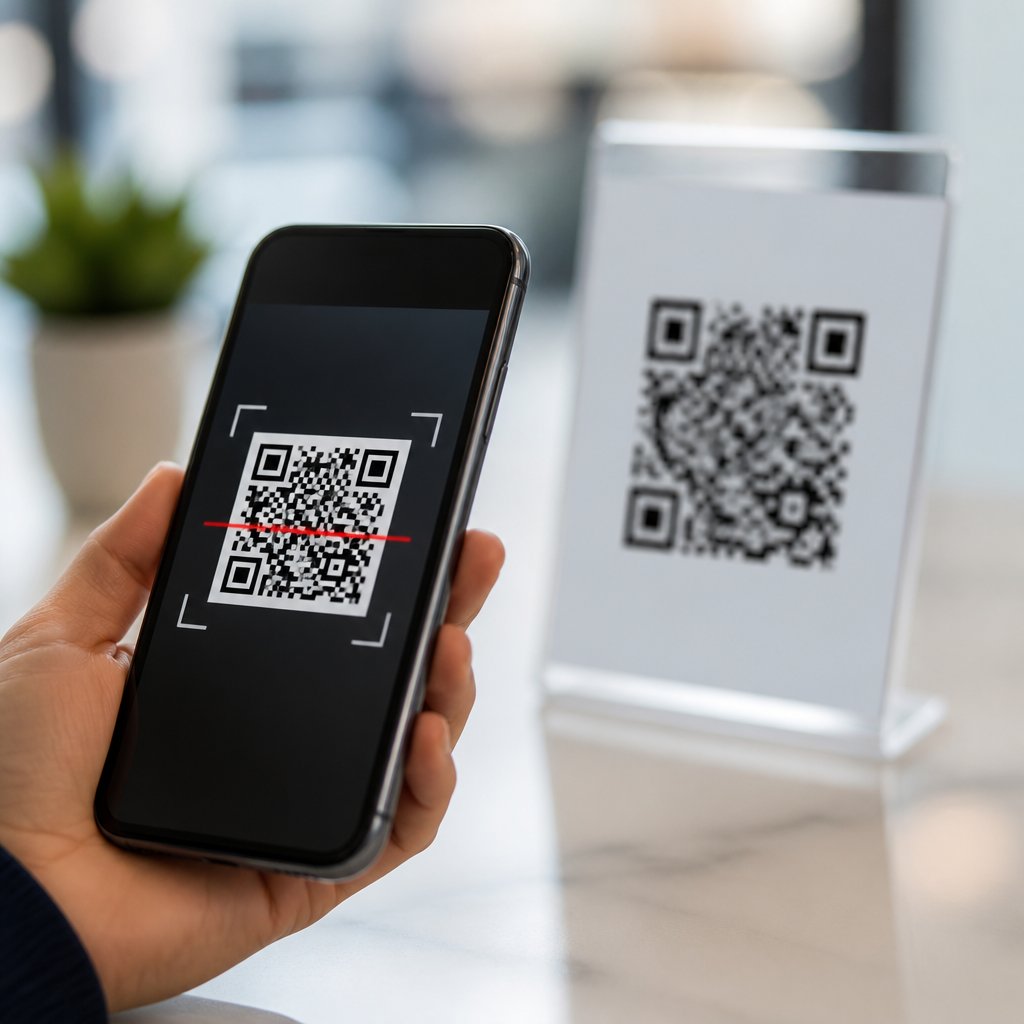
QR codes are convenient, cheap to print, and now embedded in everyday tasks from restaurant menus to payroll portals, but they also create a direct path from the physical world to a digital destination you cannot see before tapping. That hidden destination is exactly why people ask, “Are QR codes safe?” The accurate answer is that QR codes themselves are not malicious; they are simply machine-readable patterns that store information such as a URL, payment address, contact card, Wi-Fi credential, or app action. What makes a QR code safe or unsafe is the intent behind the content it encodes, the context in which it appears, and the behavior of the person scanning it.
In security work, I treat a QR code the same way I treat a shortened link or unfamiliar attachment: as a delivery mechanism, not a verdict. A printed code on a parking meter might lead to a legitimate payment page, or it might redirect to a cloned site designed to steal card details. A code in an email can open a real sign-in portal, or it can trigger credential harvesting that bypasses a user’s instinct to inspect a suspicious hyperlink. Criminals favor QR-based attacks because many people scan first and think later, especially when the code appears in a trusted place such as a poster, package insert, office lobby, or utility bill.
This matters for consumers, employees, marketers, and compliance teams because QR code usage has expanded faster than public security habits. Mobile phishing, sometimes called quishing, takes advantage of smaller phone screens, reduced URL visibility, and the assumption that camera-based actions are safer than clicking links. For organizations, unsafe QR codes can cause account compromise, payment fraud, malware downloads, data leakage, and reputational damage. For individuals, a single scan can expose banking details, passwords, device identifiers, or location data. Understanding how unsafe QR codes work is the first step to avoiding them consistently.
Are QR Codes Safe? The Direct Answer
QR codes are safe only when the source and destination are trustworthy. The symbol itself does not infect a phone merely by being scanned. Most risks occur after the scan, when the device opens a website, prompts a payment, downloads a file, joins a network, or launches another application. In practice, this means the danger is not the black-and-white square. The danger is the hidden instruction inside it.
That distinction helps people make better decisions. If a code opens a familiar domain using HTTPS, matches the brand you expected, and appears in a credible location, the risk is lower. If a code is pasted over another label, asks for urgent payment, leads to a misspelled domain, or requests login credentials unrelated to the original context, the risk is high. Security professionals call this contextual validation: checking whether the digital action fits the physical situation. A museum exhibit linking to exhibit notes is plausible. A gas pump code asking for your Microsoft 365 password is not.
How Unsafe QR Codes Are Used in Real Attacks
Unsafe QR codes are most often used in phishing, payment diversion, malicious downloads, fake support flows, and tracking. In phishing attacks, the code opens a login page that imitates a trusted brand such as Microsoft, Google, or a bank. Because mobile browsers display less of the URL, users miss clues that would stand out on a desktop, including subdomain tricks, extra words, or country-code domains. Attackers also use URL shorteners and redirects so the first visible address looks harmless while the final destination captures credentials.
Payment fraud is another common pattern. A criminal places a sticker over a legitimate QR code on a parking meter, charity placard, vending machine, or restaurant table. The victim scans, enters card details into a fake checkout form, and sends payment to the attacker instead of the merchant. I have seen similar tactics in event venues, where fake table-service codes redirected diners to cloned ordering pages. Because the experience feels seamless, victims often realize the fraud only after failed orders or disputed charges appear later.
Some codes push users toward malware or risky app installation. On Android, a QR code may send a user to an APK download outside the official Google Play store. On any platform, a code can trigger a document download containing macro malware, exploit kits, or remote-access tools if the environment is poorly managed. Codes can also encode Wi-Fi settings; joining a rogue network can expose traffic to interception, especially if users ignore certificate warnings or use unencrypted services.
| Attack type | What the QR code does | Primary risk | Example |
|---|---|---|---|
| Credential phishing | Opens a fake login page | Account takeover | Microsoft 365 sign-in clone sent by email |
| Payment diversion | Routes to a fraudulent checkout | Card theft and lost funds | Sticker placed over a parking meter code |
| Malware delivery | Prompts file or app download | Device compromise | Fake parcel notice leading to APK install |
| Network manipulation | Connects to rogue Wi-Fi | Traffic interception | Counterfeit code posted in a hotel lobby |
| Tracking | Loads a tagged URL | Privacy loss | Marketing poster linked to detailed analytics |
How to Spot a Suspicious QR Code Before You Scan
The best defense is to evaluate the physical context before you point your camera at anything. Look for tampering, especially stickers placed on top of printed materials, labels that do not align cleanly, codes with different branding from the surrounding surface, or signage that appears recently added. Criminals often choose places where users are rushed, such as parking kiosks, transit stations, and shared workspaces. If a business relies heavily on QR codes, ask whether staff can confirm the official code location.
Next, use a scanner that previews the destination before opening it. Modern phone cameras often show the URL, but dedicated security-focused scanners can reveal more detail. Inspect the domain carefully. A safe destination usually uses the organization’s main domain or a clearly documented subdomain. Watch for typos like paypaI.com using a capital I instead of lowercase l, added words such as secure-login-brand.example, or unrelated domains hidden behind branded page design. HTTPS helps protect data in transit, but it does not prove the site is legitimate.
Also question the requested action. A QR code on a menu should show a menu. A code on a utility bill might reasonably open the provider’s payment portal, but it should not demand your email password, device administrator rights, or installation of a random application. If the next step feels inconsistent with the situation, stop and navigate manually through the company’s official website or app. That extra minute prevents most QR-based fraud.
Safe Scanning Habits for Consumers and Employees
Safe scanning starts with using your phone’s operating system and browser as security tools rather than obstacles. Keep iOS or Android updated, because browser and WebView patches reduce exposure to malicious scripts and exploit chains. Enable multifactor authentication on important accounts so stolen passwords alone do not grant access. Use a password manager that fills credentials only on the correct domain; if your manager refuses to autofill after a QR scan, treat that as a warning sign and verify the site independently.
For payments, never enter card details into a page opened by a QR code unless you independently confirm the merchant and domain. A better practice is to open the merchant’s official app or type the address manually. If a code claims to connect you to Wi-Fi, ask staff for the exact network name and compare it with what your phone shows. Decline unnecessary permissions, downloads, and profile installations. On corporate devices, mobile device management controls should block sideloading, restrict unknown app sources, and filter risky destinations through DNS or secure web gateways.
Employees need extra caution because attackers use QR codes to bypass email link scanning defenses. Security teams increasingly see printed codes embedded in invoices, HR messages, voicemail alerts, and multifactor reset notices. Train staff to apply the same scrutiny they would use for suspicious email links: confirm the sender, inspect the destination, and report anything unusual. In environments handling regulated data, one careless scan can trigger breach notification obligations, incident response costs, and audit findings.
What Businesses Should Do to Reduce QR Code Risk
Organizations should treat QR codes as part of their attack surface and customer journey, not as harmless marketing artwork. Start with governance. Maintain an inventory of every public-facing QR code, its destination, owner, and review date. Use dynamic QR code management platforms only when there is a clear business need, because editable destinations can become a risk if access controls are weak. Protect administrative accounts with multifactor authentication, role-based permissions, and change logging.
Design also matters. Place QR codes where tampering is hard, use branded surrounds that make sticker overlays obvious, and print a human-readable destination or short official URL beside the code. For high-risk use cases such as payments, add anti-tamper checks, routine inspections, and alternate payment methods. Monitor destination pages for certificate issues, redirects, and unauthorized content changes. Tools such as Google Safe Browsing, Microsoft Defender for Endpoint, DNS filtering, and mobile threat defense solutions can add layered protection, but they work best when paired with staff awareness and response playbooks.
Privacy and compliance teams should remember that QR codes often collect analytics. If a campaign tracks location, device type, time, or user identity, disclose that processing appropriately and align it with your privacy notice, consent model, and retention standards. A secure QR strategy protects both users and the organization’s legal position.
Conclusion: Practical Rules That Prevent Most QR Code Scams
QR codes are not inherently dangerous, but they are easy to abuse because they hide the destination until after a user engages. The safest approach is simple: scan only when the source makes sense, preview the link, verify the domain, and refuse actions that do not fit the context. Avoid entering credentials or payment details into pages reached solely through a code unless you independently confirm the site. Keep devices updated, use multifactor authentication, and let password managers and mobile security controls help you catch fraud early.
For businesses, QR code security is now part of basic digital hygiene. Inventory your codes, secure the platforms that manage them, inspect physical placements, and train employees and customers on what legitimate use looks like. Those steps reduce phishing, payment fraud, privacy exposure, and compliance risk without abandoning the convenience that made QR codes popular in the first place. Review every QR code you publish or scan with the same caution you would give any unfamiliar link, and you will avoid most unsafe QR code threats.
Frequently Asked Questions
Are QR codes safe to scan?
QR codes themselves are not dangerous. They are simply visual patterns that store data such as a website link, payment request, contact information, app download location, or Wi-Fi credentials. The real risk comes from where the code sends you after you scan it. Because you usually cannot see the full destination in advance, a malicious QR code can act as a shortcut to a fake login page, a fraudulent payment screen, a malware download, or a scam site designed to steal personal information. In other words, the code is just the delivery method; the hidden destination is the concern.
The safest way to think about QR codes is to treat them like shortened links or email attachments from unknown sources. If the code appears in a trusted setting, looks professionally placed, and leads to a destination that matches the context, the risk is often lower. Even so, it is still smart to pause before tapping. Check whether your phone shows a preview of the URL, look for misspellings or unusual domain names, and avoid entering passwords or payment details unless you are certain the site is legitimate. A QR code can be safe, but only when the destination and the surrounding context make sense.
How can I tell if a QR code might be unsafe before I scan it?
Start with the physical context. Ask yourself where the code is posted, who likely placed it there, and whether it fits the situation. A QR code on an official company document, a restaurant menu holder, or a utility bill may be legitimate, but you should still inspect it carefully. Be cautious if a sticker appears to be placed over another code, if the print quality looks poor, if the branding is inconsistent, or if the code is posted in a strange location with no explanation. Scammers often rely on people scanning quickly without questioning why the code is there.
After scanning, do not rush to open the destination. Many phones display a link preview first, and that preview is one of your best defenses. Look closely at the domain name, not just the brand name shown in the page title. A fake site may use a deceptive address that looks similar to a real one, such as replacing letters, adding extra words, or using an unusual domain extension. If the QR code leads directly to a download, asks for immediate payment, requests login credentials, or claims there is urgent account trouble, treat that as a red flag. When in doubt, skip the code and go directly to the organization’s official website or app yourself.
What are the most common QR code scams people should watch out for?
One of the most common scams is the fake payment QR code. Criminals place their own code over a legitimate one in parking meters, charity collection points, vending machines, event posters, or small business counters. Instead of sending your payment to the real merchant, the code routes your money to a scammer. Another frequent scam involves fake login pages. A QR code may claim to link to payroll access, package tracking, account verification, secure document review, or password reset, but it actually opens a convincing imitation of a trusted website designed to steal usernames, passwords, and even multi-factor authentication codes.
Other scams involve malware, phishing, and data harvesting. A QR code might promise a coupon, app update, free Wi-Fi setup, digital menu, or customer reward, but then push you to install malicious software or give away unnecessary personal details. In workplaces, attackers may use QR codes in emails, posters, or printed handouts to bypass traditional email link filters. In public spaces, scammers may rely on urgency and convenience, knowing people are less likely to verify a code while standing in a lobby, restaurant, transit station, or checkout line. The pattern is usually the same: the QR code creates a sense of speed and trust, while the hidden destination does the damage.
What should I do after scanning a suspicious QR code?
If you scanned a suspicious code but did not interact with the page, close the browser or app immediately. If your phone started a download, cancel it if possible and do not install anything. Clear the page from your recent tabs, and consider running a security scan if you use mobile security software. If the destination asked for permissions, such as camera, contacts, storage, or location access, review your app and browser permissions right away and revoke anything that seems unnecessary. A quick response can limit the chances of a scam becoming a larger problem.
If you entered a password, payment information, or personal details, act faster and more broadly. Change the affected password immediately, especially if you reuse it elsewhere, and update any accounts that share similar credentials. If you submitted banking or card information, contact your bank or card provider, monitor transactions, and ask whether they recommend freezing or replacing the card. If the QR code targeted a work account, report it to your IT or security team as soon as possible so they can protect the organization. Watch for follow-up phishing attempts, because scammers often use stolen information to launch additional attacks. Even if you are unsure whether the code was malicious, it is better to respond early than to wait for clearer signs of fraud.
What are the best habits for avoiding unsafe QR codes in everyday life?
The most effective habit is to slow down. QR codes are designed to remove friction, but that convenience can work against you if you scan impulsively. Before using a code, ask whether you actually need to scan it. If a restaurant, store, employer, or service provider also offers a website address you can type manually or an official app you already trust, that option is often safer. Use your phone’s built-in link preview whenever possible, and avoid following QR codes that immediately demand money, credentials, downloads, or sensitive personal information. Convenience should never override verification.
It also helps to maintain strong device and account security. Keep your phone’s operating system and browser updated, use reputable security software if appropriate, enable multi-factor authentication on important accounts, and use unique passwords managed through a password manager. Be especially cautious with QR codes in public places, on flyers, in emails, or in text messages, where replacing or spoofing a code is easy. If you are making a payment, verify the merchant name and amount before confirming anything. If you are signing in, make sure the web address is exactly correct. Over time, the safest approach becomes a simple routine: inspect the code, preview the link, verify the destination, and only proceed when the context and the website both look legitimate.





