
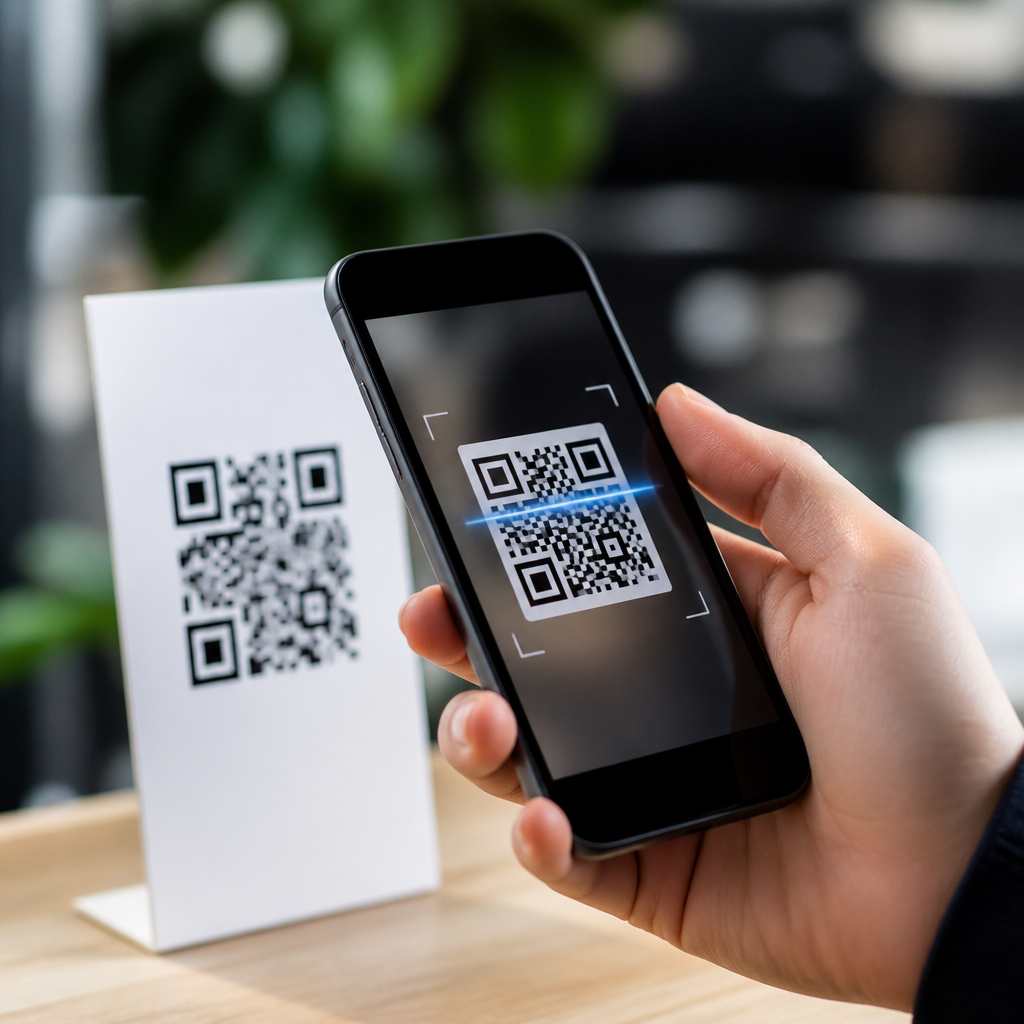
Choosing the best lightweight QR code scanner apps is not just about finding something free in an app store. It is about speed, privacy, battery use, camera performance, and whether the app handles everyday scanning without clutter. A QR code scanner app uses a phone camera and decoding software to read a two dimensional barcode that can contain links, contact details, Wi-Fi credentials, payment data, tickets, or plain text. Lightweight usually means a small install size, low memory footprint, minimal background activity, and an interface that opens straight to the scanner instead of forcing users through ads or unnecessary tools.
I have tested scanner apps across budget Android phones, older iPhones, and rugged business devices, and the pattern is consistent. People do not abandon QR scanning because the technology fails; they abandon apps that are slow, intrusive, or overloaded. That matters because QR codes now sit at the center of mobile payments, restaurant menus, logistics labels, device onboarding, event check-in, and retail promotions. Apple and Google both support native scanning, but many users still need dedicated QR code scanner apps for scan history, batch work, flashlight control, offline decoding, browser choice, or enterprise restrictions. This hub explains how lightweight scanner apps work, what features matter, which options stand out, and how to pick the right app for personal, business, or field use.
What makes a QR code scanner app lightweight
A lightweight QR code scanner app does four things well: launches quickly, decodes accurately, uses limited resources, and stays out of the way. In practice, I look for startup time under two seconds, reliable autofocus, no mandatory sign-in, and permissions limited to camera access unless extra features justify more. Good apps also minimize tracker libraries and do not keep persistent background services running. On lower end Android phones with 3 GB of RAM, bloated scanner apps often stutter because they bundle browsers, shopping feeds, image editors, or aggressive ad networks. A lighter app keeps the scanning pipeline simple: camera preview, frame analysis, QR detection, result display, and user action.
Accuracy matters as much as size. The best apps use mature decoding libraries such as ZXing or Google ML Kit, both of which can handle skewed, low contrast, and partially obscured codes. Lightweight does not mean stripped to the point of weakness. It means removing waste while preserving essentials like tap to focus, duplicate scan suppression, flashlight toggle, and support for common QR payloads including URL, vCard, SMS, email, calendar event, geolocation, and Wi-Fi configuration. If an app cannot distinguish a malicious shortened link from a standard website preview, that is not lightweight design; that is poor product judgment.
Core features the best apps should include
The best lightweight QR code scanner apps share a practical feature set. First, they open directly into the camera view. Second, they decode both live camera feeds and images stored on the device, because many users receive QR codes in screenshots or PDFs. Third, they show the full destination before opening it. That preview protects users from fake login pages and typo spoofed domains. Fourth, they keep a local scan history that can be cleared easily. Fifth, they support flashlight and camera switching for dim rooms or tablets with multiple lenses.
For business use, exportable history and intent based handoff matter. Warehouse staff may need to scan dozens of labels and pass data into another app. Event teams may need fast repetitive scans without confirmation popups. Accessibility also deserves attention. Larger touch targets, vibration feedback, and strong contrast improve reliability for older users or outdoor work. A final differentiator is offline performance. A dedicated scanner should decode the symbol without internet access, because the QR image itself does not require connectivity. Only the resulting action, such as opening a web page, may need a network.
Best lightweight QR code scanner apps by use case
No single app is best for every phone or workflow, so use case is the right lens. On iPhone, the built in Camera app is already excellent for basic scanning. Code Scanner from Control Center is even faster because it opens directly into a scan mode and can continue scanning one code after another. For users who want an app, Kaspersky QR Scanner has been notable for emphasizing link checking and safety prompts, though feature availability can change over time. On Android, Google Lens is strong on modern devices, but it is not always the lightest experience because it ties into broader visual search functions.
For a more focused Android option, QR & Barcode Scanner by Gamma Play has long been popular because it launches quickly, scans from images, and avoids a cluttered interface. NeoReader has also been respected for broad code compatibility and straightforward scanning. Privacy conscious users often prefer open source choices such as Binary Eye, which is lightweight, supports scan history, and works well without building an ad heavy environment around the camera. In managed enterprise deployments, I have seen teams favor OEM camera scanners from Samsung or Zebra devices because they integrate more cleanly with mobile device management policies and reduce app sprawl.
| App or Option | Best For | Key Strength | Main Limitation |
|---|---|---|---|
| iPhone Camera / Code Scanner | Apple users | Fast, built in, no extra install | Limited history and advanced controls |
| Google Lens | General Android use | Strong recognition and broad device support | Heavier interface than dedicated scanners |
| Gamma Play QR & Barcode Scanner | Simple everyday scanning | Quick launch and image scanning | Quality varies with ads and version changes |
| Binary Eye | Privacy focused users | Open source and lightweight | Fewer commercial convenience features |
| OEM scanner tools | Business and rugged devices | Better workflow integration | Often tied to specific hardware |
Privacy, security, and ad load
Privacy is where many QR code scanner apps fail. A scanner needs camera access, but it rarely needs contacts, location, microphone, or phone state. When I audit scanner apps, I check the permission list, data safety disclosures, tracker reports from tools like Exodus Privacy, and whether the app forces scans through its own in app browser. Excessive advertising is not just annoying; it can create accidental taps and expose users to questionable redirects. The lighter and safer apps keep ad load low or avoid ads entirely, especially in paid or open source versions.
Security also means clear destination handling. A good scanner shows the decoded content before acting on it, especially for URLs and Wi-Fi credentials. Users should see the domain, not just a generic “open link” button. Some apps add reputation checks, but that should complement, not replace, user visibility. QR codes can lead to phishing pages, malicious app downloads, or fake payment requests. In offices, I recommend policies that disable automatic browser launch and train staff to verify domains for finance, identity, or sign in flows. Lightweight apps with transparent prompts usually support safer habits better than feature stuffed apps that optimize for clicks.
Performance on older phones and in real world conditions
A QR code scanner app can feel perfect in app store screenshots and still fail in the places people use it. Real performance depends on camera sensor quality, autofocus speed, lighting, glare, screen brightness when scanning another device, and the print quality of the code itself. On older Android phones, lightweight apps usually outperform heavier ones because they process frames faster and keep the preview smooth. In repeated testing, the biggest gains came from apps that reduce UI overlays and rely on proven decoding engines rather than custom animations.
Good apps also help users recover from difficult scans. They let you zoom, enable the flashlight instantly, and import an image if the live camera struggles. That matters for delivery drivers scanning wrinkled labels, travelers reading boarding pass screenshots, or technicians decoding setup codes behind equipment racks. A scanner should not punish poor conditions with repeated popups or sound effects. It should quietly keep searching until it locks onto the code. This hub connects naturally to deeper topics such as QR code scanning accuracy, troubleshooting unreadable codes, and secure scanning practices because app quality is only one part of the full workflow.
How to choose the right scanner app
The right choice starts with a simple question: do you even need a separate app? If your phone’s native camera scans quickly and previews links clearly, that may be enough. Install a dedicated lightweight QR code scanner app when you need scan history, image import, repetitive scanning, privacy controls, or fewer distractions. For personal use, prioritize clean permissions, fast launch, and low ad pressure. For business use, prioritize workflow integration, predictable updates, and compatibility with device management or kiosk setups. For older phones, test startup speed and autofocus before judging by ratings alone.
The best lightweight QR code scanner apps remove friction without removing control. They open fast, decode accurately, respect privacy, and show users exactly what a code contains before any action is taken. Built in scanners on iPhone and many Android devices are often the best starting point, but dedicated apps still matter for power users, field teams, and privacy minded users. Use this hub as your starting point, then compare app reviews, permission policies, and real world performance on your own device. A few minutes of testing will usually reveal which scanner is truly lightweight and worth keeping installed.
Frequently Asked Questions
What makes a QR code scanner app “lightweight”?
A lightweight QR code scanner app is designed to do its main job quickly and efficiently without taking up much storage, memory, or battery life. In practical terms, that usually means a smaller app download size, fewer background processes, faster launch times, and minimal impact on older or budget phones. A lightweight app also tends to avoid unnecessary extras such as built-in browsers, shopping feeds, social features, or aggressive advertising systems that can slow performance and add clutter.
For most users, lightweight does not mean stripped down to the point of being inconvenient. The best options still scan common QR formats reliably, open links safely, recognize Wi-Fi credentials, and handle contact cards, tickets, payment links, and plain text. What separates a truly lightweight scanner from a bloated one is how cleanly it performs those tasks. It should open fast, lock onto codes quickly in normal lighting, and close without leaving background services running longer than needed. If an app feels instant, stays out of the way, and does not consume resources unnecessarily, it fits the lightweight category well.
Are lightweight QR code scanner apps better for privacy?
They often are, but not automatically. A lightweight QR code scanner app can be better for privacy because simpler apps usually request fewer permissions and collect less user data. Since a scanner mainly needs camera access to read a code, any request for unrelated permissions such as contacts, location, microphone, or broad storage access should be examined carefully. Many lightweight apps stand out because they focus on local scanning rather than tracking user behavior or routing every scan through external services.
That said, privacy depends more on the developer’s practices than on app size alone. A small app can still include analytics, ads, or data collection, while a slightly larger app might be transparent, secure, and respectful of user information. The most privacy-friendly scanners typically explain what data they collect, work without requiring account creation, and let you preview a scanned result before opening it. That preview matters because it gives you a chance to inspect a URL or confirm the content before taking action. When comparing apps, look at the privacy policy, permission list, whether internet access is truly necessary, and whether the app stores scan history by default. Those details matter more than marketing claims.
Do I need a dedicated QR code scanner app if my phone camera already scans QR codes?
Not always. Many modern phones include built-in QR scanning through the default camera app, and for casual use that may be enough. If your phone can reliably detect codes, show a safe preview, and handle common types such as website links, Wi-Fi credentials, and event tickets, installing a separate app may not add much value. Built-in scanning is often the lightest option of all because it uses software already on your device and avoids another install.
However, a dedicated lightweight QR code scanner app can still be useful in several situations. Some stock camera apps are slow to recognize codes, struggle in dim lighting, or do not handle specialized content consistently. Others force you through extra steps before opening results or include camera interfaces that are heavier than necessary. A good standalone scanner may launch faster, focus better, offer a clearer result screen, maintain a simple scan history, and support more barcode formats beyond QR codes. It can also be a smart choice for older devices where the default camera experience is sluggish. The decision comes down to convenience: if your built-in camera works well, keep things simple; if it feels inconsistent or limited, a lightweight dedicated app can be a worthwhile upgrade.
How can I tell whether a QR code scanner app will drain my battery or slow down my phone?
The biggest clues are app behavior, system permissions, and how much the app does beyond scanning. A lightweight QR code scanner should use the camera only while the app is open, process scans quickly, and then stop consuming resources when you leave. If an app runs services in the background, sends frequent notifications, loads heavy ads, or includes extra modules unrelated to scanning, it is more likely to use additional battery and memory. This matters even more on entry-level phones or devices with limited RAM.
Before installing, check the app’s size, recent reviews, and update history. After installing, pay attention to launch speed, camera responsiveness, heat, and whether the battery usage screen shows the app consuming energy after only brief use. You can also look for warning signs such as delayed camera startup, stutter while scanning, or excessive permission requests. The best lightweight apps feel efficient: they open fast, decode the code in a second or two, and do not keep working after the task is done. If your phone supports battery and memory monitoring, use it for a few days. Real-world performance is often more revealing than a feature list.
What features should I prioritize when choosing the best lightweight QR code scanner app?
Start with the fundamentals: scanning speed, camera reliability, privacy, and a clean interface. A strong lightweight app should detect codes quickly from both printed surfaces and screens, even when glare, distance, or lower light make scanning harder. It should also show the result clearly before opening it, especially for links and payment requests. That preview step helps with safety and gives you more control over what happens next.
After the basics, look for practical features that improve daily use without adding clutter. Useful examples include support for Wi-Fi QR codes, contact cards, plain text, URLs, SMS links, email addresses, tickets, and payment formats. Auto-focus performance matters more than flashy design, particularly if you scan often in stores, restaurants, offices, or transit stations. A small optional scan history can be helpful, but it should be easy to clear. Dark mode, offline decoding, and the ability to scan from saved images are also valuable when implemented simply. The best lightweight scanner is not the one with the longest feature list. It is the one that balances speed, accuracy, privacy, and low resource use while staying easy to trust and easy to use every day.





