
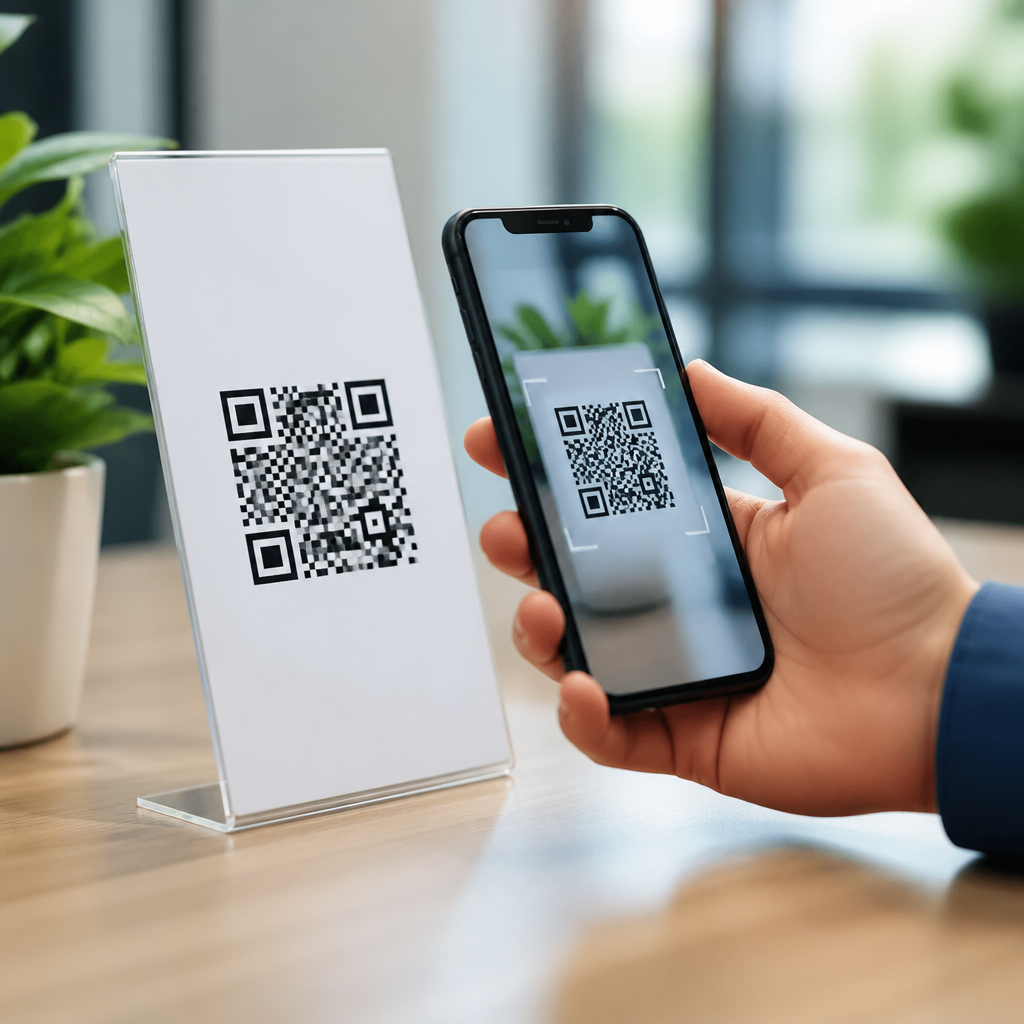
A dynamic mobile QR code is a scannable code designed for smartphones that points to a destination you can change after printing, without replacing the code itself. In practical terms, the black-and-white pattern stores a short redirect URL rather than the final webpage, app deep link, vCard, PDF, payment page, or SMS action. That indirection is what makes it dynamic. I have used dynamic mobile QR codes across retail displays, packaging, event check-in flows, restaurant menus, and field service documentation, and the difference from static codes is immediate: you keep the same printed asset while updating where mobile users land. For businesses managing campaigns across stores, regions, or time periods, that flexibility saves reprint costs and keeps customer journeys current.
Mobile QR codes are simply QR codes intended to be scanned primarily with smartphones and tablets. Modern iPhone and Android camera apps read them natively, so most users do not need a separate scanner app. The “mobile” part matters because destination design, page speed, app behavior, and analytics all need to match handheld use. A code that opens a desktop-only page, a heavy PDF, or a broken app link creates friction and wastes scans. Dynamic mobile QR codes matter because they combine ease of scanning with editable destinations, tracking, segmentation, and campaign control. They also act as a hub topic because almost every practical question about mobile QR codes branches from this definition: how they work, when to use them, what data they collect, how to measure performance, and which implementation mistakes reduce scan rates.
At a basic level, a static mobile QR code contains fixed data. If you encode a website URL directly and later need to change that URL, you must create and distribute a new code. A dynamic code instead routes the user through a management platform first. That platform can log the scan, evaluate conditions like device type or time of day, and send the user onward to the right destination. This architecture supports common mobile use cases such as app store routing, geotargeted landing pages, A/B testing, campaign attribution with UTM parameters, and emergency destination changes when a page goes down. Understanding this distinction is the foundation for using mobile QR codes well, whether you run a local business or a national brand.
How a Dynamic Mobile QR Code Works
When someone scans a dynamic mobile QR code, the phone camera decodes a short URL tied to a QR management service. That service receives the request, records available metadata, and issues an HTTP redirect to the final destination. Usually this is a 301 or 302 redirect depending on platform design and campaign needs. The data available may include timestamp, approximate location by IP, device type, operating system, and referral context. It does not usually include personally identifiable information unless the landing page collects it separately and with consent. In my implementations, the redirect step typically adds only a small delay, but platform quality matters. A poor provider with slow edge delivery can hurt scan-to-load speed, especially on weaker mobile connections.
This redirect model enables edits after launch. If a restaurant prints table tents linking to a menu PDF, and then moves to a mobile web menu, the destination can be swapped in the dashboard without touching the printed code. If an event organizer sends attendees to a registration page that later closes, the same code can redirect to a waitlist or schedule page. Dynamic codes also support rules. A single code on product packaging can send Android users to Google Play, iPhone users to the App Store, and desktop users to a product information page. Some systems also support language routing, location-based routing, expiration dates, password protection, and scan limits.
Static vs Dynamic Mobile QR Codes
The most important difference is editability, but it is not the only one. Static mobile QR codes are simple, inexpensive, and suitable for permanent information that will never change, such as a plain text Wi-Fi credential in a private office or a personal contact card that will remain stable. Dynamic mobile QR codes are better for marketing, support, operations, and any situation where the destination might evolve. They provide analytics, and that alone changes how useful they are for business decisions. Instead of guessing whether people scanned a poster in a train station, you can see scan counts by day, device mix, and sometimes approximate geography.
There are tradeoffs. Dynamic codes usually require a subscription to a QR platform, and the code depends on that platform remaining active. If the service expires or the provider fails, the code can stop working. Static codes do not have that dependency because the final data is embedded directly. I advise clients to weigh permanence against control. For compliance labels, evergreen manuals, or long-lived assets where continuity matters more than analytics, static may be safer. For campaigns, promotions, packaging, app acquisition, seasonal menus, and any printed material exposed to change, dynamic is the right default.
| Feature | Static Mobile QR Code | Dynamic Mobile QR Code |
|---|---|---|
| Editable after printing | No | Yes |
| Scan analytics | Limited or none | Built in on most platforms |
| Best use cases | Permanent information | Campaigns, apps, changing content |
| Platform dependency | Low | High |
| Advanced routing | No | Yes |
Common Types of Mobile QR Codes
“Mobile QR code” is an umbrella term, not a single format. The code can trigger many smartphone-friendly actions. URL QR codes are the most common and send users to a webpage, landing page, video, form, coupon, or mobile menu. App deep link QR codes open a specific screen inside an installed app or route to the correct app store if the app is missing. vCard QR codes save contact details to the phone. SMS and phone QR codes open the messaging or dialer app with prefilled information. Payment QR codes can initiate transactions through systems like UPI, PayPal, or wallet apps, depending on region and platform support.
Other useful categories include file download QR codes for brochures or manuals, social profile QR codes that aggregate multiple accounts, and multi-URL QR codes that rotate or target links based on rules. In field operations, I have seen dynamic mobile QR codes attached to equipment, where scanning opens the latest maintenance checklist, serial-specific documentation, and a service log form. In hospitality, a single code can shift from breakfast menu to lunch menu to dinner menu by time-based routing. In education, a code printed in a workbook can point students to updated mobile lesson content each term without reprinting the book.
Where Dynamic Mobile QR Codes Deliver the Most Value
The strongest use cases share one characteristic: the physical code is fixed, but the digital destination needs to stay flexible. Product packaging is a prime example. Once packaging is printed and distributed, changing anything is expensive. A dynamic QR code lets a brand update promotions, product information, recall notices, FAQs, and language-specific content while keeping the package unchanged. Retail signage is similar. Window decals, shelf talkers, and end-cap displays often outlive the campaign they first promoted. With dynamic routing, the code can move from launch offer to loyalty signup to customer support based on current business needs.
Events benefit because schedules, room assignments, and registration states change frequently. Real estate teams use mobile QR codes on yard signs to route leads to active listings, then redirect to a neighborhood page when a property sells. Restaurants use them for menus, feedback requests, waitlists, and mobile payment. Healthcare organizations use them cautiously for patient education, appointment instructions, and facility navigation, while ensuring no sensitive data is encoded directly in the QR itself. The pattern is consistent: dynamic mobile QR codes reduce rework, protect print investments, and improve the relevance of what the scanner sees.
Analytics, Measurement, and Optimization
One reason dynamic mobile QR codes have become standard in serious campaigns is measurement. A good platform reports scans over time, unique versus total scans, device categories, operating systems, rough locations, and sometimes conversion events through integrations. If you attach UTM parameters to the final URL, analytics tools such as Google Analytics 4 can attribute sessions and downstream actions like purchases, signups, or downloads. That makes QR performance visible alongside email, paid search, and social campaigns. When I audit underperforming QR assets, the problem is often not the code itself but the landing experience: slow page loads, poor mobile layout, or weak call-to-action clarity.
Optimization starts with placement and context. Users scan when the value is obvious. “Scan to see today’s menu” outperforms “Scan here.” Size matters too: many practitioners follow a minimum ratio of roughly one inch of code size for every ten inches of scanning distance, then validate with real devices. Contrast should be high, quiet zones should remain clear, and glossy surfaces should be tested for glare. Error correction helps recover damaged codes, but overly dense data patterns can become harder to scan, especially when logos are inserted aggressively. The best results come from simple codes, fast mobile pages, and explicit reasons to scan.
Best Practices, Risks, and Buying Criteria
If you are choosing a dynamic mobile QR code platform, evaluate five things first: redirect speed, analytics quality, destination editing controls, export formats, and governance. Redirect speed affects user experience directly. Analytics should separate unique and repeat scans and support campaign tagging. Editing controls should include scheduling, device routing, and role permissions for teams. Export options should cover SVG, EPS, and high-resolution PNG for print. Governance matters because these codes may live for years; you need account ownership clarity, audit trails, and a renewal process so links do not break when a subscription lapses.
There are also security and trust issues to manage. Because users cannot see the final destination from the printed pattern alone, branded domains or custom short links improve confidence. Avoid placing QR codes where a short, memorable URL would be easier. Never encode sensitive personal data directly. Test across iPhone and Android devices, weak cellular connections, and different camera apps. Finally, build the landing page for mobile first: fast Core Web Vitals, readable type, tappable buttons, and a clear next step. Dynamic mobile QR codes work best when the printed touchpoint, redirect logic, and mobile destination are treated as one connected experience.
Dynamic mobile QR codes are the foundation of modern mobile QR strategy because they let one printed code support changing digital goals. They differ from static codes by using a redirect layer that enables destination edits, routing rules, analytics, and campaign control. That makes them especially valuable for packaging, signage, events, restaurants, app promotion, and operational documents that need to stay current after printing. The core lesson is simple: the code is only the entry point. Results depend on scan context, destination quality, platform reliability, and measurement discipline.
For anyone building a broader understanding of mobile QR codes, this topic serves as the hub because it connects the essential concepts: what mobile QR codes are, how smartphone scanning works, when static is enough, why dynamic is preferred for changing content, and how to design for performance and trust. If you choose a reliable platform, use mobile-first landing pages, and track outcomes with clear analytics, dynamic mobile QR codes become more than a convenience. They become a durable bridge between physical spaces and digital actions. Review your current printed materials, identify where destinations change over time, and start with one dynamic mobile QR code you can measure and improve.
Frequently Asked Questions
What is a dynamic mobile QR code, and how is it different from a regular QR code?
A dynamic mobile QR code is a QR code created for smartphone scanning that does not permanently store the final destination inside the code pattern itself. Instead, it stores a short redirect URL. When someone scans it, that redirect sends the user to the current destination you have assigned, such as a webpage, app deep link, digital menu, PDF, vCard, payment page, SMS action, or event check-in screen. The key advantage is that you can change that destination later without reprinting the QR code.
By contrast, a regular or static QR code directly encodes the final content. If that destination changes, the original code becomes outdated and usually has to be replaced everywhere it appears. That difference matters in the real world because printed materials often stay in circulation for a long time. On packaging, posters, table tents, product labels, retail displays, and service documentation, replacing a code can be expensive and slow. A dynamic mobile QR code avoids that problem by separating the physical code from the final content destination.
In simple terms, the black-and-white pattern stays the same, while the digital experience behind it can evolve. That flexibility is why dynamic mobile QR codes are widely used in mobile-first campaigns and operations where speed, accuracy, and post-print updates matter.
How does a dynamic mobile QR code work behind the scenes?
Behind the scenes, a dynamic mobile QR code works through a redirect system. The QR code image itself contains a short URL managed by a QR platform or redirect service. When a smartphone camera or scanning app reads the code, it opens that short URL first. The service then immediately forwards the user to the destination you have configured. Because the redirect record can be edited, you can update the final destination at any time without changing the printed code.
This setup gives you much more control than a static code. For example, if a campaign landing page changes, an app deep link needs to be updated, a PDF gets replaced with a newer version, or a restaurant menu changes seasonally, you simply edit the target in the dashboard rather than reprinting signage. The scan experience for the user remains fast and seamless, but operationally you gain a flexible layer of control.
Many dynamic QR systems also add practical features such as scan analytics, device and location reporting, expiration rules, A/B destination testing, and conditional redirects based on factors like operating system or time of day. Those capabilities are possible because the scan passes through a managed redirect before reaching the final content. That extra step is not a drawback in most cases; it is exactly what makes the QR code dynamic, measurable, and maintainable at scale.
What are the main benefits of using a dynamic mobile QR code?
The biggest benefit is editability. Once the code is printed or deployed, you can keep using the same code even if the destination changes. That is especially valuable in environments where printed assets are difficult or costly to replace, such as product packaging, in-store displays, event signage, restaurant menus, equipment labels, and field service materials. Instead of wasting inventory or reissuing materials, you update the destination digitally.
Another major advantage is analytics. Because the scan goes through a redirect layer, dynamic mobile QR codes can often report how many scans occurred, when they happened, what type of device was used, and sometimes general location data. That insight helps businesses evaluate performance, compare placements, and optimize the mobile experience. A retailer can see whether a display is generating engagement, an event team can monitor check-in flow, and a service organization can verify whether technicians are accessing the correct documentation.
Dynamic mobile QR codes also improve agility. You can redirect users to a temporary promotion, switch from a general homepage to a product-specific landing page, update contact information in a vCard, replace a broken link, or send users to different experiences depending on campaign needs. In addition, they support mobile-friendly use cases well because smartphones are the primary scanning device today. Whether the goal is a frictionless payment, a downloadable PDF, a support form, or an app action, the dynamic approach helps ensure the code remains useful long after it is printed.
Where are dynamic mobile QR codes most commonly used?
Dynamic mobile QR codes are commonly used anywhere a business wants a scannable experience that can be updated over time. In retail, they appear on shelf talkers, window displays, end caps, and product packaging to send shoppers to offers, product details, reviews, how-to content, or loyalty pages. On packaging in particular, the ability to change the destination without changing the box or label is extremely valuable, especially for long production runs.
In events, dynamic mobile QR codes are popular for registration, ticket validation, attendee check-in, agenda updates, and sponsor activations. If a venue map changes, a session page moves, or an event app link needs updating, organizers can make the change instantly. Restaurants use them for digital menus, specials, ordering flows, and payment pages, which is useful when prices, items, or seasonal offerings change frequently. The same code on the table can continue to work even as the menu behind it evolves.
They are also effective in field service and operations. A code placed on equipment, manuals, work orders, or service stickers can lead technicians to updated troubleshooting guides, safety documents, training videos, or parts ordering pages. That reduces the risk of outdated information staying in circulation. More broadly, dynamic mobile QR codes are ideal for any situation where real-world materials stay fixed but digital content needs to stay current.
Are dynamic mobile QR codes safe, and what should you consider before using one?
Dynamic mobile QR codes are generally safe when created and managed through a reputable platform, but they should be treated like any other redirect-based digital tool. Because the destination can be changed after printing, access controls matter. You want strong account security, clear permission management, and a trustworthy provider so unauthorized users cannot alter where scans are sent. Using HTTPS destinations, branded short domains when available, and regularly reviewing active codes can also improve trust and security.
It is also important to think about reliability and user experience. Since the code depends on a redirect service, the provider’s uptime matters. If the platform has problems, scans may fail or be delayed. Before launching at scale, especially for packaging, payments, event access, or critical service workflows, test the code on multiple smartphones and operating systems. Confirm that the final page is mobile-optimized, loads quickly, and matches what the user expects after scanning.
Finally, consider long-term ownership and governance. Decide who controls the QR code records, how updates are approved, what naming conventions are used, and how performance will be tracked. A dynamic mobile QR code is powerful because it stays useful after print, but that same flexibility works best when it is managed intentionally. When security, reliability, and content quality are handled well, dynamic mobile QR codes are one of the most practical tools for connecting physical touchpoints to changing mobile experiences.





